In a saturated digital space, your online presence is your handshake, resume, and gallery all in one. A simple, vertical list of links is a wasted chance to tell your story and engage potential clients, collaborators, or employers. Your portfolio shouldn't be a mere directory; it must be a destination that reflects your unique brand, showcases your work dynamically, and offers a seamless user experience. A generic link list simply won't cut it if you want to stand out and convert visitors into opportunities.
This guide is your direct path to finding a superior solution. We are moving beyond the basics to analyze the 12 best online portfolio builder free tools that empower you to create something truly memorable and effective. You don't need a budget to build a professional-grade digital storefront for your skills. This resource is designed to help you make an informed choice, fast.
We will explore everything from traditional website builders with powerful free plans to innovative platforms like Taap.bio, which is redefining personal landing pages with its modular grid and interactive widgets. Each option in this list includes a detailed breakdown of its strengths, weaknesses, ideal user, and practical setup advice, complete with screenshots and direct links. Whether you're a designer needing pixel-perfect control, a musician embedding a new track, or a freelancer showcasing client testimonials, the right free tool to build a portfolio that actually works for you is right here.
Table of contents
1. Taap.bio: The Interactive Bento Grid for a Rich Media Experience
Taap.bio elevates the standard "link-in-bio" page into a dynamic, media-rich portfolio. Instead of a simple vertical list, it provides a flexible, bento-style grid where you can drag, drop, and resize content blocks freely. This modular approach allows creators to build a visually engaging, magazine-like layout that truly reflects their personal brand and showcases their work as a destination, not just a directory.
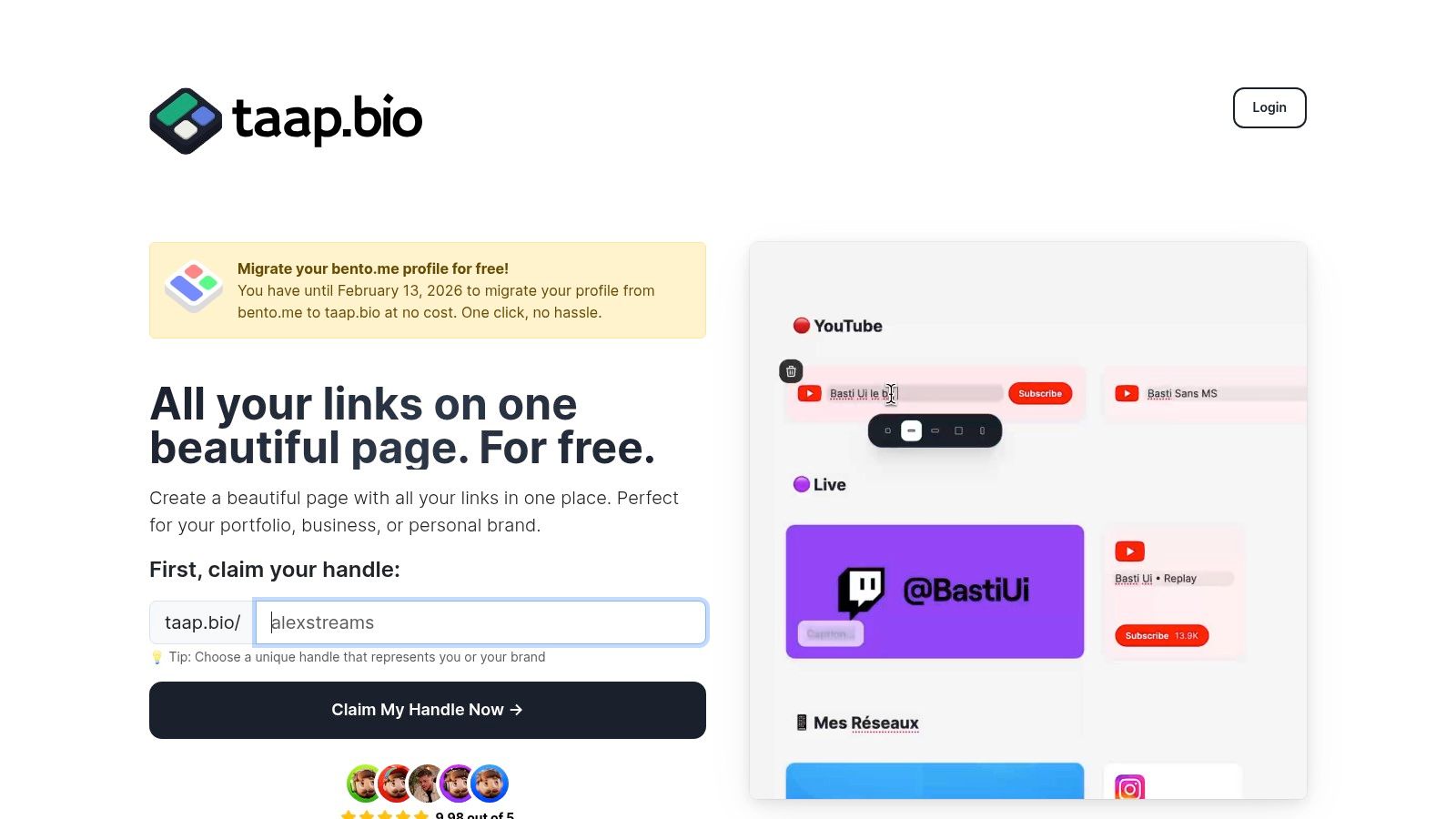
This platform is a powerful online portfolio builder free of the constraints of traditional link lists. Its tactile, physics-based editor makes arranging your content an intuitive and creative process. The key differentiator is its collection of "smart widgets" that pull live data directly from other platforms, transforming your page from a static list into an interactive dashboard of your digital presence.
Key Strengths & Use Cases
Taap.bio’s standout feature is its ability to embed rich, interactive content. Musicians can embed a Spotify album with an inline tracklist that visitors can play directly on the page. Developers can display a live GitHub contribution graph, and designers can embed interactive Figma prototypes or Behance projects. This direct integration creates a seamless user experience, keeping your audience engaged without forcing them to click away to another site.
- For Designers & Developers: Showcase your skills with live embeds from Dribbble, Behance, Figma, and GitHub.
- For Musicians & Podcasters: Utilize advanced Spotify and podcast widgets that support inline playback of entire albums or specific episodes.
- For Content Creators: Pull in your latest Instagram photos, TikTok videos, or YouTube subscriber counts automatically.
Practical Considerations
The platform's high degree of customization is its greatest asset. You can edit the desktop and mobile layouts independently, ensuring a perfect presentation on any device. Visual controls extend to color palettes, typography, and even video or GIF avatars. For those moving from other services, Taap.bio is currently offering a free, one-click migration for Bento.me users until February 13, 2026.
While the core service is robust and free to start, long-term pricing tiers are not clearly outlined on the website. The creative flexibility also means it requires a bit more initial setup than a basic link tool, but the professional result is a worthwhile investment of time.
- Website: https://taap.bio
2. Wix
Wix has earned its place as a powerhouse in the website-building world for good reason. It offers a highly intuitive, visual drag-and-drop editor that empowers even complete beginners to create professional-looking portfolios. For those seeking a robust, online portfolio builder free of complex coding, Wix provides an accessible entry point with a massive library of designer-made templates specifically tailored for creatives, freelancers, and artists.
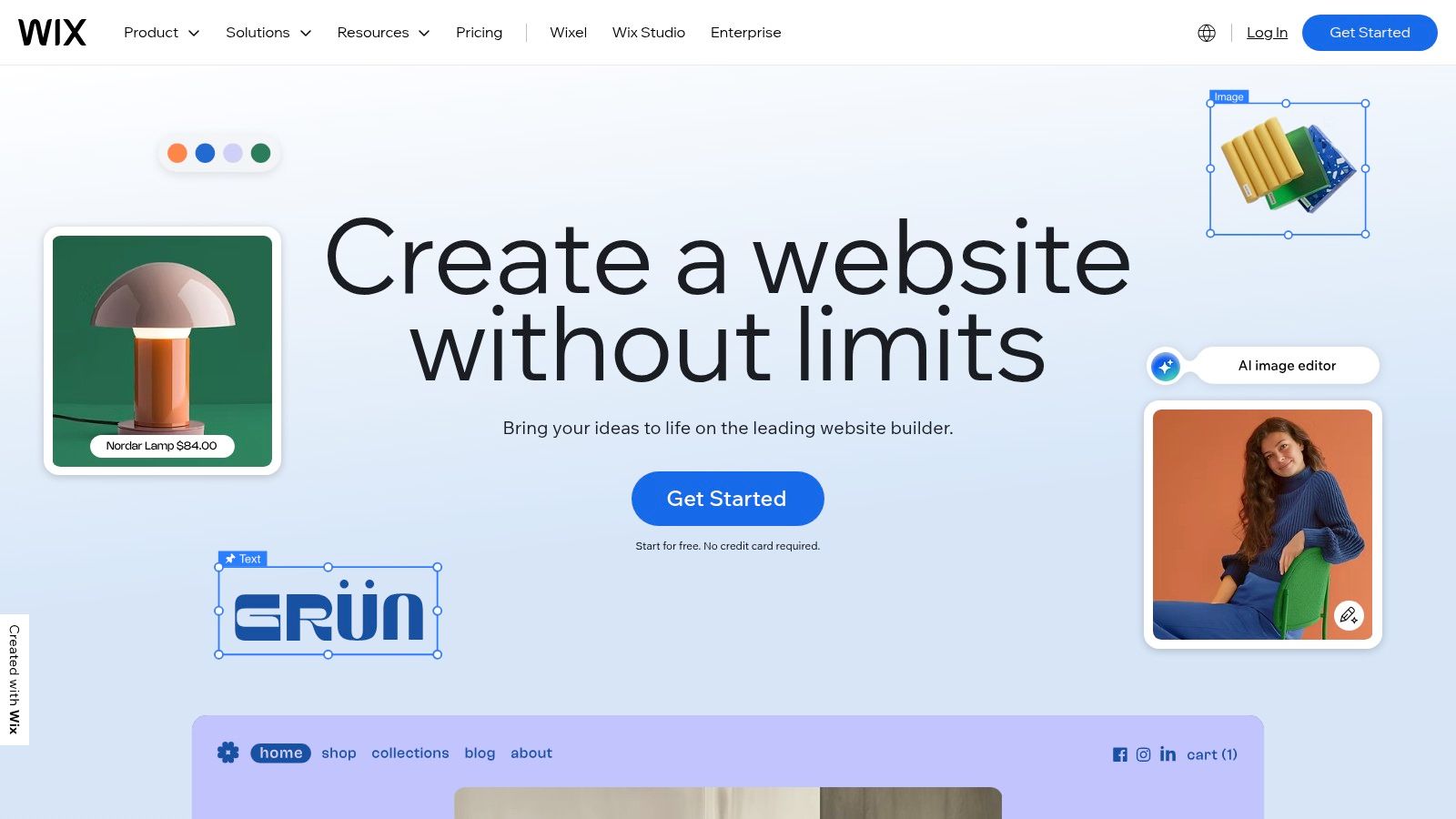
Its permanently free plan is a fantastic starting point, giving you access to the full editor and hundreds of apps to add functionality like contact forms, galleries, and social media feeds. This makes Wix more than just a portfolio; it's a scalable platform that can grow with you. As your needs evolve, you can upgrade to connect a custom domain, remove Wix branding, and even add e-commerce capabilities.
Why Choose Wix?
Wix excels where creative control is paramount. Unlike more rigid builders, its editor allows you to place elements anywhere on the page, offering pixel-perfect precision. This level of freedom is a significant advantage for designers and visual artists who want their site's layout to be as curated as their work.
Key Feature: The Wix Artificial Design Intelligence (ADI) can generate a complete website for you in minutes after answering a few simple questions, making it one of the fastest ways to get a stunning portfolio online.
Pros and Cons
| Pros | Cons |
|---|---|
| ✅ Enormous template library | ❌ Free plan includes Wix ads |
| ✅ True drag-and-drop editor | ❌ Uses a username.wixsite.com/sitename URL |
| ✅ Scalable to a full business website | ❌ Cannot switch templates after a site is live |
| ✅ Extensive App Market for added features | ❌ Paid plans can become costly |
Wix is ideal for creators who envision their portfolio evolving into a larger, more feature-rich website over time. While the free version has clear limitations, it provides more than enough power to build a comprehensive and visually compelling showcase. For inspiration on how to structure a creative site, you can review some inspiring artist portfolio website examples that apply similar design principles.
Website: https://www.wix.com/
3. Webflow
Webflow is the go-to platform for designers and developers who crave granular control without writing code from scratch. It bridges the gap between simple website builders and custom development, offering a visual canvas that directly manipulates CSS properties. For creators needing a truly bespoke online portfolio builder free of template constraints, Webflow's powerful editor provides unmatched design freedom and responsiveness.
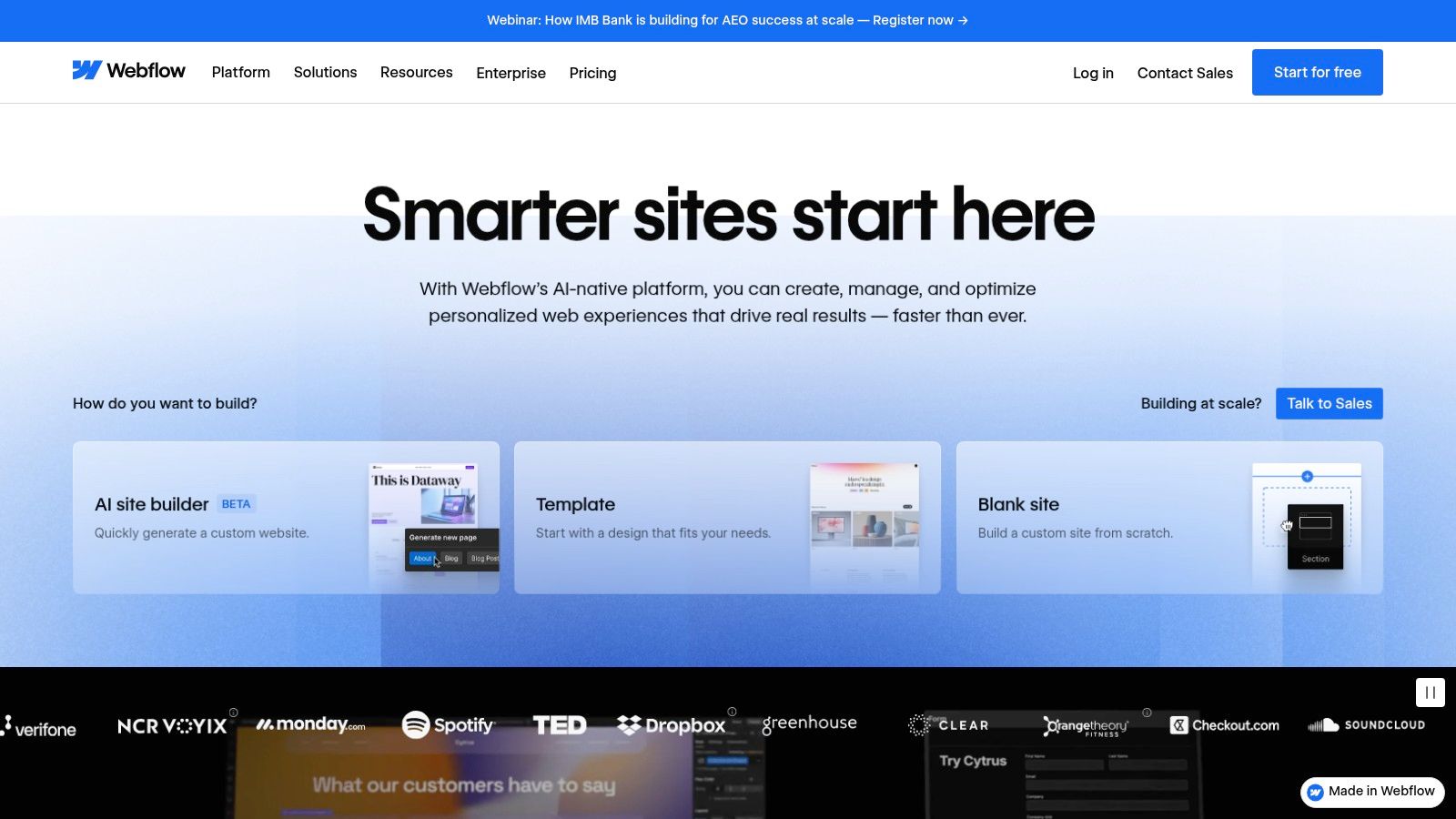
Its free Starter plan is perfect for building and refining a portfolio concept. You can publish your site to a .webflow.io subdomain to test functionality and share your work before committing to a paid plan. While limited to two static pages, this is often sufficient for a focused portfolio page and a contact or about page. The plan also includes a taste of Webflow's powerful CMS, allowing you to manage projects or case studies dynamically.
Why Choose Webflow?
Webflow stands out for its professional-grade design tools. You're not just dragging and dropping pre-made blocks; you're building with divs, classes, and flexbox controls in a visual environment. This precision allows for creating complex layouts and subtle interactions that make a portfolio feel truly unique. Creatives can benefit from this approach by learning more about the principles of modular design to build organized, scalable sites.
Key Feature: The Webflow Designer provides direct visual control over HTML structure and CSS styling, offering the power of code without having to write it, perfect for high-fidelity animations and interactions.
Pros and Cons
| Pros | Cons |
|---|---|
| ✅ Unparalleled design and layout control | ❌ Steep learning curve for beginners |
| ✅ Powerful CMS for dynamic content | ❌ Free plan limited to 2 pages |
| ✅ Clean, high-performance code output | ❌ Requires a paid plan for a custom domain |
| ✅ Excellent for interactive animations | ❌ Overkill for a very simple portfolio |
Webflow is ideal for design professionals who want their portfolio website to be a masterpiece of digital craftsmanship in itself. While it demands more time to learn than simpler builders, the payoff is a level of customization and professionalism that is hard to achieve elsewhere without coding.
Website: https://webflow.com/
4. Carrd
Carrd has carved out a unique niche by focusing on one thing and doing it exceptionally well: creating beautiful, responsive one-page websites. This makes it an outstanding online portfolio builder free for creators who need a simple, elegant, and lightning-fast way to present their work. It's the perfect solution for a digital business card, a focused project showcase, or a sophisticated link-in-bio page that does more than just list links.
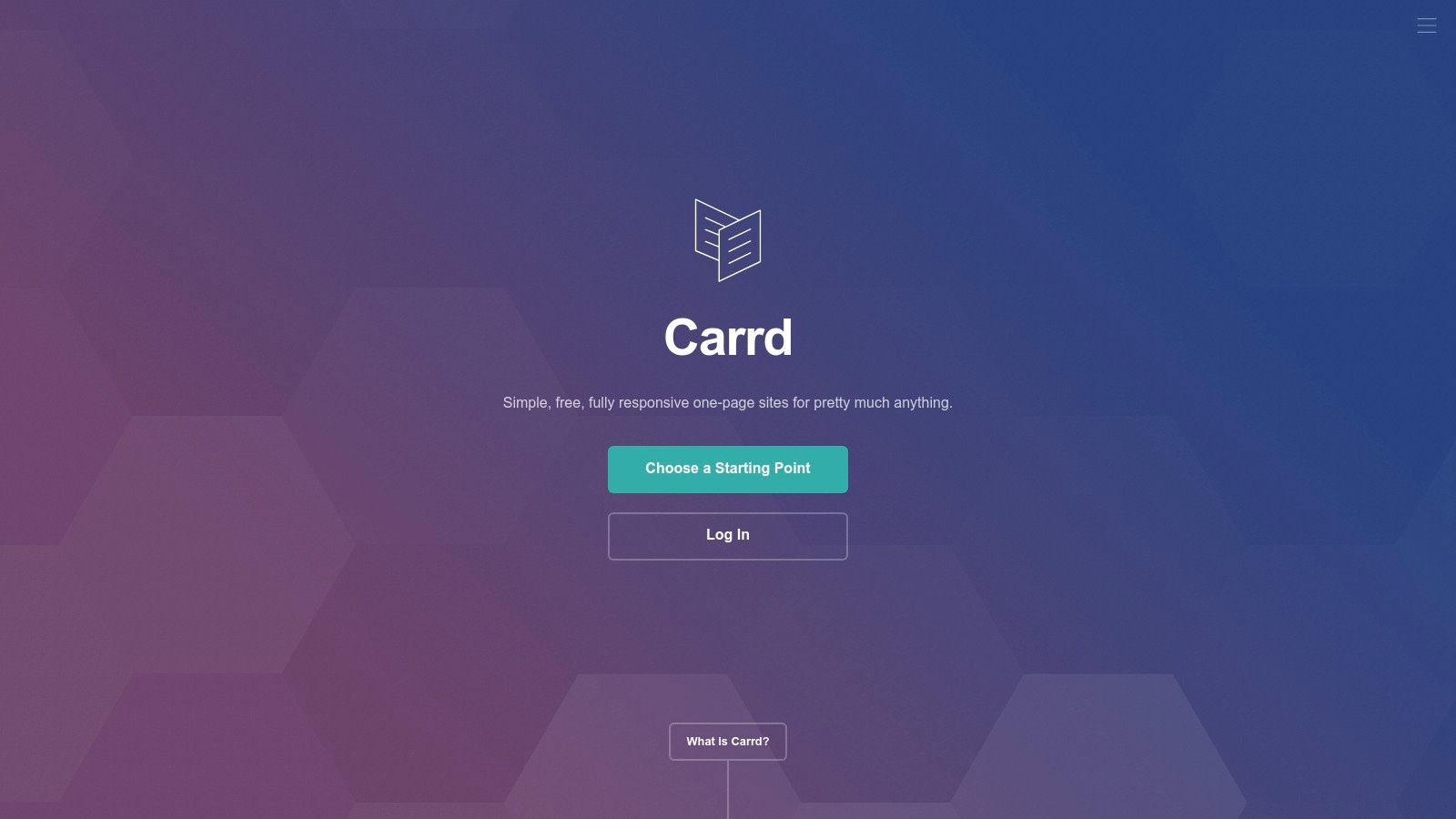
The free plan is remarkably generous, allowing you to build up to three separate sites using a wide selection of stylish templates. The editor is straightforward and intuitive, enabling you to publish a polished site in minutes, not hours. While the free version includes subtle Carrd branding and a .carrd.co URL, its Pro plans are among the most affordable on the market, unlocking custom domains, contact forms, Google Analytics, and widget embeds.
Why Choose Carrd?
Carrd’s main advantage is its simplicity and speed. For anyone who feels overwhelmed by complex, multi-page builders, Carrd is a breath of fresh air. It strips away unnecessary features to provide a streamlined experience that is entirely focused on creating a high-impact single page. This focus ensures your portfolio loads quickly on any device, which is crucial for retaining visitor attention.
Key Feature: The platform’s ultra-fast publishing workflow lets you go from a template to a live site in under 15 minutes, making it ideal for quick projects or professional landing pages on a deadline.
Pros and Cons
| Pros | Cons |
|---|---|
| ✅ Extremely quick to build and publish | ❌ Geared to single-page sites only |
| ✅ Excellent value on Pro annual plans | ❌ Free tier lacks custom domain support |
| ✅ Clean, modern templates that load fast | ❌ Limited for large or complex portfolios |
| ✅ Generous free plan with up to three sites | ❌ Shows Carrd branding on the free plan |
Carrd is best suited for freelancers, artists, and professionals who need a concise and visually striking online presence without the complexity of a traditional website. If your goal is a focused and effective showcase, you can explore other options in this guide on finding a great one page website builder free that aligns with this minimalist approach.
Website: https://carrd.co/
5. Canva (Websites)
Already a go-to tool for graphic design, Canva has expanded its capabilities to include a simple yet powerful website builder. For designers, marketers, and creators already embedded in its ecosystem, this is a game-changer. It leverages the familiar drag-and-drop editor to create a visually striking online portfolio builder free of the learning curve associated with traditional web development, making it perfect for shipping a stylish one-page site quickly.
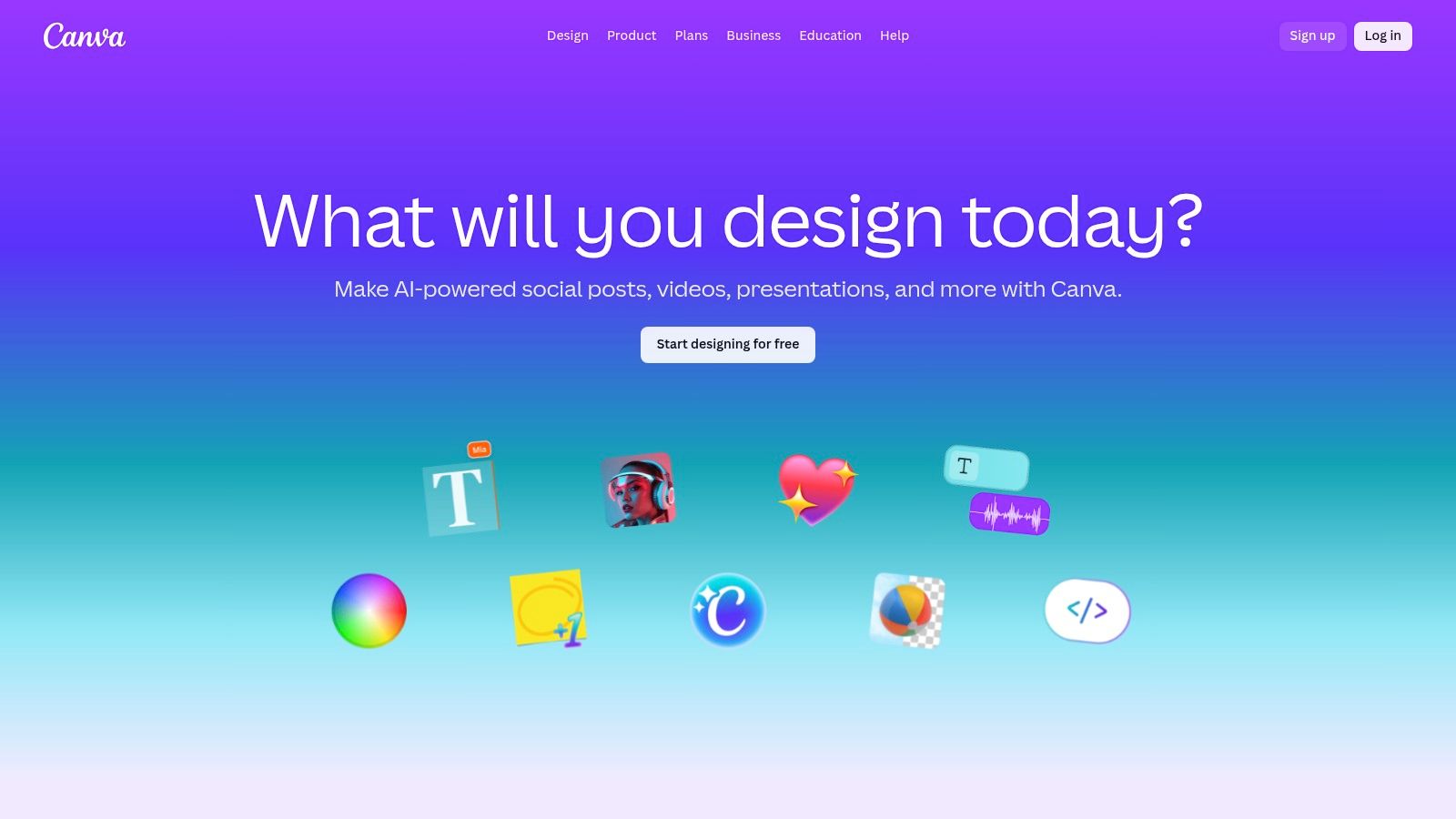
The free plan is surprisingly generous, allowing users to publish up to five live websites hosted on a my.canva.site subdomain, complete with included SSL. This is ideal for project-specific landing pages or a straightforward personal portfolio. While it's not a full-featured website builder, its integration with Canva’s massive media and template library makes it an incredibly efficient choice for a visually-driven showcase.
Why Choose Canva?
Canva’s main advantage is speed and familiarity. If you can create a presentation in Canva, you can build a portfolio site. The process is identical, allowing you to turn any design into a responsive, single-page website in minutes. This makes it an excellent choice for creating a digital resume, a project lookbook, or a simple landing page to complement your social profiles.
Key Feature: The ability to instantly convert any existing Canva design (like a resume or presentation) into a live, responsive website with a single click, streamlining the content creation process.
Pros and Cons
| Pros | Cons |
|---|---|
| ✅ Extremely easy and visual workflow | ❌ Free sites display a "Designed with Canva" badge |
| ✅ Access to a vast library of templates and assets | ❌ Limited structure compared to dedicated builders |
| ✅ Publish up to five free websites | ❌ Custom domain requires a paid plan |
| ✅ Fast way to ship a simple, branded portfolio | ❌ Not ideal for multi-page or complex sites |
Canva is the perfect solution for creators who need a beautiful, functional, and simple portfolio without the complexity of a full-scale website builder. It's best suited for those who prioritize stunning visuals and rapid deployment over advanced features like blogging or e-commerce.
Website: https://www.canva.com/
6. Framer
Framer positions itself as the design-first platform for creators who crave pixel-perfect control and dynamic animations. Originally a prototyping tool, it has evolved into a powerful website builder where you can design and publish high-fidelity, interactive portfolios directly. For those who want more than a static gallery, Framer is an online portfolio builder free from the typical constraints of template-based systems, allowing for truly bespoke and engaging user experiences.
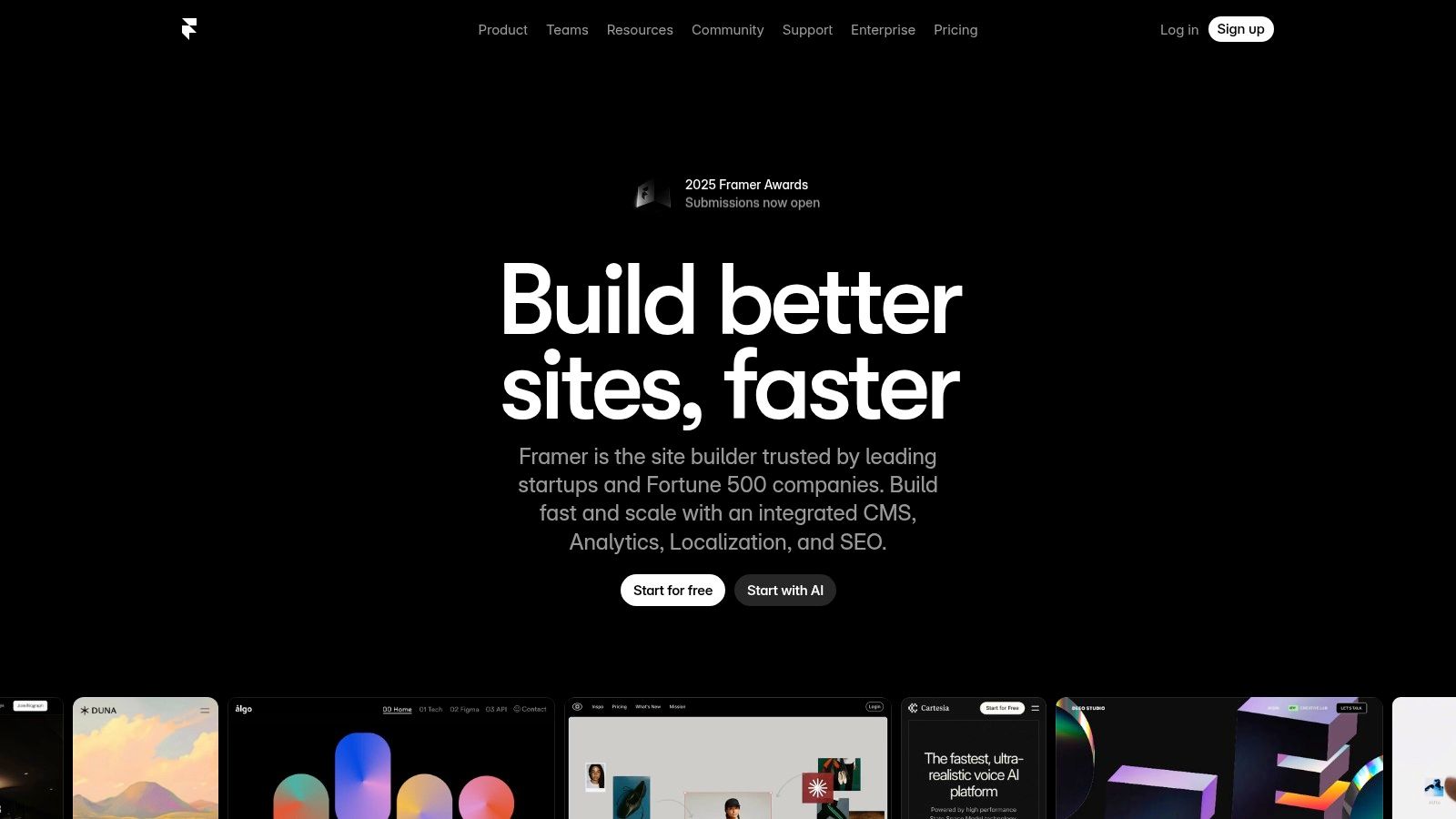
Its free plan is generous for the design phase, letting you build and publish a site with Framer branding on a .framer.website subdomain. This is perfect for testing ideas and creating a live preview. When you're ready to go fully professional with a custom domain and remove branding, you can upgrade. The platform is especially appealing to designers familiar with tools like Figma, as the interface and design concepts are quite similar.
Why Choose Framer?
Framer excels in delivering modern, high-performance websites with rich interactions and animations that are difficult to achieve on other platforms. Its integrated CMS and AI-assisted design tools streamline the process of building complex, multi-page portfolios that look and feel incredibly polished. This makes it ideal for digital designers, UI/UX professionals, and agencies wanting to showcase their work in the most impressive way possible.
Key Feature: Framer's ability to create seamless animations and micro-interactions directly in the editor allows your portfolio to not just display your work, but to become an example of it.
Pros and Cons
| Pros | Cons |
|---|---|
| ✅ Modern, high-fidelity designs | ❌ Most production sites require a paid plan |
| ✅ Rich animations and interactions | ❌ Can feel advanced for absolute beginners |
| ✅ Excellent performance and built-in SEO | ❌ Uses a .framer.website URL on the free tier |
| ✅ Powerful CMS for multi-page portfolios | ❌ Steeper learning curve than simpler builders |
Framer is the ultimate choice for designers who refuse to compromise on aesthetics and interactivity. While its free offering serves as more of a design and preview environment, it provides an unparalleled toolset for building a portfolio that truly stands out from the crowd.
Website: https://www.framer.com/
7. Strikingly
Strikingly is designed for speed and simplicity, making it an excellent choice for creators who need a polished online presence without the steep learning curve. It excels at creating clean, single-page websites that are perfect for resumes, personal pages, and straightforward portfolios. For anyone seeking an online portfolio builder free from complexity, Strikingly offers a streamlined, section-based editor that guides you through the process.
The platform's free plan is notably generous, allowing you to publish an unlimited number of free sites on a Strikingly subdomain. You also get 500 MB of storage per site and can even list a single product in a basic online store. This makes it a fantastic, no-cost option for testing out a project or launching a simple but professional-looking portfolio quickly.
Why Choose Strikingly?
Strikingly’s biggest advantage is its efficiency. The builder operates on a single-page, section-based model, which means you simply add, remove, and reorder pre-designed content blocks like galleries, contact forms, and big media sections. This structured approach removes the guesswork from design, ensuring your site looks good on all devices with minimal effort.
Key Feature: The ability to create unlimited free sites on its free plan allows you to experiment with different portfolio styles or create separate pages for different projects without any financial commitment.
Pros and Cons
| Pros | Cons |
|---|---|
| ✅ Very fast and intuitive setup | ❌ Free plan includes Strikingly branding |
| ✅ Generous free plan with unlimited sites | ❌ Less creative freedom than grid-based editors |
| ✅ Simple store feature included for free | ❌ Multi-page sites require a paid plan |
| ✅ Strong focus on single-page layouts | ❌ Customization options are limited |
Strikingly is ideal for users who prioritize speed and ease of use over deep customization. It's a powerful tool for building a focused, elegant one-page portfolio that gets straight to the point. If you appreciate this simple approach, you can explore other tools in this category of drag and drop website builder free options.
Website: https://www.strikingly.com/
8. SITE123
SITE123 is designed for speed and simplicity, making it an excellent choice for anyone needing a functional portfolio without the steep learning curve. This platform streamlines the creation process with its section-based editor, allowing users to quickly assemble a professional-looking site. For those seeking a straightforward online portfolio builder free from complex settings, SITE123 offers a clear path to getting your work online with minimal fuss.
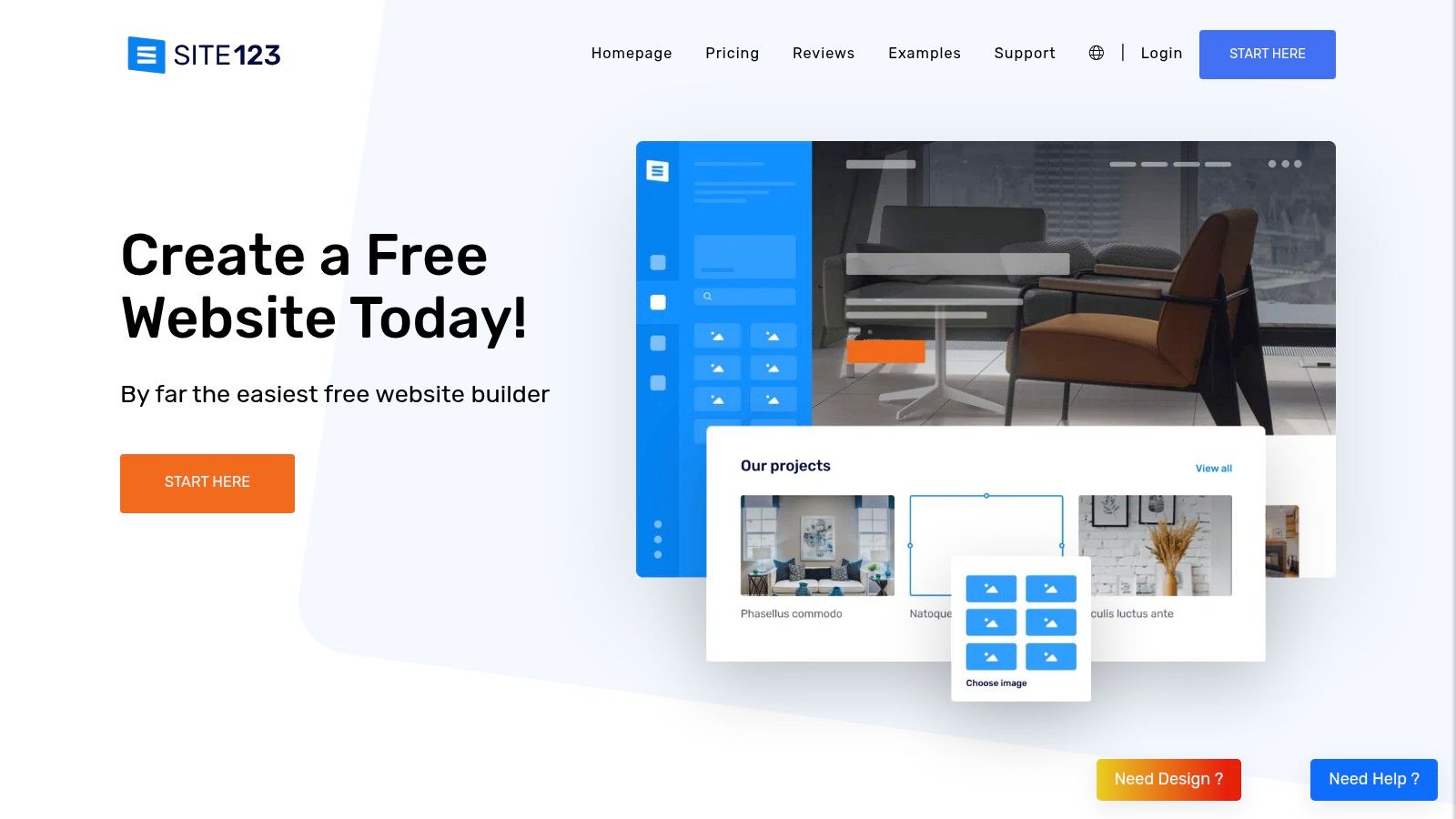
The permanently free plan provides everything necessary for a basic online presence, including free hosting, SSL security, and a generous selection of templates. You can build a multi-page portfolio site, which is a significant advantage over many single-page builders. While the free plan includes SITE123 branding, it’s a small trade-off for the ability to create a comprehensive, static portfolio perfect for showcasing projects or services.
Why Choose SITE123?
SITE123 excels in ease of use. Its editor is not a drag-and-drop system but a more guided, section-based approach where you choose pre-designed layouts for different content blocks like galleries, contact forms, and testimonials. This structured process prevents design mistakes and ensures your site looks polished on all devices, making it ideal for users who prioritize efficiency over granular creative control.
Key Feature: The platform's section-based editor simplifies the entire website creation process, guaranteeing a responsive and well-structured layout without needing any design or coding skills.
Pros and Cons
| Pros | Cons |
|---|---|
| ✅ Extremely easy and fast onboarding | ❌ Free plan includes prominent SITE123 branding |
| ✅ Sufficient for basic, multi-page portfolios | ❌ Uses a generic sitename.site123.me URL |
| ✅ No credit card required to start | ❌ Limited design customization on the free tier |
| ✅ Includes free hosting and SSL certificate | ❌ Advanced features are locked behind paid plans |
SITE123 is the perfect fit for individuals who need a clean, effective portfolio and want to get it live in under an hour. While it may not offer the deep customization of other builders, its efficiency and no-cost entry point make it a strong contender for creating a simple yet professional online showcase.
Website: https://www.site123.com/
9. Google Sites
For those deeply integrated into the Google ecosystem, Google Sites presents a straightforward and completely free solution for creating a clean, functional portfolio. It excels in simplicity, making it an ideal online portfolio builder free of overwhelming features or a steep learning curve. If your primary goal is to create a digital resume or a simple project showcase that leverages content from Google Drive, this is an incredibly efficient option.
As a completely free service, Google Sites includes hosting and an SSL certificate, making it a secure and cost-effective choice. Its main draw is the seamless integration with other Google services; you can embed Google Docs, Sheets, Slides, and files from your Drive with just a few clicks. This makes it perfect for students, educators, and professionals who manage their work within Google Workspace.
Why Choose Google Sites?
Google Sites is the path of least resistance for users who prioritize function and familiarity over elaborate design. The real-time collaboration feature, mirroring that of Google Docs, allows multiple users to build and edit a portfolio together simultaneously. This is a unique advantage for group projects or collaborative portfolios where shared ownership is key.
Key Feature: The ability to directly embed dynamic content from your Google Drive (like presentations or documents) means your portfolio can be updated automatically just by editing the source file.
Pros and Cons
| Pros | Cons |
|---|---|
| ✅ Completely free with no ads or fees | ❌ Limited design customization and templates |
| ✅ Seamless Google Workspace integration | ❌ Basic SEO and marketing features |
| ✅ Extremely easy for beginners to use | ❌ Uses a sites.google.com/view/sitename URL |
| ✅ Real-time collaboration features | ❌ Lacks advanced functionality like e-commerce |
Google Sites is best suited for individuals needing a no-frills, professional-looking digital space to present their work, especially when that work is already housed within Google's suite of applications. While it won't offer the creative freedom of other builders, its practicality and zero-cost barrier make it a worthy contender.
Website: https://sites.google.com/new
10. WordPress.com
WordPress.com is a legendary name in web publishing, offering a powerful, content-centric approach to building a digital presence. For creatives whose work is best presented through detailed case studies, articles, or project narratives, it stands out as an exceptional online portfolio builder free of charge. The platform's block editor and extensive theme library provide a solid foundation for crafting a portfolio that doubles as a professional blog.
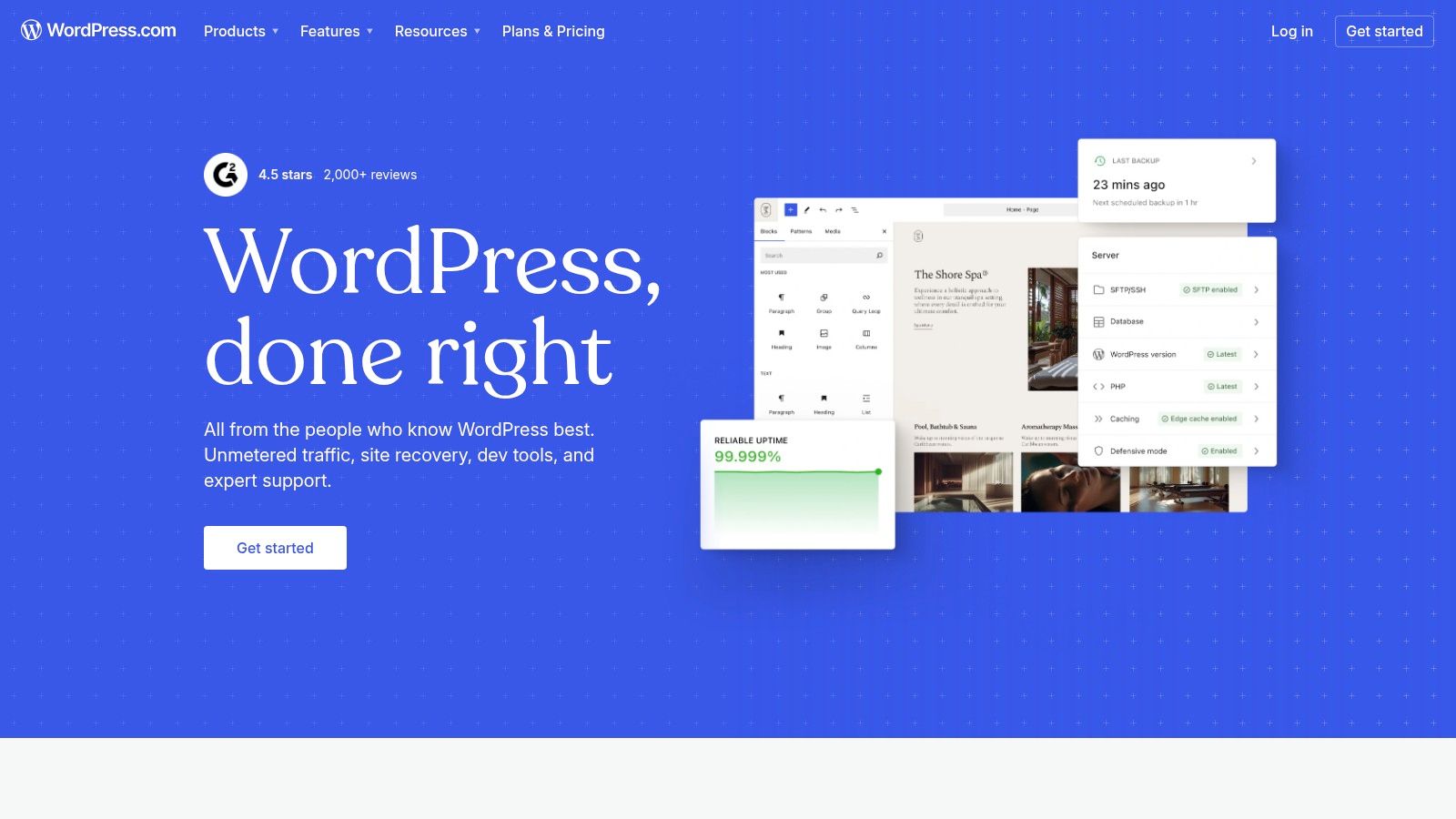
Its free plan is generous, offering 1GB of storage, unlimited pages, and a secure SSL certificate, making it perfect for getting started without any investment. You can create rich, long-form content to showcase your process and expertise, a key advantage for writers, strategists, and consultants. As your brand grows, paid plans unlock the ability to add custom domains, remove branding, and access the vast world of plugins on higher tiers.
Why Choose WordPress.com?
WordPress.com excels at combining a portfolio with a robust blogging engine. If your goal is to attract clients through thought leadership, detailed project breakdowns, or industry insights, no other free platform integrates content and portfolio so seamlessly. It is the ideal choice for building authority alongside showcasing your work.
Key Feature: The block editor (Gutenberg) offers incredible flexibility for creating custom page layouts with galleries, columns, and embedded media, allowing you to design compelling case studies without writing any code.
Pros and Cons
| Pros | Cons |
|---|---|
| ✅ Excellent for content and blogging | ❌ Free plan includes WordPress.com branding |
| ✅ Highly scalable with paid upgrades | ❌ Uses a sitename.wordpress.com URL |
| ✅ Strong SEO capabilities built-in | ❌ Plugins and advanced customization require paid plans |
| ✅ Large ecosystem of themes | ❌ Can have a steeper learning curve than simple builders |
WordPress.com is best for professionals who see their portfolio as an active part of their content marketing strategy. Its structure is perfect for those planning to regularly publish content to build an online presence and attract an audience over time.
Website: https://wordpress.com/
11. Notion (Notion Sites)
Notion has evolved from a productivity powerhouse into a surprisingly capable online portfolio builder free of charge for individuals. If you already organize your projects, case studies, or documentation in Notion, you can publish those pages directly as a live website. This unique approach is ideal for writers, developers, consultants, and strategists who prioritize content and process over intricate visual design.
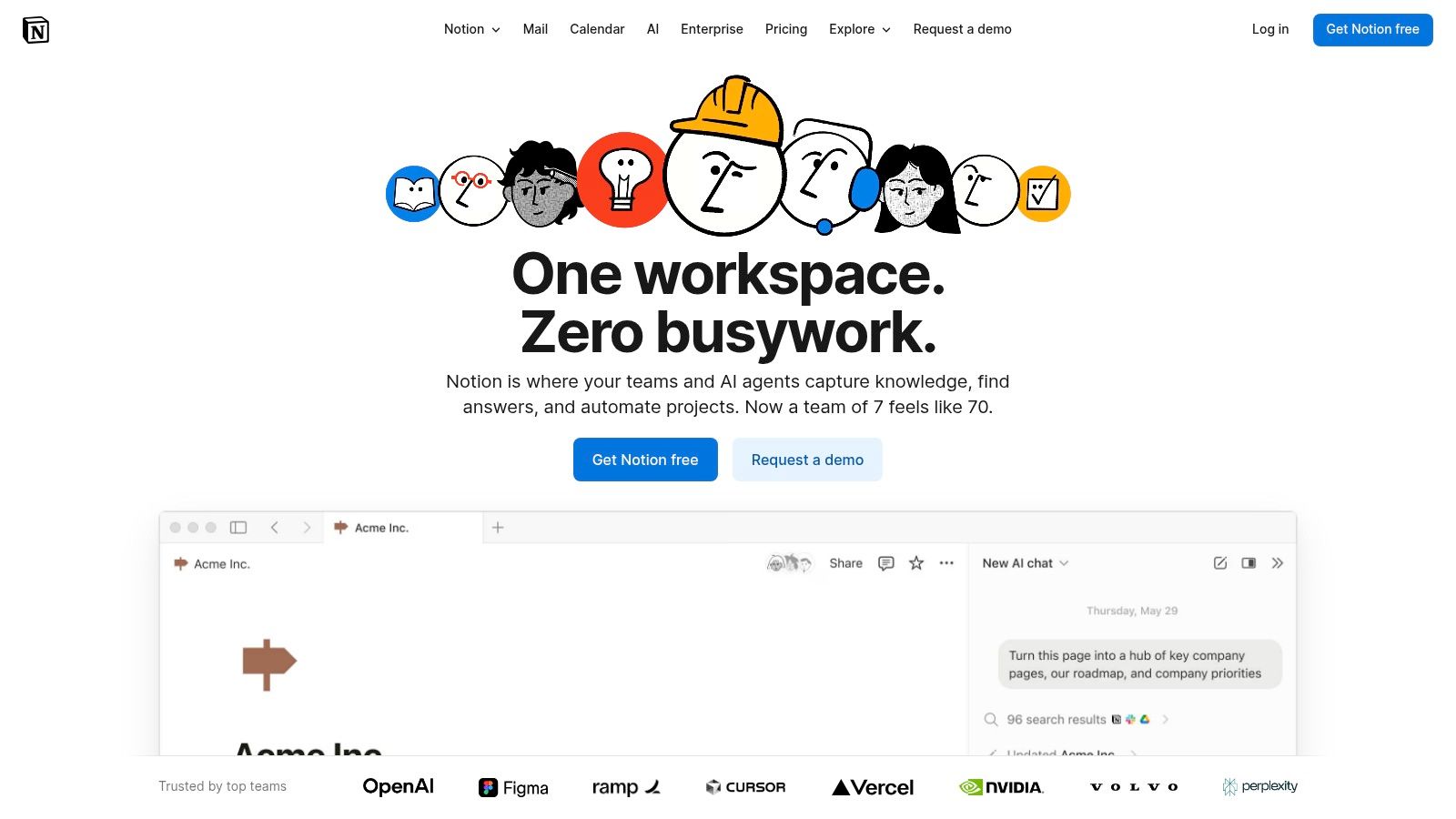
The platform's strength lies in its block-based editor and powerful databases, which allow you to create dynamic, easily-updated portfolio galleries. The free plan allows you to share any page publicly with a notion.site URL. This makes it a zero-cost, highly efficient way to create a living portfolio that can be modified as quickly as you update your notes, turning your workspace into your public showcase.
Why Choose Notion?
Notion is the ultimate choice for creators who value substance and speed. Its structured, database-driven system is perfect for building detailed case studies, project catalogs, or knowledge bases that double as a portfolio. The workflow is seamless: document your work in Notion, and with a few clicks, it's published online. This "build-as-you-work" model is unmatched for efficiency.
Key Feature: Notion Databases allow you to create sortable, filterable galleries of your projects, complete with tags, statuses, and detailed sub-pages for each entry, offering a level of organization most traditional builders can't match.
Pros and Cons
| Pros | Cons |
|---|---|
| ✅ Fast to publish living documents | ❌ Design flexibility is narrower than site builders |
| ✅ Databases are perfect for project catalogs | ❌ Custom domains require a paid plan plus an add-on |
| ✅ Excellent for content-heavy portfolios | ❌ Less focus on purely visual or artistic layouts |
| ✅ Free individual plan is highly functional | ❌ SEO capabilities are very limited |
Notion is best for professionals whose work is best explained through text, process, and structured data. While it may not suit visually-driven artists who need pixel-perfect control, it's an incredibly powerful and practical tool for consultants, writers, and developers looking to quickly launch a detailed, professional portfolio.
Website: https://www.notion.com/
12. GitHub Pages
For developers, coders, and the technically inclined, GitHub Pages offers a uniquely powerful and completely free way to build and host a portfolio. It leverages the familiar Git workflow to turn a public repository into a live, static website. This makes it an exceptional online portfolio builder free of traditional hosting costs and platform ads, giving you full control over your project's code and content from start to finish.
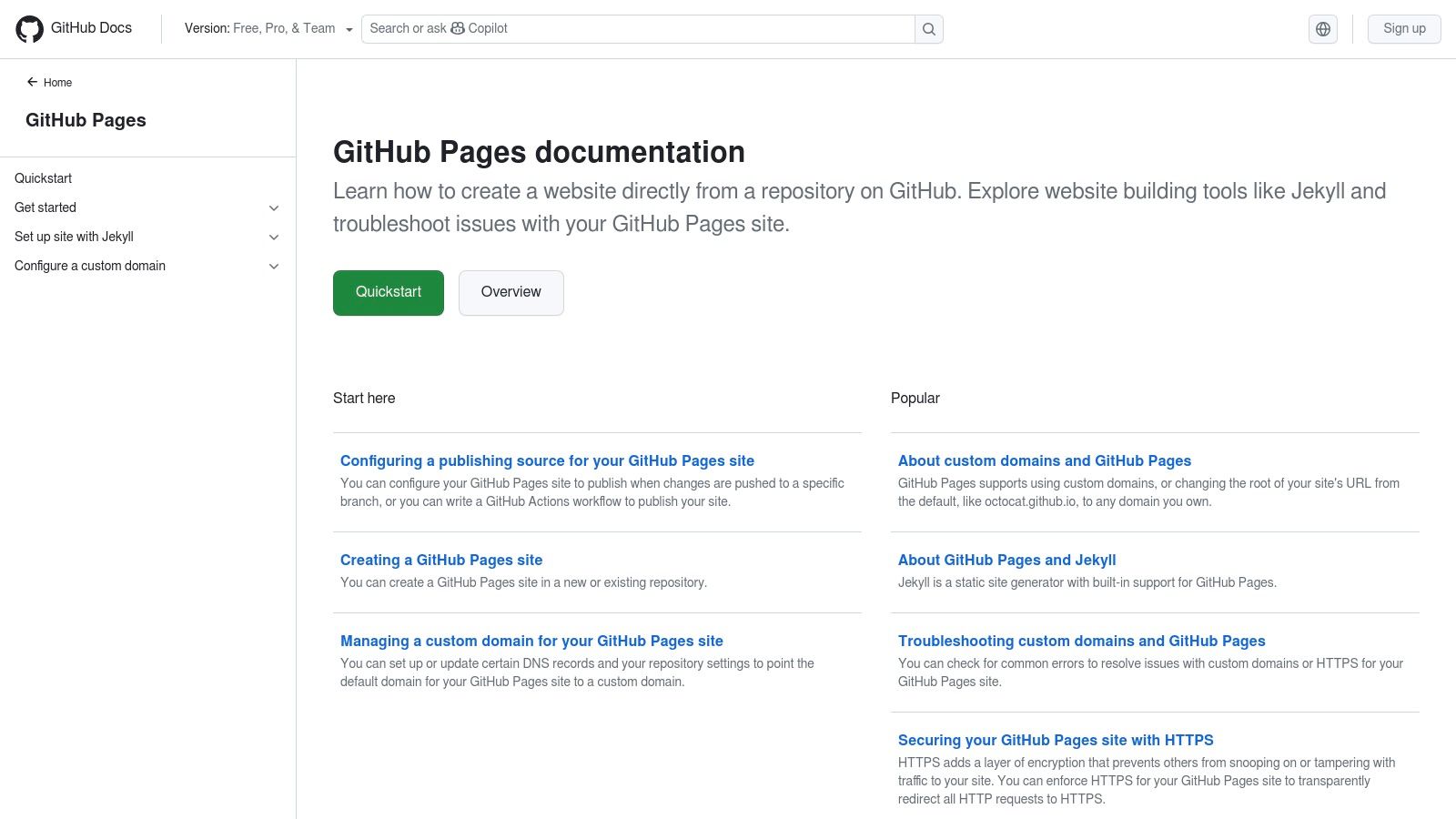
Unlike drag-and-drop builders, the platform requires you to bring your own HTML/CSS or use a static site generator like Jekyll or Hugo. The result is a lightning-fast, secure, and infinitely customizable portfolio. You can connect a custom domain with free HTTPS, showcasing your technical skills directly through the very platform that hosts your work. The version-controlled nature of Git also means every change is tracked, and you can roll back to previous versions effortlessly.
Why Choose GitHub Pages?
GitHub Pages excels for those who value performance, cost-effectiveness, and control. It's the ultimate portfolio solution for developers who want to demonstrate their coding abilities, not just their finished projects. The entire process of building and deploying the site is a testament to your technical proficiency.
Key Feature: Native integration with Git and GitHub Actions allows for a seamless, automated deployment workflow. Simply push changes to your repository, and your live site updates automatically, a process known as Continuous Integration/Continuous Deployment (CI/CD).
Pros and Cons
| Pros | Cons |
|---|---|
| ✅ Truly free hosting with no ads | ❌ Requires comfort with Git and coding |
| ✅ Excellent performance and speed | ❌ No built-in visual editor (WYSIWYG) |
| ✅ Full version control via Git | ❌ Steeper learning curve for non-developers |
| ✅ Supports custom domains and HTTPS | ❌ Limited to static sites (no server-side code) |
GitHub Pages is the ideal choice for developers who want to build a portfolio from the ground up and host it for free. While it lacks the user-friendly interface of other builders, it offers unparalleled control and performance for those who are comfortable working directly with code.
Website: https://pages.github.com/
Top 12 Free Online Portfolio Builders — Comparison
| Product | Core features | UX / Quality | Value & Pricing | Target audience | Standout |
|---|---|---|---|---|---|
| taap.bio 🏆 | Modular bento grid; drag‑&‑drop canvas; smart live widgets (GitHub, IG, YouTube, Spotify inline) | ★★★★★ — tactile editor; editable mobile + desktop layouts | 💰 Free starter; one‑click Bento.me migration; paid tiers unclear | 👥 Creators, designers, musicians, podcasters, freelancers | ✨ Visual destination with live embeds & inline audio playback |
| Wix | Visual drag‑&‑drop builder; templates; apps; hosting | ★★★★ — very beginner‑friendly | 💰 Free with Wix branding; paid to connect domain/remove ads | 👥 Small businesses, portfolios, beginners | ✨ Large template & app ecosystem; AI site generator |
| Webflow | Precision visual designer; CMS; CSS‑level control | ★★★★ — designer‑grade, steeper learning curve | 💰 Free Starter (webflow.io); paid for custom domains & higher limits | 👥 Designers, developers, agencies | ✨ Pixel‑accurate control + CMS |
| Carrd | Ultra‑fast one‑page builder; responsive templates | ★★★★ — extremely quick to publish | 💰 Generous free tier; very affordable Pro annual plans | 👥 Solopreneurs, one‑page portfolios, resumes | ✨ Lightweight, fast single‑page publishing |
| Canva (Websites) | Drag‑and‑drop visual sites; media library & templates | ★★★★ — visually oriented, easy for non‑designers | 💰 Free (limited sites + badge); paid for domains & more sites | 👥 Designers, marketers, casual creators | ✨ Familiar Canva workflow & media assets |
| Framer | Design‑first builder with rich animations & CMS | ★★★★ — high‑fidelity, advanced interactions | 💰 Free to design; paid for production hosting & domains | 👥 Designers needing polished interactions | ✨ Smooth animations & modern visuals |
| Strikingly | Beginner‑friendly one‑page builder; generous free plan | ★★★ — quick setup with sensible defaults | 💰 Free unlimited subdomains; paid to remove branding/connect domain | 👥 Beginners, quick portfolios, resumes | ✨ Very generous free offering for starters |
| SITE123 | No‑frills section editor; templates; free hosting | ★★★ — simple and straightforward | 💰 Free with SITE123 branding; premium for domains/resources | 👥 Non‑technical users needing simple sites | ✨ Fast onboarding; minimal setup |
| Google Sites | Simple site builder; Google Drive/Calendar/Maps embeds | ★★★ — basic but collaborative | 💰 Always free on Google subdomain | 👥 Educators, teams, Google Workspace users | ✨ Seamless Google Workspace integration |
| WordPress.com | Hosted WordPress; themes; blog & pages | ★★★★ — content‑focused, scalable | 💰 Free basic plan; paid for domains/plugins/storage | 👥 Bloggers, content‑heavy portfolios | ✨ Massive theme & plugin ecosystem |
| Notion (Notion Sites) | Publish Notion pages as sites; databases & blocks | ★★★ — great for living docs, limited styling | 💰 Free public pages; paid for custom domains/add‑ons | 👥 Consultants, devs, docs‑driven creators | ✨ Databases for live portfolio/catalogs |
| GitHub Pages | Free static hosting; custom domains; Git workflow | ★★★★ — excellent for developers | 💰 Free hosting with no ads | 👥 Developers, technical users comfortable with Git | ✨ Free, versioned deployments & static performance |
Choosing Your Canvas: Final Thoughts on Building Your Digital Showcase
We've explored a dozen powerful platforms, each offering a unique pathway to building your digital home. From the raw, code-driven control of GitHub Pages to the enterprise-level scalability of Webflow, the landscape of free online portfolio builders is vast and varied. Your journey from a simple list of links to a fully realized digital showcase begins with a single, crucial decision: which canvas best fits your masterpiece?
Making this choice isn't just about features; it's about aligning a tool's core philosophy with your personal or professional brand. It's about finding the platform that feels less like a chore and more like an extension of your creative process.
Synthesizing Your Options
Let's distill our findings into actionable insights. Your ideal online portfolio builder free of charge depends entirely on your primary goal and technical comfort level.
- For Maximum Control & Technical Prowess: If you are a developer comfortable with code, GitHub Pages is an unbeatable, purely free solution. For designers who want granular control without writing code, Webflow and Framer offer unparalleled design freedom, though their free tiers have notable limitations.
- For All-in-One Simplicity: For those who need a traditional website quickly, platforms like Wix, Strikingly, and SITE123 provide drag-and-drop interfaces that get you online fast. They are excellent for small businesses or freelancers who need a straightforward, multi-page site.
- For Unconventional & Niche Use Cases: Notion has emerged as a dark horse, perfect for creating text-heavy, database-driven portfolios. WordPress.com remains a titan for anyone serious about blogging and content creation as a central part of their portfolio.
The Modern Creator's Dilemma: Beyond the Traditional Website
The critical takeaway is that the very definition of a "portfolio" has evolved. It's no longer a static, multi-page website that sits dormant. For the modern creator, freelancer, or artist, your portfolio is a living, breathing hub. It’s the central point from which your social media, projects, client testimonials, and latest work radiate.
This is where the link-in-bio paradigm has been elevated. A simple list of links is no longer enough to capture the attention of a fragmented online audience. You need a tool that doesn't just list your accomplishments but showcases them. You need an experience that is both comprehensive and instantly digestible.
This is the gap that a tool like Taap.bio so brilliantly fills. It recognizes that your digital presence is multifaceted and deserves a presentation that is equally dynamic. Instead of forcing visitors to click away to see your work, it brings your best content front and center with inline media, smart widgets, and an engaging, magazine-style grid. It transforms the "link-in-bio" from a simple directory into a captivating, interactive landing page.
Choosing the right online portfolio builder free is your first step toward defining how the world sees your work. Don't just build a page of links; create a destination. Select the tool that empowers you to tell your story not just with words, but with a design that is as unique and compelling as you are. Your digital first impression is too important to settle for anything less.
Ready to move beyond a boring list of links and create a portfolio that truly stands out? taap.bio offers the most visually compelling and feature-rich free tier, perfect for creators and professionals who demand a beautiful, interactive showcase for their work. Build your stunning bento-style portfolio in minutes and start making an unforgettable first impression today at taap.bio.