In a world where your online presence defines your brand, waiting weeks to launch is a critical mistake. Whether you're a creator building a portfolio, a freelancer showcasing services, or an influencer unifying your social links, you need a solution that is fast, intuitive, and cost-effective. The days of needing to code your way to a professional website are long gone. Today, a powerful drag and drop website builder free of charge can empower you to create a functional and beautiful online hub without touching a single line of code.
But with countless options flooding the market, choosing the right platform feels overwhelming. Which free plan has hidden limitations? Which builder is best for a simple landing page versus a multi-page business site? This guide is your definitive answer. We have rigorously tested and ranked the top 12 free drag-and-drop builders to help you make an informed decision quickly.
Inside, you will find a detailed breakdown of each platform, complete with screenshots and direct links. We’ll analyze their real-world performance, highlight the specific use cases they excel at, and transparently expose the constraints of their free tiers. From powerful, multi-page site builders to specialized link-in-bio tools like Taap.bio, you will discover the perfect fit to launch your digital presence today, not months from now. Let’s find the right tool for your project.
Table of contents
1. taap.bio
Best For: Visually-driven creators, developers, and brands seeking an advanced "link-in-bio" that functions as a micro-site.
Taap.bio stands out by transforming the standard link-in-bio page into an interactive, visually stunning dashboard. Instead of a simple vertical list of links, it provides a "bento-grid" canvas where you can drag, drop, and resize content blocks to create dynamic, magazine-style layouts. This approach gives you unparalleled creative control, making it an exceptional drag and drop website builder free for crafting a memorable digital hub.
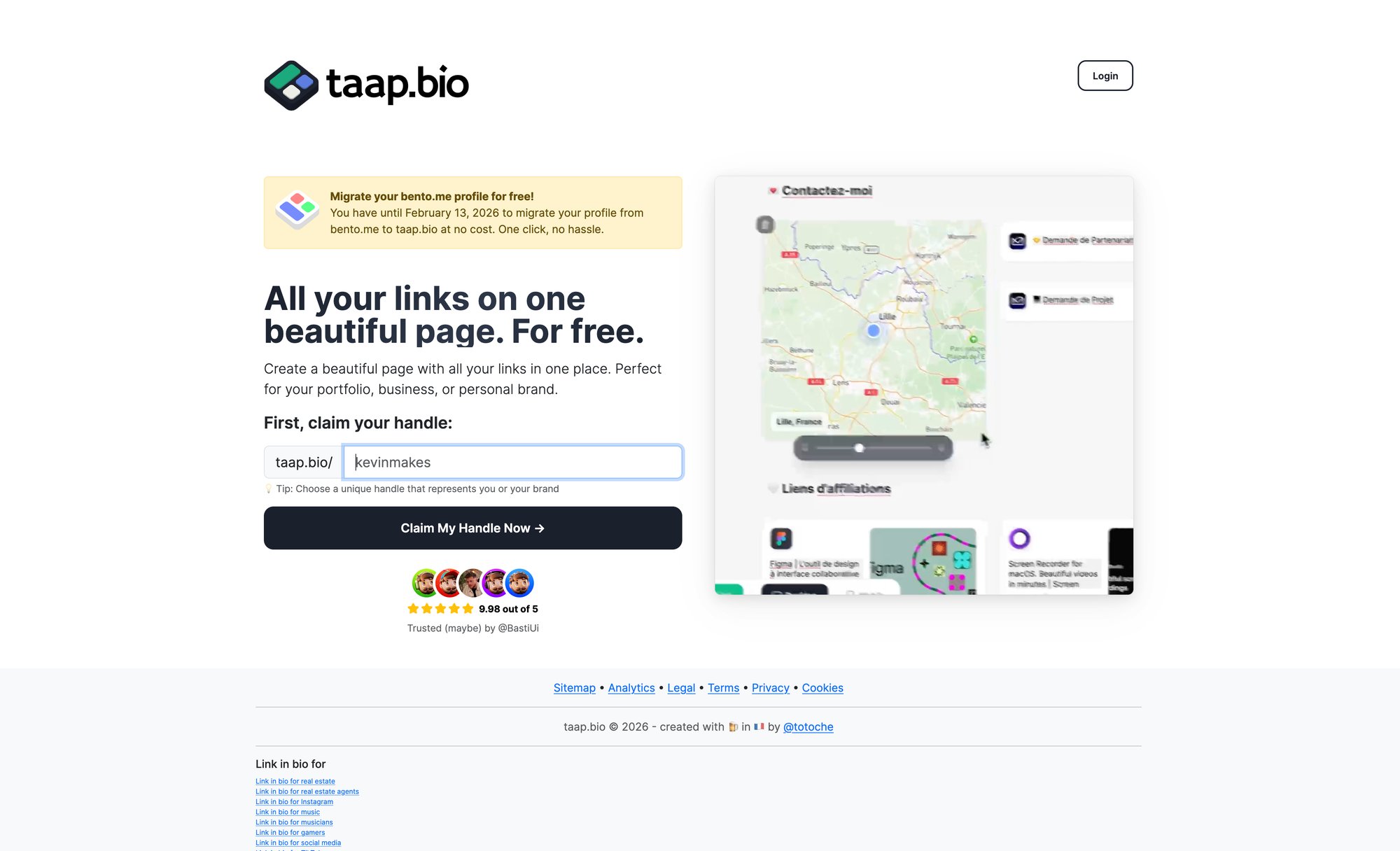
Its core strength lies in "smart widgets," which are deep integrations that pull live content directly onto your page. This isn't just about linking to your profiles; it's about embedding interactive experiences that keep visitors engaged.
Key Strengths of Taap.bio
Advanced Visual Editor: The bento-grid layout system with physics-based interactions is a game-changer. You can independently customize the mobile and desktop views, ensuring your design is optimized for every visitor, a feature often reserved for premium builders.
Powerful Smart Widgets: Taap.bio moves beyond links to provide real-time content. Developers can display a live GitHub contribution graph, designers can embed Dribbble or Figma projects, and musicians can feature Spotify tracks or albums with inline playback.
Creator-Centric Integrations: Widgets for Instagram, YouTube, and TikTok showcase your latest posts, follower counts, and videos directly on the page, transforming it from a simple redirect hub into a destination.
Rich Media Support: You can add images, GIFs, and even looping videos as backgrounds or content blocks, along with text, quotes, and interactive Google Maps embeds.
Practical Considerations
Taap.bio is currently in a "Launching Soon" phase, with early access available through an email signup on their website. While public pricing and user testimonials are not yet available, its feature set clearly positions it as a powerful tool for anyone who values design and interactivity over a basic list of links. Its deep customization and live data integrations offer a robust solution for creators, freelancers, and small businesses aiming to make a strong visual statement. If you're looking for an alternative to Bento.me or a more advanced Linktree, getting on the Taap.bio early access list is a strategic move. To explore its unique approach in more detail, you can get insights directly from the source by learning more about the vision for taap.bio.
2. Wix
Wix is a titan in the website-building space, and for good reason. It offers one of the most powerful and intuitive free drag-and-drop website builder experiences available, making it an excellent starting point for creators, freelancers, and small businesses aiming for a professional look without touching code. Its true "what you see is what you get" editor gives you pixel-perfect control over every element on your page, a level of design freedom that many competitors lack.
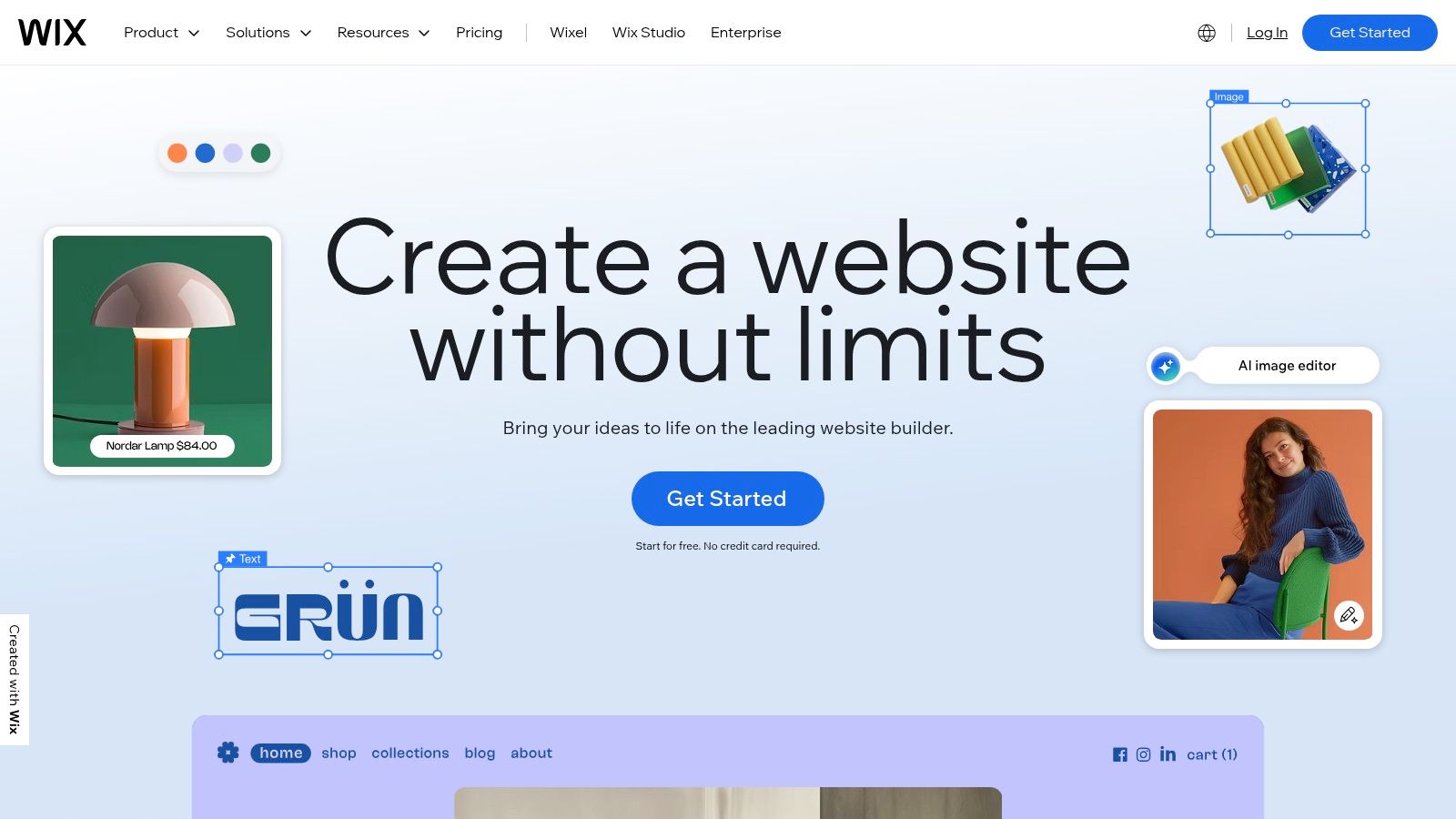
The platform stands out by providing two distinct paths to get started: the classic Wix Editor for hands-on design using hundreds of templates, or Wix ADI (Artificial Design Intelligence), which builds a custom site for you after you answer a few questions. This dual approach caters to both creative-minded users and those who want to get online as quickly as possible.
Key Features and Limitations
Wix’s free plan is remarkably robust, but it comes with clear trade-offs. You get full access to the editor and a vast library of design elements, but your site will display Wix ads and be assigned a your-username.wixsite.com/siteaddress URL.
Pros:
Unmatched Design Freedom: The drag-and-drop editor allows for precise placement of text, images, and other elements anywhere on the page.
Massive Template Library: Start with a professionally designed template tailored to virtually any industry, from portfolios to e-commerce storefronts.
App Market: Even on the free plan, you can integrate apps for contact forms, social media feeds, and more, adding powerful functionality.
Cons:
Prominent Branding: The Wix ad is always visible on your free site.
Non-Custom Domain: You cannot connect a custom domain name on the free tier.
Limited Storage: The free plan includes up to 500MB of storage and 500MB of bandwidth, which is suitable for smaller sites but can be limiting for media-heavy projects.
Official Website: https://www.wix.com
3. Webflow
Webflow is where visual design meets development power. It’s a designer-grade, drag and drop website builder free platform that gives you the granular control of CSS and HTML without writing the code yourself. This makes it the perfect choice for professionals, freelancers, and businesses who refuse to compromise on design and want a truly custom, professional-grade website built on a visual canvas.
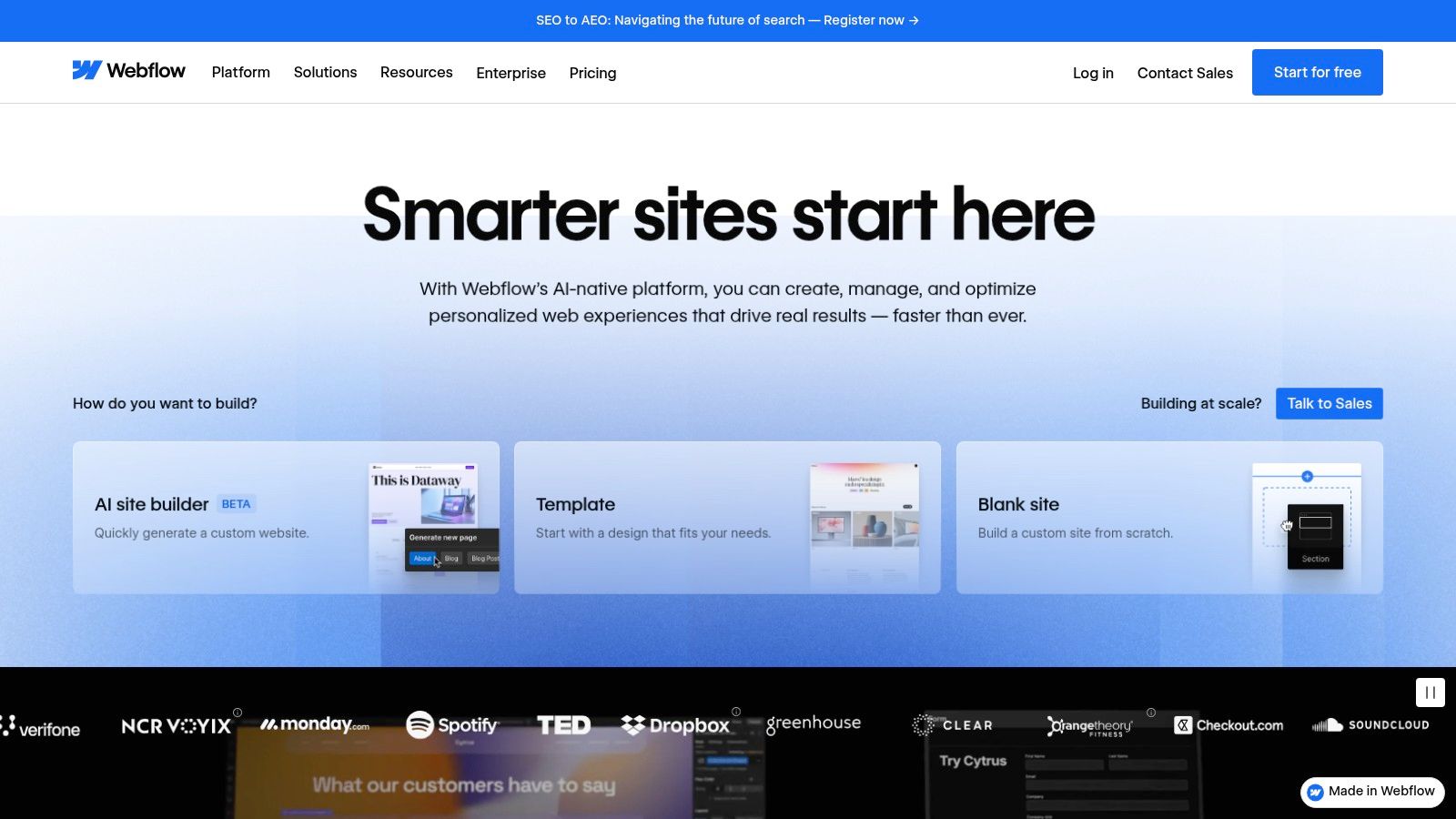
Unlike simpler builders, Webflow’s editor is modeled after professional design tools, offering unparalleled control over layout, responsiveness, and interactions. It's built for those who think visually but require the power of a professional development environment. Its integrated CMS is also a significant advantage, allowing you to build dynamic, content-driven sites like blogs and portfolios with ease. For a detailed walkthrough, you can learn more about the Webflow designer.
Key Features and Limitations
Webflow’s free "Starter" plan is a fantastic way to learn the platform and build your site, but it has specific constraints. You can create up to two unhosted sites, and when you publish, your site will live on a your-site.webflow.io subdomain.
Pros:
Exceptional Design Flexibility: Achieve pixel-perfect, custom designs with complete control over styling, positioning, and responsive breakpoints.
Professional-Grade CMS: The built-in Content Management System allows you to create and manage dynamic content collections effortlessly.
Active Learning Resources: Webflow University provides extensive, high-quality tutorials and courses to help you master the platform.
Cons:
Steeper Learning Curve: The powerful interface can be intimidating for absolute beginners compared to other builders.
No Custom Domain on Free Plan: You must upgrade to a paid site plan to connect your own domain.
Project and Page Limits: The free plan restricts you to two pages per project and a limited number of CMS items.
Official Website: https://webflow.com
4. WordPress.com
WordPress.com brings the power of the world’s most popular content management system into an accessible, hosted package. While often associated with blogging, its modern block editor functions as a versatile drag and drop website builder free for all users, making it a strong contender for creators and businesses focused on content-rich sites. It offers a structured, block-based approach to design that differs from the free-form canvas of competitors like Wix, providing a solid framework that is both powerful and easy to manage.
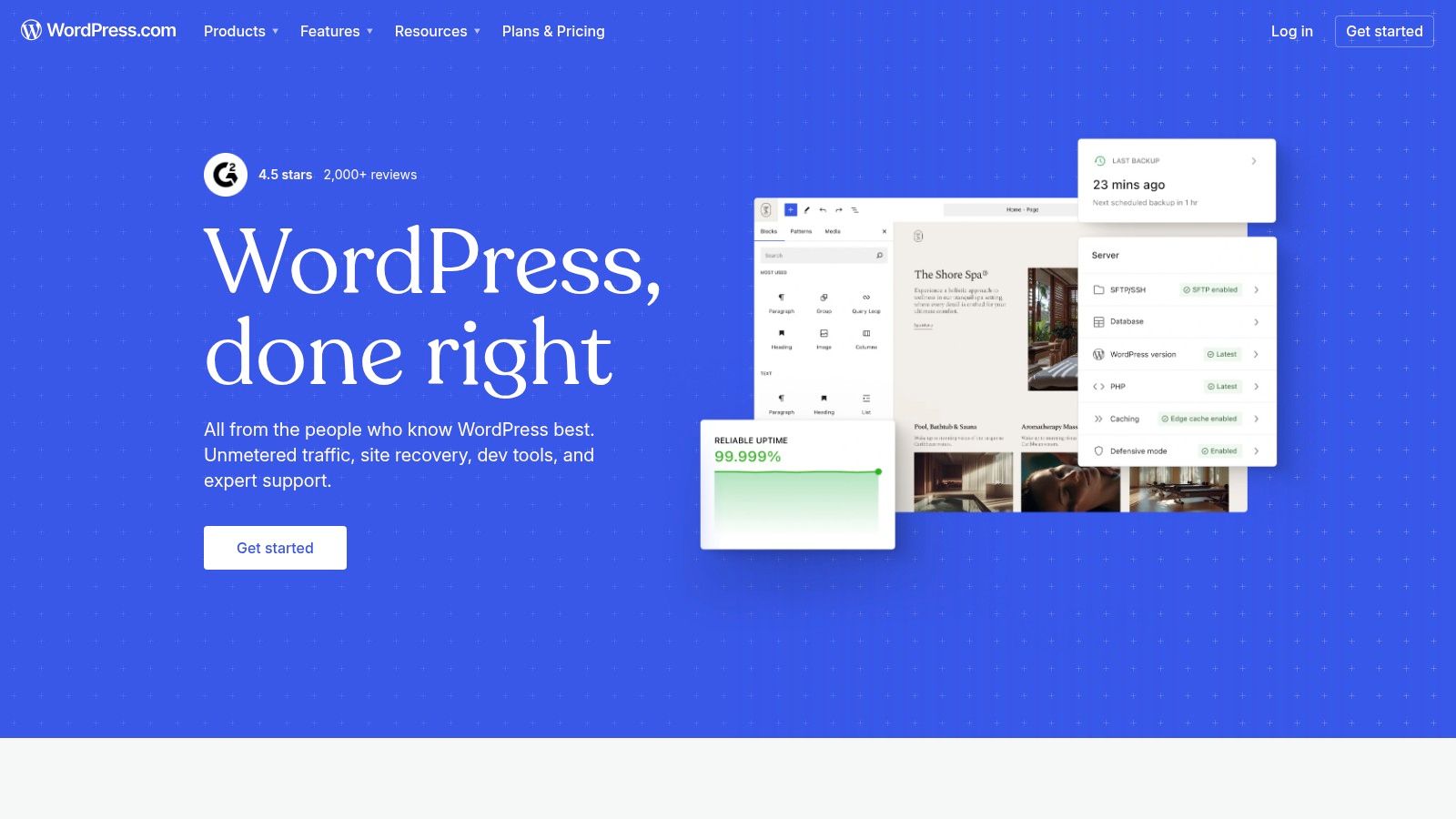
The platform is ideal for users who plan to scale over time. You can start with a robust free plan and gradually upgrade to unlock advanced features like custom plugins, e-commerce functionality, and custom domains. For those trying to decide between the hosted and self-hosted versions, it is important to understand the distinctions. Learn more about the differences between WordPress.com vs. WordPress.org.
Key Features and Limitations
The free WordPress.com plan is generous for content creation but places significant features behind its paid tiers. You get access to the intuitive block editor and a large library of themes, but your site will have a yoursite.wordpress.com subdomain and display WordPress.com ads.
Pros:
Powerful Block Editor: Offers a highly intuitive block-based system for building pages and posts with rich media.
Excellent for Blogging: Unmatched blogging features, including categories, tags, and robust content management tools.
Scalable Platform: Provides a clear upgrade path to add custom domains, plugins, and full e-commerce capabilities as your needs grow.
Cons:
WordPress.com Branding: Ads are displayed on free sites.
No Custom Plugins on Free Plan: The vast library of WordPress plugins is only accessible on higher-tier paid plans.
Steeper Learning Curve: Can feel more complex than simpler, single-purpose builders, especially for users unfamiliar with the WordPress ecosystem.
Official Website: https://wordpress.com
5. Google Sites
For those deeply embedded in the Google ecosystem, Google Sites offers a completely free and astonishingly simple drag-and-drop website builder. It’s the ideal solution for users who need a clean, functional informational site without any bells, whistles, or costs. The platform excels at creating internal team sites, project hubs, simple portfolios, and classroom pages, leveraging its seamless integration with Google Workspace.
What makes Google Sites unique is its no-frills, collaborative approach. The editor feels familiar, like a Google Doc or Slide, allowing multiple users to edit a page in real-time. You won't find sprawling template libraries or advanced design tools; instead, you get a straightforward builder that focuses on presenting information clearly and efficiently by embedding Google Docs, Sheets, Forms, and Calendars directly onto your pages.
Key Features and Limitations
Google Sites is 100% free forever, with no upsells for premium features. Your site is hosted on Google’s reliable infrastructure and automatically includes an SSL certificate, but this simplicity comes with significant creative constraints.
Pros:
Completely Free: No ads, no storage limits tied to a plan, and no hidden costs. It's a truly free service with your Google account.
Seamless Google Workspace Integration: Effortlessly embed files, forms, calendars, and maps directly from your Google Drive.
Extremely Easy to Use: The interface is incredibly intuitive, making it perfect for non-technical users, educators, and internal teams.
Cons:
Very Limited Customization: Design options are basic, with a minimal selection of themes and layouts. You cannot add custom CSS or much third-party code.
No E-commerce or Advanced Features: The platform lacks built-in e-commerce, blogging functionality, or advanced SEO tools.
Basic Templates: The template selection is sparse and designed for utility over aesthetic flair. To explore other options, you can see how it stacks up in our best free website builder guide.
Official Website: https://sites.google.com
6. Carrd
Carrd excels in simplicity and speed, positioning itself as the go-to builder for creating beautiful, responsive, one-page websites. It is the perfect drag and drop website builder free for creators, freelancers, and anyone needing a personal landing page, a "link-in-bio" site, or a simple portfolio. The platform strips away the complexity of traditional multi-page builders, allowing users to launch a clean, professional-looking site in minutes.
Its strength lies in its focused approach. Instead of overwhelming you with features, Carrd provides an intuitive editor and a collection of sleek, modern templates designed to look great on any device. This minimalist philosophy makes it an ideal choice for projects that require a fast turnaround and a high-quality aesthetic without a steep learning curve. If you want to build a functional and stylish portfolio, our guide on using Carrd to create a standout portfolio offers some great tips.
Key Features and Limitations
The free plan on Carrd is generous, allowing you to build up to three sites using core features. However, it includes subtle Carrd branding at the bottom of the page and assigns you a yourname.carrd.co URL.
Pros:
Extremely Fast and Easy: The streamlined interface allows you to go from template to a live site incredibly quickly.
Beautiful, Responsive Templates: All designs are mobile-first, ensuring your site looks polished on desktops, tablets, and phones.
Highly Affordable Pro Plans: Upgrading to remove branding, add custom domains, and unlock forms is one of the most cost-effective options available.
Cons:
Strictly One-Page: The platform is not built for multi-page websites like blogs or complex business sites.
Fewer Native Widgets: Lacks the extensive app markets or built-in tools found in more comprehensive builders like Wix or Squarespace.
Subtle Branding on Free Sites: A small "Made with Carrd" credit is visible on the free tier.
Official Website: https://carrd.co
7. Strikingly
Strikingly is designed for speed and simplicity, making it a fantastic choice for anyone needing a clean, single-page website in minutes. Its section-based editor is incredibly intuitive; you simply stack pre-designed sections like "About Us," "Contact Form," or "Portfolio" to build your site. This approach makes it a leading drag and drop website builder free for landing pages, event announcements, and personal portfolios where a straightforward, linear flow is most effective.
The platform’s major selling point is its efficiency. Instead of wrestling with pixel-perfect placement, Strikingly’s structured design ensures your site looks professional and mobile-responsive right out of the box. For entrepreneurs or creators wanting to test an idea quickly, this is an ideal, low-friction solution.
Key Features and Limitations
Strikingly's free plan is surprisingly functional, even allowing you to sell a single product, a rare feature for a free builder. However, it operates within clear boundaries, encouraging users to upgrade for more complex projects. Your site will have a mysite.strikingly.com URL and display Strikingly branding.
Pros:
Extremely Fast Setup: The section-based editor makes it one of the quickest ways to launch a functional one-page website.
Simple E-commerce: The free plan includes a built-in store to sell one product, perfect for a simple launch or single-item offering.
Excellent Support: 24/7 chat support is available even for free users, which is a significant advantage for beginners.
Cons:
Design Constraints: The section-based structure offers less creative freedom than true "blank canvas" editors like Wix.
Limited Free Plan: You are restricted to a single one-product store and a 5 GB monthly bandwidth limit.
Multi-Page Site is a Premium Feature: Building a traditional website with multiple distinct pages requires a paid subscription.
Official Website: https://www.strikingly.com
8. SITE123
SITE123 is designed with absolute beginners in mind, offering a highly guided and streamlined approach to website creation. Unlike platforms that offer a completely blank canvas, SITE123 uses a section-based editor where you select pre-designed blocks for different purposes like "About," "Contact," and "Services." This makes it an incredibly fast and straightforward option for users who want to build a functional, good-looking site without getting bogged down in design details.
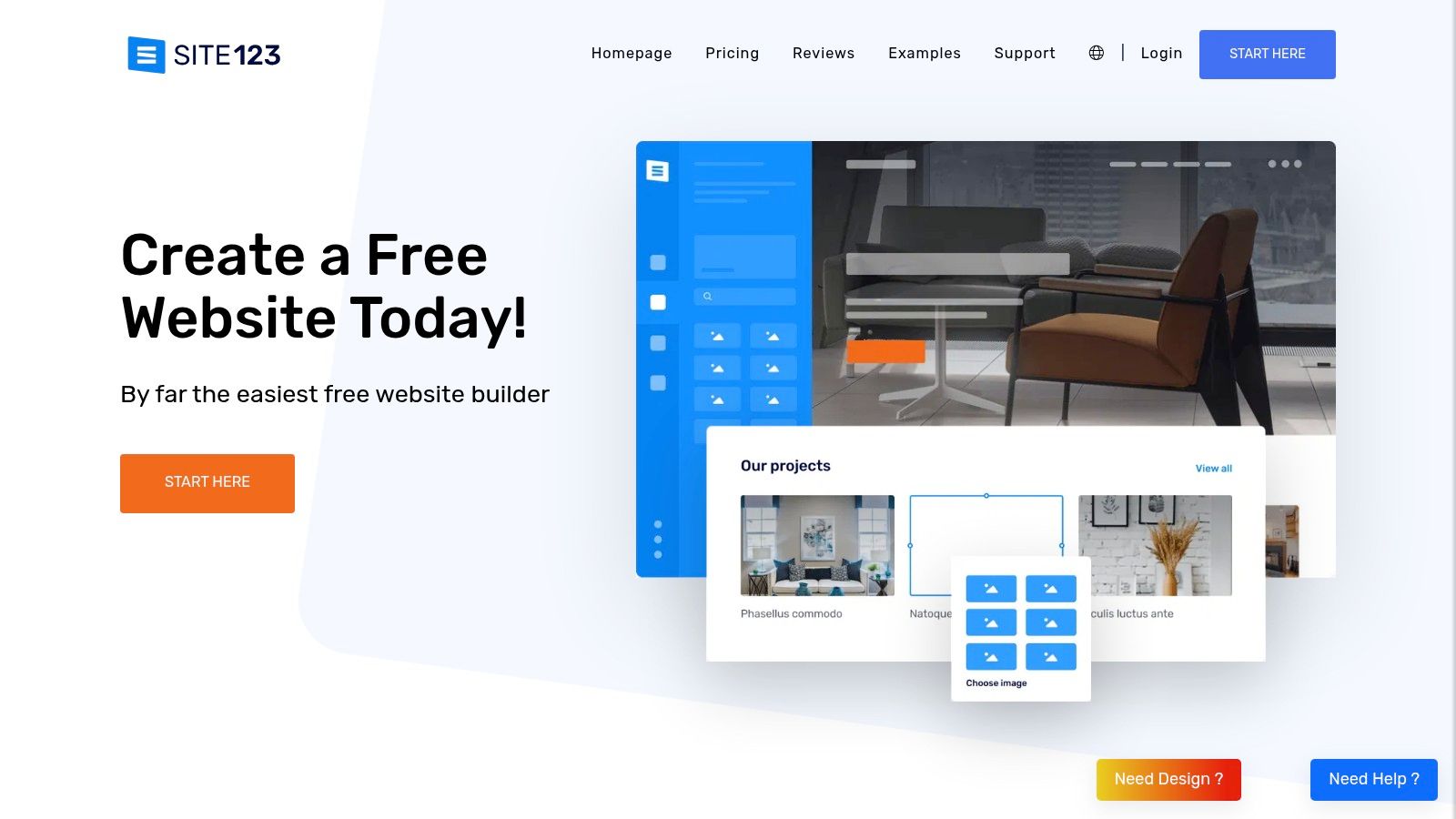
This platform excels at creating simple, professional websites for businesses, portfolios, or one-off events where speed and ease of use are the top priorities. If you find the total freedom of other builders overwhelming, the structured yet flexible framework of this drag and drop website builder free tool provides a perfect middle ground, ensuring a polished final product without a steep learning curve.
Key Features and Limitations
The free plan from SITE123 gives you all the tools needed to launch a simple website, but it operates with some clear restrictions. Your site will be hosted on a subdomain and will feature SITE123 branding. Storage and bandwidth are also quite limited, making it best for text-focused or low-traffic sites.
Pros:
Extremely Beginner-Friendly: The guided, section-based editor is one of the easiest to learn and use.
Fast Setup: You can get a professional-looking website live in under an hour.
Good for Simple Sites: Ideal for basic business sites, portfolios, and event landing pages where complexity isn't needed.
Cons:
Limited Design Flexibility: The block-based system doesn't allow for the pixel-perfect control seen in competitors like Wix.
Minimal Free Resources: The 250MB of storage and 250MB of bandwidth on the free plan are very restrictive.
Prominent Branding: A floating banner ad for SITE123 is displayed at the bottom of free websites.
Official Website: https://www.site123.com
9. Jimdo
Jimdo strikes an excellent balance between simplicity and creative control, making it a reliable choice for beginners and small businesses. The platform offers two distinct editing experiences: the "Dolphin" mode, which uses AI to quickly generate a site for you based on a few questions, and the "Creator" mode, a more traditional drag-and-drop website builder free experience with greater customization options. This dual-path approach ensures users can get online fast or take a more hands-on role in designing their site.
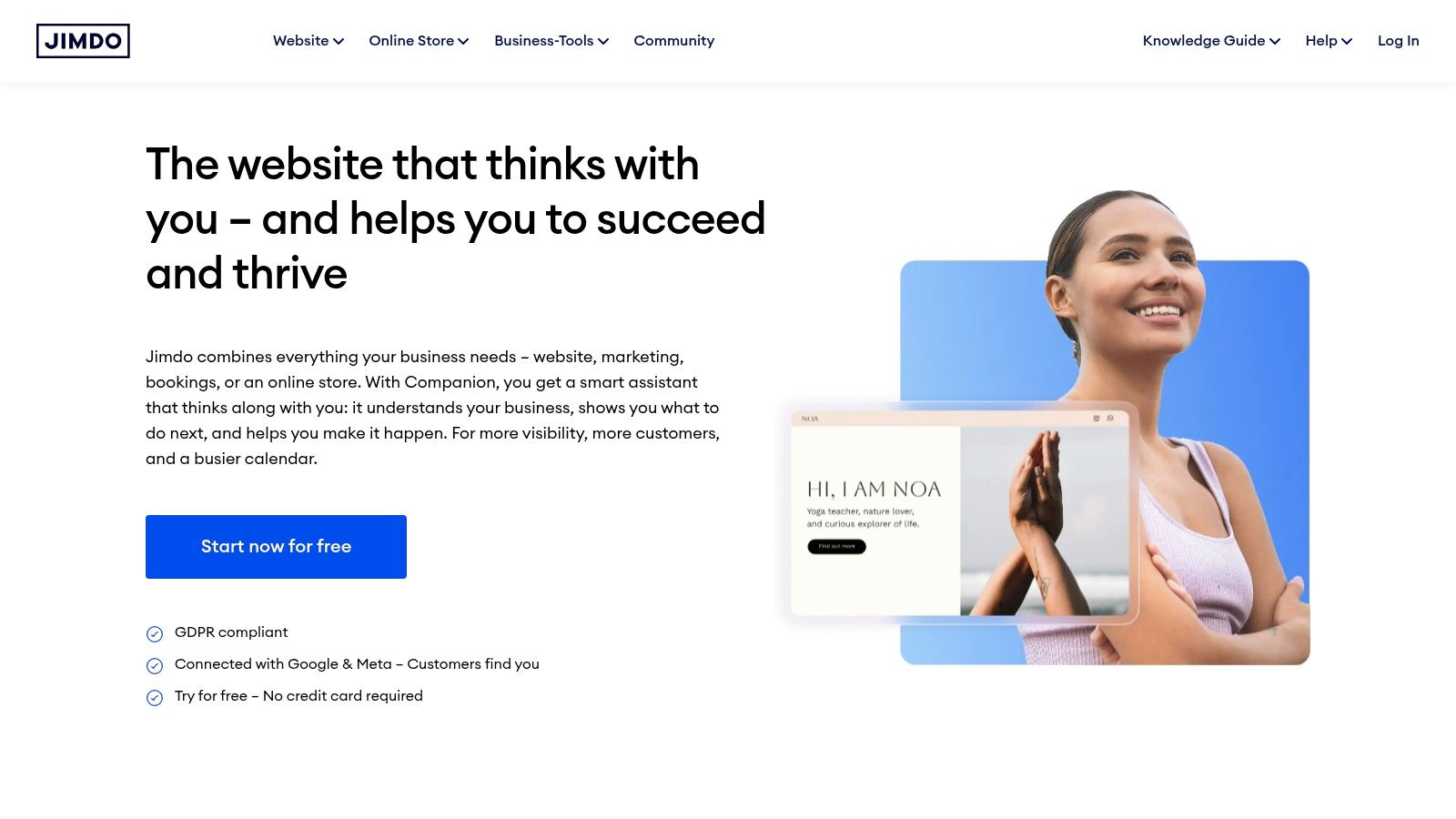
Unlike some builders that overwhelm with features, Jimdo focuses on providing a core set of well-implemented tools within a clean, intuitive interface. Its responsive templates ensure your site looks great on any device, and the platform’s stability and straightforward setup process make it a stress-free option for those launching their first website.
Key Features and Limitations
The free plan, known as "Play," gives you a solid foundation to build a simple, functional website. It includes access to all core design elements and a .jimdosite.com subdomain, but comes with clear restrictions to encourage upgrading for more professional use.
Pros:
Dual Editor Modes: Choose between AI-assisted site creation (Dolphin) for speed or the more flexible Creator editor for detailed control.
Straightforward and Clean: The editor is uncluttered and easy to navigate, reducing the learning curve for new users.
Reliable Hosting: Jimdo is known for its stable performance, ensuring your free site remains accessible.
Cons:
Strict Page Limit: The free plan is limited to a maximum of 5 pages.
Fewer Integrations: Lacks a robust app market like Wix, limiting third-party functionality.
Limited Customization: While the Creator mode is flexible, it doesn't offer the same pixel-perfect freedom as some competitors.
Official Website: https://www.jimdo.com
10. Tilda
Tilda is a design-forward platform that excels in creating visually stunning, editorial-style websites and landing pages. It operates on a block-based system, allowing users to stack pre-designed, professional-looking sections to build a page quickly. This makes it an ideal drag and drop website builder free for creators, designers, and marketers who prioritize typography, white space, and a polished aesthetic without deep technical skills.
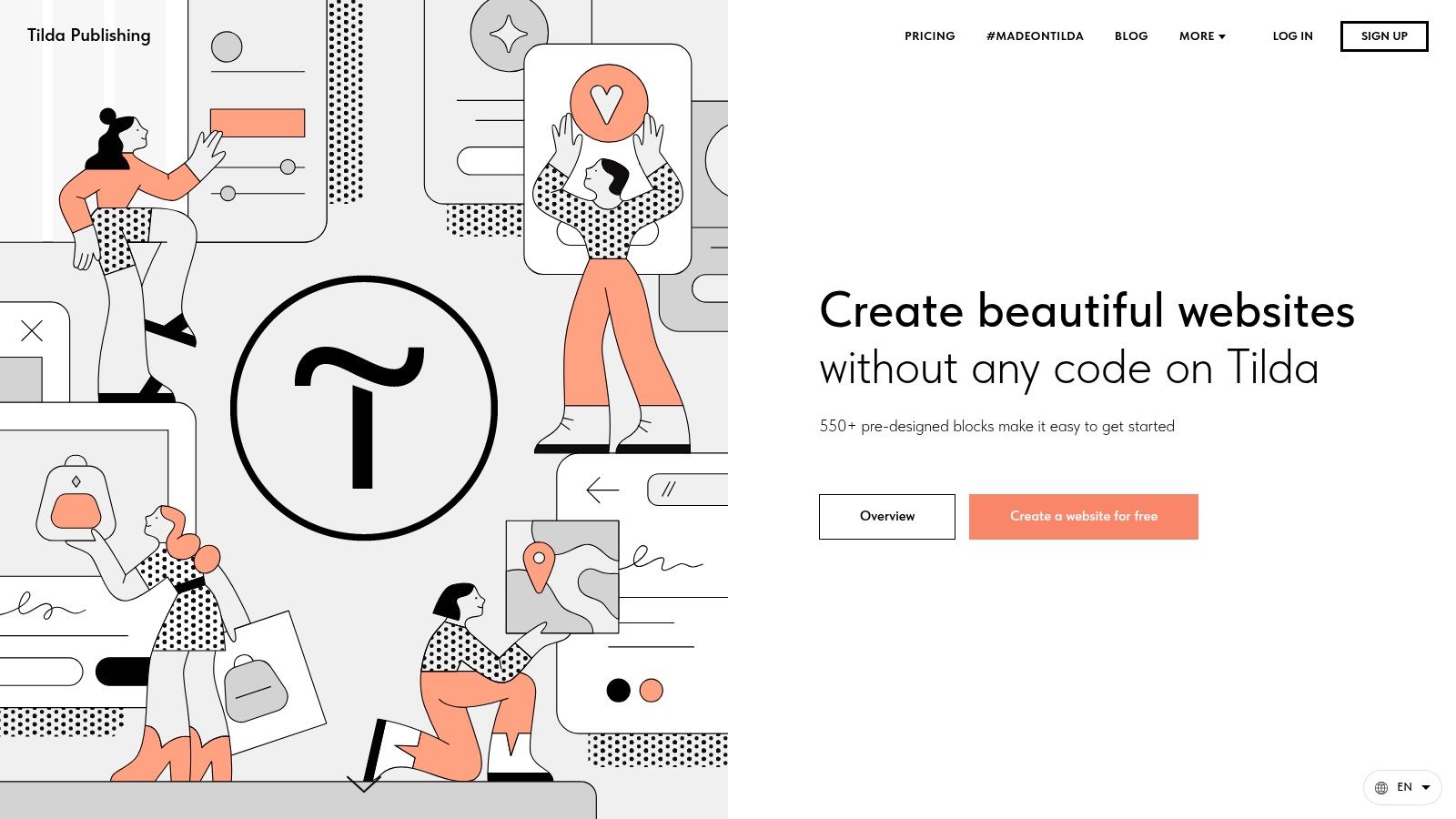
What truly sets Tilda apart is its "Zero Block" editor, a powerful feature (on paid plans) that provides a free-form canvas for absolute design control, akin to graphic design software. While the free plan is more structured, it still offers a taste of Tilda's elegant design philosophy, making it perfect for high-impact portfolios, event pages, or campaign-specific landing pages where visual composition is key.
Key Features and Limitations
Tilda's free plan provides access to its core block library, letting you build one complete website. However, the most powerful and unique features, like the Zero Block editor and custom domain connection, are reserved for paid subscribers. The free site will have a Tilda-branded footer and a project-name.tilda.ws subdomain.
Pros:
Strong Aesthetic Focus: Templates are modern and clean, with a strong emphasis on beautiful typography and visual storytelling.
Intuitive Block System: Building a site feels like assembling a high-end presentation, which is great for beginners who want professional results.
Rich Media Integration: Excellent support for full-screen videos, photo galleries, and other visual elements that make a site feel dynamic.
Cons:
Limited Free Plan: You are limited to 50 pages and 50 MB of storage, and key design tools like Zero Block are not included.
Tilda Branding: The "Made on Tilda" branding is present on the free tier.
No Custom Domain: Connecting your own domain name requires upgrading to a paid plan.
Official Website: https://tilda.cc
11. Framer
Framer is a modern, design-forward platform that brings professional-grade tools to the world of drag-and-drop website builders. It’s particularly appealing to designers, agencies, and creators who want to build highly polished, interactive websites with animations and seamless responsive controls. The platform feels like a design tool (similar to Figma) but publishes live, high-performance websites, bridging the gap between design and development.
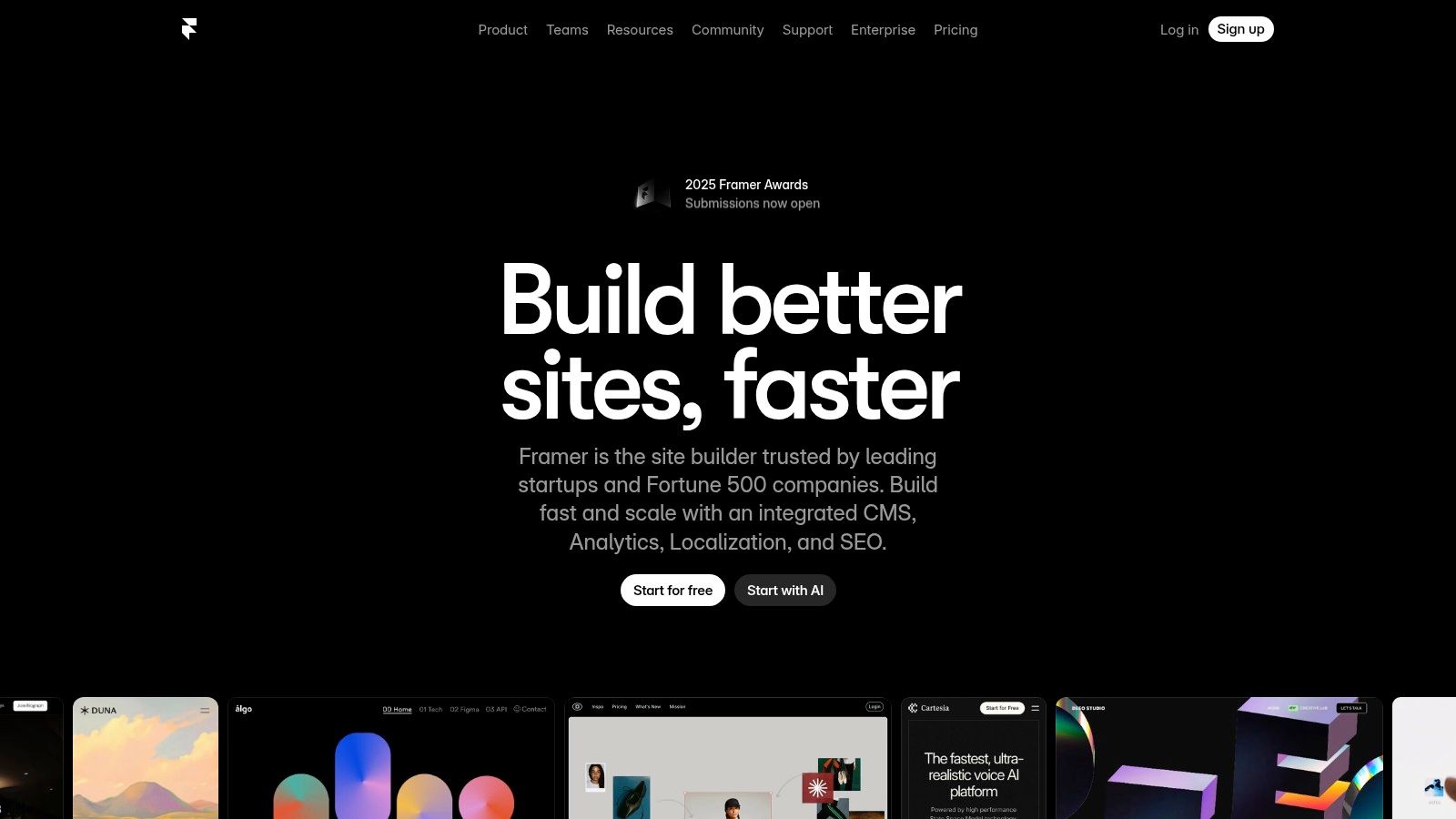
Its powerful visual canvas allows for unparalleled control over responsiveness, ensuring your site looks perfect on every device. Framer also incorporates AI-assisted features to speed up the design process and includes a built-in CMS, making it an excellent choice for dynamic portfolios, marketing landing pages, and sophisticated personal sites. The free plan is a fantastic way to learn the tool and launch a project.
Key Features and Limitations
Framer’s free offering is generous for personal use, providing access to its core design and publishing capabilities. However, commercial use and key branding features are reserved for paid tiers. Your site will be hosted on a framer.website subdomain and will include Framer branding.
Pros:
Excellent for Premium Experiences: Ideal for creating visually stunning portfolios and landing pages that feel custom-built.
Powerful Responsive Controls: The stack-based layout system gives you precise control over how your site adapts to different screen sizes.
Strong Performance and SEO: Websites built on Framer are known for fast load times and have solid built-in SEO controls.
Cons:
Paid Plan for Custom Domains: You must upgrade to a paid plan to connect your own domain name.
Prominent Branding: The free plan includes a noticeable Framer banner.
Smaller Template Ecosystem: The library of templates is growing but is not as extensive as platforms like Wix or WordPress.com.
Official Website: https://www.framer.com
12. Weebly (by Square)
Weebly, now part of the Square ecosystem, offers one of the most straightforward and approachable entry points into website creation. It's a classic drag and drop website builder free from the complexities that can overwhelm beginners, making it an excellent choice for anyone wanting to get a simple site or small online store live with minimal fuss. Its structured, section-based editor ensures a clean layout without the risk of accidentally misplacing elements.
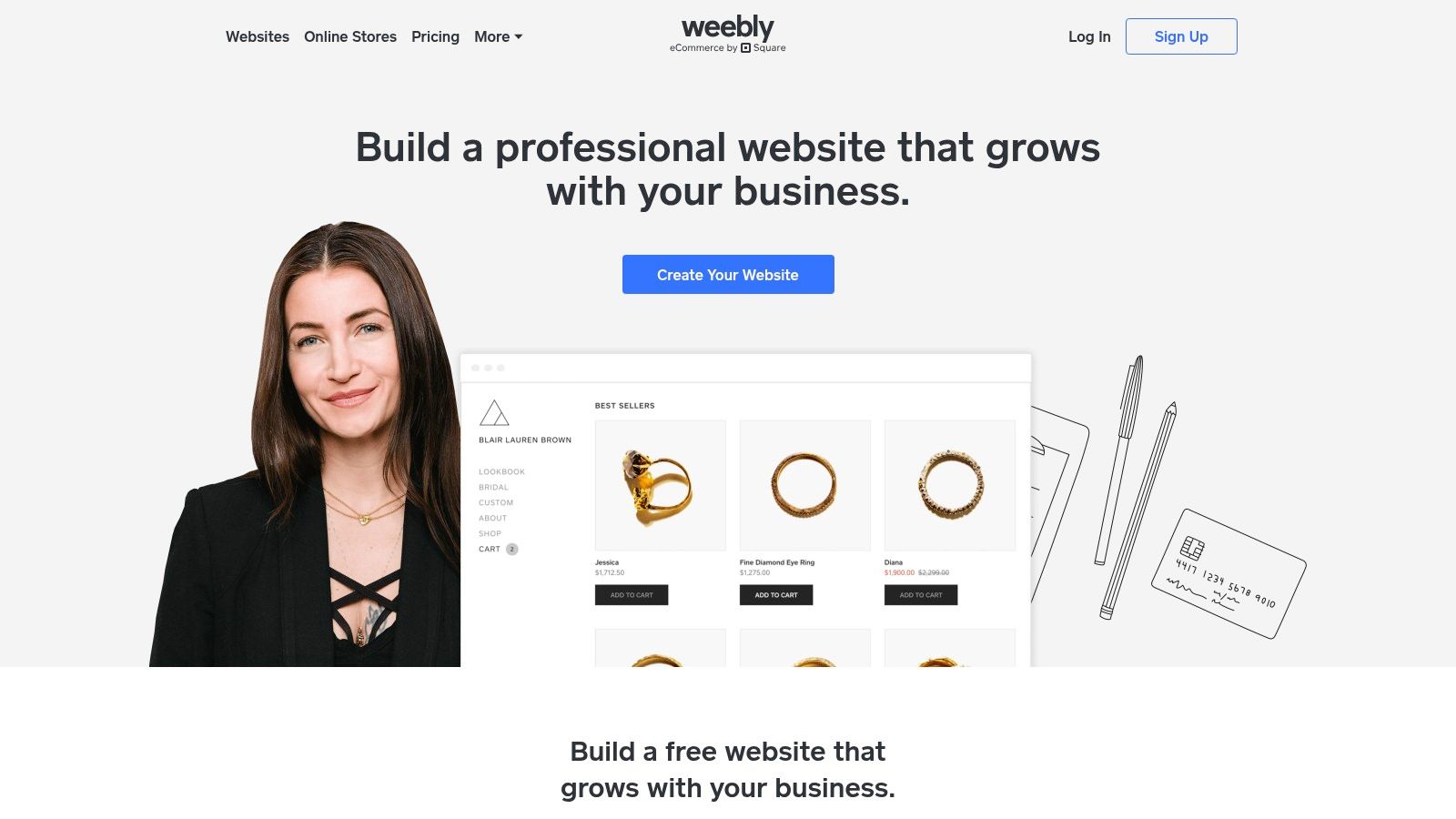
The platform's key advantage is its deep integration with Square, providing a seamless path to e-commerce, especially for those already using Square for payments. While its design flexibility isn't as vast as competitors like Wix, its focus on simplicity and ease of use is a significant draw for users who prioritize speed and functionality over intricate customization.
Key Features and Limitations
Weebly’s free plan is quite generous, offering the core tools needed to build and publish a functional website. However, it comes with Weebly branding and assigns you a yourname.weebly.com subdomain. Upgrading unlocks more powerful e-commerce features and the ability to connect a custom domain.
Pros:
Easy for Beginners: The structured editor is incredibly user-friendly and makes it difficult to create a poorly designed site.
Quick to Publish: You can go from sign-up to a published website in a very short amount of time.
Budget-Friendly Upgrades: Paid plans are competitively priced, offering a cost-effective way to add e-commerce and a custom domain.
Cons:
Dated Editor and Templates: The interface and design options feel less modern compared to leading competitors.
Limited Free Plan: Key e-commerce features require paid upgrades, and the Square integration may be restrictive if you prefer other payment processors.
Less Design Freedom: The section-based approach is less flexible than a true free-form drag-and-drop editor.
Official Website: https://www.weebly.com
12 Free Drag-and-Drop Website Builders Comparison
| Platform | Core Features | UX ★ | Unique Selling Points ✨ | Best For 👥 | Price / Value 💰 |
|---|---|---|---|---|---|
| taap.bio 🏆 | Modular bento-grid, drag‑and‑drop, smart widgets (Spotify, IG, GitHub, YouTube), separate mobile/desktop canvases | ★★★★☆ | ✨ Live, deep embeds (inline audio/video), free URL support, granular visual controls | 👥 Creators, designers, musicians, freelancers | 💰 Launching soon — no public pricing (email signup) |
| Wix | Visual drag‑and‑drop, huge template & app market, ecommerce options | ★★★★☆ | ✨ Massive app ecosystem & beginner AI setup | 👥 Small businesses, creators, beginners scaling up | 💰 Free tier; paid plans for custom domain/ecommerce |
| Webflow | Pixel‑precise visual editor, CMS, ecommerce, responsive controls | ★★★★★ | ✨ CSS-level design control + professional CMS | 👥 Designers, agencies, advanced creators | 💰 Free plan (webflow.io); paid for hosting/commerce |
| WordPress.com | Block editor, themes, hosting, blogging-first CMS | ★★★★☆ | ✨ Vast plugin/theme ecosystem & content tools | 👥 Bloggers, content marketers, growing sites | 💰 Free tier; paid tiers for plugins/custom domain |
| Google Sites | Simple drag‑drop, Google Workspace integrations, realtime collaboration | ★★★ | ✨ 100% free + Docs/Sheets/Forms embeds | 👥 Educators, teams, quick internal minisites | 💰 Free with Google account |
| Carrd | Minimal one‑page builder, mobile-first, fast templates | ★★★★ | ✨ Super quick one-page launches for links | 👥 Creators, link-in-bio, landing pages | 💰 Very low-cost Pro upgrade for custom domain/embeds |
| Strikingly | One‑page-first with sections, basic store, templates | ★★★★ | ✨ Easy store on free tier (single product) | 👥 Solo entrepreneurs, quick landing pages | 💰 Free tier; paid for more features/storage |
| SITE123 | Guided editor with pre-made blocks, simple ecommerce | ★★★ | ✨ Step-by-step setup for novices | 👥 First-time site owners, small events/businesses | 💰 Free plan; paid tiers to remove limits |
| Jimdo | Guided Dolphin or Creator editor, basic ecommerce & SEO | ★★★ | ✨ Two editor modes (guided vs flexible) | 👥 Small businesses wanting simple setup | 💰 Free plan; paid for advanced features |
| Tilda | Block-based, typography-first templates, Zero Block customizer | ★★★★ | ✨ Editorial layouts + code export on Business | 👥 Designers, campaigns, portfolios | 💰 Free limited plan; paid for Zero Block/export |
| Framer | Design-centric canvas, built-in CMS, fast hosting, AI tools | ★★★★★ | ✨ Premium performance, staging & instant publish | 👥 Premium portfolios, landing pages, teams | 💰 Free for trial; paid for commercial/custom domains |
| Weebly (by Square) | Section-based editor, Square payments, basic ecommerce | ★★★ | ✨ Simple path to add ecommerce via Square | 👥 Small stores, budget-conscious owners | 💰 Free tier; paid plans for full ecommerce features |
Making Your Final Choice: Which Builder is Right for You?
We’ve journeyed through a comprehensive landscape of the best free drag and drop website builders, from powerful all-in-one platforms to elegant single-page specialists. The sheer variety can feel overwhelming, but the perfect tool for you exists. Your final decision hinges on a single, critical question: What is the primary goal of your online presence right now?
The path to choosing the right platform is paved with self-awareness. It's about honestly assessing your technical comfort, your design ambitions, and most importantly, your audience's needs. Don't get distracted by a platform that offers a thousand features when you only need five. The "best" builder isn't the one with the most options; it's the one that removes the most friction between your idea and a published, professional-looking page.
Key Takeaways and Final Considerations
Let’s distill our findings into actionable insights. Your choice is a strategic one, balancing today’s requirements with tomorrow’s growth.
For the Traditional Website: If your goal is a classic multi-page website for a business, a detailed portfolio, or a blog, platforms like Wix and WordPress.com are your strongest contenders. Wix excels with its user-friendly interface and vast template library, making it ideal for beginners. WordPress.com offers unmatched blogging power and scalability, perfect for those with a content-first strategy.
For Unmatched Design Freedom: Creatives and designers who crave pixel-perfect control without writing code will find their home with Webflow or Framer. These tools have a steeper learning curve but reward you with the power to build truly custom, professional-grade websites that stand out. They are the best choice when your brand's unique visual identity is non-negotiable.
For Simplicity and Speed: When you need a simple, elegant online presence launched in minutes, Carrd and Strikingly are champions. They are perfect for landing pages, personal profiles, or event announcements. For absolute, no-frills simplicity integrated with Google's suite, Google Sites remains an unbeatable, truly free option.
The Modern Creator's Dilemma: Website vs. Hub
However, for many in today’s creator economy, a traditional website is overkill. You aren't building a static online brochure; you are building a dynamic, ever-evolving digital identity. Your audience wants to find your latest video, your new podcast episode, your social profiles, and your product links all in one seamless, visually engaging space. This is where the paradigm shifts from a "website" to a "hub."
This is the critical distinction that will guide your choice. A full-fledged drag and drop website builder free of charge is excellent for establishing a formal online headquarters. But a specialized link-in-bio tool like Taap.bio is designed for connection and action. It turns your one link into a vibrant, interactive dashboard of your entire digital world, optimized for the mobile-first experience your followers expect. It isn't just a list of links; it’s a living, breathing reflection of your brand.
Before you commit hours to a complex platform, revisit your core objective. Are you building a destination that will be updated quarterly, or a central hub that will be updated weekly or even daily? Your answer will illuminate the most efficient and effective path forward. Choose the tool that empowers you to create, connect, and grow without getting lost in unnecessary complexity. Your digital journey starts now; make it a powerful one.
Ready to build a hub that truly represents your dynamic brand? While traditional website builders are powerful, taap.bio offers a modern, visually stunning alternative designed specifically for creators. Experience the power of a bento-grid layout and smart widgets by creating your free, beautiful link-in-bio hub in minutes at taap.bio.