
In a world of endless scrolling, your online portfolio is your anchor. It’s the definitive space where your creative vision comes to life, unfiltered and fully under your control. A fleeting post on a social media feed can get lost in the algorithm, but a dedicated portfolio website is a permanent, professional home for your work. It signals to curators, clients, and collaborators that you are serious about your craft.
But staring at a blank canvas is daunting. Where do you even begin? The most effective approach is to learn from those who have already mastered the art of digital presentation. We've curated a list of standout artist portfolio website examples, breaking down not just what they look like, but the strategic thinking behind their success. This guide moves beyond pretty pictures; it’s a tactical playbook for building a portfolio that captivates, converts, and truly represents your unique artistic voice.
For each example, we will dissect the specific design choices, user experience details, and content strategies that make it effective. You'll find direct links and screenshots, but more importantly, you'll get actionable takeaways. We'll show you precisely how to replicate their most powerful features and layouts, with a special focus on how you can achieve these results using modern, flexible platforms like Taap.bio. Let's build the home your art deserves.
Table of contents
1. taap.bio
Best for: Artists who want a dynamic, interactive micro-portfolio instead of a static list of links.
Taap.bio elevates the standard "link-in-bio" page into a fully-fledged, visually rich portfolio, making it one of the most compelling artist portfolio website examples for creators who value design and interactivity. It moves beyond simple link lists, offering a modular, bento-style grid where you can drag, drop, and resize content blocks on a freeform canvas. This approach gives you complete control over your layout, allowing for a personalized, magazine-like aesthetic that truly reflects your brand.
The platform’s strength lies in its "smart widgets." These aren't just links; they are live, interactive embeds that pull real-time data from other platforms. This means visitors can browse your latest Instagram posts, watch your YouTube videos, or even listen to your Spotify tracks without ever leaving your Taap page. This seamless experience keeps your audience engaged and centered on your work.
Key Strengths & Features
Taap.bio distinguishes itself with a feature set built for creative expression and audience engagement.
- Modular Bento Grid: Break free from rigid templates. The drag-and-drop canvas lets you create distinct, asymmetrical layouts for both desktop and mobile, ensuring your portfolio looks exactly how you envision it on any device.
- Live Smart Widgets: The platform’s crown jewel. Showcase your work dynamically with live embeds from sources like Dribbble, Behance, and Figma. You can also integrate GitHub contribution graphs, interactive Google Maps, and rich media from TikTok and YouTube.
- Comprehensive Visual Customization: Fine-tune every element of your page. You can customize backgrounds (colors, gradients, or images), typography, icons, and even your avatar, which can be a static photo, an animated GIF, or a video.
- Rich Media Support: Embed images, autoplaying videos, and GIFs directly onto your canvas. Use text blocks for your bio, testimonials, or project descriptions to provide context alongside your visual work.
- Practical Tools & Migration: Taap.bio accepts any URL, offering customizable link previews with auto-fetched images. Notably, for artists migrating from Bento.me, it provides a free, one-click migration tool available until February 13, 2026. This makes it an ideal choice for users looking for a powerful alternative before the bento.me shutdown. You can explore more about how a link in bio for artists works on taap.bio and how to leverage these features.
Strategic Breakdown
| Feature Analysis | Tactical Advice for Artists |
|---|---|
| Independent Desktop & Mobile Layouts | Design a content-rich layout for desktop viewers while creating a streamlined, tap-friendly version for mobile. Prioritize your most important link or work for the mobile view. |
| Spotify Inline Playback Widget | If you're a musician or podcaster, embed a "Now Playing" track or a featured playlist. Allowing visitors to listen directly on your page significantly reduces friction. |
| Dribbble/Behance Portfolio Embeds | Use these widgets to create a live, auto-updating "mini-portfolio" section. This ensures your latest work is always visible without manual updates. |
| Video & GIF Avatars | Stand out instantly by using a short video loop of your creative process or an animated version of your logo as your profile picture. |
Pricing & Access
Taap.bio currently offers free account creation, allowing you to claim a unique handle (e.g., taap.bio/your-name). While the core features and the migration path from bento.me are free, detailed information on premium tiers, usage limits, or advanced features is not publicly listed. This suggests a focus on user acquisition, with potential premium offerings introduced after signup.
Pros:
- Highly flexible and visual bento grid layout.
- Deep, real-time smart widgets that increase engagement.
- Extensive customization options for a unique brand aesthetic.
- One-click migration tool for former bento.me users.
Cons:
- Lack of transparent public pricing for premium features.
- The high degree of customization might present a slight learning curve.
Website: https://taap.bio
2. Squarespace
Squarespace has solidified its reputation as the go-to platform for creatives who prioritize polished design and an all-in-one solution. It stands out by offering a curated, template-driven experience that eliminates much of the technical guesswork, making it one of the strongest contenders for building professional artist portfolio website examples without needing to code. The platform is built on the philosophy that your website's design should be as compelling as the art it showcases.
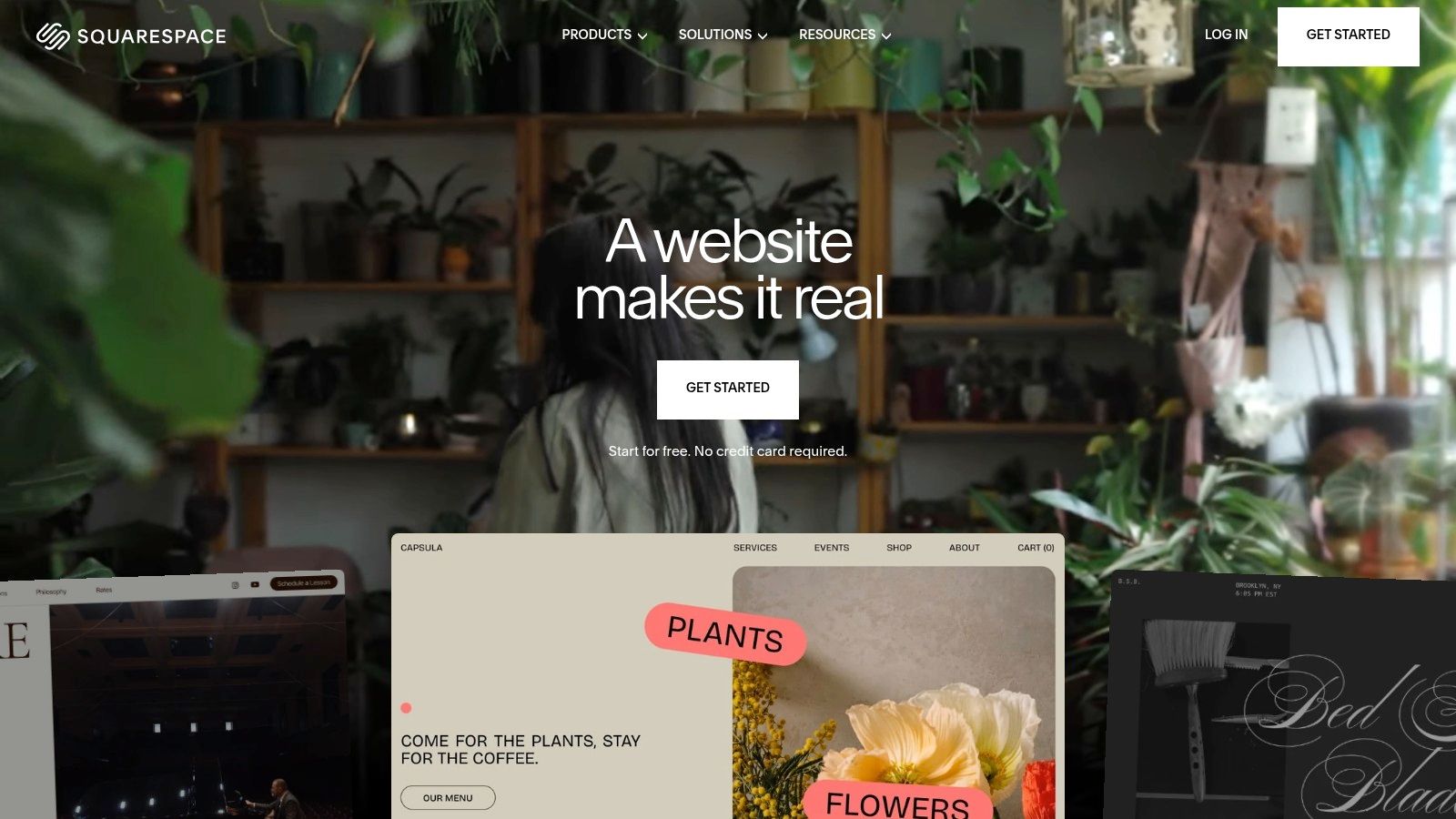
Unlike more basic builders, Squarespace excels at providing a direct path from inspiration to creation. Its dedicated section of portfolio templates and example galleries allows you to see what’s possible and then immediately start with the exact layout you admired. This is a massive advantage for artists who want a high-end look quickly.
Key Features and Strategic Breakdown
The platform's strength lies in its cohesive ecosystem. You get hosting, a domain (often free for the first year on annual plans), blogging tools, and e-commerce functionality all under one roof. This integration means you can seamlessly sell prints, digital downloads, or even book commissions directly from your portfolio.
- Design-Forward Templates: Squarespace offers dozens of award-winning, mobile-responsive templates specifically designed for visual artists, photographers, and designers.
- Intuitive Drag-and-Drop Editor: The Fluid Engine editor gives you precise control over your layout, letting you arrange images, text, and other elements on a flexible grid.
- Integrated Commerce: Start selling with built-in tools for physical products, digital goods, and services. While transaction fees apply, the convenience is undeniable.
- Appointment Scheduling: A built-in feature allows clients to book consultations or studio visits directly, which is perfect for commission-based artists.
Strategic Insight: Squarespace isn't just a portfolio host; it's a complete business hub. Use its blogging feature to share your process and boost SEO, and leverage the Acuity Scheduling integration to professionalize your commission workflow.
Pricing and Getting Started
Squarespace operates on a subscription model with a 14-day free trial to test its features. Plans are tiered based on features like e-commerce capabilities and marketing tools.
| Plan Tier | Price (Billed Annually) | Key Feature for Artists |
|---|---|---|
| Personal | Starts around $16/month | Perfect for a pure portfolio site. |
| Business | Starts around $23/month | Unlocks basic e-commerce with a 3% transaction fee. |
| Commerce Basic | Starts around $27/month | 0% transaction fees and more powerful store tools. |
Pros:
- Visually stunning templates that require minimal customization.
- All-in-one platform simplifies website management.
- Excellent customer support and detailed help guides.
Cons:
- Less design freedom compared to building from scratch.
- E-commerce plans can be more expensive than dedicated platforms.
For an artist seeking a beautiful, reliable, and professional online presence with minimal hassle, Squarespace is an exceptional choice.
Visit Website: https://www.squarespace.com
3. Wix
Wix has carved out a significant space in the website builder market by offering an unparalleled level of choice and flexibility, particularly for creatives. It is a powerful platform for artists who want extensive control over their design and access to a vast library of templates and apps. Wix empowers users to create highly customized artist portfolio website examples with a true drag-and-drop editor that isn't confined to a rigid grid.
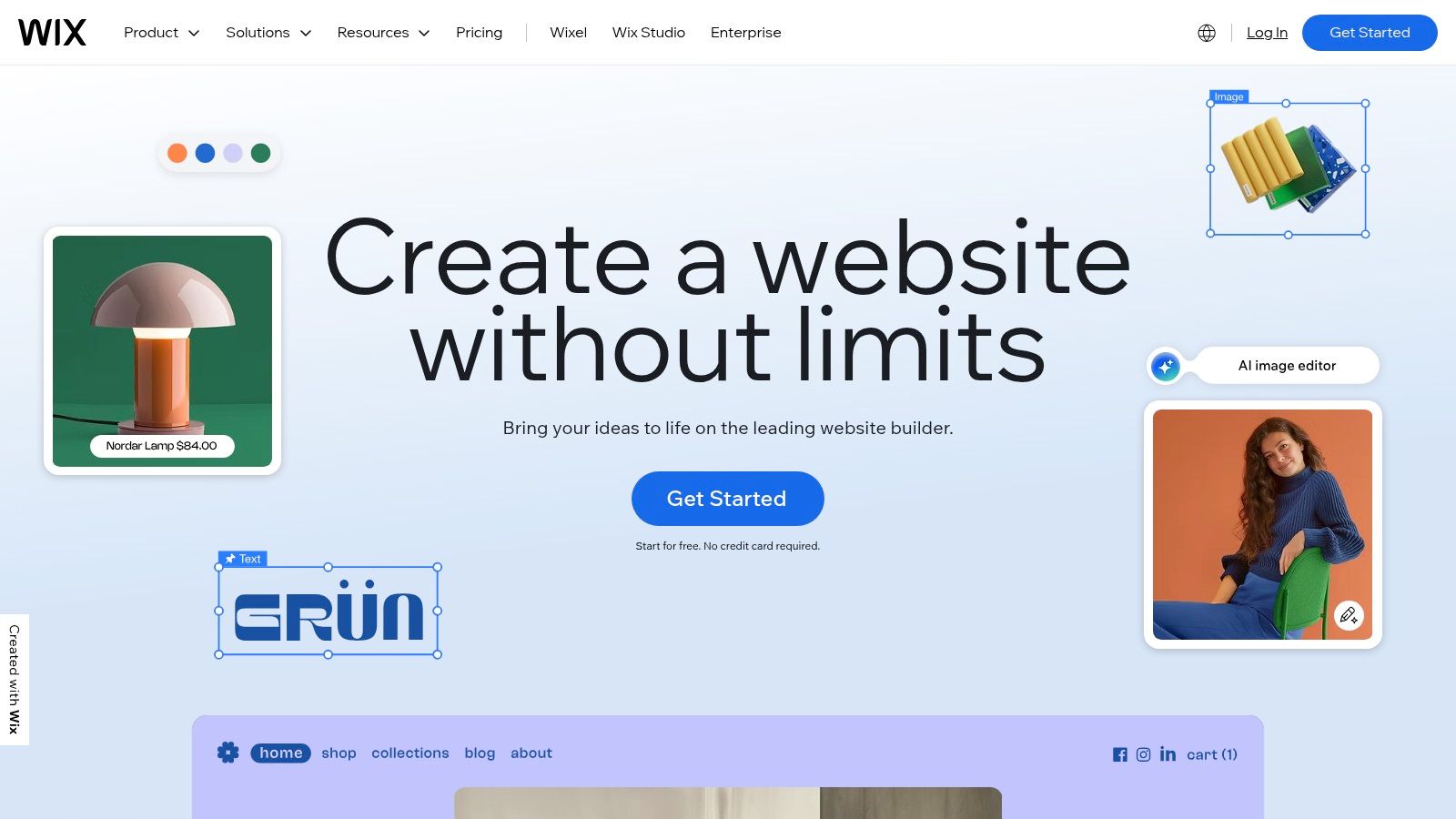
Unlike more curated platforms, Wix thrives on providing options. Its massive catalog features hundreds of templates specifically designed for artists, photographers, and designers, making it easy to find a starting point that aligns with your aesthetic. The platform also offers a free plan, which is perfect for building a proof-of-concept or a simple portfolio without any initial financial commitment.
Key Features and Strategic Breakdown
Wix's core strength is its versatile editor and expansive App Market. This combination allows you to start with a template and then add advanced functionality like art store features, booking systems, or specialized gallery formats as your needs evolve. This makes it an incredibly scalable solution for a growing artistic career.
- Hundreds of Portfolio Templates: A huge selection of pre-designed, industry-specific templates provides a launchpad for any artistic style.
- True Drag-and-Drop Editor: The Wix Editor offers pixel-perfect control, allowing you to place any element anywhere on the page for complete creative freedom. To learn more about this technology, you can explore this overview of drag-and-drop website builders.
- Wix Art Store: A dedicated app lets you sell your art as prints or digital files. It handles printing, packaging, and shipping through third-party integrations.
- App Market: An extensive library of first-party and third-party apps adds functionality for everything from advanced forms and event calendars to marketing tools.
Strategic Insight: Use the Wix free plan to rapidly prototype your portfolio layout and user experience. Once you're satisfied, upgrade to a premium plan to connect a custom domain and remove Wix ads, instantly elevating your site's professionalism.
Pricing and Getting Started
Wix offers a free-forever plan with limitations, and multiple premium tiers that unlock more features, storage, and bandwidth. Annual plans often include a voucher for a free domain for the first year.
| Plan Tier | Price (Billed Annually) | Key Feature for Artists |
|---|---|---|
| Light | Starts around $16/month | Ad-free site with a custom domain. |
| Core | Starts around $27/month | Unlocks basic e-commerce and site analytics. |
| Business | Starts around $32/month | Advanced e-commerce tools like multiple currencies. |
Pros:
- Extensive design flexibility with a true drag-and-drop editor.
- Massive template library and a robust app market.
- Excellent free plan for testing and building.
Cons:
- Complete design freedom can be overwhelming for beginners.
- Once you choose a template, you cannot switch to another one later.
For the artist who wants ultimate control over their digital canvas and access to a broad ecosystem of tools, Wix is a top-tier choice.
Visit Website: https://www.wix.com
4. Webflow
Webflow is the powerhouse platform for artists and designers who crave absolute creative control without writing code. It bridges the gap between template-driven builders and custom development, offering visual, CSS-level design capabilities that empower you to build truly bespoke artist portfolio website examples. This platform is ideal for those who think like designers and want their website to feature advanced interactions, animations, and complex, dynamic layouts.
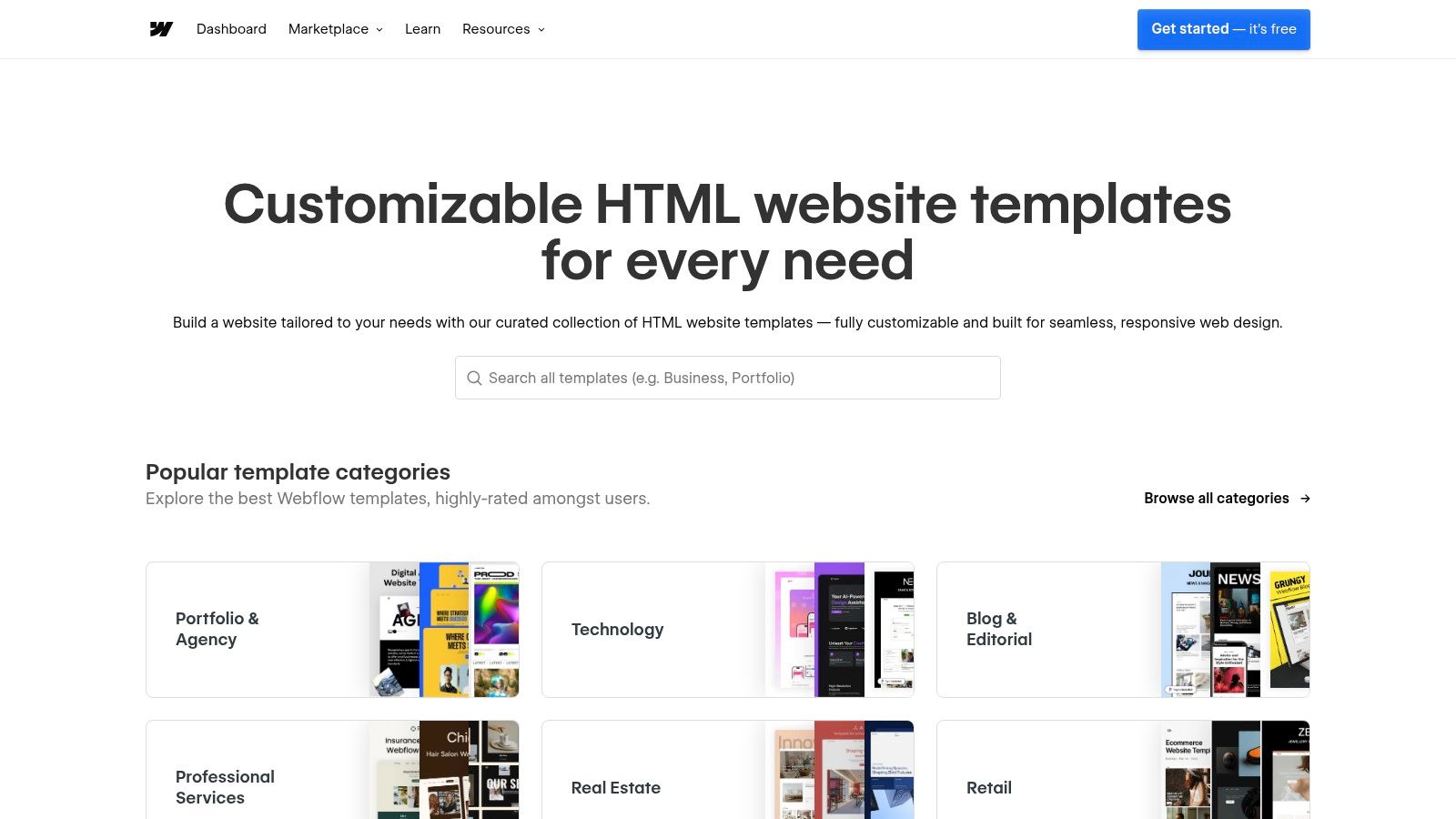
Unlike simpler drag-and-drop editors, Webflow provides granular control over every element on the page. Its large template marketplace offers a fantastic starting point, with premium portfolio designs you can purchase and then deconstruct or customize to your exact specifications. The ability to manage your portfolio through its powerful CMS (Content Management System) means updating your work is efficient and scalable.
Key Features and Strategic Breakdown
Webflow's core advantage is its visual canvas that writes clean, semantic code for you. This allows for unparalleled freedom in layout and motion design, enabling artists to create immersive digital experiences that mirror the sophistication of their work. You can start with a premium template or a blank canvas to build something from the ground up.
- Granular Design Control: Directly manipulate properties like padding, margins, and positioning for pixel-perfect results, a level of detail not found in most builders.
- Powerful CMS: Create collections for different types of artwork (e.g., paintings, sculptures, digital pieces) and design a single template to display them all dynamically.
- Advanced Interactions & Animations: Build rich, engaging animations and scroll-based interactions without plugins, making your portfolio feel alive and interactive.
- Premium Template Marketplace: Access a huge ecosystem of professionally designed templates that can be purchased (typically $49-$129) and fully customized.
Strategic Insight: Use Webflow’s CMS to not only manage your portfolio but to build a compelling narrative around it. Create separate collections for projects, case studies, and blog posts, then cross-link them to demonstrate your process and expertise. The platform's flexibility also lends itself to a modular design approach, which you can learn more about here.
Pricing and Getting Started
Webflow separates its plans into Site Plans (hosting) and Workspaces (for collaboration and building multiple sites). For a typical artist portfolio, you'll need a Site Plan. Note that template costs are a separate, one-time purchase.
| Plan Tier | Price (Billed Annually) | Key Feature for Artists |
|---|---|---|
| Basic | Starts around $14/month | Best for a simple portfolio with no CMS needs. |
| CMS | Starts around $23/month | Essential for managing a dynamic portfolio of projects. |
| Business | Starts around $39/month | High-traffic sites with advanced form needs. |
Pros:
- Agency-level polish is achievable with deep animation and CMS capabilities.
- Ultimate design freedom without needing to write code.
- Active third-party template ecosystem and premium assets are widely available.
Cons:
- Steeper learning curve compared to simpler drag-and-drop builders.
- Template cost is a one-time purchase on top of the monthly hosting plan.
Webflow is the ultimate tool for the artist who views their website as an extension of their craft and is willing to invest the time to master a professional-grade platform.
Visit Website: https://webflow.com/templates
5. Cargo (Cargo.site)
Cargo has cultivated a distinct niche as the website builder for the avant-garde, serving a community of fine artists, experimental designers, and illustrators who favor minimalism and a gallery-like aesthetic. It rejects the all-in-one, feature-heavy approach of larger platforms, focusing instead on providing a clean, content-first canvas. This makes it an ideal choice for artists who want their work to command full attention, creating some of the most focused artist portfolio website examples online.
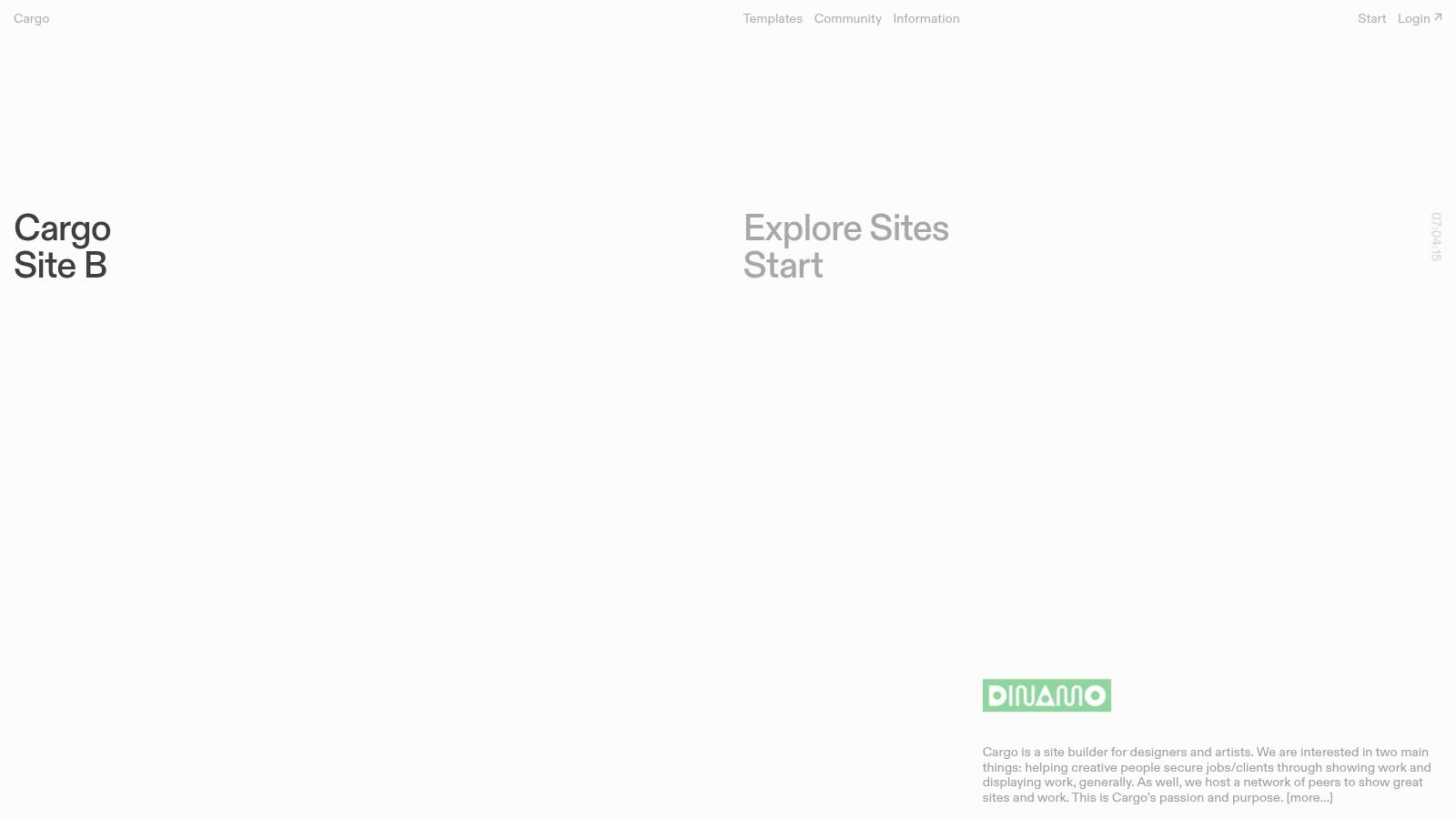
Unlike platforms with vast template libraries, Cargo offers a more curated selection that emphasizes typography, whitespace, and unique layouts. Its most compelling feature is the "Sites in Use" gallery, which showcases how other artists have customized their templates, providing real-world inspiration and demonstrating the platform's flexibility within its minimalist framework.
Key Features and Strategic Breakdown
Cargo's primary strength is its simplicity and its deep roots in the creative community. The platform is designed for quick setup, allowing you to get a sophisticated, gallery-style site online with minimal fuss. This focus on fundamentals-hosting, unlimited pages, and bandwidth-means you spend less time on administration and more time creating.
- Distinctive Portfolio Templates: Cargo provides a curated library of clean, unconventional, and mobile-responsive templates that prioritize the artwork itself.
- Simple, No-Frills Editor: The interface is straightforward, enabling quick uploads and arrangement of projects without overwhelming users with excessive options.
- Integrated Commerce: An optional commerce function can be added to sell prints or original works directly, turning your portfolio into a functional storefront.
- Community-Driven Inspiration: The "Sites in Use" gallery is a powerful tool for discovering layout ideas and seeing how peers are using the platform effectively.
Strategic Insight: Cargo excels for artists whose work benefits from a minimalist context. Use its unique layouts to create a strong visual narrative. The platform’s community feel makes it a great choice for those who want their site to feel like part of a contemporary art and design dialogue.
Pricing and Getting Started
Cargo offers a refreshingly simple pricing model with a free trial to build your site. Once you are ready to go live with a custom domain, you upgrade to the paid plan.
| Plan Tier | Price (Billed Annually) | Key Feature for Artists |
|---|---|---|
| Cargo Site | $14/month ($168/year) | Includes all core features, hosting, and unlimited pages. |
| Commerce Add-On | +$9/month ($108/year) | Unlocks e-commerce with a 0% transaction fee. |
Pros:
- Very quick to get a clean, gallery-style portfolio live.
- Real-time multi-user editing useful for collaborative studios.
- Transparent, affordable pricing structure.
Cons:
- Smaller template library compared with larger builders.
- Fewer third-party integrations than mainstream platforms.
For the artist who values a refined, uncluttered digital space and wants a website that feels more like a gallery than a marketing tool, Cargo is a superb and stylish choice.
Visit Website: https://cargo.site
6. Format
Format has carved out a specific niche by positioning itself as the portfolio builder designed by creatives, for creatives. It’s a platform deeply attuned to the workflow of professional photographers, illustrators, and visual artists who need more than just a gallery; they need a complete client management and proofing system. This focus makes it a powerhouse for those whose art is also their business, offering some of the most practical artist portfolio website examples available.
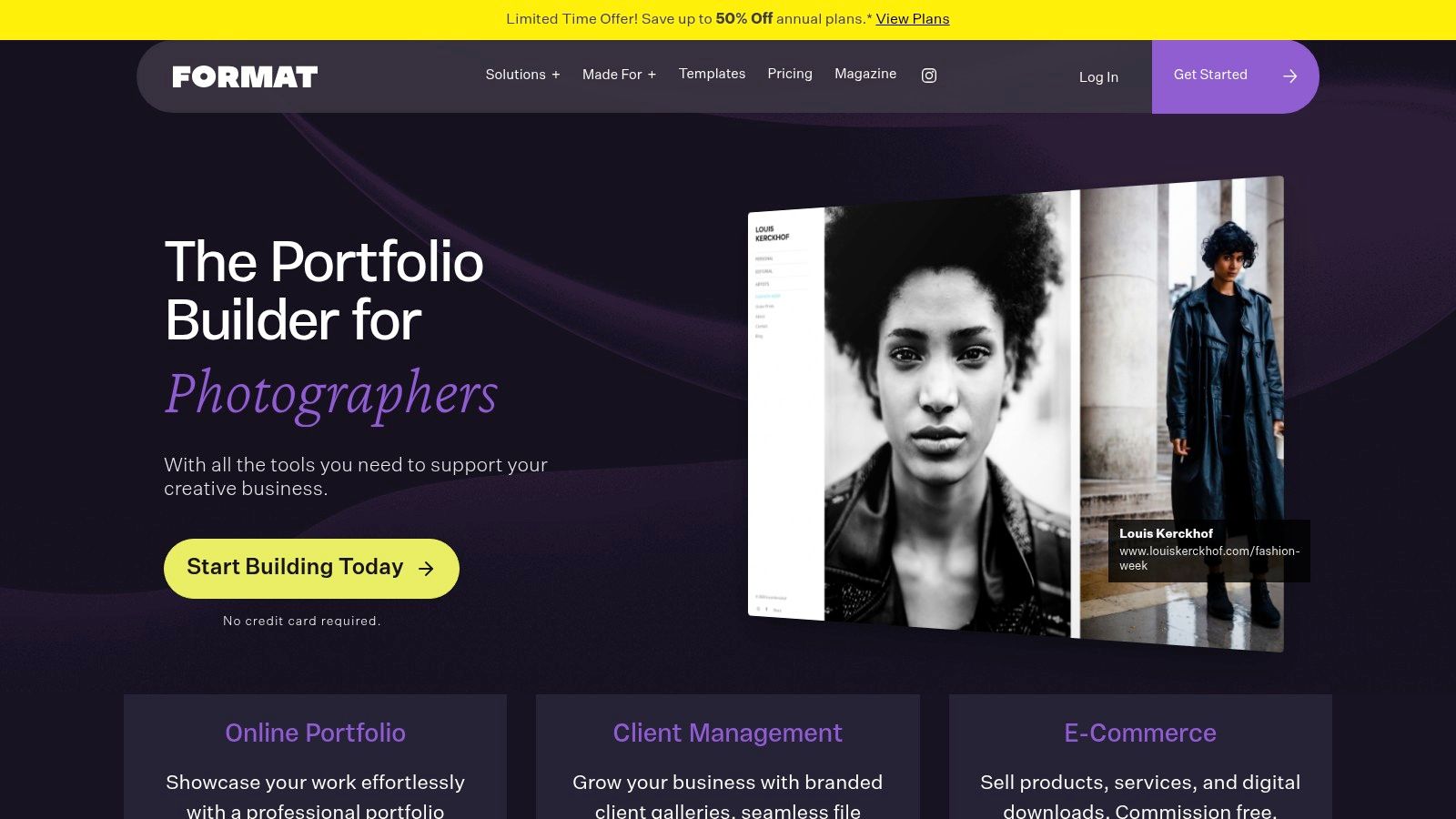
Unlike general-purpose website builders, Format’s features are tailored to solve the specific problems working artists face. Its curated themes are optimized for high-resolution, full-screen image displays, ensuring your work is the hero of every page. The platform also publishes editorial content showcasing real user sites, offering a direct line of inspiration for new artists.
Key Features and Strategic Breakdown
Format’s core strength is its suite of professional tools that integrate directly into your portfolio. It's not just about showing your work; it's about delivering it to clients, selling prints, and managing your creative workflow from a single, beautifully designed dashboard.
- Professionally Designed Themes: A collection of modern, minimalist, and responsive templates built to make visual portfolios shine, with an emphasis on large imagery.
- Integrated Client Proofing: Create private, password-protected client galleries where you can share project proofs, get feedback, and manage approvals.
- Built-in Print Store: Sell your work directly from your site. Format handles print-on-demand fulfillment and shipping for a truly hands-off sales process.
- Advanced Gallery Layouts: Go beyond a simple grid with dynamic layouts like slideshows, scrolling pages, and tiled formats to present your work in a compelling narrative.
Strategic Insight: Use Format to streamline your client-facing operations. The client proofing and gallery features are not just add-ons; they are professional tools that can elevate your service, justify higher rates, and save you hours of administrative work.
Pricing and Getting Started
Format offers a 14-day free trial and a tiered subscription model. Plans differ primarily by the number of images and pages you can have, as well as access to advanced features like video hosting and the print store.
| Plan Tier | Price (Billed Annually) | Key Feature for Artists |
|---|---|---|
| Basic | Starts around $8/month | An affordable entry point for a simple, elegant portfolio. |
| Pro | Starts around $12/month | Unlocks client proofing and a 1,500-image library. |
| Pro Plus | Starts around $18/month | Adds the integrated print store and expands storage. |
Pros:
- Purpose-built for visual artists with relevant, practical tools.
- Client proofing and private galleries are seamlessly integrated.
- Excellent customer support from a team of creatives.
Cons:
- Lower-tier plans have significant limits on pages and images.
- Less design flexibility for complex, non-portfolio pages compared to builders like Squarespace.
For artists who need a professional, client-focused platform that understands their workflow, Format is an outstanding and highly specialized choice. Its focused approach makes it a great option for those who want a powerful yet simple online presence, much like the tools discussed in a roundup of the best one-page website builders.
Visit Website: https://www.format.com
7. Carbonmade
Carbonmade has carved out a niche as the portfolio builder of choice for artists working in dynamic, media-heavy fields like illustration, 3D art, and animation. It’s designed from the ground up to let visual work speak for itself, offering a block-based editor that prioritizes speed and impact. This makes it an ideal platform for creating vibrant artist portfolio website examples where high-resolution video and motion graphics are the main event.
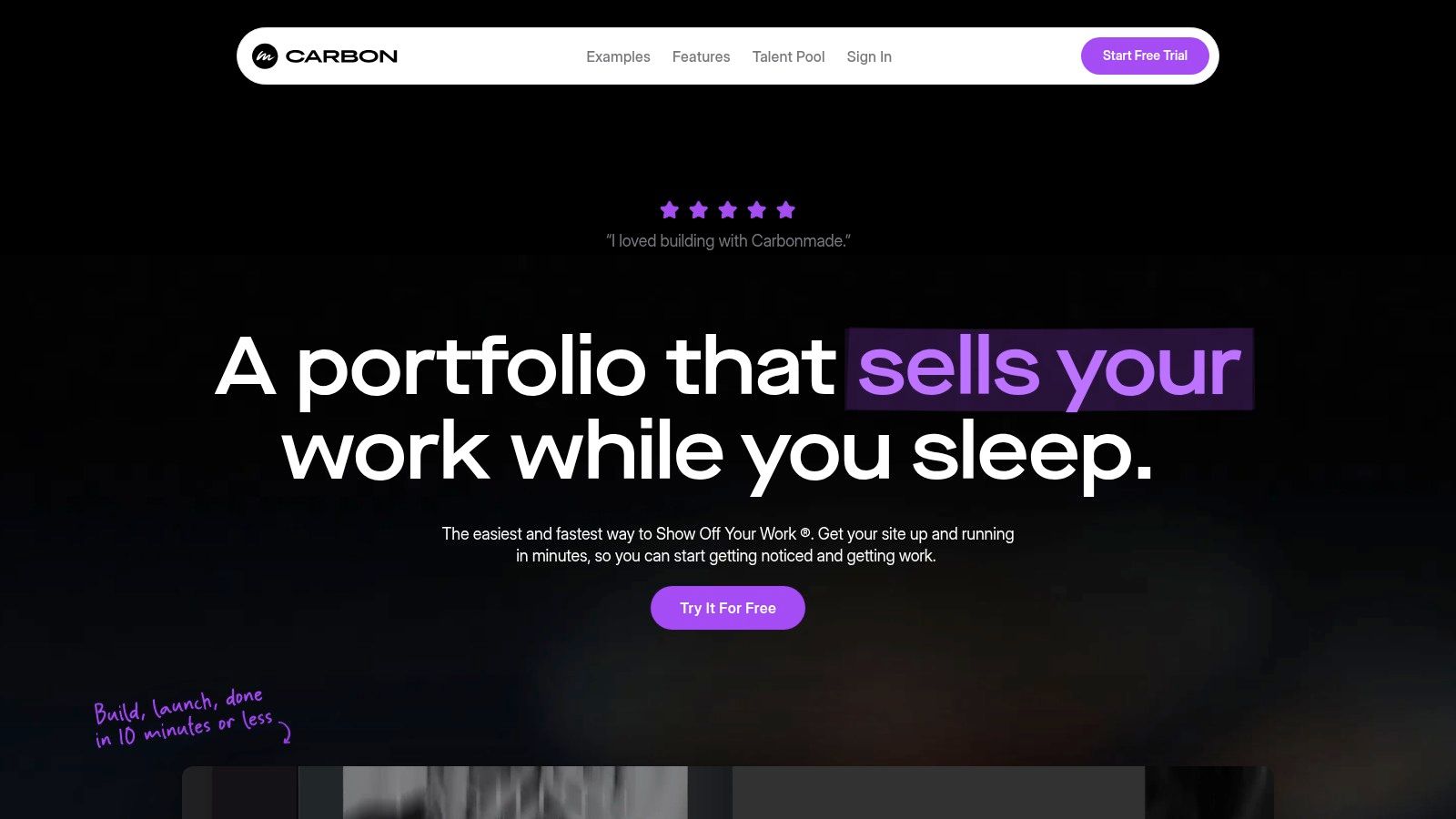
The platform’s core philosophy is to remove friction between you and a published portfolio. Carbonmade’s live "Examples" gallery provides a constant stream of inspiration from real artists, and its intuitive editor lets you assemble professional-looking project pages in minutes, not hours. For creatives who need to get their work online quickly and beautifully, it’s a powerful ally.
Key Features and Strategic Breakdown
Carbonmade excels by focusing on what visual artists need most: a frictionless way to display high-quality media. It strips away complex settings in favor of a straightforward, block-based system where you can drag, drop, and arrange your projects into compelling visual narratives. It’s less of an all-in-one business tool and more of a dedicated, high-performance gallery for your best work.
- Media-First Block Editor: Build pages with flexible layout blocks designed specifically for showcasing images, animation reels, and 4K video.
- Unlimited Uploads: Paid plans remove limits on image and video uploads, encouraging you to showcase the full breadth of your portfolio.
- Private Portfolios & Pages: Higher-tier plans allow you to create password-protected projects, perfect for sharing client-specific work or works-in-progress.
- No-Time-Limit Free Trial: You can build out your entire portfolio for free and only pay when you're ready to publish and go live.
Strategic Insight: Use Carbonmade’s block system to create dynamic case studies. Start a project page with a hero video block, follow with a grid of still images showing details, and end with a text block explaining your creative process.
Pricing and Getting Started
Carbonmade's pricing is straightforward, with tiers based on the number of projects, pages, and advanced features you need. The free trial lets you build everything first, so you can make an informed decision.
| Plan Tier | Price (Billed Annually) | Key Feature for Artists |
|---|---|---|
| Beginner | Starts around $9/month | Perfect for students or new artists (8 projects). |
| Pro | Starts around $12/month | Unlimited projects, 4K video, and portfolio stats. |
| Unreal | Starts around $22/month | Unlocks all features, including private projects and no branding. |
Pros:
- Extremely fast and intuitive for building visual-first pages.
- Excellent handling of high-resolution video and animated media.
- Generous free trial allows you to build your site before paying.
Cons:
- Fewer third-party integrations compared to larger platforms.
- Advanced layout and navigation options are tied to higher-priced tiers.
For artists, especially those in motion graphics and digital illustration, Carbonmade offers one of the quickest paths to a stunning, professional portfolio. Learn more about how a strong portfolio plays a role in promoting creative work online.
Visit Website: https://carbonmade.com
Top 7 Artist Portfolio Website Comparison
| Platform | Implementation 🔄 Complexity | Resources ⚡ Required | Expected outcomes ⭐ / 📊 | Ideal use cases 💡 | Key advantages ⭐ |
|---|---|---|---|---|---|
| taap.bio | Moderate 🔄 — canvas + widget learning curve | Low ⚡ start (free migration); may need third‑party accounts; potential unseen limits | Very high ⭐ — visually distinct, interactive pages with live embeds 📊 | Creators, musicians, podcasters, freelancers who want an interactive “link in bio” hub | Modular bento grid; deep real‑time widgets (Spotify, GitHub, IG, YouTube); fine visual control |
| Squarespace | Low 🔄 — template-driven, easy customizations | Medium ⚡ — subscription plans; domain often included on annual | High ⭐ — polished, cohesive portfolios and simple stores 📊 | Visual portfolios, small stores, users wanting turnkey design | Strong templates and example galleries; built‑in commerce and blogging |
| Wix | Low 🔄 — drag‑and‑drop, many ready templates | Low ⚡ to start (free plan); premium tiers for domain/features | Good ⭐ — fast proofs and flexible pages; many widgets 📊 | Rapid prototypes, designers wanting many pre‑styled options | Huge template catalog; extensive app ecosystem; fast launch |
| Webflow | High 🔄 — CSS‑level control, steeper learning | Medium–High ⚡ — template costs + separate hosting; more time investment | Very high ⭐ — agency‑level polish, advanced animations and CMS 📊 | Designers/agencies needing granular layout and interactions | Precise visual/CSS control; powerful CMS and interaction tools |
| Cargo (Cargo.site) | Low 🔄 — minimal, gallery‑focused setup | Low–Medium ⚡ — flat pricing; optional commerce add‑on | High ⭐ for clean gallery sites 📊 | Fine artists, illustrators, experimental designers preferring minimal aesthetic | Fast gallery‑style setup; transparent pricing; community examples |
| Format | Low 🔄 — theme‑based, workflow tools included | Medium ⚡ — paid tiers with limits; domain/email add‑ons | High ⭐ for photographer workflows; proofing and client delivery 📊 | Photographers and artists needing client proofing and sales tools | Built for client workflows (proofing, galleries); hands‑on support |
| Carbonmade | Low 🔄 — block editor focused on media | Medium ⚡ — paid tiers for unlimited/high‑res uploads | High ⭐ for media/video portfolios; optimized reels 📊 | Illustrators, 3D artists, animators and media‑heavy portfolios | Excellent video/media support (4K on higher plans); fast assembly of visual pages |
From Inspiration to Action: Build Your Portfolio Today
We've journeyed through a dynamic gallery of artist portfolio website examples, deconstructing what makes each one a powerful testament to creative vision. From the highly curated, minimalist showcases on Cargo to the robust, feature-rich platforms like Squarespace and Webflow, a clear pattern emerges. A successful portfolio is more than a digital gallery; it's a strategic extension of your artistic brand.
The most compelling portfolios we analyzed don't just display work, they tell a story. They guide visitors through a carefully constructed narrative, using smart navigation, high-quality imagery, and concise project descriptions to create an immersive experience. They prove that you don't need to be a coding genius to build a professional and impactful online presence.
Key Principles for Your Own Portfolio
As you move from inspiration to implementation, remember these core takeaways. Your portfolio's primary goal is to make your art unforgettable and make it incredibly easy for potential clients, collaborators, or galleries to connect with you.
- Clarity Over Clutter: The best portfolios prioritize the art. They use whitespace, simple navigation, and intuitive layouts to ensure the creative work is the hero. Avoid overwhelming visitors with too many elements at once.
- Narrative is King: Don't just show your work, explain its context. A brief but insightful description of your process, the project's goal, or the story behind a piece can transform a viewer into a fan.
- Mobile-First is Non-Negotiable: A significant portion of your audience, including busy creative directors and curators, will view your site on a mobile device. Every design choice must be tested and optimized for a flawless experience on smaller screens.
- A Clear Call to Action: Your portfolio should have a purpose. Whether it's to generate commission inquiries, sell prints, or grow your social following, guide your visitors toward that next step with clear, accessible contact information or links.
Choosing Your Platform: Strategy Defines the Tool
The right tool for you depends entirely on your specific needs and technical comfort level. If you require deep e-commerce integration and a blog, a platform like Squarespace or Wix might be your best fit. For those who want unparalleled design control and are willing to navigate a steeper learning curve, Webflow is the industry standard.
However, for many artists today, the traditional multi-page website is becoming less essential. The modern creative needs a centralized, dynamic hub that can be updated in minutes and consolidates their entire digital ecosystem. This is where the evolution of the portfolio becomes critical. The best artist portfolio website examples are often no longer sprawling sites but concentrated, powerful landing pages.
This is the future, and tools are adapting to meet this demand. The goal is no longer just to have a website but to have an efficient, beautiful, and powerful central link that directs your entire audience. It's about building a digital headquarters that truly works for you, consolidating your social media, shop, contact forms, and featured work into one accessible place. Don't let analysis paralysis stop you. Choose the platform that aligns with your goals and start building. Your art deserves a home that is as carefully crafted as the work itself.
Ready to build a portfolio that consolidates your entire creative world into one stunning, mobile-first page? With taap.bio, you can implement the design principles from these top-tier artist portfolio website examples in minutes, not weeks. Start building your beautiful, all-in-one portfolio for free at taap.bio and give your art the spotlight it deserves.


