
Let's get straight to it: your Instagram bio character limit is a strict 150 characters. That's it. Every single letter, number, emoji, symbol, space, and even the line breaks you use to make it look clean—it all eats into that total. Think of it as your digital elevator pitch. You've got one shot to make an impact, and every character has to pull its weight.
Table of contents
Making Sense of the 150-Character Limit
Your Instagram bio is often the first real touchpoint someone has with your brand. That tight 150-character limit isn't new; it's been around since the beginning, forcing us all to get creative and concise. It’s a creative constraint that pushes you to deliver a powerful message, fast.
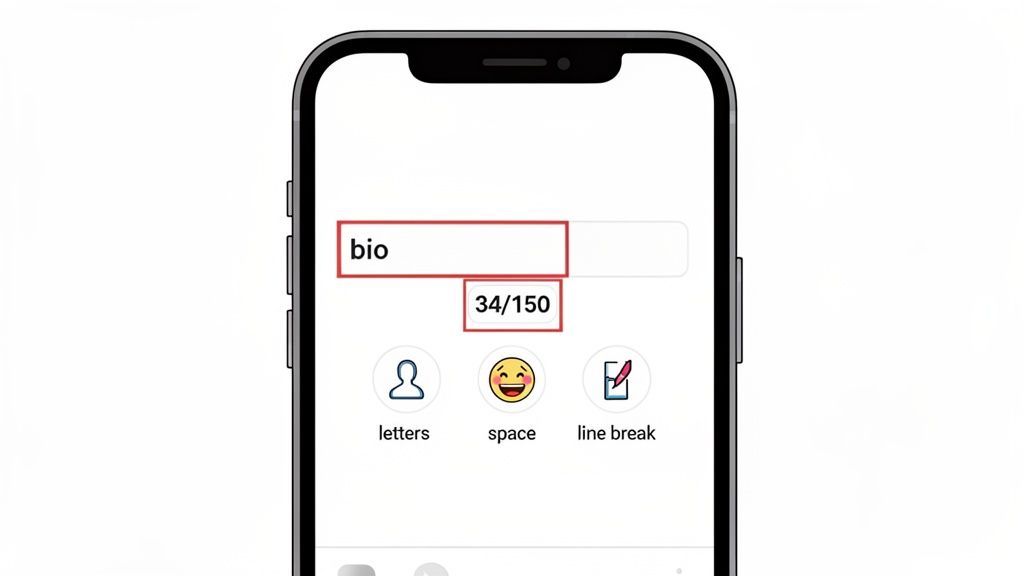
It’s crucial to understand that everything you type counts. That cool emoji you want to add? That's a character. Hitting 'enter' to drop to a new line for better readability? Yep, that's another character gone. Once you get your head around this, you can start mapping out your bio strategically, making sure no space is wasted. A well-crafted bio is a cornerstone when you're figuring out how to build an online presence.
What Counts Against Your Limit?
So, what exactly chips away at those precious 150 characters? The short answer: literally everything.
- Letters & Numbers: Obvious, right? Every "a" or "1" is one character.
- Spaces: The spaces between your words each count as one character.
- Emojis: Don't be fooled by their size. Every single emoji counts as at least one character.
- Symbols: Special characters like $, &, or @ all take up a spot.
- Line Breaks: Hitting 'return' or 'enter' to start a new line isn't free—it costs you one character each time.
This simple concept map really drives the point home: the 150-character limit is the central rule for everything you put in that space.
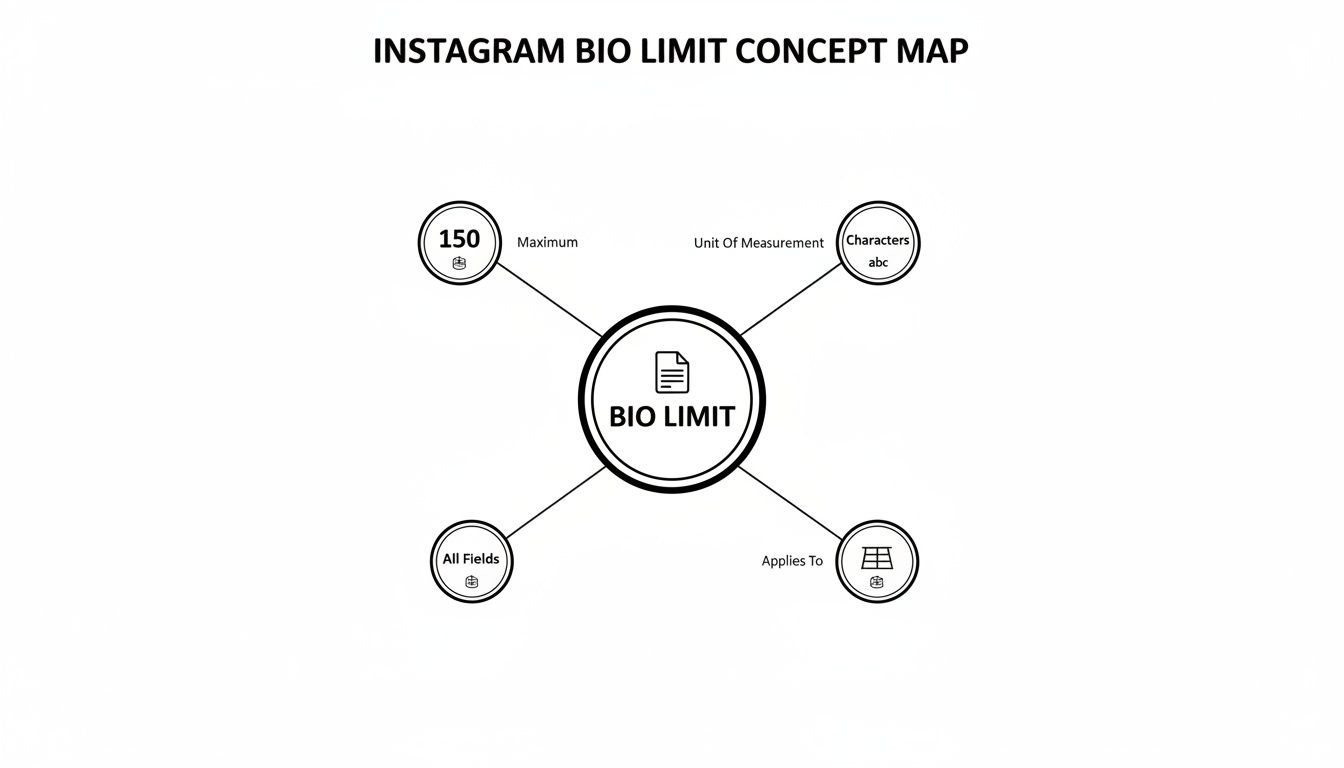
As you can see, there’s no getting around it. The 150-character rule is absolute and applies to every single thing you add.
More Than Just the Bio: Other Profile Limits to Know
While the bio gets all the attention, it’s not the only field with a character limit. Your entire profile is a game of character counts, and knowing the rules for each part helps you build a cohesive brand identity.
Here's a quick cheat sheet for your whole Instagram profile.
Instagram Profile Field Character Limits
Profile Field Character Limit What This Means for You | Username | 30 characters | This is your unique @handle. Keep it short, memorable, and as close to your brand name as possible.
| Name | 30 characters | This is the bolded name at the top of your profile. It's searchable! Use your full name or include keywords.
| Bio | 150 characters | Your main pitch. This is where you tell people who you are, what you do, and what they should do next.
| Website | 100 characters | You only get one clickable link. Make it count! This is where a link-in-bio tool becomes a lifesaver.
Keeping these limits in mind ensures you're optimizing every single piece of your Instagram real estate, not just the bio itself.
Why Every Character Is a Conversion Opportunity
Your Instagram bio is so much more than a quick summary—it’s your digital handshake. It’s a tiny but mighty conversion tool, and with only 150 characters to work with, every single letter, emoji, and even space needs to pull its weight. This small block of text is your best shot at turning a casual visitor into a dedicated follower or customer.
Don’t think of the instagram bio character limit as a frustrating constraint. Instead, see it as a creative challenge. A lazy bio just says who you are. A great bio, on the other hand, is always working for you, driving sales, building a community, or growing your audience. It has to instantly answer three questions for anyone who lands on your profile: Who are you? What do you do? And why should I stick around?
From Passive Description to Active Conversion
The gap between a generic bio and a strategic one is massive. A vague bio just creates confusion and loses you opportunities. But a sharp, compelling bio acts like a funnel, sending traffic exactly where you want it to go—especially to that one precious link you get.
A well-crafted bio doesn't just get you more followers; it gets you the right followers—the people who are genuinely fired up about what you offer. That kind of precision is what turns your profile into a real growth engine.
When you look at the data, profiles with truly optimized bios can see their visit-to-follow conversion rates jump by as much as 25%. It's proof that a little bit of thoughtful effort here pays off big time. Injecting personality and value into your bio makes people see you as more authentic, which is everything on social media.
Your call-to-action (CTA) is the final piece of the puzzle. It’s the command that turns curiosity into action. A powerful CTA that clearly explains the meaning of link in bio ensures people don't just glance at your profile and leave—they click, they shop, they subscribe. They engage.
How to Avoid Common Character Count Traps
Have you ever written the perfect bio, hit save, and been greeted with that frustrating "too long" error? We’ve all been there. The official 150-character limit is just the tip of the iceberg. A few hidden "character vampires" can secretly chew up your precious space, and knowing what they are is the key to winning the bio game.
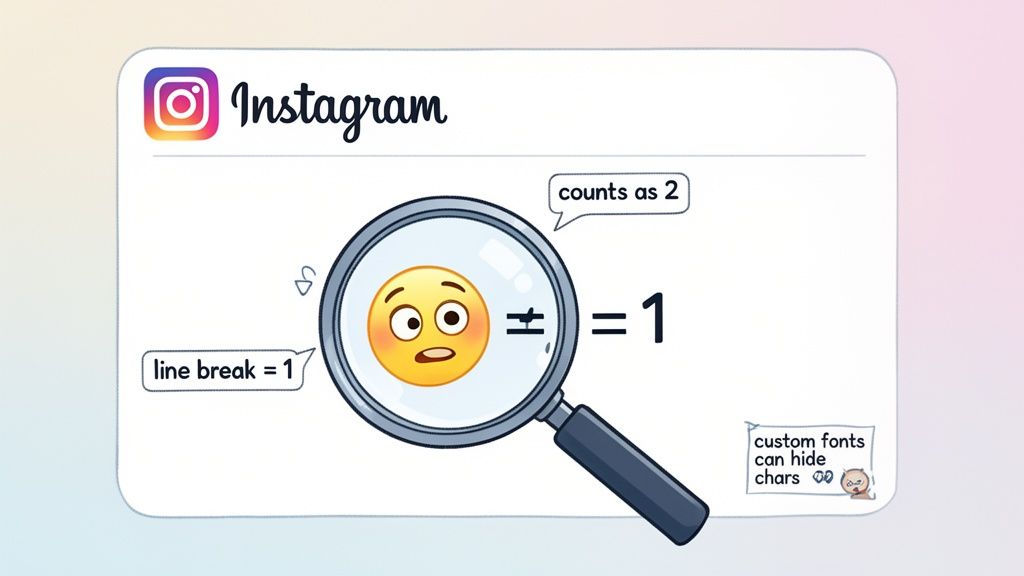
One of the sneakiest culprits is how Instagram counts different elements. It's not as straightforward as you'd think. For instance, not every emoji is a single character. A simple smiley face (😊) usually is, but newer or more complex emojis can easily count as two or more. And that clean, spaced-out look? Every time you hit "enter" to create a line break, poof, another character is gone.
Deceptive Fonts and Sneaky Links
Another huge trap I see people fall into is using custom fonts from those online generators. They definitely look cool and help you stand out, but there’s a catch. Those stylish letters aren't really text; they're special Unicode symbols. This means a single fancy letter can gobble up two, three, or even more characters from your limit.
A bio that looks like it's only 100 characters could actually be well over the 150-character limit once you factor in custom fonts and multi-character emojis. The only way to know for sure is to test it directly in Instagram.
Finally, don't forget that your bio text is completely separate from your name and username. Those fields have their own 30-character limits and do not count against your bio's 150 characters. If you want to get that part of your profile just right, you can learn more about how to change your Instagram name to better fit your brand.
By keeping an eye out for these common traps—especially complex emojis, line breaks, and those sneaky custom fonts—you can make every single character work for you and craft a bio that’s as effective as it is stylish.
Maximizing Your Bio for Style and Impact
Knowing the rules of the Instagram bio character limit is the first step, but truly mastering that tiny space is what separates the pros from the amateurs. A great bio isn't just about what you say—it's about how you say it. To craft a profile that’s both stylish and effective, you need to be smart about your layout, language, and that all-important call-to-action (CTA).
Think of your bio as a tiny, high-impact landing page. A few simple tweaks can turn a boring block of text into a scannable, engaging introduction that tells people exactly where to look and what to do.
Crafting a Scannable and Compelling Layout
Readability is everything. Let's be honest, nobody wants to squint at a dense, jumbled paragraph. This is where strategic formatting becomes your secret weapon.
- Use Line Breaks Wisely: Yes, each line break eats up one precious character, but the visual clarity it creates is worth its weight in gold. Use them to separate your tagline, what you offer, and your CTA into clean, distinct lines. That little bit of white space makes your bio feel organized and much easier to digest.
- Leverage Emojis as Bullets: Emojis aren't just for fun; they're powerful visual cues. Instead of using generic dashes or asterisks, pop in emojis that match your brand’s vibe (like 🌱 for an eco-friendly brand, 💻 for a tech guru, or ✨ for a motivational coach). This trick saves space while drawing the eye straight to your key points.
This approach makes your bio instantly understandable at a glance. For an even cleaner look, many creators take it a step further and build a custom link-in-bio grid to organize their content visually.
The best bios are built for scanning, not deep reading. The goal is to deliver the most information in the least amount of time and persuade visitors to stick around.
Driving Action with a Magnetic CTA
Finally, a killer bio always wraps up with a clear and compelling call-to-action. Don't just state what you do—tell people what you want them to do next. It's a subtle but crucial difference.
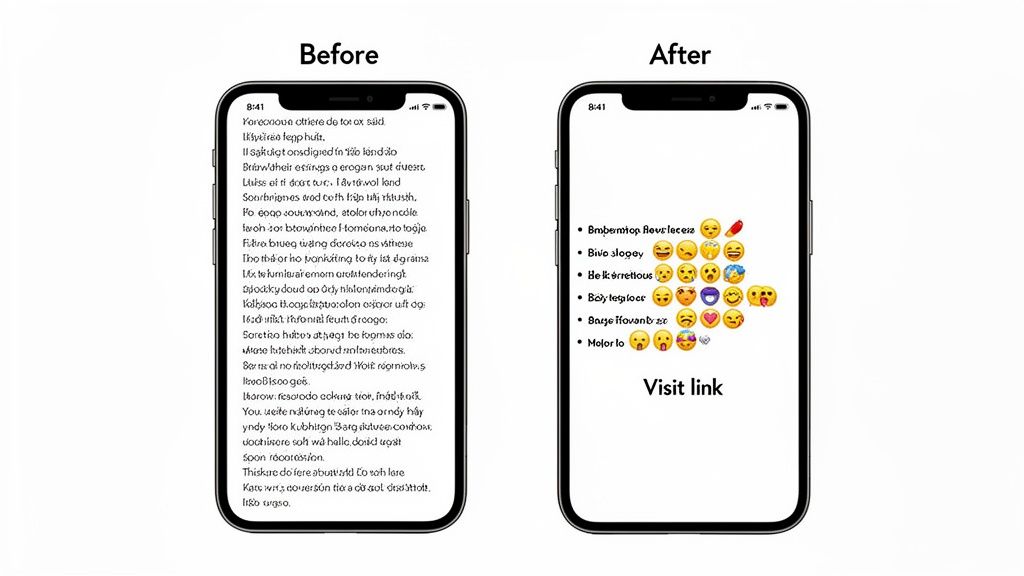
- Before: "I'm a fitness coach helping people get healthy."
- After: "👇 Get your FREE 7-day workout plan! 👇"
See the difference? The "After" version creates urgency and offers immediate value, giving people a real reason to click that link. It's a small change that can have a massive impact on turning profile visitors into followers and customers.
How to Intelligently Get Around the Bio Limit
Feeling stuck inside the tiny box that is the Instagram bio character limit? I get it. While you can't magically expand the bio field itself, there's a smarter way that experienced creators and brands use to tell their full story. The secret isn't some shady hack—it's about turning your one "link in bio" into a powerhouse.
This strategy transforms your single, static website link into a dynamic gateway to everything you do. Instead of desperately trying to cram every project, product, and social profile into 150 characters, you point followers to a custom micro-page that holds it all. This is where a tool like Taap.bio comes in, acting as a central hub for your entire online world.
From a Simple Link to an Interactive Brand Hub
Think of your Taap.bio page as your brand's digital storefront. It’s way more than just a boring list of links. It uses a clean, modular grid where each piece of content gets its own visually appealing block. This simple change turns your bio link from a basic redirect into an immersive experience where people can actually interact with your brand.
With a setup like this, you can showcase rich, live content that a text-only bio could never dream of.
- Latest YouTube Videos: Embed your newest uploads right on the page. People can watch instantly.
- Spotify Playlists & Podcasts: Let visitors listen to your curated tracks or latest podcast episodes without ever leaving your page.
- Recent Instagram Posts: Display a live feed of your latest posts to pull them deeper into your content.
This keeps your Instagram bio clean, punchy, and focused on one powerful call to action: "Click the link!" Once they do, they land in a rich, interactive world that tells your complete story, something 150 characters could never do. You can even feature your main Instagram profile prominently—if you need a quick refresher, check out our guide on how to copy your Instagram link so you can share it anywhere.
By bringing your entire digital footprint together under one link, you're not just getting around a character limit. You're building a cohesive, professional brand experience that turns casual visitors into real followers.
Frequently Asked Questions About the Instagram Bio
Alright, let's clear up some of the common snags people run into when they're polishing their Instagram bio. Think of this as your quick-fire guide to getting it just right.
Does My Name Count Toward the Bio Limit?
Nope, it doesn't! Your Name field and your bio are two totally separate things. The name field gets its own 30-character limit, so whatever you put there won't eat into the 150 characters you have for your bio.
This is actually a great little hack. You can use that name field for more than just your name—think searchable keywords like "LA-based Photographer" or "Keto Recipe Creator."
How Do I Add Line Breaks?
This is one of the most-asked questions, and thankfully, it’s simple. The easiest way to get those clean line breaks is to write your bio out first in a notes app on your phone.
Just hit the 'return' key to create the spacing you want. Once it looks perfect, copy the whole thing and paste it directly into your Instagram profile editor. Done.
The Instagram line break generator handles this automatically - paste your text, copy the output, and the line breaks survive when you paste into Instagram.
Pro Tip: Each line break counts as 1 character. Drafting in a notes app lets you get the formatting right and count your characters before you even touch Instagram, saving you a ton of back-and-forth editing.
Why Is My Bio Link Not Clickable?
If you've ever typed a URL directly into your main bio text, you've probably noticed it just sits there as plain text. That's because links are only clickable when you put them in the dedicated Website field.
Head to 'Edit Profile' and you'll see a specific spot for your URL. Pop it in there, make sure it includes the http:// or https:// part, and you're good to go.
Can I Use Custom Fonts?
You absolutely can, but there's a catch. Those cool-looking fonts you see are made of special Unicode characters, and they often use up more space than you'd think. A single fancy letter might count as two or even three characters against your limit.
If you're using a font generator, always paste it into Instagram to check if you've gone over the limit before you hit save.
Feeling boxed in by that 150-character limit? That's where a tool like Taap.bio comes in. It lets you create a beautiful landing page where you can share everything—all your links, projects, and content—without being constrained by a character count.
Create your free Taap.bio page today and transform that one little link into a gateway for your entire brand.


