In a feed dominated by single images, a thoughtfully designed collage is what stops the scroll. It’s more than just a way to fit extra photos into one post; it’s a powerful tool for telling richer stories, establishing a specific vibe, and building a memorable brand aesthetic that captures attention instantly. A great collage can transform a simple "before and after" into a compelling narrative or showcase a product line in a single, elegant layout.
But with countless options flooding the app stores, finding the right tool can feel overwhelming. This guide cuts through that noise. We've rigorously tested and curated the absolute best Instagram collage apps available today, from comprehensive design suites to quick, intuitive mobile editors. Our goal is to help you find the perfect fit for your specific creative workflow and content strategy, so you can start producing visuals that truly stand out. While these apps are fantastic for visual storytelling, elevating your entire online presence often requires a wider toolkit. Exploring the best social media content creation tools can provide a broader strategy for growth across all platforms.
Whether you're crafting a complex carousel post, a dynamic animated Story, or a polished Reel, the right app makes all the difference. In this list, you'll find detailed breakdowns, screenshots, and direct links for each tool, ensuring you have everything you need to make an informed choice and elevate your Instagram game.
Table of contents
1. Canva
Canva is more than just an app; it's a comprehensive design ecosystem that makes creating stunning Instagram collages incredibly simple. While many tools focus solely on grid layouts, Canva provides a massive library of fully customizable templates for Posts, Stories, and Reels, making it one of the best Instagram collage apps for creators who value both speed and aesthetics. Its drag-and-drop interface is famously intuitive, allowing you to build beautiful, on-brand content in minutes directly from your browser or its powerful mobile apps.
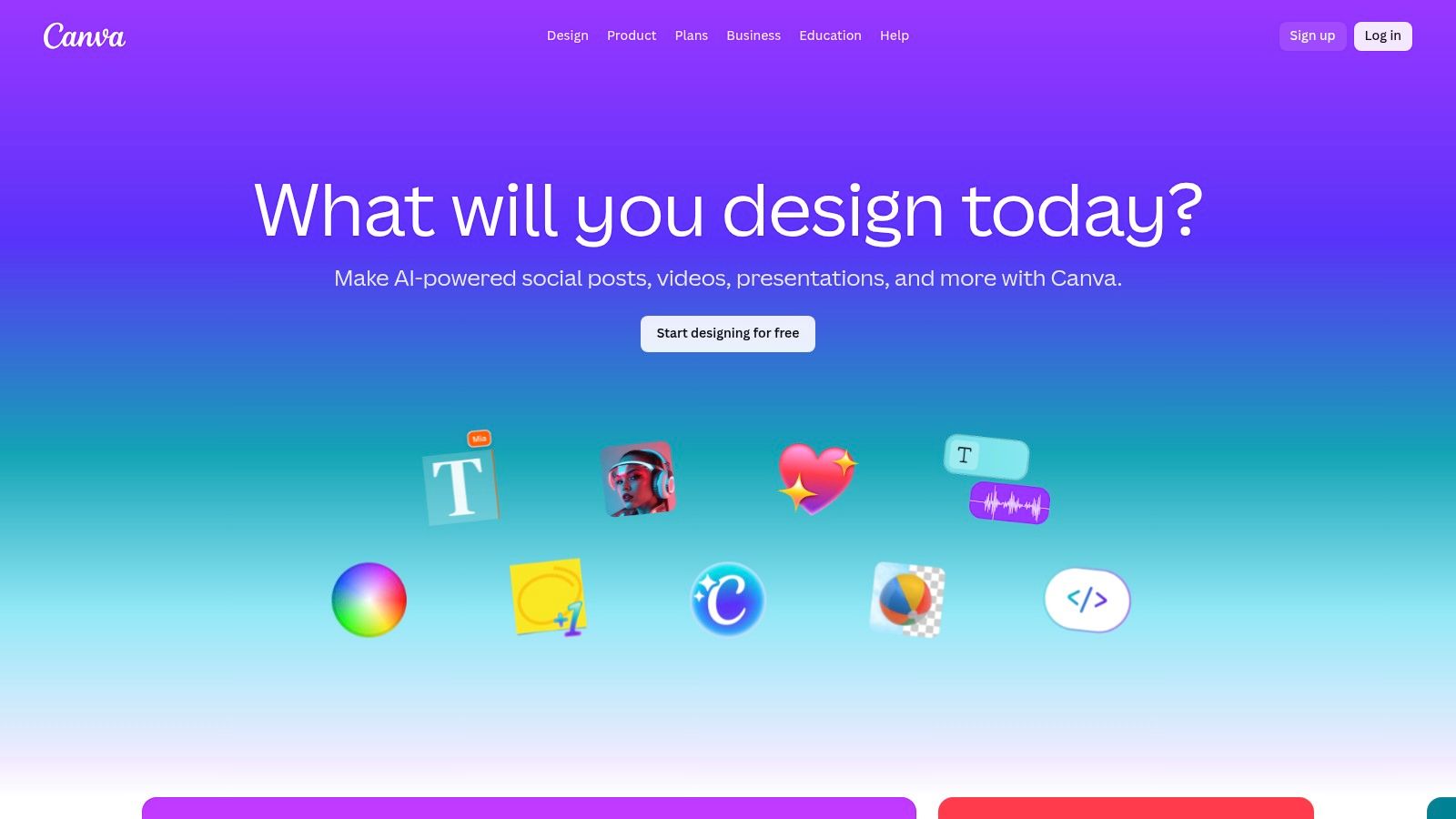
What truly sets Canva apart is its versatility. You can start with a blank canvas or a "Top 9" template, effortlessly add your photos, and then enhance your creation with an enormous selection of fonts, graphics, and stock images. The platform excels at helping you maintain a consistent look. For those looking to level up their branding, the premium "Brand Kit" feature is a game-changer, storing your logos, colors, and fonts for one-click access. Its design principles also help creators understand the basics of visual hierarchy in web design, making your collages more effective.
Key Details & Features
| Feature | Details |
|---|---|
| Pricing | Free Plan available. Canva Pro starts at $14.99/month for one person. Canva for Teams has custom pricing. |
| Platform | Web Browser, iOS, Android, macOS, Windows |
| Best For | All-in-one content creation, from quick Story grids to complex animated collages for Reels. |
| Standout Features | Massive template library, one-click background remover (Pro), and real-time team collaboration. |
- Pros: Extremely beginner-friendly, huge library of free assets, and seamless cross-platform syncing.
- Cons: The best features (Brand Kit, premium stock content, Magic Resize) are locked behind a paywall.
- Website: https://www.canva.com
2. Adobe Express
Adobe Express brings the power and reliability of the Adobe ecosystem into a streamlined, user-friendly package perfect for social media. As one of the best Instagram collage apps, it offers a vast collection of professionally designed templates for Posts, Stories, and Reels. It simplifies the design process with intuitive tools, allowing creators to produce polished, high-quality collages that feel professional without the steep learning curve of tools like Photoshop or Illustrator. Its web and mobile apps sync seamlessly, making it easy to start a project on your desktop and finish it on your phone.
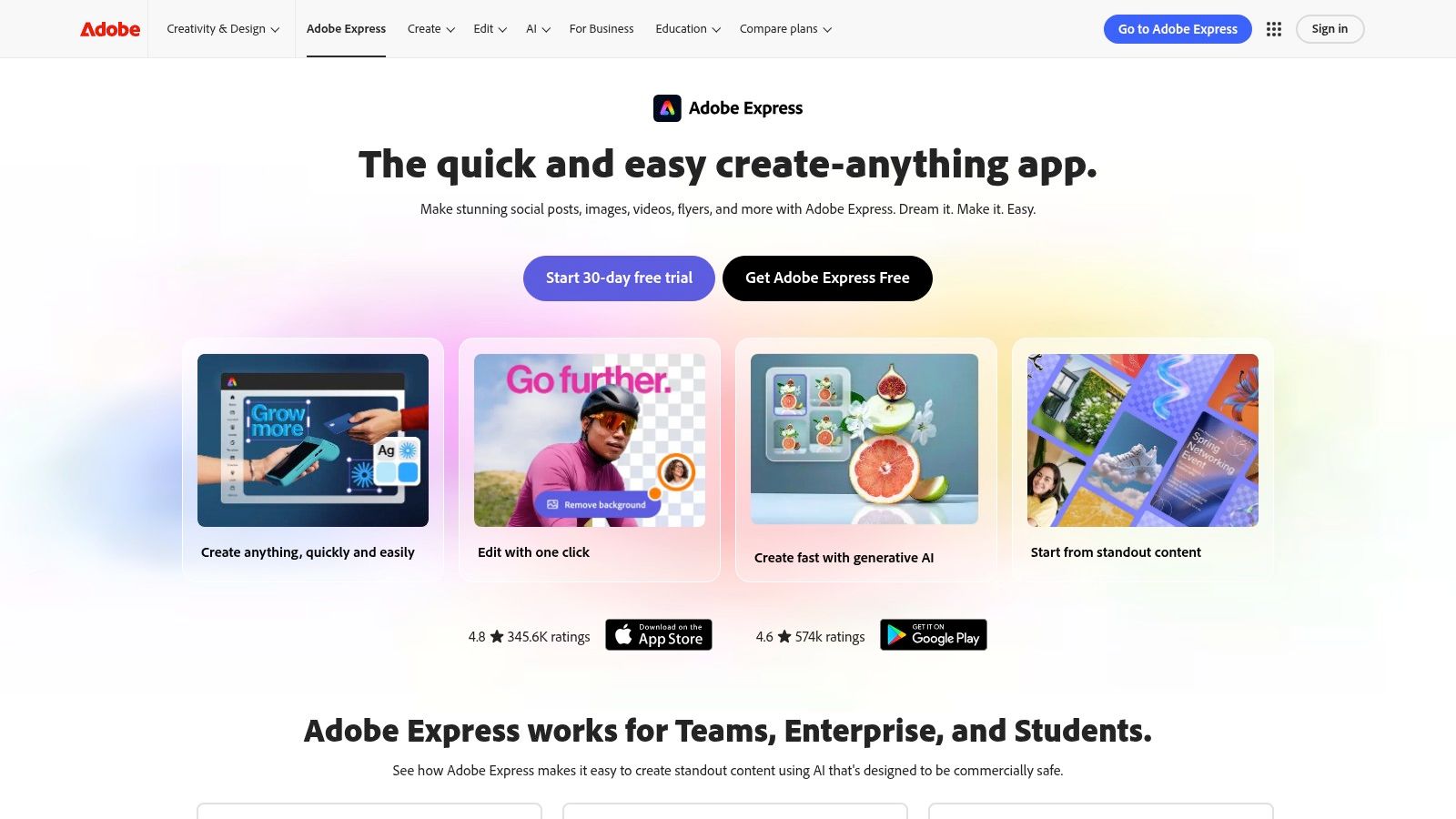
Where Adobe Express truly shines is its integration with the wider Adobe creative suite and its access to the high-quality Adobe Stock library. While its core features are free, the Premium plan unlocks an impressive collection of stock photos, design assets, and powerful AI-driven features like one-click background removal and content resizing. For creators already invested in Adobe's products, the workflow is incredibly smooth. The platform also includes brand kit management and a content scheduler, positioning it as a robust, all-in-one solution for serious content creators who value a polished final product.
Key Details & Features
| Feature | Details |
|---|---|
| Pricing | Free Plan available with core features. Premium Plan starts at $9.99/month, unlocking all assets and advanced tools. |
| Platform | Web Browser, iOS, Android |
| Best For | Creators who want polished, professional-looking collages and potential integration with other Adobe creative tools. |
| Standout Features | Access to Adobe Stock library (Premium), powerful AI-driven editing tools, and seamless cross-device syncing. |
- Pros: High-quality templates and assets, reliable performance, and excellent integration with the Adobe ecosystem.
- Cons: The most desirable stock content and advanced features are locked behind the Premium subscription.
- Website: https://www.adobe.com/express/
3. Picsart
Picsart is a powerhouse mobile editor that blends user-friendly collage-making with advanced, AI-driven creative tools. It's one of the best Instagram collage apps for creators who love to experiment with stylized edits, stickers, and artistic effects. The platform offers both structured grid layouts and a free-form "freestyle" mode, giving you total control over your design. Its intuitive interface makes it easy to jump in and create eye-catching collages for Stories and carousels right from your phone.
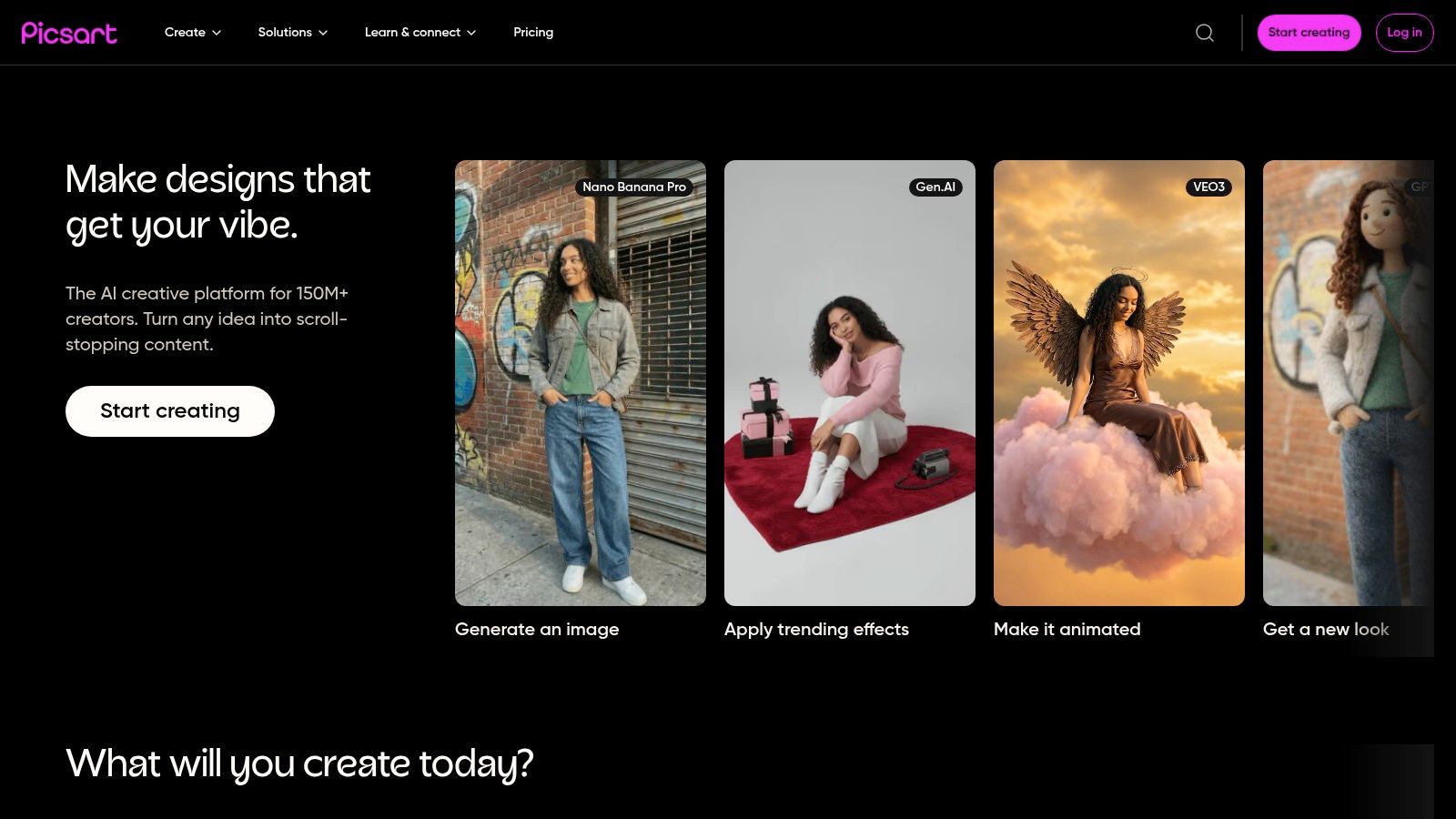
What truly sets Picsart apart is its massive, community-driven library of templates, stickers, and "Replays," which let you apply a sequence of edits from another creator to your own photos. This creates an endless source of inspiration and quick-start options. Beyond simple grids, its powerful AI tools for object removal, background changes, and photo retouching allow for a level of customization that rivals more complex desktop software. This balance of ease and power makes it ideal for producing unique, high-impact visuals.
Key Details & Features
| Feature | Details |
|---|---|
| Pricing | Free Plan available (with ads and watermarks). Picsart Gold starts at $5/month. Picsart Pro starts at $7/month. |
| Platform | Web Browser, iOS, Android |
| Best For | Highly stylized Story and carousel collages with a creative, artistic flair. |
| Standout Features | Grid and freestyle collage builders, AI image tools, and a very active template and sticker marketplace. |
- Pros: Great balance between ease of use and powerful editing features, and an enormous, active template marketplace.
- Cons: The free version includes ads and watermarks, and the multiple subscription tiers can be confusing.
- Website: https://picsart.com
4. PicCollage
PicCollage is a mobile-first powerhouse that has long been a go-to for creating quick, fun, and vibrant collages. Its strength lies in its simplicity and speed, making it one of the best Instagram collage apps for users who need to produce eye-catching content on the fly. The app focuses on a streamlined drag-and-drop experience, allowing you to whip up a grid for your feed or a seasonal story collage in just a few taps directly from your phone.
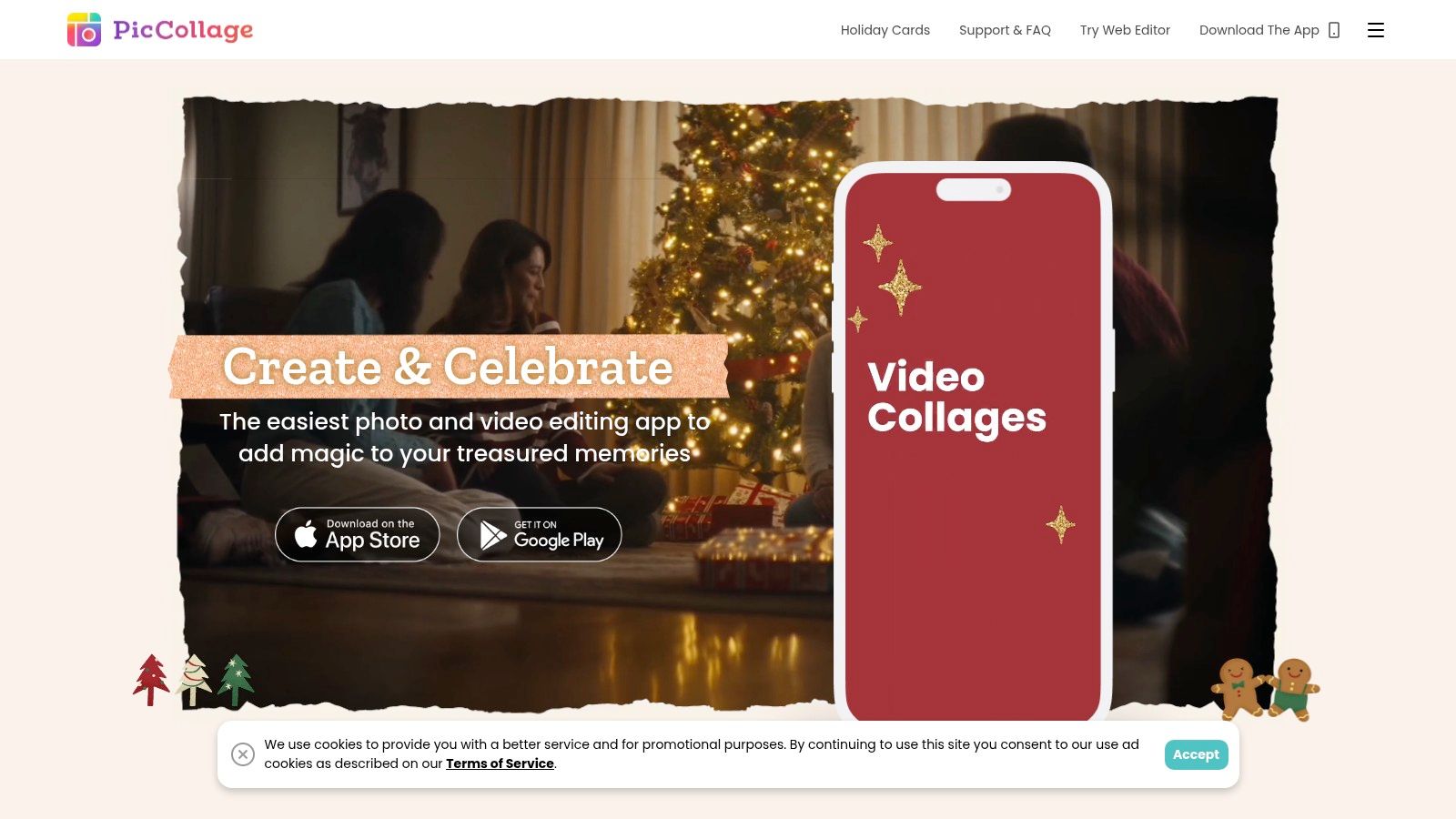
What makes PicCollage a favorite is its vast and frequently updated library of themed content packs, stickers, and backgrounds. Whether you're creating something for a holiday, an event, or just a daily post, you’ll find relevant artistic elements to make your collage pop. While the free version is robust, the VIP subscription unlocks the best assets, watermark removal, and advanced features like adding videos to your collages. It’s the perfect tool for creators who prioritize a fast, mobile-centric workflow over complex desktop editing suites.
Key Details & Features
| Feature | Details |
|---|---|
| Pricing | Free Plan available with ads and watermarks. PicCollage VIP subscription starts at $4.99/month. |
| Platform | iOS, Android, Microsoft Store |
| Best For | Quickly creating fun and themed collages for Instagram Stories and casual feed posts. |
| Standout Features | Massive library of themed content packs, stickers, and backgrounds. Video-in-collage support for VIP users. |
- Pros: Extremely simple and fast to use, with frequent content pack updates for holidays and trends.
- Cons: Most premium art and features are VIP-only, and it's primarily mobile-focused with a limited desktop workflow.
- Website: https://piccollage.com
5. InShot (with InCollage)
InShot is a powerhouse mobile video and photo editor, and its integrated collage maker, InCollage, makes it one of the best Instagram collage apps for creators who work exclusively on their phones. It excels at combining both photos and videos into cohesive layouts, offering a streamlined workflow from creation to export. The app is incredibly popular for its simplicity, providing all the essential tools like adjustable grids, borders, filters, and text without overwhelming the user.
What makes InShot stand out is its robust video integration and reliable, Instagram-ready canvas sizes. You can quickly assemble a grid of photos, add a video clip in one of the cells, and apply a consistent filter across the entire project. This is perfect for creating dynamic content for Instagram Stories or Reels. Its ability to handle different media types in one collage is a huge advantage, and for those repurposing content, it simplifies the process, much like understanding how to post a YouTube video on Instagram opens up new content avenues.
Key Details & Features
| Feature | Details |
|---|---|
| Pricing | Free Plan with ads and watermarks. InShot Pro at $3.99/month, $17.99/year, or a one-time fee of $43.99. |
| Platform | iOS, Android |
| Best For | Mobile-first creators who need to quickly combine photos and videos into a single collage for posts or stories. |
| Standout Features | Collage layouts supporting both photos and videos, extensive sticker and font library, and Instagram-specific ratios. |
- Pros: Very intuitive and fast, excellent for on-the-go editing, and strong integration of video and photo assets.
- Cons: The free version has ads and watermarks, and the best features require a Pro subscription.
- Website: https://inshot.com
6. Unfold (by Squarespace)
Unfold carves out a niche as a toolkit for creating elegant, magazine-style collages, primarily for Instagram Stories and Reels. Acquired by Squarespace, it brings a minimalist and premium aesthetic to mobile content creation. Instead of overwhelming users with options, Unfold offers curated collections of templates that make your photos look like they belong in a high-end editorial. This focus on clean lines, sophisticated fonts, and purposeful layouts makes it one of the best Instagram collage apps for brands and creators aiming for a polished, cohesive look.
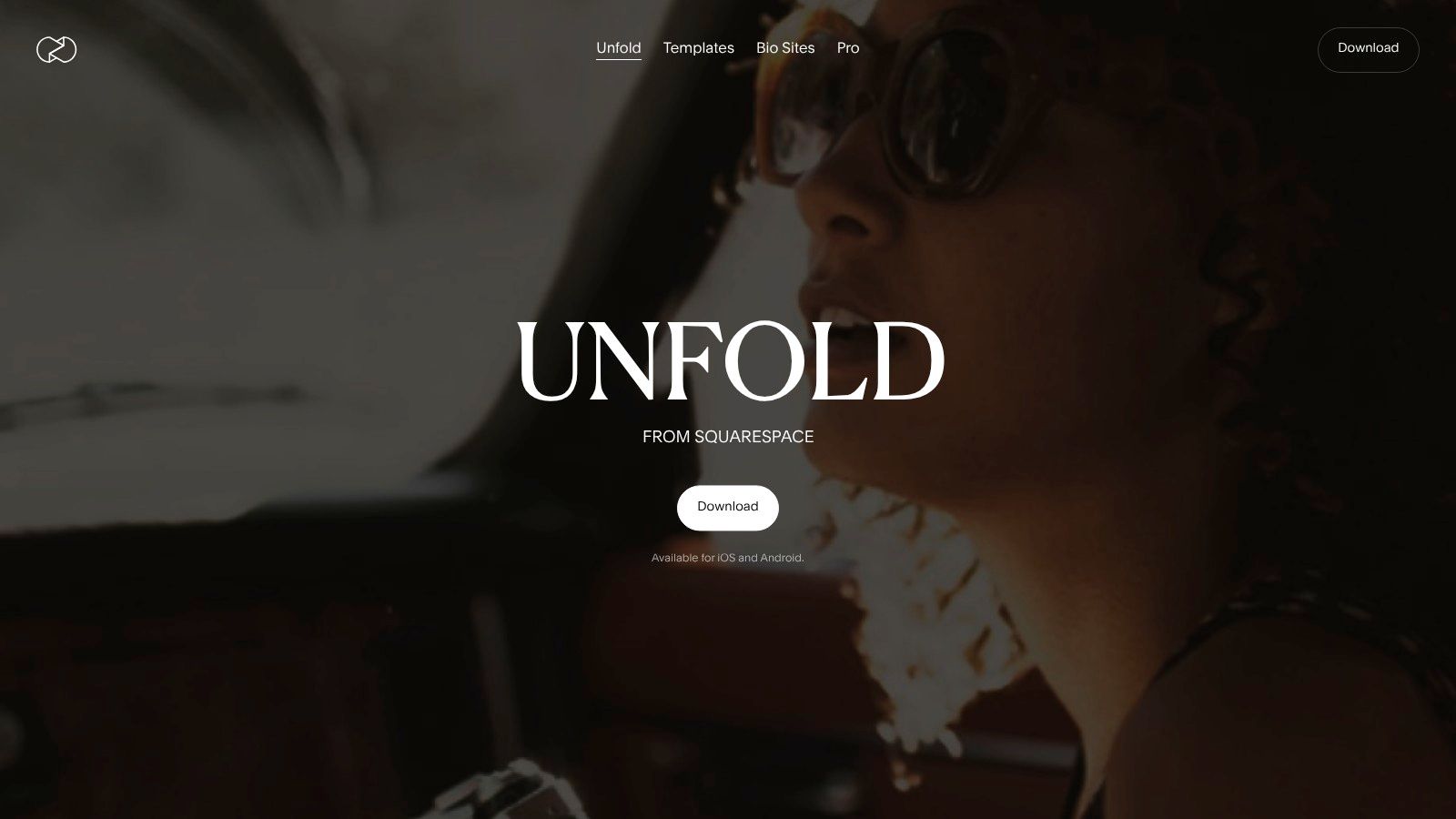
What makes Unfold stand out is its guided, story-first approach. You can build out multi-page stories within a single project, ensuring a consistent narrative flow. The app also integrates a Feed Planner and Bio Site tool, turning it into a more comprehensive platform for managing your Instagram presence. For users dedicated to a specific aesthetic, the premium plans unlock Brand Kits and exclusive template collections. Its focus on vertical content means every collage is perfectly formatted, saving you from worrying about the correct Instagram Story specs.
Key Details & Features
| Feature | Details |
|---|---|
| Pricing | Free Plan with limited templates. Unfold+ starts at $2.99/month. Unfold Pro starts at $12.99/month. |
| Platform | iOS, Android |
| Best For | Influencers and brands seeking a minimalist, high-end editorial look for Instagram Stories and Reels. |
| Standout Features | Curated template collections, Feed Planner, integrated Bio Site, and Brand Kit (Pro). |
- Pros: Premium, influencer-popular aesthetic and a simple, guided editing workflow.
- Cons: The best templates are locked behind a subscription, and it offers less freeform editing than other apps.
- Website: https://unfold.com
7. Mojo – Reels & Stories
Mojo specializes in transforming static photos into dynamic, attention-grabbing video content, making it one of the best Instagram collage apps for creators focused on Reels and Stories. Instead of traditional grid layouts, Mojo offers a massive library of animated templates that bring your images to life with slick text effects, transitions, and motion graphics. Its interface is designed for mobile-first creation, allowing you to produce professional-looking animated collages in minutes without needing complex video editing software.
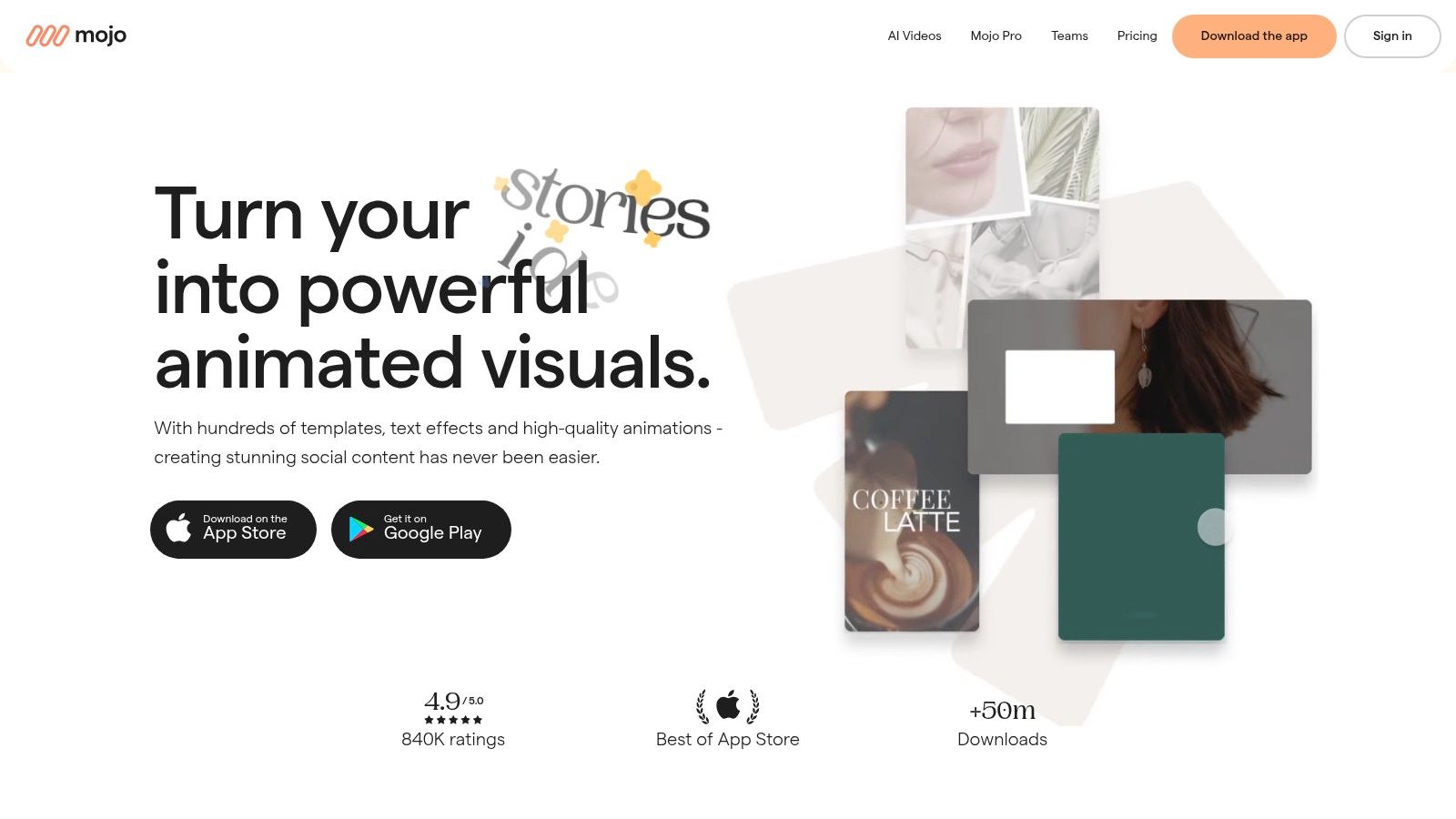
What sets Mojo apart is its focus on high-energy, trending video formats. You can effortlessly add music that syncs with your visuals, apply auto-captions for accessibility, and use its Brand Kit to maintain a consistent aesthetic across all your animated content. The weekly drop of new templates ensures your collages always feel fresh and relevant. By creating such engaging video collages, you can directly apply strategies on how to improve social media engagement and capture your audience's attention more effectively.
Key Details & Features
| Feature | Details |
|---|---|
| Pricing | Free Plan available. Mojo Pro starts around $9.99/month (pricing varies by region and platform). |
| Platform | iOS, Android |
| Best For | Creators and brands wanting to make dynamic, animated collages for Instagram Stories and Reels. |
| Standout Features | 1,200+ animated templates, auto-captions, Brand Kit support, and one-tap resizing for different formats. |
- Pros: Strong motion graphics capabilities without professional skills, great for animated, attention-grabbing story collages.
- Cons: Many of the best templates are locked behind the Pro subscription, and pricing can vary.
- Website: https://www.mojo-app.com
8. BeFunky
BeFunky is a powerful and accessible web-based editor that simplifies the process of creating high-quality Instagram collages without any software installation. Its Collage Wizard is a standout feature, automatically generating stunning layouts after you upload your photos, making it one of the best Instagram collage apps for users who want speed and simplicity. The entire experience is browser-based, offering a refreshingly straightforward workflow from creation to high-resolution export, perfect for quick social media content.
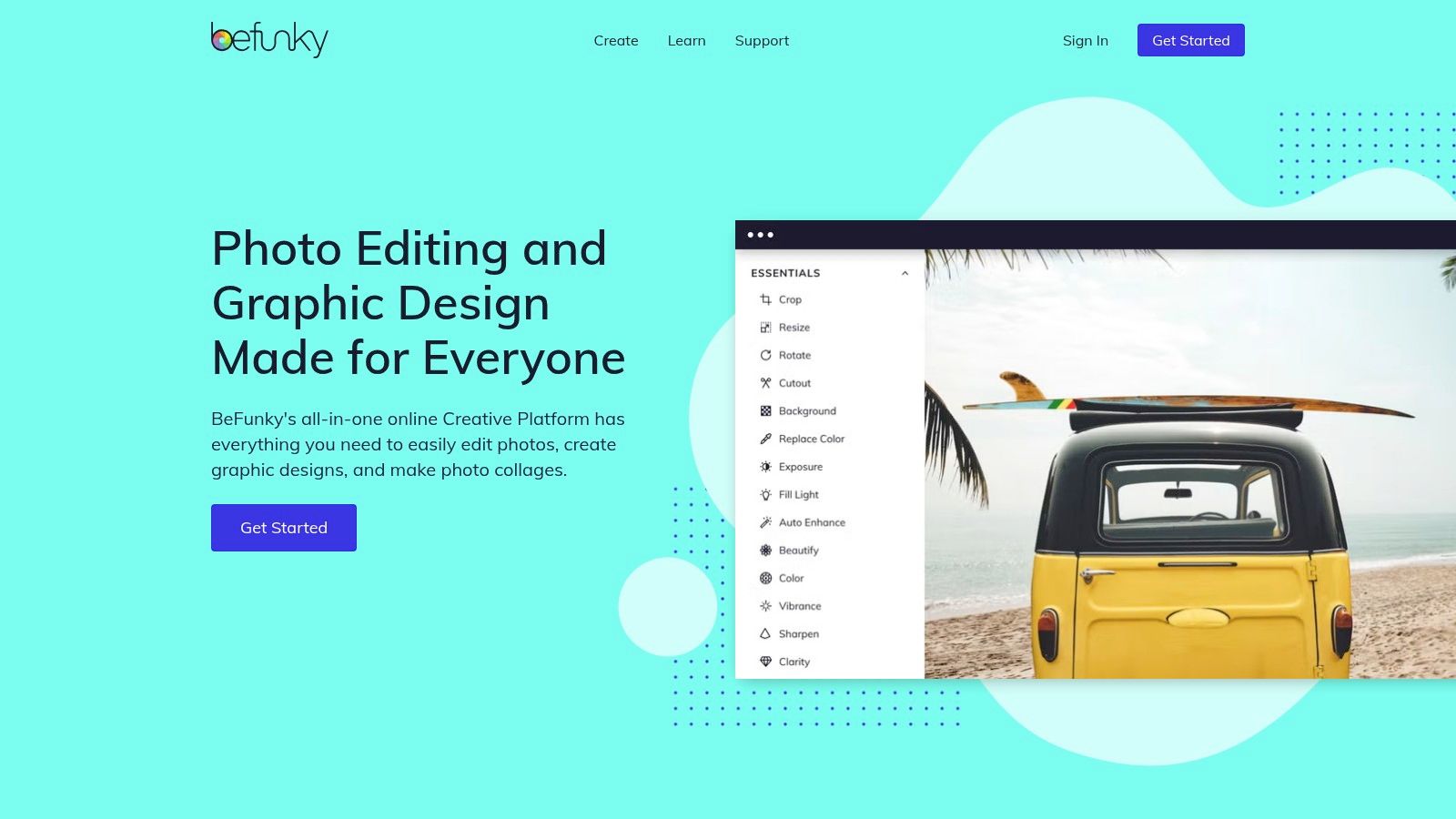
What makes BeFunky a strong contender is its balance between ease of use and powerful features. You can choose from a wide array of ready-made templates specifically designed for Instagram or let the Collage Wizard do the heavy lifting. While the free version is quite capable, the Plus subscription unlocks advanced tools like batch processing, AI-powered portrait enhancements, and a much larger library of premium templates and effects, giving creators the flexibility to grow with the platform.
Key Details & Features
| Feature | Details |
|---|---|
| Pricing | Free Plan available. BeFunky Plus starts at $11.99/month or $5.99/month when billed annually. |
| Platform | Web Browser, iOS, Android |
| Best For | Creators who need a fast, in-browser collage maker with automated layout suggestions and high-res outputs. |
| Standout Features | Collage Wizard for automatic layouts, batch photo editing (Plus), and a full suite of photo editing tools. |
- Pros: Fast, in-browser collage creation with no installation needed, and a well-balanced set of free vs. paid features.
- Cons: The most desirable templates and AI-powered effects require a BeFunky Plus subscription.
- Website: https://www.befunky.com
9. Fotor
Fotor is a powerful online photo editor that doubles as one of the best Instagram collage apps, particularly for users who prefer working directly in a web browser. It simplifies the process with a host of Instagram-ready templates, including classic grids, artistic mood boards, and themed designs. Its interface is accessible and straightforward, allowing you to quickly upload photos, drag them into placeholders, and adjust spacing and borders with minimal effort, making it ideal for fast, high-quality content creation.
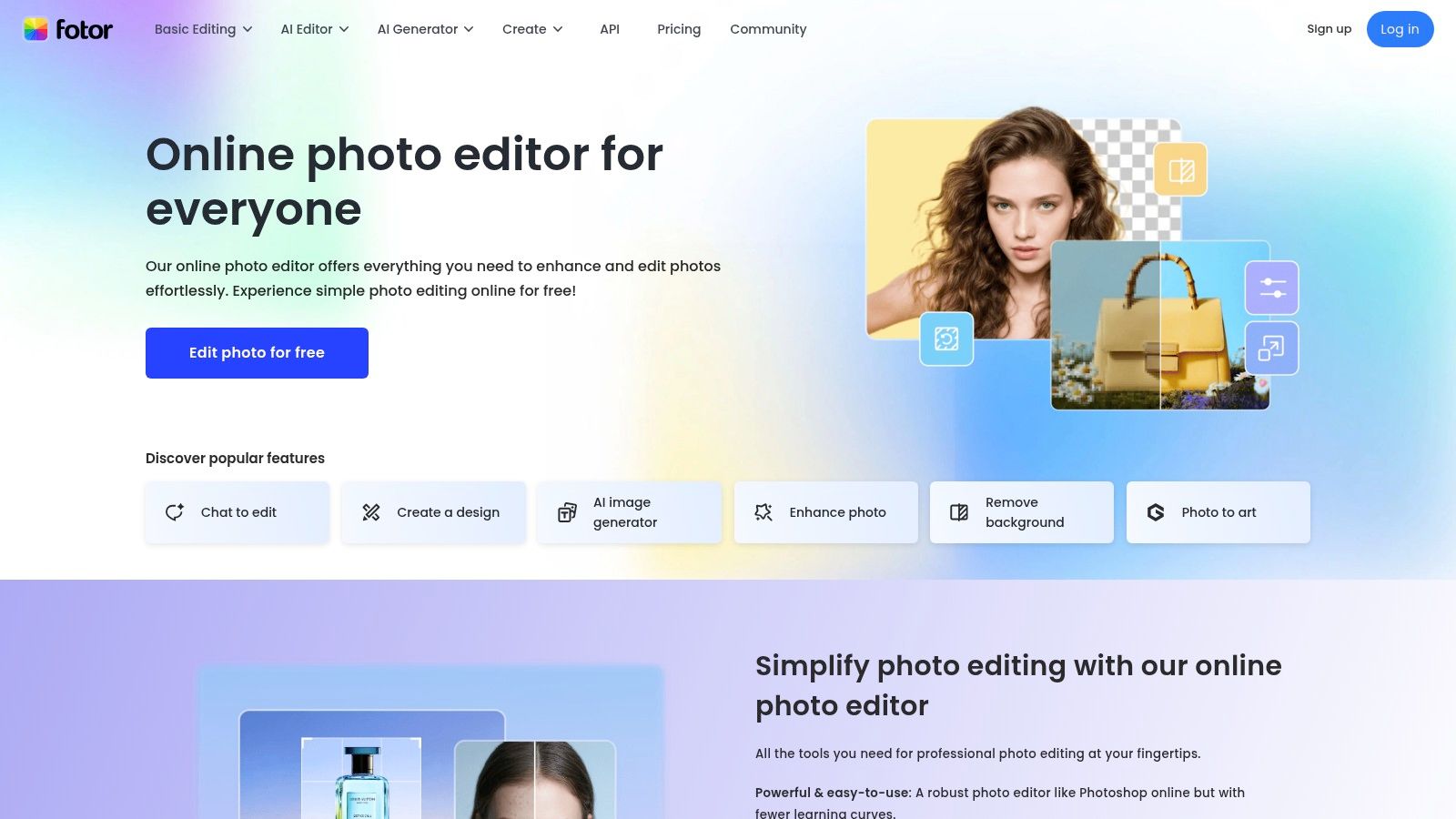
What makes Fotor stand out is its balance between ease of use and advanced features. While the free version provides excellent core collage-making tools, its paid tiers unlock a suite of AI-powered enhancers. These include one-click background removers, photo restoration, and smart effects that can elevate a simple grid into a professional-looking graphic. With both structured grid and freestyle collage modes, it offers the flexibility to create everything from a clean "Top 9" recap to a more scrapbook-style Story.
Key Details & Features
| Feature | Details |
|---|---|
| Pricing | Free Plan available with basic features. Fotor Pro starts at $8.99/month. Fotor Pro+ (with more AI credits) starts at $19.99/month. |
| Platform | Web Browser, iOS, Android, macOS, Windows |
| Best For | Quick browser-based collage creation and users interested in AI-powered photo enhancement tools. |
| Standout Features | Large library of themed templates, AI photo enhancer (Pro), grid and freestyle modes, and multi-format export options. |
- Pros: Very quick to learn and works seamlessly in the browser, offering solid collage options on the free plan.
- Cons: Free exports may have watermarks or limitations in certain workflows, and Pro plans bundle many AI extras that might be unnecessary for users just needing a collage maker.
- Website: https://www.fotor.com
10. PhotoGrid
PhotoGrid is a mobile-first powerhouse designed for speed and simplicity, making it one of the best Instagram collage apps for users who need to create classic grids quickly. Its interface is built around producing social-media-ready content in just a few taps. The app offers a vast selection of grid layouts, stickers, and filters, with a special emphasis on themed and seasonal content packs that keep your posts feeling fresh and timely.
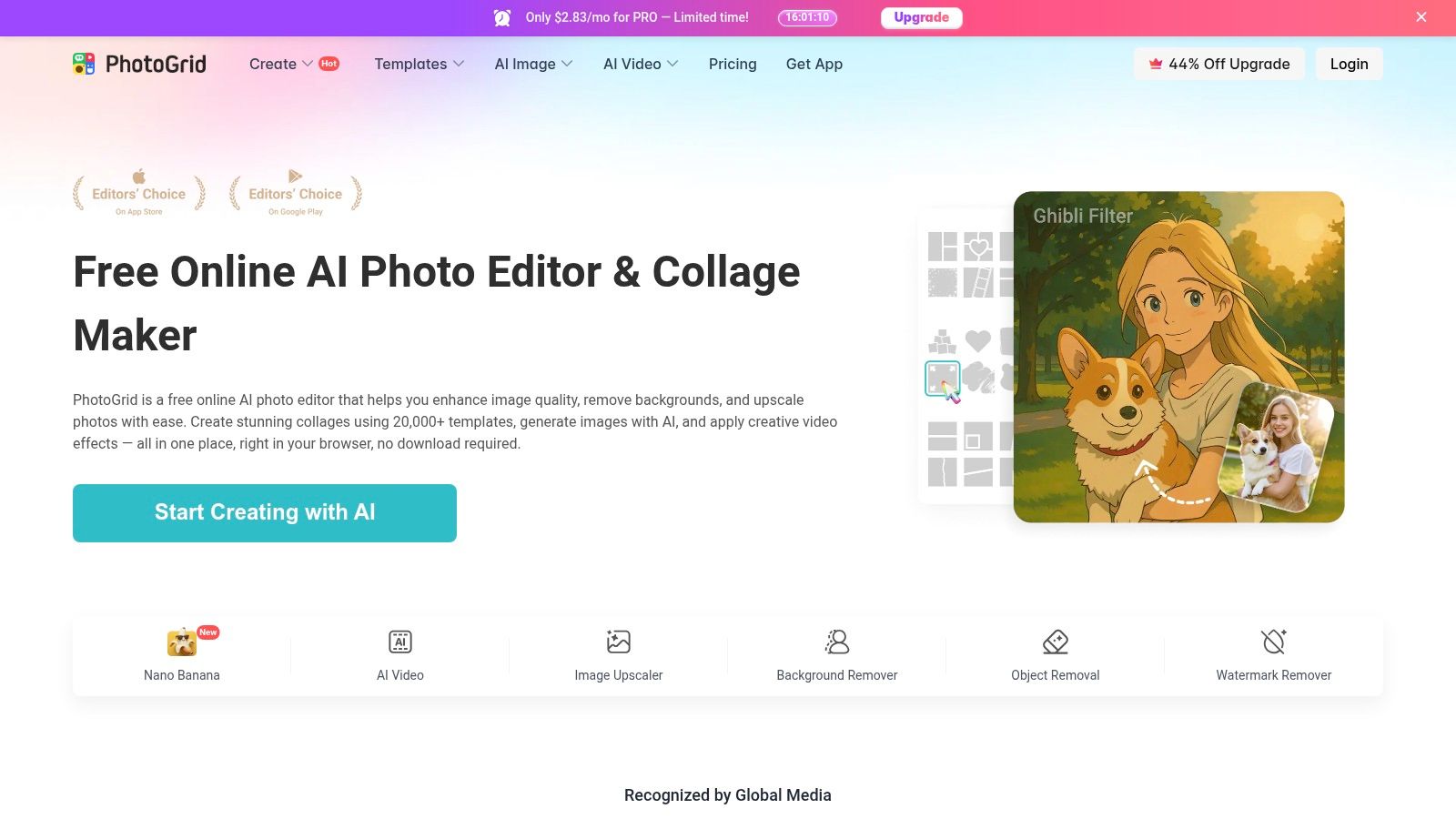
What makes PhotoGrid stand out is its commitment to the traditional collage format, perfected for Instagram's square and Story dimensions. While it includes freestyle modes, its strength lies in structured layouts that are easy to populate. For creators focused on maintaining a consistent visual theme, its approach to grid layout design examples offers inspiration and straightforward execution. The premium version unlocks useful tools like AI background removal and batch editing, further accelerating the content creation workflow for busy social media managers.
Key Details & Features
| Feature | Details |
|---|---|
| Pricing | Free Plan available with ads and watermarks. PhotoGrid Premium starts at $4.99/month. |
| Platform | iOS, Android |
| Best For | Quickly creating classic, social-media-optimized collages and leveraging seasonal themes. |
| Standout Features | Massive library of grid layouts, frequent holiday/seasonal content packs, and freestyle collage mode. |
- Pros: Extremely fast for producing standard Instagram-friendly grids and a constant stream of new themed content.
- Cons: The free version contains disruptive ads and watermarks; its feature set is more template-focused than a full-service editor.
- Website: https://www.photogrid.app
11. Kapwing
Kapwing is a powerful, browser-based video and image editor that excels as a collaborative tool for creating Instagram collages. Designed for creators who primarily work on a laptop or desktop, it offers a robust, no-install solution for crafting anything from static photo grids to dynamic video carousels. Its interface is clean and intuitive, supporting multi-asset drag-and-drop functionality that simplifies the process of arranging photos and videos into a cohesive narrative.
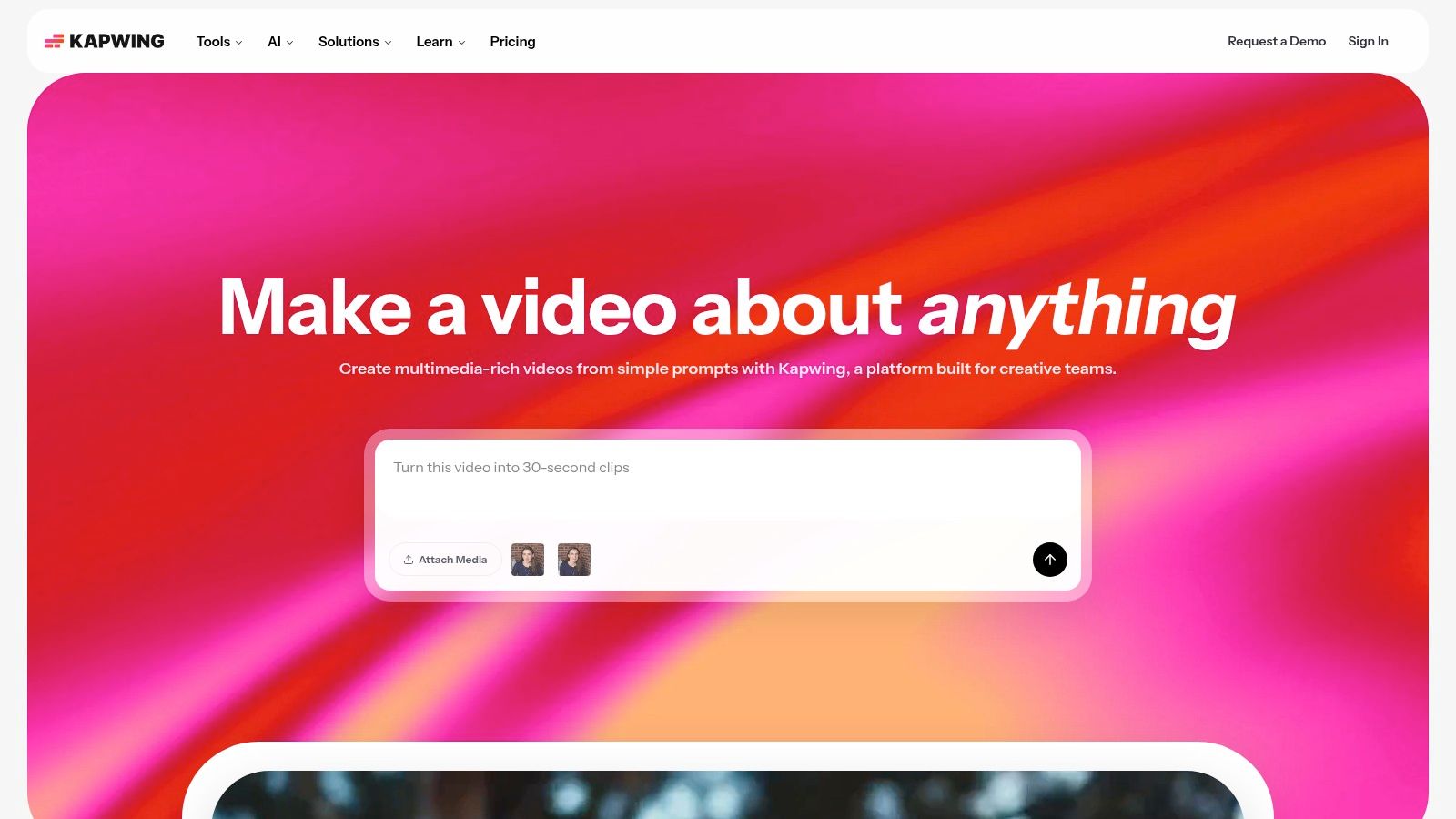
What makes Kapwing one of the best Instagram collage apps, particularly for teams, is its focus on collaborative workflows. You can start with over 60 collage templates, including popular "Top 9" layouts, and then invite team members into a shared workspace to provide feedback or make edits in real time. Features like a one-click resizer for social formats and a Brand Kit (on paid plans) streamline content creation, ensuring every collage aligns perfectly with your brand identity before exporting.
Key Details & Features
| Feature | Details |
|---|---|
| Pricing | Free Plan available with watermarks. Pro Plan starts at $24/month per user. Business Plan has custom pricing for larger teams. |
| Platform | Web Browser |
| Best For | Small teams, freelancers, and content creators who need a collaborative, browser-based editor for both photo and video collages. |
| Standout Features | Real-time team workspaces, 60+ collage templates, one-click resize tool for social media, and up to 4K export quality on paid plans. |
- Pros: No software installation required, works great on desktop, and makes collaboration easy for teams or client workflows.
- Cons: The free plan includes a watermark and has export quality limitations; heavy projects perform best on paid plans.
- Website: https://www.kapwing.com
12. GoDaddy Studio (formerly Over)
GoDaddy Studio, formerly known as the popular design app Over, has evolved into a powerful, mobile-first creative suite perfect for entrepreneurs and creators on the go. While it offers a full suite of design tools, its strength as one of the best Instagram collage apps lies in its stylish, ready-to-use templates. The platform is designed for speed, allowing users to quickly drop photos into professional layouts, add branded text, and create polished Instagram Stories and posts in minutes.
What makes GoDaddy Studio unique is its seamless integration with the broader GoDaddy ecosystem. For business owners already using GoDaddy for their website or marketing, the app becomes an extension of their brand toolkit, making it incredibly easy to maintain a consistent visual identity from their site to their social media feed. Its extensive library of fonts, graphics, and stock imagery, combined with user-friendly video editing tools, provides everything needed to produce high-quality, branded content directly from a smartphone.
Key Details & Features
| Feature | Details |
|---|---|
| Pricing | Free Plan available with limited features. GoDaddy Studio Pro pricing varies by region. Included with most GoDaddy Websites + Marketing plans. |
| Platform | iOS, Android, Web Browser (with a mobile-first focus) |
| Best For | Small business owners and entrepreneurs who need to create branded social media content and collages quickly on their mobile devices. |
| Standout Features | Vast template library for Stories and Posts, one-tap background remover (Pro), and excellent font and graphic collections. |
- Pros: Very intuitive for creating quick, branded collages and posts. Included for free with many GoDaddy Websites + Marketing paid plans.
- Cons: The best experience is on mobile, and the most powerful features are locked behind the Pro subscription.
- Website: https://studio.godaddy.com
Top 12 Instagram Collage Apps — Side-by-Side Comparison
| App | Core features | UX / Quality (★) | Value / Price (💰) | Target (👥) | Unique selling points (✨ / 🏆) |
|---|---|---|---|---|---|
| Canva | Drag‑drop collage + social templates, Brand Kit, one‑click resize | ★★★★★ polished, browser+apps | 💰 Freemium (Pro paid) | 👥 Creators, marketers, teams | ✨ Massive template & asset library · 🏆 Brand Kit & ease |
| Adobe Express | Instagram collages, background remove, Adobe Stock access | ★★★★ reliable, polished | 💰 Freemium (Premium stock paid) | 👥 Brands, Adobe users, prosumers | ✨ Adobe Stock + cross‑Adobe workflow · 🏆 polished outputs |
| Picsart | Grid & freestyle collages, AI tools, template marketplace | ★★★★ creative, mobile‑centric | 💰 Freemium (ads/watermarks on free) | 👥 Stylized creators, social editors | ✨ AI effects + active marketplace |
| PicCollage | Fast mobile grids, seasonal packs, stickers | ★★★ simple, mobile-first | 💰 Freemium (VIP paid packs) | 👥 Casual users, quick posters | ✨ Rapid themed packs for quick grids |
| InShot (InCollage) | Photo+video collages, filters, IG‑ready exports | ★★★★ creator‑favorite, fast | 💰 Freemium (Pro subscription) | 👥 Social creators, mobile editors | ✨ Solid video+photo export reliability |
| Unfold (Squarespace) | Minimal editorial templates, feed planner, Brand Kit | ★★★★ elegant, template‑driven | 💰 Freemium (Plus/Pro paid) | 👥 Influencers, editorial brands | ✨ Sleek magazine look · 🏆 influencer aesthetic |
| Mojo – Reels & Stories | Animated templates, auto‑captions, music sync | ★★★★ motion‑forward, easy | 💰 Subscription (Pro templates) | 👥 Reels creators, motion novices | ✨ 1,200+ animated templates · 🏆 strong motion tools |
| BeFunky | In‑browser collage wizard, high‑res exports | ★★★ fast, no‑install | 💰 Freemium (Plus paid) | 👥 Casual designers, in‑browser users | ✨ Quick high‑res collages without software |
| Fotor | Grid & freestyle collages, AI enhancers, mood boards | ★★★ simple, browser + apps | 💰 Freemium (Pro/AI paid) | 👥 Quick editors, mood‑board makers | ✨ AI tools + mood‑board templates |
| PhotoGrid | Classic & freestyle collages, seasonal stickers | ★★★ speedy, mobile | 💰 Freemium (ads/watermark on free) | 👥 Fast social posters, seasonal posts | ✨ Very fast IG‑friendly grids & packs |
| Kapwing | Browser editor, team workspaces, one‑click resize, 4K export | ★★★★ collaborative, desktop‑friendly | 💰 Freemium (Pro/Team paid) | 👥 Teams, remote creators | ✨ No‑install collaboration · 🏆 team workflows |
| GoDaddy Studio | Ready templates, large asset library, GoDaddy integration | ★★★ mobile + branded | 💰 Freemium (Pro / with GoDaddy plans) | 👥 Small businesses, site owners | ✨ Branded templates + GoDaddy ecosystem |
Integrate Your Collages into a Cohesive Brand Story
You've explored the vibrant landscape of the best Instagram collage apps, from the all-in-one design powerhouses like Canva and Adobe Express to specialized story-centric tools like Unfold and Mojo. We've navigated the feature-rich worlds of Picsart and BeFunky, and seen how apps like InShot and Kapwing are blurring the lines between static images and dynamic video content. The key takeaway is clear: the right tool doesn't just stick photos together; it empowers you to tell a more compelling visual story.
Your choice ultimately hinges on your unique creative workflow and goals. Are you a social media manager needing a versatile tool for every format? Canva or GoDaddy Studio might be your perfect match. Are you a creator focused on cinematic, aesthetic Stories and Reels? Unfold or Mojo will elevate your content. For those who love deep editing and artistic effects, Picsart and Fotor offer endless possibilities. Don't be afraid to combine tools, using one for intricate edits and another for quick, template-based layouts.
From Post to Portfolio: Making Your Collages Work Harder
Remember, creating a stunning collage is only half the battle. The true goal is to build a memorable and cohesive brand identity that captivates your audience. Your Instagram grid is a powerful introduction, but it’s what happens next that converts followers into a community. This is where your strategy extends beyond the feed.
Think about how your carefully crafted collages can serve a larger purpose. A beautiful visual summary of a project shouldn't just disappear after 24 hours in a Story. A dynamic video collage showcasing your products deserves a more permanent home. By strategically placing your best visual content where it's most accessible, you create a richer, more interactive experience for your audience.
This is where a link-in-bio page becomes more than just a list of links; it becomes your digital storefront, your portfolio, and your brand's central hub. Instead of just telling people where to go, you can show them what you're about.
Choosing Your App: A Final Checklist
As you make your final decision on the best Instagram collage apps for your needs, consider these crucial factors:
- Your Primary Goal: Are you creating for Feed posts, Stories, or Reels? Select an app optimized for your most-used format.
- Skill Level & Time: Be realistic. If you need speed and efficiency, a template-heavy app like PicCollage or Mojo is ideal. If you crave creative control, a more robust editor like Adobe Express or Kapwing is worth the learning curve.
- Budget: Many free versions are incredibly powerful. Start there, and only upgrade if you consistently hit a paywall for a feature you genuinely need.
- Brand Aesthetic: Does the app’s style (templates, fonts, stickers) align with your brand's visual identity? Consistency is key to building a recognizable presence.
By thoughtfully selecting your tools and integrating them into a unified brand strategy, you move from simply posting content to building a powerful, engaging, and unforgettable digital world. Your collages become the beautiful, eye-catching entry points to a much deeper story.
Ready to transform your link-in-bio from a simple list into a stunning visual portfolio? With taap.bio, you can showcase your best Instagram collages, videos, and projects in a beautiful, customizable bento-style grid. Sign up for free at taap.bio and build a bio page that truly reflects the creativity and quality of your brand.