Instagram is a visual battleground. To capture attention and stop the endless scroll, a single, static photo often isn't enough. This is where photo collages become a secret weapon for savvy creators, brands, and influencers. They are a powerful tool for visual storytelling, showcasing multiple products in one frame, creating dramatic before-and-after reveals, or simply packing more visual punch into a single, high-impact post.
But with hundreds of options flooding the app stores, finding the right collage app for Instagram photos can feel overwhelming. Many are bloated with intrusive ads, suffer from clunky, unintuitive controls, or worse, export low-quality images that instantly kill your feed's carefully curated aesthetic. This guide is designed to cut through that noise.
We’ve rigorously tested dozens of applications, from mobile-first editors to powerful desktop suites, to bring you a definitive, ranked list of the 12 best tools for creating stunning, high-engagement Instagram collages. For each app, we dive deep into its core strengths, hidden weaknesses, and ideal use cases, complete with screenshots and direct links. This isn't just a list; it's a strategic resource to help you choose the perfect app to elevate your content strategy. While a great collage can boost post performance, remember it's just one piece of the puzzle; explore other effective strategies to increase Instagram Reels views to ensure all your content captures maximum attention. Let's find the right tool for you.
Table of contents
1. taap.bio
While not a traditional collage app, taap.bio earns its top spot by fundamentally reimagining how you present your collaged Instagram photos and other content. Instead of just creating an image to post, taap.bio transforms your entire link-in-bio page into a dynamic, magazine-style visual collage. Its bento-grid system allows you to break free from linear link lists, using a drag-and-drop editor to build a completely custom, brand-forward landing page that showcases your work in a more engaging and interactive format.

This platform is perfect for creators who want their link-in-bio to be an extension of their aesthetic, not just a menu. By understanding what is a bio link and its potential, you can use taap.bio's smart widgets to pull in your Instagram photo grid in real-time. This creates a living collage that automatically updates as you post, keeping your landing page fresh without any extra effort.
Key Strengths & Use Cases
taap.bio excels with its deep, platform-specific integrations that boost visitor engagement. For instance, the Spotify widget allows for inline playback, so followers can listen to your featured tracks without leaving your page. This makes it an invaluable tool for musicians, podcasters, and curators.
- For Visual Artists & Photographers: Embed your Instagram grid, Dribbble shots, and Behance projects side-by-side to create a comprehensive portfolio.
- For Content Creators: Combine YouTube video previews, TikTok clips, and text blocks to tell a richer story around your content.
- For Developers: Showcase your skills by integrating a live GitHub contribution graph directly onto your page.
The platform offers granular visual control, including custom backgrounds, typography, and multiple block sizes, giving you the tools to establish a clear visual hierarchy. You can also edit mobile and desktop layouts separately, ensuring a polished experience on any device.
Platform & Pricing
| Feature | Details |
|---|---|
| Availability | Web-based |
| Pricing | Free plan available (no credit card required). Advanced and enterprise pricing is not publicly listed. |
| Key Advantage | Turns your entire bio link into a live, interactive collage of your content, powered by smart widgets. |
Website: taap.bio
2. Canva
Canva is less of a dedicated collage app and more of a complete design ecosystem where creating stunning collages is just one of its superpowers. It’s the go-to platform for creators who need to produce high-quality, on-brand content quickly without a steep learning curve. Its massive library of professionally designed templates means you never have to start from a blank canvas, making it an ideal collage app for Instagram photos that need to look polished and cohesive.
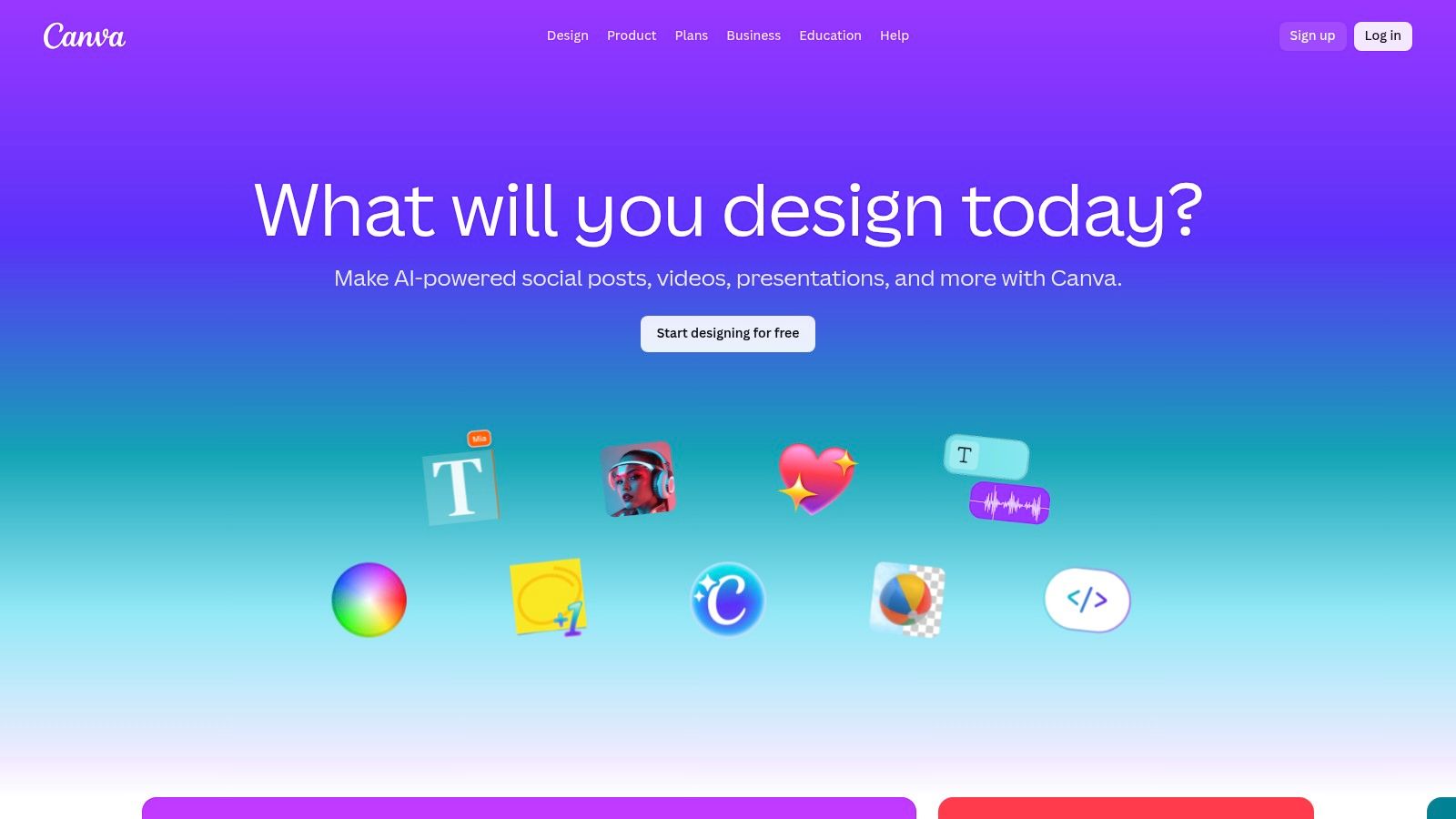
The platform truly shines with its Brand Kit feature, allowing you to save your logos, brand colors, and fonts to apply them to any design with a single click. This ensures every collage, from a simple grid post to an elaborate multi-page Story, aligns perfectly with your aesthetic. For those managing multiple accounts or working in teams, Canva’s cloud sync and collaboration tools are a game-changer, keeping everyone on the same page. The seamless transition between the web and mobile apps means you can start a design on your desktop and finish it on your phone right before posting.
Key Features & User Experience
| Feature | Details | Use Case |
|---|---|---|
| Templates | Thousands of templates for IG Posts, Stories, and Reels. | Quickly create collages for "photo dumps" or event recaps. |
| Magic Resize | Instantly resize a design for different formats (e.g., Post to Story). | Repurpose a single collage for multiple platforms effortlessly. |
| Brand Kit | Store and apply brand colors, fonts, and logos consistently. | Maintain a professional and cohesive Instagram feed. |
| Collaboration | Real-time editing and commenting for team projects. | Perfect for social media managers and creative teams. |
Practical Tip: Use Canva’s background remover tool on your photos before adding them to a collage template. This allows you to create a dynamic, layered look that stands out more than a standard grid.
- Platform: Web, iOS, Android
- Pricing: A robust free plan is available. Canva Pro is $119.99/year for one person, offering premium features like Magic Resize, Brand Kits, and an expanded content library.
- Website: https://www.canva.com/
3. Adobe Express
Adobe Express brings the power and quality of the Adobe ecosystem into a user-friendly package, making it a formidable collage app for Instagram photos. It’s the perfect middle ground for creators who want more than basic grid layouts but don't need the complexity of Photoshop. The platform excels by integrating Adobe's professional-grade assets, including Adobe Stock photos and Adobe Fonts, directly into an intuitive design interface that’s optimized for social media content creation.
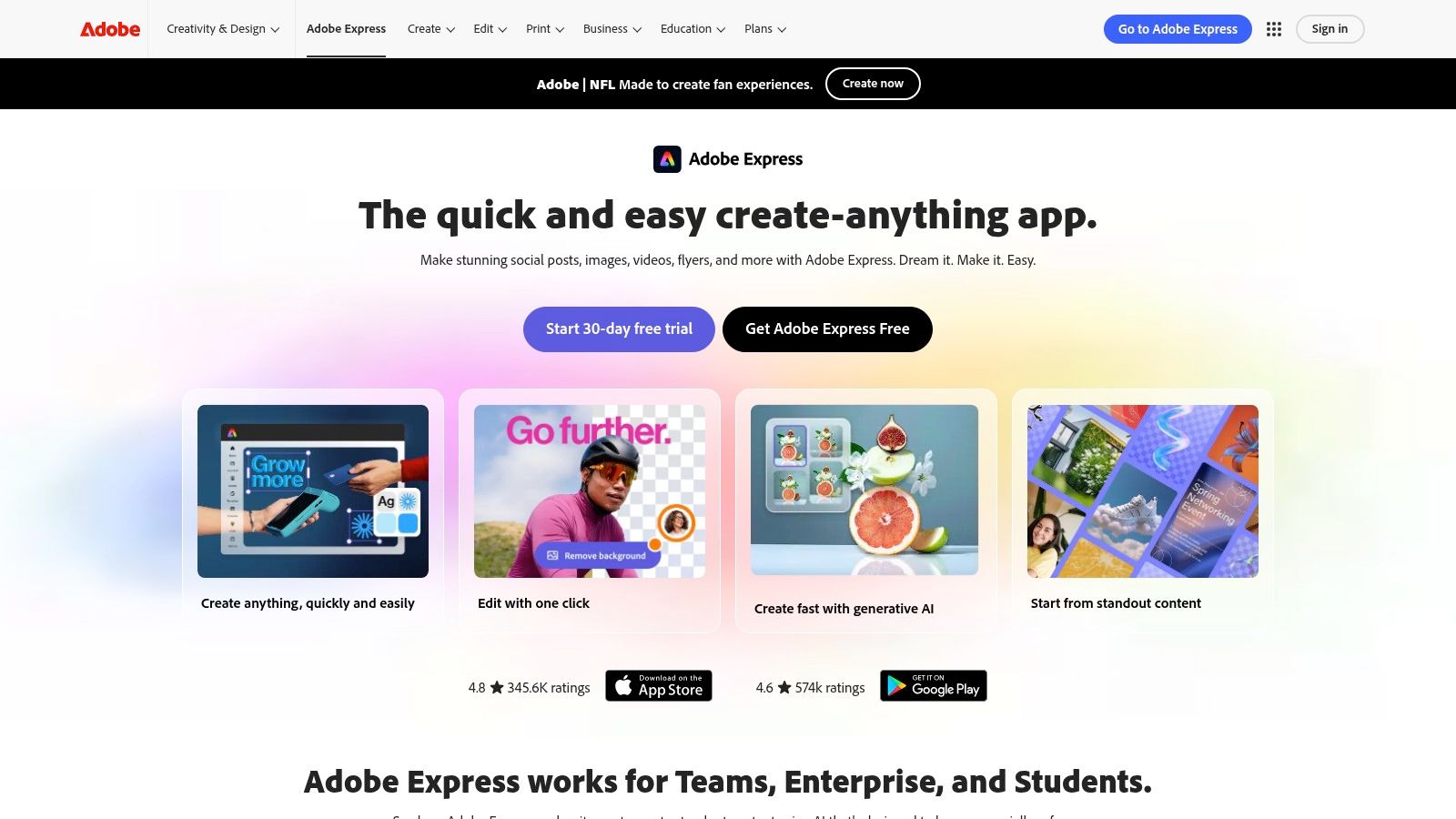
What sets Adobe Express apart is its seamless workflow from creation to publication. You can design a beautiful collage using its guided templates and then use the built-in content scheduler to plan and post it directly to your Instagram feed. This all-in-one functionality is a massive time-saver for social media managers and busy creators. Its "Quick Actions" feature, which includes one-click background removal and video trimming, further streamlines the process, allowing for rapid edits that give your collages a professional edge without ever leaving the app.
Key Features & User Experience
| Feature | Details | Use Case |
|---|---|---|
| Templates & Assets | Thousands of templates powered by Adobe Stock and Adobe Fonts. | Find unique, high-quality layouts that stand out from the crowd. |
| Quick Actions | One-click tools for background removal, image resizing, and more. | Quickly polish individual photos before adding them to your collage. |
| Content Scheduler | Plan, schedule, and publish content directly to Instagram. | Streamline your entire content workflow from design to post. |
| Brand Libraries | Store brand logos, colors, and fonts for consistent designs. | Maintain brand consistency across all your Instagram collages. |
Practical Tip: Leverage the "Generate with AI" features within Adobe Express. You can use text-to-image to create unique backgrounds or textures for your collage, adding an artistic and completely custom element that makes your design one-of-a-kind.
- Platform: Web, iOS, Android
- Pricing: A generous free plan is available. The Premium plan is $9.99/month, unlocking all premium templates, Adobe Stock assets, and advanced features.
- Website: https://www.adobe.com/express/
4. Picsart
Picsart is less of a straightforward utility and more of a creative playground, positioning itself as a social-friendly editor packed with tools that resonate with current trends. It excels as a collage app for Instagram photos for creators who want to infuse their content with personality using stickers, filters, and AI-powered effects. Its strength lies in a massive user-generated content library and a mobile-first interface that makes on-the-go editing feel intuitive and fun.
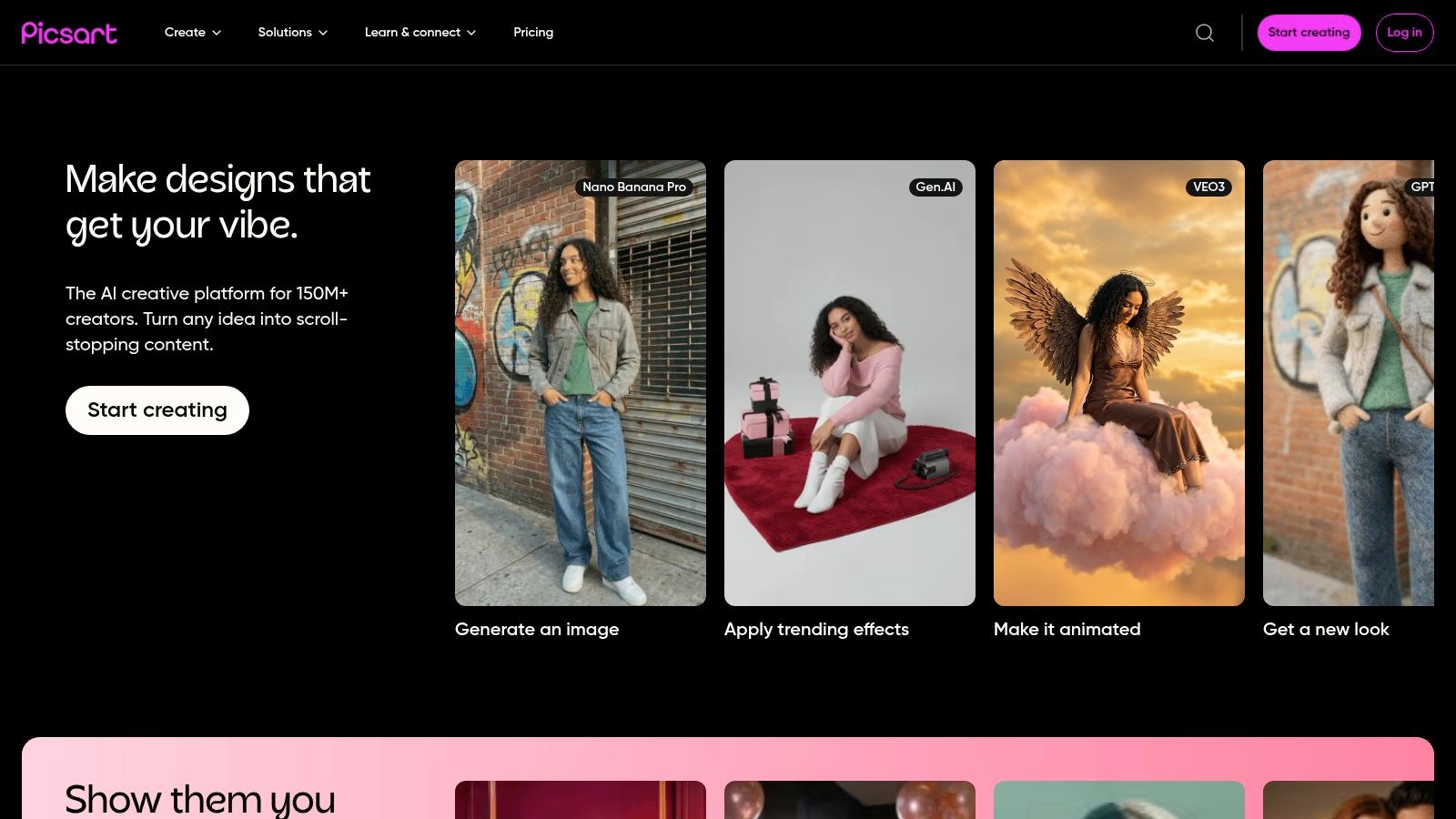
The platform thrives on its community aspect, with frequent template drops and "remix" challenges that keep creative ideas flowing. Unlike more corporate-focused tools, Picsart’s templates lean into Gen Z aesthetics, offering everything from Y2K-inspired scrapbook layouts to modern mood boards. The cross-device cloud sync is a major plus, allowing you to start a collage on your iPad and add final touches on your phone. This focus on trendy, shareable content can be a powerful way to increase social media engagement and connect with a younger audience.
Key Features & User Experience
| Feature | Details | Use Case |
|---|---|---|
| Grid & Freestyle | Classic grids, freestyle arrangements, and mood-board layouts. | Create structured photo dumps or artistic, scrapbook-style collages. |
| Sticker Library | Millions of user-generated and official stickers. | Add personality, text bubbles, and trendy graphics to your images. |
| AI Editing Tools | AI-powered background remover, object replacement, and effects. | Quickly create complex edits and surreal, eye-catching collages. |
| Cloud Sync | Projects and drafts are saved to your account across devices. | Start editing on a tablet and finish on your phone before posting. |
Practical Tip: Use the "Freestyle" collage mode to layer photos, stickers, and text without the constraints of a grid. This is perfect for creating a personalized and visually rich Instagram Story that tells a more dynamic story than a simple layout.
- Platform: Web, iOS, Android
- Pricing: A free version is available with ads and limited features. Picsart Gold is $55.99/year, unlocking the full suite of AI tools, templates, and content.
- Website: https://picsart.com/
5. PicCollage
PicCollage is a pure and simple collage-making powerhouse, designed for creators who want to assemble vibrant photo stories in seconds. It strips away the complexity of full design suites and focuses entirely on its core strength: making fun, expressive collages with incredible speed. For users who need a dedicated collage app for Instagram photos to quickly create a "photo dump" grid or a dynamic Story, PicCollage’s intuitive, mobile-first interface is a perfect match.
The platform stands out with its massive and constantly updated library of themed templates, stickers, and backgrounds, especially for holidays and seasonal events. This makes it incredibly easy to add timely, relevant flair to your creations without any design skill. While it lacks the advanced brand control of platforms like Canva, its strength lies in its playful simplicity. You can tap, drag, and drop your way to a finished collage in under a minute, making it the ultimate tool for spontaneous, on-the-go content creation.
Key Features & User Experience
| Feature | Details | Use Case |
|---|---|---|
| Themed Packs | Vast library of seasonal and trendy stickers, templates, and backgrounds. | Creating festive collages for holidays, birthdays, or events. |
| Freestyle Mode | A blank canvas where you can freely move, resize, and layer photos. | Building a scrapbook-style collage with a more organic feel. |
| Quick Grids | Hundreds of classic grid layouts that automatically fit your photos. | Assembling a clean, multi-photo grid post in seconds. |
| Instant Export | One-tap sharing directly to Instagram Posts, Stories, and other apps. | Quickly sharing a finished collage without saving it to your camera roll first. |
Practical Tip: Use the "Cutout" tool to trace around a subject in one of your photos. This turns it into a custom sticker that you can layer over other images in your collage for a unique, personalized pop.
- Platform: iOS, Android
- Pricing: Free version with ads and watermarks. PicCollage VIP is $35.99/year to remove watermarks, unlock all templates/stickers, and get an ad-free experience.
- Website: https://piccollage.com/
6. PhotoGrid
PhotoGrid is a powerhouse built almost exclusively for creating social media collages, making it a highly specialized tool for Instagrammers. Its core strength lies in its sheer volume of options, boasting over 10,000 layouts and templates designed from the ground up for platforms like Instagram. This makes it an incredibly efficient collage app for Instagram photos when your primary goal is speed and variety without getting bogged down in complex design software.
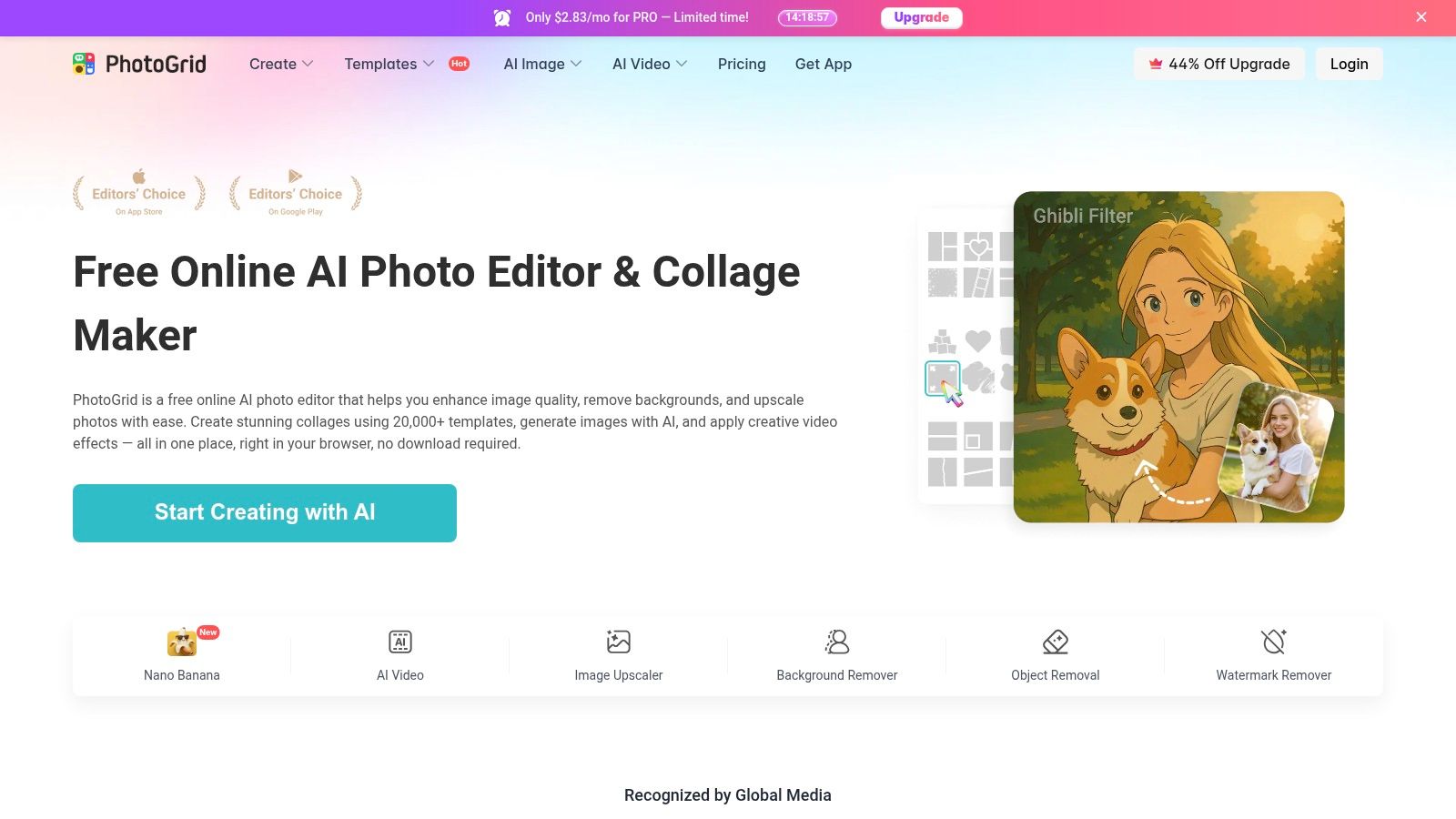
The platform’s interface is mobile-first and intuitive, guiding you straight to the creation process. You can quickly select your photos, pick a layout, and export in the perfect aspect ratio for a Post (1:1 or 4:5) or Story (9:16). While it lacks the deep branding tools of a platform like Canva, it compensates with a massive library of stickers, backgrounds, and filters to add personality to your creations. It’s the ideal choice for users who want to create and post engaging visual content on the fly, such as a quick event recap or a "photo dump" collage.
Key Features & User Experience
| Feature | Details | Use Case |
|---|---|---|
| Massive Layout Library | Over 10,000 collage layouts and themed templates. | Finding a unique grid for any number of photos instantly. |
| Social-Ready Ratios | Presets for Instagram Post (1:1, 4:5) and Story (9:16). | Ensures your collage fits perfectly without awkward cropping. |
| Quick Customization | Stickers, text, backgrounds, and filters. | Adding a fun, trendy touch to your collages before posting. |
| Video Collage | Combines photos and video clips into a single grid. | Creating dynamic, eye-catching content for Instagram Stories or Reels. |
Practical Tip: Use PhotoGrid's "Scrapbook" feature to break free from rigid grid lines. This allows you to freely move, resize, and rotate photos for a more artistic and personalized collage that mimics a real-life scrapbook page.
- Platform: iOS, Android
- Pricing: Free with ads and watermarks. A premium subscription unlocks all features, removes ads, and is available for $35.99/year.
- Website: https://www.photogrid.app/
7. Fotor
Fotor operates primarily as a powerful web-based photo editor, with a highly capable and accessible collage maker that makes it a strong contender for desktop-first creators. It’s an excellent choice for users who prefer the screen real estate of a computer to craft their designs before transferring them to mobile for posting. With a vast library of templates, it serves as a fantastic collage app for Instagram photos when you need to quickly assemble professional-looking layouts in a browser.
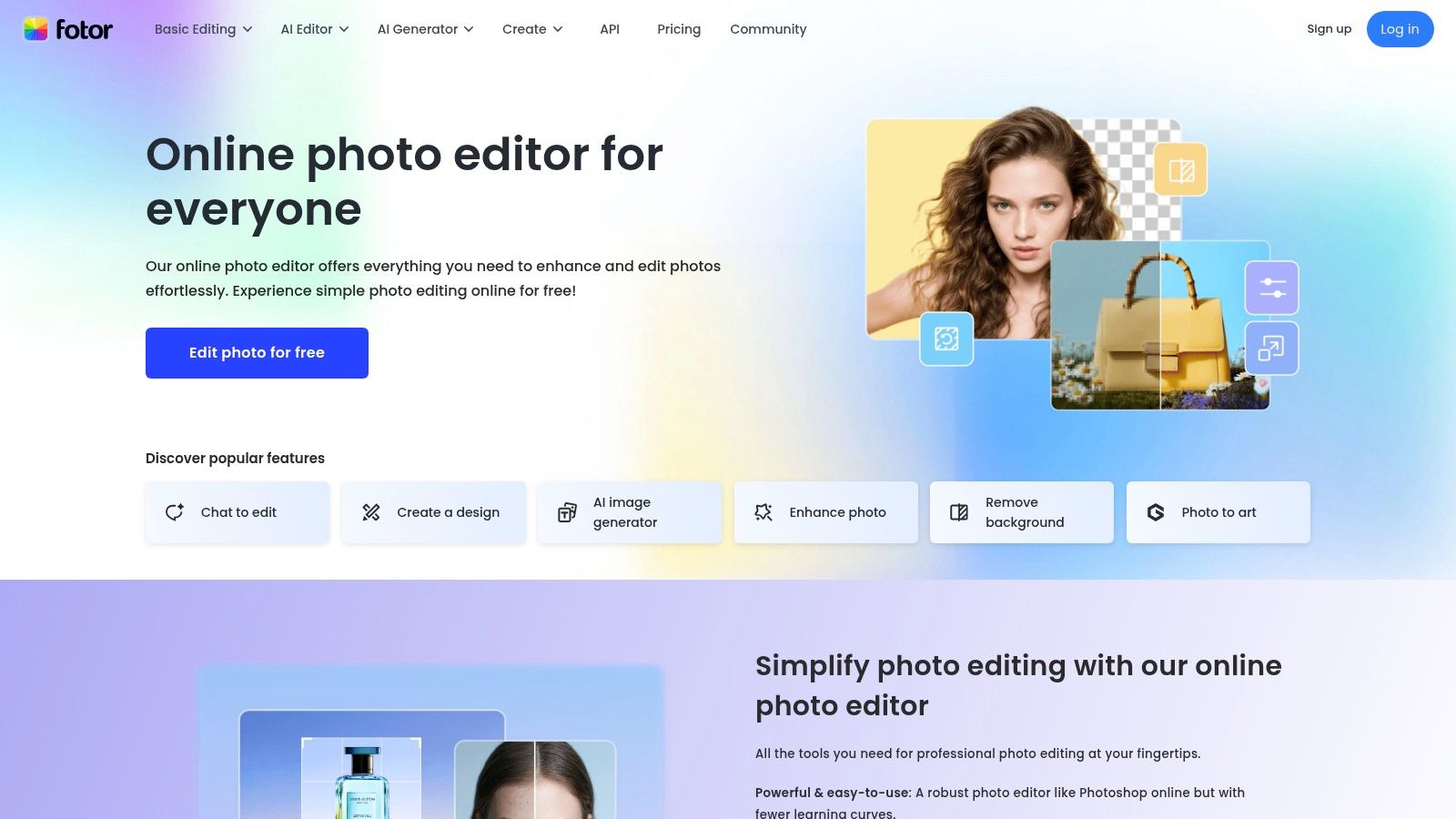
The platform stands out by integrating powerful AI-driven tools directly into the editing and collage-making workflow. While many of its advanced AI features, like object removal and batch processing, are reserved for paid tiers, the free version still provides a robust set of tools. Fotor makes its upgrade paths very clear, allowing users to understand exactly what new capabilities they will unlock, which is helpful for those looking to scale up their content creation over time. The interface is intuitive, making it easy to jump in and start creating without a significant learning curve.
Key Features & User Experience
| Feature | Details | Use Case |
|---|---|---|
| Template Library | Over 2,000 collage presets, including styles like artistic and funky. | Find a unique layout that matches your specific photo set or theme. |
| Web-Based Editor | Full-featured editor accessible directly in any web browser. | Create and edit collages on a desktop or laptop without any software installs. |
| AI Enhancements | Paid tiers offer AI tools for background removal and photo touch-ups. | Elevate your photos with professional edits before adding them to a collage. |
| Social Media Sizes | Export options are pre-configured for Instagram Posts and Stories. | Ensure your final collage is perfectly optimized for the platform. |
Practical Tip: Use Fotor's "Funky Collage" templates to break away from standard grids. These presets arrange photos in more creative, overlapping, and asymmetrical ways that can make your Instagram feed more visually interesting.
- Platform: Web, iOS, Android, Windows, Mac
- Pricing: A solid free plan is available. Fotor Pro starts at $39.99/year and unlocks premium templates, fonts, and basic AI tools. Fotor Pro+ is $89.99/year for access to the full suite of advanced AI features.
- Website: https://www.fotor.com/
8. Pixlr
Pixlr stands out as a powerful, browser-based photo editor that makes creating a quick collage feel effortless. It bridges the gap between basic, one-trick apps and overly complex professional software, offering a suite of tools that are both accessible and capable. For creators who need a fast, no-install solution, Pixlr provides a streamlined workflow perfect for piecing together a last-minute photo dump or a themed grid post, solidifying its place as a practical collage app for Instagram photos.
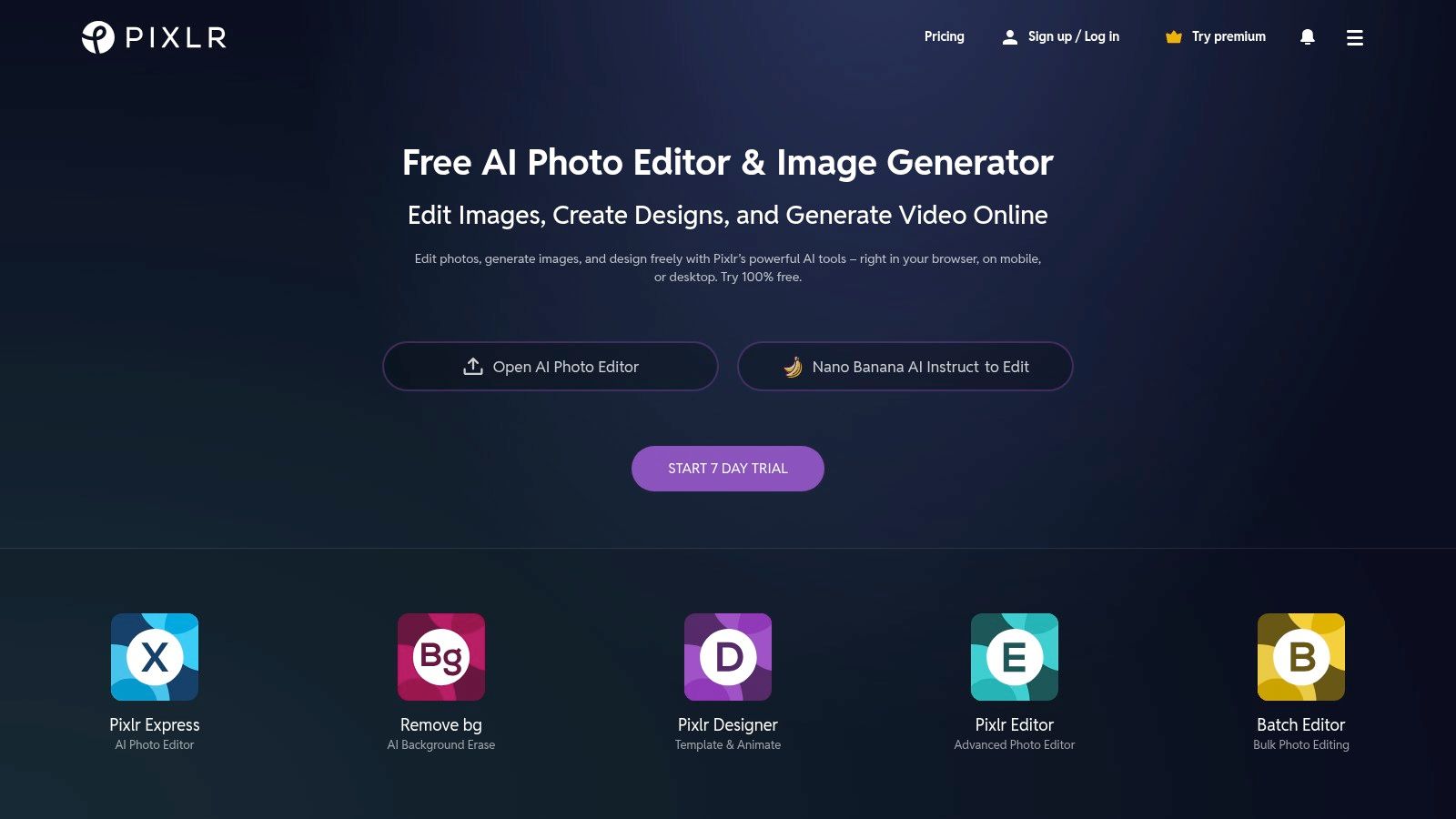
The platform is divided into different editors, with "Pixlr Express" being the go-to for collage creation. It offers a variety of pre-sized layouts optimized for social media, allowing you to simply drag and drop your images into place. While its templates may be simpler than those found on platforms like Canva, its core strength lies in its integrated photo editing tools. You can adjust colors, apply filters, and add overlays to individual photos within the collage without ever leaving the interface, ensuring each image looks its best before you finalize the design.
Key Features & User Experience
| Feature | Details | Use Case |
|---|---|---|
| Web-Based Editor | Full functionality directly in your browser with no installation. | Creating a collage on the fly from any computer. |
| Collage Layouts | A dedicated collage maker with various grids and templates. | Quickly arranging multiple photos for an event recap or a "get to know me" post. |
| Integrated Editing | Adjust lighting, colors, and effects on individual photos within the collage. | Fine-tuning images for a cohesive look without switching apps. |
| Affordable Premium | A very low-cost "Plus" tier removes ads and adds features. | Upgrading for a more professional, interruption-free workflow on a budget. |
Practical Tip: Use the "Auto-fix" feature on individual images within your collage grid. This one-click tool intelligently adjusts brightness, contrast, and color balance, saving you time and helping all your photos look consistent.
- Platform: Web, iOS, Android
- Pricing: Free version is ad-supported. Pixlr Plus is just $0.99/month, removing ads and adding features. Premium and Team plans are also available for more advanced tools and AI credits.
- Website: https://pixlr.com/
9. Kapwing
Kapwing positions itself as a collaborative online content studio, where creating a photo collage is just one piece of a much larger video-first puzzle. It is an excellent choice for creators and social media managers who frequently blend static images with video clips for their Instagram feed and Reels. Its strength lies in its cloud-based workflow, making it an effective collage app for Instagram photos when team collaboration and remote access are priorities.
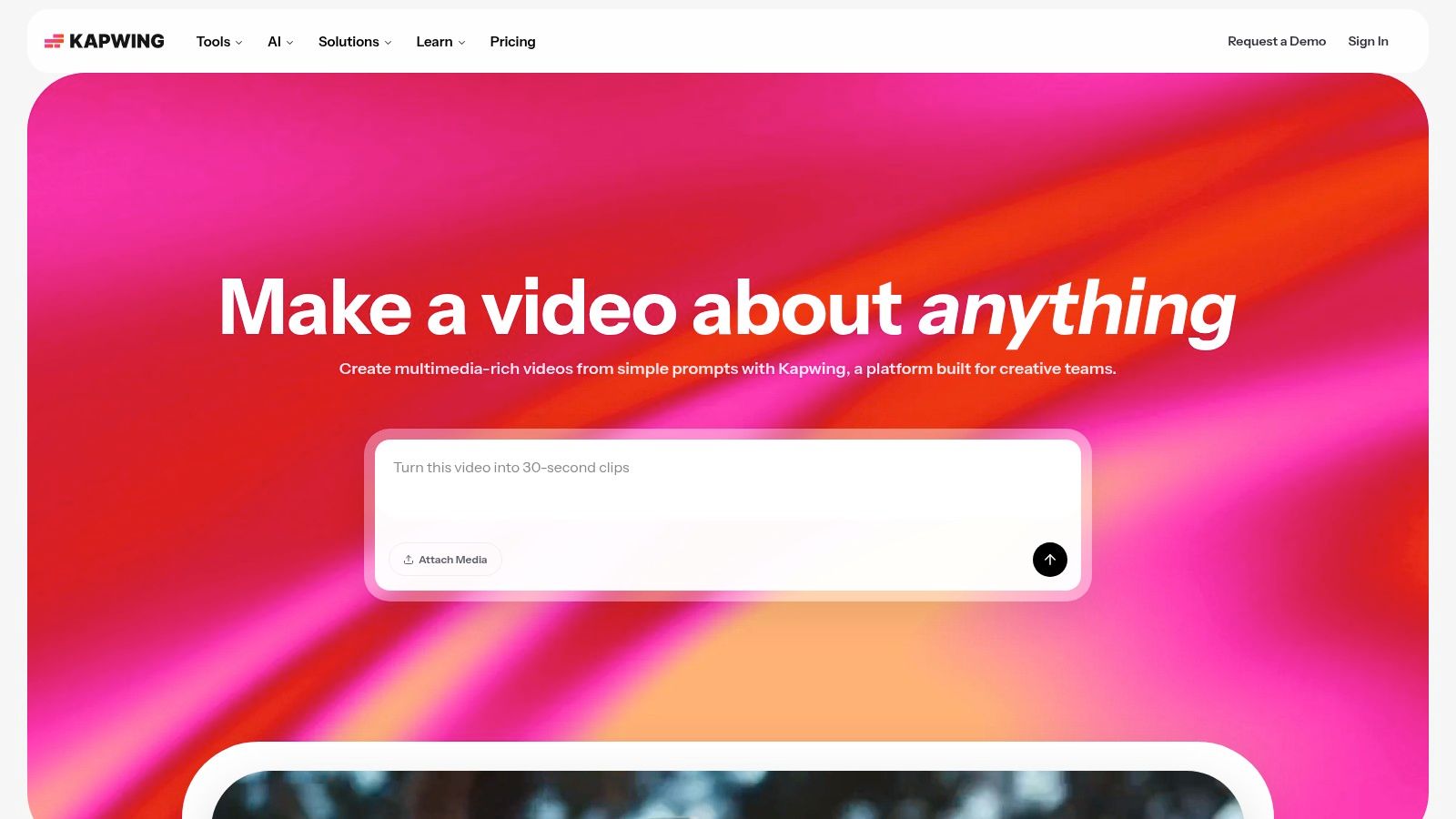
The platform is built for modern content teams. Features like shared workspaces, real-time commenting, and version history streamline the creative process, eliminating the back-and-forth of sending files. While its collage template library isn't as vast as design-focused platforms, its seamless integration with a powerful video editor is its unique selling point. You can create a photo collage, animate it, add text and audio, and export it as a video-ready post all within the same project, making it a versatile tool for dynamic Instagram content.
Key Features & User Experience
| Feature | Details | Use Case |
|---|---|---|
| Cloud-Based Workflow | All projects are saved online, accessible from any browser. | Start a collage at your desk and have a teammate review it instantly. |
| Integrated Tools | Combines photo collage, video editing, and stock assets in one place. | Create a photo collage and easily turn it into an animated Reel. |
| Collaboration | Features like shared workspaces, comments, and version history. | Ideal for agencies or marketing teams managing Instagram accounts. |
| Easy Resizing | Pre-set canvas sizes for Instagram Posts, Stories, and Reels. | Quickly adapt your collage design for different Instagram placements. |
Practical Tip: Use Kapwing's "Elements" tab to add shapes, progress bars, or emojis to your photo collage. This can add a layer of visual interest and turn a simple grid into a more engaging, infographic-style post.
- Platform: Web
- Pricing: Free plan available with watermarks and export limitations. The Pro plan is $16/month (billed annually) and removes watermarks, increases cloud storage, and unlocks premium features.
- Website: https://www.kapwing.com/
10. BeFunky
BeFunky is a powerful, web-based creative suite that combines a photo editor, graphic designer, and a dedicated collage maker into one accessible platform. Its standout feature is the Collage Wizard, which automatically generates a variety of layouts after you upload your photos, removing the guesswork and saving precious time. This makes it an excellent collage app for Instagram photos for creators who want fast, aesthetically pleasing results without getting bogged down in manual adjustments.
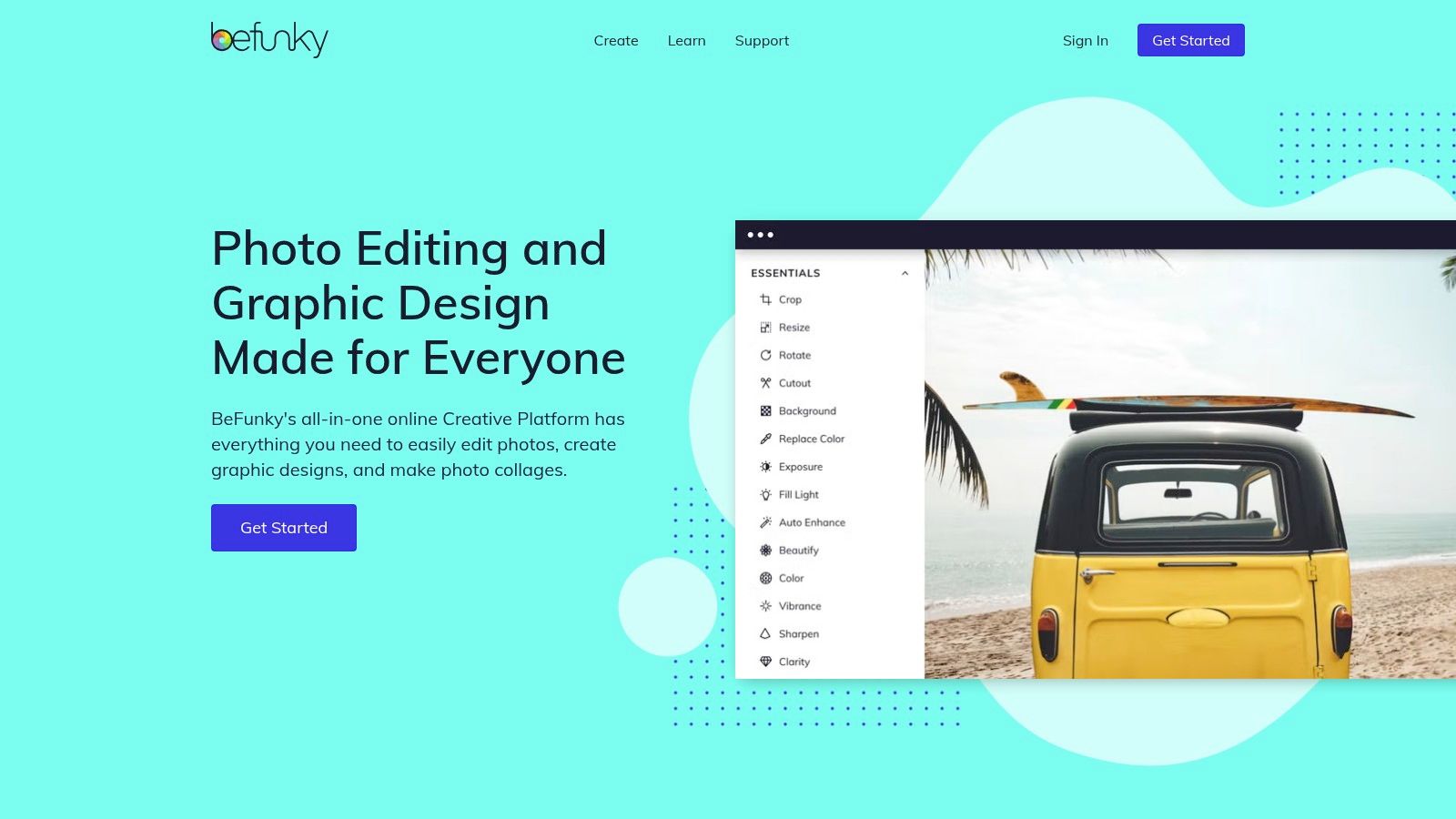
The platform’s strength lies in its simplicity and speed, allowing you to start creating immediately without even needing an account for basic features. The interface is clean and intuitive, guiding you through the process seamlessly. While the free version is quite capable for standard grids and layouts, upgrading to BeFunky Plus unlocks a suite of AI-powered tools, including background removers and artistic effects, that can elevate your collages from simple photo collections to captivating visual stories.
Key Features & User Experience
| Feature | Details | Use Case |
|---|---|---|
| Collage Wizard | Automatically generates optimal layouts based on your selected photos. | Quickly create a well-balanced collage for a weekend recap or event. |
| No Account Needed | Start creating and editing basic collages instantly without signing up. | Ideal for one-off projects or users who want to test the platform. |
| AI Tools (Plus) | Includes AI Portrait Enhancer, Background Remover, and more. | Add professional-looking effects and create layered, dynamic visuals. |
| Graphic Designer | A full module with templates for Instagram Posts and Stories. | Design a complete, branded graphic around your photo collage. |
Practical Tip: Use the "Auto Collage" feature within the Collage Wizard to see multiple layout options instantly. You can then fine-tune the spacing, corner rounding, and background color to perfectly match your Instagram feed’s aesthetic.
- Platform: Web, iOS, Android
- Pricing: Free version available with basic tools. BeFunky Plus is $11.99/month or $59.88/year, unlocking all premium features and AI tools.
- Website: https://www.befunky.com/
11. Unfold (by Squarespace)
Unfold is a storytelling toolkit designed for creators who value a minimalist and elegant aesthetic. Acquired by Squarespace, it excels at producing magazine-style layouts and sophisticated collages, particularly for Instagram Stories. Instead of overwhelming users with features, Unfold offers a curated selection of templates that feel modern and on-trend, making it the perfect collage app for Instagram photos when a polished, cohesive narrative is the goal.
The platform's strength lies in its mobile-first design and integration with a "Bio Site" link-in-bio tool, creating a seamless content creation and promotion ecosystem. The feed planner is another standout feature, allowing you to preview how your new collage will look alongside your existing posts to maintain a consistent grid aesthetic. With Unfold Pro, you can upload custom fonts, colors, and logos, ensuring every piece of content aligns perfectly with your brand identity. It's the ideal choice for fashion bloggers, photographers, and brands with a strong visual style.
Key Features & User Experience
| Feature | Details | Use Case |
|---|---|---|
| Curated Templates | Hundreds of modern, minimalist templates for Stories, Posts, and Reels. | Create elegant, magazine-style "photo dump" collages. |
| Feed Planner | Visually plan your Instagram grid before you post. | Ensure your new collage fits seamlessly with your feed's aesthetic. |
| Bio Site | A built-in link-in-bio tool to direct followers. | Promote your latest work directly from your Instagram profile. |
| Brand Assets (Pro) | Upload custom fonts, brand colors, and logos. | Maintain consistent branding across all your Story and Post collages. |
Practical Tip: Use Unfold’s animated text effects on your Story collages to capture attention immediately. Ensure your video elements and animations adhere to the latest Instagram Story specs for optimal playback and quality.
- Platform: iOS, Android
- Pricing: A free version is available with limited templates. Unfold+ is $12.99/month, and Unfold Pro is $19.99/month, unlocking all templates, fonts, and advanced features.
- Website: https://unfold-stories.squarespace.com/
12. PicPlayPost (Mixcord)
PicPlayPost moves beyond static images, specializing in dynamic mixed-media collages that seamlessly blend photos and videos. It’s an essential tool for creators who want to capture more than a single moment, making it a powerful collage app for Instagram photos and video clips. Its strength lies in creating engaging visual stories, perfect for event recaps, highlight reels, or tutorials that stop users from scrolling past.
The platform is built for motion. You can arrange video clips alongside photos, add custom transitions, and even stitch multiple collages together to create a longer, more comprehensive video slideshow. This makes it ideal for producing content for Instagram Reels and Stories where movement is key. With support for various aspect ratios, you can create a single project and easily export versions optimized for your feed, Stories, and Reels without losing quality or context.
Key Features & User Experience
| Feature | Details | Use Case |
|---|---|---|
| Video & Photo Mix | Combine photos, videos, GIFs, and live photos in a single collage. | Create a dynamic recap of a trip or event with video highlights. |
| Animated Slideshows | Stitch multiple collages together with transitions to form a video. | Produce a compelling brand announcement or product showcase. |
| Aspect Ratio Support | Easily create collages in 1:1, 4:5, 9:16, and other formats. | Ensure your collage is perfectly formatted for any Instagram placement. |
| Music Integration | Add your own music or tracks from the app's library. | Set the mood for a personal "photo dump" or branded Reel. |
Practical Tip: Use the video trimming feature within each frame to highlight the best part of every clip. This keeps the overall collage fast-paced and engaging, which is crucial for retaining audience attention on Instagram.
- Platform: iOS, Android
- Pricing: Free version with watermarks. Pro subscriptions unlock all features and remove watermarks, starting from $6.99/month.
- Website: https://www.mixcord.co/pages/picplaypost
Top 12 Instagram Collage Apps — Feature Comparison
| Product | Core features | UX & Quality (★) | Value & Price (💰) | Best for (👥) | Unique selling point (✨) |
|---|---|---|---|---|---|
| taap.bio 🏆 | Modular bento-grid, drag-&-drop blocks, real-time smart widgets (IG, YouTube, GitHub), inline audio playback, mobile+desktop layouts | ★★★★★ 4.98/5 — polished, physics-based interactions | 💰 Free to start; advanced tiers not listed | 👥 Creators & artists wanting a branded, interactive link hub | ✨ Deep platform widgets + inline Spotify/podcast playback; highly visual, customizable canvas |
| Canva | Templates, Magic Resize, Brand Kit, collage grids | ★★★★☆ — beginner-friendly, consistent UX | 💰 Free tier; Pro subscription | 👥 Non-designers, social managers, small teams | ✨ Massive template ecosystem & brand tools |
| Adobe Express | Instagram collage maker, Adobe Stock, quick actions, scheduler | ★★★★☆ — Adobe-quality assets & support | 💰 Free + Premium subscription | 👥 Brands wanting Adobe ecosystem & scheduling | ✨ Adobe Stock integration & built‑in scheduler |
| Picsart | Grid & freestyle collages, stickers, AI editing, mobile-first | ★★★★☆ — trend-forward mobile UX | 💰 Freemium; Pro for advanced tools | 👥 Trend-driven creators & mobile editors | ✨ Large sticker library, frequent trend templates |
| PicCollage | Collage-first UX, themed packs, one-tap IG layouts | ★★★☆☆ — very fast & simple | 💰 Free; in-app purchases/subscriptions | 👥 Casual users doing quick photo dumps | ✨ Extremely quick, seasonal sticker packs |
| PhotoGrid | 10,000+ layouts, social aspect ratios, stickers & filters | ★★★☆☆ — template-rich, straightforward | 💰 Freemium; premium packs | 👥 Users needing many ready-made layouts | ✨ Huge layout catalogue for rapid posting |
| Fotor | Web collage maker, 2,000+ presets, AI tools on paid tiers | ★★★☆☆ — desktop-first, clear UI | 💰 Free; Pro/Pro+ for AI & assets | 👥 Desktop users who prefer browser tools | ✨ Web-first workflow with clear upgrade paths |
| Pixlr | Lightweight web editor, collage grids, ad‑free upgrade with AI credits | ★★★☆☆ — fast browser experience | 💰 Very affordable Plus tier | 👥 Budget-conscious creators & quick editors | ✨ Fast, low-cost ad-free option with AI credits |
| Kapwing | Photo & video collages, social sizing, collaboration & version history | ★★★★☆ — cloud-based studio | 💰 Free (watermark limits); Pro subscription | 👥 Teams and multimedia creators | ✨ Cloud projects + collaboration & version history |
| BeFunky | Collage Wizard, AI enhance, graphic designer module | ★★★☆☆ — simple, no-signup start | 💰 Free; Plus subscription | 👥 Quick social assets makers | ✨ Start collaging without creating an account |
| Unfold (Squarespace) | Polished story/post templates, feed planner, Bio Site option | ★★★★☆ — elegant, brand-conscious | 💰 Freemium; Pro packs | 👥 Brand-focused storytellers & planners | ✨ On-trend story templates + feed planner |
| PicPlayPost (Mixcord) | Mixed photo+video collages, transitions, animated slideshows | ★★★☆☆ — strong for video collages | 💰 Freemium; in-app purchases/subscriptions | 👥 Creators wanting hybrid photo+video layouts | ✨ Hybrid video+photo collages with animated transitions |
Beyond the Collage: Integrating Your Visuals with Your Brand Hub
You've just explored a comprehensive toolkit of the most powerful and creative collage apps available. We’ve journeyed through the design powerhouse of Canva, the AI-driven magic of Picsart, and the minimalist elegance of Unfold. The goal, however, has always been more than just stitching photos together; it's about crafting a visual narrative that captivates your Instagram audience. The right collage app for Instagram photos is your first step toward building a cohesive, professional, and engaging brand identity.
But what happens after a follower is captivated by your perfectly designed collage? The true measure of success is guiding that attention toward a meaningful action. This is where your strategy must extend beyond the Instagram grid and into your link in bio. A visually compelling feed deserves an equally impressive destination.
From Grid to Hub: Choosing Your Path Forward
Selecting the perfect app from our list requires a moment of honest self-assessment. Your choice should directly align with your content creation workflow, technical skill, and ultimate branding goals.
- For the All-in-One Creator: If you need a single platform that handles everything from video collages to static layouts and offers robust editing tools, look toward versatile options like Canva or Adobe Express. These are ideal for those who value efficiency and want a centralized creative suite.
- For the Mobile-First Influencer: If you create content exclusively on your phone and need speed, trendy templates, and social-media-native features, apps like Unfold, PicCollage, and Picsart are your best allies. Their intuitive interfaces are built for on-the-go creation.
- For the Niche Specialist: If your focus is specific, such as video-heavy content or intricate artistic effects, a specialized tool like PicPlayPost for video or BeFunky for detailed photo editing will serve you far better than a general-purpose app.
Ultimately, the best collage app for Instagram photos is the one that removes friction from your creative process and empowers you to produce content that feels authentically you.
The Final Polish: Elevating Your Visuals
Before you finalize any collage, remember that the quality of your source images is paramount. A stunning layout can be undermined by blurry or poorly lit photos. To truly elevate your Instagram collages and ensure your brand visuals are consistently sharp, explore how a free AI photo enhancer can deliver professional-grade images. This final touch can make the difference between an average post and one that stops the scroll.
Your visual strategy is a powerful engine for audience growth, but it needs a destination. A dynamic link-in-bio hub like Taap.bio acts as the bridge, transforming the visual appeal you've cultivated on Instagram into a tangible brand experience. Instead of a static list of links, you can create a "bento box" of your digital world, mirroring the collage aesthetic your audience already loves. This creates a seamless journey from your feed to your portfolio, shop, or latest project, turning passive viewers into an active, engaged community.
Ready to transform your link in bio from a simple list into a stunning visual hub? taap.bio helps you build a beautiful, interactive landing page that mirrors the collage aesthetic of your Instagram feed, creating a cohesive brand experience for your followers. Start building your free, personalized brand hub today at taap.bio.