Crafting an Instagram feed that stops the scroll requires more than just great photos; it demands compelling visual storytelling. Photo collages are a powerful tool in your arsenal, allowing you to combine moments, showcase products, and create a dynamic narrative in a single post. But with countless apps promising the perfect grid, finding the best instagram collage app for your specific creative needs can feel overwhelming.
Are you looking for minimalist templates, powerful AI-driven editing, or animated video collages for your Stories? This guide cuts through the noise. We've rigorously tested and analyzed the top 12 platforms, from household names like Canva to niche specialists like Unfold. For each app, you'll find a breakdown of its standout features, honest pros and cons, pricing, and who it’s truly best for. Beyond single posts, creating a cohesive profile is key. To truly master the aesthetics of your feed, a comprehensive Instagram grid maker guide can provide invaluable insights.
This isn't just a list; it's a strategic resource designed to save you time and frustration. We provide direct links and screenshots so you can see each app in action. By the end, you'll know exactly which tool will elevate your content from standard to standout, unlocking new creative potential for your brand or personal feed.
Table of contents
1. Adobe Express
Adobe Express is more than just an Instagram collage app; it’s a comprehensive, all-in-one design suite that brings the power of Adobe's creative ecosystem to your social media workflow. Its polished, intuitive interface makes it a top contender for creators who want professional-looking results without a steep learning curve. The platform shines with its vast library of professionally designed templates, perfectly sized for Instagram posts, Stories, and Reels, allowing you to create stunning visuals in minutes.
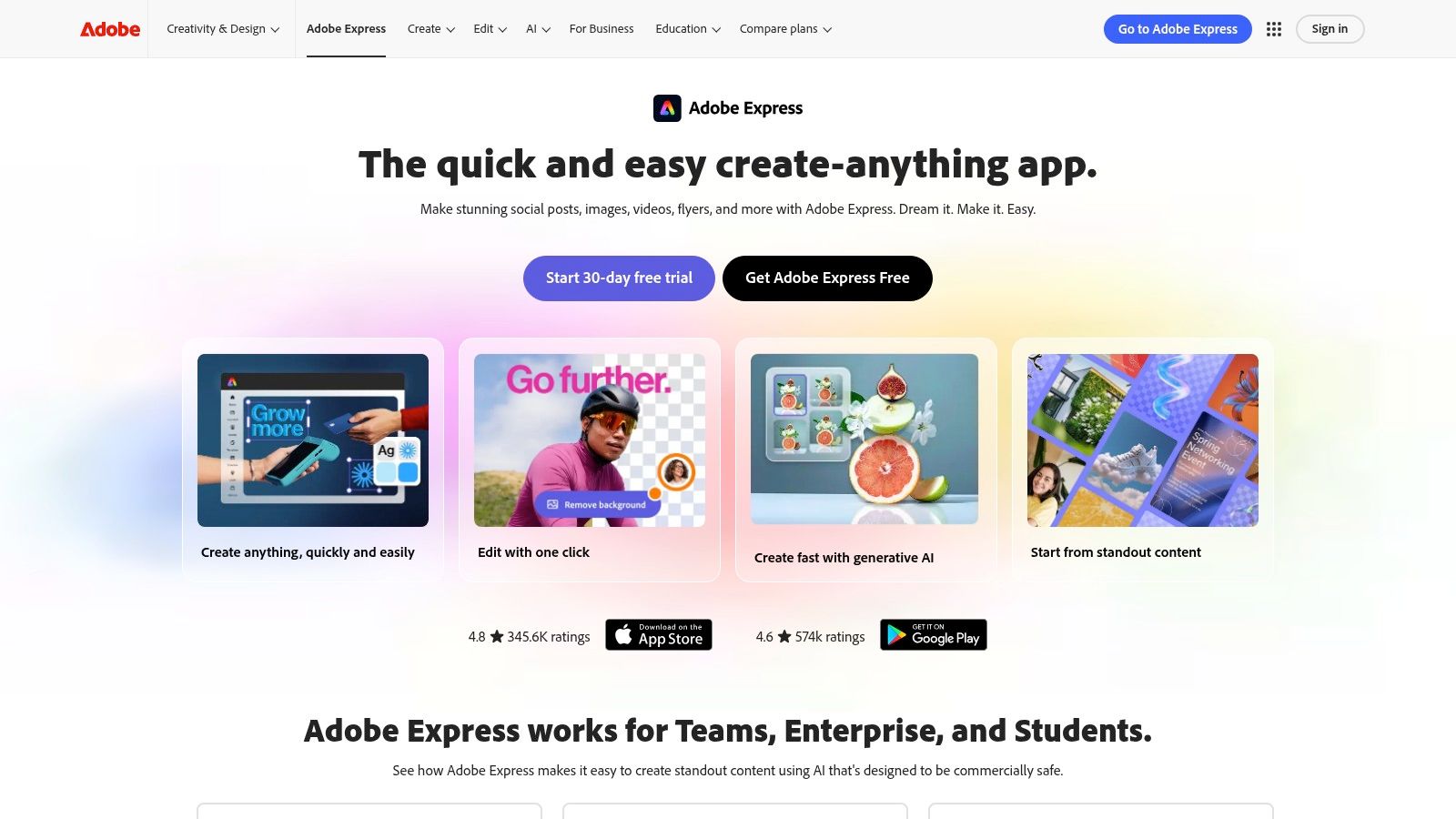
The drag-and-drop editor is fast and responsive, packed with quick actions like one-click background removal and animation effects. While its free tier is generous enough for basic collages, the real power is unlocked with a premium subscription, which grants access to the full Adobe Stock photo library, premium templates, and the Content Scheduler. This integrated tool lets you plan and publish your collages directly to your social channels, streamlining your entire content creation process. Adobe Express is the best Instagram collage app for those who need a robust, reliable tool that scales with their creative ambitions.
| Key Information | Details |
|---|---|
| Best For | All-in-one content creation and scheduling |
| Platforms | Web, iOS, Android |
| Pricing | Free plan available; Premium starts at $9.99/month |
| Website | Visit Adobe Express |
2. Canva
Canva is a titan in the world of accessible design, and for good reason. It has established itself as an indispensable tool for millions, making it a go-to platform for creating eye-catching Instagram collages without any prior design experience. Its strength lies in its simplicity and an enormous library of ready-to-use templates specifically crafted for Instagram posts, Stories, and Reels. This makes it the best Instagram collage app for users who prioritize speed and efficiency, allowing anyone to produce polished, on-trend visuals in just a few clicks.
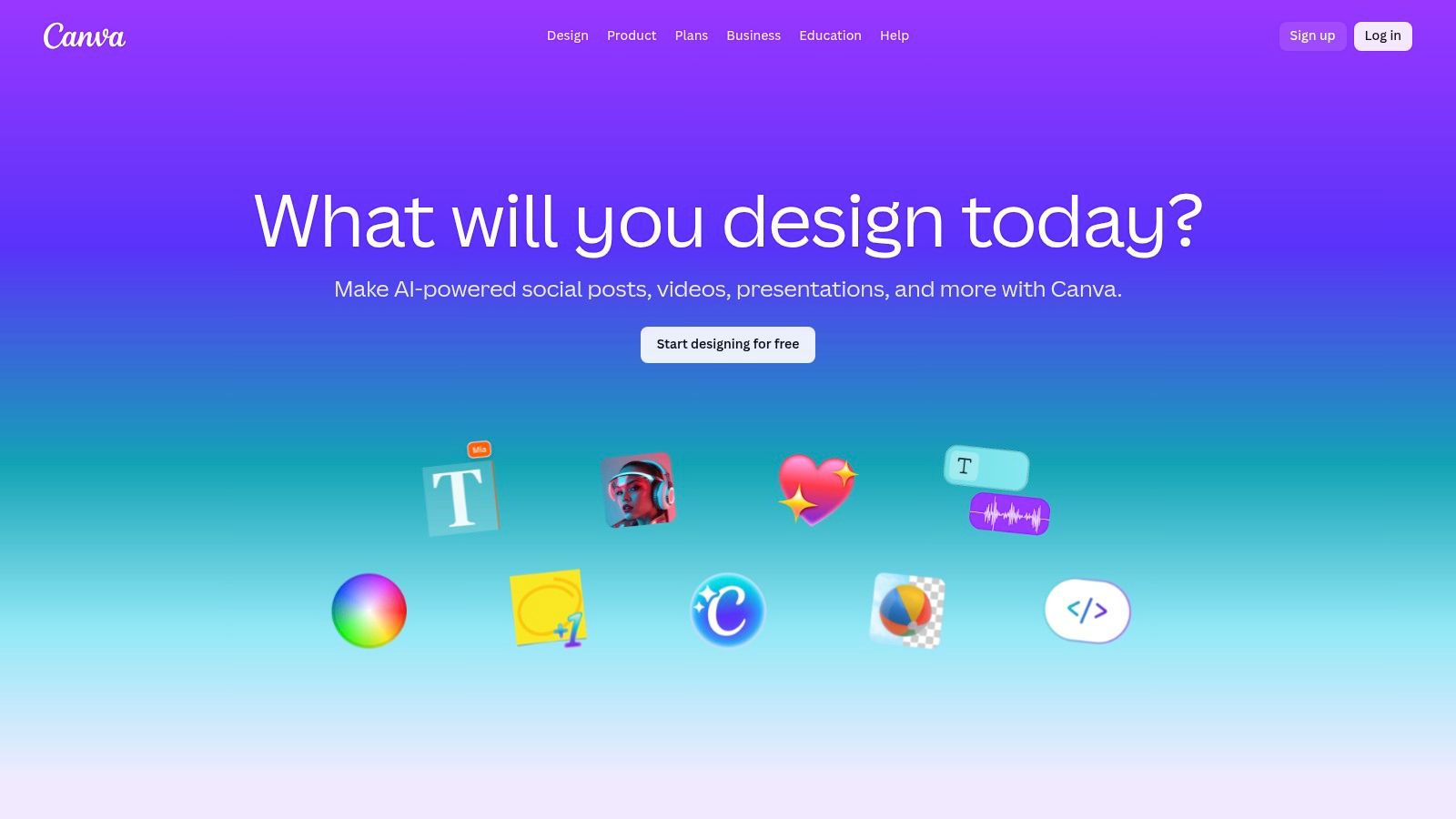
The platform’s drag-and-drop functionality is incredibly intuitive, whether you're using it on the web or its mobile apps. For those managing a brand, the Brand Kit feature (available in Pro) is a game-changer, allowing you to save your logos, brand colors, and fonts for consistent designs every time. While the free version is robust, upgrading to Canva Pro unlocks a vast repository of premium stock photos, elements, and powerful tools like the one-click Magic Resize, which instantly adapts your collage to fit different social media dimensions. Canva is the ideal solution for beginners and teams needing a collaborative and user-friendly design environment.
| Key Information | Details |
|---|---|
| Best For | Beginners, teams, and rapid, template-based creation |
| Platforms | Web, iOS, Android |
| Pricing | Free plan available; Canva Pro starts at $14.99/month |
| Website | Visit Canva |
3. Picsart
Picsart positions itself as a creative playground for social media, offering an incredibly deep set of tools that go far beyond basic collages. It excels with its vibrant, community-focused platform that encourages experimentation with trendy stickers, filters, and AI-powered effects. Users can choose between structured grid layouts or dive into freestyle collages, where they can use shape cutouts and layer elements for a more artistic, scrapbook-style result. The platform is designed for those who want their collages to have a distinct, social-first aesthetic.
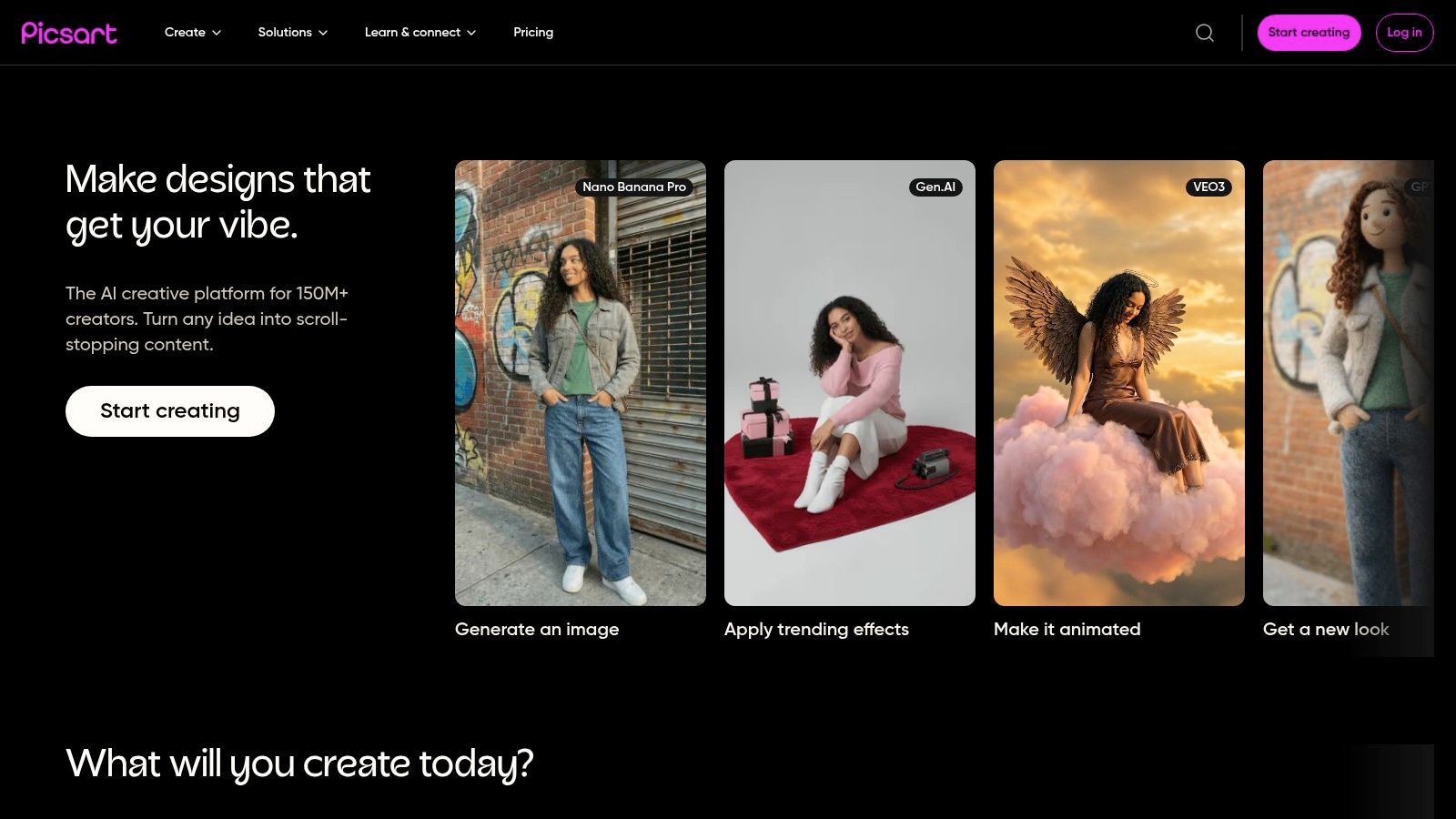
While the mobile app is where Picsart truly shines, its web editor provides a seamless transition for desktop workflows. The free version is robust, but a premium subscription removes watermarks and unlocks advanced AI tools like background removal and image upscaling. Although the interface can feel busy for those seeking simple layouts, Picsart is arguably the best Instagram collage app for creators who want an all-in-one editor that blends powerful collage-making with a full suite of trendy, social-centric photo and video editing tools.
| Key Information | Details |
|---|---|
| Best For | Creative collages with stickers, effects, and AI tools |
| Platforms | Web, iOS, Android |
| Pricing | Free plan available; Premium starts at $5.00/month |
| Website | Visit Picsart |
4. Unfold (by Squarespace)
Unfold brings a refined, editorial aesthetic to the world of Instagram collages, specializing in minimalist, magazine-inspired layouts. Acquired by Squarespace, it carries the same design-forward ethos, making it the ideal tool for creators, brands, and influencers who want to craft elegant and cohesive visual stories. Its strength lies in its curated collections of templates that make your content look professionally designed with just a few taps, perfect for both Instagram Stories and in-feed posts.
The user experience is clean and intuitive, focusing on speed and simplicity. You can quickly drop your photos and videos into polished layouts, customize text with unique fonts, and create a consistent brand look. While it leans more on templates than freeform editing, this focus is what makes it such a powerful tool for achieving a high-end look without any design skill. For those seeking the best Instagram collage app to build a sophisticated and on-brand feed, Unfold is an exceptional choice, especially with the Unfold+ subscription unlocking its full suite of premium templates.
| Key Information | Details |
|---|---|
| Best For | Minimalist, magazine-style story and post collages |
| Platforms | iOS, Android |
| Pricing | Free version available; Unfold+ starts at $2.99/month |
| Website | Visit Unfold |
5. PhotoGrid
PhotoGrid stands out with its dedicated focus on collage creation, offering a true web-based editor that complements its popular mobile apps. This makes it an excellent choice for creators who prefer a desktop workflow without installing software. The platform is designed for speed and simplicity, boasting a massive library of over 20,000 templates, backgrounds, and stickers. It allows users to quickly assemble eye-catching collages perfectly sized for Instagram posts and Stories, making it a go-to for timely, themed content.
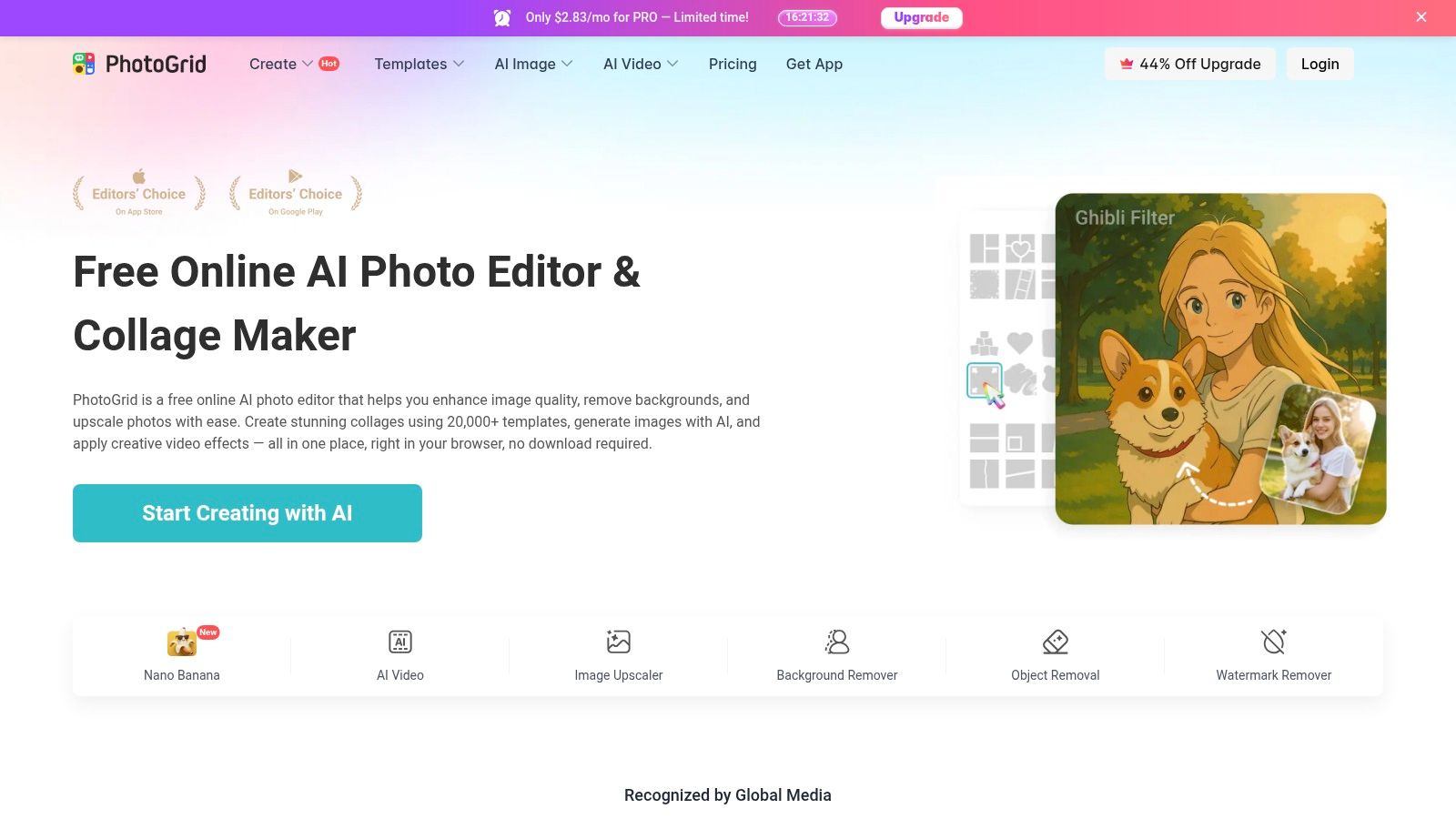
Its clean interface and drag-and-drop functionality make the creation process smooth and intuitive. PhotoGrid also integrates useful AI tools, such as one-click background and object removal, which add a layer of professional polish to your designs. While the free version is functional, it comes with ads and watermarks, pushing users toward a subscription to unlock the platform's full potential. For those seeking the best Instagram collage app that prioritizes a vast template selection and a seamless web-to-mobile experience, PhotoGrid is a powerful contender.
| Key Information | Details |
|---|---|
| Best For | Quick, template-driven collages with a web editor |
| Platforms | Web, iOS, Android |
| Pricing | Free plan with watermarks; Pro starts at $4.99/month |
| Website | Visit PhotoGrid |
6. PicCollage
PicCollage is a classic in the mobile editing space, celebrated for its fun, fast, and straightforward approach to creating eye-catching collages. It excels at providing a quick and joyful user experience, making it perfect for those who want to combine photos without getting bogged down in complex editing tools. The app offers a variety of formats, including structured grids, freestyle boards for creative expression, and pre-sized templates specifically designed for Instagram posts and Stories. It’s the ideal tool for quick, on-the-go creations.
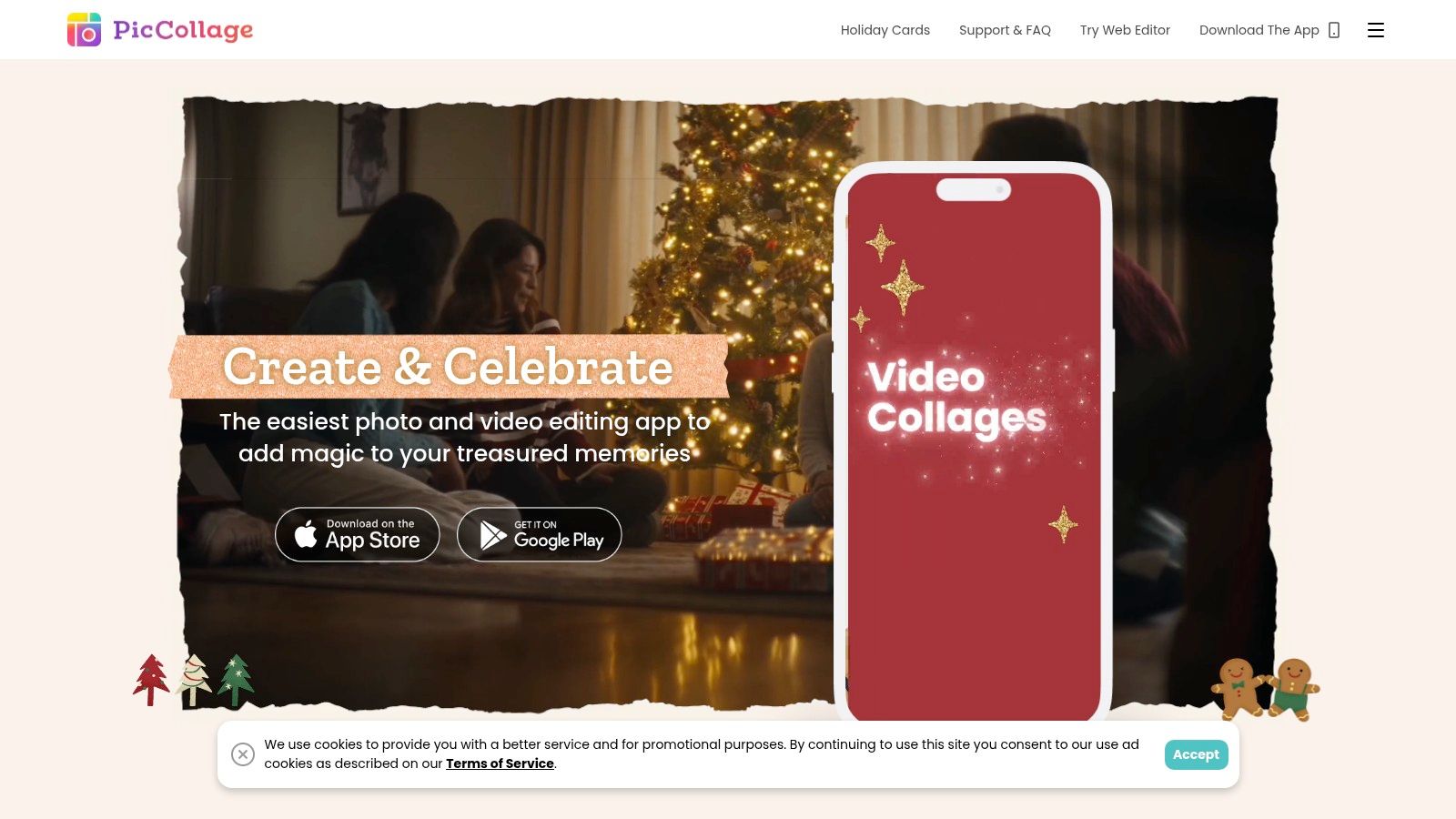
What makes PicCollage a contender for the best Instagram collage app is its incredible accessibility for beginners. The interface is intuitive, allowing you to drop in photos, add fun stickers, experiment with fonts, and even use a doodle tool to add a personal touch. Its vibrant community and frequent updates with seasonal and holiday-themed template packs keep the content fresh and engaging. While the free version includes a watermark and ads, upgrading to the paid tier unlocks high-resolution exports and a cleaner workspace, making it a worthy investment for frequent users who prioritize speed and simplicity.
| Key Information | Details |
|---|---|
| Best For | Beginners and quick, fun, seasonal collages |
| Platforms | iOS, Android |
| Pricing | Free plan available; VIP subscription starts at $4.99/month |
| Website | Visit PicCollage |
7. Diptic
Diptic breaks away from the subscription model, offering a powerful, focused collage-making experience for a one-time purchase. It appeals to creators who value precision over templates, providing granular control over every aspect of the layout. The app’s strength lies in its geometric flexibility, allowing you to minutely adjust border lines, round corners, and alter aspect ratios to create perfectly balanced compositions that align with a specific brand aesthetic. It’s a refreshingly straightforward tool designed to do one thing exceptionally well.
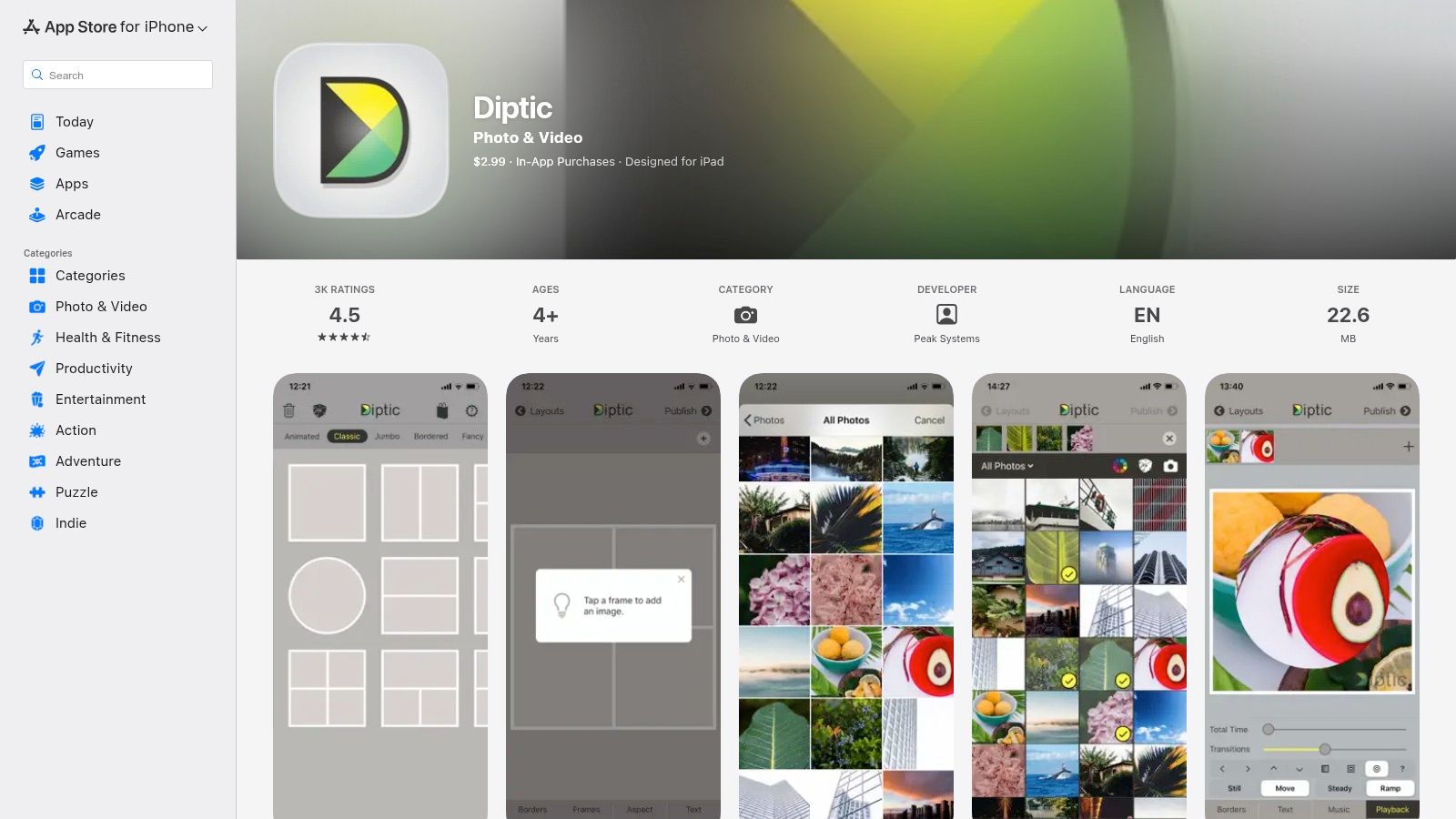
With over 190 initial layouts, Diptic lets you combine photos and videos, adding simple text overlays and filters to complete your vision. A standout feature is the ability to save your custom-adjusted layouts, which is a massive time-saver for maintaining a consistent look across your Instagram feed. While it lacks the all-in-one cloud features of larger platforms, its speed and precision make it the best Instagram collage app for iOS users who want artistic control without being tied to another monthly fee.
| Key Information | Details |
|---|---|
| Best For | Precise layout control and one-time purchase value |
| Platforms | iOS |
| Pricing | One-time purchase (starts at $2.99); optional add-ons |
| Website | Visit Diptic |
8. InShot
InShot excels as a hybrid tool, making it the best Instagram collage app for creators who heavily focus on video content like Reels and Stories. While primarily known as a powerful mobile video editor, its integrated collage maker is surprisingly robust, allowing you to seamlessly blend photos and video clips into dynamic layouts. This unique capability saves you from switching between multiple apps, streamlining the creation of engaging, multimedia-rich content that stands out in the feed.
The app offers a fantastic workflow for modern Instagram content. You can build a photo grid, add a video clip to one of the cells, then apply transitions, background music, and animated stickers all within the same editor. Canvas presets ensure your final creation is perfectly formatted for posts, Stories, or Reels. While the free version includes ads and a watermark, the affordable pro version (including a lifetime purchase option) unlocks its full potential, making it a cost-effective powerhouse for video-centric creators who need a reliable, all-in-one editing solution on the go.
| Key Information | Details |
|---|---|
| Best For | Creating dynamic photo and video collages for Reels |
| Platforms | iOS, Android |
| Pricing | Free with ads/watermark; Pro from $3.99/month or a one-time fee |
| Website | Visit InShot |
9. Mojo
Mojo is the go-to app for creators who want to bring their collages to life with motion. Rather than static grids, Mojo specializes in producing dynamic, animated collages perfectly formatted for Instagram Stories and Reels. It’s a template-driven powerhouse designed for speed and style, allowing you to create video-first content that captures attention instantly. The platform stands out by focusing exclusively on animated designs, making it a unique and powerful tool in a crowded market.
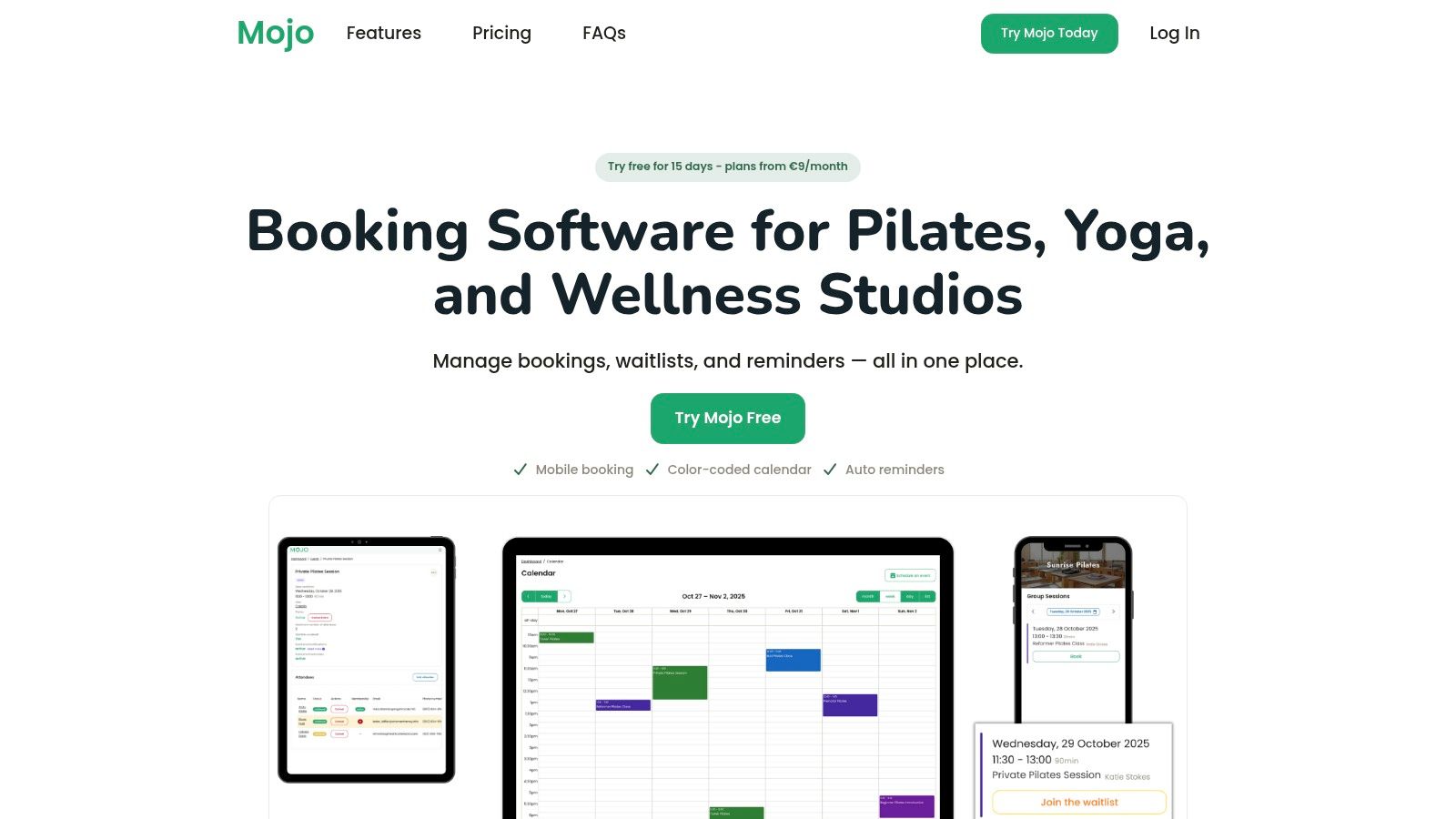
With a library of over 1,200 animated templates, Mojo makes it easy to combine photos and videos into a polished, professional-looking narrative. Its editor allows for quick customizations, including unique text effects, auto-captions, and music synchronization that aligns with social media trends. While the free version is functional, the Pro subscription is where Mojo truly shines, unlocking its most captivating templates and features. For those whose brand aesthetic thrives on movement and energy, Mojo is the best Instagram collage app for creating scroll-stopping animated content with minimal effort.
| Key Information | Details |
|---|---|
| Best For | Animated collages for Stories and Reels |
| Platforms | iOS, Android |
| Pricing | Free plan available; Mojo Pro starts at $9.99/month |
| Website | Visit Mojo |
10. Kapwing
Kapwing is a powerful, browser-based video and image editor that excels at creating dynamic, social-ready collages without requiring any software downloads. Its strength lies in its collaborative, web-first approach, making it ideal for teams or creators who need to work on projects from different devices. The platform offers a clean, intuitive interface with a variety of collage templates, split-screen layouts, and drag-and-drop canvases perfect for crafting before-and-after posts, multi-clip video grids, and stylish photo arrangements for Instagram.
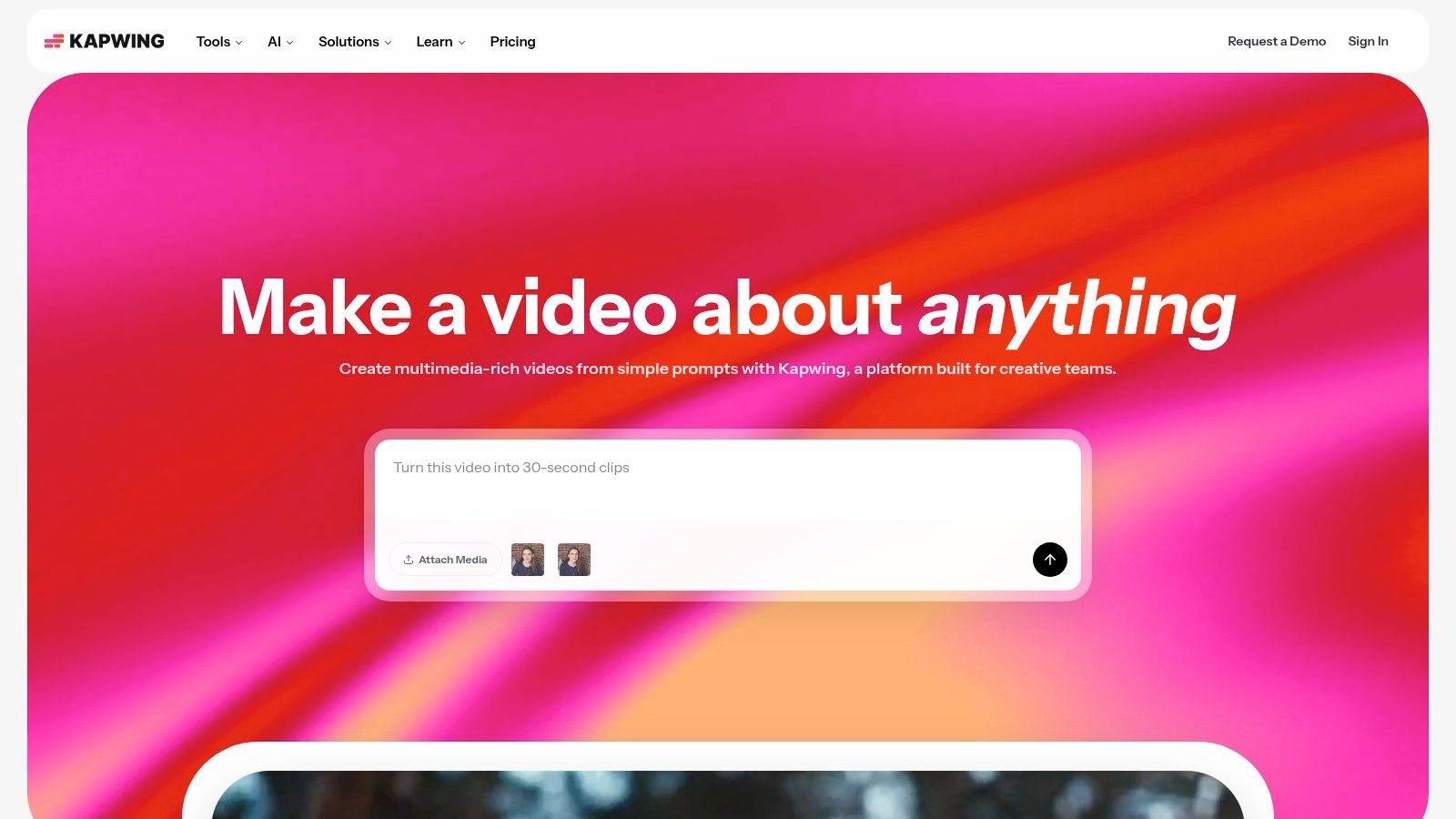
Beyond static images, Kapwing’s robust video editing tools set it apart, allowing you to seamlessly mix photos and video clips into a single, engaging collage. Features like one-click resizing for Instagram Stories, Posts, and Reels ensure your creations are perfectly optimized. While the free version includes a watermark, upgrading unlocks 4K exports, a Brand Kit for consistent branding, and team workspaces. For those who prioritize a web-only workflow and need a tool that balances simplicity with powerful multimedia capabilities, Kapwing is an outstanding choice and one of the best Instagram collage app options available online.
| Key Information | Details |
|---|---|
| Best For | Collaborative, web-based photo and video collages |
| Platforms | Web |
| Pricing | Free plan with watermarks; Pro starts at $16/month (billed annually) |
| Website | Visit Kapwing |
11. Fotor
Fotor carves out a unique space for itself as a powerful, cross-platform photo editor that doubles as a highly capable Instagram collage app. It strikes a balance between the simplicity of single-purpose collage tools and the complexity of full-fledged design suites. The platform offers a clean interface with both classic grid-style collage templates and freestyle boards, giving you creative control over your layouts for Instagram posts and Stories. Its multi-platform availability with cloud storage is a major advantage, letting you start a design on your phone and finish it on your desktop seamlessly.
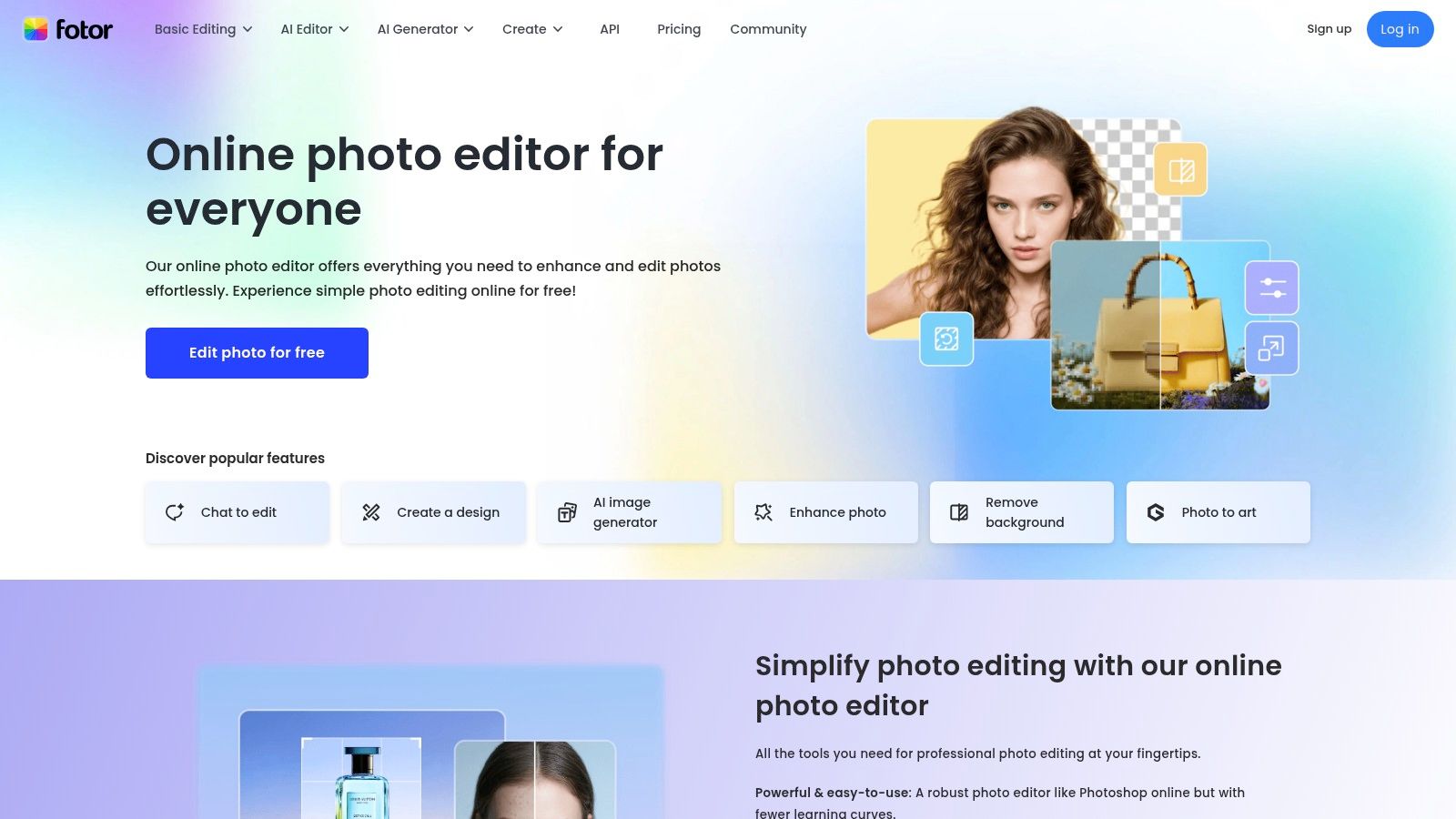
Where Fotor truly stands out is its integration of AI-powered tools. Features like the one-click background remover, photo enhancer, and batch editor are incredibly useful for creators who need to produce consistent, high-quality content quickly. While the free version can feel a bit heavy with ads and upsells, the paid plans unlock a suite of advanced features that make it a compelling choice. For users who need more than just basic grids and want AI assistance without committing to an enterprise-level platform, Fotor is the best Instagram collage app that offers flexibility and power across all devices.
| Key Information | Details |
|---|---|
| Best For | AI-powered batch editing and cross-platform syncing |
| Platforms | Web, iOS, Android, Windows, Mac |
| Pricing | Free plan available; Fotor Pro starts at $8.99/month |
| Website | Visit Fotor |
12. Pic Stitch
Pic Stitch strips away the complexity of all-in-one design suites to focus on one thing: making high-quality photo and video collages quickly. Its streamlined, purpose-built workflow makes it a go-to choice for creators who need to produce multi-image or before-and-after posts without getting bogged down in menus. The app offers over 400 classic and modern layouts, all perfectly optimized for Instagram's various formats, ensuring your content looks sharp and professional every time.
What makes Pic Stitch stand out is its speed and reliability. It excels at combining both photos and videos into a single frame, a feature that can be clunky on other platforms. While the free version includes ads and a watermark, the affordable subscription removes these and unlocks additional border packs and filters. Although it lacks the extensive brand management tools of larger platforms, Pic Stitch is the best Instagram collage app for users who prioritize an efficient, dedicated tool for creating classic collages with dependable, high-resolution exports.
| Key Information | Details |
|---|---|
| Best For | Quick, reliable photo and video collages |
| Platforms | iOS, Android |
| Pricing | Free plan available; Subscription starts at $2.99/month |
| Website | Visit Pic Stitch |
Top 12 Instagram Collage Apps — Feature & Ease Comparison
| App | Core features ✨ | UX/Quality ★ | Price/Value 💰 | Best for 👥 | Standout 🏆 |
|---|---|---|---|---|---|
| Adobe Express | ✨ Templates, drag‑drop editor, Adobe Stock, scheduler | ★★★★ — polished, fast | 💰 Free tier; Pro/sub for assets | 👥 Social managers & designers | 🏆 Adobe ecosystem & publishing tools |
| Canva | ✨ Massive template library, one‑click resize, Brand Kit | ★★★★★ — extremely approachable | 💰 Free + Pro for teams/assets | 👥 Non‑designers & teams | 🏆 Template variety & speed |
| Picsart | ✨ Grid & freestyle collages, AI tools, stickers | ★★★★ — powerful, mobile‑first | 💰 Free w/ limits; Pro subscription | 👥 Creators who want effects | 🏆 AI editing + social effects |
| Unfold | ✨ Minimal editorial templates, font/color packs | ★★★★ — clean, quick | 💰 Free + Unfold+ subscription | 👥 Creators seeking magazine look | 🏆 Elevated, editorial templates |
| PhotoGrid | ✨ Web collage editor, 20k templates, AI tools | ★★★ — functional web workflow | 💰 Free w/ watermarks; Pro available | 👥 Web‑only collage users | 🏆 True web‑based collage workflow |
| PicCollage | ✨ Grids, freestyle, stickers, seasonal packs | ★★★ — very beginner‑friendly | 💰 Free w/ ads; paid tiers remove watermark | 👥 Beginners & casual posters | 🏆 Seasonal templates & ease |
| Diptic | ✨ 190+ layouts, granular borders, save custom layouts | ★★★★ — precise, lightweight | 💰 One‑time purchase (iOS) | 👥 Creators needing layout precision | 🏆 One‑time buy + fine control |
| InShot | ✨ Photo/video collages, transitions, music tools | ★★★★ — strong video workflow | 💰 Free w/ ads; lifetime/Pro options | 👥 Reels & video creators | 🏆 Integrated video + photo editing |
| Mojo | ✨ 1,200+ animated templates, auto‑captions | ★★★★ — motion‑first, trendy | 💰 Free + Pro subscription | 👥 Animated Stories/Reels creators | 🏆 Motion‑forward animated templates |
| Kapwing | ✨ Web editor, split‑screen, resize, team workspaces | ★★★★ — web & collaborative | 💰 Free (watermark); paid for full exports | 👥 Remote teams & web workflows | 🏆 Web collaboration + 4K export |
| Fotor | ✨ Collage & freestyle, AI enhancer, cloud storage | ★★★ — useful but ad‑heavy free tier | 💰 Free + Pro/Pro+ tiers | 👥 Batch creators & cloud users | 🏆 AI batch tools for repetitive tasks |
| PicStitch | ✨ 400+ layouts, border packs, photo+video support | ★★★ — fast, reliable exports | 💰 Free w/ ads; affordable subscription | 👥 Quick multi‑image posters | 🏆 Purpose‑built fast collage exports |
Beyond the Grid: Unify Your Brand with a Smarter Link in Bio
We've journeyed through a comprehensive lineup of the top contenders, from the all-in-one design powerhouses like Adobe Express and Canva to the specialized video-centric creativity of Mojo and InShot. Each tool offers a unique path to crafting visually stunning narratives, transforming your individual photos into a cohesive, engaging story. The key takeaway is that the best Instagram collage app is not a one-size-fits-all solution; it's the one that aligns perfectly with your specific creative workflow, skill level, and aesthetic goals.
Your choice ultimately hinges on your primary objective. Are you a beginner seeking simplicity and a vast library of ready-to-use templates? Apps like PicCollage and PhotoGrid are your ideal starting points. Or are you a seasoned creator demanding granular control over layers, fonts, and animations? Then the sophisticated toolkits of Picsart or Unfold will better serve your vision.
Making Your Final Decision
To select the right app, consider these crucial factors:
- Your Primary Content Type: If your strategy is heavily reliant on video stories and Reels, an app like Mojo or InShot is a non-negotiable. For static image collages that need a professional touch, Adobe Express offers unparalleled integration with a professional-grade ecosystem.
- Ease of Use vs. Creative Control: Be honest about how much time you want to invest. Canva strikes an excellent balance, offering drag-and-drop simplicity with surprisingly deep customization options. Diptic, on the other hand, excels in minimalist, classic layouts with precise control over borders and aspect ratios.
- Budget and Subscription Value: Evaluate the free versions first. Many apps, like Kapwing, provide incredible value without a price tag. If you do consider upgrading, ensure the premium features directly address a bottleneck in your current creation process, such as background removal or access to a premium stock library.
From Collage to Cohesive Brand Story
Creating a beautiful collage is the first step in capturing attention, but your visual strategy shouldn't end there. To truly stand out and create visually stunning profiles, consider leveraging an Instagram Grid Maker tool that turns your entire feed into a cohesive masterpiece, planning how each post interacts with the next. This holistic approach ensures every piece of content, from a single collage to a sprawling panoramic post, contributes to a powerful and memorable brand identity.
Ultimately, your goal is to build an immersive experience that guides your audience from a captivating post to your central hub of content. By thoughtfully choosing your collage app, you're not just making pictures; you are crafting the visual language of your brand, one perfectly arranged grid at a time.
Ready to extend that creative cohesion beyond your feed? taap.bio helps you design a "link in bio" page that mirrors the beautiful aesthetic of your Instagram collages. Create a visually stunning, bento-box-style hub for all your important links, content, and projects by visiting taap.bio today.