Your social media presence is fragmented. Your audience is scattered across Instagram, YouTube, TikTok, Spotify, and maybe even GitHub, forcing them to jump from link to link just to see your full picture. This disjointed experience doesn't just confuse your followers; it actively works against your growth by creating friction where there should be flow. The real challenge isn't just being present on these platforms, but weaving them into a single, cohesive, and compelling narrative that converts followers into dedicated fans, customers, or clients.
This is where social media integration tools transform your digital strategy from a scattered collection of profiles into a powerful, unified hub. These tools aren't just about embedding a feed; they are about creating automated workflows, building dynamic landing pages, and centralizing your entire online identity into one accessible location. For creators, this means showcasing a portfolio, new video, and merch store in one 'link-in-bio'. For businesses, it means turning social proof from reviews and posts into a sales-driving force directly on your website.
This guide cuts through the noise. We will dive deep into 12 of the most effective social media integration tools available, from visual link-in-bio platforms like Taap.bio to powerful automation engines like Zapier and Make. While this list focuses on integration, it's also important to understand the full ecosystem of social management. To better understand the range of solutions, explore some of the best social media scheduling tools on the market.
In the following sections, you'll find a comprehensive breakdown of each tool, complete with:
- Actionable Use-Cases: Who benefits most and how.
- Honest Pros & Cons: A clear-eyed view of what works and what doesn't.
- Pricing Tiers: What to expect for your budget.
- Screenshots & Direct Links: See the tools in action and access them instantly.
Forget generic lists. This is your practical roadmap to finding the perfect solution to connect your platforms, automate your growth, and finally present a unified brand to the world. Let’s get started.
Table of contents
1. taap.bio
Best For: Visually-driven creators, designers, and musicians seeking a highly interactive "link-in-bio" hub.
Taap.bio elevates the standard link-in-bio page from a simple list into a sophisticated, personal landing page. It distinguishes itself from competitors by using a flexible, bento-box-style grid system. This allows users to craft dynamic, magazine-like layouts that are visually compelling and far more engaging than a traditional vertical link list. The platform is a premier example of what modern social media integration tools can achieve, transforming a bio link into a rich, interactive destination.
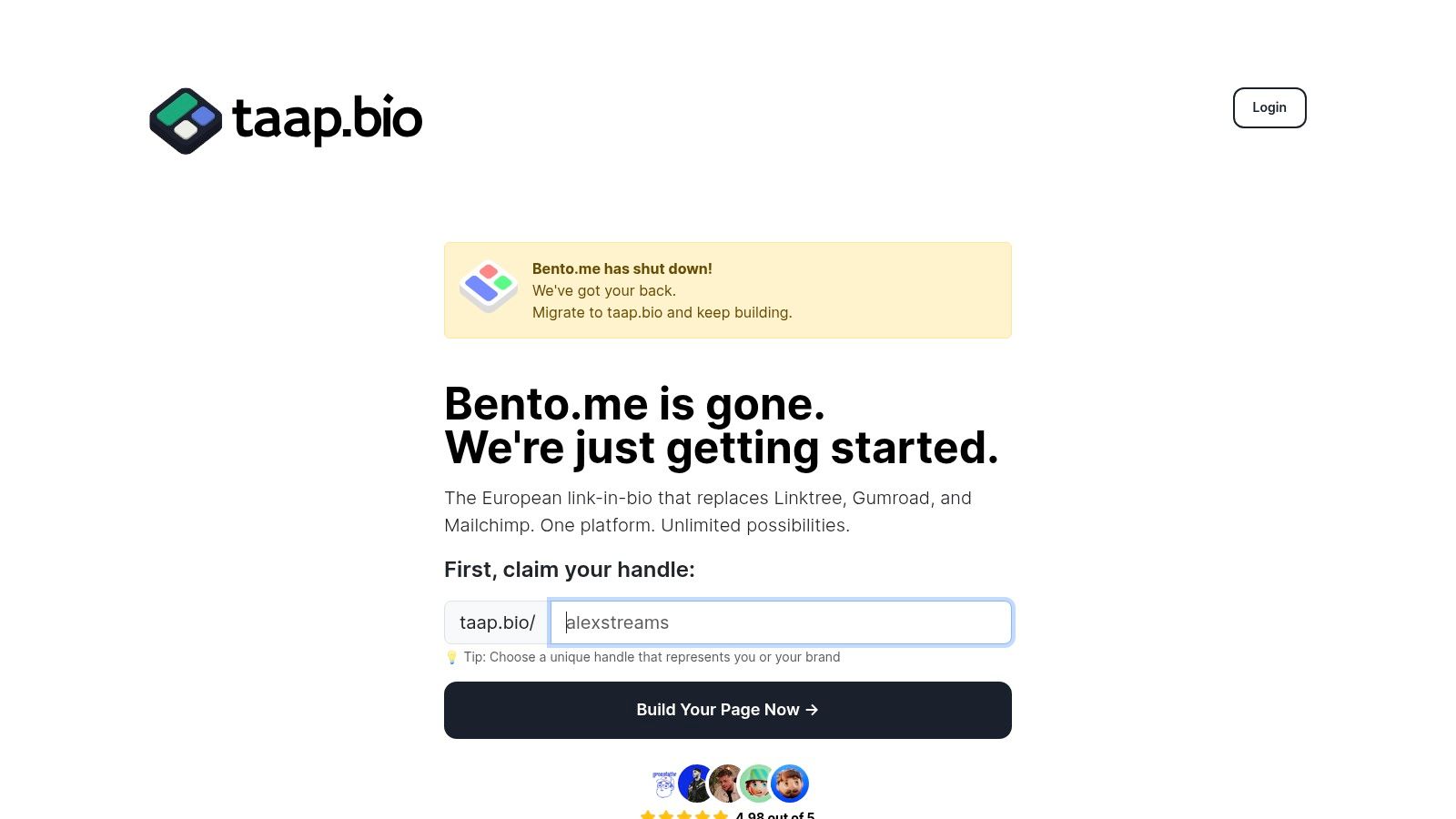
The platform’s core strength lies in its "smart widgets." These are not just static links but live, embedded content streams that pull real-time data from various platforms. This deep integration allows creators to display their latest work directly on their Taap.bio page, providing visitors with a seamless experience without ever leaving the site.
Key Features & Integrations
- Bento Grid System: A fully customizable drag-and-drop editor allows for asymmetric layouts. You can place, resize, and arrange content blocks with physics-driven precision, and even set different layouts for desktop and mobile.
- Deep Social Integrations: Live widgets showcase recent posts from Instagram and Twitter/X, portfolio shots from Dribbble and Behance, project files from Figma, and code repositories from GitHub.
- Rich Media Support: Embed and display content from YouTube and TikTok. Its Spotify integration is particularly robust, enabling inline playback for tracks, albums, and podcasts directly on your page.
- Creator-Centric Tools: Includes blocks for text, maps, and rich media. Any URL can be added, and the platform automatically fetches a preview. It also offers a one-click migration tool for former Bento.me users, importing all links and settings in seconds.
Pricing & Access
Taap.bio offers a free account to get started without requiring a credit card, which is ideal for testing its capabilities. While the landing page focuses on this free entry point, specific details about advanced paid tiers, limits, and premium features are not publicly listed. Users may need to create an account or contact support to understand the full pricing structure for scaling up.
Our Take
Taap.bio is an exceptional choice for anyone who values aesthetics and deep functionality over basic link aggregation. Its visual editor provides unparalleled creative control, making it perfect for designers, artists, and developers who want their bio link to reflect their professional brand. While the learning curve is slightly steeper than simpler tools, the result is a far more professional and interactive hub. For those exploring the best link-in-bio platform choices, Taap.bio presents a compelling, integration-first alternative.
Website: https://taap.bio
2. Zapier
Zapier is the undisputed heavyweight champion of no-code automation, functioning as the digital glue that connects thousands of applications. While not a social media management platform in the traditional sense, it’s one of the most powerful social media integration tools available for creating custom, automated workflows. Imagine automatically sharing your new YouTube videos to a Discord channel, saving Instagram lead ad data directly to a Google Sheet, or getting a Slack notification for new Twitter mentions. Zapier makes these cross-platform pipelines possible without writing a single line of code.
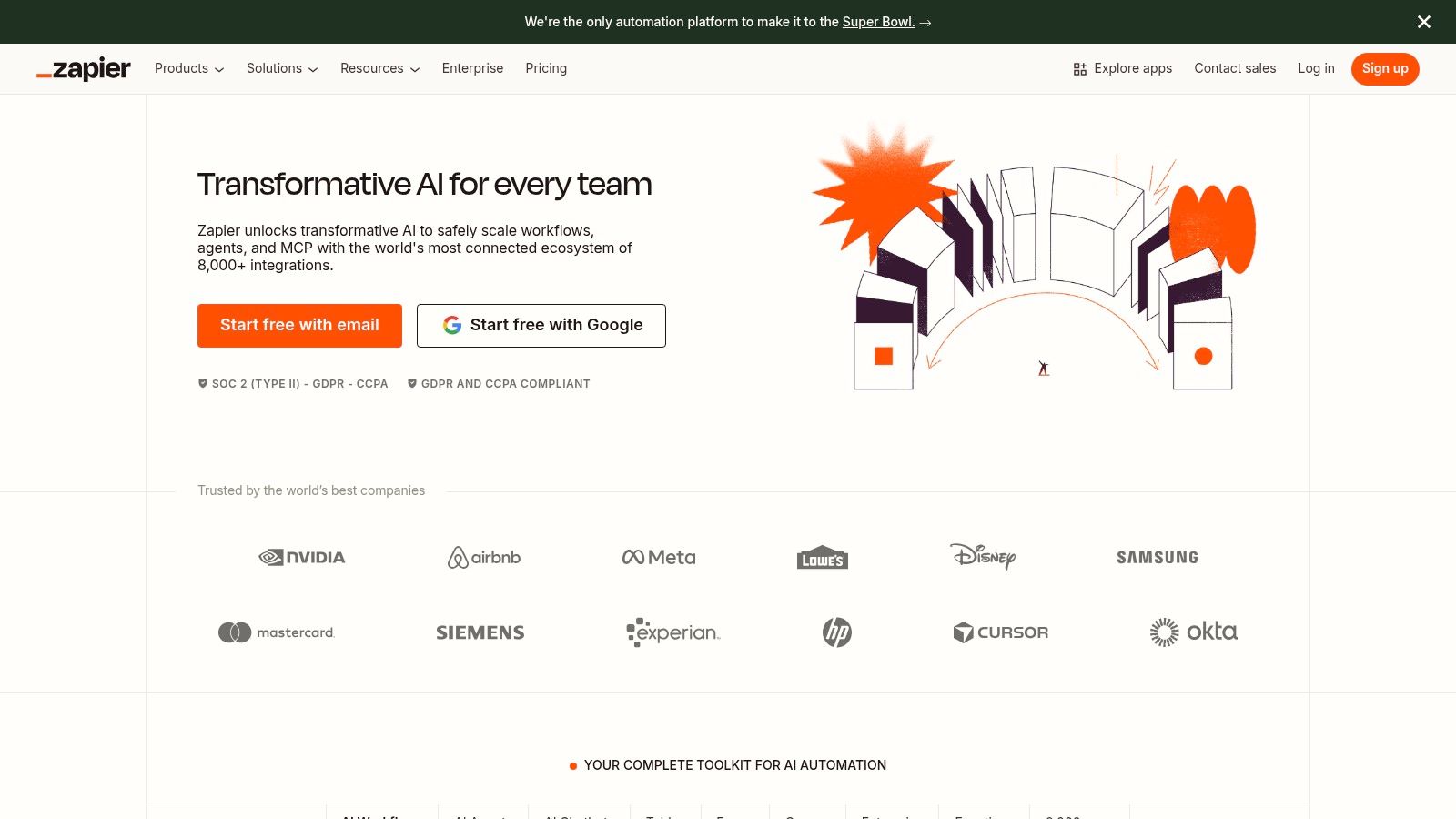
Its visual "if this, then that" builder is incredibly intuitive, allowing creators and businesses to design multi-step automations (called "Zaps") that save hours of manual work. The platform’s true strength lies in its massive library of over 6,000 app integrations, which goes far beyond just social networks to include CRMs, email marketing services, and project management tools. This makes it a central nervous system for your entire digital operation, not just your social media.
Key Details & Use Cases
- Best For: Teams and creators building complex automation pipelines that connect social media actions to other business tools.
- Pricing: Offers a limited free plan with 100 tasks/month. Paid plans start at $19.99/month (billed annually) for more tasks and multi-step Zaps.
- Pros: Enormous integration library, reliable performance, and user-friendly interface for building complex workflows.
- Cons: Task-based pricing can become expensive for high-volume automations. A past security incident in 2022 means security-conscious teams should perform their due diligence.
Implementation Tip: Start with a simple, two-step Zap to understand the logic. For instance, create a Zap that posts your new Instagram photos to a specific Pinterest board. Once you're comfortable, explore multi-step Zaps with filters to build more sophisticated automations. For a deeper dive into platforms that handle direct posting and analytics, a review of dedicated social media management tools can provide additional context.
Website: https://zapier.com
3. Make (formerly Integromat)
Make, formerly known as Integromat, is a visually stunning and powerful automation platform that sets itself apart with a dynamic, drag-and-drop canvas. While competitors use linear steps, Make allows you to build complex, branching workflows (called "Scenarios") that feel more like a flowchart. This makes it one of the most flexible social media integration tools for creators who need to visualize intricate logic, such as routing content to different platforms based on specific triggers or filtering data before it reaches its destination.
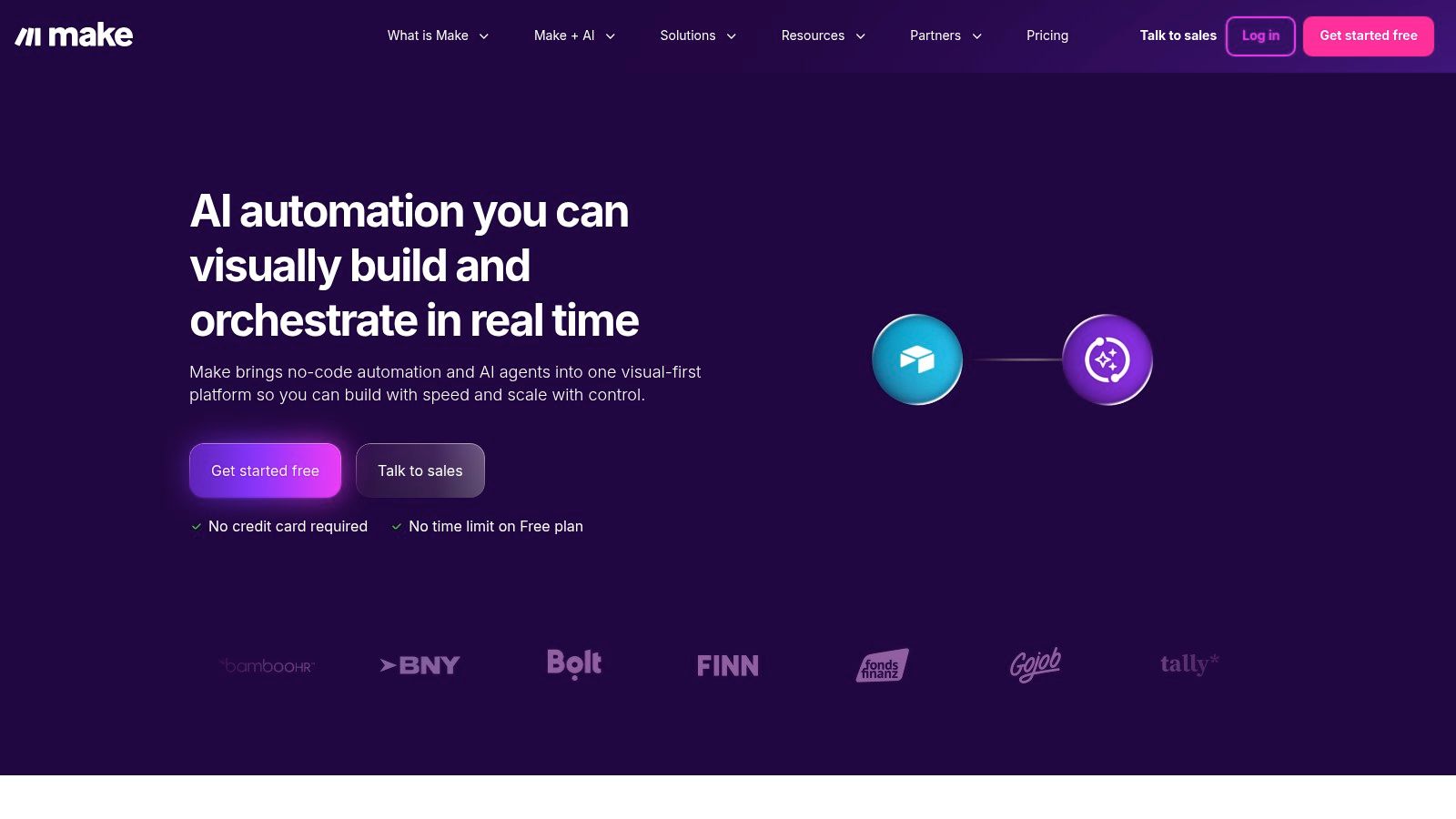
Its "operations-based" pricing model is a key differentiator, often proving more cost-effective for high-volume tasks than the task-based models of its rivals. This platform excels at scenarios requiring granular control, such as processing bulk media from a Google Drive folder to schedule on Instagram, or creating intelligent flows with its AI add-ons. For advanced data integration, connecting services like Make with the best Social Listening API Solutions can unlock even deeper capabilities for brand monitoring and automated responses.
Key Details & Use Cases
- Best For: Technically-inclined creators and businesses needing to build complex, non-linear automations with powerful visual debugging.
- Pricing: Offers a free forever plan with 1,000 operations/month. Paid plans start at $9/month (billed annually) for 10,000 operations.
- Pros: Highly competitive pricing for high-volume usage, powerful visual interface with detailed execution logs, and granular control over data flow.
- Cons: The operations-based pricing can be tricky to predict for complex looping Scenarios, requiring careful planning to manage costs.
Implementation Tip: Start by building a Scenario with a "Router" to understand branching logic. For example, create a flow where a new blog post trigger splits, sending a custom message to Twitter and a different one with an image to LinkedIn. This visual approach helps master Make's core strength.
Website: https://www.make.com
4. IFTTT
IFTTT, which stands for "If This, Then That," is the original consumer-friendly automation platform that makes connecting different apps and devices incredibly simple. It operates on a straightforward principle of "Applets" that trigger an action in one service when something happens in another. For creators, this means you can easily automate basic social media tasks, like automatically sharing your new Instagram posts as native Twitter photos or adding your liked YouTube videos to a Spotify playlist. It's one of the most accessible social media integration tools for anyone new to automation.
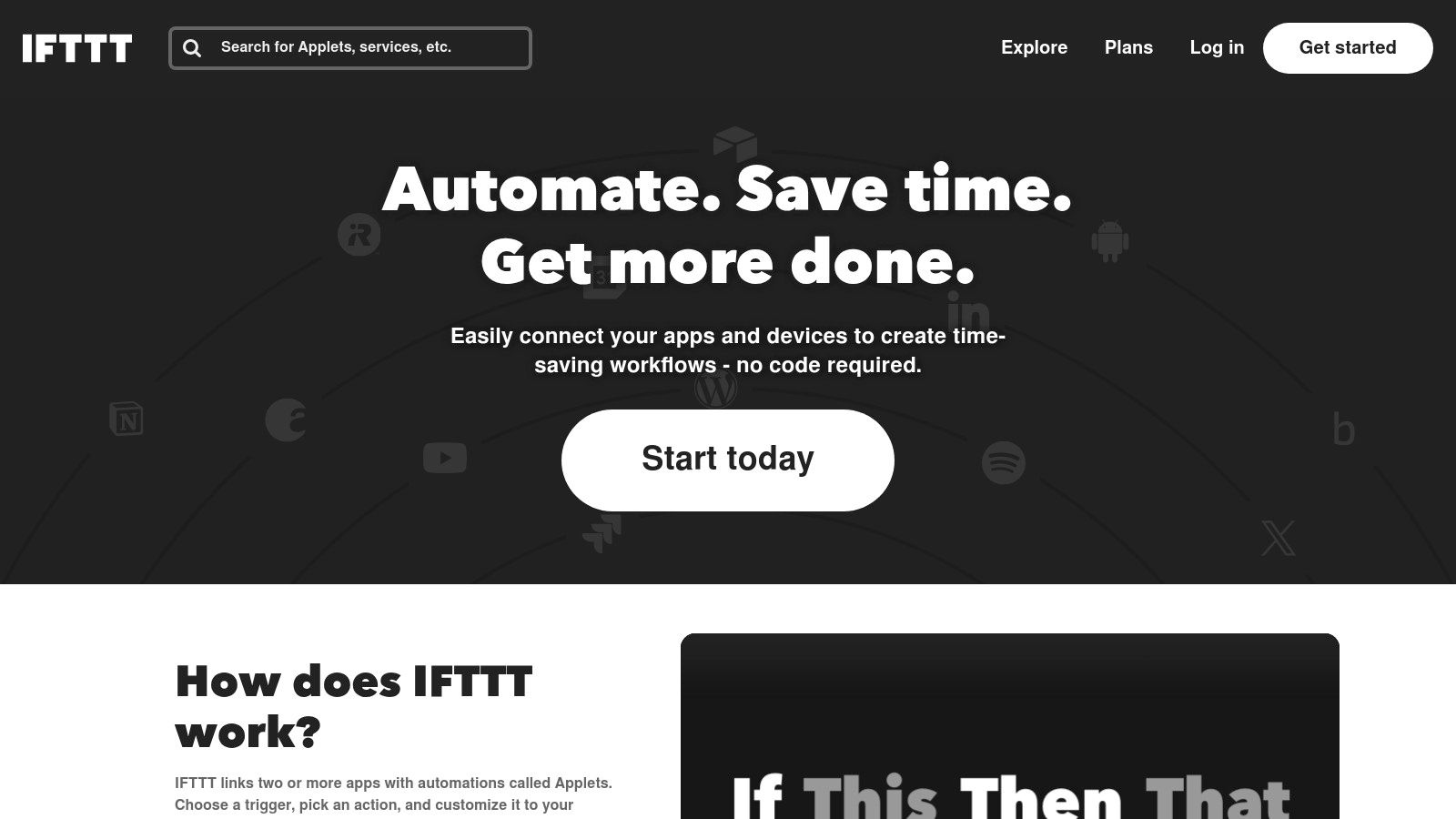
While it doesn't offer the deep, multi-step complexity of enterprise-level platforms, IFTTT excels at quick, set-and-forget connections. Its strength is its simplicity and mobile-first approach, with robust apps for both iOS and Android. With over 900 services connected, it covers most major social platforms, smart home devices, and web services, making it a powerful tool for personal productivity and simple content syndication that just works without any technical overhead.
Key Details & Use Cases
- Best For: Individuals and creators needing simple, reliable automations for cross-posting content and receiving social media notifications.
- Pricing: A free plan allows users to create 2 custom Applets. The Pro plan is very affordable at $2.50/month (billed annually) for 20 Applets, while Pro+ at $5/month offers unlimited Applets and multi-action capabilities.
- Pros: Extremely easy to set up and use, great for basic social triggers, and very affordable paid plans.
- Cons: Lacks the granular control and complex conditional logic needed for advanced business or marketing workflows.
Implementation Tip: Start by exploring the pre-made Applets. Search for your most-used social platform (like "Twitter" or "Instagram") and browse popular automations. A great first Applet is to sync your Instagrams to a dedicated photo album in your cloud storage (like Google Photos or Dropbox) for an automatic backup of your visual content.
Website: https://ifttt.com
5. Elfsight
Elfsight specializes in transforming your website into a dynamic social hub with its massive catalog of over 90 no-code widgets. Instead of complex API work, Elfsight offers embeddable, visually appealing feeds for Instagram, YouTube, TikTok, Facebook, and more. This makes it one of the most accessible social media integration tools for website owners who want to display live social content, reviews, or event calendars directly on their site or link-in-bio page with a simple copy-paste JavaScript snippet.
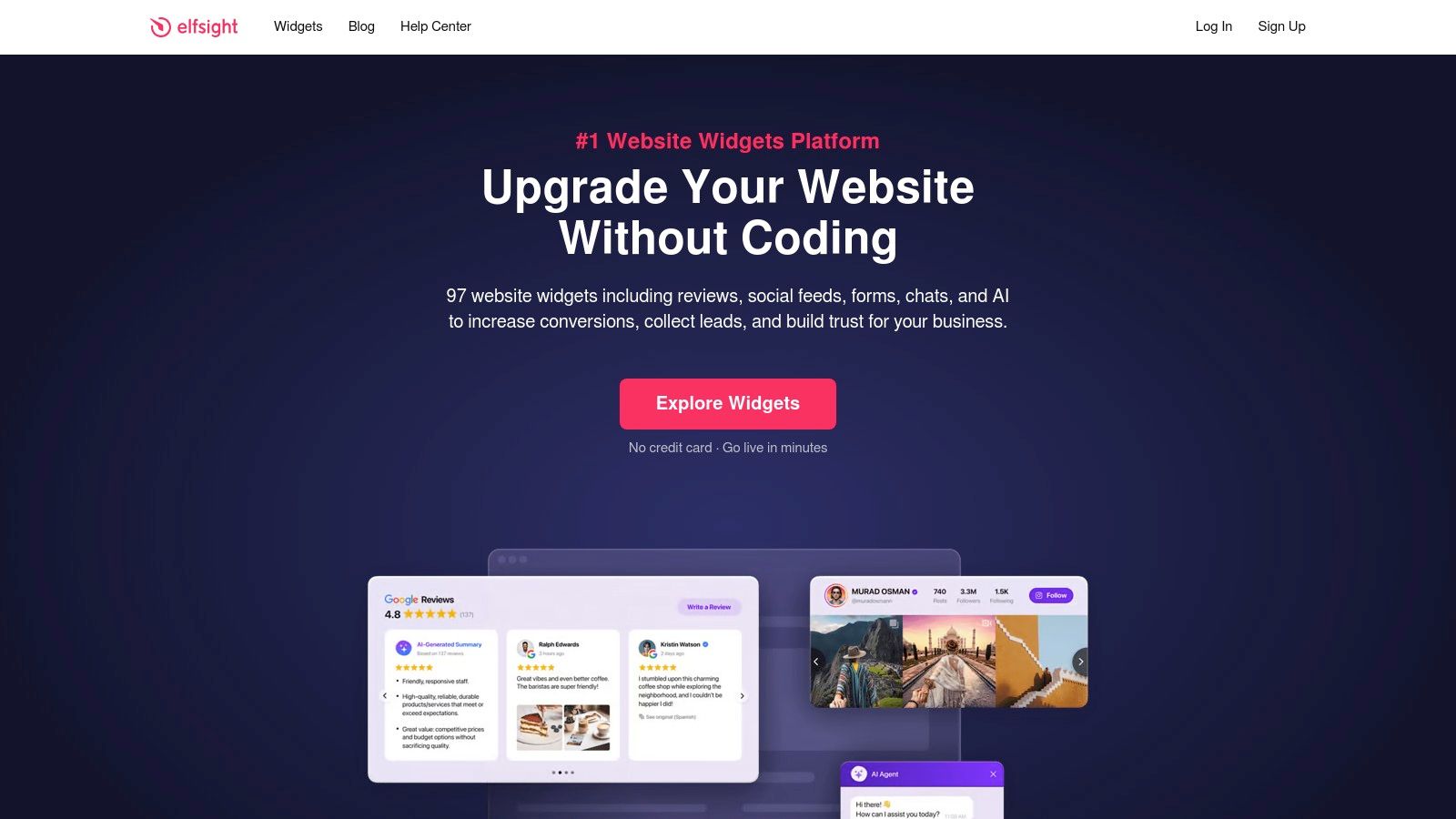
The platform’s core strength is its focus on design and simplicity. Each widget comes with responsive templates and customization options, allowing creators and businesses to match the look and feel of their brand without needing a designer. Whether you want to showcase your latest Instagram posts on a Squarespace portfolio or embed a YouTube gallery on your Webflow landing page, Elfsight provides a plug-and-play solution that just works.
Key Details & Use Cases
- Best For: Website owners, creators, and businesses wanting to embed live, beautifully designed social media feeds directly onto their website or link-in-bio pages.
- Pricing: A free plan is available with one widget and a 200-view limit. Paid plans start at $5/month for more views and widgets, with All-Apps bundles starting at $15/month.
- Pros: Extremely easy to implement (copy-paste), wide variety of social widgets, and highly customizable, design-forward templates.
- Cons: View limits on lower-tier plans can be restrictive for high-traffic sites, and costs can add up if using many widgets across multiple domains.
Implementation Tip: Use the Social Feed widget to combine posts from multiple platforms like Instagram, Facebook, and YouTube into a single, unified wall. This is a powerful way to keep your website content fresh and engaging without manual updates. For a deeper look at tools that pull content together, exploring different social media aggregator tools can offer more specialized options.
Website: https://elfsight.com
6. EmbedSocial
EmbedSocial transforms passive social media content into active, engaging website elements. It specializes in creating embeddable, user-generated content (UGC) widgets, pulling feeds from Instagram, TikTok, YouTube, and more directly onto your site. This tool shines by turning your social proof into a conversion asset, allowing you to build dynamic, shoppable feeds and testimonial walls that build trust and drive sales without visitors ever leaving your page. It’s a powerful way to leverage authentic community content to enhance your brand’s credibility.
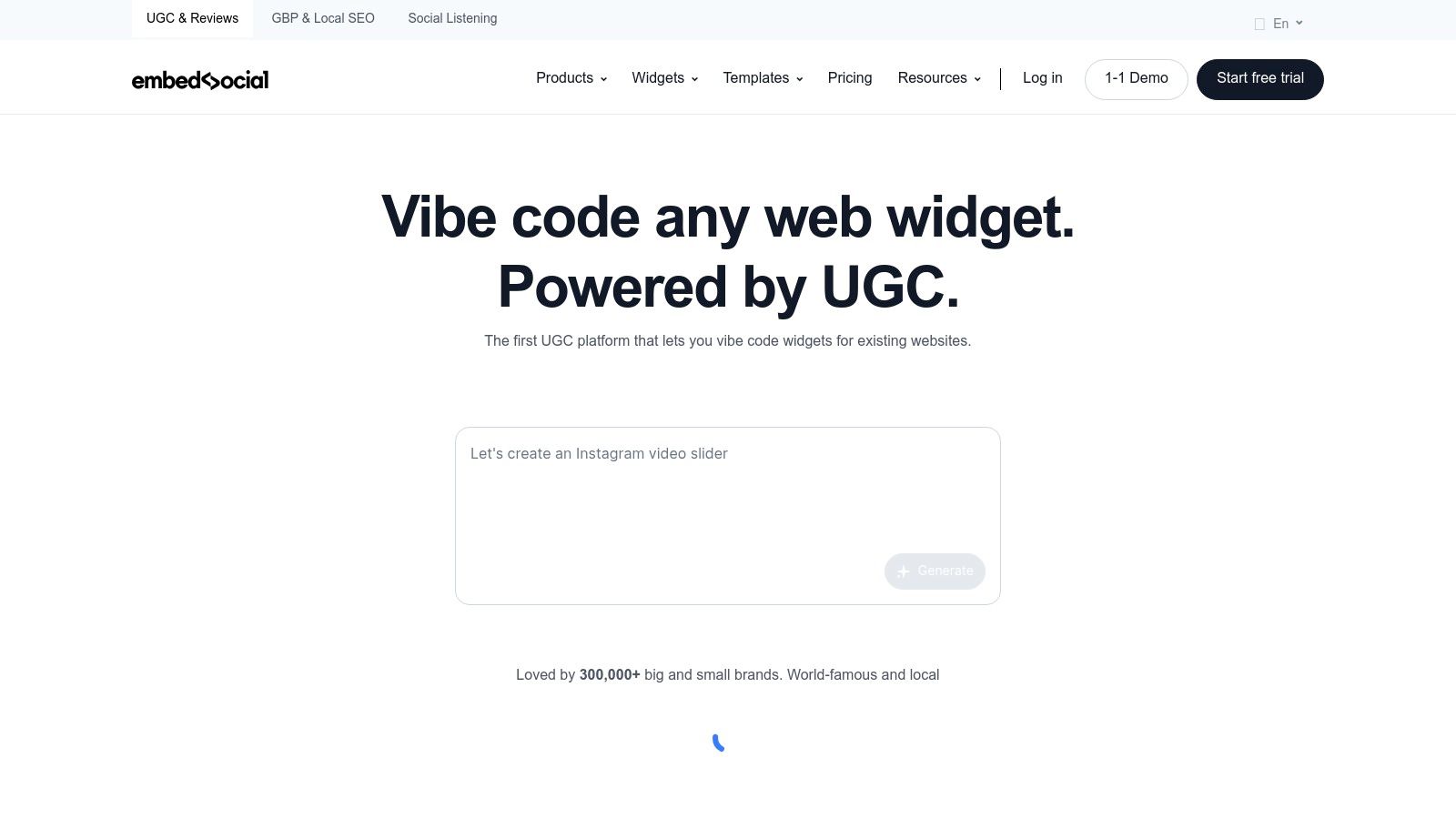
The platform uses official API integrations to ensure reliability and offers strong moderation tools, giving you full control over what appears on your site. For e-commerce businesses and creators, the ability to create shoppable galleries from an Instagram or TikTok feed is a game-changer. By tagging products directly within the embedded content, you create a seamless path from social inspiration to purchase, making it one of the most commercially-focused social media integration tools for on-site marketing.
Key Details & Use Cases
- Best For: E-commerce stores, creators, and businesses wanting to display dynamic social feeds and reviews on their website to boost conversions.
- Pricing: A free plan is available with one source and a 24-hour sync. Paid plans start at $24/month (billed annually) for more sources, faster syncs, and advanced features.
- Pros: Excellent for building social proof with UGC, business-ready commerce features, and reliable API-based widgets.
- Cons: The free plan is quite limited, and key features like faster sync speeds and multi-source widgets require a paid subscription.
Implementation Tip: Start by creating a simple Instagram feed widget for your homepage to showcase recent posts. Once implemented, explore the review management features by connecting your Google or Facebook reviews to create a testimonial widget. This two-pronged approach builds both visual appeal and social trust simultaneously.
Website: https://embedsocial.com
7. Smash Balloon
Smash Balloon offers a suite of top-rated WordPress plugins designed to seamlessly integrate dynamic social media feeds directly into a website. Instead of just linking out, these tools pull content from Instagram, Facebook, TikTok, X (Twitter), and YouTube and display it in beautiful, customizable grids, carousels, and masonry layouts. This transforms a static WordPress site into a living hub of social proof, user-generated content, and fresh updates without users ever having to leave the page.
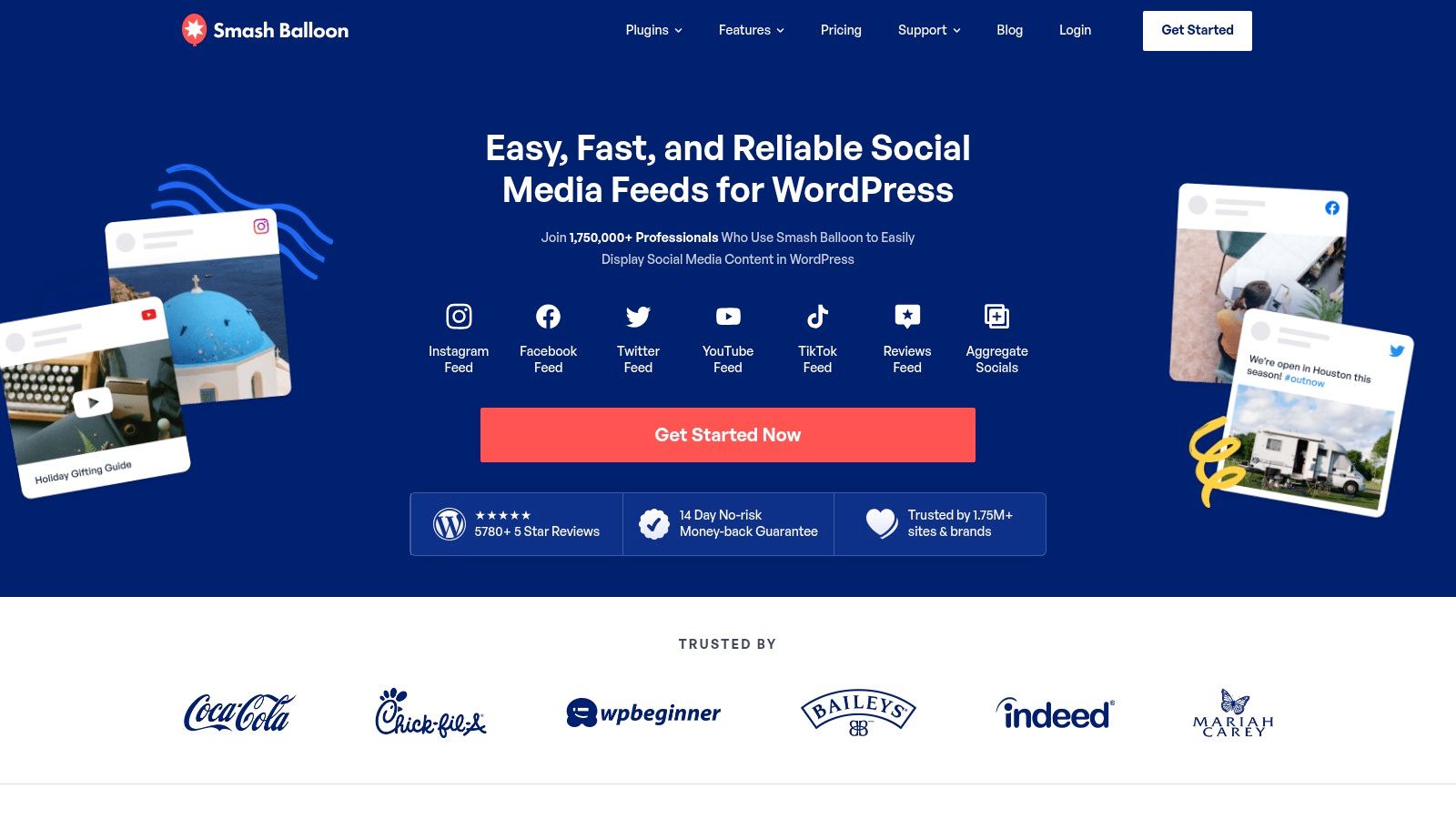
The platform's key advantage is its deep, native integration with WordPress, ensuring optimal performance and compatibility. The plugins are engineered to be lightweight, utilizing smart caching to prevent site slowdowns. Features like shoppable Instagram feeds, hashtag campaign displays, and a "Social Wall" that combines multiple networks into a single feed make Smash Balloon one of the most powerful social media integration tools for businesses and creators running on the world’s most popular CMS. Visual moderation tools also give you full control over what content appears on your site.
Key Details & Use Cases
- Best For: WordPress website owners, bloggers, and e-commerce stores wanting to embed highly customizable and performance-optimized social feeds.
- Pricing: Individual plugins start at $49/year for a single site license. The All-Access Bundle, which includes all plugins, starts at $299/year.
- Pros: Deep and seamless WordPress integration, focus on site speed and performance, and highly responsive customer support.
- Cons: Strictly for WordPress users; those on other platforms like Shopify or Squarespace will need an alternative embeddable tool. The most powerful features are locked behind the paid Pro plugins.
Implementation Tip: After installing a plugin like "Custom Facebook Feed Pro," connect your account and experiment with the layout presets. Try using the powerful filtering options to display only posts containing a specific keyword or hashtag, which is great for showcasing content related to a particular campaign or product directly on its landing page.
Website: https://smashballoon.com
8. SociableKIT
SociableKIT specializes in one core function and executes it brilliantly: making it dead simple to embed dynamic social media content directly onto your website. Rather than complex automations, it offers a massive library of ready-to-use widgets for social feeds, event calendars, testimonials, and profiles. If you’ve ever wanted to display your Instagram feed, YouTube playlist, or Google Reviews on your site without hiring a developer, SociableKIT is one of the most accessible social media integration tools for the job. You simply connect your social account, customize the widget’s appearance, and paste a small code snippet into your site builder.
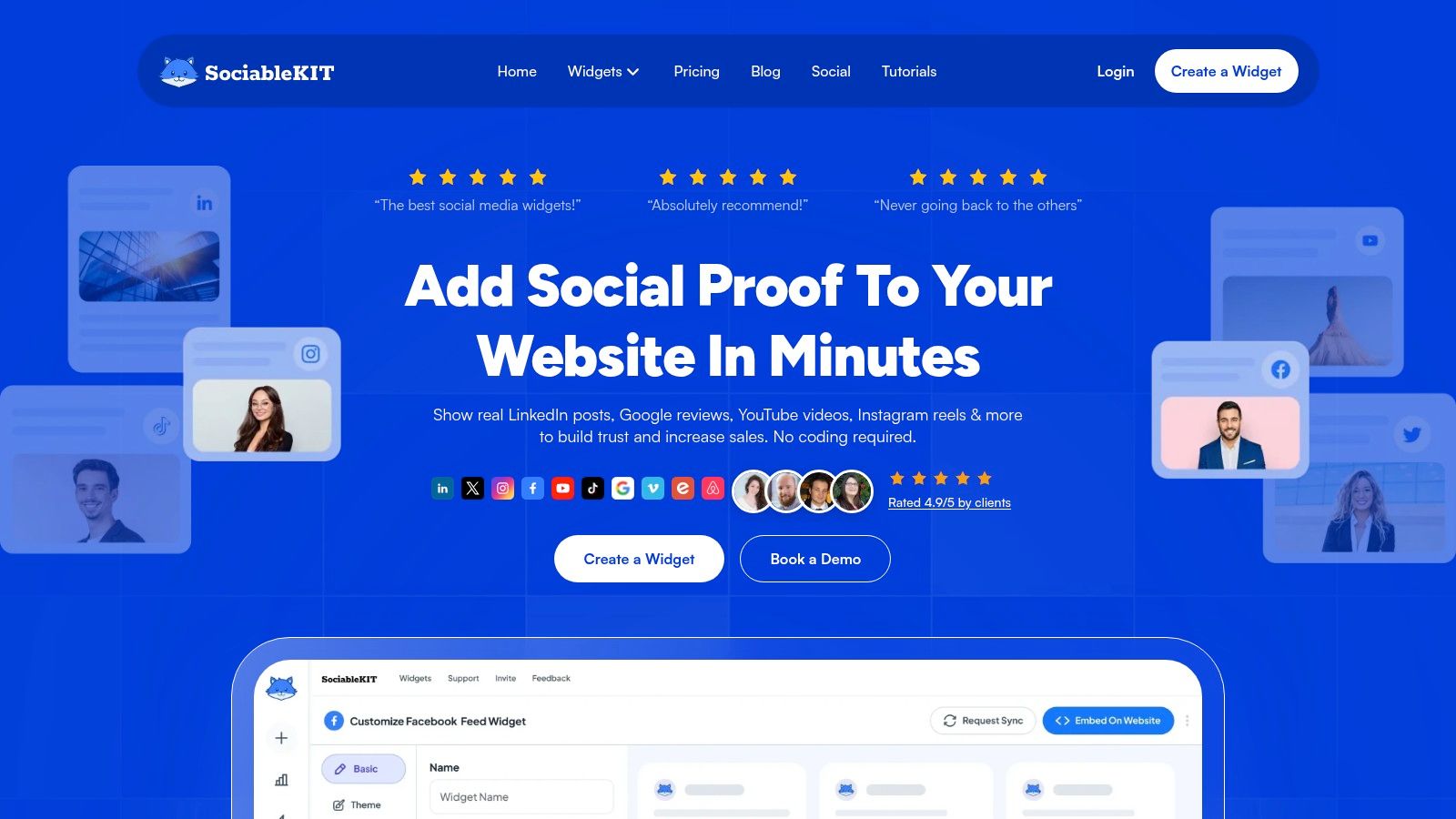
The platform’s strength is its breadth of coverage and its focus on visual presentation. It supports dozens of sources, from mainstream networks like Facebook and TikTok to niche platforms like Discogs and Goodreads. This makes it an ideal solution for businesses, event organizers, and creators who want to enrich their website with live social proof and user-generated content, keeping visitors engaged without them having to leave the page. The customization options allow you to match the widget’s design to your brand's aesthetic perfectly.
Key Details & Use Cases
- Best For: Website owners, marketers, and event planners who want to quickly embed live, customized social media feeds onto their websites without any coding.
- Pricing: A free plan is available with basic widgets. Paid plans with more features and sources start at $15/month. A 7-day premium trial is offered on all widgets.
- Pros: Extremely easy to use with a fast setup, wide variety of supported social platforms and widget types, and great for adding social proof to any website.
- Cons: Primarily focused on website embeds, not cross-platform automation. Feature availability and source limits vary significantly between pricing tiers.
Implementation Tip: Before committing, use the 7-day free trial on a premium widget to fully test its customization options on a staging or test page of your website. Pay close attention to how it looks and performs on mobile devices to ensure a seamless user experience across your entire audience.
Website: https://www.sociablekit.com
9. ShareThis
ShareThis offers one of the most straightforward and widely-used social media integration tools for website owners: embeddable share buttons. Its primary function is to make it incredibly easy for your audience to share your content across their favorite social networks, directly from your blog or website. By placing lightweight and mobile-optimized share buttons (either inline or as a sticky bar), you empower visitors to become brand advocates, amplifying your reach with a single click. The platform supports over 45 different social channels, ensuring your content can travel far and wide.
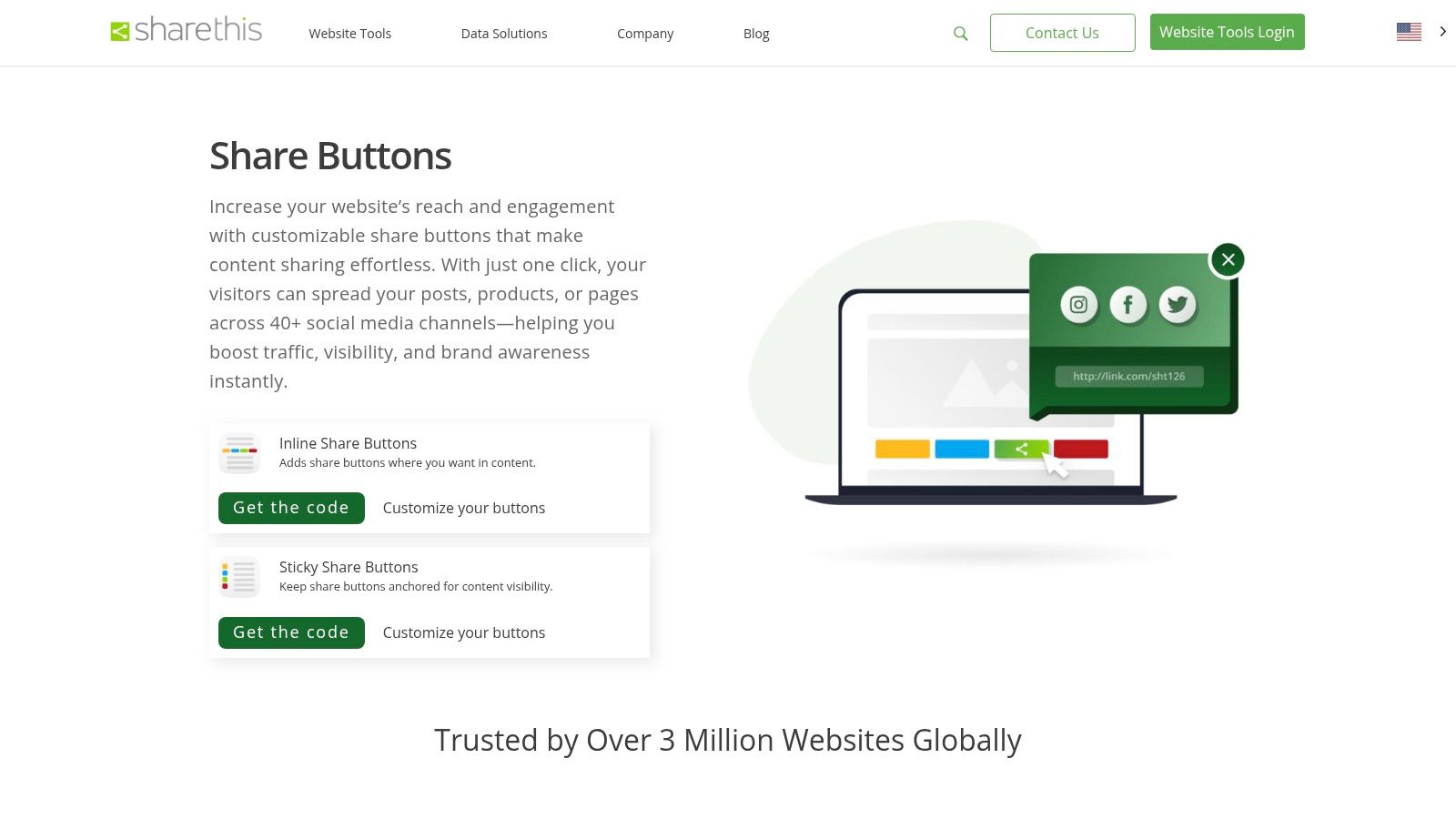
Unlike complex automation platforms, ShareThis focuses on one thing and does it well: friction-free content sharing. The setup is simple, often just requiring a small code snippet or a WordPress plugin installation. Its machine learning-driven channel selection can even intelligently suggest the most relevant sharing options to individual users. This simplicity makes it a go-to solution for bloggers, publishers, and businesses who want to increase organic traffic and brand visibility without a steep learning curve or added cost.
Key Details & Use Cases
- Best For: Website owners, bloggers, and publishers looking for a free and easy way to encourage content sharing directly from their site.
- Pricing: Completely free to use. The platform generates revenue through data insights, not user fees.
- Pros: Entirely free with low-friction implementation, supports a vast number of social networks, and provides simple analytics on sharing activity.
- Cons: Design customization is limited compared to paid solutions, and the free model includes ShareThis branding which may not suit all websites.
Implementation Tip: Use the inline share buttons at the top and bottom of your articles to prompt readers to share when they are most engaged. For a deeper understanding of how to encourage this kind of user interaction, explore these strategies on how to increase social media engagement and apply them to your content strategy.
Website: https://sharethis.com/platform/share-buttons/
10. Shopify App Store (Social media integrations category)
For e-commerce businesses, social media integration isn't just about sharing content; it's about driving sales. The Shopify App Store is a vast marketplace dedicated to this purpose, functioning as a powerful hub of social media integration tools designed specifically for online stores. It’s less a single tool and more of an ecosystem where merchants can find official sales channels for TikTok, Facebook, Instagram, and Pinterest, allowing them to create shoppable posts and sync product catalogs directly with their social profiles.
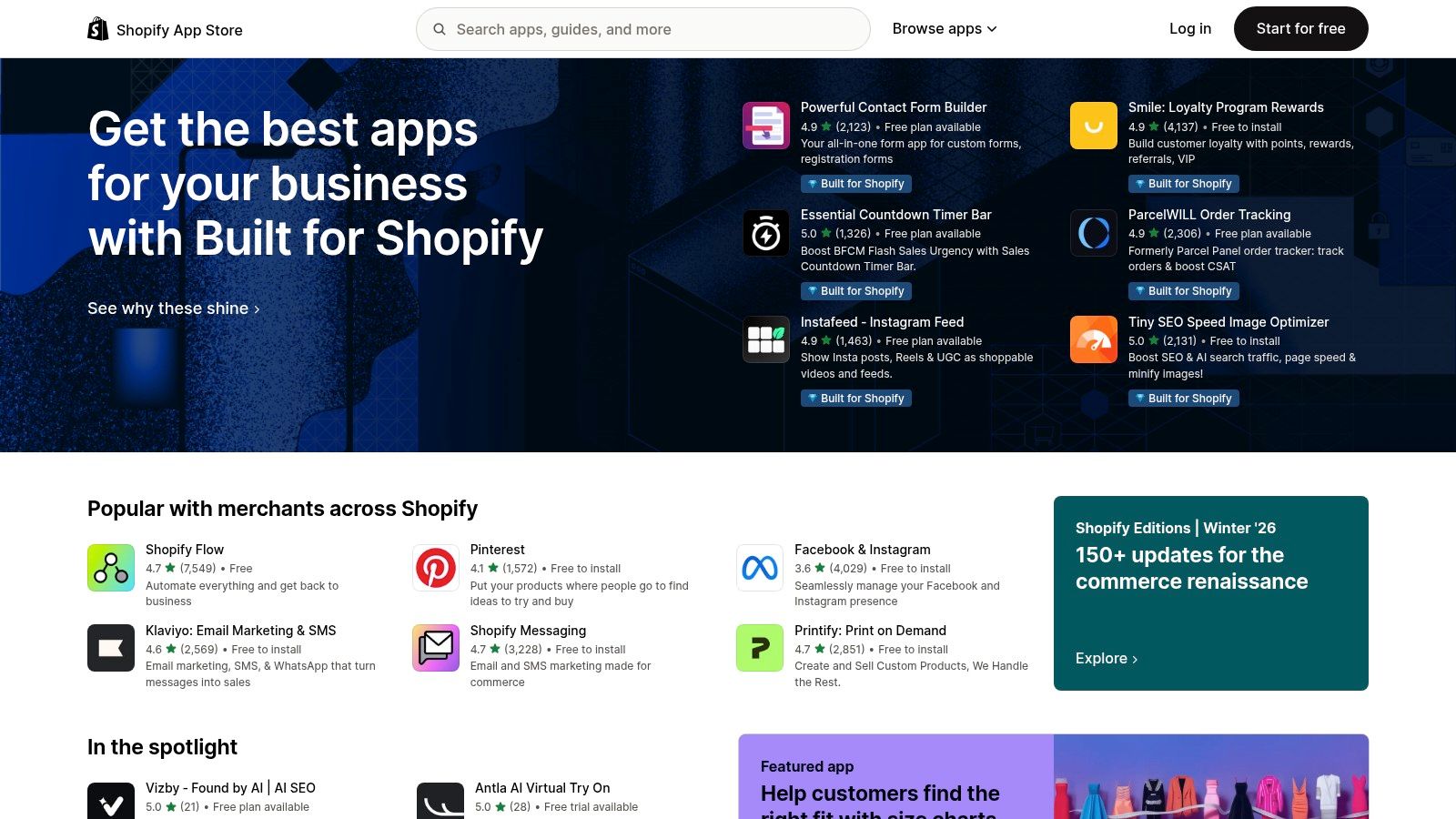
Beyond official channels, the store is filled with third-party apps that embed shoppable Instagram feeds on your site, add social login options, and display social proof with customer review widgets. This direct integration with the Shopify platform streamlines everything from inventory management to order fulfillment, making it an indispensable resource for any brand that uses social media as a primary sales driver. The ability to manage installation, billing, and reviews within one dashboard simplifies the process of building a socially-integrated storefront.
Key Details & Use Cases
- Best For: E-commerce store owners looking to integrate social commerce channels and add social proof or shoppable feed widgets to their website.
- Pricing: Varies widely. Many apps offer a free plan, with paid tiers for advanced features often billed monthly through your Shopify account.
- Pros: Huge, vetted ecosystem of apps focused on social commerce, direct integration with your product catalog, and a mix of official and specialized third-party tools.
- Cons: App quality and support can be inconsistent, requiring careful review. Overloading your store with apps can negatively impact site performance.
Implementation Tip: Start by installing the official sales channel for your most active social media platform, such as the "Facebook & Instagram" app, to sync your products. Then, explore highly-rated third-party apps for a specific function, like adding a shoppable gallery to your homepage. Building a strong brand presence is key, and understanding how to create a business page that reflects your store's identity is a crucial first step.
Website: https://apps.shopify.com
11. WordPress.org Plugin Directory (Social media feeds/sharing)
For anyone running a website on the world’s most popular CMS, the WordPress.org Plugin Directory is an essential resource. It's not a single tool but an entire ecosystem of social media integration tools that can embed feeds, add social sharing buttons, or auto-post content directly from your site. With thousands of free and freemium plugins available, you can integrate your Instagram feed, add TikTok video galleries, or enable one-click social logins without needing to code.
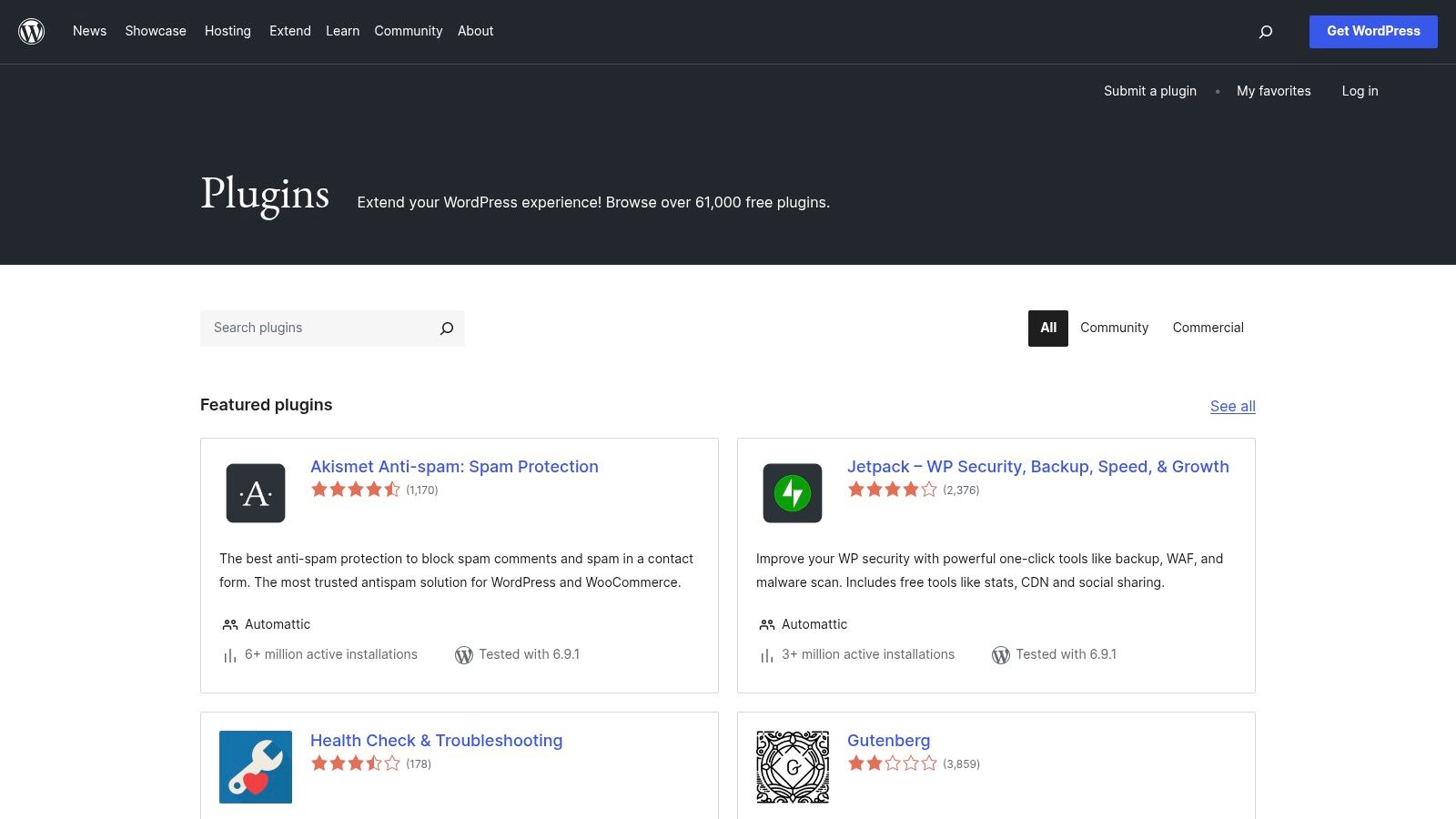
This official repository stands out for its transparency and convenience. Each plugin listing includes user ratings, active installation counts, last-updated dates, and support forums, allowing you to vet potential tools thoroughly before installing them with a single click from your WordPress dashboard. Popular options like Smash Balloon and Grow Social by Mediavine offer robust functionality for bringing your social presence onto your website, making it a dynamic and engaging hub for your audience.
Key Details & Use Cases
- Best For: Website owners, bloggers, and businesses using WordPress who want deep, native social media integration on their sites.
- Pricing: The directory is free to access, with thousands of free plugins. Many offer paid Pro versions for advanced features.
- Pros: Massive selection of high-quality free options, transparent user reviews and update histories, and seamless one-click installation.
- Cons: Plugin quality varies widely, so vetting for performance and security is crucial. The best features are often locked behind paid licenses.
Implementation Tip: Before installing a new social media plugin, check its "Last updated" and "Tested with" information to ensure it's compatible with your version of WordPress and actively maintained. Start with a highly-rated, popular plugin like Smash Balloon's Social Photo Feed to embed your Instagram content, as it's known for reliability and ease of use.
Website: https://wordpress.org/plugins/
12. Wix App Market (Social apps)
For anyone using Wix to power their main website or a dedicated microsite, the Wix App Market is an essential hub for social media integration. Rather than a single tool, it’s a marketplace filled with hundreds of dedicated apps and widgets designed to seamlessly connect your social presence with your web property. You can embed dynamic Instagram or Facebook feeds directly onto your pages, add social login options for users, or place share and follow buttons anywhere on your site. This makes it an incredibly versatile resource for adding rich, interactive social functions without ever leaving the Wix editor.
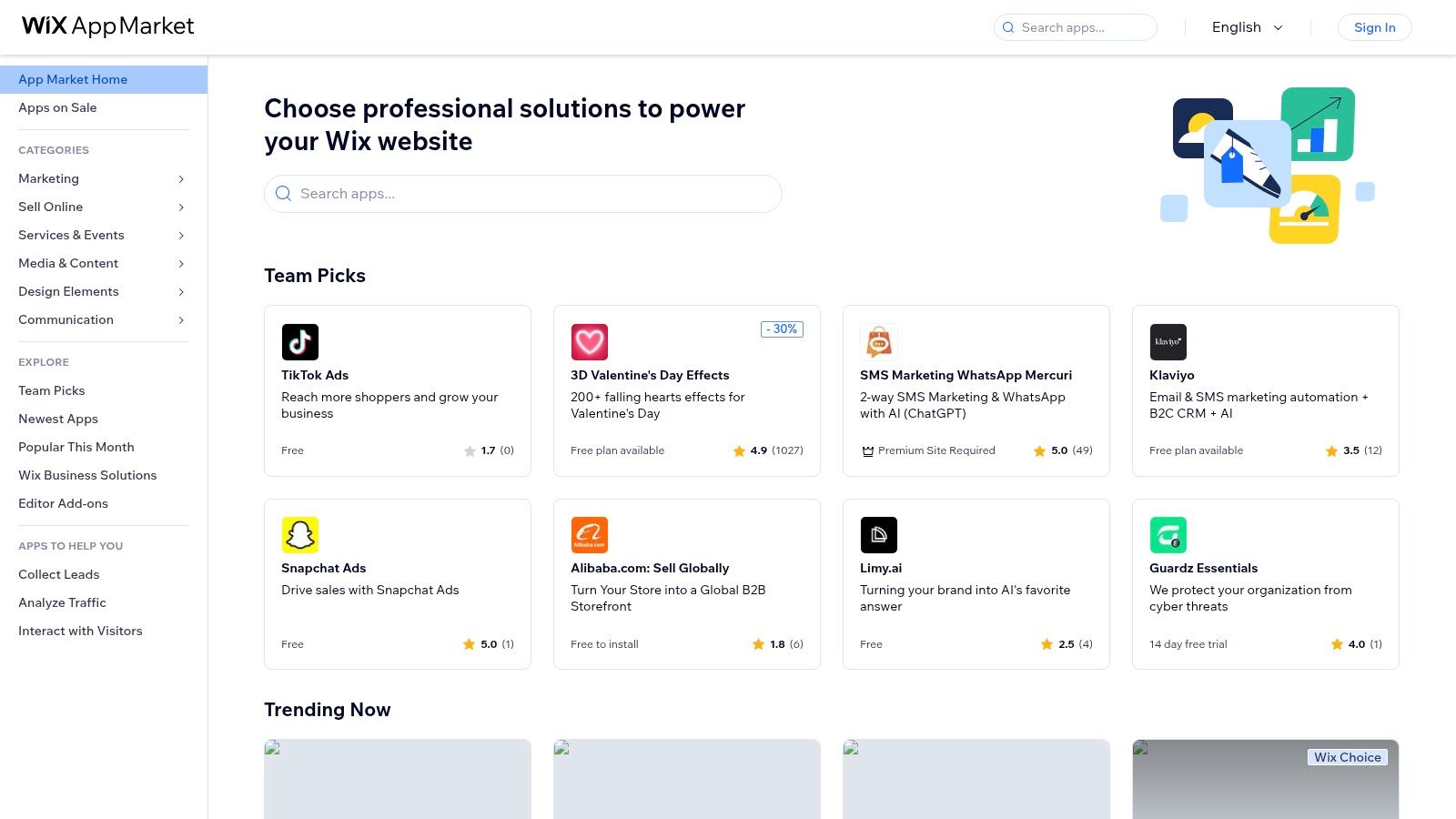
The market's strength is its convenience and variety. Apps like Social Share & Follow or Facebook Feed by Elfsight can be installed and configured in minutes, requiring no code or technical expertise. This direct integration is ideal for creators, small businesses, and artists who use Wix as their central digital hub and want to ensure their social content is visible and shareable. It transforms a static webpage into a dynamic extension of your social media ecosystem, making it one of the most practical social media integration tools for the platform's millions of users.
Key Details & Use Cases
- Best For: Wix users who need to add specific social functionalities like live feeds, share buttons, or social login directly to their website.
- Pricing: Many apps offer a free tier with basic features. Premium versions and more advanced apps are billed individually, often with monthly subscriptions.
- Pros: Enormous variety of social widgets and no-code installation directly within the Wix editor. Many apps offer free tiers or trials for easy testing.
- Cons: App quality and performance can vary significantly between developers. Costs can add up quickly if you need multiple premium apps.
Implementation Tip: Before committing to a premium app, always install the free version or trial to test its functionality and appearance on your live site, especially on mobile devices. Check the app’s reviews and last update date in the App Market to gauge its reliability and developer support.
Website: https://www.wix.com/app-market
Top 12 Social Media Integration Tools Comparison
| Product | Core features (✨) | UX / Quality (★) | Value & Pricing (💰) | Target & USP (👥 / 🏆) |
|---|---|---|---|---|
| taap.bio 🏆 | Modular bento-grid; smart widgets (live embeds incl. Spotify inline); drag‑and‑drop per‑device layouts | ★★★★★ — smooth physics-driven WYSIWYG editor | 💰 Free to start; paid tiers (details on signup) | 👥 Creators, designers, musicians, podcasters — ✨ destination-style visual profile |
| Zapier | 6,000+ integrations; visual builder with Filters/Paths; team features | ★★★★☆ — mature, reliable automations | 💰 Tiered task-based pricing; can get expensive at scale | 👥 SMBs & teams — ✨ best for cross-app automation templates |
| Make (Integromat) | Canvas scenarios; routers/filters; API access; scheduling to the minute | ★★★★☆ — powerful debugging; steeper learning curve | 💰 Ops/credit pricing; competitive for high volume | 👥 Devs & power users — ✨ granular control, cost‑efficient at scale |
| IFTTT | Applets for 900+ services; multi-action Applets; webhooks support | ★★★☆☆ — very easy onboarding, mobile apps | 💰 Free tier; affordable Pro plans | 👥 Consumers & simple workflows — ✨ quick, low‑effort automations |
| Elfsight | 90+ ready embeddable widgets (IG, YT, TikTok, feeds, reviews) via JS snippet | ★★★★☆ — design-forward, easy copy‑paste embeds | 💰 Free tier; paid plans by views/widgets | 👥 Site owners & bio-link pages — ✨ fast visual social embeds |
| EmbedSocial | UGC & social-feed widgets; moderation; shoppable feeds | ★★★★☆ — conversion-focused, business-ready | 💰 Clear paid tiers; free trial limited features | 👥 Brands & stores — ✨ shoppable UGC + strong moderation |
| Smash Balloon | WordPress plugins for IG/TikTok/X/YT; social wall; analytics | ★★★★☆ — deep WP integration & performance focus | 💰 Pro plugins or All‑Access bundle (paid) | 👥 WordPress sites — ✨ WP-optimized social feeds |
| SociableKIT | Dozens of widget types; unlimited widgets on paid plans; simple setup | ★★★☆☆ — straightforward UI, fast to embed | 💰 Free plan; paid tiers with trials | 👥 Site builders & agencies — ✨ flexible per-widget options |
| ShareThis | Inline & sticky share bars; ML-driven channel selection; 45+ networks | ★★★☆☆ — lightweight, mobile-optimized | 💰 Free | 👥 Any website — ✨ easy free share & basic analytics |
| Shopify App Store (Social) | Marketplace of official social sales channels & third‑party widgets | ★★★☆☆ — varies by app; in-dashboard install & reviews | 💰 Many free installs; paid app subscriptions vary | 👥 Shopify merchants — ✨ official social commerce integrations |
| WordPress.org Plugin Dir. | Thousands of social plugins; ratings, changelogs, one-click install | ★★★☆☆ — massive choice; quality varies | 💰 Mostly free plugins; Pro add‑ons paid | 👥 WordPress owners — ✨ transparency & easy discovery |
| Wix App Market | 800+ apps incl. social widgets; editor install/configure | ★★★☆☆ — no-code installs; app quality varies | 💰 Free tiers & trials; paid per app | 👥 Wix users — ✨ in‑editor, no-code social apps |
Put These Social Media Integration Tools to Work
You've just navigated a comprehensive landscape of the best social media integration tools available today. We've moved beyond simple feature lists, diving deep into the practical applications, strengths, and limitations of 12 powerful solutions. From the visual, creator-centric hub of Taap.bio to the intricate workflow automation of Zapier and Make, the right tool doesn't just add features; it fundamentally changes how you connect with your audience and manage your digital presence.
The central takeaway is clear: integration is no longer a luxury, it's a strategic necessity. A disconnected online presence forces your followers to hunt for your content, fracturing their experience and diluting your impact. The tools we've explored serve as the essential glue, binding your scattered digital outposts into a single, cohesive ecosystem.
Choosing Your Integration Stack
Selecting the right tool isn't about finding the one with the most features. It's about aligning a tool's core function with your primary goal. Your decision-making process should be guided by a few critical questions:
- What is my primary objective? Are you trying to create a visually stunning and centralized hub for all your links and content (like with taap.bio)? Or are you aiming to automate backend processes and data transfer between apps (the domain of Zapier or Make)?
- What's my technical comfort level? Tools like IFTTT and Elfsight are designed for simplicity and ease of use, requiring little to no code. Conversely, platforms like Make or plugins from the WordPress directory can offer deeper customization but may have a steeper learning curve.
- Where does my audience live? If you're a Shopify store owner, your focus should be on integrations that directly enhance the e-commerce experience. If you’re a content creator on Instagram or TikTok, a "link-in-bio" tool that elegantly displays your YouTube videos, Spotify playlists, and latest projects is paramount.
- What is my budget? Many of these tools, including powerful automators, offer generous free tiers that are perfect for testing and small-scale use. Define your budget upfront to narrow your choices and avoid overspending on features you don't need.
Your Actionable Next Steps
Information without action is just noise. To turn this guide into tangible results, here’s what you should do next:
- Identify Your Biggest Pain Point: What is the most time-consuming or frustrating part of managing your social media presence? Is it manually updating your "link-in-bio"? Is it cross-posting content? Start there.
- Shortlist 2-3 Tools: Based on your pain point and the analysis in this article, pick two or three tools that seem like the best fit. Don't try to implement everything at once.
- Run a Small-Scale Test: Sign up for the free trials or free plans. Set up one simple integration or one automation. For a "link-in-bio" tool, build out your page. For an embeddable widget, place it on a test page of your website.
- Measure and Refine: See how it works. Does it save you time? Does it look and function the way you want? Is it easy for your audience to use? Based on the results, you can confidently decide whether to fully commit to the tool or try another from your shortlist.
Ultimately, the most effective social media integration tools are the ones that fade into the background, working silently to make your brand more accessible, your workflows more efficient, and your audience engagement more meaningful. By strategically connecting your digital world, you free up your most valuable resource: the time and energy needed to create amazing content.
Ready to build a "link-in-bio" that’s as dynamic and visual as your brand? taap.bio is a premier social media integration tool designed for creators who refuse to settle for a simple list of links. Create a stunning, interactive hub that seamlessly integrates your content from YouTube, Spotify, TikTok, and more by visiting taap.bio and start building your ultimate landing page for free.