
Putting a link in your Instagram bio is pretty straightforward. You just head to your profile, hit 'Edit Profile', and drop your URL into the 'Website' field. But that one clickable spot is your only shot to guide followers off of Instagram, which makes it some of the most valuable real estate on the internet.
Table of contents
Why Your Instagram Bio Link Matters More Than You Think
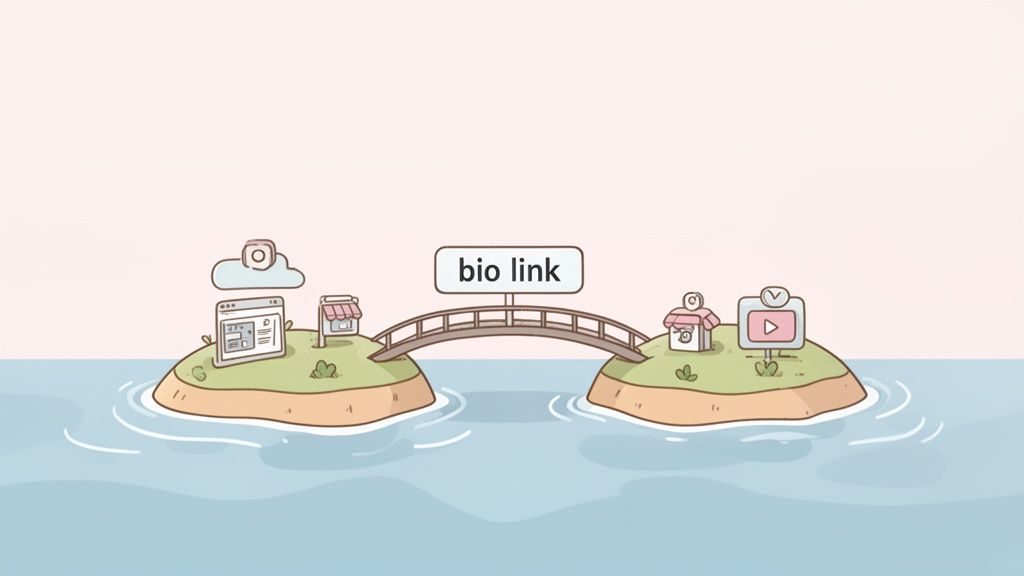
Think of your Instagram bio link as the main bridge connecting your followers from your grid to everything else you do online. It's the central hub for your latest YouTube video, your e-commerce store, a new blog post, or your professional portfolio. With over 2.5 billion active users scrolling through Instagram, that single URL is no longer just a profile detail—it’s a powerful engine for driving traffic, making sales, and building a real community.
Beyond a Simple URL
We’ve all felt the frustration of Instagram's one-link limit. It's a common pain point for creators and businesses alike. But this constraint has actually sparked a ton of innovation. Instead of seeing it as a wall, think of it as a strategic opportunity to build a focused, compelling digital experience for your audience. The best way to do this is by directing users to a single, curated landing page that elegantly displays all your important destinations at once.
Your bio link isn't just a URL; it's a gateway. It should welcome visitors with a clear path to the most important parts of your online presence, turning passive scrollers into active community members.
Unlocking Its Full Potential
Realizing how powerful your bio link can be is the first step. The next is to optimize it. The goal is to ditch the static, single-destination link and create a dynamic hub that evolves with your content. This starts with understanding what a bio link means and how it should function at the core of your social media strategy.
For a deeper dive into growing your audience beyond the platform, check out this Ultimate Guide to Newsletter Sharing on Social Media. By rethinking your approach, you can transform that one line of text into one of your most effective marketing tools.
Getting Your Link Into Your Instagram Bio
Putting a link in your Instagram bio is one of the fastest and most effective ways to upgrade your profile. Seriously, you can do it in less than a minute, whether you're on your phone or sitting at your computer. This single link is your most powerful tool for sending followers to your website, blog, or online store.
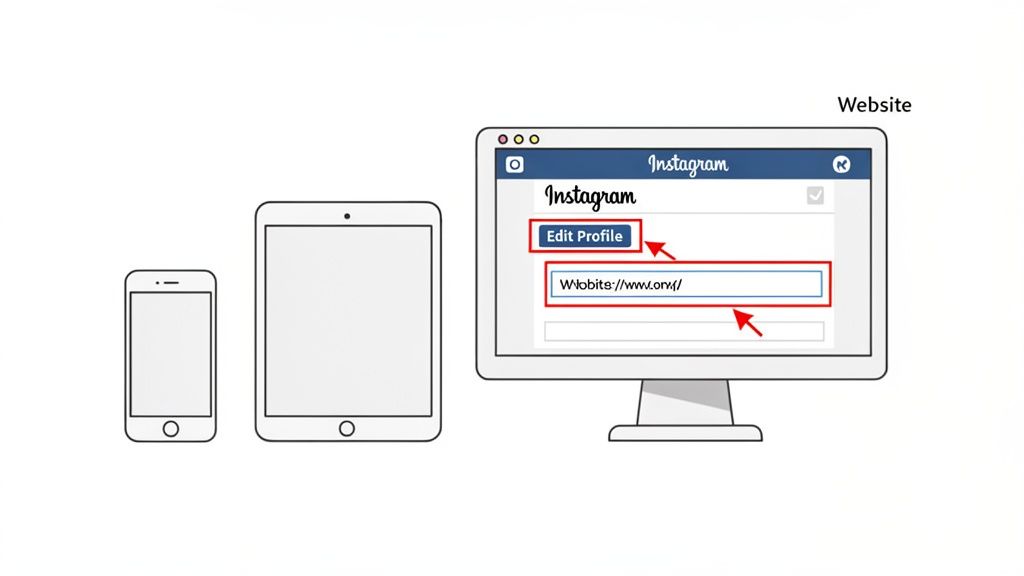
No matter what device you're using, the basic steps are the same. You'll head to your profile, hit the 'Edit Profile' button, and look for the field specifically designed for your link. It's important to remember this is the only place on your profile where a URL will actually be clickable.
Adding a Link From Your Phone (iOS & Android)
Most of us manage our Instagram accounts from our phones, and the process is seamless on both iOS and Android. With 73% of consumers finding new brands on social media, having a working mobile link is non-negotiable for capturing that audience.
Here’s how to get it done:
- Open the Instagram app and tap your profile picture in the bottom-right corner to get to your page.
- Look for the 'Edit Profile' button right below your bio and tap it.
- From there, you'll see a field labeled 'Links'. Give that a tap.
- Choose ‘Add external link’ and paste your URL into the box. You can also add a title to make it clear what people are clicking on.
- Hit the checkmark or 'Done' to save, and you're all set! Your link is officially live.
Adding a Link From Your Desktop
If you prefer managing your social media from a computer, you're in luck. The process is just as simple, and sometimes it's even easier to copy and paste your links on a desktop.
- First, log in to your account at Instagram.com.
- Click your profile picture in the top-right and choose 'Profile' from the dropdown menu.
- Click the 'Edit Profile' button, which you'll find next to your username.
- Find the 'Website' field and paste your link right in there.
- Just click 'Submit' to save everything.
Remember, the URL you place here is your digital handshake. It should lead to a destination that is clear, valuable, and easy to navigate for anyone who clicks it.
Mastering this simple update is the foundation for driving real traffic from your profile. Once you have this down, you can start thinking more strategically about how to link a website on Instagram for maximum impact. To really make your profile stand out, check out these awesome Instagram bio ideas for business.
Go Beyond a Single URL with a Link in Bio Tool
Okay, so you've mastered adding a link to your Instagram bio. That's a great start. But let's be honest, just dropping a single link in there feels a bit… limiting, doesn't it? While Instagram now lets you add up to five links, a dedicated link in bio tool is what separates the pros from the amateurs. It turns that simple clickable text into a dynamic, interactive hub for your entire brand.
This is where you graduate from just sharing links to creating an experience.
Think about it: that one little link is the digital front door for over 200 million business profiles. And with 90% of users following at least one brand, you have a massive, engaged audience ready to click. A well-optimized bio link can pull in a 2-4% click-through rate (CTR), but I've seen top performers with killer calls-to-action hit an incredible 8-10%.
Create a Visual and Interactive Hub
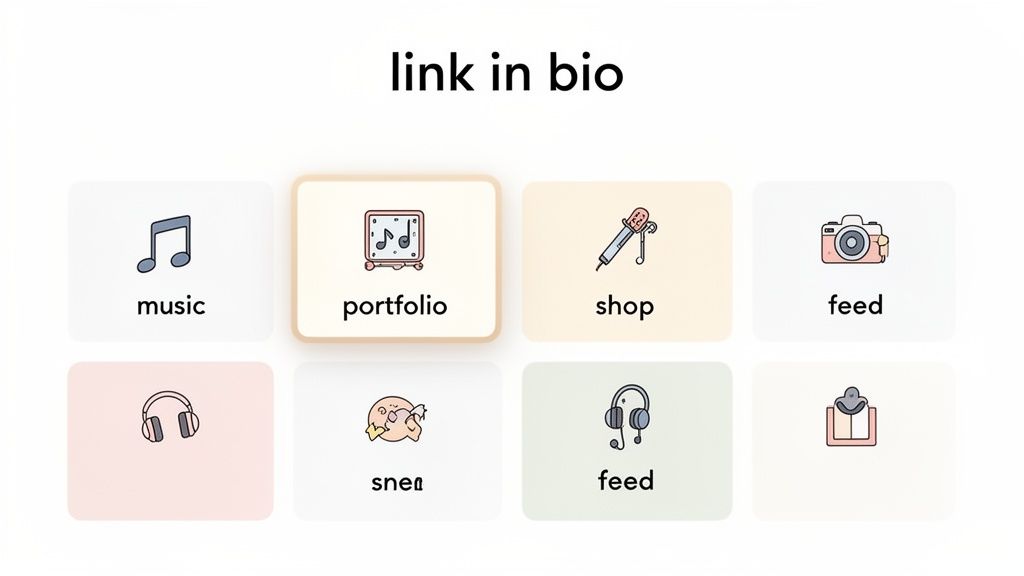
Instead of a boring, static list of URLs, tools like Taap.bio let you build a visually stunning landing page, often using a "bento-box" style grid. This lets you show off your entire digital ecosystem in a way that feels more like a custom mini-website than a simple menu. It’s all about creating a destination that grabs your audience's attention from the very first click.
The real magic, though, is in the smart widgets that pull in live content from your other platforms. Imagine your followers tapping your bio link and being able to:
- Listen to your latest Spotify track right there on the page—no leaving the app, no extra clicks.
- See your most recent Instagram posts in a live feed, keeping them hooked on your content.
- Showcase your professional portfolio with a Dribbble or Figma integration that displays your best work automatically.
- Watch your new YouTube video instantly through an embedded player.
More Than Just a List of Links
This approach completely changes the game. It’s no longer about just sending traffic somewhere else; it’s about crafting a cohesive brand experience right inside that link. You can arrange and resize each content block to build a unique layout that directs your visitor's eye to what's most important right now.
By turning your bio link into a destination itself, you reduce friction and give your audience multiple ways to connect with you. They never feel like they're just being sent down a rabbit hole of random URLs.
This is absolutely essential for creators, artists, and businesses who need to showcase a variety of content—from podcasts and portfolios to products and articles—all in one place. You're not just adding more links; you're building a visually compelling summary of your entire online world.
If you're weighing your options, exploring the best link in bio tools is a great next step to find the platform that truly fits your brand.
Craft a Call to Action That People Actually Click
So you've got the link in your bio. Great. But just letting it sit there is like having a storefront with no sign. You have to give people a reason to walk through the door. That's where your call to action (CTA) comes in—it's that crucial little nudge that turns a passive visitor into an active one.
Let's be honest, "Click the link below" is background noise. People have seen it a thousand times, and their eyes just glaze over it. To actually get that tap, you need to be direct, create a little urgency, and let your brand's personality shine through.
What a Great CTA Looks Like
The best CTAs use strong, active verbs that tell people exactly what they're about to do and what benefit they'll get from it.
Put yourself in your follower's shoes. What are they hoping to find? A creator dropping a new video needs to build hype, while a brand with a limited-edition product should lean into scarcity.
- For Creators: "My latest video just dropped! Watch it here 👇"
- For E-commerce Brands: "Shop the new collection before it's gone for good ✨"
- For Service Providers: "Grab one of the last spots for a free discovery call this week 🗓️"
Did you notice the emojis? They're not just for fun. An emoji acts like a visual magnet, pulling the eye straight down to your CTA and, most importantly, to your link. It's a simple trick that breaks up the text on your profile and makes that all-important instruction pop.
Your goal is to spark curiosity or a little bit of FOMO (Fear Of Missing Out). Give them a reason to click right now, not "maybe later." A sharp CTA is the final push that converts simple interest into real action.
A weak CTA tells people what to do; a strong CTA tells them why they should do it. Let's look at how this plays out across different niches.
CTA Examples for Different Niches
| Niche / Goal | Weak CTA | Strong CTA |
|---|---|---|
| Fashion Blogger | See my outfits | Shop my looks from this week's posts 🛍️ |
| Fitness Coach | Sign up for my program | Ready for a change? Get my 7-day workout plan 💪 |
| Food Creator | Get my recipes | Grab the recipe for my viral pasta dish 🍝 |
| SaaS Company | Learn more | Start your free 14-day trial (no credit card needed) 🚀 |
See the difference? The strong CTAs are specific, benefit-driven, and often create a sense of immediacy. They give the user a clear picture of what's on the other side of that click.
Ultimately, your CTA is the final, critical piece of the puzzle. Once you've mastered this, you're not just adding a link—you're building a bridge to your audience. For more tips on what to do after you get the click, our guide on improving website conversion rates has some great insights that start the moment someone taps your link.
What to Do When Your Instagram Link Isn't Working
It's one of the most frustrating things that can happen on Instagram: you've set up the perfect call to action, your audience is engaged, but the link in your bio just... doesn't work. It's a dead end. But don't panic—the fix is usually surprisingly simple.
Nine times out of ten, a link isn't clickable because it's missing the https:// at the very beginning. Instagram needs that prefix to recognize it as a secure, valid web address. So, before you do anything else, double-check that you've pasted the entire URL, https:// and all.
Another common culprit? Instagram might have flagged the domain you're trying to use. This can sometimes happen with certain free link-shortening services or domains that have been associated with spam in the past. If you hit "save" and your link disappears or won't stick, try linking directly to the final destination or switch to a trusted link-in-bio tool like Taap.bio.
Is Your Link Actually Doing Its Job?
Getting your link to be clickable is just the first step. The real question is, is it working hard enough for you? A broken link is a dead end for your traffic, instantly killing a potential sale or sign-up. I make it a habit to test my own links regularly, just to be sure everything is running smoothly.
Beyond just working, you need to know how it's performing. This is where analytics come in. By using the built-in stats from a tool like Taap.bio or by adding UTM parameters to your URLs, you can see exactly what content is driving people to click. This isn't guesswork; it's real data showing you what your audience truly cares about.
Think about the user's journey. They see a post, go to your profile, and then have to find and click the link. Every step adds friction. The top accounts have figured this out, boosting their conversions by up to 40% with strategic bios that grab attention in the first three seconds. Explore the research on user friction.
At the end of the day, your link needs to be visible, functional, and compelling. And if you ever just need to grab your profile URL to share it somewhere else, you can learn how to copy your Instagram link to make it easy.
Clearing Up Your Instagram Bio Link Questions
Even after you've set everything up, a few common questions always seem to surface. Let's get those sorted out so you can feel totally in control of your Instagram bio link and make it work for your brand.
How Many Links Can I Actually Put in My Instagram Bio?
Instagram officially lets you add up to five separate clickable links right in your bio. While that's a step up from the old single-link days, it just presents them as a plain, uninspiring list.
The real magic happens when you use a "link in bio" tool. With just one URL from a service like Taap.bio, you can guide your audience to a beautiful, custom landing page. This page becomes a central hub for all your important links, videos, and social profiles in one polished, easy-to-navigate spot.
Can I Just Put a Clickable Link in My Post Captions?
Nope. Any link you type into an Instagram post caption will just show up as regular, unclickable text. Instagram designed the platform this way to keep people engaged within the app.
The only places you can use live, clickable links are:
- Your bio (the most valuable real estate!)
- Instagram Stories, using the link sticker
- Direct Messages (DMs)
- Paid Instagram Ads
This limitation is exactly why your bio link is so crucial. It's your primary gateway for sending followers to your website, shop, or latest content.
Think about it: If you rely on just one link, you're constantly swapping it out every time you have a new blog post, product, or video. It's a hassle, and it means your older—but still valuable—content gets buried and forgotten.
Why Bother With a Tool if Instagram Gives Me 5 Links?
Simply put, a tool like Taap.bio offers a far more dynamic and professional experience. Instead of a boring list, you get a permanent, custom micro-landing page where you can showcase everything at once.
Its slick bento-box layout and interactive widgets create a much more engaging journey for your followers. They can explore all your content, from your latest YouTube video to your online store, without feeling bombarded or overwhelmed. It turns a simple link into a true interactive hub for your brand.
Ready to stop juggling links and start building a real experience? With Taap.bio, you can create a stunning, bento-box style page that brings your content, portfolio, and social profiles together. Get started for free with Taap.bio today!


