
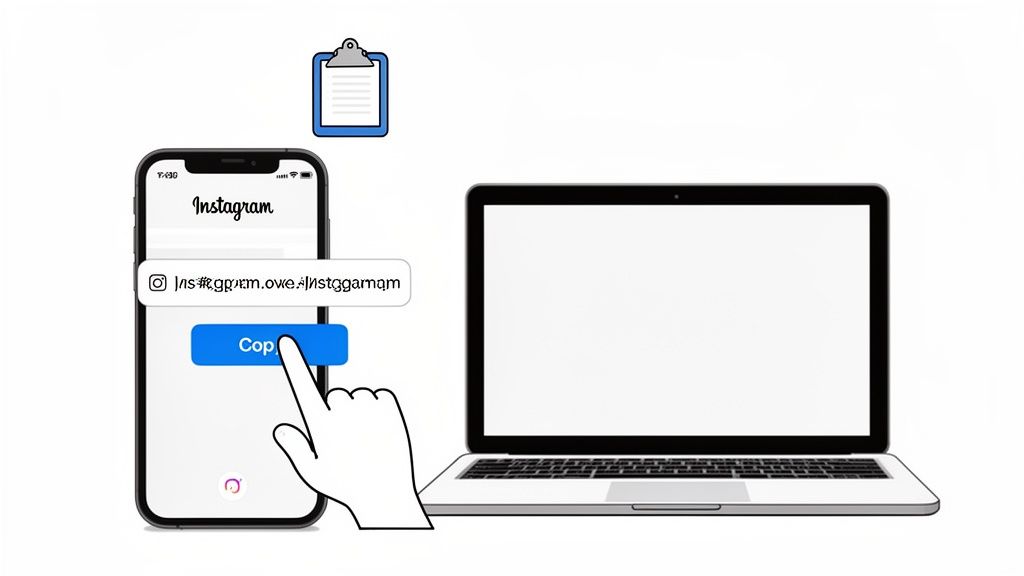
Looking for a quick way to copy your Instagram link? It's surprisingly simple. Just head to your profile page in the app and hit the “Share Profile” button. From there, you can instantly copy the link right to your clipboard.
Table of contents
Your Instant Guide to Copying Your Instagram Link
Sharing your profile is one of those fundamental skills that can make a real difference in growing your audience. Think about it—with over 2 billion active users on the platform, having your unique link ready to go is crucial. This simple URL is your digital calling card, making it effortless for people to find and follow you from anywhere on the web. It's a massive ecosystem, and you can see just how big in recent reports covering the platform's massive user base.
Getting this down is the first real step toward smarter online branding. Once you have that link, you can drop it into your email signature, share it on your other social accounts, or even add it to a physical business card. It’s the key to unlocking seamless cross-platform promotion.
Where to Find Your Instagram Link on Every Platform
The exact steps can feel a bit different depending on whether you're on your phone or a computer. To make sure you're never stuck searching for it, here’s a quick reference table that breaks it down.
| Device Type | Primary Method | Menu Location |
|---|---|---|
| iPhone | Tap "Share Profile" | Directly on your profile page |
| Android | Tap "Share Profile" | Directly on your profile page |
| Web Browser | Copy from Address Bar | Browser's URL bar |
This little trick makes sharing your profile a breeze, no matter what device you're using.
Your Instagram link is more than just a URL; it's the gateway to your personal brand. Knowing how to grab it instantly ensures you never miss a chance to connect with a potential follower or client.
Taking a moment to understand the true meaning of "link in bio" can really help put this simple action into a bigger, more strategic context for your growth as a creator or brand.
Copying Your Instagram Link on iPhone and Android
Let's be honest, most of us live on the Instagram app. So, knowing how to grab your profile link on your phone is pretty much a must-have skill. The good news? It's basically the same whether you're Team iPhone or Team Android. Once you know the trick, it’s a piece of cake.
The easiest way is to use the sharing feature Instagram built right into your profile. It's designed to be fast, so you can snag your URL in just a couple of taps.
The Go-To Method: "Share Profile"
Head over to your own Instagram profile. Right under your bio and follower counts, you'll see a button that says “Share Profile,” sitting next to "Edit Profile." Can't miss it.
Give that button a tap. A little menu will pop up at the bottom of your screen with a few options. All you have to do is hit "Copy Link." Boom. Your profile URL is now copied to your clipboard, ready to paste wherever you need it.
This is what it looks like in action—you can see exactly where that "Share Profile" button lives.
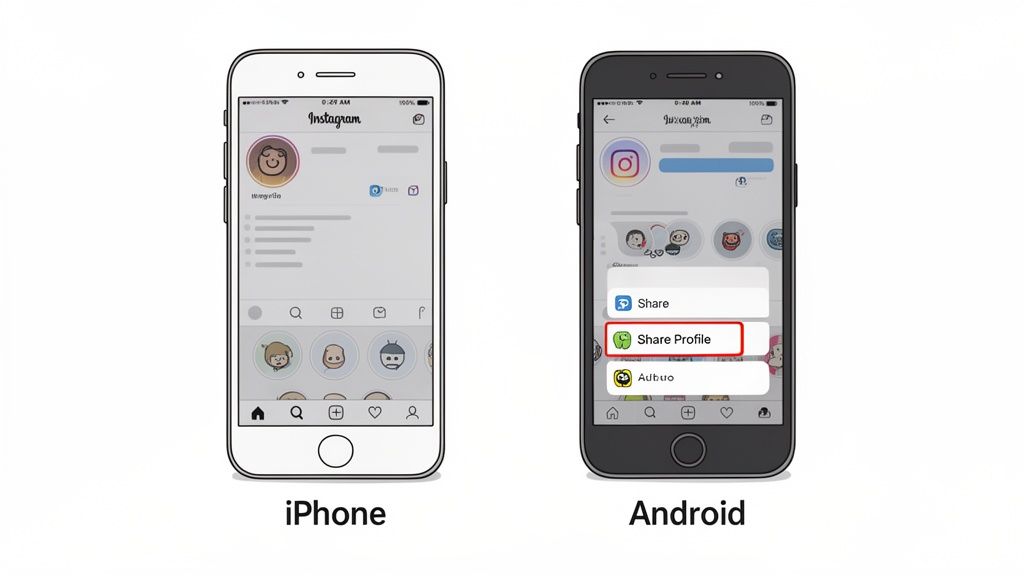
They placed it there for a reason—it’s quick, obvious, and saves you from digging around in settings.
A Clever Workaround (Just in Case)
Every now and then, technology has a moment. Maybe the "Share Profile" button is playing hide-and-seek, or it's just not working right. If that happens, don't sweat it. There’s a super reliable workaround: just find your profile as if you were someone else.
Here’s how you do it:
- Hop on a friend's phone or log out of your own account.
- Use the search bar to look up your Instagram username.
- When your profile appears, tap to open it.
- Look for the three dots (●●●) in the top-right corner and tap them.
- A menu will slide up. Choose "Copy Profile URL."
This method sidesteps any weird glitches on your end and guarantees you get the right link, every single time. Once you have it, you can drop it into your email signature, on your website, or into a slick landing page. Speaking of which, if you're building a central hub for your audience, understanding the best link in bio for Instagram tools can turn that one URL into your most powerful asset.
Finding Your Instagram URL on a Desktop or Laptop
Let’s be honest, sometimes getting work done on a computer is just faster. If you're at your desk and need your Instagram link, you’re in luck—this is hands-down the easiest way to grab it.
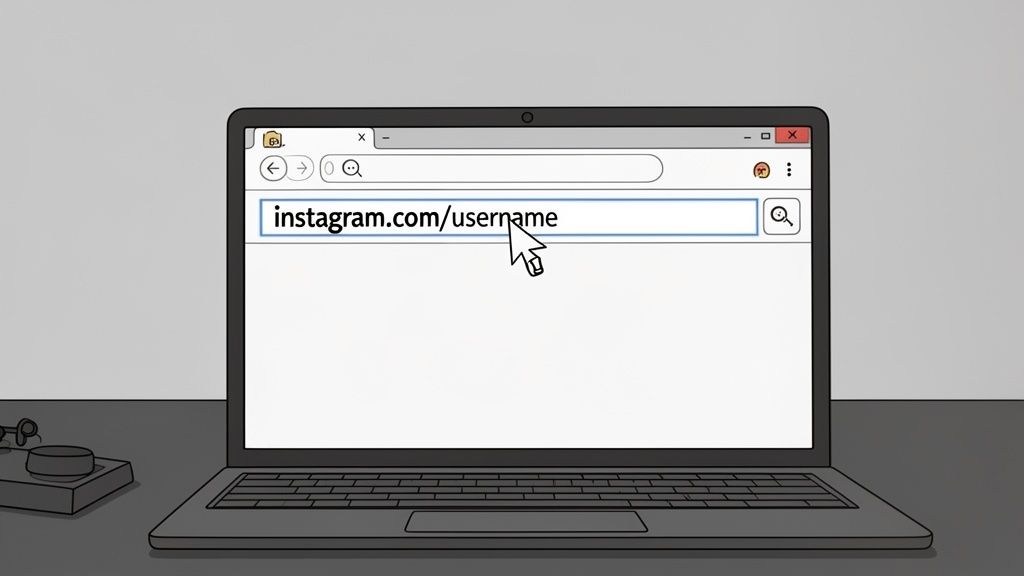
You can forget about digging through app menus. On a desktop, your profile link is always staring right back at you from the browser's address bar.
Just pop open Chrome, Safari, or whatever browser you use and head over to Instagram. Once you’re logged in, click your profile picture to jump to your page. That link you see at the very top of the window, instagram.com/yourusername, is exactly what you need.
Simply click on the address bar to highlight the URL. A quick
Ctrl+Con Windows orCmd+Con a Mac is all it takes to copy it. Now you're ready to paste it anywhere.
This method is a lifesaver when you’re in work mode. You can quickly drop your profile link into an email signature, a client proposal, or your website’s footer without ever breaking your workflow to look at your phone.
Grab Links to Specific Posts and Reels
What if you want to share a specific piece of content, like a killer Reel or a detailed carousel post? The process is just as simple.
For any Post or Reel: Just navigate to the content you want to share. As soon as you open it, the URL in your browser’s address bar will update to a unique link for that specific post.
Copy the Link: Just like before, click the address bar, copy the URL, and you're all set.
Knowing how to copy your Instagram link this way is a game-changer for content promotion. You can embed a specific post into your latest blog article or share a direct link to a promotional Reel in your email newsletter, sending your audience exactly where you want them to go.
Sharing Links to Posts, Reels, and Stories
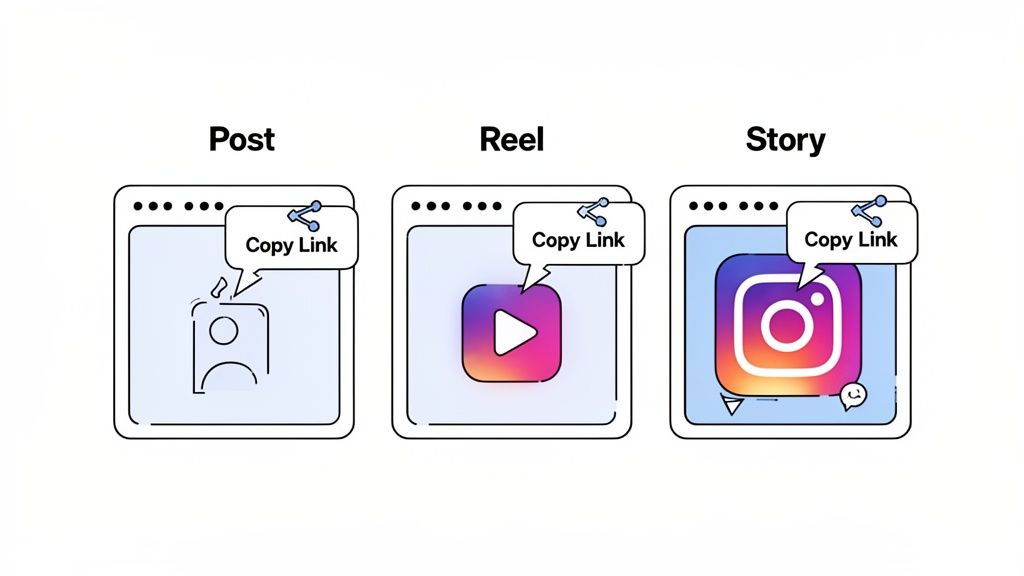
Your Instagram presence is so much more than just your main profile page. It's the collection of every photo, Reel, and Story you create. When you've just dropped a killer Reel or a must-read post, being able to share a direct link to that specific content is a game-changer.
Instead of vaguely telling followers to "go check out my latest post," you can send them straight there. This is perfect for cross-promoting your content on other channels, like dropping an Instagram post into your latest blog article or featuring it in your email newsletter. It's a fantastic way to bridge your audiences, especially if you're trying to figure out how to link TikTok to Instagram for a more unified brand.
Linking to Your Posts and Reels
Grabbing the link for a specific photo, carousel, or Reel is incredibly simple. The good news is the process is basically the same for both, so once you know one, you're set.
- First, head over to the exact post or Reel you want the link for.
- Next, look for the little paper airplane icon (the Share button) right below the content.
- Give that a tap, and a menu will pop up from the bottom. You’ll see a "Copy Link" button waiting for you.
And that's all there is to it. The direct URL is now copied to your clipboard, ready to be pasted wherever you need it.
Think of each post and Reel as its own mini landing page. Sharing a direct link ensures your audience sees exactly what you intend, maximizing engagement and impact for collaborations or promotions.
The Unique Case of Sharing Stories
Instagram Stories are a different beast, mainly because they're designed to be temporary. When you're watching a Story—either your own or someone else's—you can hit the paper airplane icon to send it directly to another user in their DMs.
But if you need an actual shareable link, you'll need to tap the three dots (●●●) in the corner of the screen. In that menu, you'll find the "Copy Link" option. Just keep in mind that this link has a short shelf life—it will only work for 24 hours, unless the Story has been saved to a Highlight. This makes it great for flash sales or urgent updates, but not so much for content you want people to see weeks from now.
Why Your Simple Instagram Link Is a Missed Opportunity
So, you’ve mastered grabbing your Instagram URL. Great! But now what? Just plastering that raw instagram.com/yourusername link everywhere is a huge missed opportunity. It’s like handing out a business card with just your name on it—sure, it works, but it undersells everything you're really about.
Think about it: that single link is the main doorway to your brand from outside Instagram. When someone takes the time to click it, are they just hitting your standard profile, or are they being welcomed into your entire digital world? This is where the strategy pivots from just knowing how to copy a link to understanding how to use it.
Moving Beyond the Basic URL
Instead of funneling everyone to the same static feed, what if you could guide them to an interactive hub that showcases everything you do? This is the magic of a modern link-in-bio tool. It transforms that one clickable spot into a dynamic landing page for your most important content.
The numbers don't lie. Instagram is a behemoth, but getting people to take action can be tricky. With the platform hitting 3 billion users, just having a link isn't enough. A staggering 42% of users check out Stories daily, where link engagement is high. But your feed posts don't have that direct "click here" power, which is exactly the problem a smarter link strategy solves. For a deeper dive, check out these in-depth Instagram statistics.
This is why having a central hub for your links is non-negotiable. A dedicated link-in-bio page lets you:
- Showcase everything at once: Feature your new YouTube video, your latest blog post, and your online store all in one spot.
- Send traffic where it matters: Direct followers to a specific product launch, a collaboration, or an email sign-up form.
- Build a true brand experience: Create a page that actually reflects your unique style, instead of being stuck with Instagram’s rigid layout.
By treating your link-in-bio as a mini-website, you stop sending followers on a scavenger hunt. You give them a clear, curated path to everything you have to offer, turning passive scrollers into an engaged community.
This approach lets you build a much more immersive experience for your audience. For example, you could create a visually stunning page using a flexible link-in-bio grid layout that organizes your most important links in a way that’s both beautiful and easy for your followers to navigate.
Common Questions (and Quick Fixes) for Instagram Links
Even when you know the steps, a few questions always seem to pop up when you start sharing your Instagram link. Let's tackle some of the most common ones I hear, from privacy concerns to why your link might suddenly stop working.
What Happens if My Profile Is Private?
This is a big one. If you have a private Instagram account, don't worry—sharing your link doesn't suddenly make everything public. When someone clicks your link, they'll land on your profile but will only see your name, bio, and a "This Account is Private" message. They'll have to send a follow request, which you still need to approve, before they can see any of your content. Your privacy is safe.
Help! My Link Is Broken!
Getting a message that your link isn't working can be frustrating, but the fix is usually simple. 99% of the time, it's because you've recently changed your Instagram username. Your profile URL is built around your username. If you change @jane_doe_designs to @jane_doe_art, the old link with "jane_doe_designs" will lead to a "page not found" error.
Think of your Instagram URL as a direct address to your online home. Always double-check that you've copied the full, correct link before you share it. You don't want to send new followers to a dead end!
Can I Copy Someone Else’s Profile Link?
You bet. The process is exactly the same as grabbing your own. Just head over to their profile, tap the three-dot menu (●●●) in the top corner, and hit "Copy Profile URL." This is super handy for giving a shout-out to another creator, tagging a collaborator in a project, or just sharing an account you love with a friend.
And if you're looking to connect your social media accounts more deeply, learning how to link a Facebook Page to Instagram is a great next step. It really helps create a unified presence and simplifies your management workflow.
Ready to put that link to work? Instead of just a single destination, imagine turning it into a beautiful, interactive page that holds all your important content. With Taap.bio, you can build a stunning grid-based landing page with smart widgets for Instagram, YouTube, and Spotify. It’s time to stop sending followers to a boring list of links and start giving them an experience. Get started for free on Taap.bio today!


