You've probably done this already. You post a new video, grab whatever URL is in front of you, paste it into Instagram, WhatsApp, or your newsletter, and move on.
That works, but it leaves growth on the table.
If you want people to watch one video, any link is fine. If you want people to understand what your channel is about, binge a few uploads, and subscribe, how to share youtube channel link matters a lot more than most creators think. The link format affects trust. The way you copy it affects tracking. The place you share it affects whether people tap at all.
Table of contents
Why Your Channel Link is Your Most Powerful Tool
A single video can go viral and still fail to build a real audience. A channel link does a different job. It introduces your full library, your positioning, your upload style, and your brand in one click.
That's why I treat channel sharing as a growth move, not admin work. If someone finds one of your Shorts, likes one tutorial, or hears you on a podcast, the next step shouldn't always be another isolated video. Sometimes the right move is sending them to the channel itself so they can decide whether they want more from you.
YouTube channel links have been central to discoverability since the platform started in 2005, and by 2023 70% of YouTube's 2.7 billion monthly active users discovered channels via shared links on platforms like Instagram and TikTok, driving 15 billion cross-platform referrals annually, according to this YouTube-linked breakdown.
That lines up with what creators see every day. People don't stay inside one platform anymore. They bounce between YouTube, Instagram, TikTok, X, email, group chats, and link-in-bio pages. Your channel link is the bridge.
What a channel link does that a video link doesn't
- Shows breadth: A viewer sees your latest uploads, playlists, and channel identity instead of one isolated piece of content.
- Improves fit: People can tell quickly whether your channel matches what they want.
- Builds repeat viewing: A strong channel page gives viewers more than one reason to stay.
Practical rule: Share a video when the context is specific. Share your channel when the goal is long-term audience growth.
A lot of creators also underestimate consistency. If your handle link appears everywhere your audience already checks you out, bios, pinned comments, email signatures, and guest appearances, your channel becomes easier to remember and easier to revisit.
If you're also working on subscriber growth beyond link sharing, this guide to growing YouTube subscribers pairs well with the tactics here. For founders and technical creators thinking about audience-building systems more broadly, Tracekitdev for startups is also a useful outside read.
Finding and Copying Your YouTube Channel Link Correctly
Channel owners generally know where to find their channel. Fewer people copy the link the right way.
That matters because the easy shortcut, copying straight from the browser bar, can cause tracking problems. According to this creator-focused YouTube short, copying URLs directly from the browser bar can label traffic as “unknown referrals,” skew analytics, undercount social traffic by an estimated 20-30%, and reduce algorithmic favor because YouTube prioritizes verified traffic sources.
On desktop
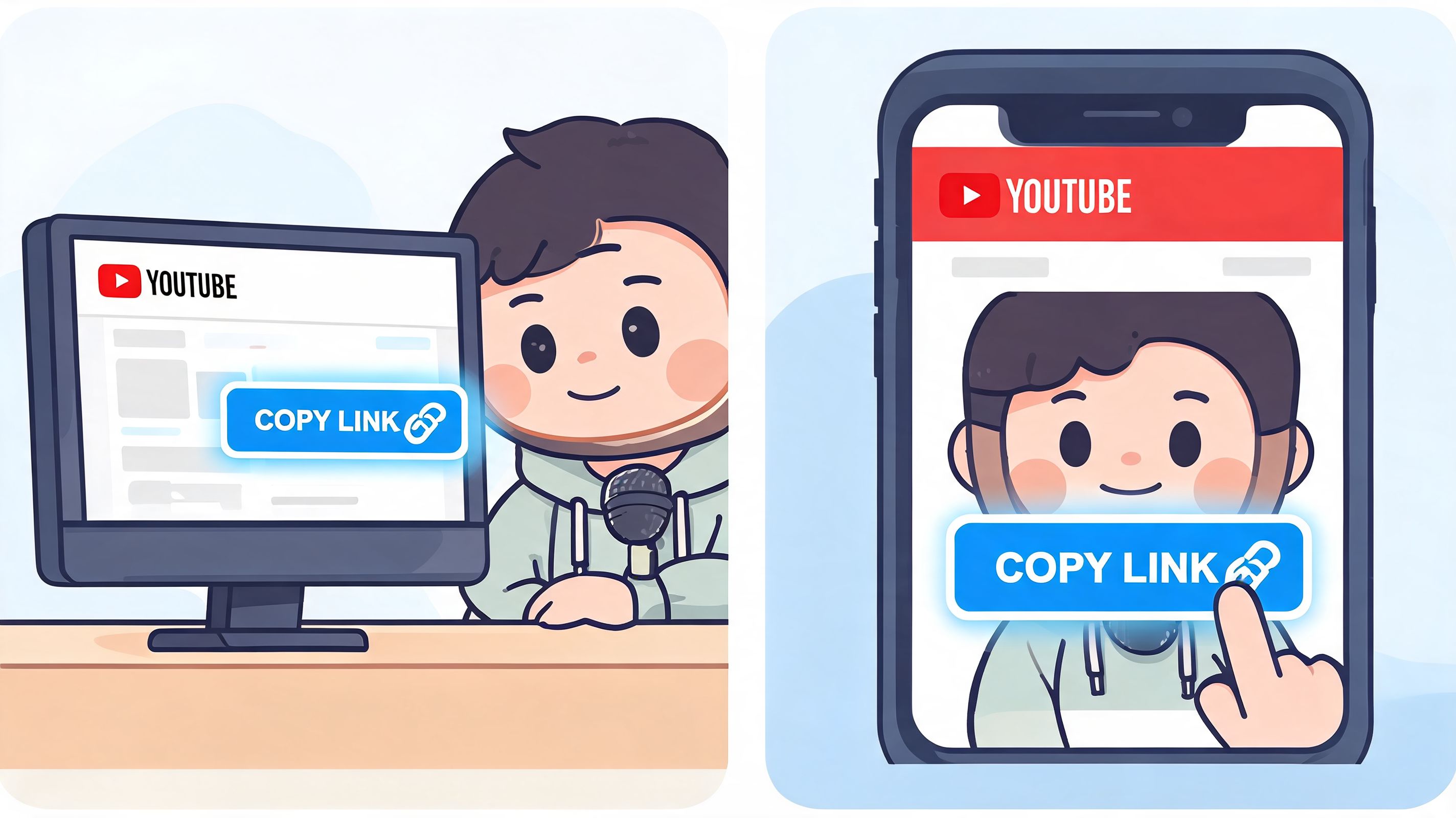
Open YouTube while signed in, click your profile image, then choose Your channel. Once your channel page loads, don't just highlight the browser address and call it done.
Use YouTube's built-in Share button when it's available on the channel page. That method is cleaner for tracking and less likely to create weird referral labeling later.
Here's the simple sequence:
- Go to your channel page
- Click Share
- Choose Copy link
- Paste that version where you want to promote your channel
That extra click is worth it. It helps preserve cleaner attribution.
On mobile
The app route is usually faster because YouTube already gives you a share flow. Open the YouTube app, tap your profile icon, go to Your channel, tap the menu, then choose Share channel or Copy link, depending on your app view.
If you're managing your sharing workflow across profiles and bios, this breakdown of YouTube URL links is a handy companion resource.
If your copied link looks odd, test it in a private browser tab before posting it publicly. That catches bad redirects fast.
A quick demo helps if you want to see the flow visually:
What not to do
The most common mistakes are boring, but expensive.
- Don't copy a video link by accident: Many creators think they're sharing the channel when they are sending people to one upload.
- Don't rely on memory: Your handle may be simple, but typos happen.
- Don't skip testing: Open the final link on mobile and desktop before adding it to bios or campaigns.
A clean sharing habit saves headaches later. Good creators don't just post links. They verify what those links are doing.
Decoding Your YouTube Link Handle vs ID
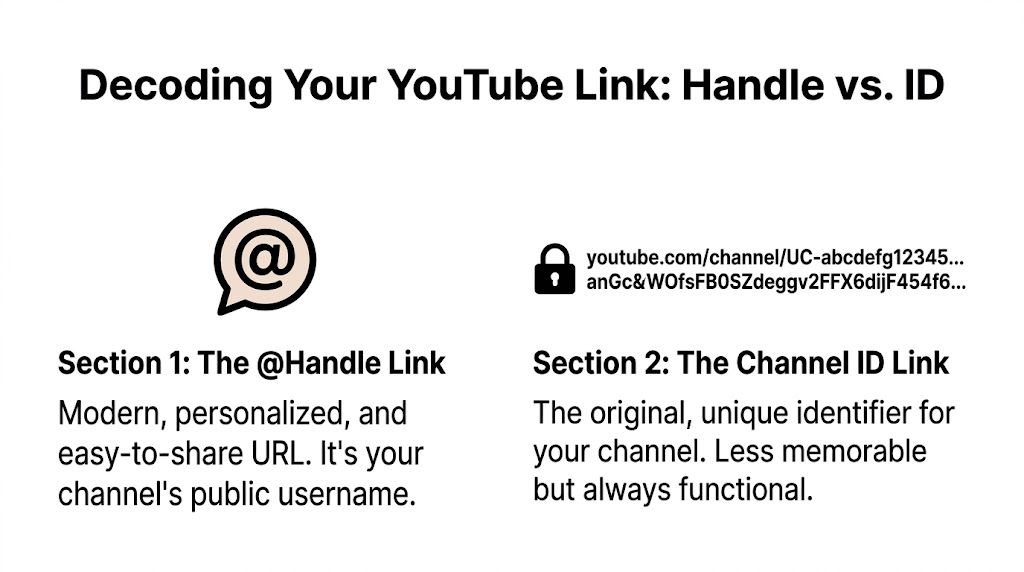
Not all YouTube channel URLs are equal.
Some links help people trust and remember your brand immediately. Others look technical, long, and forgettable. Both can work, but they don't perform the same in practice.
The main link types you'll see
| Link type | Example style | What it's like | When to use it |
|---|---|---|---|
| Handle link | youtube.com/@yourname |
Clean and readable | Bios, emails, social posts, spoken mentions |
| Channel ID link | youtube.com/channel/UC... |
Long and technical | Backup use, system references, old placements |
| Legacy custom format | youtube.com/c/yourname |
Older branded style | Only if your channel still uses it somewhere |
The one you should prefer publicly is the @handle version.
According to Business Insider's reference on sharing a YouTube channel, modern @handle links offer a 25% higher CTR than legacy channel ID links due to better readability. The same source notes that 80% of novice creators share a video-specific URL instead of the channel URL, which can lead to a 50% audience drop-off.
Why handles win
A handle looks like a name. A channel ID looks like a database record.
That difference matters when someone sees your link in a bio, a pinned post, or a podcast description. A handle is easier to recognize, easier to trust, and much easier to remember later.
Use the handle version anywhere a human being will read the link before clicking it.
A good public link should look intentional. If it looks machine-generated, many people hesitate before clicking.
A quick decision rule
Use this if you're unsure which version to share:
- Public-facing placement: Use your
@handle - Internal admin reference: The ID version is fine
- Old assets you can still edit: Replace them with the handle
- Printed or spoken promotion: Always choose the handle
If you're cleaning up branding across platforms, this guide to social media handles is useful because your YouTube handle works best when it matches the rest of your creator identity.
The short version is simple. Your handle link is the one people should see. Your channel ID is the one systems can tolerate.
Smart Strategies for Sharing Your Channel Link
Most creators don't have a link problem. They have a context problem.
They paste the same URL everywhere with no reason to click. That usually produces weak traffic, even when the channel itself is solid. The better move is matching the share method to the platform and to the viewer's intent.
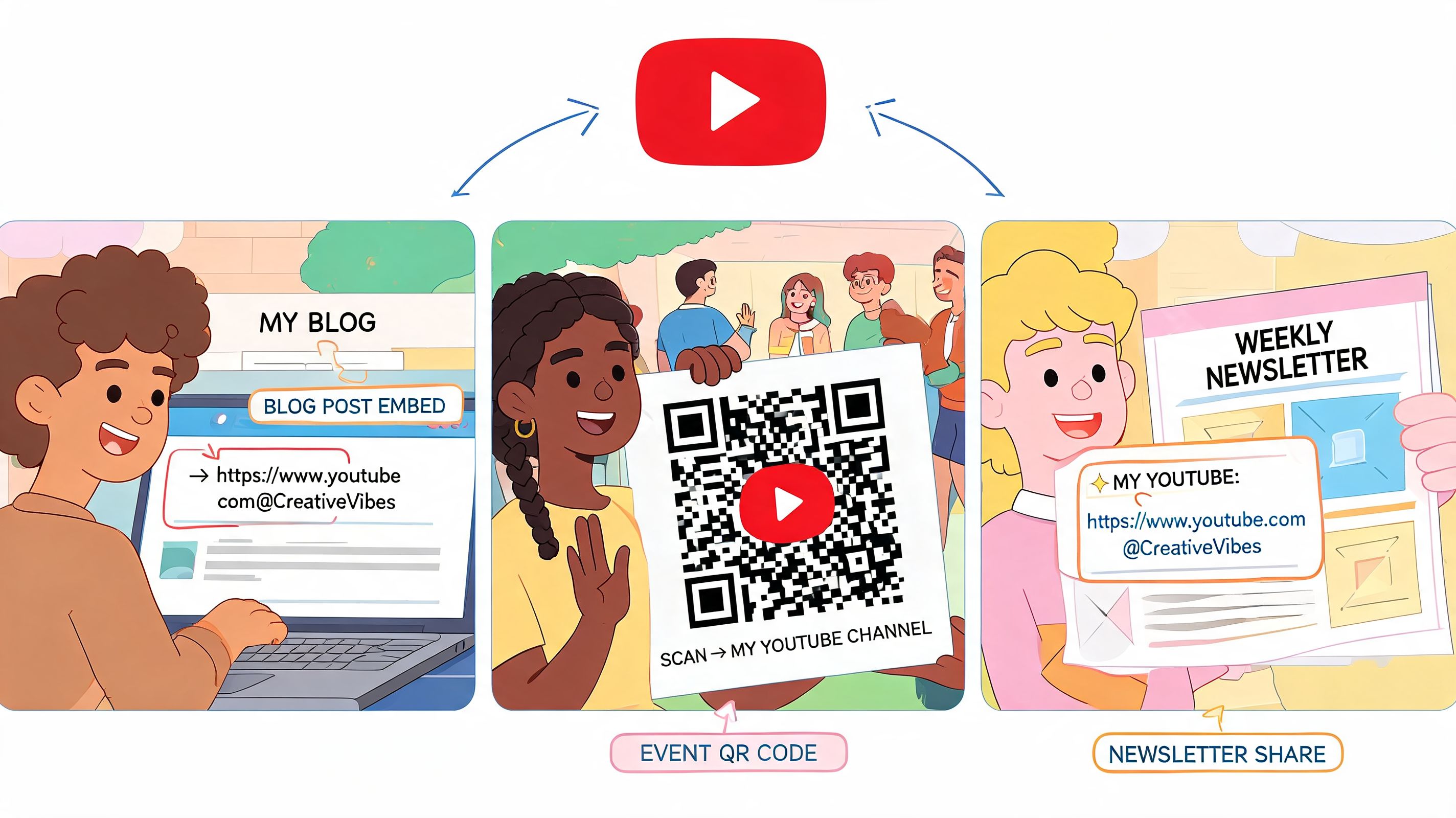
With YouTube's mobile-first redesign, 70% of YouTube's 122 million daily watches happened on phones, and sharing links in mobile-friendly spots like social bios became vital, driving 35% of all traffic for 80% of top creators, according to Social Media Today's coverage.
Social posts need a reason, not just a link
On X, Threads, or LinkedIn, don't write “Subscribe to my channel” and drop the URL. Give people a hook tied to what they'll get.
Try angles like these:
- Topic-led: “I break down simple camera setups for creators who hate overcomplicated gear.”
- Outcome-led: “If you want shorter editing workflows, my channel covers practical systems.”
- Archive-led: “All my tutorials live here if you want the full library.”
That framing matters because the channel link is competing with everything else in someone's feed.
Put the link where mobile users already look
A few placements consistently make sense:
- Instagram bio: Best for general channel promotion because users expect one clear next step.
- Pinned comment on your own videos: Useful when a viewer lands on one upload and wants more context.
- Email signature: Quiet but effective for ongoing passive promotion.
- Newsletter footer: Good when your email audience overlaps with your video audience.
If your outreach strategy includes partnerships, sponsors, or lead sourcing around creators and channels, discover leads with EmailScout can help with the research side.
Don't force every platform to do the same job. A bio link is for discovery. A pinned comment is for momentum. An email signature is for repetition.
If you're sending viewers from Instagram specifically, this post on posting a YouTube video on Instagram is a useful next read because the packaging around the link matters as much as the destination.
One practical sharing rhythm
If you want a simple routine, use this:
- Keep your handle link in your main bio
- Add it to pinned comments on your strongest evergreen videos
- Mention the benefit of the channel, not just the existence of it
- Refresh the call-to-action when your content direction changes
That's a much stronger system than random copying and pasting.
Go Beyond a Simple Link with Taap.bio
A plain channel link sends people away immediately. Sometimes that's fine. Sometimes it wastes attention you already earned.
The problem is friction. A viewer taps your bio link, lands on YouTube, gets distracted by recommendations, and never comes back to your wider creator ecosystem. If you want your audience to browse, watch, and then take another action, a single static link can be limiting.
Why embedded viewing changes the experience
According to this YouTube video on mobile-first channel sharing, embedding your channel in a Taap.bio grid using its YouTube widget can increase engagement by 42% because inline playback prevents app switching, while standard link shares have a 28% open rate on mobile.
That difference makes sense in practice. Inline playback keeps the viewer in one environment. They can sample your content without hitting a full platform jump right away.
When this setup makes more sense than a raw link
A simple URL still has a place. If you're texting someone, adding your channel to a guest post, or dropping it in a quick reply, direct is fine.
But a richer page works better when you need to present more than one thing at once:
- YouTube plus products: You want videos visible alongside an ebook, template, or course.
- YouTube plus booking: You teach on video and also offer calls or consulting.
- YouTube plus other platforms: You need one page that ties together your wider presence.
Taap.bio's link-in-bio for YouTube is built for that kind of setup. Instead of a plain list of links, it uses a modular grid and can display live YouTube content directly on the page.
The more steps people have to take before they understand what you offer, the more attention you lose.
The trade-off to understand
This isn't about replacing your YouTube channel URL everywhere. It's about choosing the right destination for the moment.
Use a direct channel link when speed matters and the only goal is getting someone onto YouTube fast. Use a richer landing page when you want to showcase videos, keep attention longer, and connect content to your broader business or creator stack.
That's the difference between sharing a destination and designing a path.
Troubleshooting Common YouTube Link Problems
Some channel link problems look bigger than they are. Usually the issue is one of three things: wrong destination, ugly format, or a broken paste.
My link goes to the wrong place
This usually happens when you copied a video URL, a Studio page, or an old channel path instead of your public channel link. Open the link in a private tab. If it doesn't land on your public channel homepage, go back to Your channel and recopy it from the proper share flow.
My link looks long and messy
That's usually the channel ID version. It still works, but it's not ideal for promotion. If your channel has a public handle, use the youtube.com/@handle version in bios, posts, and outreach.
The link breaks after I paste it
This often comes from accidental extra characters, formatting issues in social tools, or copying from the wrong screen. Test every important placement after publishing, especially bio tools, newsletter builders, and scheduled social posts.
A quick cleanup checklist helps:
- Check the destination: Make sure it opens your public channel, not one video.
- Check the format: Prefer the handle version for anything audience-facing.
- Check the device: Test on mobile because that's where many taps happen.
- Check the context: Add a reason to click, not just the URL.
If you treat channel sharing like a real part of growth, your links start working harder. Better tracking, clearer branding, and fewer dead-end clicks add up.
Your YouTube channel deserves more than a pasted URL. Build a page on taap.bio that lets people watch your videos, explore your offers, book with you, and see your full brand in one place.