Digital products generated more than $157 billion, and ecommerce is projected to keep expanding to 20.5% of worldwide retail sales in 2025 and 22.5% by 2028, with the global ecommerce market expected to hit $6.88 trillion by the end of 2026. If you want to sell digital products on Shopify, you're not chasing a side hustle, you're entering a large, established channel built for low-friction delivery at scale.
That matters because the hard part isn't whether people will buy digital goods. The hard part is building a store that gets the file into the buyer's hands cleanly, keeps your work protected, and turns social traffic into real purchases instead of dead clicks.
Table of contents
Why Digital Products Are Your Best Bet
Digital products make sense because they remove the two things that eat into margin in physical ecommerce, inventory and fulfillment. Shopify's own 2026 content frames digital goods as a major category, not a niche experiment, and the numbers back that up, with more than $157 billion in digital product revenue and a worldwide retail share that keeps rising (Shopify digital products overview).
That scale changes how you should think about your offer. You're not asking whether the market exists, you're deciding where your expertise, files, templates, or media fit inside it. If your product can be delivered instantly, updated easily, and sold repeatedly without packaging or shipping, the economics are cleaner.
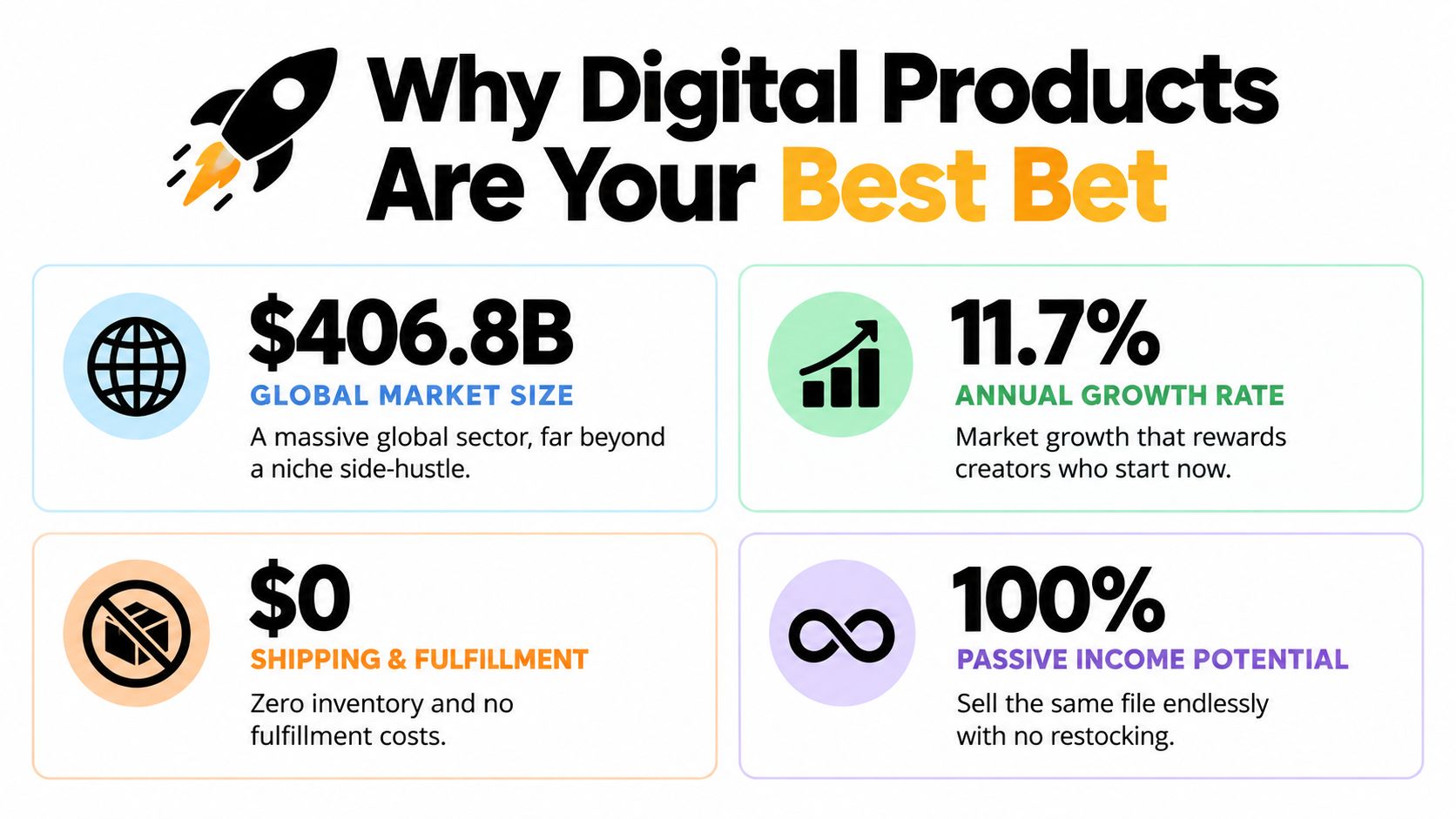
A useful way to frame the decision is simple. Physical products need storage, packing, and dispatch. Digital products need clear positioning, trustworthy delivery, and a buyer who can understand the value quickly.
Why the category works for creators
Creators already have the raw material, knowledge, design skills, workflows, lessons, and media assets. Shopify gives those assets a commerce layer, which is why stores that sell digital goods often feel lighter to run than mixed physical inventory businesses.
If you're still deciding whether to lean into digital, compare the trade-offs in digital products versus physical products. The pattern is consistent, digital wins when you want repeatable delivery and less operational drag.
Practical rule: sell the thing you can deliver twice without extra effort. If every sale makes you start over, the product isn't digital enough.
Setting Up Your First Digital Product
The cleanest setup starts with one product, one file, and one clear promise. Shopify supports digital delivery through its own app ecosystem, and the basic flow is straightforward, create the product listing, connect delivery, and make sure the customer gets access automatically after checkout (Shopify help on digital downloads).
Build the listing before you overthink the product stack
Start inside Shopify with a product page that reads like a purchase decision, not a folder label. Name the file in a customer-friendly way, write a description that says what the buyer gets, and avoid vague language like “resource bundle” unless the bundle is obvious from the context.
Then attach the digital delivery method. Shopify's help docs note that digital products can be delivered as file downloads or as links to external content, which is useful if your product is a course page, a booking page, or a cloud-hosted asset. That flexibility matters because not every digital product should behave like a downloadable PDF.
Keep the first launch small
The fastest sellers usually don't begin with a giant catalog. They launch one strong offer, test the wording, then add related products once they know what people want. A compact catalog is easier to update, easier to explain, and much easier to troubleshoot when something breaks.
If you want a more tactical build path, use this guide to creating digital products to sell as a companion while you assemble the file, the page copy, and the delivery flow. The point is to get to a live, purchasable product quickly, then improve from real buyer behavior.
Don't build a beautiful product page before you know the file works. A polished listing with a broken download is just a faster way to disappoint people.
Configuring Payments, Taxes, and Protection
A digital product store only works if payments clear cleanly and access stays under control. Shopify notes that digital products do not carry extra product-specific fees beyond the usual subscription and payment processing layer, so the work is setting up payments, handling tax correctly, and protecting delivery after purchase (Shopify digital downloads help).
Get paid without creating friction
Activate your payment gateway before you promote anything. If checkout is slow, unclear, or incomplete, even a strong product page will leak sales. When you compare margins against convenience, the Shopify Payments rates by plan resource helps you see what Shopify takes through payments by plan.
Taxes need the same discipline. Digital tax rules can change by region, and the common mistake is treating a downloadable file as if it were automatically exempt just because nothing ships. That creates cleanup work after you have already started collecting orders.
Protect the file before you scale traffic
Shopify's digital download guidance also points merchants toward watermarking and license-key apps when they need tighter control over delivered files or external links (Shopify digital downloads help). That matters because the risk is not only theft, it is forwarded access, shared links, and resale.
If you sell a high-value file, build protection in layers. A clear product page brings demand in, but a controlled access path keeps the product worth paying for. Before launch, I also like to check this note on Stripe 1099-K handling so the payment side and recordkeeping do not become a distraction once sales start.
Protection is not paranoia. If a file can be forwarded, screenshotted, or reused without limits, set the controls before launch, not after complaints start arriving.
Driving Traffic With a Creator Store
Most digital-product stores don't fail because the offer is bad. They fail because the traffic path is messy. People click from social media into a long URL, get distracted, and never reach checkout, which is why a link-in-bio storefront can matter as much as the Shopify product page itself.
Reduce the number of steps between interest and purchase
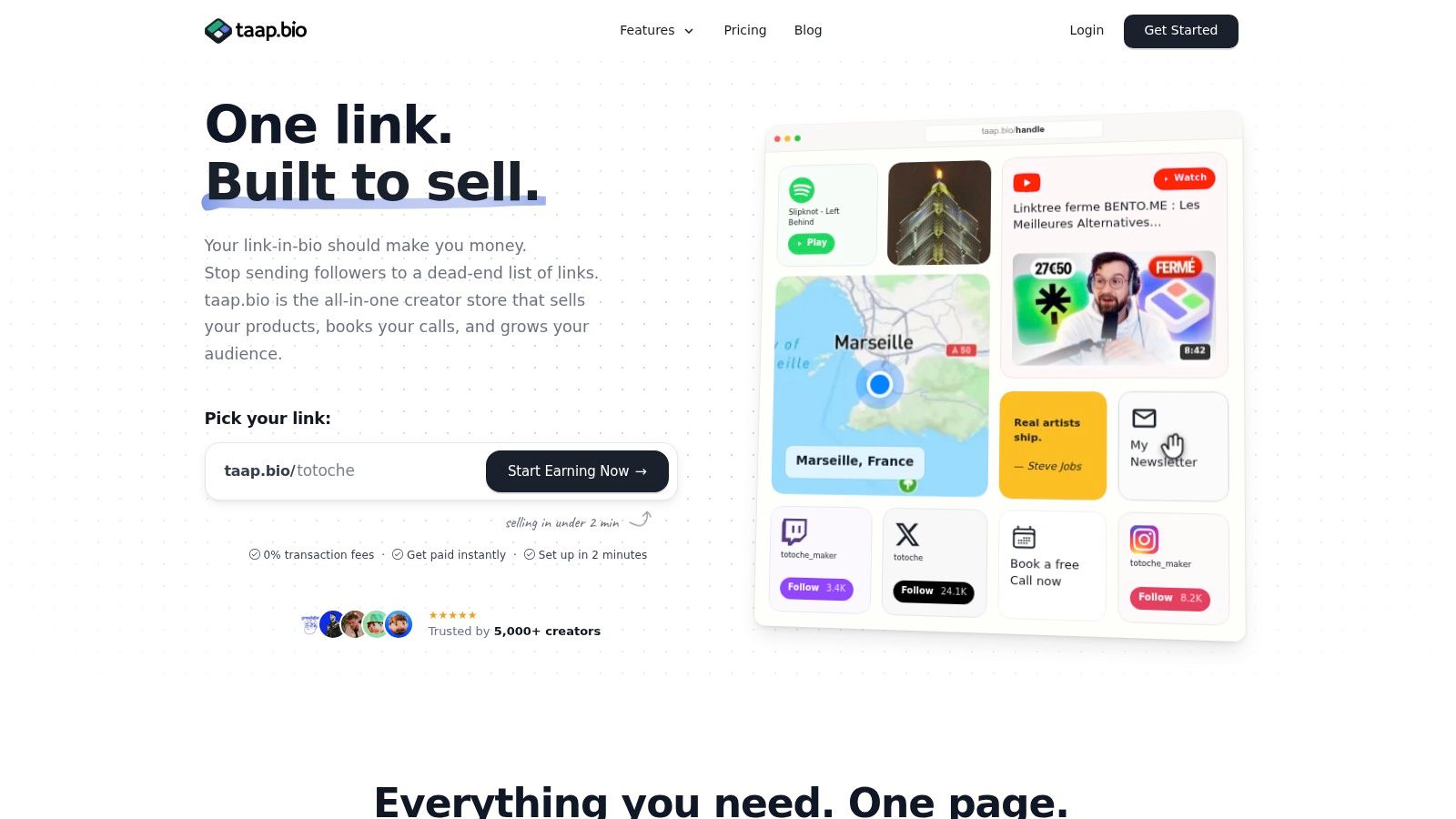
A creator store works because it shortens the journey. Instead of sending followers to a homepage, then a product page, then a checkout, you put the offer where attention already is. taap.bio is one option for that kind of flow, since it combines storefront elements, paid bookings, email capture, and analytics in a single page layout.
That single-page approach matters for social traffic because every extra redirect gives people another chance to leave. If your audience lives on Instagram, TikTok, YouTube, or a newsletter, the storefront should feel like a direct response destination, not a detached website they have to decode.
Use the creator page as the bridge, not the whole business
The smartest setup is often hybrid. Shopify remains the commerce engine, while the creator page becomes the traffic bridge that catches impulse clicks and routes them into a clean buying path. That gives you room to sell digital products, collect emails, and offer bookings without forcing visitors to hunt through menus.
A broader traffic plan helps too. If you're building that route from social to site, this guide to driving traffic from social media to a website is a strong reference point. And if you're shaping the offer side of the funnel, the AI ecommerce revenue plan is worth reading alongside it, because traffic only becomes revenue when the next click is obvious.
Social buyers are impatient. They don't want a tour, they want the thing they just saw, and they want it without a maze of tabs and dead ends.
Optimizing Conversion and Avoiding Pitfalls
Digital product stores often convert better than general Shopify stores because there's no shipping friction. One independent benchmark places digital-product stores around 2.5% to 6% conversion, versus roughly 1.2% to 1.8% for Shopify overall, with 6%+ usually reachable when the audience is loyal and checkout is low-friction (conversion benchmark).
That comparison tells you where the money leaks. If your conversion is weak, the problem is usually not demand alone. It's confusion, delay, or a checkout path that asks buyers to work too hard.
Remove the mistakes that stop sales
The same benchmark flags several common failures, and they're all fixable. Merchants forget to automate delivery, leave shipping enabled on a digital item, skip file protection, or ignore regional digital-tax rules. Each one creates friction at the exact point where the buyer should be moving forward.
A better approach is to audit the full purchase path before you run traffic. Test the product page, the checkout, the delivery email, and the file-access step. Then repeat the test on mobile, because a lot of social traffic never gets to a desktop browser.
Test one variable at a time
Once the basics are stable, improve the page with hypotheses instead of guesses. A strong hypothesis-driven A/B testing guide is useful here because you need a method, not random redesigns. Change one headline, one image, or one button label at a time so you can see what buyers respond to.
Practical rule: if you change five things and sales improve, you still don't know why. Keep the test narrow or the lesson disappears.
A useful pattern is to make the offer easier to understand before you make it prettier. In digital sales, clarity beats decoration.
Measuring Success Beyond the Sale
A fulfilled order doesn't always mean a customer got value. Shopify community discussion has highlighted a real blind spot, an order can be marked fulfilled without proving the buyer downloaded the file or used the content, which means the standard fulfillment status is not enough to judge success (Shopify community discussion).
Track access, not just payment
The right question after checkout is not only “Did they pay?” It's “Did they get in?” That's especially important when you sell linked content like a course page, a booking page, or a cloud file, because access problems can look like successful sales on paper.
If your product is more service-like, measure whether customers complete the intended next step. A download, a login, a calendar booking, or a course enrollment all tell different stories. The order is only the beginning of the customer record.
Build automation around the lifecycle
Post-purchase email still matters here, but it should do more than say thank you. Use it to reinforce access, explain the next action, and point buyers toward the next relevant product. That keeps your store from becoming a static file cabinet.
This is also where creators with broader storefronts gain an edge. A product page, a booking flow, and an email capture field can all sit in the same ecosystem, which makes retention easier to manage than on a scattered stack. You're not just selling a file, you're building a repeatable buyer path.
Your Launch Checklist for Digital Success
Before you publish, check the basics in one pass. Your product page should be clear, your digital delivery should work, your payment gateway should be active, and your tax setup should match where you sell. If you're using a hybrid traffic system, confirm that your link-in-bio route sends buyers to the right place without unnecessary steps.
Use the same discipline for your first launch that you'd use for a larger catalog. Shopify can handle the store, but your workflow still decides whether buyers get a smooth experience or a broken one. A compact checklist beats a scattered launch every time, especially when you're following a setup path like this digital product launch guide.
taap.bio gives creators a single-page way to sell products, take bookings, and collect email signups without making social traffic work harder than it should. If you want a link-in-bio storefront that supports this kind of digital product flow, visit taap.bio and see how it fits into your Shopify-driven setup.