The simplest way to connect your accounts is by creating a two-way street: drop your Instagram link in your TikTok bio, and put your TikTok profile link in your Instagram bio. That’s it. This simple bridge can turn a one-time viewer on one platform into a long-term follower on another, and it’s one of the easiest ways to expand your reach.
Table of contents
Why This Is a Growth Superpower for Your Brand
Before we get into the nuts and bolts, let's talk about why this is such a game-changer. Linking your TikTok and Instagram isn't just a simple tweak; it's a strategic move that helps build a stronger, more connected online presence. You're essentially creating a smooth pathway for your audience to follow you wherever you create content.
Here’s what that connection really does for you:
- Turns Viral Moments into Real Followers: A TikTok video blowing up with millions of views is great, but those viewers often vanish as quickly as they appeared. By linking to your Instagram, you give them an immediate next step—a place to see more permanent content like photos, Stories, and Reels.
- Shows Off Different Sides of Your Brand: Each platform has its own vibe. TikTok is all about short-form, trend-heavy video, while Instagram is a powerhouse for visual storytelling and building a community. Linking them lets you showcase your full range and appeal to different types of users.
- Builds a Cohesive Brand Hub: Think of your social profiles as different rooms in the same house. A well-placed link is the hallway that connects them, guiding users through your entire digital world. For a deeper look, check out our guide on the https://taap.bio/blog/bio-link-meaning.
When you funnel engaged users between platforms, you're doing more than just gaining followers. You're building a multi-channel community that's far more likely to interact with your content, back your projects, and buy what you're selling.
The numbers don't lie. TikTok is closing in on 1.59 billion monthly active users, while Instagram has already crossed the 2 billion mark. The audience overlap between them is a massive, untapped opportunity for growth.
In fact, creators are catching on fast. We’ve seen a staggering 35,000% increase in TikTok integrations on some platforms between 2022 and 2024 alone. Discover more insights on these trends from Buffer.
Of course, to really make this work, you need to know the ins and outs of each platform. For a solid foundation, you can learn more about Instagram.
Adding Your Instagram Link to Your TikTok Profile
Want to turn your TikTok viewers into loyal Instagram followers? One of the smartest moves you can make is to connect your profiles. This adds a neat, clickable Instagram icon right on your TikTok page, giving your audience a one-tap shortcut to find you elsewhere. It’s surprisingly easy to set up.
First things first, pop open the TikTok app and head to your profile page. You’ll see a big “Edit Profile” button right under your follower count—go ahead and tap it. This is where you can tweak everything from your bio to your social links.
Once you're in the editing screen, scroll down a bit. You should see a section for social media accounts. Look for the “Add Instagram” option. Tapping this will bring up a login screen where you’ll need to authorize the connection with your Instagram credentials. After you log in and approve it, that’s it! Your profiles are officially linked.
This simple connection creates a powerful growth funnel, turning casual TikTok scrollers into engaged Instagram followers.
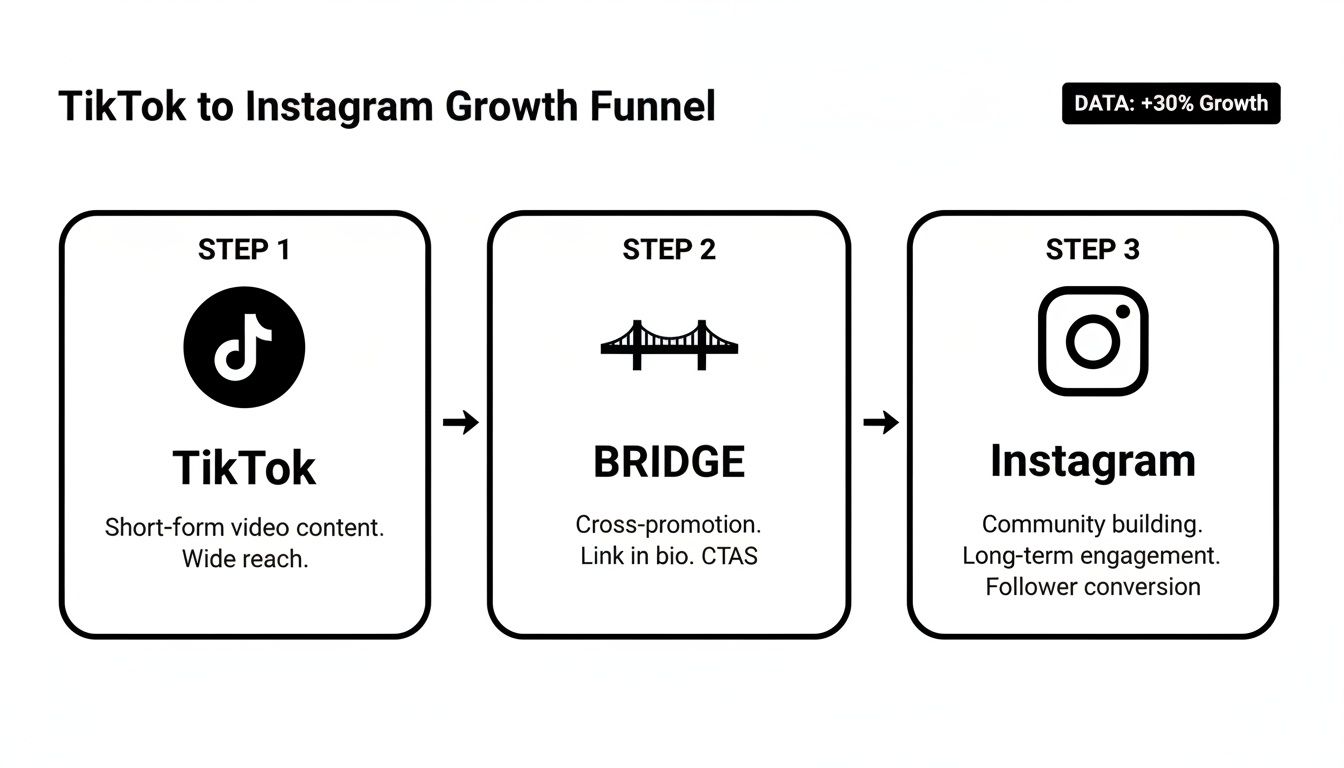
By directing traffic this way, you’re not just getting views—you’re building a community that follows you across platforms.
When the Instagram Button Is Missing
So, what happens if you get to the "Edit Profile" screen and the "Add Instagram" button is nowhere to be found? Don't panic. This can sometimes happen with certain account types (like some Business Accounts) or in specific regions. Luckily, there’s a dead-simple workaround that’s just as effective.
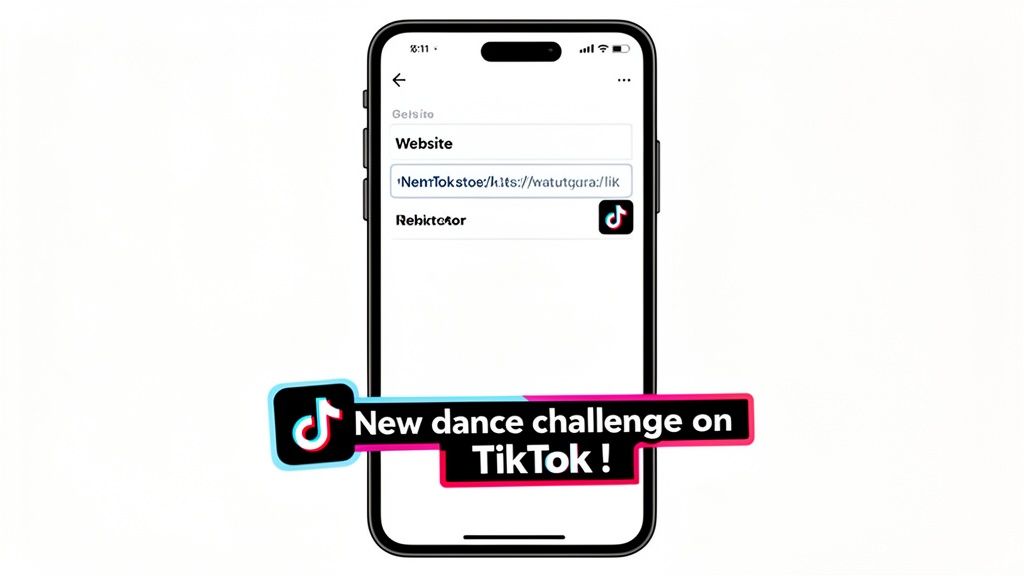
You can just add your Instagram profile URL directly into the "Website" field in your TikTok bio.
Pro Tip: Using the website field is a fantastic backup plan. It keeps your Instagram link front and center and fully clickable, so you won't miss out on any traffic. This option is available to almost every user.
To do this, you'll need your Instagram profile link ready to go. If you’re not sure where to find it, we've got a super clear guide that walks you through how to copy your Instagram link.
Once you have that link copied, just paste it into the website field on your TikTok profile editor, hit save, and you're all set. Your Instagram will now be just a click away for anyone visiting your profile, effectively turning your TikTok into a launchpad for cross-platform growth.
Get Your Instagram Followers Over to TikTok
Alright, let's talk about reversing the flow. We've covered sending TikTok traffic to Instagram, but what about the other way around? Driving your Instagram followers to your TikTok profile is a brilliant move to build a more connected community across both platforms.
The best spot for this is prime real estate: your Instagram bio.
First things first, you need to grab your TikTok profile URL. It’s super easy. Just pop open the TikTok app, head to your profile page, and tap the three-line menu icon at the top right. From there, hit "Settings and privacy," then "Share profile," and finally, "Copy link." Done. You've got the link.
Now, jump over to your Instagram app. Go to your profile and tap that "Edit Profile" button. You'll see a section called "Links." Tap it, then choose "Add external link." This is where you'll paste that TikTok URL you just copied.
Don't Just Link—Give Them a Reason to Click
Slapping a link in your bio is one thing, but getting people to actually click it is another. This is where a great call-to-action (CTA) comes in. You need to give them a little nudge and tell them why they should check out your TikTok.
Think about what's happening on your TikTok right now and create some buzz.
Here are a few ideas to get your creative juices flowing:
- 👇 New dance challenge on TikTok!
- 🎬 Daily vlogs & behind-the-scenes on TikTok!
- Check out my latest TikTok series here!
A simple, exciting CTA like this tells followers exactly what they're missing out on. If you're looking for more ways to make your bio links work harder for you, check out our guide on how to add a link into your TikTok bio.
By actively pointing your Instagram audience to your TikTok, you're not just cross-promoting; you're building a seamless brand experience. Your most loyal Instagram fans are your warmest audience—they're the most likely to jump over and support your content on another platform.
Take Your Bio to the Next Level with a Taap.bio Landing Page
Putting a direct link in your bio is a good first step, but if you're serious about growing your audience, it's really just scratching the surface. The real game-changer is turning that one static link into a dynamic, interactive hub for all your content. This is where a "link in bio" tool like Taap.bio comes in and completely flips the script.
Instead of just kicking your followers over to another social media profile, you can build a clean, visually engaging mini-website. Think of it as a central dashboard that pulls in your best content from both TikTok and Instagram, all in one spot. It’s the difference between handing someone a business card and giving them a full, interactive portfolio of your work.
Build a Visual Hub for Your Best Content
What makes Taap.bio so effective is its use of smart widgets and a slick, modular grid system. You can easily create a beautiful "bento box" style layout that immediately catches the eye. This isn't just a list of boring links; it's a rich, visual experience that keeps people clicking and exploring.
You can set up your page to automatically pull in your latest posts. For example, you could feature:
- Your three most recent TikTok videos, complete with your current follower count.
- A grid of your six latest Instagram photos, also showing off your follower numbers.
This setup gives visitors a snapshot of everything you're creating without them ever having to leave your page. It’s an incredibly smart way to boost clicks and steer your audience exactly where you want them to go.
Here’s a quick look at how you can arrange these social media widgets to create an eye-catching visual grid.
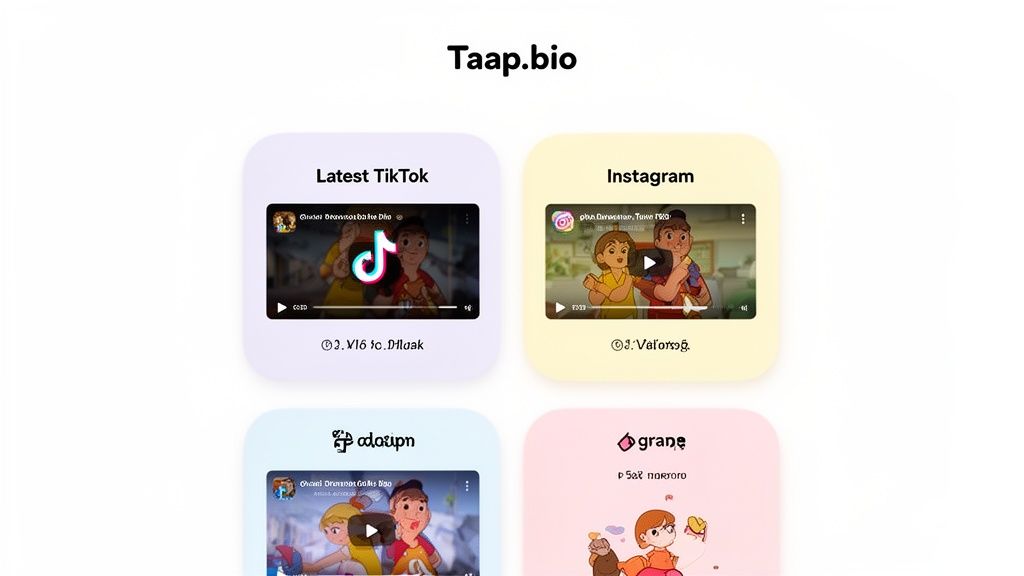
This kind of professional, organized look stops the scroll and invites people to dive deeper into your world. If you want to really nail this aesthetic, you can find more inspiration on how to build a killer link in bio grid.
A Smarter Way to Boost Your Engagement
So, why go to all this trouble? Because on social media, engagement is the name of the game. When you learn how to link TikTok to Instagram the right way, you're not just connecting accounts—you're turning casual viewers into a real community. This is especially true on TikTok, where interaction rates can hit anywhere from 4% to 18%, blowing most other platforms out of the water.
A Taap.bio page lets you tap directly into that high engagement by getting rid of the friction. Instead of making followers jump through hoops to find your other content, you're serving it up to them on a silver platter. This simple change can make a massive difference in cross-platform discovery and growth.
Tools like Taap.bio make this process dead simple. You can build custom, draggable layouts that keep your audience engaged without bouncing them all over the internet. It's a must-have for any creator or influencer looking for a powerful and flexible way to manage their online presence. You can dig into more of TikTok's impressive engagement stats over at House of Marketers.
Running Into Trouble? Here's How to Fix It
Even with a simple process, things can go wrong. If you're trying to link your TikTok and Instagram accounts and hitting a wall, don't worry—it happens to the best of us, and the fix is usually pretty simple.
You might be staring at your TikTok profile, unable to find the "Add Instagram" button anywhere. Or maybe you do find it, but every time you try to connect, it just boots you back to the login screen in an endless, frustrating loop. Another classic issue is pasting your link into your bio only to find it’s just plain text, not a clickable link. Sound familiar?
Quick Fixes That Almost Always Work
Before you get too frustrated, run through these quick checks. From my experience, one of these three steps solves the problem about 90% of the time.
- Update Your Apps: Seriously. This is the most common culprit. Developers are constantly fixing little bugs, and an outdated app is often the source of the glitch. Pop over to your app store and make sure both TikTok and Instagram are on the latest version.
- Clear the Cache: Your apps store a lot of temporary data, and sometimes it gets corrupted, causing weird issues. Head into your phone’s settings, find both apps, and hit "Clear Cache." It's like a mini-reboot for the app.
- Check Your Account Type: This is a big one. Some TikTok Business Accounts have different features, and sometimes the social media link buttons are limited. Try switching to a Creator or Personal account (you can always switch back) to see if the option appears.
Honestly, just updating the app or clearing the cache is often all it takes. It’s the classic "turn it off and on again" solution for social media. Make it your first move before you start digging deeper.
If you’re still scratching your head, it might be worth double-checking the basics of your profile setup. For a quick refresher, take a look at our guide on where to find the bio on TikTok.
Got Questions? We've Got Answers
You've got the basics down for connecting your TikTok and Instagram, but a few tricky questions always seem to come up. I've heard these from countless creators, so let's clear them up right now.
Can I Link More Than One Instagram Account to My TikTok Profile?
Short answer? No. TikTok's built-in feature is designed to connect to just one Instagram account. It keeps things simple by funneling your audience to a single, primary profile.
But what if you run multiple accounts, maybe a personal brand and a business page? That's where this limitation gets frustrating. The best workaround I've found is to use a link-in-bio tool. This lets you build a simple landing page where you can line up links to all your Instagram profiles, your YouTube channel, your website—anything you want.
Will Connecting My Accounts Mess With My Privacy Settings?
Nope, not at all. Linking your profiles does not change your privacy settings on either platform. All it does is add a clickable link for your followers to find you.
If your Instagram is set to private, anyone who clicks through from TikTok will still be met with your private profile. They'll have to send a follow request to see your content, just like anyone else. It's a good idea to double-check your privacy settings on both apps anyway, just to make sure they're exactly how you want them.
Think of it like putting a P.O. box on your business card. It tells people where to send mail, but it doesn't give them the key. Your privacy settings are still the lock on the door.
How Can I Actually Track Clicks from TikTok to Instagram?
This is the tricky part. TikTok's own analytics don't give you a clean, direct report on how many people are clicking your Instagram link. But you're not flying completely blind.
If you have an Instagram Business or Creator account, head over to your Insights and keep an eye on "Profile Visits." Did a TikTok video just take off? If you see a corresponding jump in Instagram profile visits, you can be pretty sure that's where the traffic is coming from. For dead-on, click-by-click data, you'll need a third-party link tool that comes with its own analytics dashboard.
Ready to stop sending followers to a single link and start guiding them to a beautiful, interactive hub? With Taap.bio, you can build a stunning landing page that automatically showcases your latest TikToks and Instagram posts. Sign up and build your perfect bio link today at https://taap.bio.