So, you want to add a link to your TikTok bio? It’s a simple process, but there’s a catch. You can either switch over to a free Business Account or grind it out until you hit 1,000 followers on your Personal Account. Once you've met one of those conditions, you just pop into Edit Profile and drop your URL into the 'Website' field. Easy.
Table of contents
Why Your TikTok Bio Link Is Your Most Valuable Asset
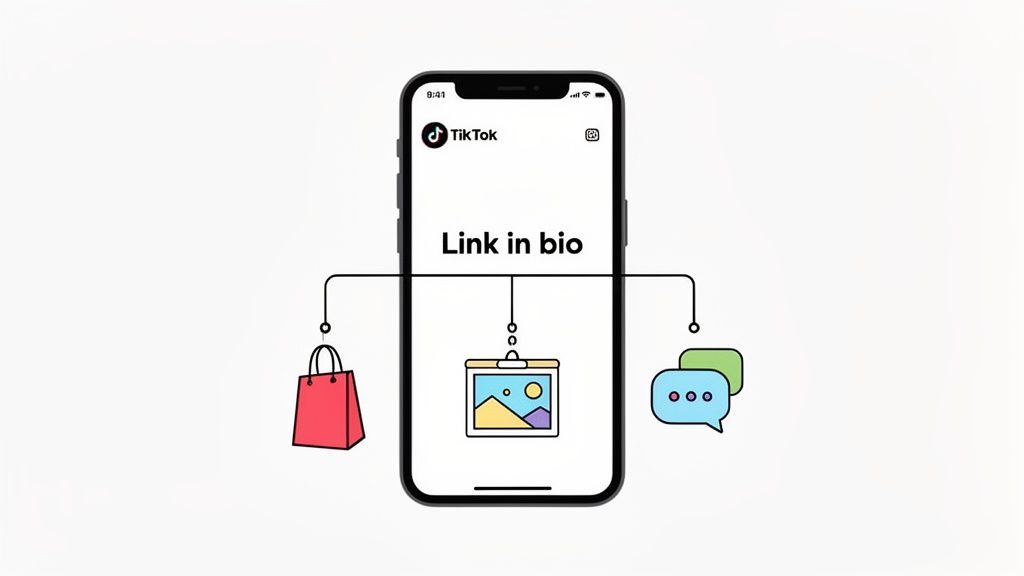
Think of that single, clickable line in your TikTok bio as more than just a link. It’s the only direct bridge connecting the audience you've built with your content to whatever you want them to do next. Whether you're sending them to your online store, your portfolio, or another social media channel, this link is the primary tool you have to turn views into action.
With TikTok's user base hitting a staggering 1 billion monthly active users back in 2021—and still climbing—that little link packs a massive punch. But not everyone gets to use it right away. The key is understanding how different account types unlock this feature.
Personal vs. Business Accounts: What's the Difference?
Your path to adding that all-important clickable link boils down to the type of account you have. Each one has its own rules for when you can start sending your followers off-platform.
- Personal Accounts: There's a magic number here: 1,000 followers. Once you cross that threshold, the "Website" field will magically appear in your profile settings.
- Business Accounts: This is your fast-track option. Switching to a free Business Account gives you the ability to add a website link instantly, no matter how many followers you have.
A classic rookie mistake is just pasting a URL into the main bio description. It’ll show up as text, but it won’t be clickable. You absolutely have to use the dedicated "Website" field that unlocks when you meet the right criteria.
This is a huge deal for new creators or businesses who need to start seeing results now. Waiting around for 1,000 followers can feel like an eternity. For anyone serious about driving traffic from day one, making the switch to a Business Account is a no-brainer.
Once you truly grasp the link in bio meaning and its potential, you can use a tool like Taap.bio to transform that simple URL into a powerful, interactive landing page that does all the heavy lifting for you.
Crafting a Bio Link Experience That Actually Converts
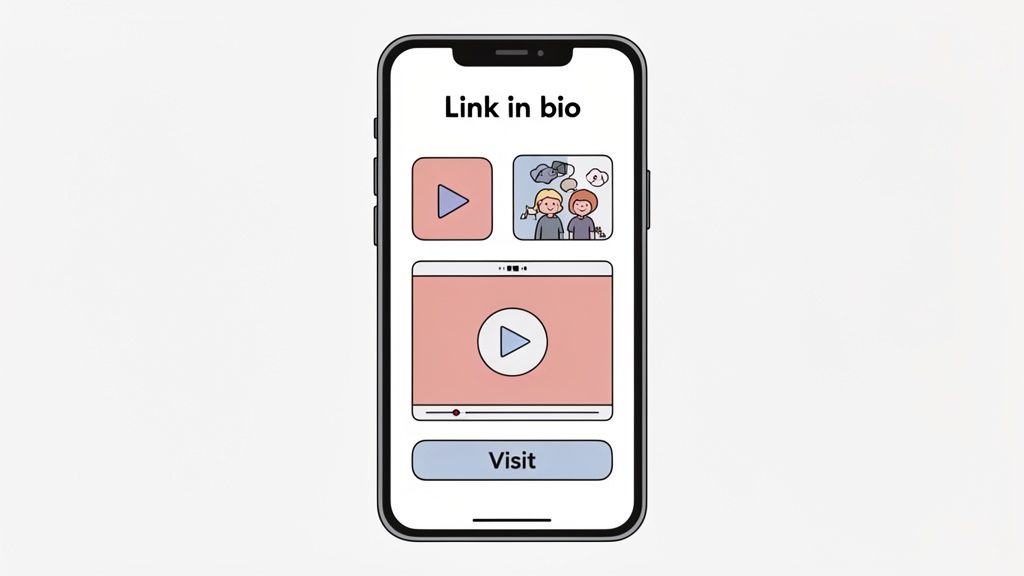
Before you drop that link into your TikTok profile, take a step back and ask the most important question: is the destination worth the click? Let's be honest, a bland, boring list of URLs just isn't going to cut it anymore. Your real goal is to turn that single tap into a genuine connection.
This is where you build a dynamic, visually engaging landing page that tells your story. Think of it less like a list and more like a mini-website—a central hub for everything you do online. Tools like Taap.bio are built specifically for this, helping you create a page that feels like a seamless extension of your brand, not an afterthought.
Go Beyond Basic Links and Build an Interactive Hub
The real magic happens when you use smart widgets to bring your content to life right on the page. You’re not just sending people away; you're creating an experience they can interact with immediately.
Here are a few ways I’ve seen this work brilliantly:
- For Musicians: Don't just link to your Spotify. Embed your latest track so fans can hit play and listen to your new single without ever leaving the page. The fewer clicks to the music, the better.
- For Designers: Pull in your portfolio with a live Dribbble or Behance widget. It automatically showcases your recent shots, giving potential clients an instant look at your skills.
- For Coaches: Embed a powerful YouTube video testimonial. Social proof is everything, and letting visitors watch it right there is far more persuasive than sending them off to your channel.
This visual-first approach is so much more compelling than a static list of links. For a deep dive into creative layouts, check out our guide on building an effective link in bio grid that stops the scroll.
Your bio link isn't just a directory; it's the first step in a customer’s journey. By offering an interactive experience with embedded media, you encourage exploration and build a stronger connection with your audience from the very first click.
Customize Your Page to Reflect Your Brand
Don’t settle for a generic, cookie-cutter look. A truly great bio link page should feel like you.
Dive into the customization options. Use your brand’s specific colors, fonts, and logos to create a cohesive experience. Why use a static profile picture when you could have a welcome video? Or add a few animated GIFs to inject some personality. This attention to detail is what turns a simple utility page into a memorable brand touchpoint, helping convert casual profile visitors into loyal followers and paying customers.
Getting Your Link Live on Your TikTok Profile
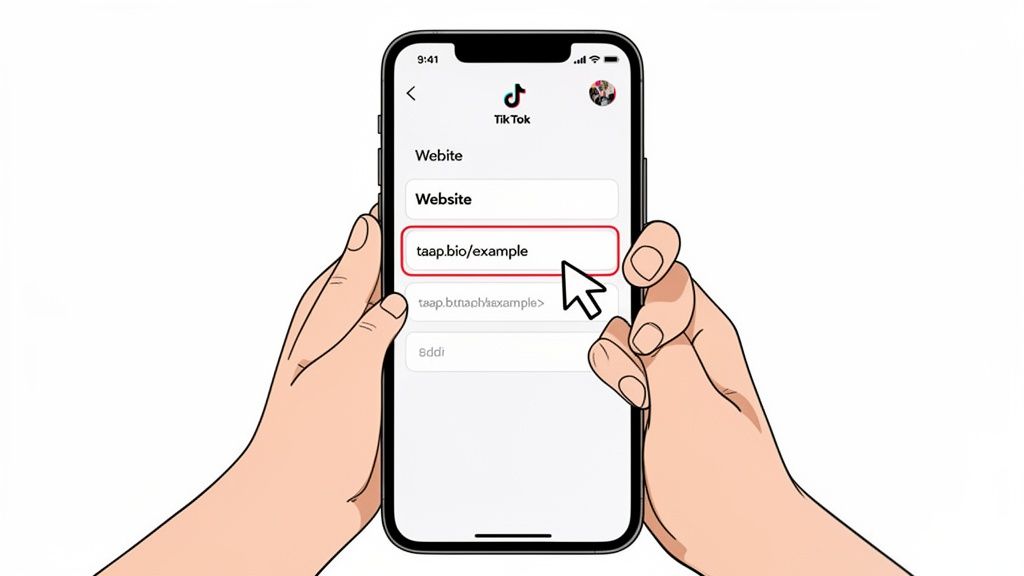
Alright, your killer Taap.bio page is ready for its debut. Now for the most important part: getting it in front of your audience. Adding the link to your TikTok profile is pretty simple, but a few small details make all the difference between a dead link and a flood of new traffic.
First things first, grab your phone. While you can browse TikTok on a desktop, the option to add a website link is a mobile-only feature. Always make this kind of profile edit directly in the app.
Once you have the app open, head to your profile by tapping the icon in the bottom-right corner. You'll see a big “Edit profile” button sitting right under your follower count—that's your destination.
Pasting Your Link in the Right Spot
Inside the profile editor, look for the “Website” field. This is the only place on your profile where a URL will become a clickable link.
Heads Up: If you don't see the "Website" field, your account likely isn't eligible yet. You either need 1,000 followers on a Personal Account or you need to switch to a Business Account (which is free and has no follower minimum).
If the field is there, go ahead and paste your full Taap.bio URL. Make sure it includes the "https://"—this is crucial for the link to work properly.
A common mistake I see is people dropping their link in the main bio description. It will show up as text, sure, but no one will be able to tap on it. The dedicated “Website” field is the only spot that matters.
If you want a complete tour of your profile's layout, our guide on where is the bio on TikTok has more visual examples to help you get your bearings.
TikTok Account Types and Link Feature Access
Deciding between a Personal and Business account can be tricky. Here’s a quick breakdown to help you figure out which one is right for you, especially when it comes to adding that all-important link.
| Feature | Personal Account | Business Account |
|---|---|---|
| Website Link | Requires 1,000 followers | Available immediately |
| Audience Insights | Basic analytics | In-depth analytics |
| Commercial Music | Limited access | Full commercial library |
| Ad Tools | Not available | Full access |
Ultimately, if your main goal is to drive traffic off-platform right away, switching to a Business Account is the fastest path to getting that clickable link in your bio.
The Final Check
After pasting your link, don't forget to hit “Save” in the top-right corner. This last step is easy to miss but absolutely critical.
And you're not done just yet! The very last thing you should do is go back to your public profile and tap the link yourself. This quick, five-second check confirms it’s working and sending visitors exactly where you want them to go.
Making Your Bio Link Actually Work for You

Alright, so you’ve got the link in your bio. That’s the easy part. The real challenge is getting people to actually click on it. Just having it sit there isn’t enough; you need to give your audience a compelling reason to leave TikTok and see what you have to offer.
This starts with a strong call-to-action (CTA) right there in your bio text. Think of your bio as the headline for your link. A lazy "link in bio" just blends in. You need to spark some curiosity.
- Launching a new product? Try: "🔥 Our new collection just dropped! Shop it here 👇"
- Giving away a freebie? Go with: "Get my free editing presets 👇"
- Showcasing your work? Something like: "See my latest projects & case studies 👇"
A tiny tweak like this reframes your link. It’s no longer just a URL; it’s an invitation to something valuable. For more ideas on writing killer CTAs, check out our guide on how to improve social media engagement.
From Clicks to Concrete Data
Your bio link shouldn't be a "set it and forget it" thing. It’s a living, breathing part of your content strategy. When you post a new YouTube video or run a flash sale, your Taap.bio page should immediately reflect that, putting the most important thing right at the top.
But here’s the pro move: you need to track what’s working. By adding UTM parameters to your links within Taap.bio, you can see exactly how much traffic your TikTok profile is sending to your website inside tools like Google Analytics. This data answers the most important questions: Which videos drove the most clicks? What kind of content actually gets someone to leave the app?
Tracking your bio link traffic transforms it from a simple redirect into a measurable marketing channel. You stop guessing and start knowing, which lets you double down on the content that truly moves the needle for your brand.
Don't underestimate the power of this data. TikTok's reach is staggering. With US adult usage expected to climb to 37% by 2025 and the #fyp hashtag sitting on over 45 trillion views, your profile is incredibly valuable real estate. Even with 82.2 million daily active users around the world, you can pinpoint exactly what works for your audience. This is how viral moments become sustainable growth.
Running Into Link Problems on TikTok?
So you've tried to add your link, but something's not quite right. Don't worry, it's a super common hiccup, and the fix is usually surprisingly simple. I've walked countless people through these exact issues, so let's get it sorted out.
The biggest mistake I see? Your link is visible in your bio, but it’s just plain text. Nobody can tap on it.
This almost always means you've pasted your URL into the main bio description instead of the dedicated “Website” field. That specific field is the only place on your profile that turns a URL into a live, clickable link. Easy mistake, easy fix!
But what if you don't even see a "Website" field? That's another frequent frustration, and it's not a bug—it's just how TikTok works.
Why Isn't the Website Field Showing Up?
If you hit "Edit profile" and that all-important website option is missing, it’s because your account hasn't met TikTok's requirements yet. You generally need one of two things to unlock it:
- 1,000+ followers on a Personal Account.
- A Business Account, which you can switch to for free.
That's right—there's a shortcut. If you're still building your audience and are under that 1,000-follower mark, converting to a Business Account is your golden ticket. It unlocks the website feature instantly, regardless of your follower count.
The fastest way to get your link live today is to switch to a Business Account. It’s free, takes less than a minute, and you can always switch back later if you want.
One last thing to check: what if the link is clickable but goes to a 404 error page? This usually points to a simple typo in the URL. It's so easy to accidentally delete a character or forget the "https://" part.
My advice? Always copy the link directly from its source and, after you save it to your TikTok profile, tap it yourself immediately to make sure it lands exactly where you want it to. A quick self-check saves a lot of headaches later.
Stuck on Your TikTok Link? Let's Clear a Few Things Up
Once you get the hang of adding a link to your TikTok bio, a couple of common questions almost always surface. Answering these ahead of time will save you some serious headaches and help you get the most out of your profile's prime real estate. Let's dig into the two biggest sticking points I see creators run into.
A huge point of confusion is whether you need a Business Account to get that coveted clickable link. The short answer is no, but it’s definitely the fastest way. Switching to a Business Account gives you access to the website field instantly, no matter your follower count. If you stick with a Personal Account, you'll have to hit the 1,000 follower mark before TikTok unlocks the feature for you.
Can I Add More Than One Link to My TikTok Bio?
Unfortunately, no. TikTok's design is pretty rigid on this point, giving you only one spot for a single, clickable URL in that "Website" field. This is exactly why "link in bio" tools have become a non-negotiable for anyone serious about growing on the platform. They're the perfect solution to the one-link problem.
Think of it this way: instead of frantically swapping out your bio link every time you post a new video or run a promotion, a link in bio page serves as your central, unchanging hub. You simply update the content on that page, not the link itself, which gives your profile a much more stable and professional feel.
A service like Taap.bio lets you turn that single slot into a gateway. You can direct your followers to a slick, custom landing page that houses all your important links in one place—your online store, your portfolio, other social profiles, your latest YouTube video, you name it. If you're looking for a powerful link in bio alternative that does more than just list links, this is your answer.
Help! Why Isn't My TikTok Link Clickable?
This is, without a doubt, the number one problem people face, and the solution is usually incredibly simple. If your URL is showing up as plain, unclickable text, it's almost certainly because you've pasted it into your main bio description area, not the dedicated "Website" field.
Remember, only the URL you put in that specific "Website" box will become a live, tappable link. It’s also a good idea to double-check that you've pasted the full address (make sure it starts with "https://") and that the link itself actually works. A tiny typo or a copy-paste mistake can easily be the culprit.
Ready to turn that one link into a dynamic, interactive experience for your followers? Taap.bio helps you build a beautiful, grid-based page with smart widgets for Spotify, YouTube, and more. Start creating your free page today!