In 2026, your personal website isn't just a digital resume; it's your centralized online identity. The era of clunky, multi-page portfolios is giving way to dynamic, single-page hubs that consolidate your best work, social profiles, and core message into one powerful link. This shift makes having a personal online space more critical than ever for creators, freelancers, and professionals looking to make an impact.
The primary hurdle? Many powerful platforms come with hefty price tags and complex interfaces. That's precisely the problem this guide solves. We’ve meticulously curated and tested the absolute best options for a personal website builder free of charge, cutting through the noise to bring you tools that deliver professional results without costing a dime.
This isn't just a list; it's a strategic resource designed to help you make an informed choice. Inside, you'll find a detailed, honest breakdown of 12 top-tier platforms. We dive deep into:
- Key features and limitations of each free plan.
- Who each builder is best for, from artists to consultants.
- Real-world examples and screenshots to show you what's possible.
We’ll explore everything from simple yet elegant link-in-bio pages to more robust portfolio sites. As you embark on creating your personal online presence, understanding the various website builder categories can help narrow down your choices. This guide will give you the clarity needed to select the perfect platform. For former Bento.me users, we've also included a specific migration guide to ensure a seamless transition before the 2026 shutdown. Let’s find the right free builder for you.
Table of contents
1. taap.bio
Best For: Creatives, developers, and influencers who need a visually stunning, highly interactive personal landing page.
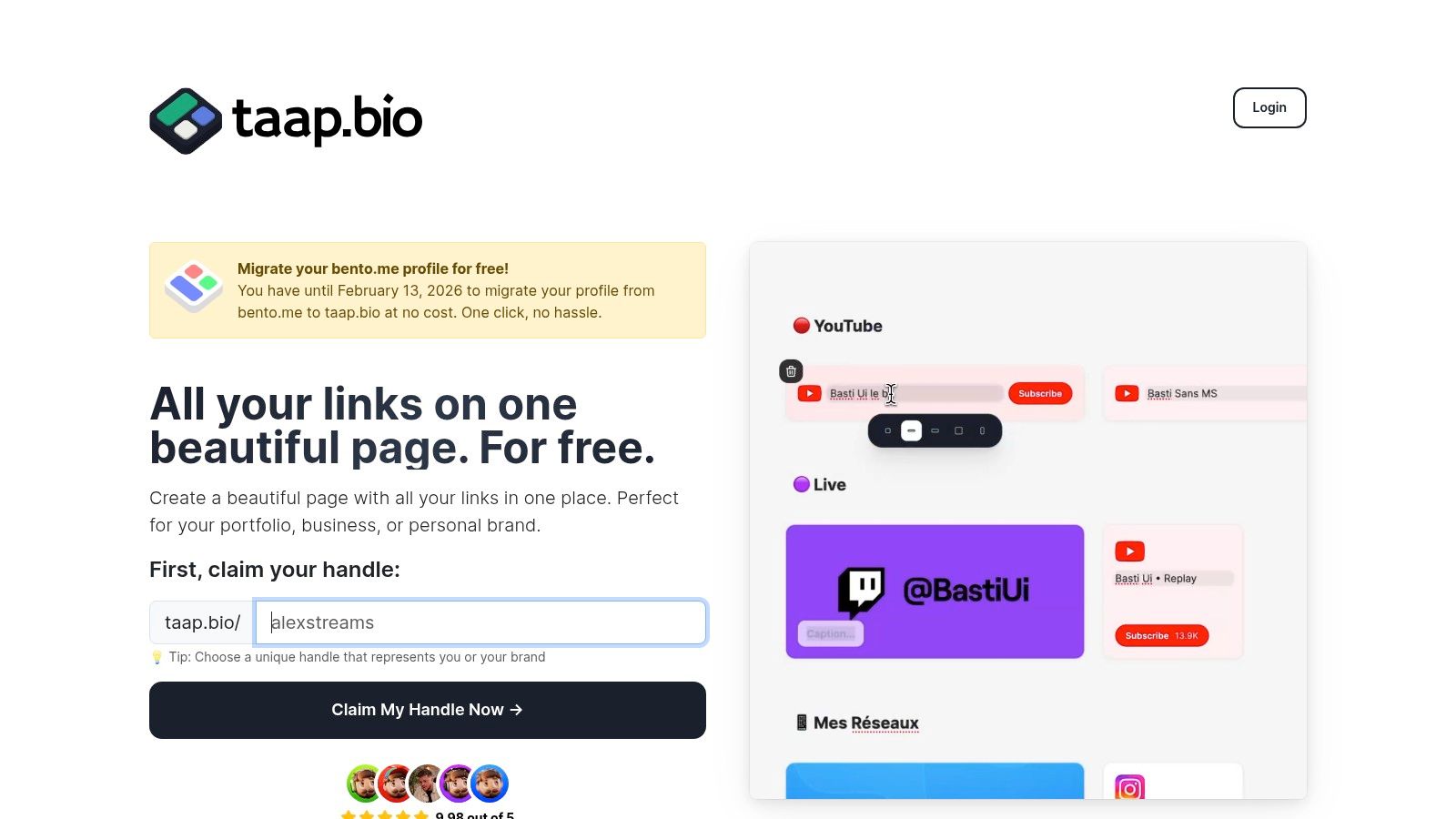
Taap.bio elevates the standard "link-in-bio" into a dynamic, portfolio-grade personal website, making it a powerful choice for anyone seeking a personal website builder free of creative constraints. Instead of a simple vertical list of links, it provides a modular bento-style grid. This design-forward approach lets you create visually rich, magazine-like layouts that feel more like a curated destination than a simple redirect page.
The platform’s core strength lies in its "smart widgets." These are not static embeds but live, real-time integrations that pull data directly from major platforms. This allows visitors to interact with your content without leaving your page, creating a much stickier and more engaging user experience.
Standout Features
Taap.bio distinguishes itself with a tactile, physics-based drag-and-drop editor that makes arranging content blocks feel intuitive and creative. The level of customization is exceptional, allowing you to control typography, colors, backgrounds, and even edit mobile and desktop layouts independently for a perfect fit on any screen.
- Dynamic Bento Grid: Freely position and resize content blocks to build unique, asymmetric layouts that reflect your personal brand.
- Powerful Smart Widgets: Integrate live content from GitHub (contribution graphs), Instagram (photo grids), Spotify (inline audio players), YouTube, and more.
- Total Customization: Gain granular control over every visual element, from fonts and colors to separate layouts for mobile and desktop viewing.
Practical Application
For a developer, this means showcasing a live GitHub commit history next to a Dribbble portfolio link. A musician can feature a Spotify widget with inline playback directly beside a link to their tour dates and a YouTube video embed. This transforms your page from a passive list into an active hub for your entire digital presence. For those moving from other platforms, taap.bio also provides resources on why it's a strong contender for the best link-in-bio platform.
Our Take: Taap.bio is more than a link aggregator; it's a micro-website builder that prioritizes visual storytelling and user engagement. It’s the ideal free tool for anyone who wants their landing page to make a powerful first impression.
| Feature | Assessment |
|---|---|
| Ease of Use | Very intuitive for basic layouts; a slight learning curve for advanced designs. |
| Customization | Excellent. Full control over grid, colors, typography, and responsive layouts. |
| Integrations | Top-tier. Smart widgets for major social, creative, and developer platforms. |
| Pricing | Free to use. A free, one-click migration for Bento.me users is available until Feb 13, 2026. |
Website: https://taap.bio
2. Wix
Wix stands as a titan in the website-building world, offering one of the most intuitive and powerful platforms for anyone wanting to create a personal website builder free of charge. It’s an ideal starting point if you envision your simple one-page site eventually growing into something much more substantial. The drag-and-drop editor provides near-total creative freedom, allowing you to place elements anywhere on the page without being confined to a rigid grid. This flexibility is a significant advantage for creators who prioritize a unique visual identity.
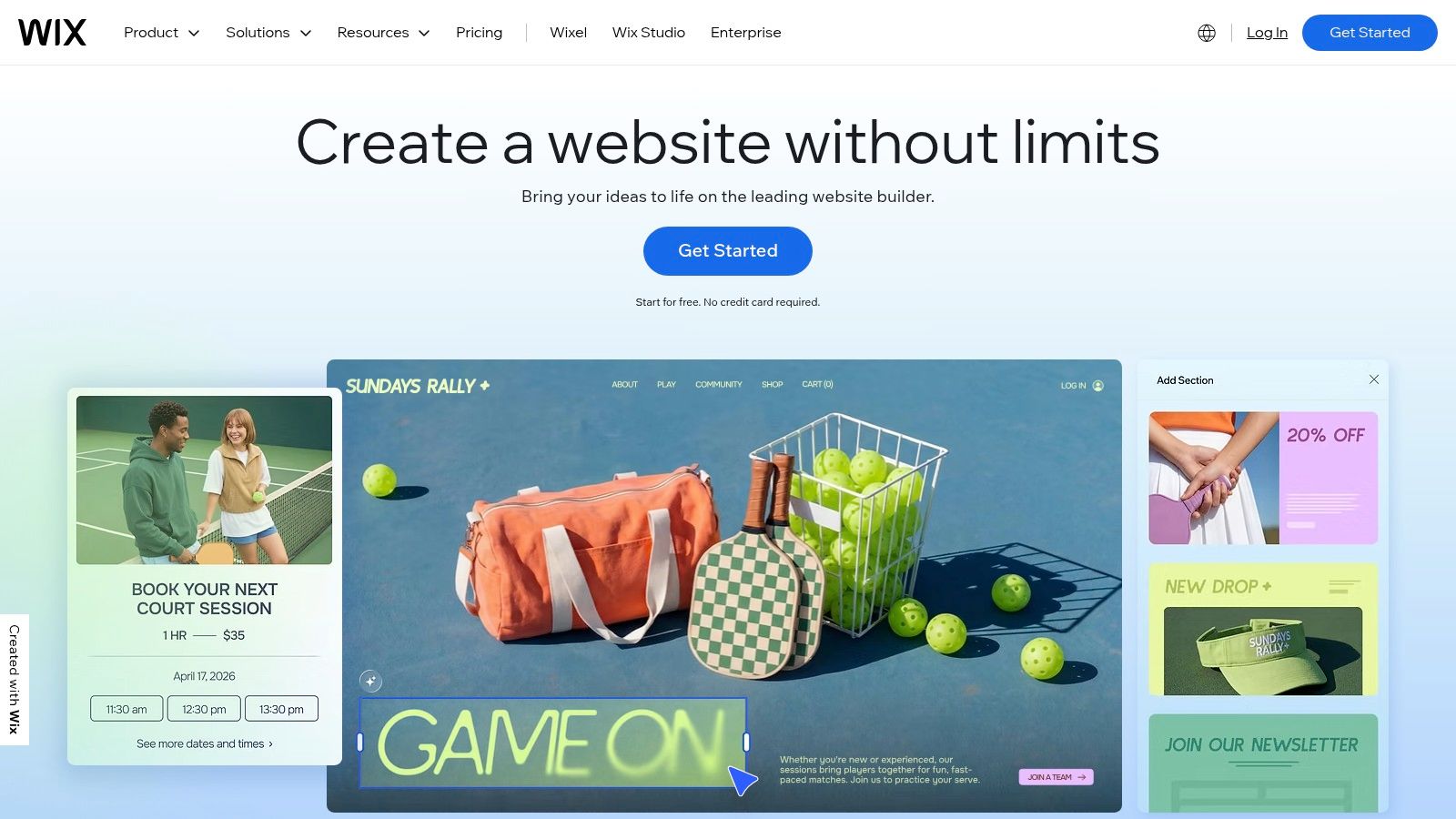
The platform shines with its massive library of over 2,000 professionally designed templates and an extensive App Market. This allows you to add advanced functionalities like event bookings, a blog, or even a simple online store to your free site. For those wanting a quick start, the Wix ADI (Artificial Design Intelligence) can generate a complete website for you after you answer a few simple questions.
Key Features and Limitations
Wix packs a lot into its free offering, making it a compelling choice for a robust personal site. However, be aware of the trade-offs that come with the free tier.
Pros:
- Extremely Beginner-Friendly: The visual editor is one of the easiest to master.
- Vast Selection: Huge library of modern templates and a market of powerful apps.
- Scalability: Clear and easy upgrade path to premium plans that remove ads, add a custom domain, and increase resources.
Cons:
- Mandatory Wix Branding: Your free site will display Wix ads.
- Subdomain Restriction: Your URL will be in the format
yourusername.wixsite.com/yoursitename. - Resource Limits: The free plan has storage and bandwidth caps (500MB each), which can be limiting for media-heavy portfolios.
Website: https://www.wix.com/
3. WordPress.com
WordPress.com is a powerhouse in the web creation space, offering a streamlined, hosted version of the world's most popular content management system. For those who prioritize content, especially bloggers and writers, it's an unparalleled personal website builder free of charge. The platform is built for longevity and scalability, providing a stable foundation that can grow with your ambitions, from a simple blog to a full-fledged business site. Its block-based editor makes structuring articles and pages an intuitive, modular process.
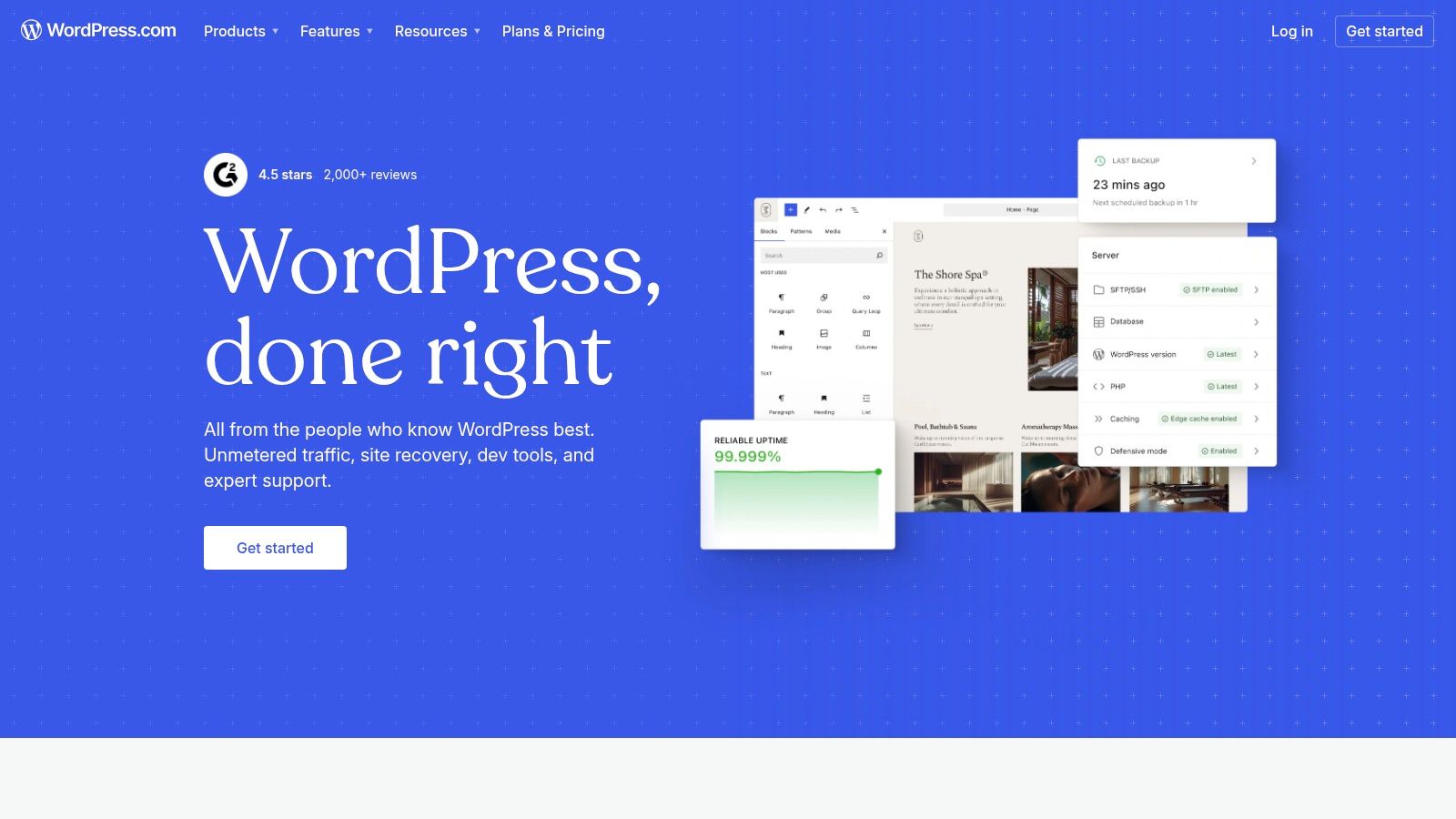
While the free version is more structured than a pure drag-and-drop builder, this focus on content organization is its greatest strength. You get access to dozens of professional, modern themes designed for readability and performance. The platform also includes built-in essentials like an SSL certificate, basic SEO tools, and site stats, giving you a solid starting point without needing any technical know-how. WordPress.com is the ideal choice if you see your personal site becoming a hub for extensive written or media content over time.
Key Features and Limitations
WordPress.com offers a robust and reliable free plan, but its most powerful features are reserved for paid tiers. Understanding this distinction is key to knowing if it's the right fit.
Pros:
- Excellent for Blogging: Unmatched tools for creating, organizing, and publishing content.
- Massive Ecosystem: Your content is portable, and there's a clear upgrade path to the massive WordPress ecosystem of plugins and themes.
- Stable and Supported: The free plan is incredibly reliable, secure, and well-supported with extensive documentation.
Cons:
- Limited Customization: The free plan does not allow custom plugins or advanced theme code edits.
- Mandatory Branding: Your site will display WordPress.com ads.
- Subdomain Restriction: Your free URL will be
yoursitename.wordpress.com.
Website: https://wordpress.com/
4. Google Sites
Google Sites is the definition of a straightforward and entirely free solution, seamlessly integrated into the Google ecosystem you already use. If your goal is to launch a clean, functional site with zero cost and minimal fuss, this is an unbeatable option. It excels at creating simple portfolios, project pages, or internal team hubs without the complexity of traditional builders. The experience feels familiar, like working in a Google Doc or Slide, making it an incredibly accessible personal website builder free for absolute beginners.
The platform's core strength lies in its native integration with other Google Workspace apps. You can effortlessly embed Google Docs, Sheets, Forms, and Maps directly onto your pages, making it perfect for displaying reports, gathering information, or showcasing locations. Real-time collaboration also means you can build a site with others simultaneously, just as you would with any other Google file.
Key Features and Limitations
Google Sites prioritizes simplicity and function over extensive customization, offering a pure, no-strings-attached free service. This makes it ideal for specific use cases but limiting for others.
Pros:
- Truly 100% Free: No hidden costs, no ads, and no pressure to upgrade. You can even connect a custom domain for free if you own one.
- Google Workspace Integration: Unmatched ability to embed and display content from Docs, Sheets, Forms, and more.
- Extremely Easy to Use: The drag-and-drop interface is intuitive, clean, and requires no technical skill.
Cons:
- Limited Design Flexibility: Template selection and customization options are very basic compared to platforms like Wix or Webflow.
- No Advanced Features: Lacks built-in blogging, e-commerce, or advanced SEO tools, limiting its scalability.
- Google-Centric Ecosystem: Its primary power comes from its connection to other Google services, which may not suit everyone's workflow.
Website: https://sites.google.com/
5. Carrd
Carrd has carved out a niche as the go-to builder for creating simple, elegant, and lightning-fast one-page websites. It’s the perfect personal website builder free of charge for anyone needing a digital business card, a link-in-bio page, a landing page for a project, or a minimalist portfolio. The platform's core philosophy is simplicity and speed, allowing you to go from a template to a live site in minutes, not hours. Its clean, intuitive editor removes the clutter found in more complex builders, focusing only on the essential tools needed to create a stylish single-page presence.
The platform is built on the idea that not everyone needs a sprawling, multi-page website. By concentrating on this single-page format, Carrd ensures sites are fully responsive and perform exceptionally well on all devices. If you're looking for a no-fuss solution that delivers a professional result without a steep learning curve, Carrd is an outstanding choice. You can explore more options in our guide to the best one-page website builders to see how it compares.
Key Features and Limitations
Carrd’s free plan is generous, offering up to three separate websites per account. However, its most powerful features are unlocked with its remarkably affordable Pro plans.
Pros:
- Incredibly Fast and Easy: You can build and publish a sleek, attractive site in under an hour.
- Minimalist Perfection: The editor and templates are clean, modern, and focused on great design.
- Very Affordable Upgrades: Pro plans are among the cheapest on the market, unlocking custom domains, forms, and widgets.
Cons:
- Strictly One-Page: Not suitable for blogs, stores, or any site requiring multiple pages.
- Branding on Free Plan: Free sites include subtle "Made with Carrd" branding.
- Key Features Gated: Contact forms, Google Analytics, and custom code embeds require a Pro subscription.
Website: https://carrd.co/
6. Webflow
Webflow bridges the gap between no-code builders and traditional development, offering a powerful visual canvas for those who crave granular design control. It's the ideal personal website builder free for designers, developers, and creatives who want their portfolio to look precisely as they envision it, without writing code from scratch. The platform essentially allows you to build with the fundamental boxes of web design (divs, classes, etc.) but through an intuitive, Photoshop-like interface that generates clean, semantic code. This approach offers unparalleled creative freedom compared to template-based builders.
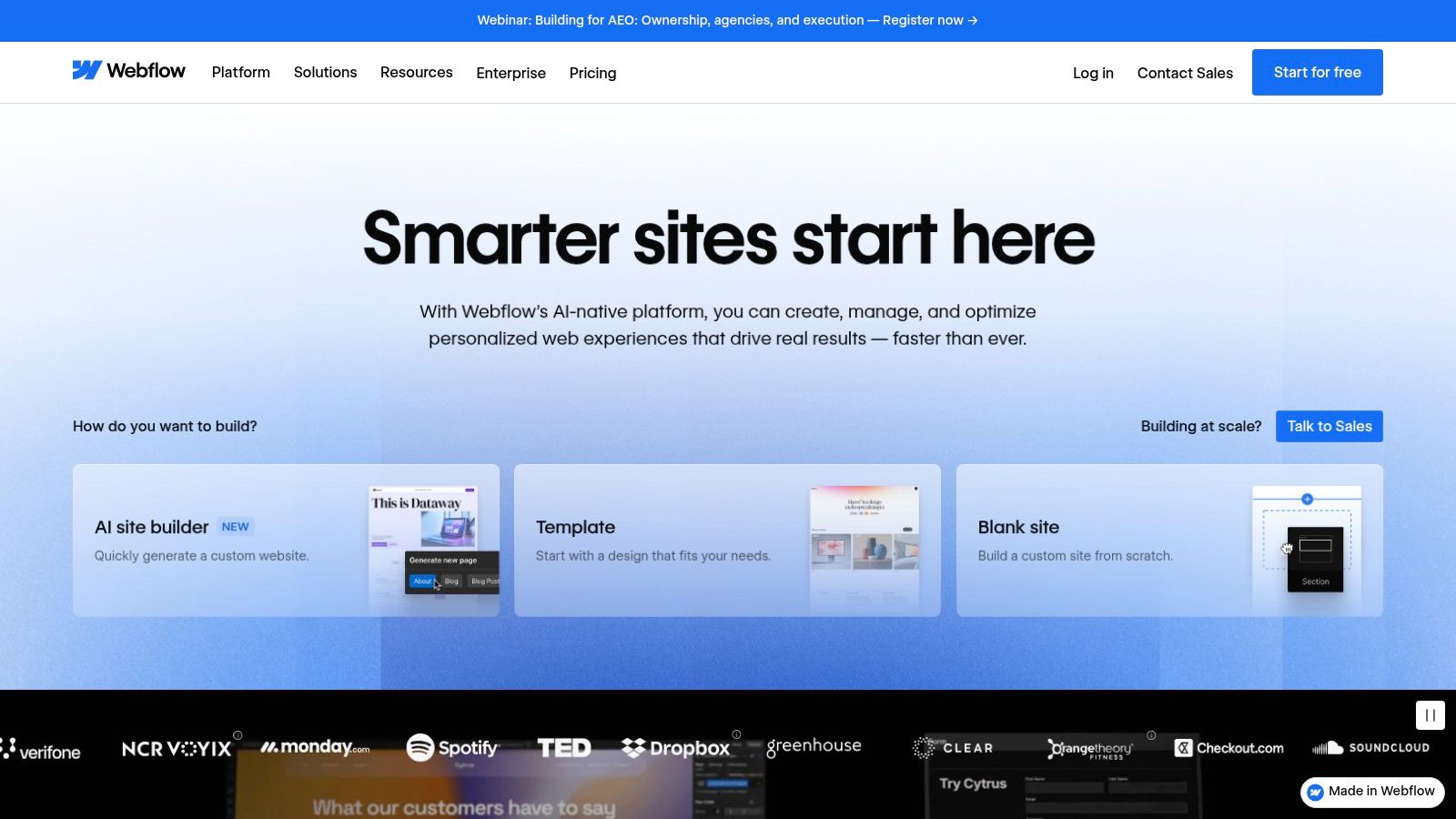
While its power lies in a steeper learning curve, Webflow University provides some of the best free tutorials in the industry to get you started. The free Starter plan is perfect for building and launching a small, sophisticated portfolio or a complex single-page resume. For those building a professional brand, mastering Webflow can be a highly valuable skill, making it an excellent choice for an online portfolio builder free of creative constraints.
Key Features and Limitations
Webflow’s free tier is more of a professional starting point than a fully-featured free-for-life plan, but it provides immense value for the right user.
Pros:
- Pixel-Perfect Control: Unmatched visual design capabilities let you control every detail without hand-coding.
- Clean Code Output: Generates high-quality HTML, CSS, and JavaScript that developers appreciate.
- Powerful Interactions: Create sophisticated animations and interactions that bring your site to life.
Cons:
- Steep Learning Curve: Requires a significant time investment to master compared to simpler builders.
- Restrictive Free Plan: The Starter plan is limited to two static pages and Webflow branding.
- Subdomain Restriction: Your free site URL will be
yoursite.webflow.io.
Website: https://webflow.com/
7. Framer
Framer is a design-first platform that blurs the line between a design tool and a website builder, making it an exceptional choice for creators who demand pixel-perfect aesthetics and fluid animations. It’s the ideal personal website builder free for designers, developers, and marketers who want to launch a visually stunning portfolio or personal landing page that looks professionally made. Framer excels at producing high-fidelity, interactive sites with motion effects that are typically complex to code, all within a user-friendly, visual canvas.
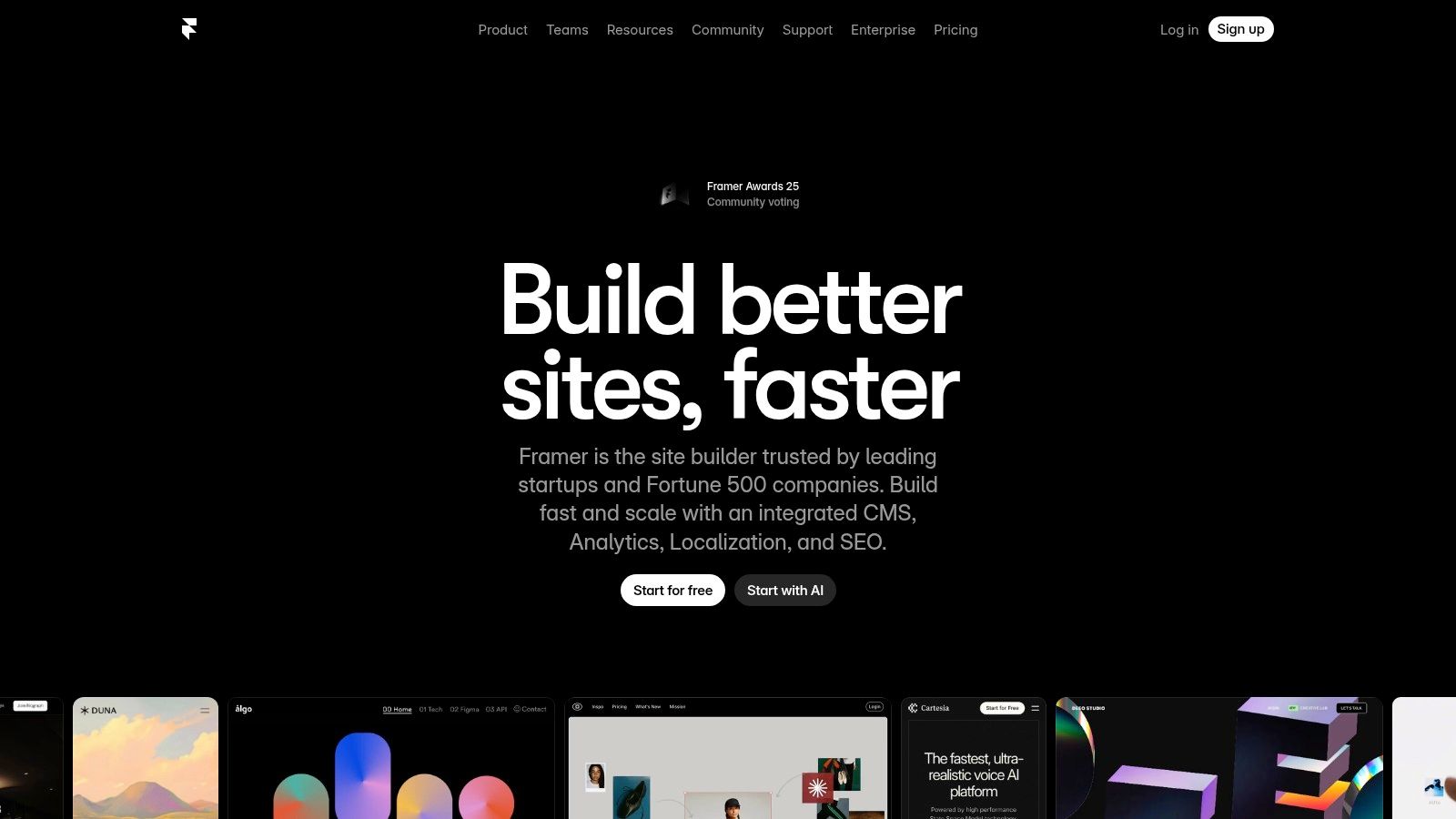
The platform is built for speed and performance, offering a fast global CDN even on its free tier. Its AI-assisted design tools can help you generate layouts, write copy, or translate your content, streamlining the creative process. While it has a slightly steeper learning curve than simpler builders, the payoff is a site that feels dynamic and modern, setting your personal brand apart from the rest.
Key Features and Limitations
Framer’s free plan is remarkably generous, providing the tools to build and publish a professional-grade site. However, key features are reserved for paid plans.
Pros:
- Superior Aesthetics: Unmatched capabilities for creating beautiful sites with advanced animations and motion effects.
- Performance-Focused: Sites are optimized for speed with a global CDN included for free.
- Generous Free Plan: Includes free publishing, SSL, and even access to its powerful CMS features.
Cons:
- Mandatory Framer Branding: A small promotional banner is included on free sites.
- Subdomain Restriction: Your URL will be
yoursite.framer.app. - Usage and Feature Caps: The free plan has limits on traffic and CMS items, and advanced tools like A/B testing require an upgrade.
Website: https://www.framer.com/
8. Notion Sites
Notion has evolved from a productivity tool into a powerful, minimalist personal website builder free for those who value content and speed above all else. If your resume, portfolio, or knowledge base already lives within Notion, you can publish it as a live website in seconds. This approach is unmatched for creating "living documents" or simple, content-rich personal hubs that are incredibly easy to update. The platform leverages its famous block-based editor, allowing you to build pages with rich text, databases, and embeds that translate directly to your public site.
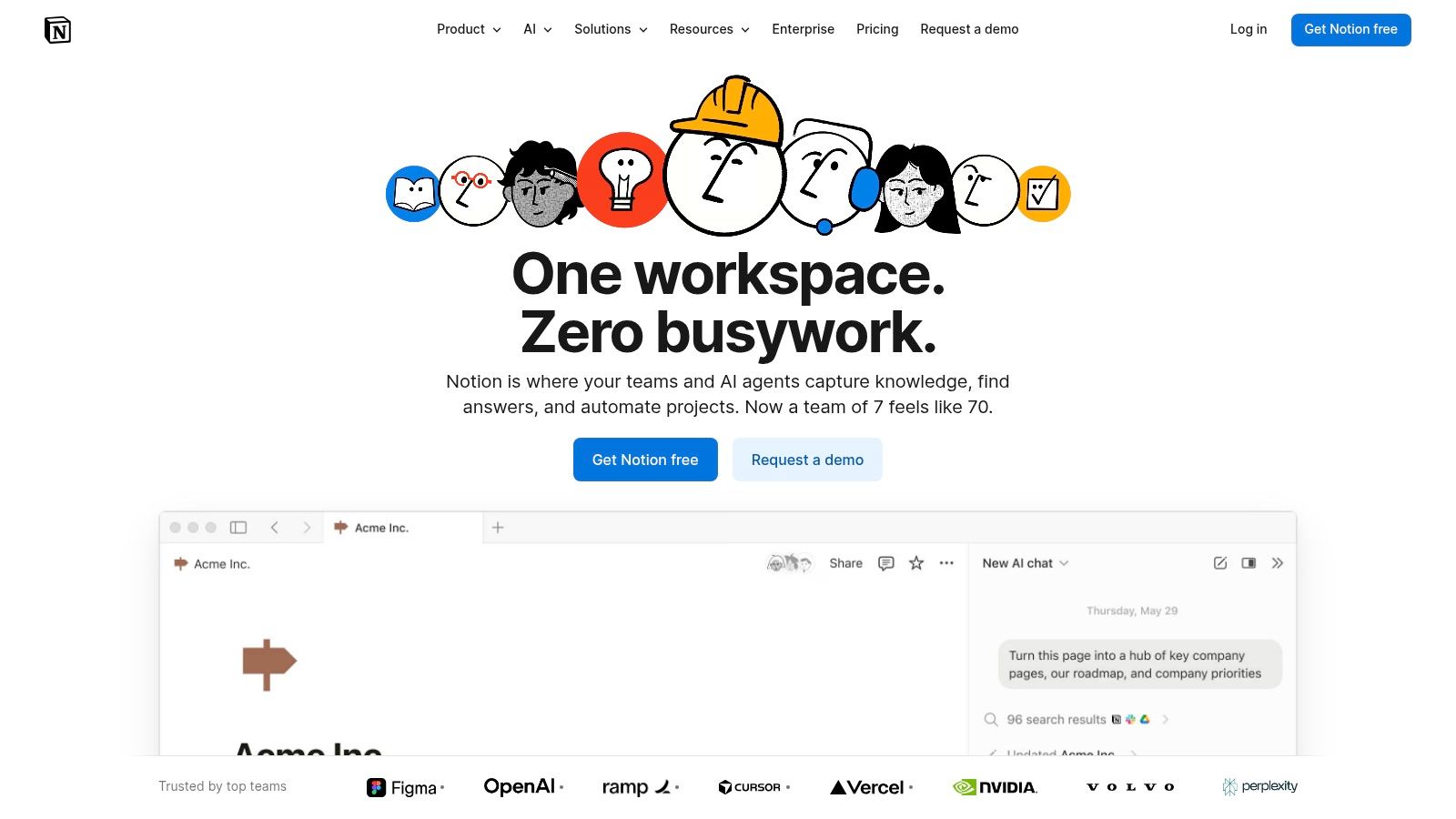
The core strength of Notion Sites is its seamless integration with your existing workflow. Any change made to your Notion page is instantly reflected on the live website, making it ideal for wikis, class notes, or personal dashboards. This method positions Notion as a unique hybrid, blending documentation with web publishing. Its minimalist aesthetic and powerful database features offer a distinct alternative to traditional drag-and-drop builders, perfect for text-heavy content or structured portfolios. This approach is a fantastic example of what modern no-code landing page builders can achieve.
Key Features and Limitations
Notion provides the fastest path from idea to a published site for its users, but its focus on content over design comes with certain constraints.
Pros:
- Unbeatable Speed: Publish any existing Notion page as a website with a single click.
- Content-First: Excellent for living documents, simple portfolios, knowledge bases, and resumes.
- Powerful Blocks: Utilizes Notion's full suite of database and collaborative tools to power your content.
Cons:
- Minimal Design Customization: You are mostly limited to Notion's clean, standard layout.
- Paid Add-Ons Required: Using a custom domain or removing the prominent Notion branding requires upgrading to a paid plan.
- Not a Traditional Builder: Lacks the design flexibility and dedicated site management features of platforms like Wix or Taap.bio.
Website: https://www.notion.com/
9. Canva Websites
Canva has evolved from a graphic design powerhouse into a surprisingly capable personal website builder free for creating stunning, single-page sites. If you already use Canva for social media graphics or presentations, its website builder will feel instantly familiar. This platform excels at producing visually rich, responsive landing pages, portfolios, and event announcements with the same drag-and-drop simplicity that made Canva a household name. It’s perfect for users who prioritize aesthetics and speed over complex multi-page structures.
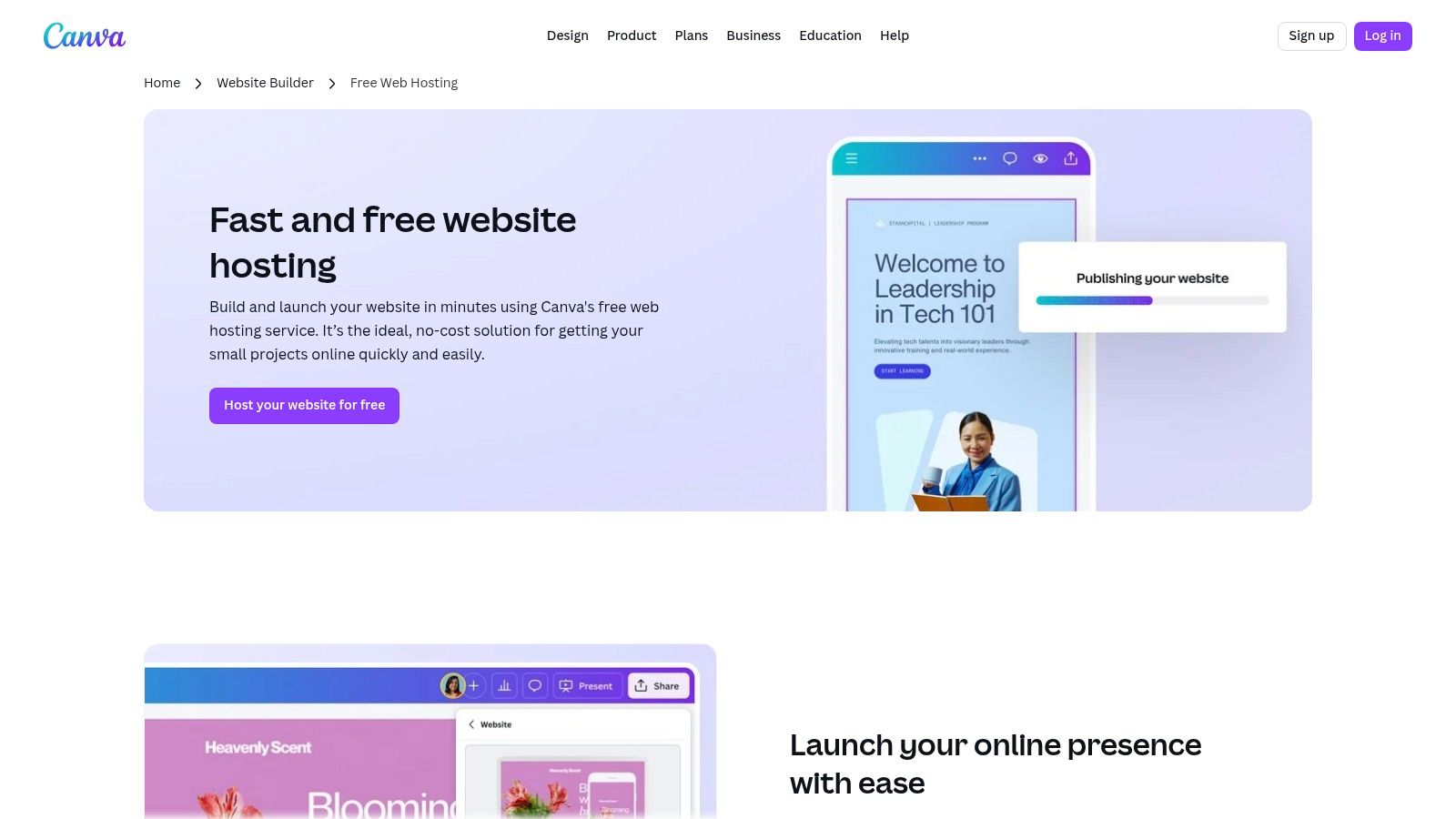
The strength of Canva Websites lies in its seamless integration with Canva’s massive asset library. You have access to thousands of professionally designed templates, stock photos, fonts, and graphics, all within the same editor. Its AI-powered tools can also assist with content generation and design suggestions, making it incredibly fast to go from an idea to a published site. For anyone needing a beautiful, functional online presence without a steep learning curve, Canva is an outstanding choice.
Key Features and Limitations
Canva's free website offering is perfect for simple projects, but understanding its limitations is key, especially concerning domain names and branding.
Pros:
- Extremely Easy Visual Editing: If you can make a Canva graphic, you can build a Canva website.
- Strong Template Library: Thousands of stylish, modern templates for portfolios, link-in-bios, and landing pages.
- Quick and Simple Publishing: Go live in minutes with free hosting and an included SSL certificate.
Cons:
- Mandatory Canva Branding: The free plan includes a small Canva banner on your site.
- Subdomain Restriction: Your URL will be a
my.canva.sitesubdomain, likeyourname.my.canva.site/your-page. - Custom Domains Require Pro: Connecting your own domain is a premium feature locked behind the Canva Pro subscription.
Website: https://www.canva.com/features/website-hosting/
10. GitHub Pages
For developers, coders, and the technically inclined, GitHub Pages offers a powerful and entirely different approach to a personal website builder free of charge. Instead of a visual editor, it provides free static site hosting directly from a GitHub repository. This method grants you unparalleled control over your code, performance, and workflow, making it the ultimate choice for building a lean, fast-loading portfolio, technical blog, or documentation site. You are in the driver's seat from start to finish.
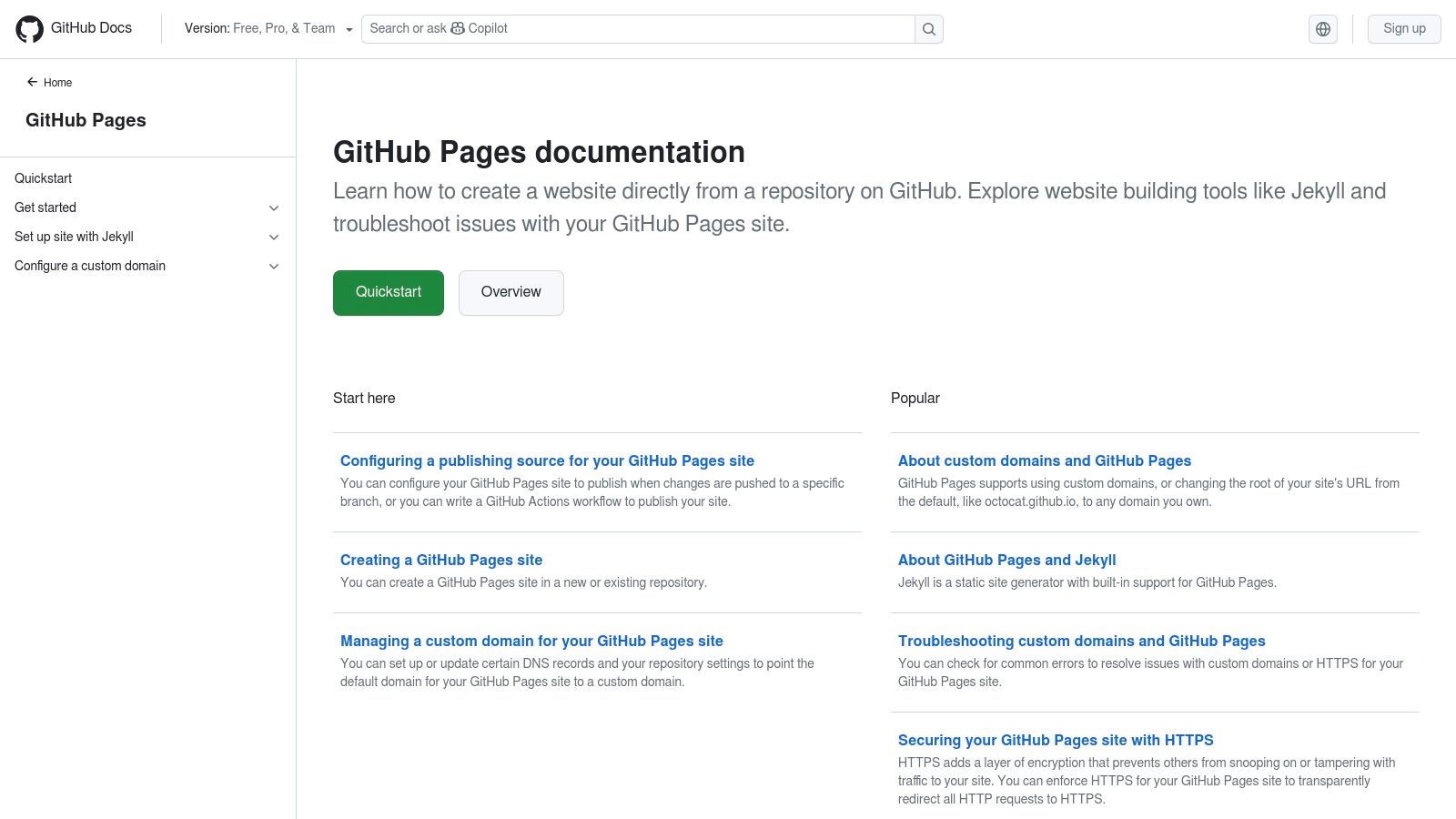
The platform integrates seamlessly with static site generators like Jekyll or Hugo, allowing you to build sophisticated sites from simple text files. By leveraging GitHub Actions, you can create automated CI/CD pipelines to build and deploy your site whenever you push changes. This code-centric approach also means your website benefits from version control, a feature unheard of in traditional builders. Best of all, it supports custom domains with free HTTPS, a premium feature on nearly every other platform.
Key Features and Limitations
GitHub Pages is a developer's dream for free hosting, but its technical nature makes it unsuitable for those seeking a simple drag-and-drop experience.
Pros:
- Completely Free Hosting: $0 cost with excellent performance and a custom domain.
- Total Control: Full command over your HTML, CSS, and JavaScript.
- Developer-Focused: Perfect for showcasing coding projects, with built-in version control and CI/CD workflows.
Cons:
- Steep Learning Curve: Requires comfort with Git, the command line, and potentially a static site generator.
- No Visual Editor: This is not a drag-and-drop builder; all changes are made through code.
- Static Sites Only: Lacks server-side processing, databases, or a built-in CMS without integrating third-party services.
Website: https://pages.github.com/
11. Typedream
Typedream brings a refreshingly simple, Notion-inspired approach to the world of website creation. If you love clean aesthetics and a minimalist editing experience, this is the personal website builder free for you. It excels at helping you create stylish one-page websites, landing pages, and sophisticated link-in-bio profiles without the overwhelming complexity of traditional builders. The interface feels intuitive, allowing you to quickly add and arrange blocks of content like text, images, and embeds in a fluid, structured way.
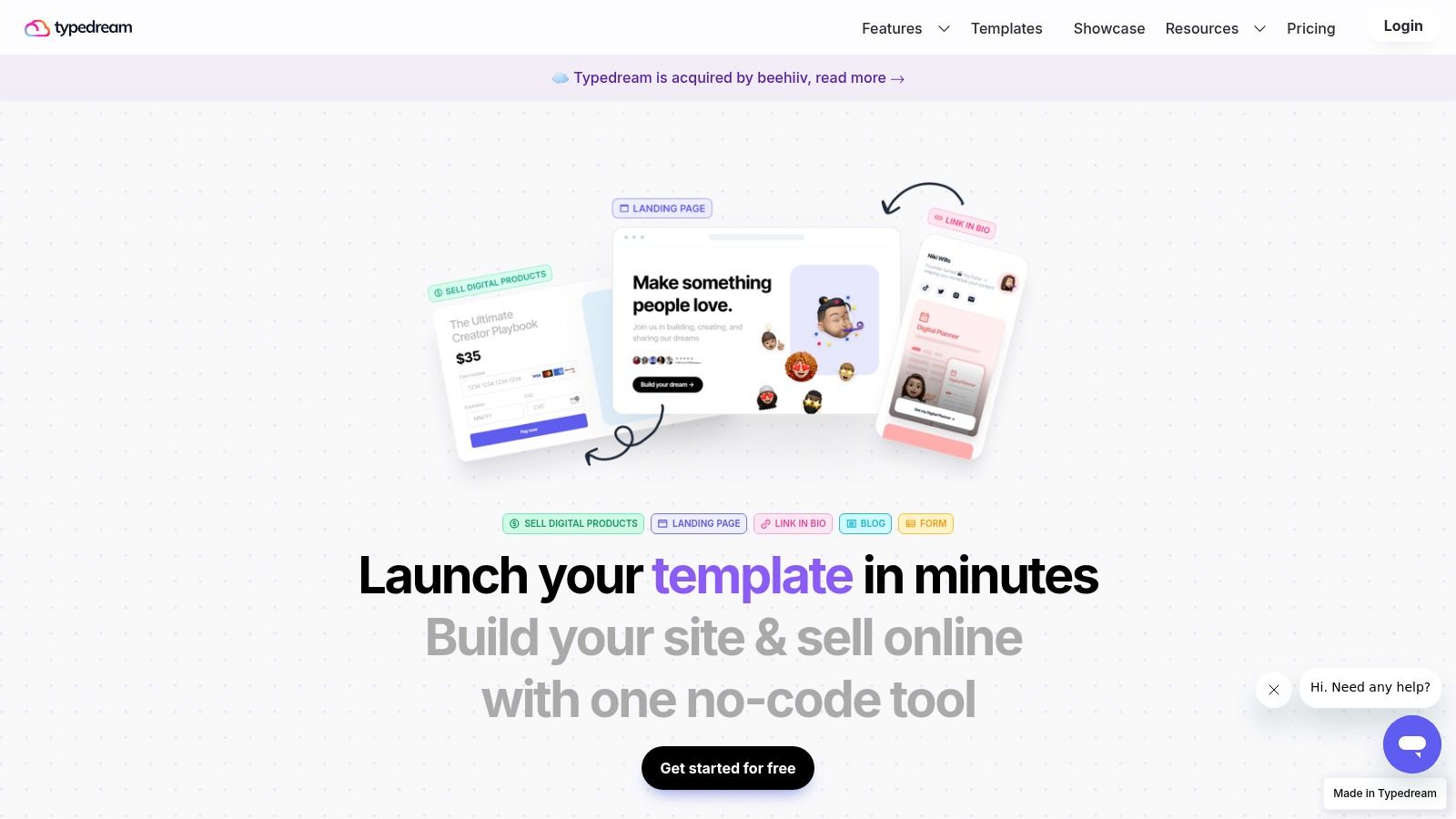
This platform is perfect for creators who want a polished web presence up and running in minutes. The free plan provides everything you need for a single, powerful page, including SEO controls to help you get discovered. For those migrating from services like Bento.me, Typedream offers a familiar yet more flexible canvas to build a visually compelling personal hub that directs your audience exactly where you want them to go.
Key Features and Limitations
Typedream’s free plan is generous enough for a single-page site, but growing your site will require an upgrade. It strikes a balance between simplicity and essential functionality.
Pros:
- Extremely Fast: The intuitive, block-based editor makes building a clean, modern page incredibly quick.
- User-Friendly UI: It has a very low learning curve, making it accessible to absolute beginners.
- Affordable Growth: Paid plans offer reasonable pricing for adding features like a CMS, forms, and custom domains.
Cons:
- Single-Page Limit: The free plan is restricted to one published page, which is great for a landing page but not a multi-section site.
- Prominent Branding: A Typedream badge is displayed on free websites.
- Paid-for Complexity: Features like a full blog or advanced directories are locked behind paid tiers.
Website: https://typedream.com/
12. Weebly (by Square)
Weebly, now part of the Square ecosystem, has long been a go-to for those seeking a straightforward and capable personal website builder free of charge. It strikes a unique balance by offering not just standard personal site features but also basic e-commerce functionality, even on its free plan. This makes it an excellent choice for individuals who want a simple portfolio or blog today, with the option to sell a few products or digital downloads tomorrow without a major platform switch.
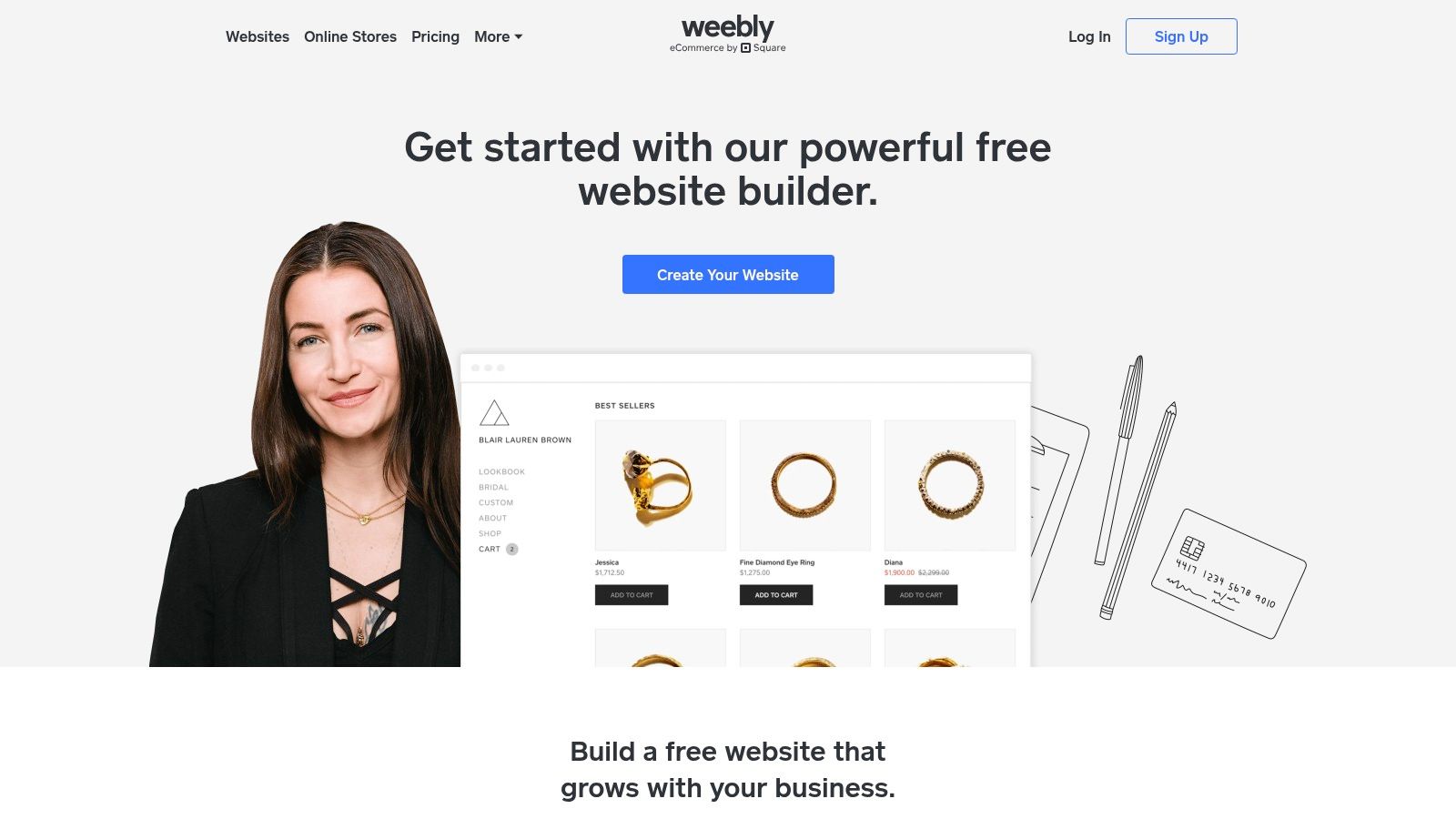
The platform uses a structured drag-and-drop editor that is very easy for beginners to get the hang of. While it may not offer the pixel-perfect freedom of some rivals, its grid-based system ensures your site looks clean and organized with minimal effort. Its integration with Square tools is a significant advantage for anyone considering monetization, offering seamless payment processing and marketing add-ons. You can explore more options in our guide to the best free website builders for small business.
Key Features and Limitations
Weebly’s free offering is generous, especially for those dipping their toes into e-commerce. However, it’s important to understand the trade-offs inherent in its free tier.
Pros:
- Extremely Easy to Use: The editor is intuitive and ideal for absolute beginners.
- Free E-commerce: It's one of the few free builders that allows you to list products and accept payments (via Square).
- Affordable Upgrades: The paid plans to get a custom domain are very competitively priced.
Cons:
- Dated Editor Feel: The user interface and template designs can feel less modern than newer platforms.
- Prominent Branding: Your site will display Weebly/Square ads on the free plan.
- Subdomain Requirement: Your free URL will be a
weebly.comsubdomain.
Website: https://www.weebly.com/
Top 12 Free Personal Website Builders — Feature Comparison
| Platform | Core features | UX / Quality (★) | Price / Value (💰) | Target audience (👥) | Unique selling points (✨) |
|---|---|---|---|---|---|
| taap.bio 🏆 | Modular bento-style grid, drag-and-drop blocks, smart widgets (Spotify, IG, GitHub, YouTube, etc.) | ★★★★☆ | 💰 Free / promo migration, paid plans unclear | 👥 Creators, musicians, designers, portfolio owners | ✨ Asymmetric layouts, real-time widgets, inline audio playback |
| Wix | Visual drag-and-drop, 2,000+ templates, app marketplace | ★★★★ | 💰 Free → Paid tiers for custom domain/ads | 👥 Small businesses, beginners, solopreneurs | ✨ Huge template/app ecosystem, AI site generator |
| WordPress.com | Hosted WordPress, block themes, plugins (paid), WooCommerce | ★★★★ | 💰 Free → Paid to unlock plugins/custom themes | 👥 Bloggers, content creators, publishers | ✨ Scalable content system, portability & plugins |
| Google Sites | Simple builder, Google Workspace integrations, collaboration | ★★★ | ★★★ | 💰 Completely free | 👥 Educators, teams, simple portfolios/resumes |
| Carrd | Minimal one-page builder, responsive templates, quick setup | ★★★★ | 💰 Free, very affordable Pro for domains/widgets | 👥 Creators needing single-page links/landing | ✨ Extremely fast to build, low-cost upgrades |
| Webflow | Designer-grade visual builder, clean HTML/CSS, CMS (paid) | ★★★★☆ | 💰 Free Starter → Paid for CMS/custom domain | 👥 Designers, agencies, dev-forward creators | ✨ Pixel-level control, exportable clean code |
| Framer | Design-first builder with motion/animation, CMS on paid | ★★★★ | 💰 Free → Paid for custom domain/limits | 👥 Designers, animators, marketing sites | ✨ Built-in motion/animations, polished aesthetics |
| Notion Sites | Publish Notion pages as sites, collaboration, simple CMS | ★★★ | ★★★ | 💰 Free → Paid add-on for custom domain | 👥 Knowledge workers, docs/portfolio curators |
| Canva Websites | Drag-and-drop design, templates, AI-assisted tools | ★★★★ | 💰 Free → Pro for custom domain/brand tools | 👥 Non-designers, event hosts, quick portfolios | ✨ Massive template library, familiar UI |
| GitHub Pages | Free static hosting, custom domains, supports SSGs | ★★★★☆ | 💰 Free | 👥 Developers, technical portfolios, docs | ✨ $0 hosting, version control & CI/CD via GitHub |
| Typedream | Notion-style visual builder, SEO controls, simple CMS | ★★★★ | 💰 Free → Paid for pages/collections/custom domain | 👥 Bloggers, creators wanting Notion-like UI | ✨ Fast setup, clean modern pages with low friction |
| Weebly (by Square) | Drag-and-drop builder, basic ecommerce, Square integrations | ★★★ | 💰 Free → Paid for domains & advanced features | 👥 Small shops, beginners testing ecommerce | ✨ Easy store setup, Square payments built-in |
Final Thoughts
Navigating the world of free personal website builders can feel like charting a vast, open ocean. With so many options, each promising a unique island of features, it's easy to feel adrift. Our deep dive into twelve of the top contenders, from the design-forward power of Framer to the utilitarian simplicity of Google Sites, has hopefully provided you with a reliable compass to guide your decision. The central truth is this: the best personal website builder free for you is the one that aligns perfectly with your goals, technical comfort level, and creative vision.
Key Takeaways: Matching the Tool to Your Ambition
Reflecting on our comprehensive analysis, a few core principles emerge for selecting your ideal platform. Your choice isn't just about finding a "free" tool; it's about finding the right free tool that empowers you without holding you back.
- For the Visual Visionary: If your primary goal is to create a stunning, visually-led digital identity, platforms like Taap.bio (with its bento-grid and smart widgets), Canva Websites, and Carrd excel. They prioritize aesthetics and make it simple to build a beautiful one-page site that captivates visitors instantly, making them ideal for creators, artists, and designers.
- For the Future Scaler: If you envision your personal site growing into something more substantial, starting with a platform like WordPress.com or even Wix on their free tiers makes sense. While they have initial limitations, they offer clear upgrade paths to robust features, e-commerce, and extensive customization, protecting your long-term investment of time.
- For the Code-Savvy Minimalist: For those who are comfortable with a bit of a learning curve and desire ultimate control, GitHub Pages and Webflow stand out. They offer unparalleled customization and performance but require more technical know-how. They are perfect for developers showcasing their skills or anyone who wants a site built exactly to their specifications.
- For the All-in-One Organizer: If you want a central hub for your notes, projects, and public-facing content, Notion Sites are a game-changer. They transform your existing organizational system into a functional, clean website, which is an incredibly efficient workflow for freelancers, students, and consultants.
Actionable Next Steps: From Decision to Launch
Choosing a platform is just the first step. To truly bring your digital presence to life, you need a clear plan of action.
- Define Your "One Thing": Before you build, clarify your website's primary objective. Is it to get freelance clients? Grow your newsletter? Showcase your art? This singular goal will dictate your layout, content, and call to action.
- Gather Your Assets: Collect your best photos, project examples, testimonials, and social media links. Having all your content ready before you start building will make the process exponentially faster and more focused.
- Timebox Your Initial Build: Dedicate a specific, uninterrupted block of time (say, 2-3 hours) to create the first version of your site. The goal is to get it live, not to make it perfect. You can iterate and improve it over time.
- Consider Your Digital Address: While a free subdomain (like
yourname.wixsite.com) works well to start, a custom domain name adds a layer of professionalism and brand ownership that is invaluable. Once you have your site built, the next logical step is securing that unique URL. For comprehensive guidance on connecting it to your new site and maximizing its potential, it’s worth learning what to do after buying a domain to ensure a smooth and professional integration.
Ultimately, your personal website is a dynamic, evolving reflection of you. It's your digital handshake, your online portfolio, and your personal brand headquarters all rolled into one. The journey of creating it, especially with the powerful free tools available today, is an empowering act of defining your own space on the internet. Don't strive for perfection on day one. Instead, embrace the process of building, sharing, and refining. Your digital journey has just begun.
Ready to build a personal website that’s as dynamic and unique as you are, without the complexity? taap.bio offers the most intuitive way to create a visually stunning bento-grid site with smart, automated widgets, all for free. Start building your perfect link-in-bio and personal page in minutes at taap.bio.