
In today's competitive marketplace, a professional online presence isn't just an advantage, it's a fundamental requirement. For small businesses, freelancers, and emerging creators, however, the expense of a custom website can be a significant barrier. The great news is you don't need a hefty budget to establish a powerful digital footprint. Powerful, user-friendly platforms now allow you to launch a polished, functional site for zero initial investment.
This guide cuts straight to the point, ranking the 12 best free website builders for small business available right now. We dive deep into each option, providing an honest assessment of their strengths and, more importantly, their limitations. Whether you're a freelancer building a portfolio, a consultant showcasing services, or an e-commerce startup, this list is your roadmap to getting online without the upfront cost. For those looking to sell products, creating high-quality visuals is crucial; discover how leveraging tools for AI-generated product images can elevate your online store on a budget.
Forget wading through marketing jargon. Here, you'll find a clear, comprehensive breakdown of each builder. We'll show you exactly what to expect from their free plans, identify potential pricing traps, and offer quick setup tips to get you started fast. Each review includes screenshots and direct links, so you can see the platforms in action and make the best choice for your unique needs. Let's find the perfect free builder to launch and grow your brand.
Table of contents
1. taap.bio
Best for: Visually-driven creators, musicians, and freelancers needing a dynamic, media-rich "link-in-bio" hub.
Taap.bio elevates the standard link page into a sophisticated and interactive personal dashboard, making it a powerful contender among the best free website builders for small business owners who prioritize visual impact. Instead of a simple list, it utilizes a modular, Japanese bento-inspired grid. This allows you to drag, drop, and resize content blocks with fluid, physics-based interactions to create magazine-style layouts that immediately capture attention. The platform provides independent editing for mobile and desktop views, ensuring your page delivers an optimized experience on any device.
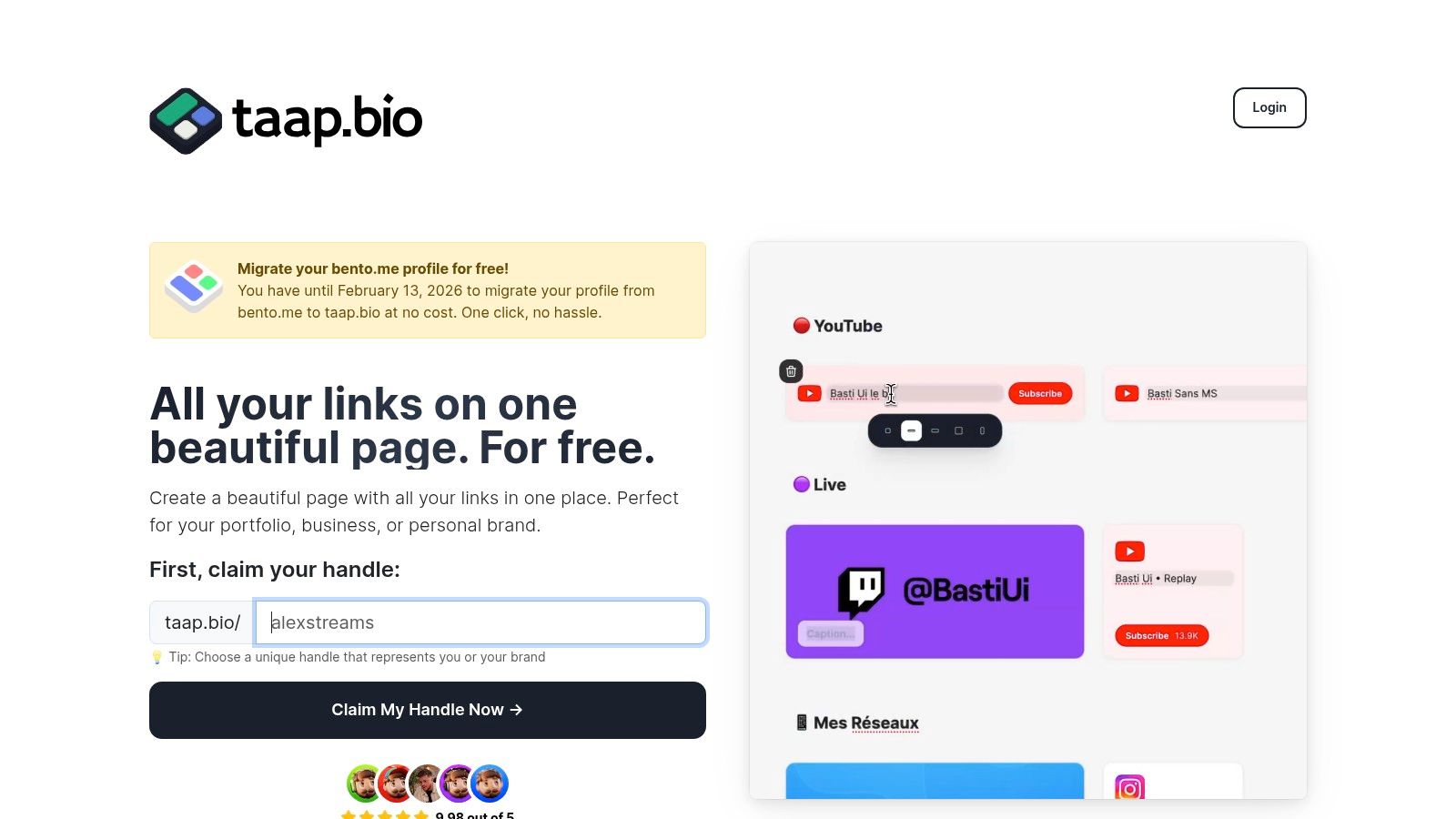
The standout feature is its collection of "smart widgets." These are not static links but deep, live integrations with platforms essential to creators. Showcase your latest Instagram posts, YouTube videos, GitHub commits, or Figma designs automatically. For musicians and podcasters, the Spotify widget is a game-changer, allowing visitors to play tracks, albums, and podcast episodes directly on your Taap.bio page, significantly reducing friction and increasing engagement.
Why It's a Featured Choice: Taap.bio transforms a passive link directory into an active engagement hub. By enabling inline media consumption and displaying live social proof, it keeps visitors on your page longer, encouraging them to explore your entire digital ecosystem from one beautifully organized and memorable destination.
Key Strengths & Features
- Bento-Grid Editor: The highly intuitive drag-and-drop interface lets you build visually unique, asymmetric layouts that break the mold of typical link-in-bio tools.
- Rich Smart Widgets: Live data integrations with Instagram, YouTube, TikTok, GitHub, Spotify, and more keep your page fresh with your latest content without manual updates.
- Inline Media Playback: Visitors can listen to your music or watch your videos directly on the page, a crucial feature for audience retention.
- Independent Device Layouts: Customize the desktop and mobile versions of your page separately for a pixel-perfect presentation on all screens.
- High Customization: Control everything from colors and backgrounds to typography and avatar styles (photo, GIF, or video) to match your brand perfectly.
- Easy Migration: A one-click tool allows bento.me users to import their layout, offering a seamless transition before the platform's 2026 shutdown.
| Feature Analysis | Practical Benefit |
|---|---|
| Physics-Based Grid | Creates a premium, tactile user experience that feels polished and professional. |
| Spotify Integration | Allows artists and podcasters to convert page visitors into listeners without sending them to another app. |
| Live Social Feeds | Acts as an automated portfolio, always showcasing your most recent work and keeping your hub relevant. |
| Simple Onboarding | Google or email sign-up and a free handle claim (taap.bio/yourname) get you started in minutes. |
Limitations & Considerations
The free tier is generous, delivering on its promise of "All your links on one beautiful page. For free." However, pricing and feature limitations for potential pro or business tiers are not publicly listed on the website. Businesses planning to scale should contact the platform directly to understand any potential caps on widgets, pages, or analytics before committing long-term. Additionally, the reliance on third-party APIs for smart widgets means functionality can be affected if platforms like Instagram or Twitter/X change their access policies.
Website: https://taap.bio
2. Wix
Wix has earned its reputation as a giant in the website-building space, offering one of the most intuitive and feature-rich platforms available. It stands out for its pure drag-and-drop editor, giving you total creative control over where every element goes. For small businesses that prioritize brand aesthetics, such as photographers, designers, or boutique shops, this visual freedom is a game-changer. The platform's perpetual free plan provides an excellent starting point for businesses to establish a professional-looking online presence without initial costs.
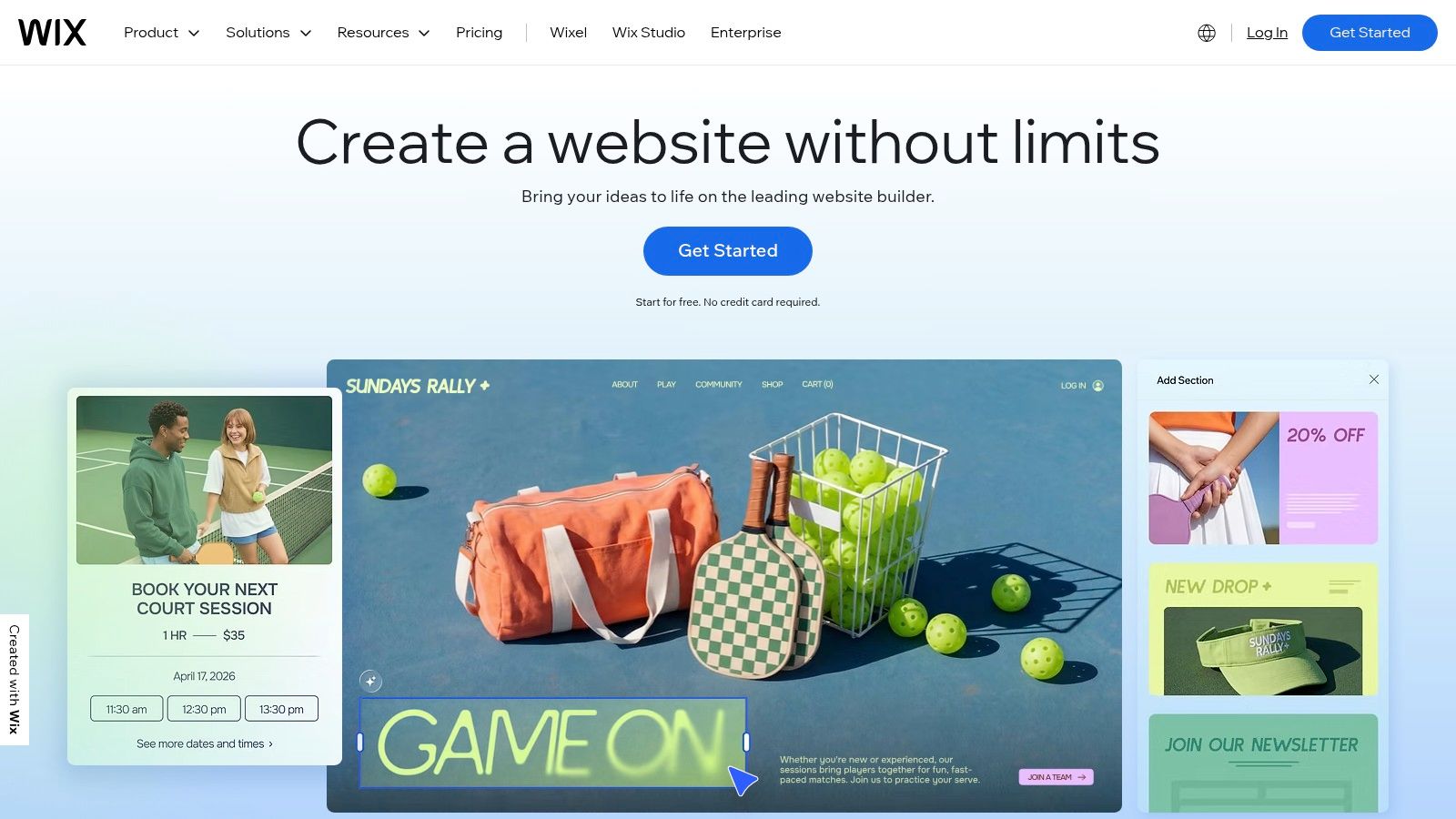
While the free plan includes Wix ads and a wix.com subdomain, it still provides access to a huge library of over 800 professionally designed templates. Unlike some builders, Wix doesn't skimp on core business tools in its free tier; you get built-in SEO features, contact forms, and basic marketing tools from day one. This makes it one of the best free website builders for small businesses that plan to scale, as upgrading unlocks a massive App Market, e-commerce, and booking systems.
Key Features and Limitations
| Feature/Limitation | Wix Free Plan |
|---|---|
| Domain | Must use a yourname.wixsite.com/siteaddress subdomain. |
| Branding | Displays a prominent "Proudly created with Wix" banner. |
| Storage | 500 MB of storage and 500 MB of bandwidth. |
| E-commerce | Not available. You must upgrade to a paid plan to sell products. |
| Customer Support | Access to the knowledge base and community forums. |
Practical Advice
Wix's editor is powerful but can be overwhelming. Start with its ADI (Artificial Design Intelligence) tool to generate a site based on your answers to a few questions, then switch to the standard editor to fine-tune the details. Remember that all templates are designed with responsive web design best practices in mind, so your site will look good on mobile. To boost engagement from the start, integrating tools like a Wix Live Chat can provide immediate customer support and help you capture leads directly from your free site.
3. Webflow
Webflow positions itself as the powerful middle ground between template-based builders and custom coding, offering unparalleled design control. It’s built for businesses that refuse to compromise on brand identity and user experience, such as creative agencies, tech startups, and design-forward freelancers. Instead of a simple drag-and-drop system, Webflow provides a visual canvas that directly manipulates CSS properties, giving you pixel-perfect precision without writing a single line of code. Its free Starter plan is a fantastic way to build and launch a professional, albeit limited, website.
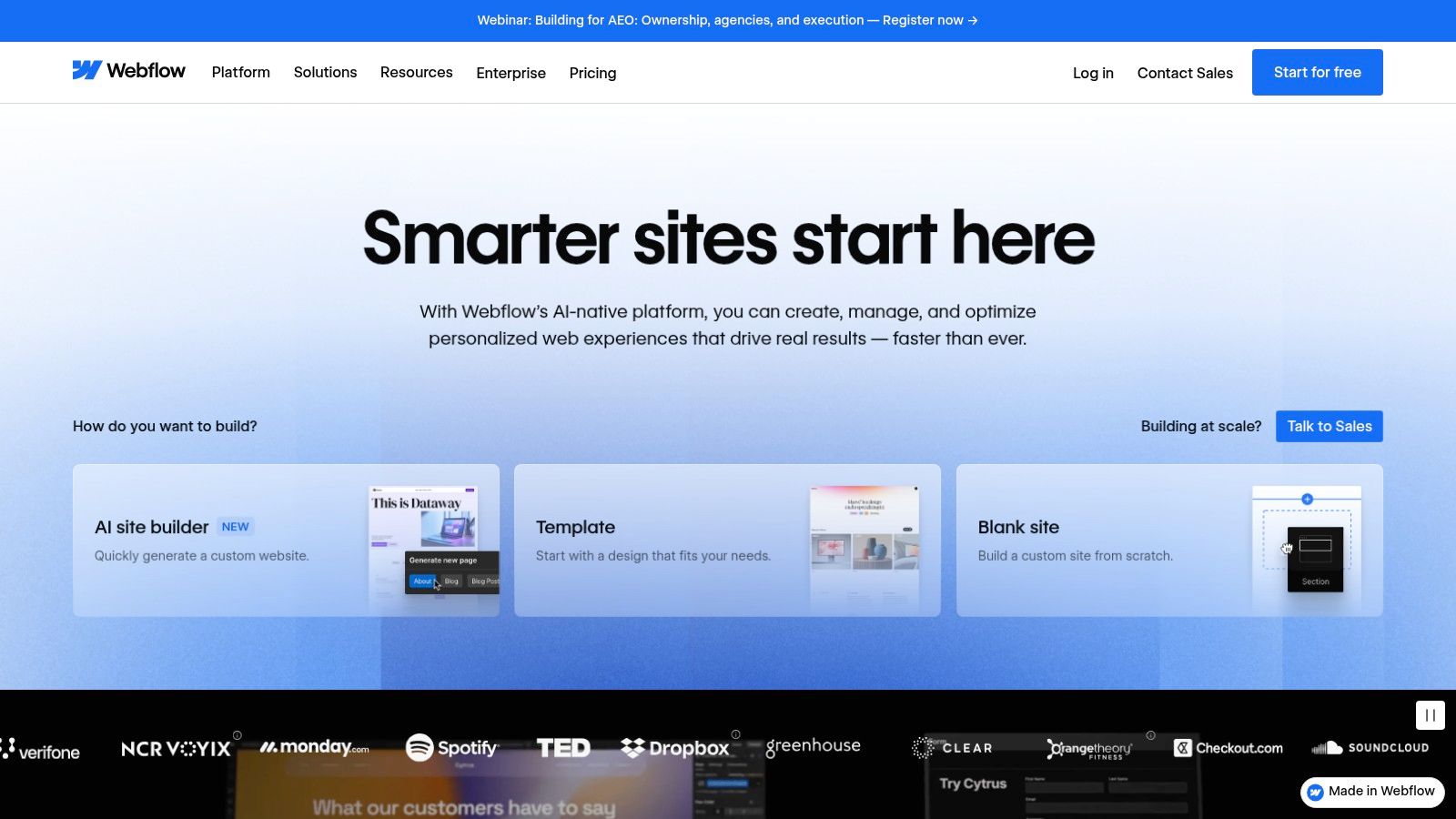
While the free plan hosts your site on a webflow.io subdomain and is limited to two static pages, it provides an incredible pathway from a free prototype to a full-scale production site. Unlike simpler builders, the core design engine isn't watered down. You get access to its powerful interactions and animations framework, making it one of the best free website builders for small businesses that need a truly custom-looking site. The learning curve is steeper, but the payoff is a website that looks and feels completely bespoke.
Key Features and Limitations
| Feature/Limitation | Webflow Free Plan |
|---|---|
| Domain | Must use a your-site.webflow.io subdomain. |
| Branding | Displays a small "Made in Webflow" badge at the bottom of the site. |
| Storage & Pages | 1 GB bandwidth and up to 2 static pages. |
| E-commerce | Not available. An upgrade is required to add a store. |
| CMS Access | Limited to 50 CMS items, perfect for a small blog or portfolio. |
Practical Advice
Embrace the learning curve by diving into Webflow University, which offers some of the best free design and development tutorials available anywhere. Start your project by building with "Components" to create reusable elements like navbars and footers, which will save you immense time. Even on the free plan, you can build a professional single-page landing site with a contact form to start generating leads immediately. Think of the free plan as your design sandbox to perfect your site before launching on a custom domain.
4. WordPress.com
WordPress.com offers a streamlined entry into the world's most popular content management system, providing a robust, blog-centric platform ideal for content-heavy small businesses. It differs from its self-hosted sibling, WordPress.org, by handling all the hosting and maintenance for you. Its free plan is perfect for service providers, consultants, or writers who want to build authority through a professional blog or a simple portfolio without worrying about technical backend management. It provides a solid foundation with a clear and powerful upgrade path.
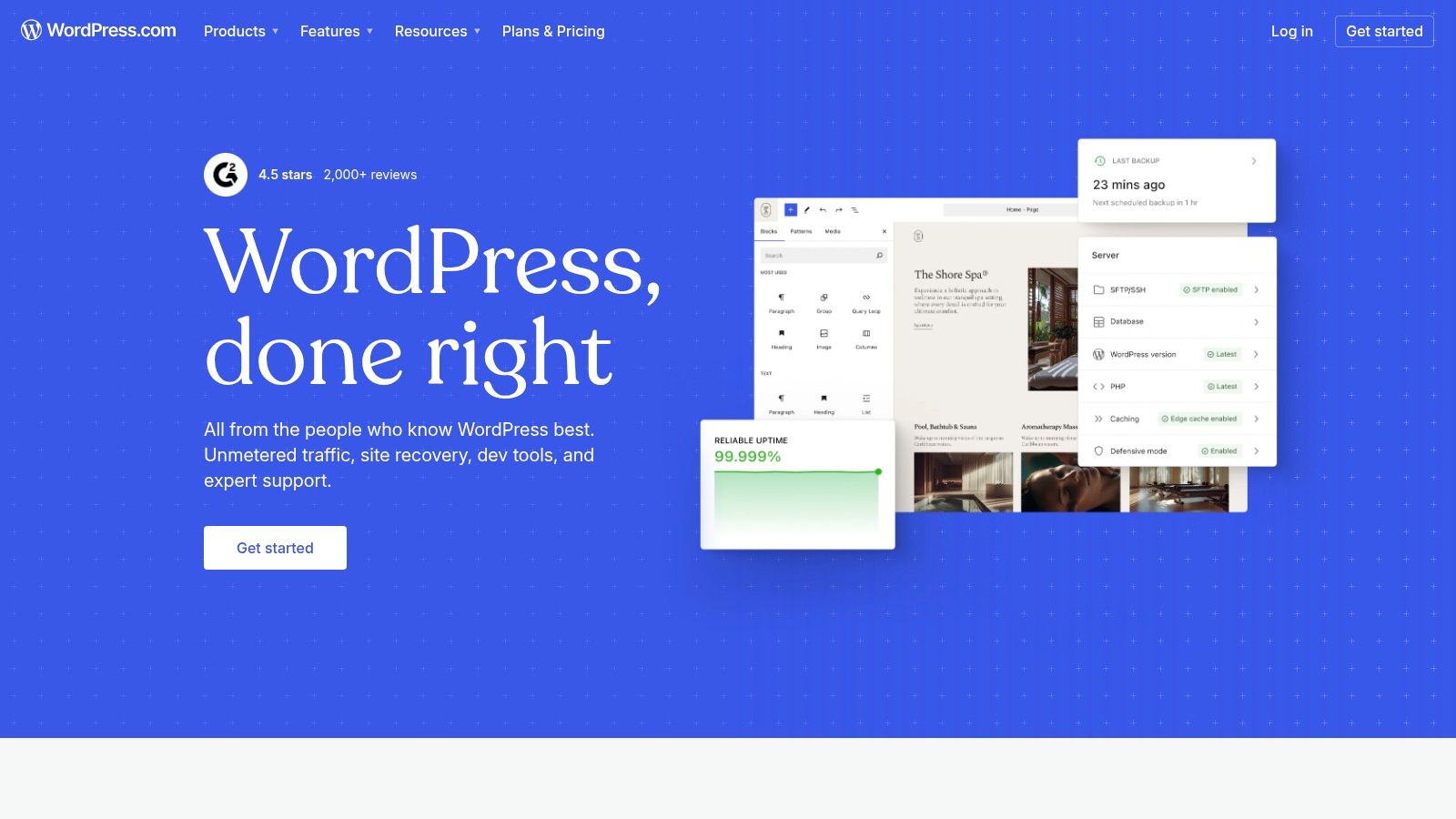
While the free tier restricts access to the famous plugin library and advanced customization, it delivers core essentials exceptionally well. You get a generous 1 GB of storage, access to dozens of high-quality, mobile-responsive themes, and built-in SEO and analytics tools to track your audience. This makes it one of the best free website builders for small businesses focused on content marketing from day one. When you're ready to scale, upgrading unlocks custom domains, advanced design tools, e-commerce, and the full power of plugins.
Key Features and Limitations
| Feature/Limitation | WordPress.com Free Plan |
|---|---|
| Domain | Must use a yoursite.wordpress.com subdomain. |
| Branding | Displays WordPress.com ads on your site. |
| Storage | 1 GB of storage space, which is more generous than many competitors. |
| E-commerce | Not available. You must upgrade to a Business plan or higher. |
| Plugins & Themes | Access to free themes but no ability to install custom plugins or premium themes. |
Practical Advice
Focus on leveraging WordPress.com's strength: its block editor (Gutenberg). Learn to use different blocks like columns, galleries, and buttons to create dynamic page layouts without needing code. Choose a theme with a clean, professional design that reflects your brand, as your customization options are limited. To maximize your reach, connect your social media accounts through the built-in Jetpack Essentials feature to automatically share new blog posts, driving traffic back to your free site.
5. Google Sites
For small businesses needing a simple, no-fuss online presence, Google Sites is an unbeatable and truly free solution. Integrated directly into your Google account, it’s designed for pure functionality and ease of use. This platform is perfect for businesses that need a digital brochure, an internal project hub, or a straightforward informational page, like a restaurant menu, service list, or event schedule. It strips away the complexity of traditional builders, focusing instead on clear communication and seamless integration with the Google ecosystem.
Unlike most competitors, the Google Sites free plan is genuinely free-for-life with no ads, storage limits, or pressure to upgrade, as there are no paid plans. You get unlimited sites, free hosting, and an SSL certificate automatically. Its biggest strength lies in its native integrations; you can embed Google Maps, Docs, Forms, and Calendars effortlessly. This makes it one of the best free website builders for small businesses that operate heavily within the Google Workspace and prioritize function over advanced design customization.
Key Features and Limitations
| Feature/Limitation | Google Sites Free Plan |
|---|---|
| Domain | Must use a sites.google.com/view/yoursite subdomain, but supports custom domains. |
| Branding | No platform ads or branding are displayed on your site. |
| Storage | 15 GB of storage shared with your Google account. |
| E-commerce | Not available. You cannot sell products directly through the site. |
| Customer Support | Access to Google's online help center and community forums. |
Practical Advice
Lean into Google Sites' simplicity. Use its section-based layouts to quickly build a professional-looking, responsive page without worrying about alignment. For lead generation, embed a Google Form directly onto your site for contact inquiries or appointment requests. While it's not a full-featured builder, its simplicity makes it a powerful no-code landing page builder for specific campaigns or announcements. The real-time collaboration feature, just like in Google Docs, is also fantastic for teams working on the site content together.
6. SITE123
SITE123 is engineered for speed and simplicity, making it an ideal choice for small business owners who need a functional website online in the shortest time possible. Instead of a complex editor, it uses a guided, section-based approach where you select pre-designed layouts and fill them with your content. This streamlined process removes the guesswork and technical barriers, ensuring even complete beginners can launch a clean, professional-looking site without feeling overwhelmed. Its free plan is perfect for creating simple service pages, online portfolios, or brochure-style websites.
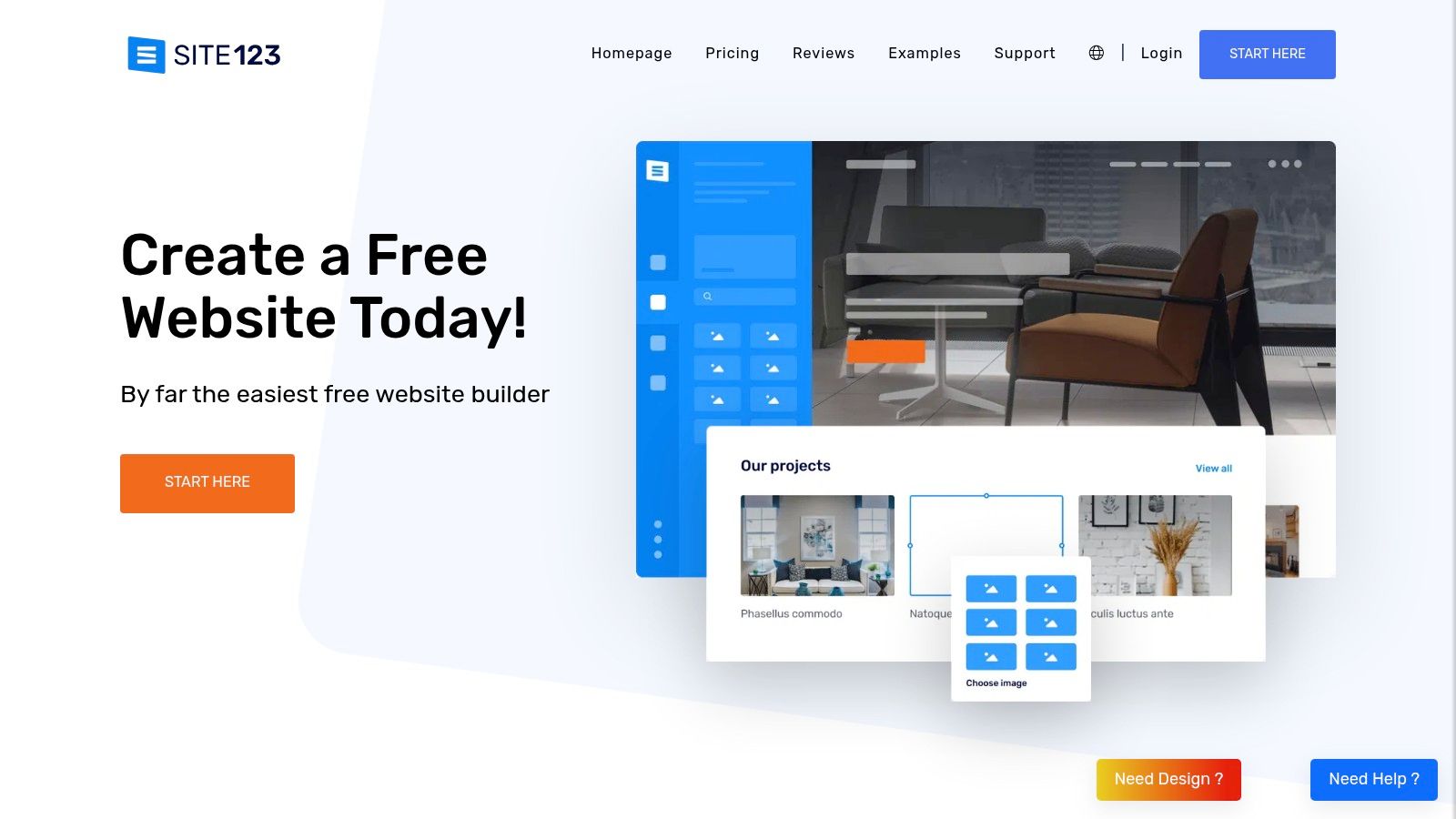
While the free plan offers a basic SITE123.me subdomain and displays platform branding, it provides essential tools like a built-in blog and contact forms right away. The main trade-off for its incredible ease of use is a lack of deep design customization. Unlike a true drag-and-drop page builder, you work within the constraints of set layouts. However, for a business that values speed over granular creative control, SITE123 stands out as one of the best free website builders for small business owners who just need to get the job done quickly and efficiently.
Key Features and Limitations
| Feature/Limitation | SITE123 Free Plan |
|---|---|
| Domain | Must use a username.site123.me subdomain. |
| Branding | Displays a SITE123 floating banner at the bottom of the page. |
| Storage | 250 MB of storage and 250 MB of bandwidth. |
| E-commerce | Not available. Requires an upgrade to a paid plan. |
| Customer Support | 24/7 live chat support is available to free users. |
Practical Advice
Lean into SITE123's structure. Instead of trying to force a unique design, focus on creating high-quality content for each pre-built section (About, Services, Contact, etc.). Use the setup wizard to its full potential by answering the initial questions accurately to get the most relevant template and layout suggestions. This is not the platform for pixel-perfect design, but it is excellent for creating a dependable, mobile-responsive online presence in under an hour. Its generous live chat support for free users is a major advantage if you get stuck.
7. Strikingly
Strikingly excels in simplicity and speed, making it a top contender for small businesses that need a professional-looking, single-page website launched in minutes. Its core strength lies in its user-friendly, section-based editor, which removes the complexity of traditional drag-and-drop builders. For solo entrepreneurs, freelancers, or anyone needing a digital business card or event landing page, Strikingly’s perpetual free plan is an incredibly efficient solution. It gets you online fast without a steep learning curve.
While the free plan includes a mystrikingly.com subdomain and platform branding, it stands out by allowing you to sell a single product. This unique feature makes it one of the best free website builders for small businesses testing the e-commerce waters. The platform also includes built-in analytics, contact forms, and even 24/7 chat support for free users, a rarity in the industry. Its modern, mobile-responsive templates ensure your simple site looks great on any device from day one.
Key Features and Limitations
| Feature/Limitation | Strikingly Free Plan |
|---|---|
| Domain | Must use a yourname.mystrikingly.com subdomain. |
| Branding | Displays a Strikingly ad that scrolls with the page. |
| Storage | 500 MB of storage and 5 GB of monthly bandwidth. |
| E-commerce | Available for a single product, with a 5% transaction fee. |
| Customer Support | Full access to 24/7 live chat support and a knowledge base. |
Practical Advice
Lean into Strikingly's single-page design. Use clear, section-based navigation to guide visitors through your services, "about" story, and contact information seamlessly. Since the free plan allows one product, use it strategically to showcase your flagship item or a popular service package to test market demand. Take full advantage of the 24/7 live chat support if you get stuck; it's a premium feature offered for free and can save you a lot of time and frustration.
8. Carrd
Carrd has carved out a unique niche by focusing exclusively on creating simple, elegant, and highly responsive one-page websites. This makes it an exceptional choice for small businesses that don't need a multi-page behemoth but require a polished online hub. It's perfect for creating a "link-in-bio" page for social media, a digital business card, a portfolio, or a focused landing page to capture leads. Its free plan offers a streamlined way to get a professional-looking site online in minutes, not hours.
While the free plan includes Carrd branding and a carrd.co subdomain, it allows you to build up to three separate sites, which is more generous than many competitors. The platform's strength lies in its simplicity; the editor is incredibly intuitive, with a clean interface that prevents you from getting bogged down in complex settings. For businesses needing a quick, effective online presence to direct traffic or showcase key information, Carrd stands out as one of the best free website builders for small business owners who value speed and aesthetics.
Key Features and Limitations
| Feature/Limitation | Carrd Free Plan |
|---|---|
| Domain | Must use a yourname.carrd.co subdomain. |
| Branding | Displays a subtle "Made with Carrd" banner in the footer. |
| Storage | Limited to 50 MB total for all sites. |
| E-commerce | Not available. No native or third-party e-commerce tools. |
| Custom Code | No custom HTML, CSS, or JavaScript embeds on the free plan. |
Practical Advice
Start with a template that closely matches your vision to speed up the process. Carrd's editor is straightforward, but its power is in its section-based design; think of your site in horizontal blocks of content. Because it’s a single page, clarity is key. Use it as a powerful, focused marketing tool by understanding what is a landing page and its purpose. To get the most out of your free site, focus on a single call-to-action, whether it's signing up for a newsletter or visiting your social profiles.
9. Jimdo
Jimdo is a European website builder that prioritizes speed and simplicity, making it an excellent choice for solo entrepreneurs or very small businesses that need to get online fast. Its standout feature is an AI-powered setup process called Jimdo Dolphin, which asks a few questions about your business and then automatically generates a complete, industry-specific website with text and images. This "no-code" approach removes the technical barriers, allowing business owners to have a professional, SSL-secured site live in minutes.
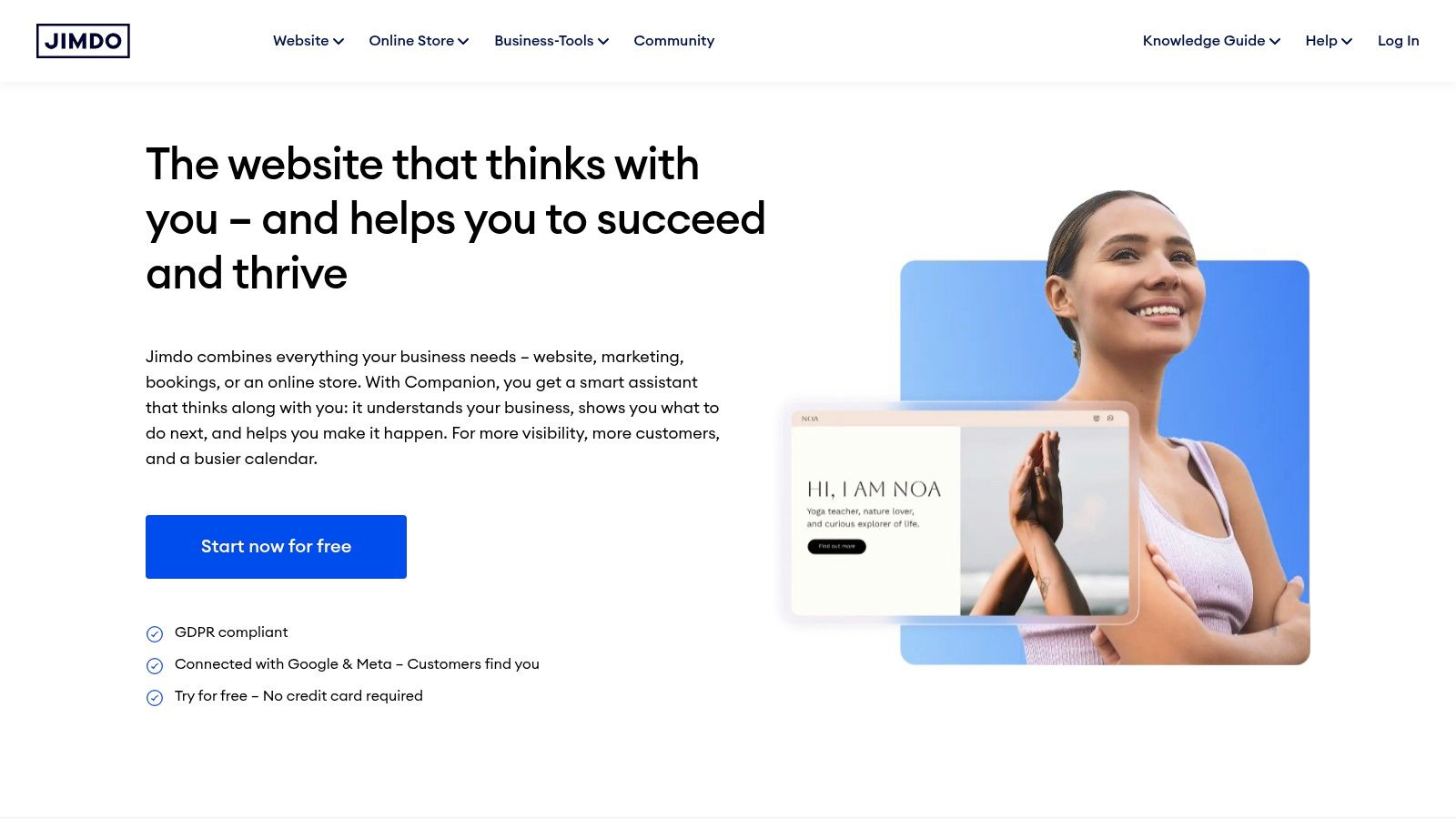
The free plan, called "Play," is perfect for testing the waters. It includes a jimdo.com subdomain, all core features, and up to five website pages. While it lacks the deep customization of other builders, its strength lies in its guided, hassle-free experience. For a service-based business that needs a simple online brochure with contact information and basic SEO tools, Jimdo is one of the best free website builders for small business owners who value efficiency over extensive design control. The platform also makes upgrading very straightforward when you're ready.
Key Features and Limitations
| Feature/Limitation | Jimdo Free Plan |
|---|---|
| Domain | Must use a your-business.jimdosite.com subdomain. |
| Branding | Displays a small Jimdo advertisement on the website. |
| Storage | 500 MB of storage and 2 GB of bandwidth. |
| E-commerce | Not available. An upgrade is required to add an online store. |
| Customer Support | Access to an online Help Center and FAQs only. |
Practical Advice
Trust the AI assistant to do the heavy lifting. Provide it with accurate information about your business, connect your social media profiles, and let it generate the initial design. This gives you a solid foundation that you can then tweak with your own images and text. The editor is section-based, so you can easily add, remove, or reorder content blocks. Focus on completing your contact and legal pages (like a privacy policy) first, as Jimdo provides helpful templates to ensure you’re compliant from the start.
10. Weebly (by Square)
Weebly has been a reliable name in the website-building industry for years, known for its straightforward and beginner-friendly approach. Now integrated with Square's powerful e-commerce ecosystem, it offers a solid free plan for small businesses looking to create a simple informational site or test the waters with a small online store. Its structured editor provides a more guided experience than pure free-form builders, which can be a relief for those who want a professional layout without getting lost in design options.
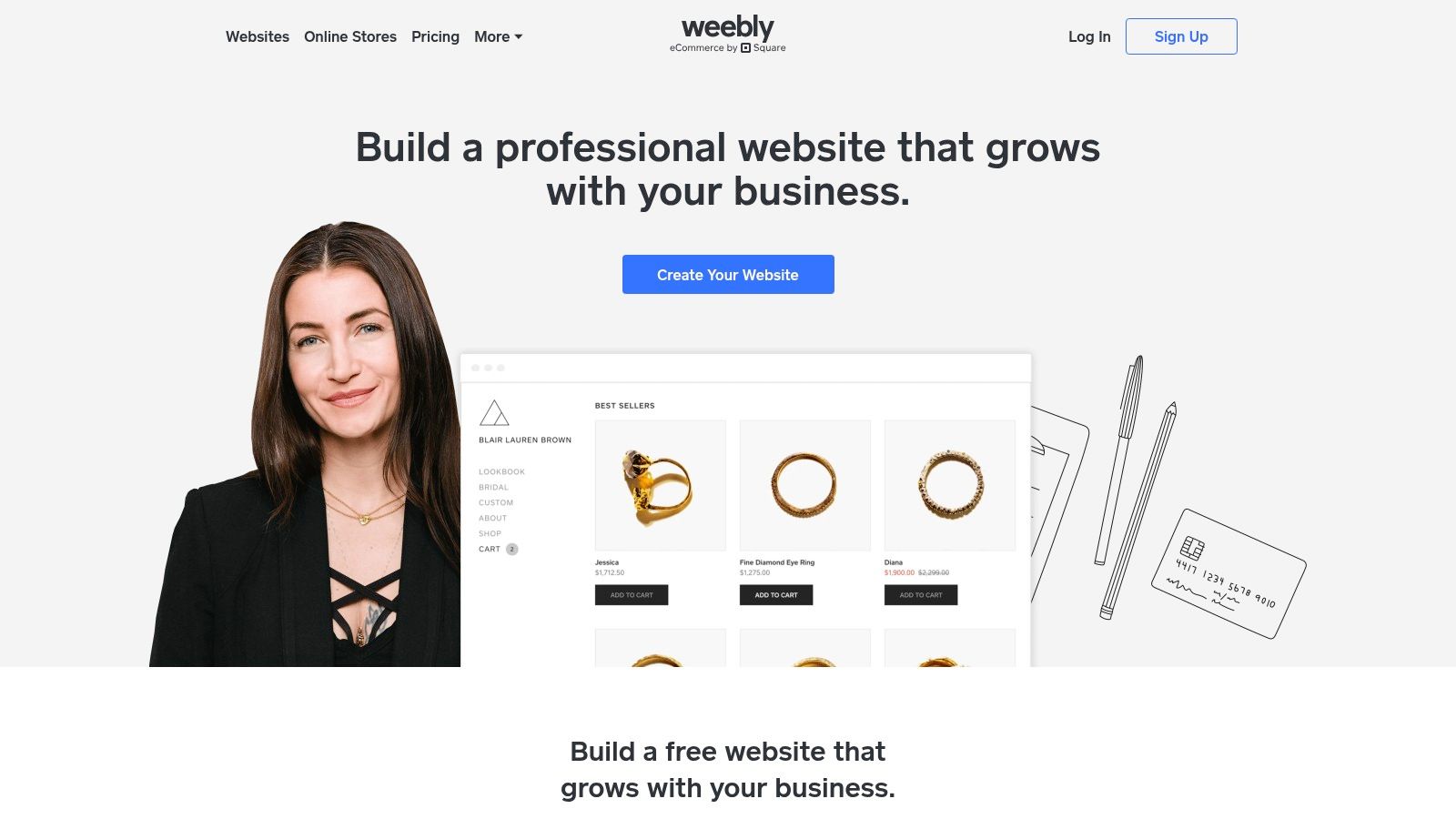
The free plan from Weebly is genuinely useful, especially for service-based businesses or hobbyists. You get a free SSL certificate, access to a range of clean templates, and basic lead capture forms. While the platform will display Weebly branding and use a .weebly.com subdomain, it provides the essential tools needed to establish a credible online presence. As part of Square, its real strength lies in the seamless upgrade path to robust e-commerce features, making it one of the best free website builders for small businesses with future retail ambitions.
Key Features and Limitations
| Feature/Limitation | Weebly Free Plan |
|---|---|
| Domain | Must use a yourname.weebly.com subdomain. |
| Branding | Displays a Weebly/Square ad banner in the footer. |
| Storage | 500 MB of storage. |
| E-commerce | Basic online store available, but Square transaction fees apply. |
| Customer Support | Community forum, chat, and email support available. |
Practical Advice
When starting with Weebly, focus on choosing a template that closely matches your vision, as switching templates later can be difficult. The editor is less flexible than others, so leaning on the pre-built structure is key. Explore the App Center even on the free plan; you can find useful add-ons for social media feeds or contact forms to enhance your site. Weebly is a great example of an easy-to-use drag and drop website builder free of charge, making it ideal for creating your first business website with minimal stress.
11. Mailchimp Websites
Mailchimp is best known for email marketing, but its free website builder offers a powerful entry point for businesses looking to integrate their website and lead generation efforts from day one. It's an ideal solution for service-based businesses, consultants, or creators whose primary goal is to build an audience. By combining a simple website with its world-class email and CRM tools, Mailchimp provides an all-in-one platform for converting visitors into subscribers and customers.
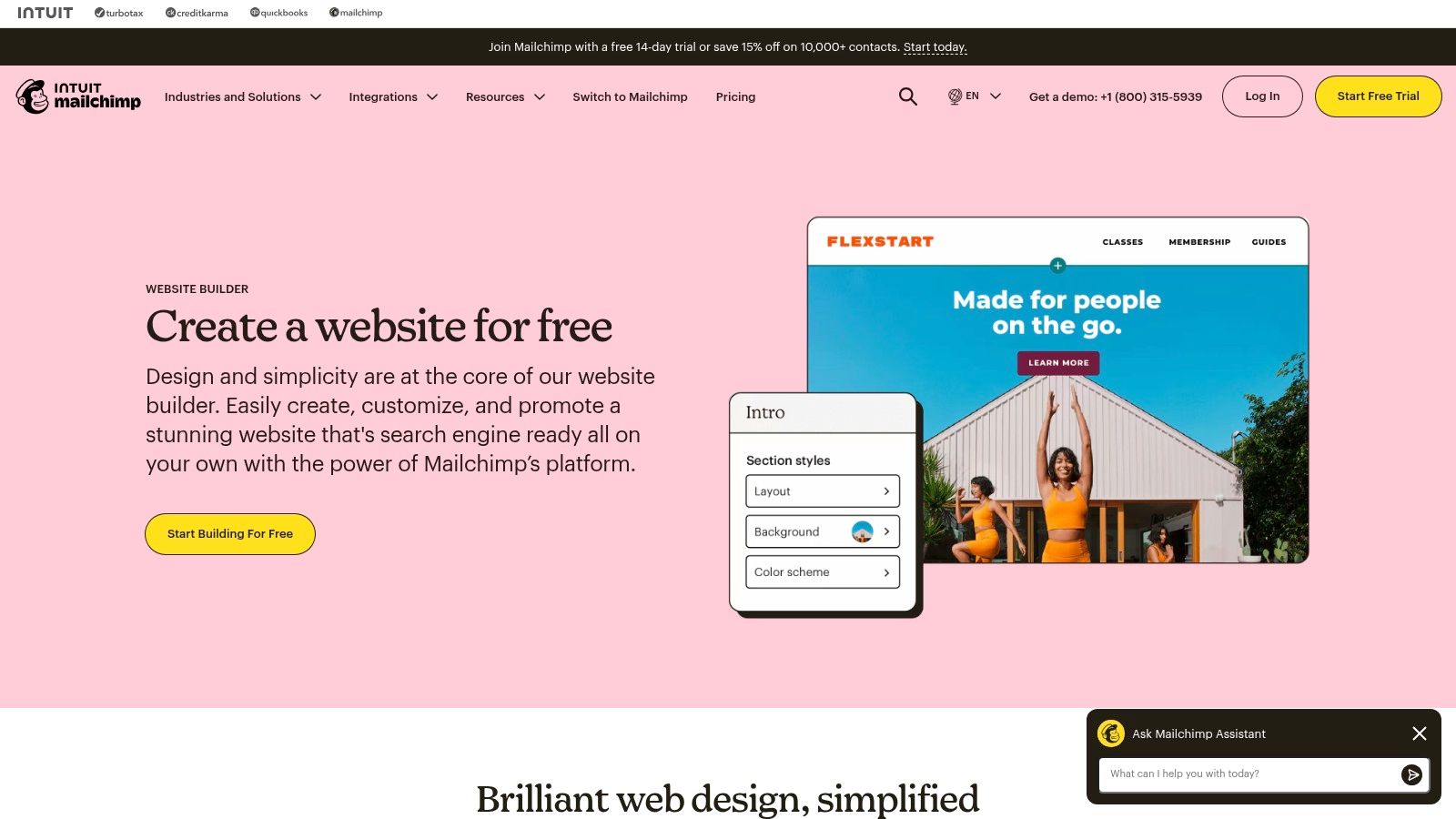
The free plan lets you create a clean, multi-page site and host it on a mailchimpsites.com subdomain. The true value lies in its seamless integration; you can easily embed sign-up forms that feed directly into your Mailchimp contact lists, making it one of the best free website builders for small business owners focused on list building. While it lacks the advanced design flexibility of dedicated builders, its strength is its simplicity and its native connection to a top-tier marketing ecosystem, allowing you to manage your online presence and campaigns from a single dashboard.
Key Features and Limitations
| Feature/Limitation | Mailchimp Websites Free Plan |
|---|---|
| Domain | Must use a yourname.mailchimpsites.com subdomain. |
| Branding | Displays a Mailchimp branding badge on the site. |
| Storage | Not publicly specified, but tied to your overall Mailchimp account limits. |
| E-commerce | Not available. You can link to external stores but cannot sell directly. |
| Customer Support | Email and chat support for the first 30 days, then knowledge base only. |
Practical Advice
Use Mailchimp Websites to quickly launch a professional-looking landing page or a simple service site. Focus on a clear call-to-action, such as a prominent newsletter sign-up form or a contact page. Since the builder is part of the Mailchimp ecosystem, connect your site to a welcome email automation to immediately engage new subscribers. This creates a simple yet effective marketing funnel without needing any third-party integrations or paid plans.
12. HubSpot Free CMS Tools
HubSpot enters the website builder arena with a unique proposition centered on its powerful CRM. While others focus purely on site design, HubSpot Free CMS Tools offers a genuinely free platform designed for lead generation and business growth. Its most significant differentiator is the ability to connect a custom domain for free, a feature almost unheard of in the free builder market. This makes it an exceptional choice for service-based businesses or B2B startups that need to establish credibility from day one without an initial investment.
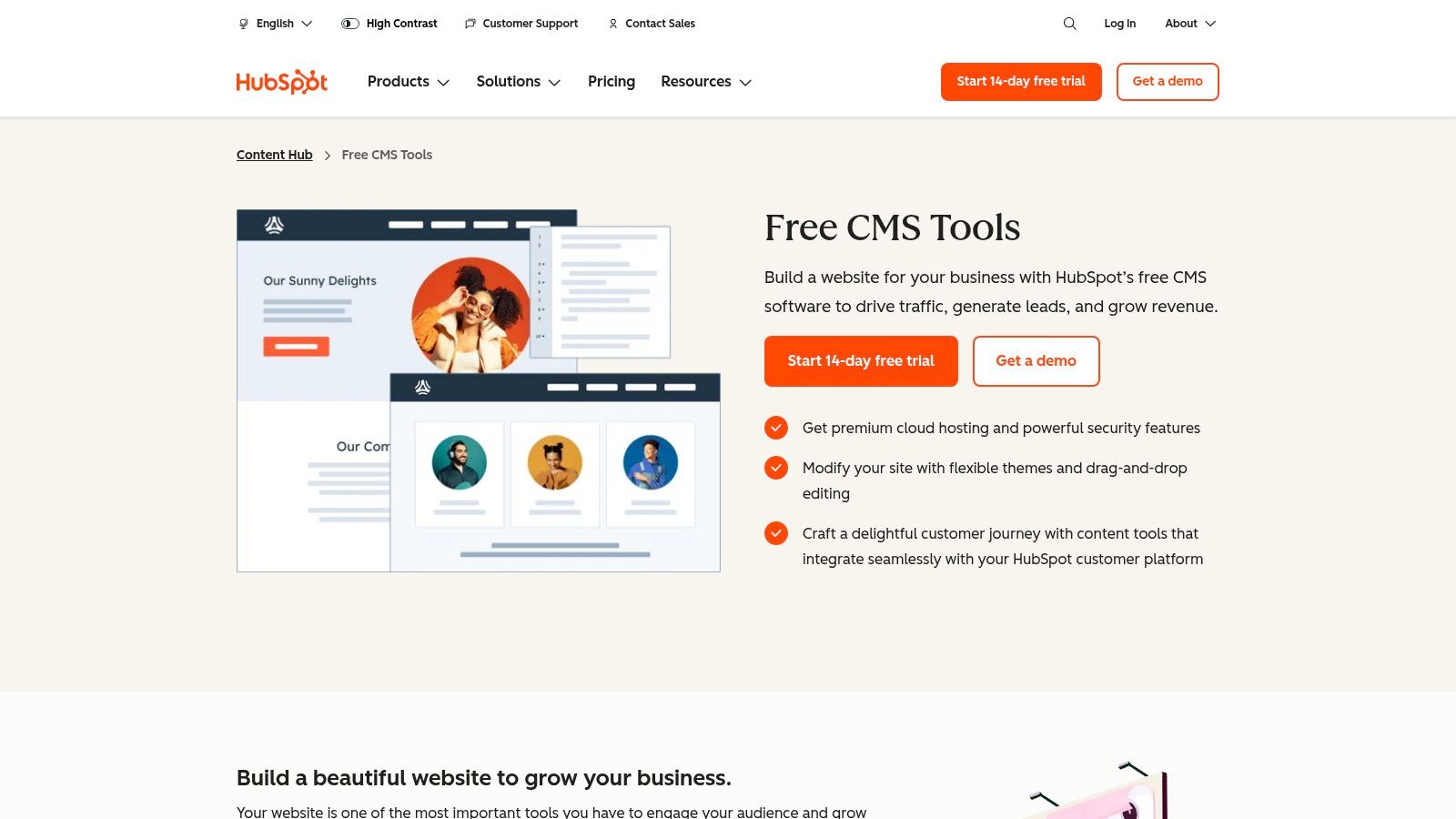
The free plan provides everything you need for a professional launch: free hosting, an SSL certificate, a drag-and-drop editor, and a selection of clean, business-focused themes. Since it’s integrated with the free HubSpot CRM, every contact form or live chat conversation automatically feeds into your customer database. This seamless integration makes it one of the best free website builders for small businesses prioritizing marketing and sales alignment. While HubSpot branding is present, the value of a custom domain and built-in analytics often outweighs this minor drawback.
Key Features and Limitations
| Feature/Limitation | HubSpot Free CMS Tools Plan |
|---|---|
| Domain | Connect your own custom domain for free. |
| Branding | Displays a small "Built on HubSpot" badge on your site. |
| Storage & Pages | Limited to 25 website pages and 1 blog with 100 posts. |
| E-commerce | Not available. Focused on lead generation and content. |
| Customer Support | Access to HubSpot's community forums and knowledge base. |
Practical Advice
Leverage the native integration with HubSpot's marketing tools immediately. Add a free live chat widget and create a contact form to start capturing leads from your first visitor. The platform is less about intricate design and more about effective marketing, so focus your initial efforts on clear calls-to-action. As your business grows, you have a direct and powerful upgrade path into HubSpot's premium Marketing Hub and Sales Hub, ensuring your website scales perfectly with your operational needs without requiring a platform migration.
Top 12 Free Website Builders Comparison
| Product | Core features | UX / Quality | Price & Value | Target audience | Unique selling points |
|---|---|---|---|---|---|
| taap.bio 🏆 | Modular bento‑grid editor, drag‑drop, smart widgets (Spotify, YouTube, IG, GitHub) | ★★★★★ Smooth, physics‑based visual editor | 💰 Generous free tier; pro pricing not fully published | 👥 Creators, designers, musicians, podcasters, freelancers | ✨ Bento-style layouts, inline media playback, deep real‑time widgets |
| Wix | 800+ templates, visual editor, App Market, SEO tools | ★★★★ Beginner‑friendly, broad feature set | 💰 Free with Wix branding; paid for custom domain/ecommerce | 👥 Small businesses, service shops, entrepreneurs | ✨ Large app ecosystem, easy upgrade to e‑commerce/bookings |
| Webflow | Pixel‑precise visual CSS editor, CMS, hosting | ★★★★ Designer-grade control, steeper learning curve | 💰 Free starter (webflow.io); paid for custom domain/CMS scale | 👥 Designers, agencies, prototypers | ✨ Production‑grade layout control without hand‑coding |
| WordPress.com | Hosted WordPress, theme library, basic SEO & stats | ★★★★ Familiar CMS, scalable with paid plans | 💰 Free basic; plugins/custom domains on paid tiers | 👥 Bloggers, small businesses, content creators | ✨ Massive plugin/theme ecosystem and community |
| Google Sites | Drag‑and‑drop sections, Maps/Calendar/Forms integration | ★★★ Extremely simple, minimal design options | 💰 Totally free hosting & SSL (Google account) | 👥 Non‑technical owners, info pages, internal hubs | ✨ Real‑time collaboration & native Google integrations |
| SITE123 | Guided setup wizard, preset layouts, basic blog/gallery | ★★★ Fast setup, limited design flexibility | 💰 Free (250 MB); clear paid upgrade paths | 👥 Very small businesses needing quick sites | ✨ Step‑by‑step onboarding for fast launch |
| Strikingly | One‑page templates, mobile‑ready, basic e‑commerce (1 product) | ★★★ Very quick to launch, simple editor | 💰 Free with branding; 500 MB storage, paid tiers for multi‑page | 👥 Solo entrepreneurs, portfolios, simple stores | ✨ One‑page focus + 24/7 support on free plan |
| Carrd | Polished one‑page builder, responsive templates, embeds | ★★★★ Lightweight, fast, very easy | 💰 Free (carrd.co); low‑cost Pro for advanced features | 👥 Creators, landing pages, link‑in‑bio replacements | ✨ Extremely simple, low‑cost Pro upgrades |
| Jimdo | AI‑guided site builder, SSL, basic SEO | ★★★ Guided build, fewer customization options | 💰 Free with branding; paid for more storage/features | 👥 Very small businesses, EU users | ✨ AI assistant for rapid site creation |
| Weebly (by Square) | Drag‑and‑drop builder, templates, App Center | ★★★ Familiar, easy editor | 💰 Free subdomain; paid for commerce and advanced apps | 👥 Small shops, starters testing online stores | ✨ Square integration for payments/ecommerce |
| Mailchimp Websites | Site builder + forms + Mailchimp CRM integration | ★★★ Quick for landing pages and email funnels | 💰 Free basic site; custom domains on paid plan | 👥 Marketers, newsletter creators, small businesses | ✨ Built‑in email automations and CRM tie‑ins |
| HubSpot Free CMS Tools | Hosting, visual editor, analytics, CRM integration | ★★★★ Good for lead gen; some limits/branding | 💰 Free hosting + custom domain support; usage limits apply | 👥 SMBs focused on lead generation & CRM | ✨ Free custom domain support and native HubSpot CRM integration |
Ready to Build? Your Perfect Free Platform Awaits
We've explored a dozen of the best free website builders for small business owners, each with unique strengths and limitations. The journey from having no online presence to launching a professional site can feel daunting, but the key takeaway is this: you don't need a massive budget or a team of developers to get started. The perfect free platform is out there, waiting for you to bring your vision to life.
Your choice shouldn't be based on which platform has the longest feature list, but on which one aligns perfectly with your specific, immediate goals. The sheer number of options can lead to decision paralysis, so let's distill the core findings to help you move forward with confidence.
Choosing Your Foundation: Key Takeaways
The most critical realization is that "free" is a starting point, not a final destination. Every free plan is a trade-off. You exchange a monthly fee for limitations like provider ads, a subdomain, or restricted access to advanced features. The right strategy is to pick a free plan that gives you the most runway for your current needs while offering a clear, affordable path for future growth.
Here's a simplified framework to guide your final decision:
For the "All-in-One" Link Hub: If your primary goal is to consolidate your scattered online presence into a single, visually stunning, and highly engaging link-in-bio page, a tool like Carrd or Taap.bio is your best bet. These are perfect for creators, consultants, and artists who need a central hub, not a sprawling multi-page website. Taap.bio, in particular, excels with its bento-grid layout and interactive widgets, making it a powerful alternative for those seeking a modern, media-rich landing page.
For a Traditional, Scalable Website: If you anticipate needing a full-featured, multi-page site with a blog, store, and custom domain down the line, starting with Wix, Weebly, or WordPress.com is a strategic move. Their free plans are robust enough to establish a professional presence, and their paid tiers offer seamless scalability as your business expands.
For Ultimate Simplicity and Speed: When you just need to get something online fast, platforms like Google Sites, SITE123, and Strikingly shine. They strip away complexity, allowing you to launch a clean, functional site in under an hour. These are ideal for service-based businesses needing a simple digital business card or a temporary landing page for an event.
For Integration with Your Marketing Stack: If your website is one piece of a larger marketing strategy, leveraging HubSpot's Free CMS or Mailchimp's Websites makes perfect sense. These tools are designed to work flawlessly with their respective CRM and email marketing platforms, creating a unified system for lead generation and customer communication from day one.
Your Actionable Next Step
The most important step is the one you take right now. Don't get stuck in analysis. Choose the platform from this list that resonates most with your business model and brand aesthetic. Every option we've covered offers a no-cost, no-risk opportunity to plant your flag on the web.
Remember, your first website doesn't need to be perfect; it just needs to be live. It's a dynamic asset that will evolve with your business. Pick your builder, sign up for a free account, and dedicate just one hour to the initial setup. You'll be amazed at how quickly you can create a professional online home for your brand, connect with your audience, and start growing your small business. The power to build is at your fingertips.
Ready to create a link-in-bio page that does more than just list links? taap.bio is one of the best free website builders for small business owners who need a powerful, visually striking central hub. Build a stunning, interactive bento-grid page with smart widgets for free at taap.bio and unify your entire online presence in minutes.


