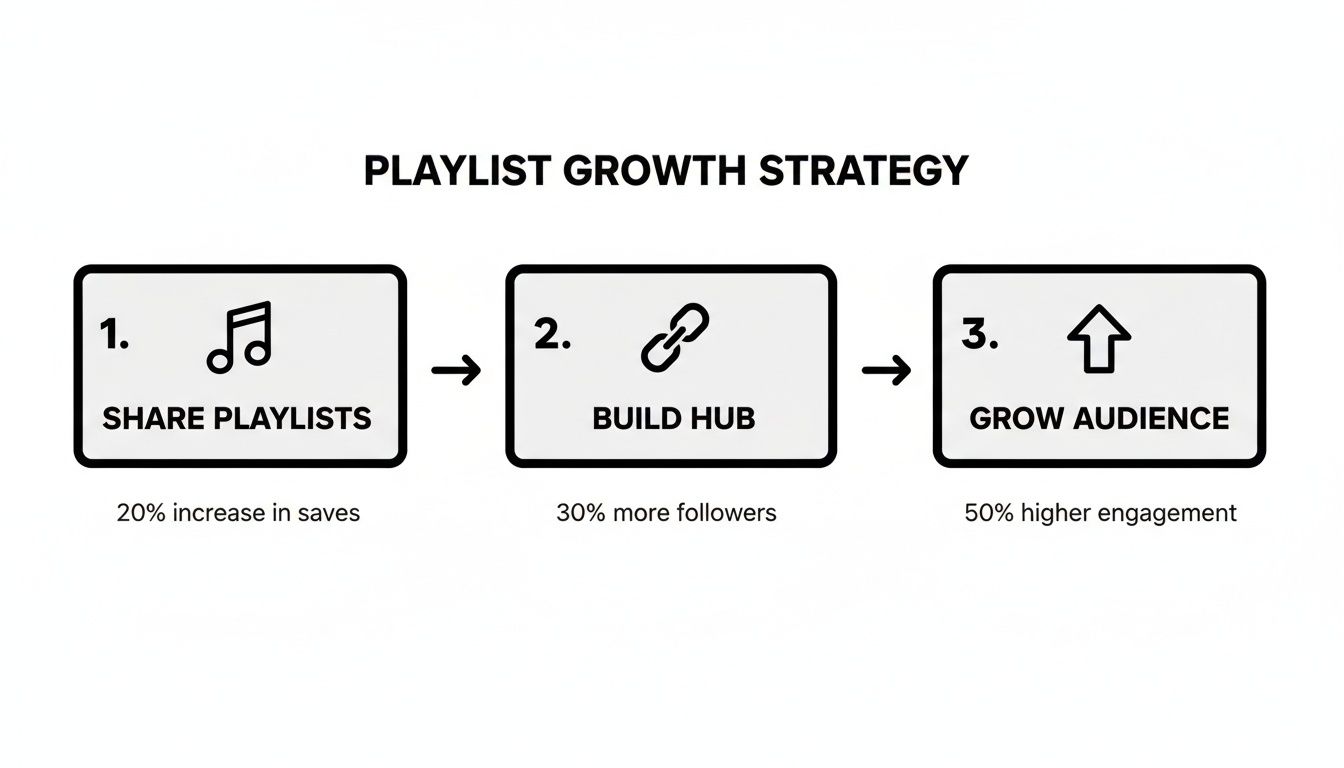
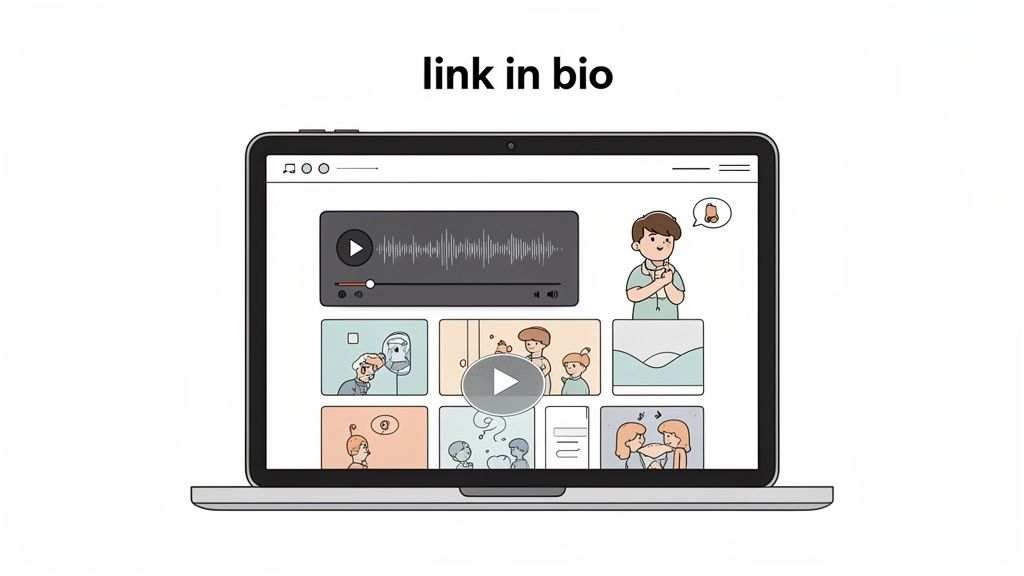
Sharing a playlist isn't just about sending a link—it's a chance to build a real community around the sounds you love. The secret isn't just what you share, but how you share it. The most effective way? Create a central, interactive hub on a 'link in bio' page where your audience can press play without ever leaving your profile.
Table of contents
Why Sharing Playlists Is Your New Growth Superpower
Let's be honest, just copying and pasting a URL into a social media post is old news. Truly knowing how to share playlists has become a genuine marketing skill, and it's what separates the pros from the amateurs. The entire culture of music and podcast discovery now revolves around playlists.
When you put together a collection of tracks or podcast episodes, you’re doing more than just making a list. You’re setting a mood. You're crafting an experience. This act of curation is a massive part of your personal brand, and it forges a powerful, authentic connection with your audience.
The Power of Curation
Think about it from your followers' point of view. Discovering a new artist from a playlist built by someone they trust feels like getting a hot tip from a friend. It’s personal and memorable in a way that an algorithmic suggestion could never be. For musicians and podcasters, getting a spot on a well-regarded, user-curated playlist can completely change their trajectory, sparking a huge surge in streams and new fans.
Playlists have simply become the default way people listen. They aren't just background noise anymore; they are destinations. And the numbers behind this shift are staggering.
By 2026, Spotify projects a mind-blowing 3.2 trillion total streams globally. A huge chunk of that—a whopping 45%—will come directly from personalized and curated playlists. On top of that, the number of times users add songs to their own playlists is set to jump by 25% in a single year, which just goes to show how vital sharing is for discovery. You can dive deeper into these Spotify statistics to get the full story.
Moving Beyond Simple Links
Here’s the problem: most creators share a link and call it a day. But a plain URL dropped in an Instagram Story or a tweet is a dead end. It forces your audience to stop what they're doing, leave your profile, open another app, and completely kills their flow. A lot of them just won't make the jump.
This is where a "link in bio" page like Taap.bio completely changes the dynamic. Instead of a boring list of links, you can build an immersive, all-in-one hub for your content. By embedding playlists directly onto your page, you let visitors listen right then and there—without ever having to leave.
To really illustrate the difference, let's compare these methods head-to-head.
Playlist Sharing Effectiveness Across Platforms
| Sharing Method | Typical Engagement Rate | Audience Experience | Best For |
|---|---|---|---|
| Plain Link | Low (5-10% click-through) | Disruptive; requires app switching. | Quick, low-effort shares where engagement isn't the primary goal. |
| Static Image + Link | Moderate (10-15% click-through) | Slightly better; visually appealing but still requires leaving the page. | Visually-driven platforms like Instagram posts. |
| Interactive Embed | High (30-50%+ interaction) | Seamless; users can listen instantly without leaving your page. | Creating a central hub on your link-in-bio page to maximize listening time. |
As the table shows, an embedded, interactive playlist isn't just a minor improvement—it’s a fundamentally better experience for your audience, which translates directly into higher engagement for you.
This strategy offers some serious advantages:
- It keeps your audience locked in. Visitors stay on your page longer, which means they're more likely to check out your other content, products, or links.
- It feels effortless. You’re removing all the friction. No more app-switching. They see it, they hear it, they love it. It’s that simple.
- It builds a stronger story. You can frame your playlist with your own commentary, add related videos, or link to your other projects, all in one cohesive space that screams you.
When you master how to share playlists this way, you’re not just posting a link. You’re building an engaging destination that turns casual listeners into a true community.
How to Get Shareable Links from Any Music Platform
Before you can build out that awesome, interactive listening hub on your Taap.bio page, you need the raw materials—the links and embed codes for your playlists. It sounds simple, but every platform has its own little quirks. Knowing where to look is half the battle.
Let's walk through how to grab what you need from the major music services so you can get back to creating. Your goal is to find the "Share" button, usually shown as a little arrow popping out of a box or tucked away in a "more" menu (look for the three dots). This is your starting point on every single platform.
Spotify Playlists
Spotify is a goldmine for creators because their embedding options are so straightforward. Whether you're on your phone or computer, just pull up your playlist, hit that three-dot menu, and tap "Share."
From there, you’ll see two key choices:
- Copy Link: This gives you a standard URL that starts with
open.spotify.com/.... It’s great for a quick tweet or a simple text link in a bio where you can't embed. - Embed playlist: This is the power move. This option hands you an
<iframe>HTML code snippet. This is the code you'll paste directly into your Taap.bio to create a mini-player that lets people listen right on your page.
The simple link sends people away; the embed code brings the experience to them. For building a central hub, the embed code is always the way to go.
Apple Music and YouTube Music
These two heavyweights work similarly, but finding their embed options can sometimes feel like a treasure hunt compared to Spotify.
With Apple Music, the main "Share" button usually just gives you a direct URL. To snag the embed code, you'll have better luck on a desktop. Look for a dedicated "Copy Embed" option, which is sometimes easier to find through Apple's web player tools rather than the app itself.
YouTube Music is a breeze because it's built on the same foundation as regular YouTube. Sharing a playlist is identical to sharing a video. Just click "Share," and you'll get a popup with both the simple link and a clean, ready-to-copy embed code. No fuss.
Key Takeaway: A simple URL is a signpost pointing visitors away from your page. An embed code is an invitation to stay, listen, and engage with you.
SoundCloud Links
SoundCloud was practically born for sharing. Just look below any track or playlist, and you'll find a big, obvious "Share" button.
Clicking it opens a panel that not only gives you the direct link but also has a dedicated "Embed" tab. Here, you can even customize the player's look a bit before you copy the final code. It’s incredibly user-friendly.
Mastering this first step—getting the right link or code—is the foundation for everything else. Once you get comfortable with this, you can streamline your whole process. For anyone juggling multiple projects, learning how to effectively manage all your social network URLs in one place is a total game-changer.
Stop Sending Your Followers Away—Bring the Music to Them
You’ve already done the hard work of curating the perfect playlist. The last thing you want is to send your audience on a wild goose chase across the internet just to listen. A simple list of links is a dead end. It forces people to leave your page, open another app, and completely breaks the connection you've built.
The secret to sharing playlists effectively is to stop pointing people elsewhere and start creating a destination. This is where a platform like Taap.bio really shines. Instead of just being a signpost, your page becomes the venue. By embedding a playlist directly, you turn a static link into a live, on-page player.
Trust me, this is a bigger deal than it sounds. It means your followers can hit play and vibe to your music without ever leaving your profile. This one small change can dramatically boost how long people stick around.
Why Inline Playback Is a Game-Changer
When someone can listen right on your Taap.bio page, you're not just sharing a link—you're crafting an experience. There’s no friction. No app-switching, no new tabs, and no distractions to pull them away from your content.
Put yourself in your follower's shoes. They see your playlist, tap play, and the music starts. Instantly. It's a smooth, satisfying interaction that keeps them engaged with you and everything else on your page. It's simply a better experience than a boring old list of URLs.
The goal is to make your "link in bio" more than a directory. It should be an interactive dashboard of your digital world. Embedding playlists is a huge part of that, turning a passive page into an active listening hub.
How to Embed a Spotify Playlist on Taap.bio
Adding a slick, playable Spotify widget to your Taap.bio page is surprisingly simple. All you'll need is that "embed code" we talked about grabbing earlier.
Here’s how you do it:
- Add a Spotify Block: From your Taap.bio editor, just add a new block and choose the one specifically designed for Spotify.
- Paste Your Embed Code: A field will pop up. This is where you paste the full
<iframe>code you copied directly from Spotify. - See It Come to Life: Taap.bio instantly transforms that code into a beautiful, working player right on your page. From there, you can drag, drop, and resize it to fit your layout perfectly.
This method works flawlessly for single tracks, full albums, podcasts, and, of course, your custom playlists. We break down the process step-by-step in our detailed guide on how to embed a Spotify playlist on Taap.bio.
By bringing all your playlists into one place, you can create a high-converting link in bio that truly serves as the central hub for your audience. This sets you up perfectly for the next step: designing a layout that looks as good as it sounds.
Designing a Visually Stunning Playlist Showcase
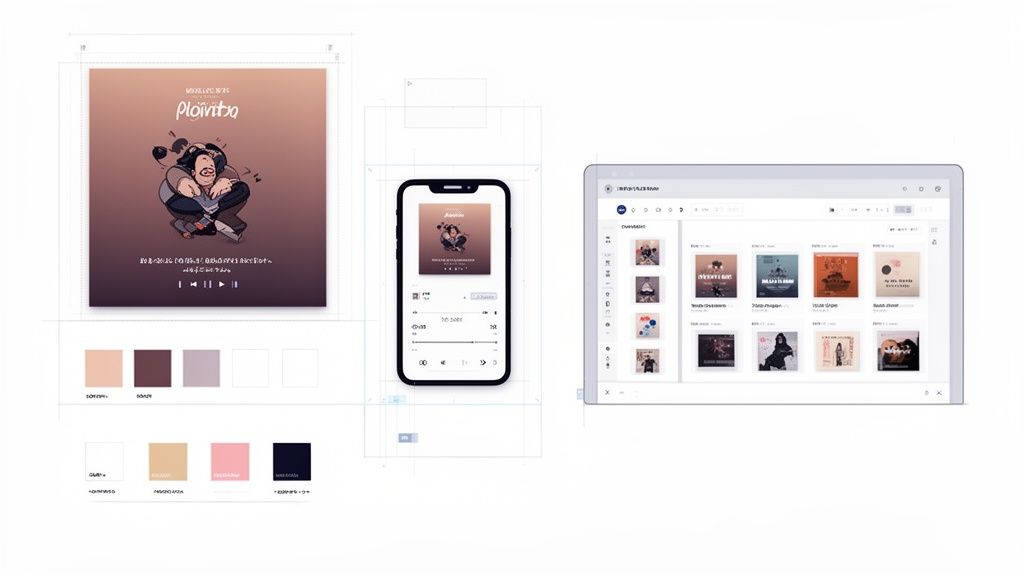
Getting your playlist onto your page is just the first step. Now for the fun part: making it look incredible. A great Taap.bio page isn't just a junk drawer of links and embeds; it's a curated experience. How you arrange the elements tells a story and guides your audience exactly where you want them to go.
So, stop thinking like a list-maker and start thinking like a designer. Your page is a visual canvas. The key is to establish a clear visual hierarchy. Ask yourself: what’s the very first thing I want people to see? Is this playlist the star of the show, or is it setting the mood for something else, like your new YouTube video or your merch store?
Choosing Your Widget Size
The size of your playlist widget is the fastest way to signal its importance. With Taap.bio’s grid system, you have total control over whether your music takes center stage or plays a supporting role.
Make it the hero. If you're dropping a new DJ mix or launching a podcast, don't be shy. Make that playlist widget the largest thing on the page. Stretching it across multiple columns makes it impossible to ignore and screams, "Listen to this right now!"
Use it as a vibe. Maybe your playlist is more of an accessory—a "Focus" playlist on your portfolio or a "Chill Beats" collection for your blog. In that case, a smaller, more compact widget is perfect. You can tuck it right next to a block of text or your social media icons to add flavor without stealing the spotlight.
Think of it like setting a stage. You decide where the spotlight goes.
Creating a Cohesive Narrative
A good design feels intentional. It guides the eye from one element to the next, creating a natural flow. Sharing a playlist effectively is all about building context around it so it feels like a personal recommendation, not just a random embed.
For example, try placing a large Spotify widget right at the top of your page. Then, add a text block directly underneath it with a personal note: “This is my official soundtrack for late-night creative sessions. It's packed with the lo-fi beats and instrumental tracks that help me get in the zone.”
See the difference? You just transformed a simple embed into a genuine, compelling piece of content.
A well-designed page doesn't just present content; it tells a story. Arrange blocks to create a flow that feels intuitive and intentional, guiding your audience from your music to your other important links.
If you want to see how others pull this off, check out these grid layout design examples. It’s a fantastic way to get inspired.
Optimizing for Mobile and Desktop
This is a step people often forget, but it's absolutely critical. Your audience isn't just sitting at a desk; they're on their phones, tablets, and laptops. A layout that looks brilliant on a widescreen monitor can become a jumbled mess on a smaller phone screen.
Thankfully, Taap.bio lets you create separate layouts for desktop and mobile. Use this feature. Trust me.
On a desktop, you have plenty of room to play. Go for a wide, multi-column design. You could have your playlist on the left, a feed of your latest videos in the middle, and your social links on the right.
But for mobile, a clean, single-column flow is almost always the right call. Put your most important content—in this case, your playlist—right at the top. This creates a simple, scannable experience for the 79% of users who primarily browse on their smartphones. Don't make them work for it.
Advanced Strategies to Promote Your Shared Playlists
Alright, so your playlist is beautifully embedded on your Taap.bio page. Now for the fun part: getting people to actually listen. Knowing how to create a share link is one thing, but driving real streams is a completely different game. This is where your Taap.bio page stops being just a list of links and starts acting like a powerful hub for your audience.
The single best way to do this is by creating short, snackable videos for platforms like TikTok and Instagram Reels. Don’t just post a static screenshot of your playlist—that’s a guaranteed way to get scrolled past. You need to create teaser content that stops people in their tracks and makes them desperate to hear more.
Create Hype with Viral Video Teasers
Think like a movie trailer director for a minute. Your job is to find the most magnetic, can't-miss moment in a song or podcast episode and build a 15-second video around it. Pair that audio clip with something visually interesting—maybe some cool B-roll footage you shot, a time-lapse of your creative process, or even just some bold text posing a question on the screen.
Your entire goal here is to spark curiosity. The call to action needs to be simple and direct: "Full playlist in my bio!" That one simple command sends a wave of interested viewers right where you want them: your Taap.bio page, where they can listen instantly without leaving the app.
This strategy is an absolute goldmine for reaching younger audiences. Get this: for 51% of Gen Z, TikTok is a primary source for music discovery. But here's the kicker—only 31% of them actually use the platform's clunky 'add to music' button. You can see how this creates a huge gap between discovery and streaming, which is exactly where a tool like Taap.bio comes in to save the day.
Give Your Playlist a Story
Once people land on your page, context is everything. Don't just slap a "My Playlist" label on your widget and call it a day. Use the text blocks in Taap.bio to add some personality and tell a story right next to your embedded player.
A few lines of your own commentary can completely change the game.
- "My official soundtrack for late-night creative sessions. Packed with the lo-fi beats that get me in the zone."
- "The ultimate road trip playlist. 3 hours of non-stop indie anthems guaranteed to make you roll the windows down."
- "Feeling creatively blocked? This podcast playlist features my top 5 episodes on how to break through it."
This kind of copy gives your audience a reason to care and a powerful incentive to press play. If you're looking to really level up, you can adapt some effective content marketing strategies for growth to get even more ears on your curated sounds.
Pro Tip: Your playlist doesn't have to live in a vacuum. Try placing a podcast feed next to a music playlist, or position your merch store right below a playlist featuring an artist you’ve collaborated with. Think of your page as a complete creator dashboard.
Creating this kind of rich, interactive experience encourages visitors to stick around and explore everything you have to offer. By weaving your shared playlists into your larger promotional efforts, you’re not just getting more listeners—you’re building a stronger brand. To see how this fits into the bigger picture, check out our complete guide on how to promote your music on social media.
Frequently Asked Questions
Still have some questions buzzing around? That's completely normal. Let's tackle a few of the most common things creators ask us about making their playlists shine on their bio link page.
Can I Embed Playlists from Services Other than Spotify?
You bet. Our dedicated Spotify widget is a fan favorite because it's so quick, but you are absolutely not limited to one platform.
You can easily feature playlists from Apple Music, SoundCloud, or YouTube Music. All you need to do is find the <iframe> embed code from the music service, copy it, and then paste it directly into a Taap.bio embed block. It's that simple.
Will Embedding a Playlist Slow Down My Page?
This is a great question and something we've thought a lot about. The short answer is no, not in any meaningful way.
While any embedded element adds a tiny bit to the page, Taap.bio is built for speed. The trade-off is almost always worth it. The huge boost in engagement you get from letting fans listen right on your page easily outweighs any minuscule change in load time. It creates a stickier, more interactive experience that keeps people around longer.
How Do I Track Clicks and Plays on My Playlist?
Measuring what works is everything. Taap.bio gives you part of the picture with built-in analytics, showing you exactly how many people tap on your playlist block. This is your go-to for seeing if your page layout and call-to-action are actually grabbing attention.
For the deeper story—like which songs are getting played and who your listeners are—you’ll want to dive into the analytics from the streaming service itself.
- Spotify for Artists: This is your command center for detailed listener insights on Spotify.
- YouTube Studio: Gives you all the performance data you could want for anything hosted on YouTube Music.
Using both sets of data gives you the full story: on-page clicks from Taap.bio and actual listening behavior from the platform. The first step is knowing what a great bio link page can do for you, and learning more about the meaning of a bio link will help you unlock its full potential.
What Is the Best Layout if My Playlist Is the Main Focus?
If your new playlist is the main event, it deserves to be the star of your page. Don't bury it!
Make the playlist widget the largest block on your grid and put it right at the top. There should be zero confusion about what you want visitors to do first. Then, you can frame it with smaller, supporting blocks—maybe a short text intro explaining the vibe, your social media icons, or a link to your email list. This keeps the focus squarely on the music.
Ready to stop sending your followers away and start building an interactive listening hub? With Taap.bio, you can design a stunning grid-based page that puts your music right where it belongs: front and center. Get started for free on Taap.bio.