

In a digital-first world, a powerful landing page is your most critical asset. It's your virtual storefront, your personal introduction, and your 24/7 sales pitch all rolled into one. But building one from scratch often feels daunting and expensive, seeming to require complex code or costly subscriptions.
What if you could achieve a polished, professional result without the high price tag? The secret lies in using the right tools and templates. This guide cuts through the noise to bring you the definitive list of the best free landing page templates available today. We’ll explore everything from flexible, no-code visual builders like Carrd and Taap.bio to developer-friendly HTML themes from sources like Start Bootstrap and Cruip. Before diving in, it's vital to grasp the crucial distinction between a landing page and a full website to ensure your strategy is effective.
More importantly, this list is more than just a directory of links. We’ll show you how to adapt these concepts to create a truly unique and engaging destination page that functions as a dynamic digital hub, not just a static link list. For each resource, you'll find direct links, screenshots, and an honest assessment of its strengths and limitations, helping you choose the perfect starting point for your project. Whether you're a content creator leaving Bento.me, a freelancer showcasing a portfolio, or a small business needing a simple online presence, these resources will help you build a compelling page for free.
Table of contents
1. taap.bio
Taap.bio elevates the concept of a landing page by moving beyond simple link lists and offering a dynamic, modular grid system for creators. Instead of a predictable vertical stack, it provides a flexible canvas where you arrange content blocks, much like a Japanese bento box. This approach gives you the power to craft a truly custom, visually-driven hub for your brand that functions as a powerful micro-site. Getting started is free with a Google account or email, and no credit card is required.
What truly sets Taap.bio apart are its intelligent widgets. These are not just static links; they offer deep, real-time integrations with essential platforms.
Key Strengths and Features
- Bento-Style Visual Grid: Drag, drop, and resize content blocks to create distinct layouts for both desktop and mobile. The physics-based interactions make the design process feel intuitive and engaging, allowing for a unique visual rhythm.
- Smart Content Widgets: Embed interactive content directly onto your page. This includes inline Spotify track playback, live YouTube video players, and real-time feeds from Instagram, GitHub, and Twitter/X. This keeps visitors on your page longer, turning it from a simple directory into a destination.
- Deep Customization: Control every visual element, including colors, typography, icons, and backgrounds. You can even use animated GIFs or videos for your avatar, adding a layer of personality that static pages lack.
- Effortless Migration: For those moving from other platforms, Taap.bio offers a one-click import for Bento.me users, transferring your layout in about 30 seconds.
Our Take: Taap.bio is an outstanding choice if you're looking for free landing page templates that don't look like templates at all. It's especially powerful for creators, musicians, and designers who want to showcase their work directly, not just link to it. The ability for visitors to play a podcast episode or watch a video without leaving your page is a significant advantage for engagement.
Practical Considerations
- Pros: The platform is highly visual and brandable. Its smart widgets provide genuine utility by showing live content, and the separate mobile/desktop editing is a professional touch.
- Cons: The depth of customization means there's a slightly steeper learning curve compared to basic link-in-bio tools. Building a polished page requires more creative input.
For inspiration on what's possible, you can find numerous landing page ideas and examples to spark your creativity. This tool is perfect for anyone who wants a compact, professional, and content-rich landing page that stands out.
Website: https://taap.bio
2. Webflow
Webflow is the go-to platform for designers and creators who demand pixel-perfect control without writing code. It's a visual canvas that essentially writes clean HTML and CSS for you, offering a collection of free landing page templates that feel like they were crafted by a high-end design agency. If you want to move beyond basic link lists and create a truly custom, professional-grade online presence, Webflow provides the tools to build it visually.
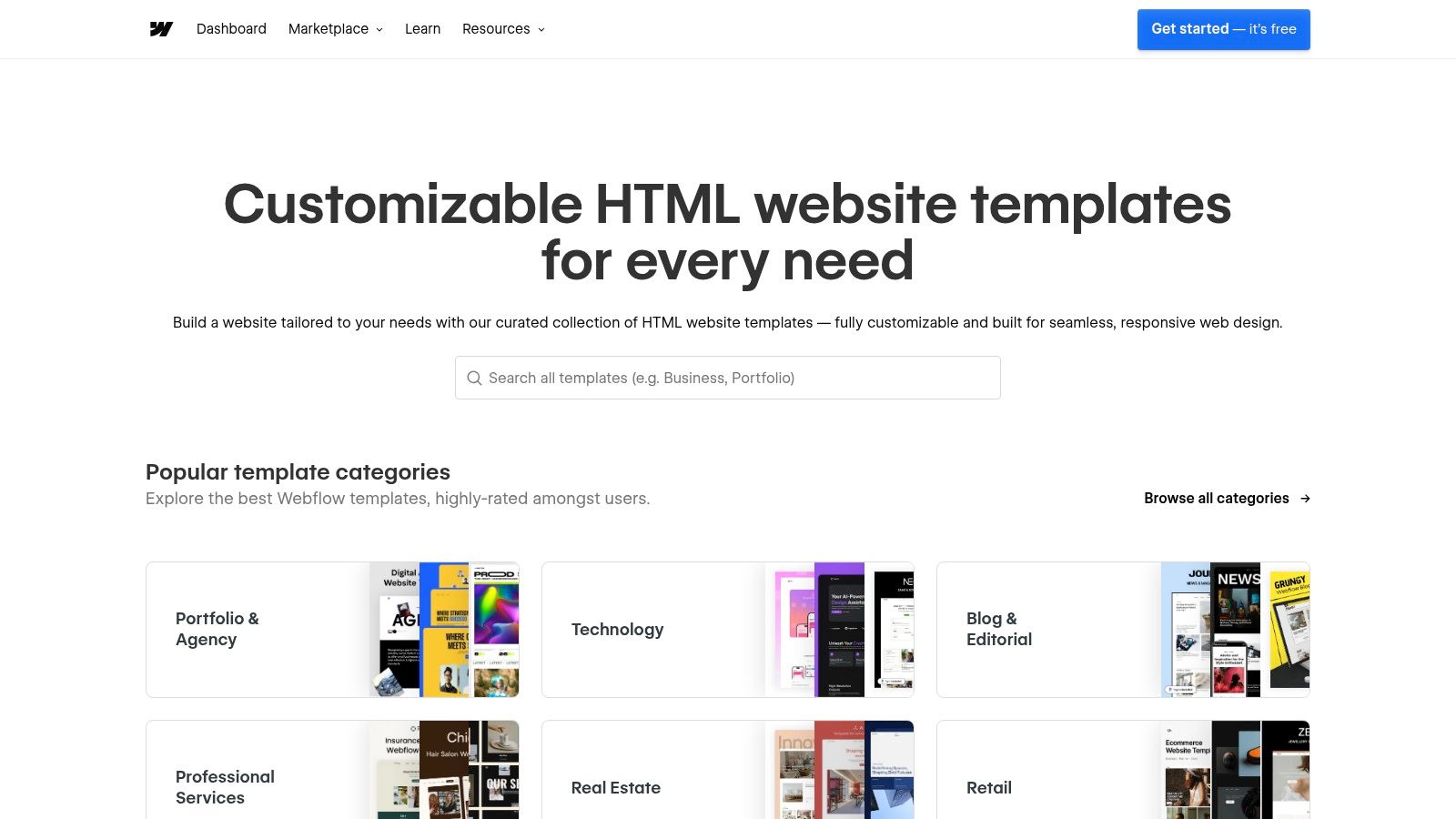
The platform’s strength lies in its fine-grained control over every element, from complex animations to precise responsive breakpoints for desktop, tablet, and mobile views. You can start with a free template, clone it into your account, and deconstruct it to learn how it was built. This makes it a powerful learning tool, not just a content-filler. The main trade-off is its steeper learning curve; it operates more like professional design software (think Figma or Photoshop) than a simple drag-and-drop page builder.
Pro-Tip: Filter the template marketplace by "Free" to see dozens of clonable projects. Use these not just as a starting point, but as a way to reverse-engineer advanced interactions and layouts.
Key Considerations for Webflow
- Pros: Unmatched design control, high-quality free templates, and a strong professional community.
- Cons: Has a significant learning curve for non-designers. Essential features like custom domains and CMS functionality require paid plans.
- Access: Browse and clone free templates from the Webflow Marketplace. Publish for free on a
webflow.iosubdomain.
3. Framer
Framer has rapidly become a favorite for those who want to launch visually rich, modern landing pages with incredible speed. It occupies a sweet spot between simplicity and power, offering a visual canvas that feels intuitive for designers but is accessible enough for beginners. Framer’s marketplace is filled with free landing page templates that can be duplicated into your account and published with a single click, making it ideal for getting a project live in minutes, not days.
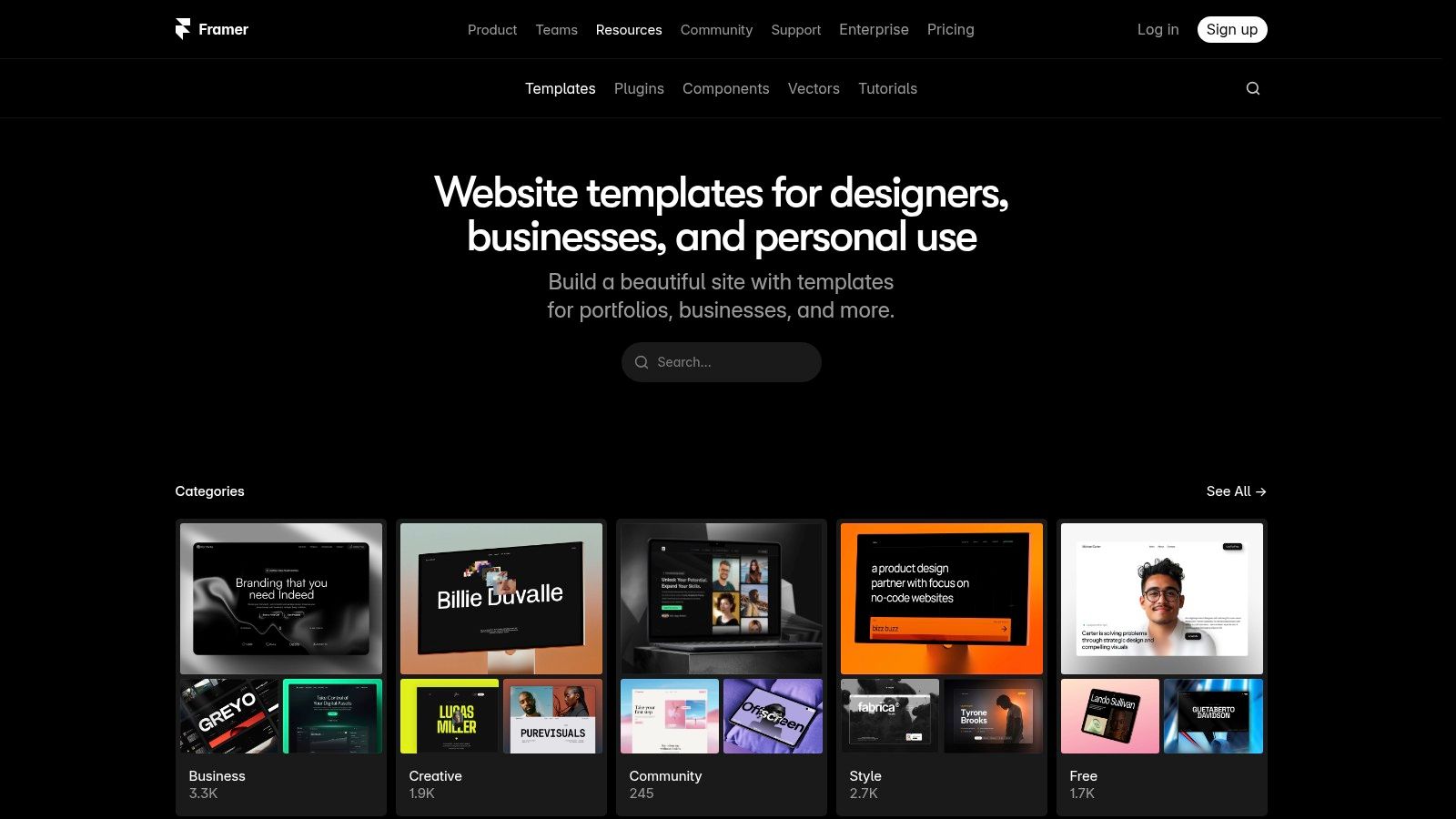
The platform shines with its built-in components and sophisticated visual effects, which are easy to apply without any coding knowledge. You can find a free template, remix it with your own content, and instantly publish it to a framer.website subdomain. This immediate feedback loop is fantastic for creators and small businesses needing a quick online presence. While it offers a more guided experience than Webflow, the quality of templates in the marketplace can vary since they are often community-created.
Pro-Tip: When browsing the Framer Marketplace, use the "Free" filter to find dozens of high-quality starting points. Many creators share their original project files, allowing you to see exactly how they built certain animations and layouts.
Key Considerations for Framer
- Pros: Extremely fast for launching simple pages, one-click template duplication, and a great selection of modern visual effects.
- Cons: A custom domain requires a paid plan, and the quality of free templates can be inconsistent depending on the creator.
- Access: Find and copy free templates from the Framer Marketplace. You can publish for free on a
framer.websitesubdomain.
4. Carrd
Carrd is the champion of speed and simplicity, making it one of the fastest ways to get a functional, single-page site online. It's built for creators who need a polished web presence without the complexity of a traditional website builder. The platform offers a selection of free landing page templates that are perfect for personal profiles, quick project launches, or link-in-bio pages that need to do more than just list links. Its core philosophy is minimalism, giving you just enough to build something beautiful and effective.
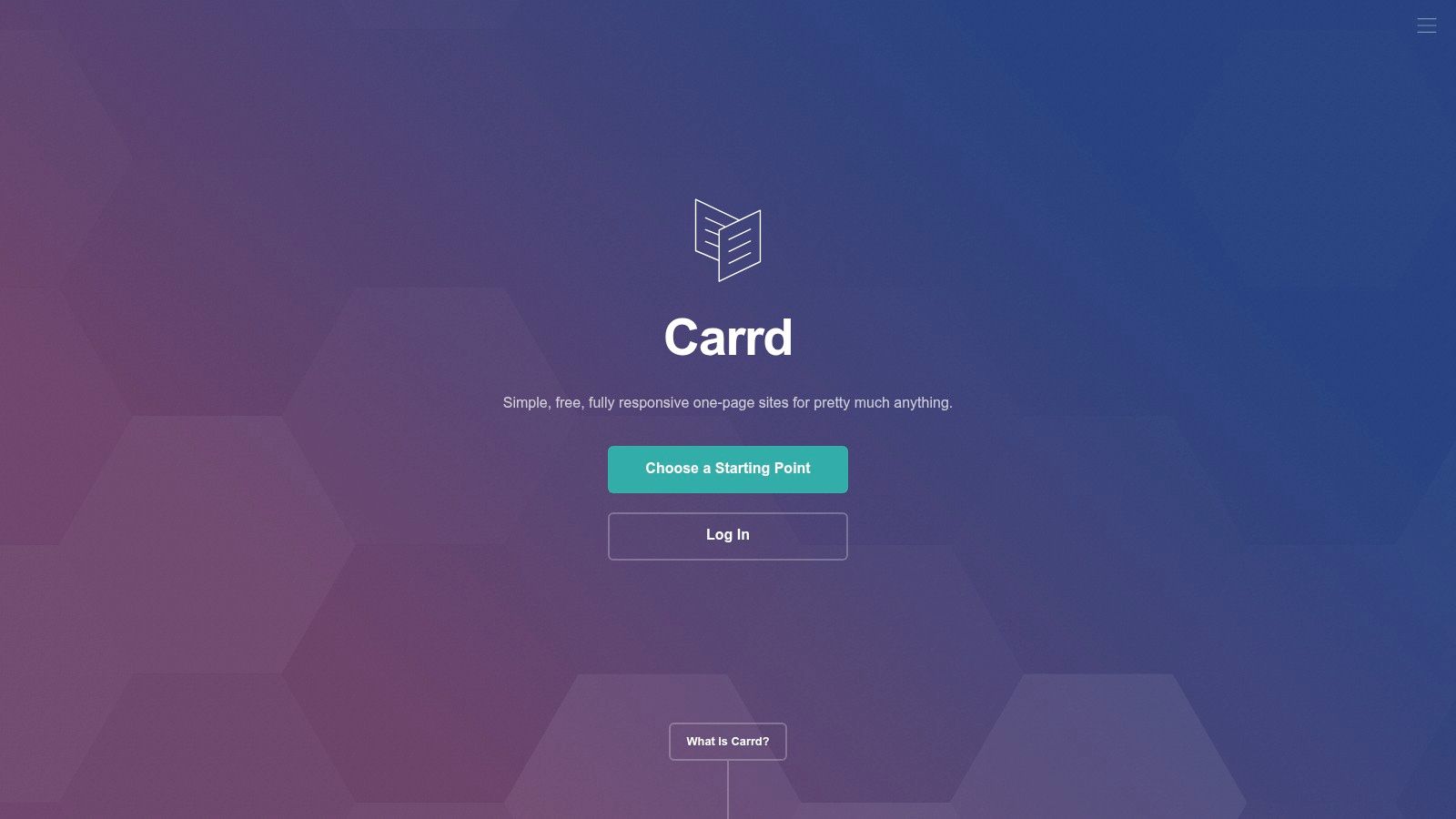
The platform's editor is incredibly intuitive, letting you choose a template or a blank canvas and build your page in minutes. While it lacks the deep design control of more advanced tools, its constraints are a feature, not a bug, preventing you from over-designing and helping you launch faster. The free plan is generous, allowing up to three sites on a carrd.co subdomain. This makes it an ideal no-code landing page builder for validating ideas or creating a simple digital business card.
Pro-Tip: Start with a blank canvas to truly understand Carrd's container-based system. Learning how to stack and arrange elements from scratch will give you more control when you later customize the pre-built templates for a unique look.
Key Considerations for Carrd
- Pros: Extremely fast to ship a landing page, minimal learning curve, and well-suited for MVPs and simple link-in-bio style pages.
- Cons: Advanced features like custom domains, forms, and more elements require a Pro plan. The one-page structure limits more complex sites.
- Access: Build up to three sites for free on a
.carrd.cosubdomain at Carrd.
5. Wix
Wix is a household name in website building, and its strength lies in providing a massive gallery of free landing page templates for nearly any purpose imaginable. It's an accessible starting point for creators, entrepreneurs, and small businesses who need a functional and visually appealing page online quickly, without the technical barriers of coding. The platform is designed for speed and ease, allowing you to select a template, customize it, and publish it within hours.
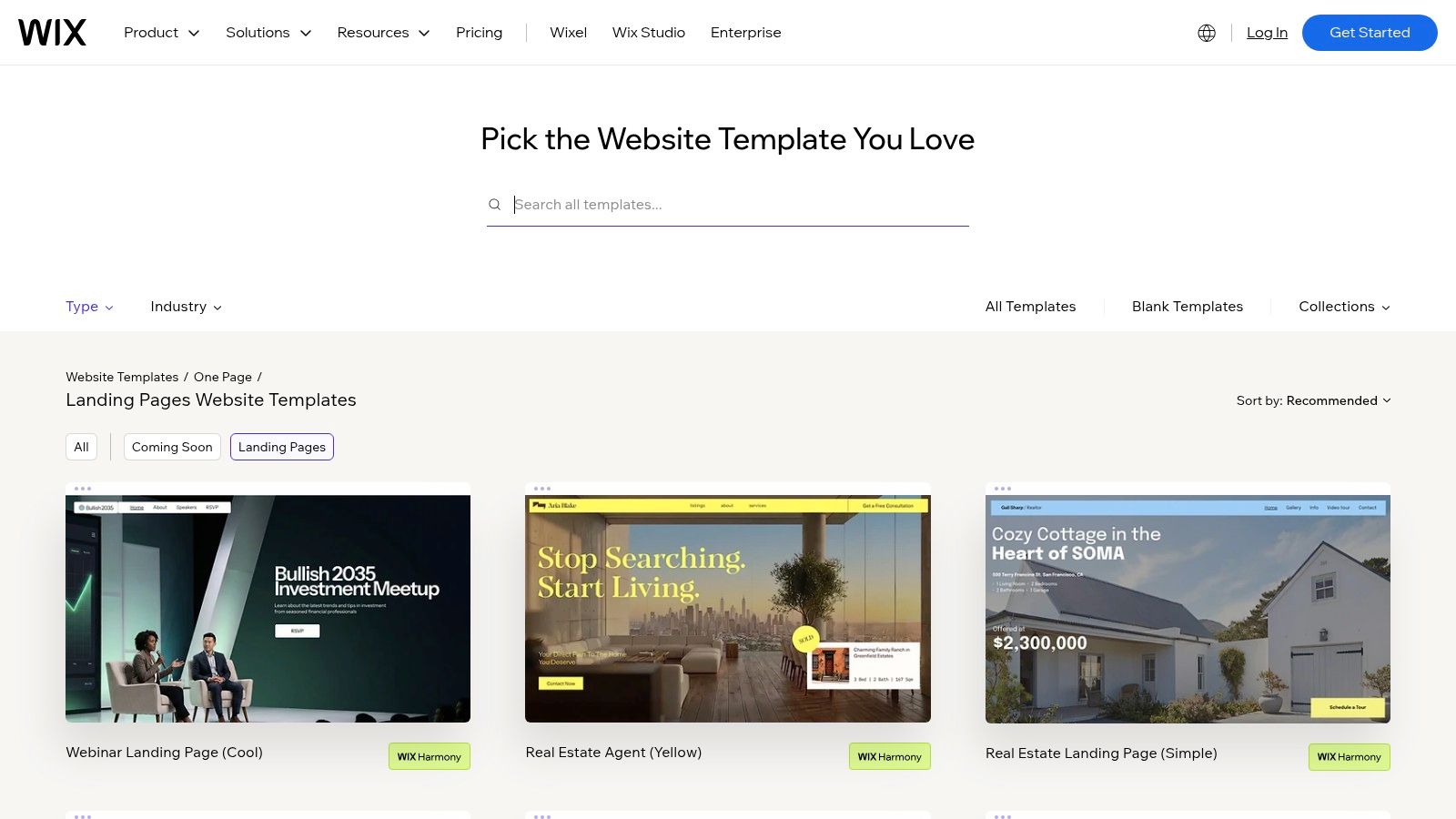
The classic drag-and-drop editor gives you a high degree of freedom to place elements anywhere on the page, which is great for creative control but can require more manual tweaking for mobile responsiveness. For those who prioritize a perfectly responsive layout from the start, Wix Studio offers more structured, grid-based templates. The extensive App Market is a significant advantage, letting you add contact forms, booking systems, or email marketing tools to expand your page's functionality. This makes Wix a solid choice if your landing page needs to do more than just display information, which is a key component in understanding what a landing page is and its role in conversions.
Pro-Tip: Use the "Landing Pages" category in the template library and filter by sub-categories like "Coming Soon" or "Product Launch" to find a design that closely matches your goal, reducing your customization time.
Key Considerations for Wix
- Pros: Huge template selection makes it quick to get started, user-friendly visual editor, and a broad App Market for adding advanced features.
- Cons: The free plan includes Wix branding and a
wixsite.comsubdomain. Removing ads and connecting a custom domain requires upgrading to a paid plan. - Access: Browse templates and build your site for free at the Wix landing page gallery. Publish for free on a Wix-branded subdomain.
6. Start Bootstrap
Start Bootstrap is a resource for developers and those comfortable with code who need a clean, reliable, and free landing page template without the constraints of a specific platform. It offers an MIT-licensed theme built on the popular Bootstrap framework, giving you a solid, responsive foundation that you can download, self-host, and customize to your exact needs. This approach is ideal for anyone who wants complete ownership of their code and hosting environment.
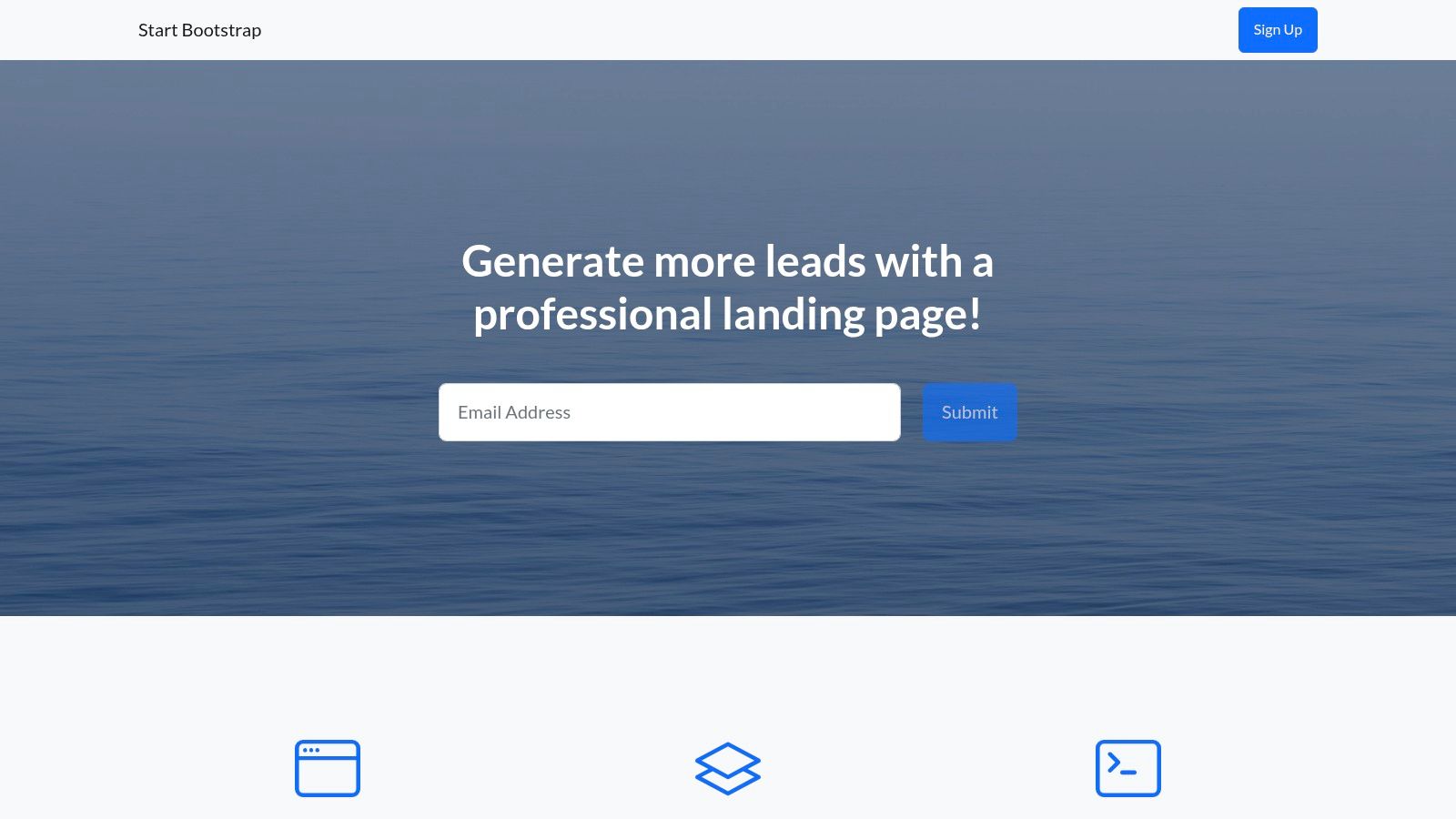
The template provides a classic landing page structure: a prominent hero section, clear calls-to-action, and organized content areas. Since it’s built with Bootstrap, it’s inherently mobile-first and responsive. The inclusion of the original SCSS source files means you can go beyond simple content changes and deeply modify the design system, from colors and fonts to spacing and component styles. The main trade-off is the hands-on requirement; you are fully responsible for editing the HTML/CSS, deploying the files to a web server, and maintaining it.
Pro-Tip: The permissive MIT license is a huge advantage. It allows you to use, copy, modify, and even sell your version of the landing page without any restrictions or required attribution, making it perfect for commercial projects.
Key Considerations for Start Bootstrap
- Pros: Completely free for commercial use (MIT license), lightweight and fast, and uses a familiar Bootstrap structure for quick edits if you know basic web development.
- Cons: Requires you to manage your own hosting and deployment. Customization demands at least a basic knowledge of HTML and CSS.
- Access: Download the theme files directly from the Start Bootstrap landing page repository.
7. HTML5 UP
HTML5 UP offers a stunning collection of free landing page templates that are both stylish and incredibly lightweight. Created by the design studio AJ, these templates are known for their clean, modern aesthetic and responsive design, making them perfect for portfolios, single-page sites, and simple business presences. Unlike complex platforms, HTML5 UP provides raw, well-structured HTML and CSS files, giving you a beautiful foundation that's easy to customize if you have basic coding knowledge.
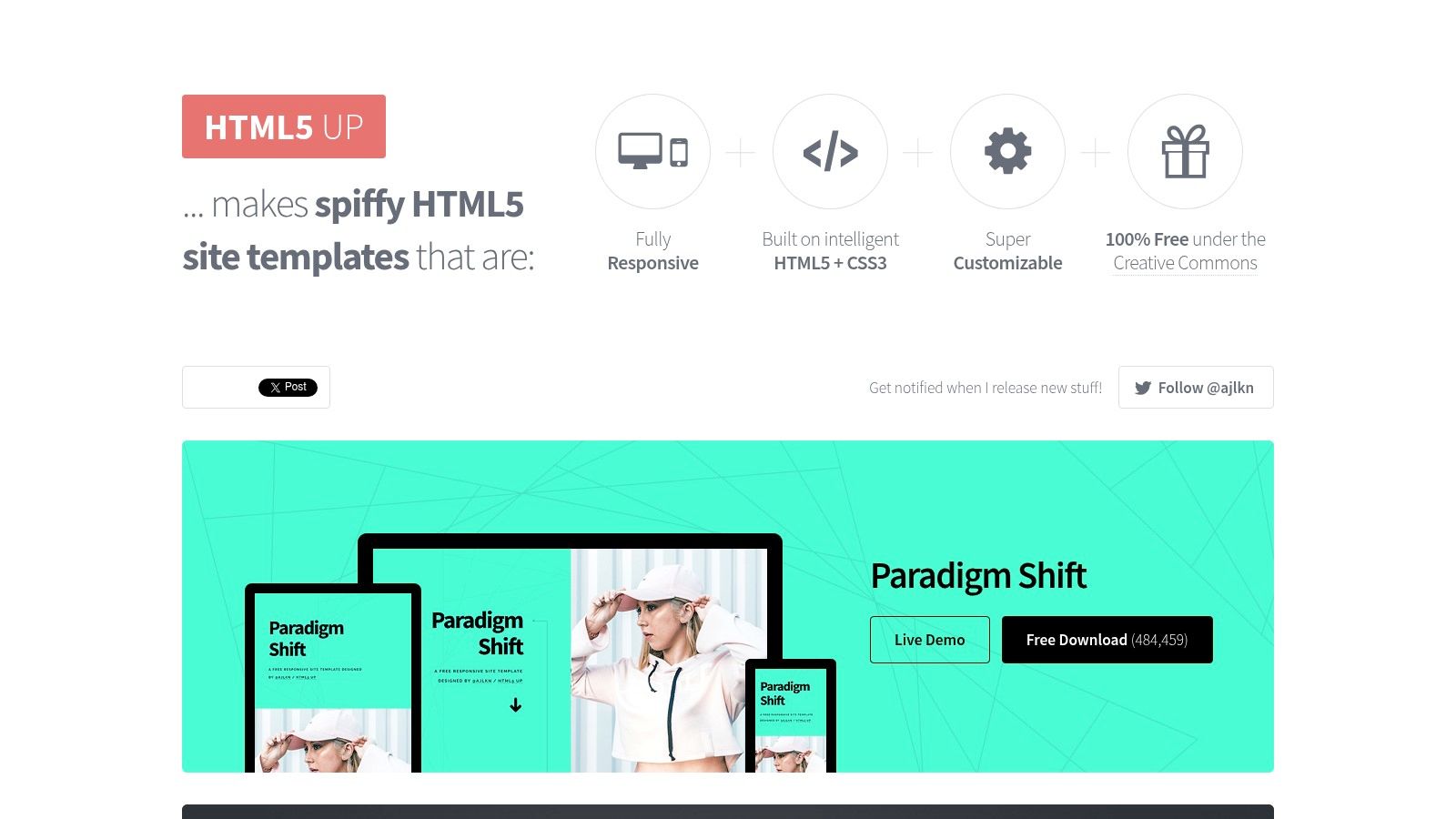
The primary appeal is its simplicity and quality. The templates are built with minimal JavaScript, ensuring they load quickly and are highly performant. While you can’t visually build or drag-and-drop elements, you get complete control over the code. This makes them a great resource for developers who want a head start on design or for anyone looking for a solid base to create a simple, effective online hub. To get started, you just download the files, edit the content in a code editor, and upload them to a hosting service. You can learn more about how to set up your own free landing page template for maximum impact.
Pro-Tip: The Creative Commons license requires you to keep the attribution link in the footer. If you want to remove it, you can purchase an affordable license for each template, which is a great way to support the creator.
Key Considerations for HTML5 UP
- Pros: Beautiful, designer-quality free templates with a consistent visual style. Very lightweight and fast-loading.
- Cons: Requires basic HTML/CSS knowledge to customize. Attribution is required on the free versions, and it lacks an integrated CMS.
- Access: Download any template directly from the HTML5 UP website for free. Templates are provided as ZIP files.
8. Cruip
Cruip is a resource for developers and tech-savvy founders who need polished, modern landing pages without starting from scratch. Instead of a visual builder, it provides free landing page templates as open-source code repositories built with popular frameworks like Next.js and Tailwind CSS. These aren't just bare-bones layouts; they are production-ready designs with all the essential sections a SaaS or product-focused site needs.
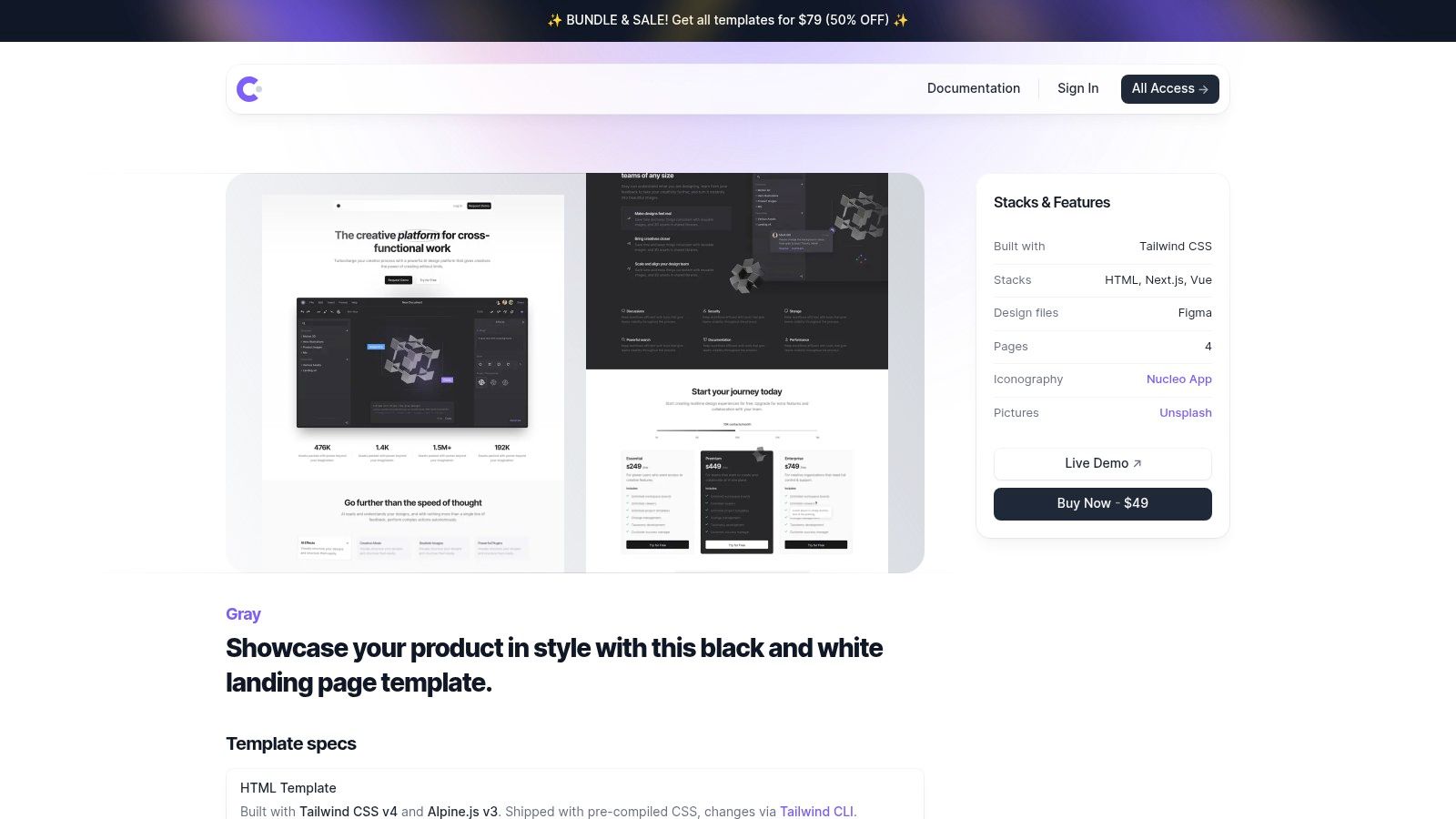
The primary advantage is the quality and structure of the code. Each template includes well-organized components for hero sections, feature grids, pricing tables, and FAQs, making customization straightforward for anyone comfortable with a code editor. You simply fork the repository, modify the content and styling in your development environment, and deploy it to your hosting provider. The trade-off is clear: this is a developer-centric workflow requiring knowledge of Node.js, React, and Git.
Pro-Tip: Before committing to a template, review its code repository on GitHub. This gives you a clear picture of its structure, dependencies, and how easy it will be to adapt for your specific project.
Key Considerations for Cruip
- Pros: Production-ready UI with a clean code structure, modern stack (Next.js + Tailwind), and easy to fork for SaaS/product pages.
- Cons: Requires a developer workflow (Node/React) to use effectively. You are responsible for your own hosting and deployment.
- Access: Browse and download templates for free directly from the Cruip website.
9. Flowbite / Themeberg (Landwind)
For those comfortable with code, the Landwind template from Themeberg offers a professional, open-source starting point built with modern tools. Based on the popular Tailwind CSS framework and Flowbite UI component library, it provides a clean, pre-built structure perfect for product or service websites. It’s one of the best free landing page templates for developers who want a solid foundation they can quickly customize and deploy without starting from scratch.
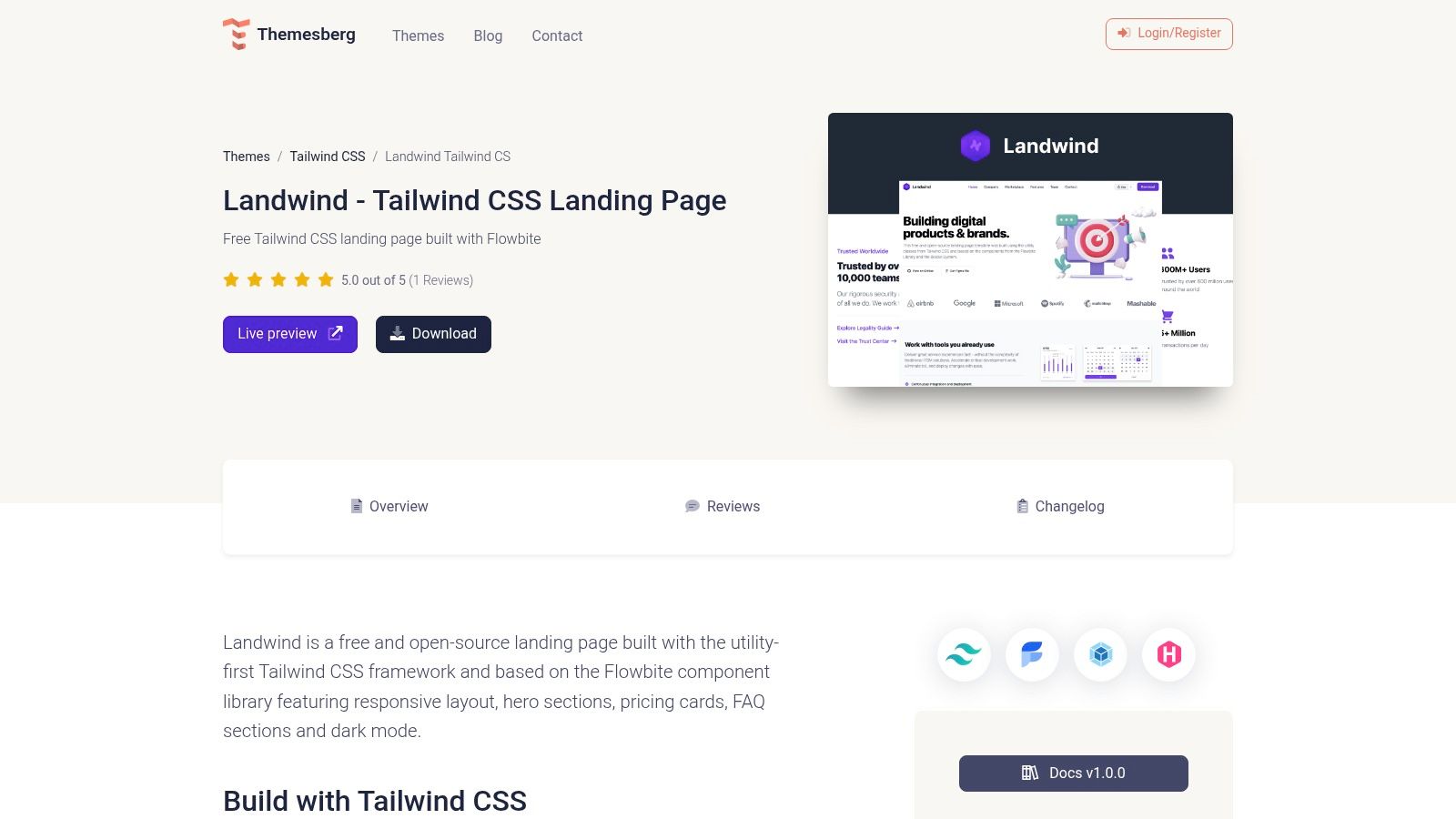
Unlike visual builders, Landwind is a code-based template. You download the files and edit the HTML and CSS directly. This approach gives you complete control over the final output and performance. It comes with essential, ready-to-use sections like a hero, features, pricing tables, and an FAQ, complete with a dark mode toggle. The inclusion of a Figma design file is a major benefit, allowing designers to plan changes visually before a developer implements them. The trade-off is clear: this is not a drag-and-drop tool and requires front-end knowledge to use effectively.
Pro-Tip: Since this template is built with Tailwind CSS, you can easily pull in other free components from Flowbite's library to expand its functionality. This makes it a highly modular and extensible option.
Key Considerations for Flowbite / Themeberg (Landwind)
- Pros: Well-structured and easy-to-adapt Tailwind markup, integrates with the vast Flowbite/Tailwind ecosystem, and is completely free and open-source.
- Cons: Requires basic front-end coding skills to edit and deploy. It is not a visual builder; all customization happens in the code.
- Access: Download the template files for free from the Themeberg Landwind page.
10. BootstrapMade
For developers and designers who are comfortable with code, BootstrapMade is a goldmine of free landing page templates. It provides a massive catalog of over 160 responsive designs built on the popular Bootstrap framework. This isn't a builder platform; it’s a repository where you can download the source files (HTML, CSS, JS) and customize them directly, giving you complete control over the final product.
The real advantage here is speed. Because the templates are based on Bootstrap’s well-known utility classes, you can rapidly change layouts, colors, and components if you have some basic coding knowledge. You get a fully functional, professional-looking starting point that’s easy to modify and self-host. The collection covers a wide range of niches, from corporate and portfolio sites to app showcases and event pages, making it a versatile resource for finding a suitable free landing page template foundation.
Pro-Tip: Before downloading, use the "Live Demo" feature for each template. This lets you inspect the responsive behavior and overall quality. Find one that's close to your vision to minimize the amount of code you'll need to edit.
Key Considerations for BootstrapMade
- Pros: Huge selection of free, modern templates; based on the familiar Bootstrap framework for quick edits; complete source files are provided for full customization.
- Cons: Requires HTML/CSS knowledge to customize effectively; quality can be inconsistent between different templates; no visual editor is included.
- Access: Download templates for free directly from the BootstrapMade website. A Pro version with more features and support is also available for some templates.
11. ThemeWagon
For developers and tinkerers who need a functional codebase to get started, ThemeWagon is a marketplace packed with free landing page templates built on popular frameworks like Bootstrap and Tailwind CSS. It’s less about a visual editor and more about providing a solid, pre-built HTML foundation that you can download and customize with code. This approach is ideal for rapid prototyping or for integrating a polished landing page into an existing web project.
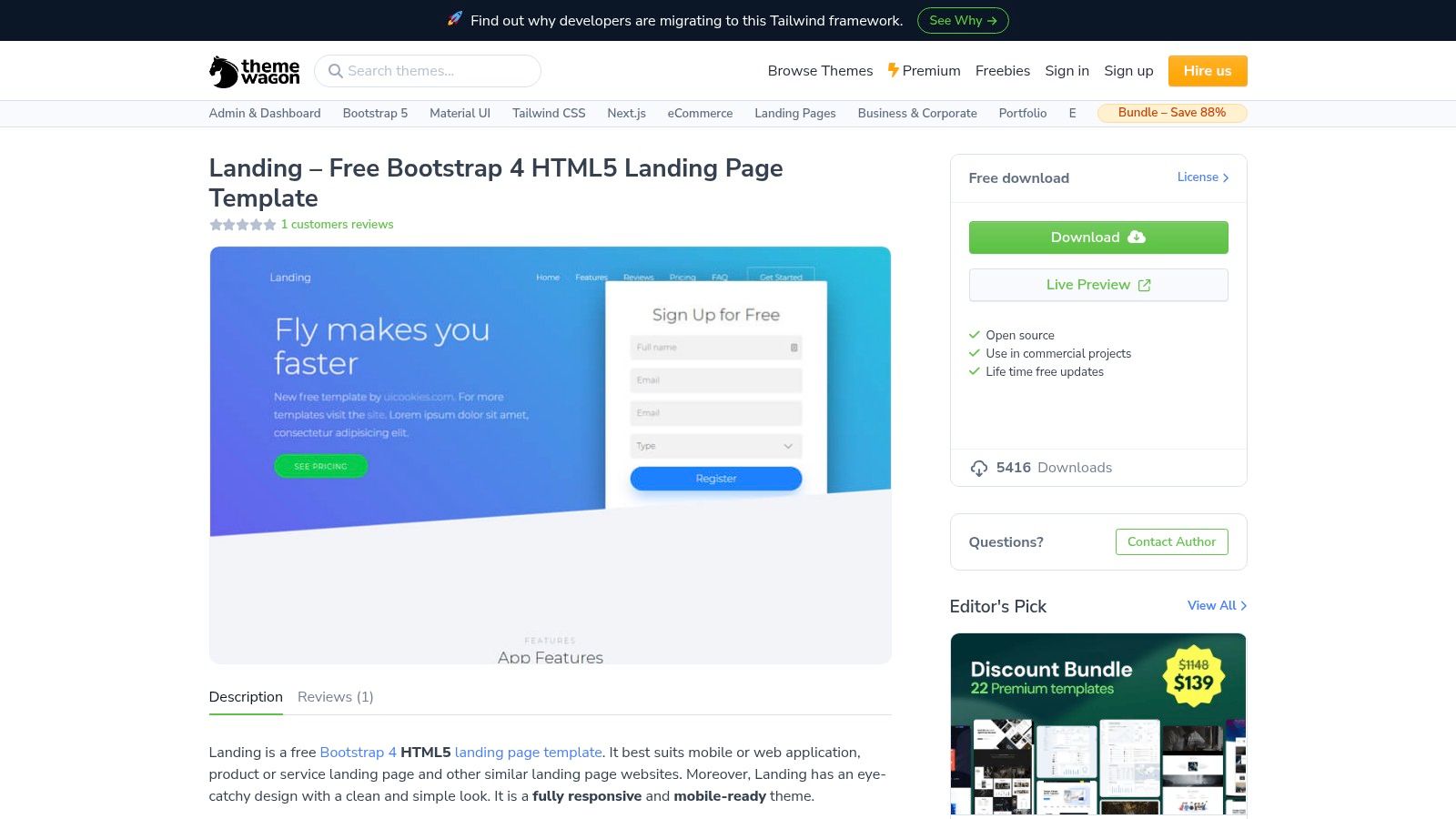
The platform’s value is its directness; you can filter by technology, preview a live demo, and download a ZIP file in minutes. The selection caters well to SaaS, app launches, and product showcases. The main caveat is that this is not a hosted solution. You are responsible for deploying the files to your own server, and the code quality can vary from one template to another, so some inspection is recommended before committing to a design.
Pro-Tip: Use the live preview feature to inspect the page's structure and responsiveness directly in your browser's developer tools. This gives you a quick sense of the code quality and how easy it will be to modify before you even download it.
Key Considerations for ThemeWagon
- Pros: Great variety for quick project kickstarts, offers both Bootstrap and Tailwind options, and provides easy-to-access live previews.
- Cons: Requires self-hosting and coding knowledge. Template quality and maintenance can be inconsistent across the free collection.
- Access: Download templates directly from the ThemeWagon free themes section. No account is needed for free downloads.
12. Kit (formerly ConvertKit)
Kit is a creator-focused email marketing platform where landing pages serve a powerful, specific purpose: list-building. It provides a library of free landing page templates designed to convert visitors into subscribers, making it ideal for anyone whose primary goal is to grow an email list. Because the pages are built into an email system, you can connect a signup form directly to your welcome sequences and automations without any technical hurdles.
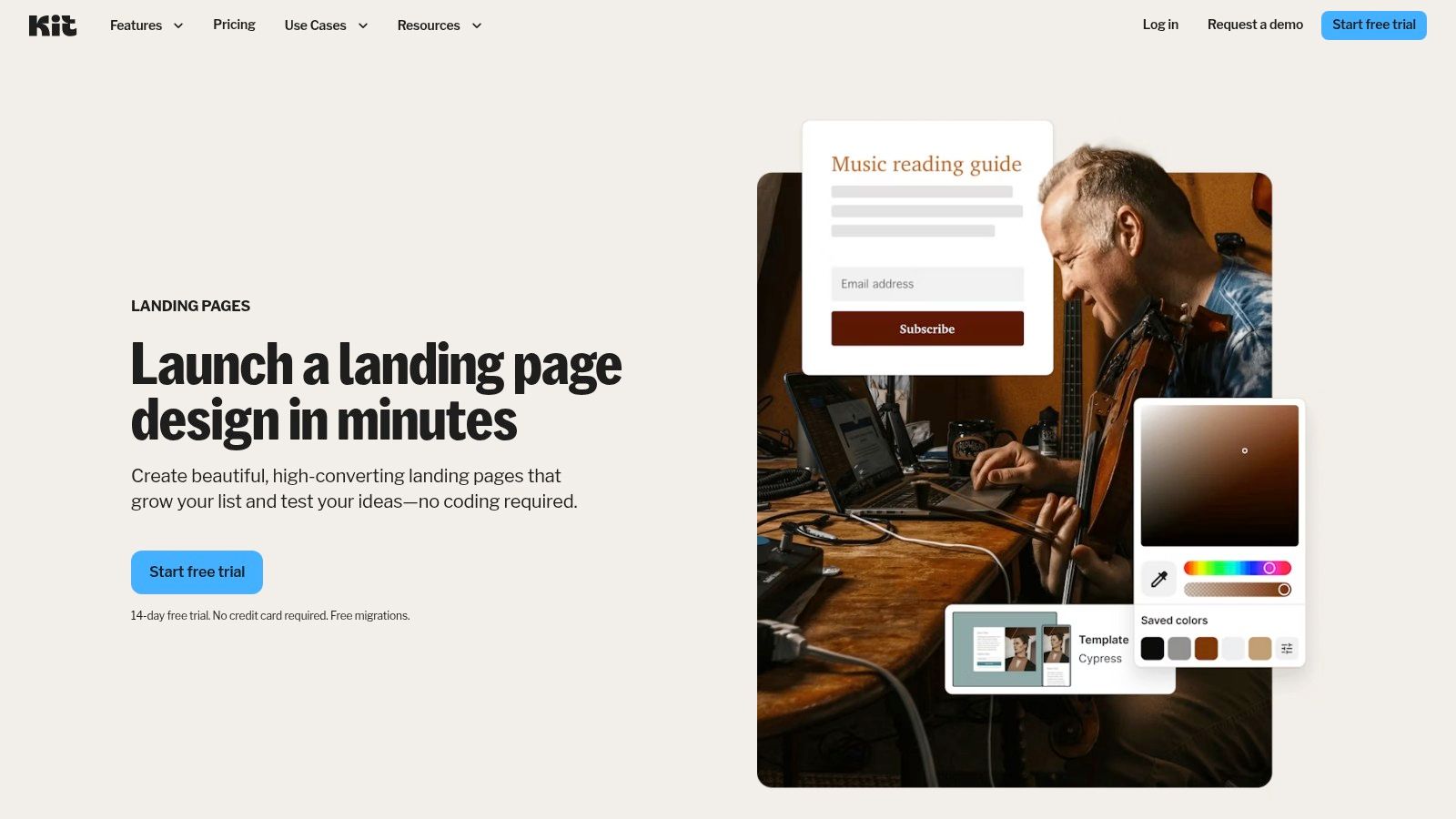
The platform’s major advantage is its speed and integration. You can create and publish an unlimited number of landing pages on Kit's free plan, making it a zero-cost way to validate an idea, promote a newsletter, or offer a lead magnet. The trade-off for this simplicity is design flexibility; customization is more limited compared to full-featured site builders. You get basic control over colors, fonts, and images, but the core layouts are fixed. This makes it perfect for functional, fast deployment, not for complex, branded websites.
Pro-Tip: Use Kit to quickly test different offers. Since creating a new page is so fast, you can spin up unique landing pages for a webinar, a free guide, and a waitlist, all funneling subscribers into your email system without extra costs.
Key Considerations for Kit
- Pros: Fast, no-code way to collect emails and validate ideas. Landing pages are directly tied to powerful email automation tools. Includes hosting and a simple customization interface.
- Cons: Template design and customization options are limited. Best suited to list-building, not for creating complex or multi-page websites.
- Access: Build unlimited pages on the free plan from the Kit Landing Pages feature. Publish for free on a
yourname.kit.comsubdomain; custom domains require a paid plan.
12 Free Landing Page Templates: Quick Comparison
| Product | Core features | UX & Rating | Price & Value | Target audience | Unique selling points |
|---|---|---|---|---|---|
| taap.bio 🏆 | Modular bento-grid canvas, drag‑and‑drop, smart widgets (Spotify, YouTube, IG, GitHub), separate mobile/desktop layouts | Highly visual, physics-based interactions; ★★★★★ | 💰 Free to start; paid upgrades for advanced features | 👥 Creators, designers, musicians, podcasters, freelancers, SMBs | ✨ Inline playback, live-data widgets, deep creative integrations |
| Webflow | Visual designer with CSS-level control, templates, CMS, eCommerce, code export | Designer-grade control; moderate learning curve; ★★★★ | 💰 Free webflow.io; paid for custom domain/CMS/ecom | 👥 Designers, agencies, advanced builders | ✨ CSS-level precision, animations, large template marketplace |
| Framer | No-code visual canvas, template marketplace, instant publish to framer.website | Fast to launch, modern effects; ★★★★ | 💰 Free tier; paid for custom domain/advanced features | 👥 Marketers, designers launching landing pages | ✨ One-click template dupes, instant publish, modern components |
| Carrd | Ultra-simple one-page builder, starter templates, responsive by default | Extremely fast & minimal learning curve; ★★★★ | 💰 Free up to 3 sites; Pro for domains/forms | 👥 Individuals, MVPs, simple link-in-bio pages | ✨ Speed and simplicity for single-page sites |
| Wix | Drag-and-drop editor, huge template gallery, App Market integrations | User-friendly but ads on free plan; ★★★★ | 💰 Free with wixsite subdomain/ads; paid to remove ads & add domain | 👥 Small businesses, non-technical users | ✨ Vast template library + app ecosystem |
| Start Bootstrap | Bootstrap-based landing templates, SCSS source, responsive sections | Lightweight, developer-focused; ★★★ | 💰 Free (MIT); self-host required | 👥 Developers comfortable with HTML/CSS | ✨ MIT license + Bootstrap-ready structure |
| HTML5 UP | Responsive HTML5/CSS templates, minimal JS, CC BY license | Designer-quality freebies; ★★★★ | 💰 Free with attribution (CC BY) | 👥 Designers/developers wanting lightweight templates | ✨ Modern lightweight designs, easy to adapt |
| Cruip | Tailwind + Next.js landing templates, ready sections, open-source repos | Production-ready UI for dev workflows; ★★★★ | 💰 Free; self-host & customize | 👥 Developers building SaaS/product landing pages | ✨ Next.js + Tailwind, ready-made sections & dark mode |
| Flowbite / Themeberg (Landwind) | Tailwind + Flowbite components, hero/features/pricing sections, Figma file | Well-structured Tailwind markup; ★★★★ | 💰 Free; requires self-hosting | 👥 Tailwind developers & designers | ✨ Flowbite components + Figma handoff for design-to-code |
| BootstrapMade | Large catalog of Bootstrap templates, source files, live previews | Broad selection; quality varies; ★★★ | 💰 Many free; premium paid templates | 👥 Developers seeking Bootstrap starters | ✨ Wide niche coverage, easy to find starting point |
| ThemeWagon | Template marketplace (Bootstrap/Tailwind), live previews, free & paid options | Good variety for prototyping; ★★★ | 💰 Mix of free and paid templates | 👥 Designers/devs prototyping landing pages | ✨ Filter by stack + live previews |
| Kit (formerly ConvertKit) | Unlimited landing pages with built-in forms, templates, email automation tie-ins | No-code list-building focused; ★★★★ | 💰 Free tier with kit subdomain; paid for custom domains/features | 👥 Creators focused on email list growth | ✨ Landing pages directly connected to email sequences and automations |
Go Beyond the Template: Build Your Digital Identity
We've journeyed through a wide array of tools and resources, from the code-first flexibility of Bootstrap and HTML5 UP to the visual-first simplicity of Carrd and Wix. Each collection of free landing page templates serves a distinct purpose, offering a launchpad for your next project, portfolio, or digital storefront. You've seen templates perfect for validating an idea quickly, showcasing a single product, or centralizing your creative works.
The central lesson is that a template is a starting point, not a final destination. The most memorable online presences are those that feel authentic and intentional, not like a slightly modified, off-the-shelf design. While a great template can save you hours of work, the real impact comes from what you build on top of it.
From Static Page to Dynamic Experience
Many of the templates we explored, particularly the static HTML ones from sources like ThemeWagon or Cruip, provide a solid, professional-looking structure. Their limitation, however, is that they are static. Every update requires a manual change to the code or content. For content creators, musicians, and anyone with a frequently updated body of work, this becomes a significant bottleneck.
This is where platforms like Taap.bio, Framer, and Webflow truly shine. They shift the focus from a fixed page to a dynamic, living profile. Instead of just linking to your Spotify, you can embed your latest podcast episode directly. Instead of telling people about your YouTube channel, you can show them your newest video right on your page. This creates a much stickier, more engaging experience for your audience. They don't have to leave to experience your content; you bring it directly to them.
Making the Right Choice for Your Needs
Your ideal tool depends entirely on your goals and technical comfort level. Your decision should be guided by a clear understanding of what you want to achieve.
- For Total Beginners and Creatives: If you're a Bento.me user looking for a new home or a creator who values aesthetics and simplicity, Taap.bio and Carrd are excellent choices. They prioritize ease of use and visual appeal without requiring any code, allowing you to build a beautiful page in minutes.
- For Ambitious Designers and Developers: If you have a specific vision and the skills to execute it, Webflow and Framer offer near-limitless creative control. They are powerful tools for building completely custom, interactive sites that break the mold of traditional landing pages.
- For Coders and DIY Builders: If you're comfortable with HTML/CSS, resources like Start Bootstrap, HTML5 UP, and Flowbite give you high-quality, free landing page templates as a foundation. You get complete control and ownership, but you are also responsible for all customization, hosting, and maintenance.
Your Next Actionable Steps
The inspiration from these templates is valuable. Don't just pick one and fill in the blanks. Instead, analyze why a particular layout works. Notice how a strong call to action is placed, how a portfolio gallery is arranged, or how a newsletter signup form grabs your attention.
Take those structural ideas and deconstruct them. Think about how you could recreate that effective layout using a more flexible, modular tool. For example, you can take a concept from a static HTML template and rebuild it inside Taap.bio's grid system, adding your own colors, typography, and live content blocks. This approach gives you the best of both worlds: a proven design framework and a dynamic, easy-to-update platform.
Ultimately, your landing page is more than a list of links. It's the digital front door to your brand, your work, and your identity. It's your opportunity to make a first impression that is authentic, engaging, and uniquely you. Don't settle for a generic container; build a destination.
Ready to move beyond static templates and build a landing page that truly represents you? With taap.bio, you can use our modular grid to easily recreate the best ideas from any template, all while embedding live content from your favorite platforms. Start building your unique, interactive page for free and see what’s possible.


