
The most popular platform isn't automatically the best platform to sell digital products. A creator selling a $5 template needs a different operating model from a company selling software licenses, a coach delivering a membership, or an educator managing structured lessons.
Start with the actual buying criteria: platform fees, payment processing, digital delivery, tax and compliance responsibility, storefront control, integrations, audience ownership, course and membership features, privacy, and setup burden. A low monthly price can become expensive if every sale carries a platform cut. A powerful store can also be the wrong choice if it forces customers through too many steps or requires a collection of paid apps.
This comparison ranks platforms by the job they do, not by the length of their feature lists. You'll find link-in-bio conversion, hosted storefronts, merchant-of-record compliance, education delivery, and self-managed ownership represented here. The broader digital goods market was valued at USD 124.32 billion in 2025 and is projected to reach USD 511.43 billion by 2031, according to digital product market statistics from Whop. That makes your operating model more important, not less.
If you're also exploring business texting digital products, use the same discipline. Choose the platform that fits your offer, checkout, delivery method, and customer relationship.
Table of contents
1. taap.bio
Best for social creators, coaches, musicians, freelancers, and personal brands that sell from social traffic.
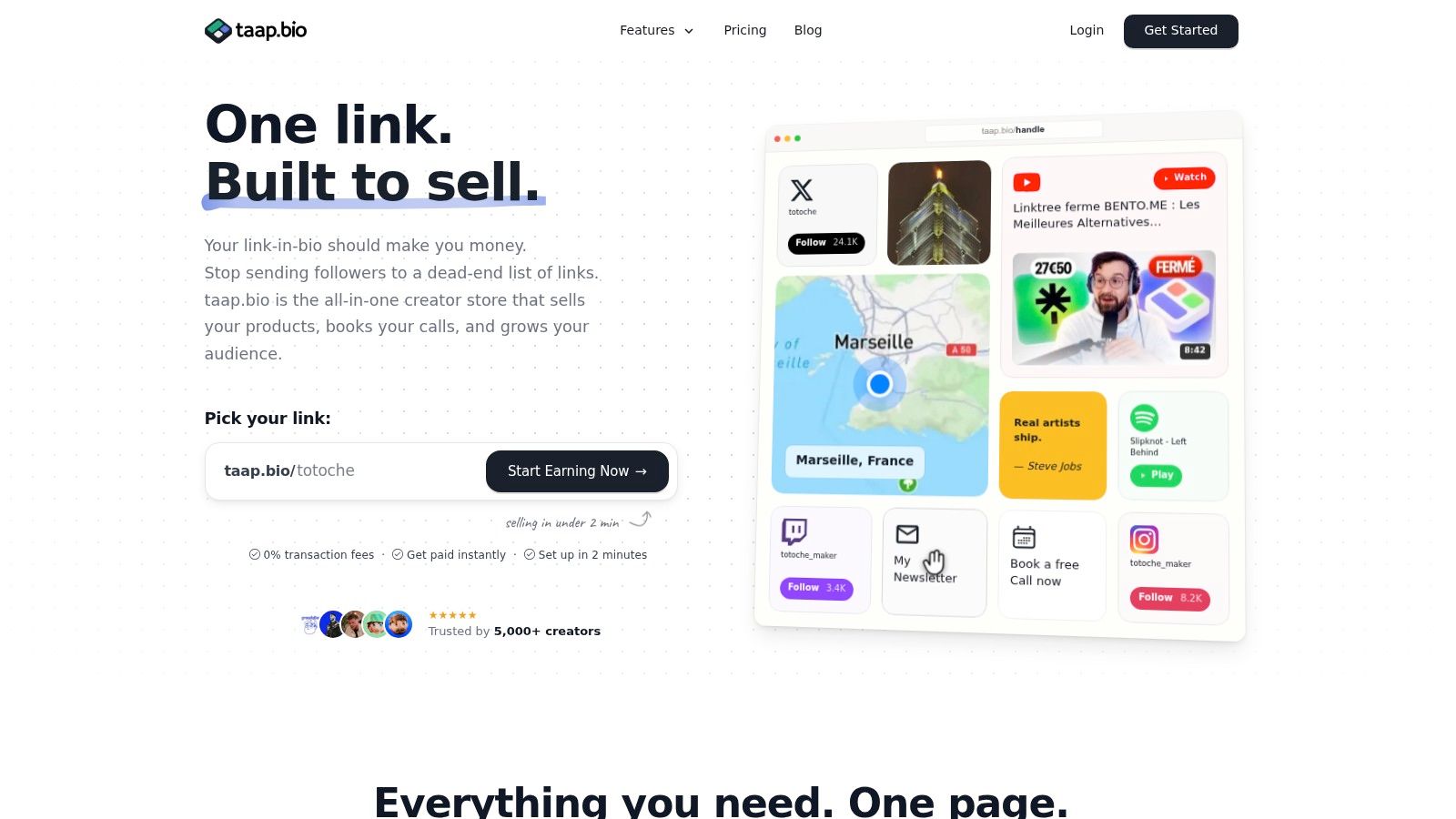
taap.bio is the strongest choice when your main sales channel is a social profile and you want one page to handle more than a list of links. Its operating model is a revenue-first link-in-bio creator store. A mobile-first bento page combines product blocks, media, email signup, paid bookings, checkout, and analytics without requiring separate tools for each job.
The drag-and-drop editor supports rich widgets for content such as YouTube, Spotify, maps, videos, images, products, and calendars. You can sell file-based products including PDFs, ZIPs, MP4s, ebooks, templates, presets, audio, software, photography, printables, and video courses through built-in checkout and instant delivery. Paid bookings can run through an on-page calendar with upfront payment and automatic invitations.
Practical rule: If most visitors arrive from Instagram, TikTok, YouTube, or a creator bio link, reduce the number of pages and redirects between attention and payment.
taap.bio advertises 0% platform fees, so creators keep the full sale proceeds apart from payment processing. It also offers instant payouts to connected accounts, widget-level analytics, live visitor counts, CSV contact export, optional custom domains, and multi-currency sales support. Checkout and delivery happen on the same page, which is useful for low-priced downloads where unnecessary friction can cost the sale. Neutral checkout coverage cites a 70.19% cart abandonment rate and reports that reducing form fields from 15 to 9 can lift completion by 35%, making an in-page, low-step flow especially relevant for small digital products in checkout research from taap.bio.
Privacy is a major differentiator. taap.bio is hosted in France with GDPR-friendly defaults, no third-party cookies by default, ISO 27001 certification, and alignment with SecNumCloud foundations. The advertised subscription starts at $19 per month after a 14-day trial, though the signup flow should be checked for the final local currency and price.
Choose taap.bio if:
- You sell through social links: Keep product discovery, checkout, bookings, and email capture in one mobile page.
- You care about margins: The platform advertises 0% platform fees on sales.
- You need privacy-friendly analytics: Review widget performance without third-party scripts or cookies by default.
- You want less tool sprawl: Replace separate storefront, booking, email capture, and analytics tools with one hosted workflow.
The limitation is scope. taap.bio isn't a full multi-page ecommerce system for complex catalogs, advanced inventory, or elaborate automations. Email capture is export-oriented rather than a complete marketing automation suite, so verify your required integrations before switching. For a creator with a focused catalog and social-first traffic, however, it is the clearest conversion-led recommendation.
2. Shopify
Best for established ecommerce brands that need a full storefront and may sell physical products alongside digital goods.
Shopify's operating model is hosted ecommerce ownership. You get a branded store, checkout, product catalog, customer management, and a large app ecosystem. Its official Digital Products or Digital Downloads app supports file delivery and delivery emails, while additional apps can handle licensing, memberships, subscriptions, and streaming content.
The platform makes the most sense when digital products are part of a broader commerce operation. A business can sell a downloadable guide beside physical merchandise, bundles, or other catalog items without creating separate storefronts. Shopify also provides Shop Pay, Buy Button functionality, social selling channels, and strong payment and fraud tooling through its checkout ecosystem.
The trade-off is operational complexity. Basic digital delivery is straightforward, but advanced delivery often means adding apps. Each app creates another subscription, integration, support relationship, and possible point of failure. Your total cost is therefore the Shopify plan, payment fees, and any paid apps required to deliver the experience you want.
Use Shopify when you need:
- Catalog structure: Manage a substantial range of products, collections, and sales channels.
- Mixed commerce: Sell digital and physical products under one brand.
- App extensibility: Add licensing, memberships, subscriptions, or specialized delivery.
- Brand control: Build a full storefront rather than sending every visitor to a creator profile.
Checkout should still be tested on mobile, especially for low-priced products. One industry benchmark puts average Shopify ecommerce conversion at about 2.5%, with optimization potentially lifting it to 4% to 6%, according to creator economy checkout research. Treat those figures as benchmarks, not promises. Your traffic quality, offer, price, trust signals, and checkout configuration will determine the actual result.
Read how to sell digital products on Shopify before committing. Shopify is powerful, but it isn't the efficient choice for a creator selling a few downloads from a single social link.
3. WooCommerce
Best for creators and businesses that want maximum ownership and can manage WordPress infrastructure.
WooCommerce uses a self-managed ownership model. The core software is open source and free, and it runs inside WordPress. You control the website, hosting environment, storefront design, product data, checkout, and extensions. Virtual and downloadable products are supported natively, with delivery links sent to customers after purchase.
That control is WooCommerce's defining advantage. You aren't limited to a hosted platform's page structure, and you can extend the store with subscriptions, memberships, licensing, customer accounts, analytics, and custom workflows. WooPayments, along with Stripe-style payment options, can provide a native payment experience while keeping the store inside WordPress.
Ownership also means responsibility. You must choose hosting, apply updates, monitor security, manage backups, handle plugin conflicts, and maintain payment compatibility. A low software cost doesn't mean a low operating burden. If a checkout extension breaks after an update, you or your developer own the fix.
WooCommerce fits when:
- You need full design freedom: Build a content-rich website around your products.
- You want direct control: Keep hosting, customer data, and site architecture under your management.
- You need custom workflows: Extend the store with WordPress plugins or bespoke development.
- You already use WordPress: Avoid rebuilding a site that already drives content and organic traffic.
It isn't the right first choice for someone who wants to launch quickly without technical maintenance. Before moving, confirm who will manage security, backups, updates, payment disputes, and file protection. The WordPress guide to selling digital products is useful for mapping those responsibilities before installation.
4. Gumroad
Best for testing a simple offer with minimal setup and no monthly subscription.
Gumroad is a hosted creator storefront and optional marketplace. You create a product page, upload a file or configure a membership, share the link, and let Gumroad manage checkout and delivery. Pay-what-you-want pricing, memberships, and basic buyer management make it approachable for a first launch.
The main attraction is speed. You don't need to build a website, configure hosting, or assemble a delivery system before accepting orders. The optional Gumroad Discover marketplace can also provide product discovery, though marketplace exposure comes with a larger cut and doesn't replace building your own audience.
The cost of that simplicity is margin and control. Gumroad takes platform fees on direct sales, and marketplace sales take a larger share. The hosted storefront is also less customizable than Shopify, WooCommerce, or a branded website. You can sell quickly, but you won't get the same control over the customer journey, storefront architecture, or long-term brand experience.
Choose Gumroad if:
- You want to validate demand: Launch a PDF, template, file bundle, or membership without a larger build.
- You prefer hosted delivery: Let the platform handle product access and basic buyer management.
- You accept per-sale fees: Pay for convenience instead of taking on a monthly storefront commitment.
- You need optional discovery: Use the marketplace as an additional channel, not as your only audience strategy.
Before choosing it, calculate the fee impact on your actual product price. A fee structure that feels acceptable for occasional sales can become expensive as volume grows. Also review customer export, email permissions, product access rules, and the experience customers receive after payment. Is Gumroad safe for digital product sellers? covers the operational questions worth asking.
5. Lemon Squeezy
Best for software and digital sellers who want a merchant of record to handle international tax administration.
Lemon Squeezy's operating model is merchant of record compliance. Instead of making you handle every VAT or GST calculation and remittance obligation directly, the platform collects and remits applicable taxes and manages compliance within its model. That makes it especially useful for US-based sellers with international customers.
The platform is built for software and advanced digital products. Hosted checkout, overlays, subscriptions, license keys, usage-based billing, PayPal subscriptions, and a customer portal support products that need more than a one-time download. Software sellers can connect payment to licensing and ongoing access rather than manually sending files after each order.
The benefit is reduced administrative overhead. You can spend less time designing a cross-border tax process and more time improving the product. The cost is a higher per-order burden than a self-managed setup. Platform fees and add-ons can apply to international cards, PayPal transactions, and subscriptions, so calculate the full amount for your payment mix.
Lemon Squeezy isn't a general-purpose website builder. You may still need a separate marketing site, documentation system, community, or product experience. Confirm supported countries, payout timing, refund rules, tax treatment, license behavior, and whether your product category fits the merchant-of-record terms.
Use Lemon Squeezy when tax simplification and software billing matter more than minimizing every transaction cost. It is a particularly strong fit for SaaS products, developer tools, licenses, and international subscriptions. It is less compelling for a creator who only needs to deliver a small downloadable file and already has a compliant payment setup.
6. Payhip
Best for solo creators who want downloads, courses, memberships, and coaching in one approachable store.
Payhip uses a dedicated creator storefront model with multiple product types under one dashboard. You can sell digital downloads, courses, memberships, and coaching without assembling separate systems for each offer. Its store builder supports unlimited products on all plans, and a free-forever plan lowers the barrier to testing an idea.
That combination makes Payhip practical for creators whose catalog is evolving. A designer might begin with templates, add a course later, and then introduce coaching or a membership without changing the core storefront. EU and UK VAT handling, multi-currency support, Stripe and PayPal payments, and instant deposits reduce setup work for small teams.
The free and lower tiers include a platform transaction fee, while processor fees still apply across plans. That means the free option is useful for validation, but it shouldn't be evaluated only by the absence of a monthly subscription. Estimate your expected sales and compare the platform fee against the paid plan before the catalog gains traction.
Payhip is a good middle ground between Gumroad's simplicity and a larger course platform's structure. It gives you more product flexibility than a basic download store, but it won't match WooCommerce for ownership or Kajabi for advanced marketing automation. Check the exact VAT workflow, customer access rules, email capabilities, integrations, file delivery, and export options before migrating.
Choose Payhip if you want one low-friction home for several creator offers and don't want to manage WordPress. Choose another platform if your primary need is a highly customized brand site, deep funnel automation, or complex software licensing.
7. Podia
Best for non-technical creators who want a hosted website, products, email, and community in one workflow.
Podia is an all-in-one creator business platform. It brings digital downloads, courses, coaching, events, memberships, a hosted website, checkout, and basic email tools into one account. That consolidation suits creators who would rather learn one system than connect a storefront, course host, email service, and community platform.
The product experience is its strongest advantage. You can create sales pages, publish products, offer coupons and upsells, support multiple currencies, and connect tools such as PayPal and Zapier. Customers can access more structured products under one login rather than receiving a disconnected file and a series of manual instructions.
Podia's lower Mover plan adds a 5% platform fee, while higher plans remove that fee at a greater subscription cost. Payment processing still applies. This creates a clear decision: use the lower tier while sales are light and simplicity matters, then compare the higher plan against your actual volume when platform fees become material.
Podia isn't the best option for highly specialized ecommerce operations. Its feature set is broad and practical, but a large brand may need deeper inventory, checkout, analytics, or automation capabilities. A specialist education platform may also provide more detailed learning controls.
Select Podia when your offer mix includes downloads plus courses, memberships, coaching, or events. Before switching, verify plan limits, email pricing, payment availability in your market, customer export, integrations, and the exact experience for buyers moving between products. Its simplicity is valuable only if the missing advanced controls won't become blockers.
8. Kajabi
Best for established experts who need marketing automation around courses, coaching, and memberships.
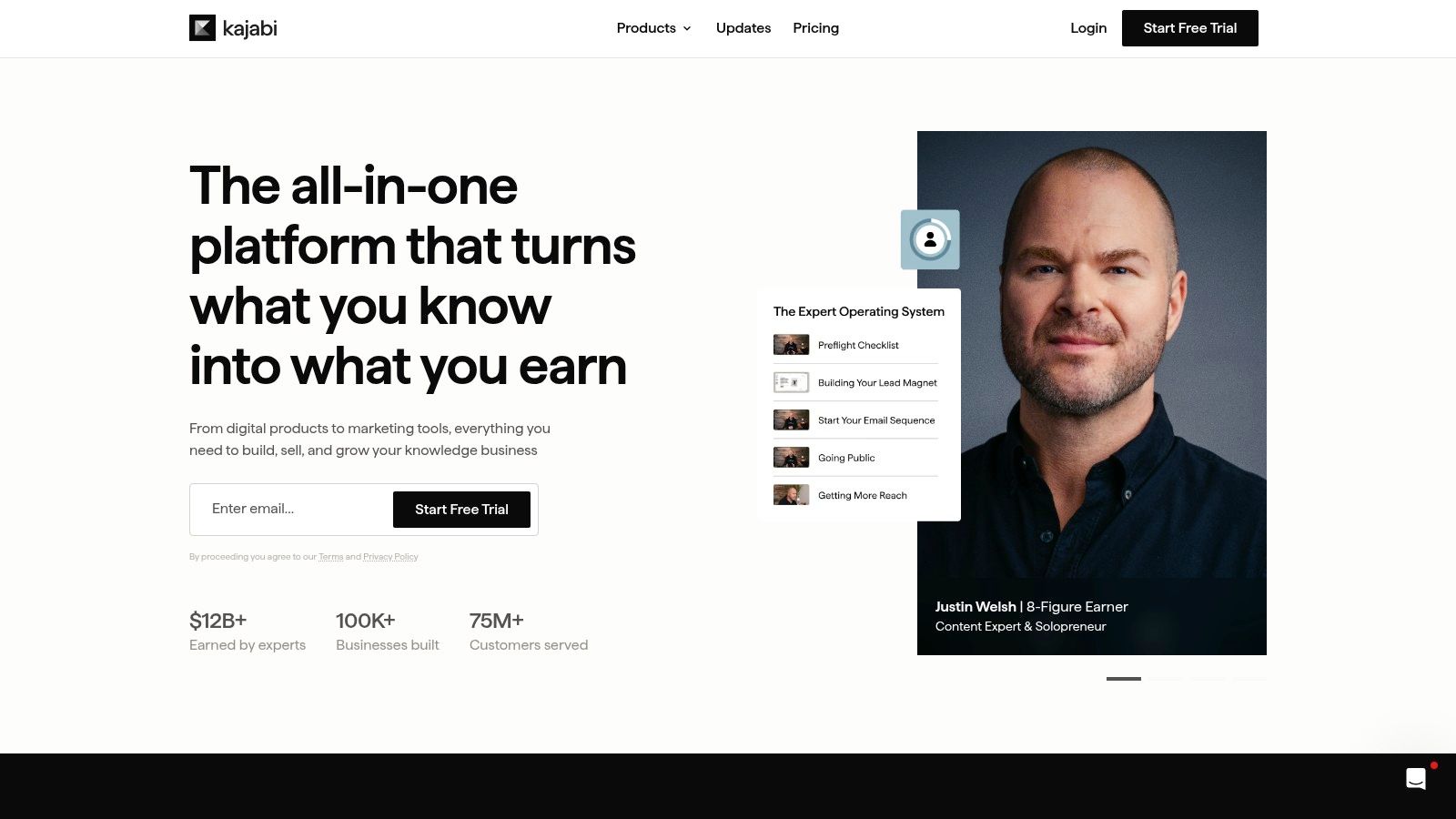
Kajabi operates as a premium education and marketing suite. It combines products, funnels, email marketing, landing pages, checkout, communities, coaching, memberships, and analytics. The platform is designed for creators who already have a serious offer and want to consolidate the machinery around selling and delivering it.
Its strength isn't a basic PDF download. Kajabi earns its place when your business depends on lead capture, nurture sequences, launches, payment plans, subscriptions, and a polished member experience. Higher tiers can also include community and mobile app options, giving established educators more ways to deliver ongoing value.
Kajabi doesn't charge a platform revenue share when you use Kajabi Payments, although payment processing fees still apply. The monthly commitment is the bigger consideration. A creator testing a small template or ebook will likely pay for capabilities they don't use. A course business with multiple offers and a well-developed funnel may value the consolidation enough to justify it.
The platform can feel heavy for simple products. Setup requires decisions about products, pipelines, email sequences, pages, offers, and member access. That depth helps an established business, but it adds unnecessary work for a creator who only needs instant file delivery.
Read the best platforms for selling online courses before choosing an education platform. Pick Kajabi when marketing automation and a unified education business matter more than a lightweight launch. Verify plan limits, contacts, products, payment options, community features, domain controls, exports, and the total cost of the tools it replaces.
9. Teachable
Best for educators whose digital product is primarily a structured course.
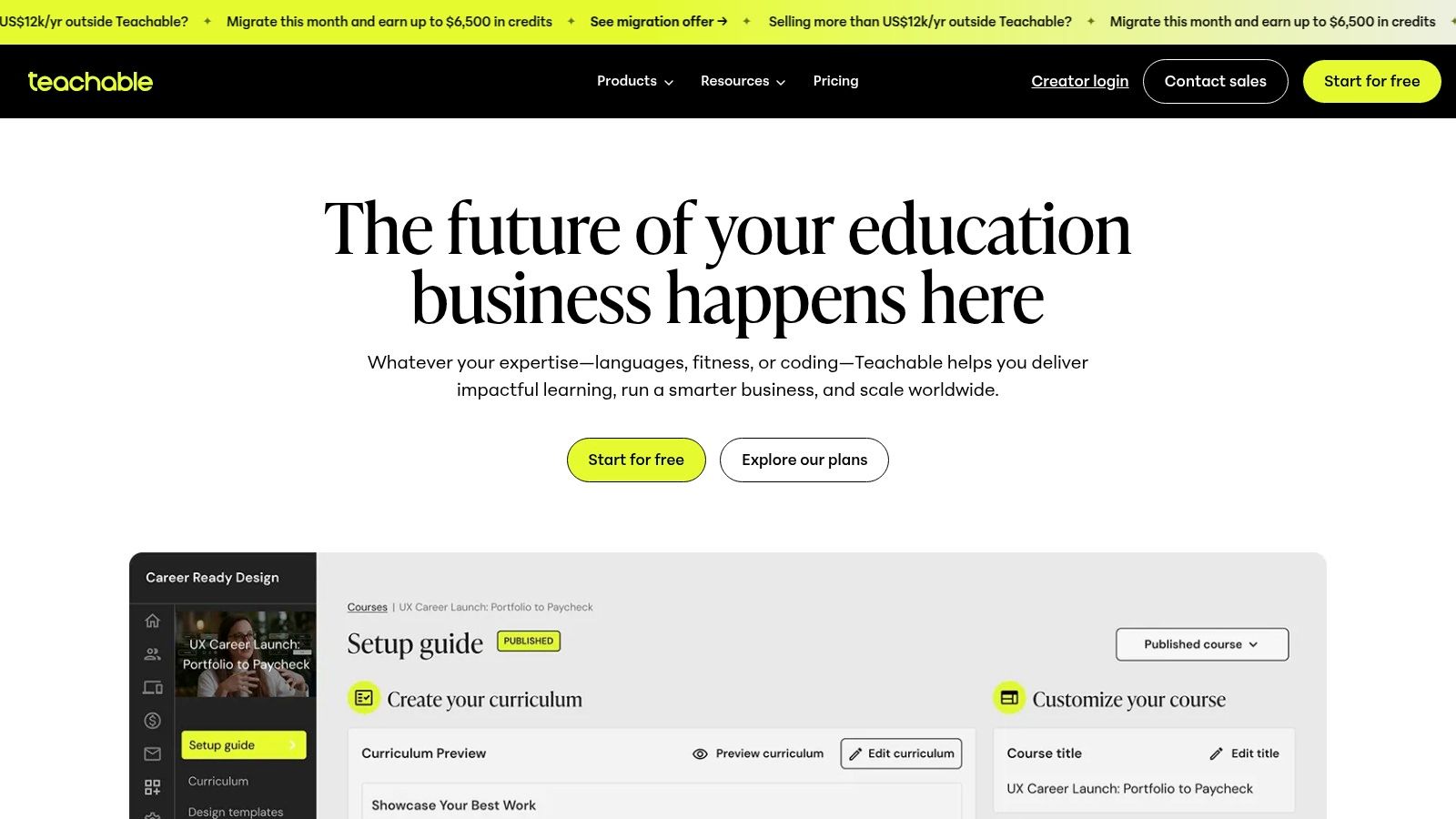
Teachable follows an education delivery model. Courses, downloads, coaching, bundles, and memberships sit alongside student management, quizzes, certificates, drip content, completion tracking, and a learner dashboard. That structure matters because a course isn't just a collection of files. Students need navigation, progress, access control, and a consistent learning experience.
Teachable Payments supports card payments and wallet options such as Apple Pay and Google Pay. Hosted pages and checkout reduce technical overhead, while course-focused analytics help you understand student activity rather than only transaction totals. These tools are more relevant to an educator than a general ecommerce feature such as product filtering.
The downside is specialization. Teachable is less flexible than a general website builder for a non-course business, and lower tiers can include platform transaction fees. If your catalog is mostly presets, PDFs, or downloadable assets, you'll pay for student features that may not improve delivery.
Use Teachable when students need lessons, quizzes, completion milestones, certificates, or gated access. It also works well when you want to avoid managing hosting and course infrastructure yourself. It isn't the best choice for maximum ownership, highly custom storefronts, or a social-first page that combines products, bookings, and email capture.
Before committing, test the student onboarding sequence from payment through first lesson. Confirm which learning features belong to your plan, how refunds affect access, what customer data you can export, and whether your preferred payment methods are supported. A polished course portal can raise perceived product value, but only when the course format justifies it.
10. SendOwl
Best for secure delivery, software licensing, gated files, and updateable digital products.
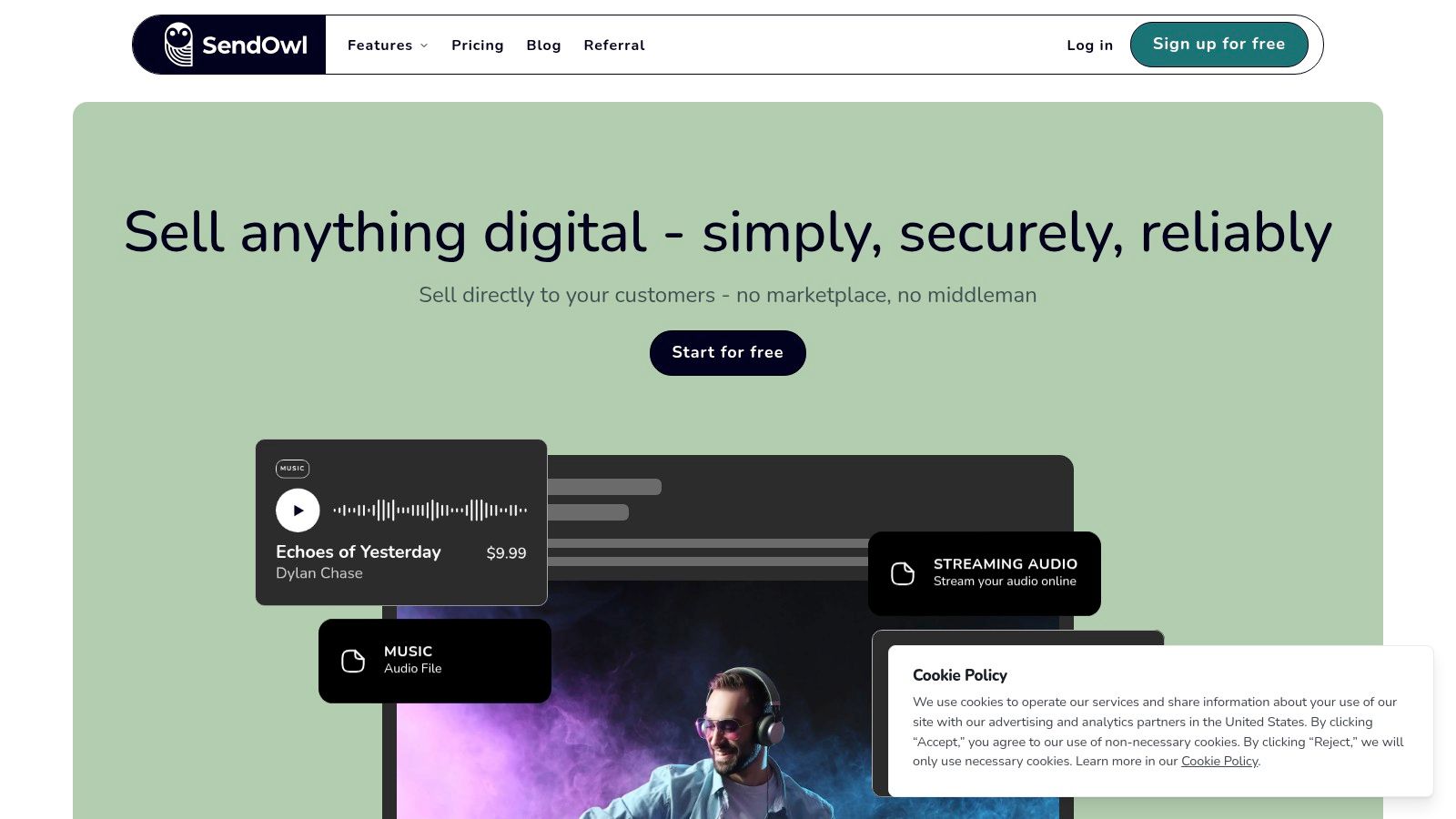
SendOwl is a specialist delivery and licensing layer. It can sit behind your website or sales links and handle secure digital delivery, license-key creation, PDF stamping, subscriptions, drip content, streaming, affiliates, order analytics, and CSV exports. That makes it a better fit for a software license or protected file than a general creator storefront.
The platform can provide hosted product and checkout pages or embed into an existing site. A seller can keep the marketing and brand experience elsewhere while using SendOwl for the sensitive delivery step. Software sellers benefit from license-key workflows, while authors and educators can use gated files, drip content, or stamped PDFs.
SendOwl uses flat, no-revenue-share pricing, so payment processor fees remain the main per-sale payment cost. However, current tiers must be reviewed carefully. Recent plan and pricing changes have drawn user criticism, and high-volume sellers should check storage overage costs before uploading a large catalog or media library.
SendOwl is the right choice when:
- Licensing matters: Generate and deliver keys rather than sending an unprotected file.
- File security matters: Use controls such as PDF stamping and gated access.
- You already have a website: Add delivery without rebuilding your brand site.
- You need exports: Review orders, subscriptions, and affiliate activity through analytics and CSV data.
It isn't a complete creator business platform. You may need separate tools for email capture, course marketing, bookings, community, and a full storefront. Confirm storage, bandwidth, delivery rules, license integrations, refunds, subscription behavior, and current pricing before moving a live catalog.
Top 10 Digital Product Platforms Comparison
| Platform | Core features | UX / Quality | Price & Value | Target audience | Unique selling points |
|---|---|---|---|---|---|
| taap.bio 🏆 | Bento drag‑drop, 10+ widgets, on‑page checkout & bookings | ★★★★★, real‑time per‑widget analytics, GDPR‑by‑default | 14‑day trial; ~$19/mo advertised, 0% platform fees 💰 | 👥 Creators, musicians, coaches, freelancers | ✨0% fees, instant payouts, GDPR‑hosted, single‑page conversion focus |
| Shopify | Full e‑commerce, app ecosystem, unified checkout | ★★★★★, enterprise‑grade checkout & fraud tools | Plans + payment fees; app costs add up 💰 | 👥 Brands & stores needing scale | ✨Extensive apps, physical+digital product mix |
| WooCommerce (WordPress) | WP plugin, digital downloads, extensible | ★★★★, highly customizable but self‑managed | Core free + hosting/plugins & processor fees 💰 | 👥 Developers, DIY creators wanting ownership | ✨Full control, extensibility, no platform rev share |
| Gumroad | Hosted product pages, fast file delivery, marketplace | ★★★★, ultra simple, fast to launch | No monthly plan; higher platform fees on sales 💰 | 👥 Indie creators testing offers, solo sellers | ✨Pay‑what‑you‑want, optional marketplace discovery |
| Lemon Squeezy | Merchant‑of‑Record, hosted checkout, licensing | ★★★★, modern checkout with global support | Platform fee + add‑ons for some txn types 💰 | 👥 SaaS/digital vendors selling internationally | ✨MoR handles VAT/GST remittance and compliance |
| Payhip | Storefront for downloads, courses, memberships | ★★★★, accessible UX with free plan | Free‑forever option; transaction fees on lower tiers 💰 | 👥 Solo creators & small teams | ✨Built‑in EU VAT handling, instant deposits |
| Podia | Courses, downloads, memberships, checkout & basic email | ★★★★, clean non‑technical workflow | Paid plans; mover plan has 5% fee on low tier 💰 | 👥 Non‑technical creators wanting all‑in‑one | ✨Integrated community, simple upsells & coupons |
| Kajabi | Courses, funnels, email marketing, communities | ★★★★, powerful but premium/complex | High‑cost plans; no platform rev share 💰 | 👥 Established creators, coaches, info‑product sellers | ✨Advanced marketing automations and funnels |
| Teachable | Course LMS, drip, quizzes, certificates | ★★★★, course‑centric student experience | Tiered pricing; lower tiers may include txn fees 💰 | 👥 Educators and course creators | ✨Built‑in student analytics, completion tools |
| SendOwl | Secure delivery, license keys, embeds & streaming | ★★★★, specialist for secure digital distribution | Flat pricing (no rev share); processor fees apply 💰 | 👥 Software authors, sellers of licensed assets | ✨License keys, PDF stamping, streaming delivery |
Make the Switch With a Clear Platform Checklist
The best platform to sell digital products depends on the operating model behind the checkout. taap.bio is the best fit for social creators who want a conversion-focused link-in-bio page. WooCommerce is the strongest option for maximum ownership. Lemon Squeezy is the clear choice for tax simplification and international software sales. Teachable leads for structured courses, while SendOwl is better for software licensing and protected delivery. Gumroad is the simplest place to test an offer without a monthly subscription. Shopify is the right choice for a full commerce operation, especially when digital and physical products share one catalog.
For EU and GDPR priorities, taap.bio stands out with France-based hosting, GDPR-friendly defaults, no third-party cookies by default, ISO 27001 certification, and an EU data residency posture. For low platform fees, compare taap.bio's advertised 0% platform fee model, WooCommerce's free core software, SendOwl's no-revenue-share approach, and any paid plan that removes transaction fees. Always include payment processing, apps, hosting, storage, tax services, and maintenance in the calculation.
The creator economy software market is projected to grow from USD 7.53 billion in 2026 to USD 16.89 billion by 2031, while cloud-based deployment accounted for 87.53% of the market in 2025, according to creator economy market research. Hosted platforms are convenient, but convenience shouldn't make you ignore audience export, privacy, or migration risk.
Before you switch, run this checklist:
- Define the offer: Decide whether customers receive a file, a protected license, a course login, a membership, or a service.
- Estimate total fees: Model monthly sales, payment processing, platform fees, apps, hosting, storage, and tax tools.
- Confirm responsibility: Identify who handles VAT or GST, refunds, disputes, customer support, and compliance.
- Test checkout and delivery: Complete a real purchase on mobile, confirm payment methods, and verify that the correct file or access details arrive immediately.
- Verify integrations: Check email tools, analytics, calendars, payment processors, automation, licensing, and CSV export before signing up.
- Review privacy requirements: Confirm data residency, cookie behavior, processor agreements, customer consent, and retention controls.
- Migrate a small offer first: Move one product, preserve the original setup, and test customer support before transferring the full catalog.
- Measure conversion: Compare completed purchases, checkout drop-off, mobile behavior, refunds, and support requests before deciding whether the new platform performs better.
Don't switch because another creator uses a different tool. Switch when the new operating model removes a specific constraint, protects your margin, improves delivery, reduces compliance work, or gives customers a meaningfully better buying experience.
taap.bio gives creators a single mobile-first page for digital products, paid bookings, email capture, built-in checkout, instant delivery, and privacy-friendly analytics without platform fees on sales. If your traffic starts on social media and you want fewer redirects between attention and purchase, visit taap.bio and test the creator store with your next offer.