You've built a polished template, uploaded it to Etsy, and waited for the first sale. Instead, you're staring at a listing that looks good but has no clear path to visibility, margin, or repeat customers. That's the point where many creators either abandon the idea or add more products without fixing the business underneath them.
The better approach is to sell templates on Etsy as a discovery strategy, not as your entire business. Etsy can put your work in front of high-intent shoppers, while a separate creator storefront gives you more control over delivery, customer relationships, and revenue. The workflow below treats your first Etsy launch as a testable system, then shows how to build a second channel around it.
Table of contents
Why Start by Selling Templates on Etsy
A new Etsy shop gives digital template sellers immediate search exposure that a standalone site usually does not. According to Etsy's 2025 annual filing, the marketplace reported 86.5 million active buyers and 5.6 million active sellers. That is enough demand to test an idea fast, but it also means generic products get buried quickly.
Start with one narrow buyer and one clear job. A content calendar for real-estate agents is easier to position, preview, and support than a broad “social media templates” shop. A budget workbook for freelancers works the same way. Specific use cases make the listing sharper and the product easier to improve after the first sales.
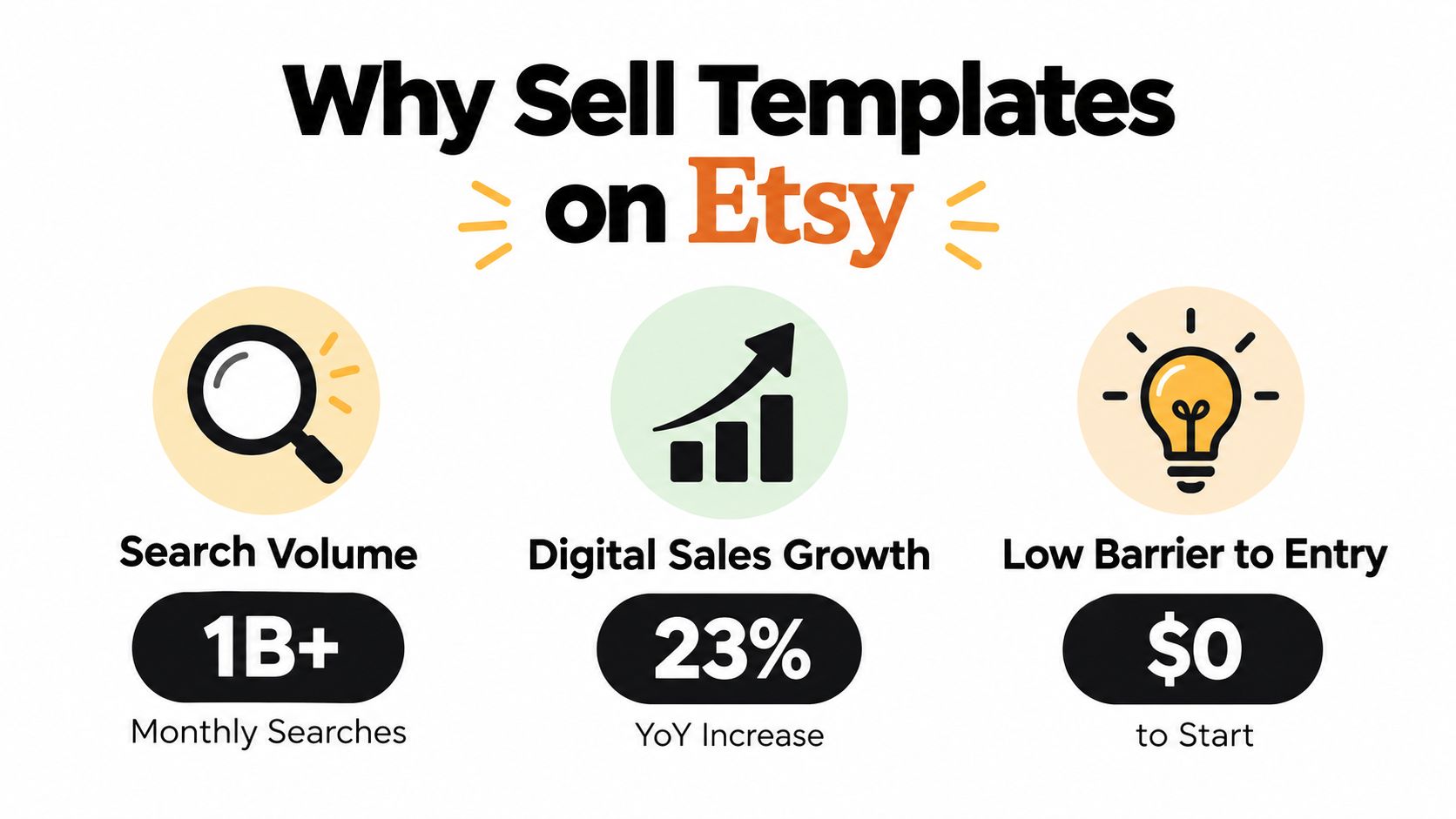
Etsy also reaches buyers outside your home market. Its filing shows that 26% of gross merchandise sales came from buyers outside the United States in 2025. For digital products, that reach matters because you are not managing inventory, shipping labels, or customs paperwork. You still have competition and support requests to handle, but distribution is simpler than with physical goods.
Use Etsy to learn which problems people pay to solve. Then move repeat buyers to your own storefront, where you control the customer relationship and keep more of the revenue instead of losing margin to platform fees. That two-channel setup is the practical reason to start on Etsy and not end there.
Practical rule: Use Etsy to learn which problems attract buyers. Use your own storefront to build the relationship after the purchase.
If you plan to attract buyers with video, the short-form AI video platform roundup is a useful way to compare production tools without turning content creation into a second full-time job.
Prepare Templates That Buyers Can Actually Use
A template isn't finished when the design looks attractive in your editor. It's finished when a buyer can open it, understand the license, replace the content, export the result, and recover from common problems without sending you a long support message.
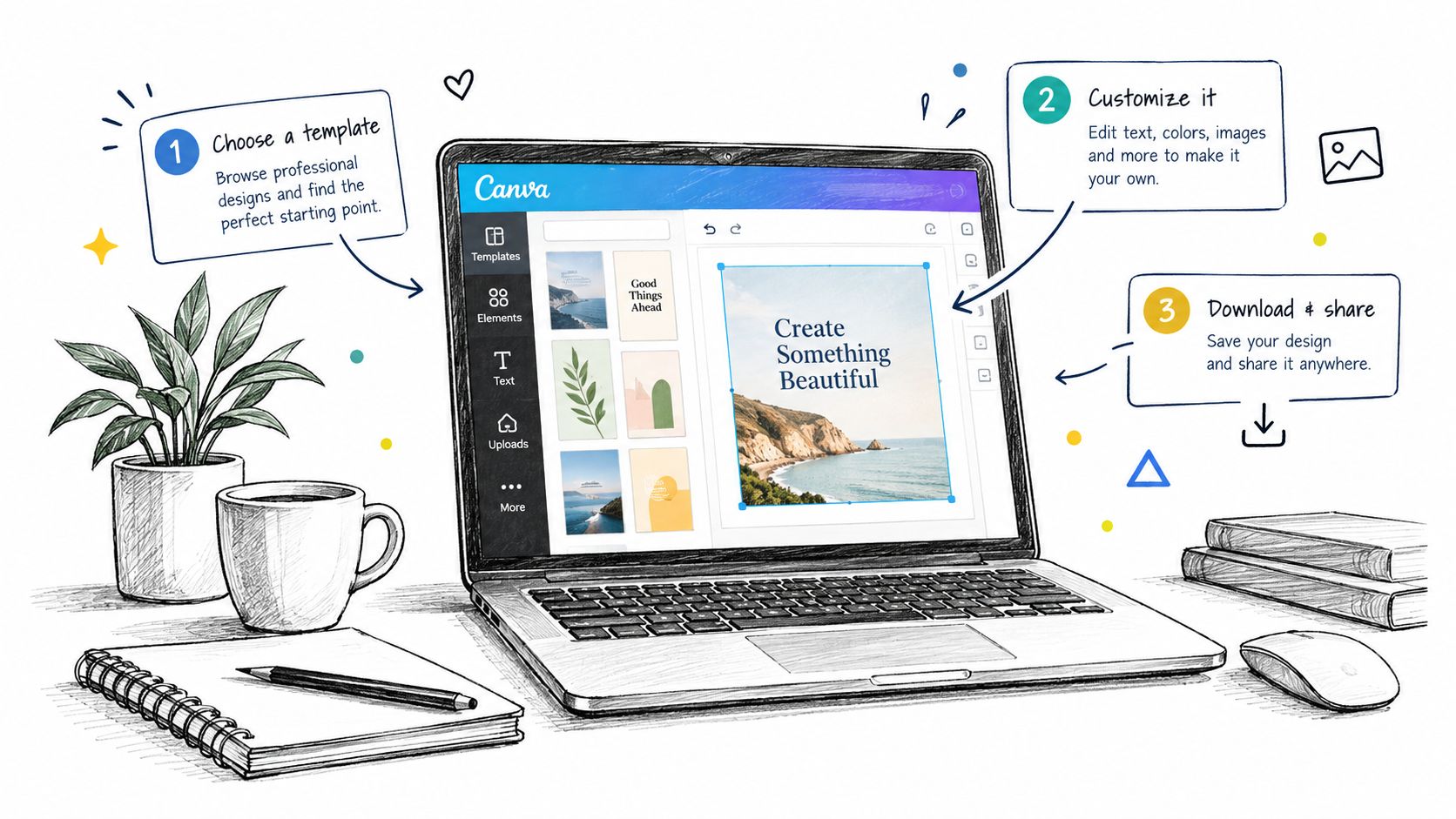
Build the product around a clean handoff
Start with an editable master file, then prepare a customer-facing instruction PDF. The PDF should contain the access link, opening instructions, included file types, compatibility notes, and a plain-English license. State whether the buyer receives personal-use or commercial rights. Explain whether fonts, photographs, icons, or stock assets need separate licenses.
Canva links deserve special attention. A buyer might open the link on a phone, use a different account type, or encounter a changed interface. Provide a fallback explanation that tells them how to request access, duplicate the design, and replace a missing font. If the design depends on a paid font or asset, say so before purchase and explain the replacement process.
A useful product package usually includes:
- Editable source: The Canva template or other editable master, organized with clear page names and sensible layers.
- Instruction PDF: A short guide with the access link, editing steps, export guidance, and support contact.
- Compatibility note: The software, account type, device experience, and file formats the buyer should expect.
- Preview set: Finished examples, page-by-page views, and an image showing exactly what the customer receives.
- License summary: Allowed uses, prohibited resale, client-use terms, and treatment of included assets.
A narrow launch might begin with a content calendar for real-estate agents. Before producing a large collection, compare existing listings in that niche. Study the wording buyers see, the problems competing products leave unexplained, and the previews that make the result easy to visualize. Then improve the usability rather than copying the surface style.
Test the buyer experience before publishing
Accessibility and mobile use are part of product quality. Check contrast, text size, image-based text, keyboard behavior where relevant, and whether the exported PDF works with screen readers. Try the template on a smaller screen, replace the fonts, edit a long business name, and export a version with more text than your sample uses.
If typography is central to the product, browse a focused resource such as top Christmas handwriting fonts, then verify the actual license and replacement instructions before including a font in a commercial template.
For a Canva-specific workflow, see how to sell Canva templates. The strongest product is rarely the one with the most decorative elements. It's the one that lets the customer succeed quickly and tells them exactly what to do when the default path fails.
Set Up Your Etsy Listing for Search and Instant Delivery
Etsy search works best when your listing communicates one clear answer to one clear buyer query. Start with the use case, audience, and format in the title. “Editable content calendar for real-estate agents” gives a shopper and the platform more context than a broad phrase such as “business template.”
Use the description to remove uncertainty, not to repeat the title. Put the essential information near the top:
- Buyer fit: Identify the person or business the template was designed for.
- Included files: List the editable format, instruction PDF, export options, and any bonus pages.
- Editing requirements: Name the required software, account type, and device limitations.
- License terms: Explain personal use, commercial use, client work, and resale restrictions.
- Delivery method: State that the purchase is digital and explain how the customer accesses it.
Tags should reflect genuine search language and adjacent intent. Use phrases a buyer would type, then check whether each tag accurately describes the product. Don't force unrelated trending terms into the listing. A mismatch may attract a click, but it creates confusion when the shopper sees the actual product.
Choose the most accurate category and attributes available. These details help shoppers filter results and help you avoid promising a format or use case the product doesn't support. For digital delivery, upload the instruction PDF and any included files through Etsy's digital listing workflow. Test the downloaded package yourself before publishing, including the link, file names, and opening instructions.
Your preview images should answer the buyer's silent questions. Show the finished result, editable pages, included formats, a close-up of the customization process, and a slide that says what the customer will not receive. If the product is a Canva link rather than a standalone file, make that fact visible.
Instant digital delivery works only when the handoff is designed correctly. Etsy can provide the download automatically, but it can't explain a broken link, missing font, or confusing license on your behalf. Review the listing after publication and make changes based on recurring questions, not daily fluctuations in search position.
Price Templates Smartly and Protect Your Margins
Low delivery costs don't mean a low-priced template is automatically profitable. Etsy charges $0.20 for each listing, whether or not it sells, and a listing normally expires after four months. When a sale occurs, Etsy charges a 6.5% transaction fee on the total order amount in the listing currency. Sellers using Etsy Payments also pay a country-specific fixed amount plus a percentage for payment processing, and a 2.5% currency-conversion fee may apply when conversion is required, as explained in Etsy's fee basics.
Consider a $10 digital template. The listing fee is $0.20, and the transaction fee is $0.65, leaving $9.15 before payment processing, taxes, advertising, refunds, and other expenses. For a U.S. seller using the commonly stated processing rate of 3% plus $0.25, the combined baseline is approximately $1.20, leaving about $8.80 before those additional costs, according to Etsy's fee guidance.
| Pricing question | What to calculate |
|---|---|
| Can one file justify the price? | Compare the buyer's expected time savings with the amount of editing required. |
| Will support take time? | Add the cost of instructions, troubleshooting, and replacement guidance. |
| Would a bundle work better? | Group related files when the buyer needs a complete workflow rather than one isolated page. |
| Can the product support direct sales? | Compare Etsy deductions with the economics of a storefront that charges no platform fee on sales. |
Fixed charges affect inexpensive products more heavily because the same payment component consumes a larger share of a small order. That's why bundles can make sense when support time is significant. A bundle also lets you sell a complete outcome, such as a campaign kit or a freelancer finance system, instead of competing only on the price of one file.
Margin check: Gross sales tell you whether shoppers are buying. Contribution margin tells you whether the shop deserves more of your time.
Track setup costs, software subscriptions, promotion, taxes, refunds, and the hours spent answering questions. Calculate break-even sales by dividing fixed setup costs by contribution margin per order. For more practical record-keeping guidance, review these Etsy bookkeeping tips from Book Tech LLC, then use a pricing system that leaves room for occasional discounts without making the standard price unsustainable. The related digital product pricing strategy can help you assess individual products and bundles as separate offers.
Handle Support, Returns, and Growth Like a Pro
The first support request often reveals a product problem rather than a customer problem. If several buyers ask how to replace a font, access a Canva link, or export a file, add that answer to the instruction PDF and listing images. A single clear explanation can prevent the same question from consuming your week.
Write replies that diagnose before they prescribe. Ask whether the buyer is using the correct account, whether the link opens, and whether the issue affects one page or the full file. Keep prepared responses for common cases, but personalize the first sentence so the customer doesn't feel pushed through an automated wall.
Digital products also require clear expectations around returns. State that the item is a digital download, describe what the purchase includes, and explain what support you provide if the file is inaccessible or materially different from the listing. Follow Etsy's current policies rather than promising a blanket outcome in your description.
Use evidence before adding more products
Review your listing analytics through a simple decision lens:
- Views without purchases: Improve the offer, previews, audience fit, or price framing.
- Purchases with repeated questions: Rewrite the delivery PDF and compatibility notes.
- Strong interest in one use case: Develop adjacent products for the same buyer.
- Support that exceeds the margin: Raise the price, bundle the files, or simplify customization.
- Sales after outside content: Record which channel and message brought the shopper.
Paid promotion should earn its place through contribution margin, not hope. Start with products that already receive relevant attention, define the maximum amount you can spend per order, and stop campaigns that attract clicks without profitable purchases. Promotions work best when they support a clear offer, not when they hide a weak listing.
Growth becomes calmer when you schedule a regular operating rhythm. Reserve time for customer support, listing improvements, product creation, and channel promotion. That cadence protects quality while giving you a reason to expand only after the existing workflow works.
Sell Direct with taap.bio to Keep More Revenue
Etsy is useful for discovery, but it isn't the only place a template creator needs to sell. A creator storefront can handle the direct path from a social profile, newsletter, video description, or personal website to a product page and checkout. That path gives you more control over the customer experience and avoids marketplace deductions on those direct orders.
Digital downloads through taap.bio can be presented from a single-page link-in-bio storefront with product blocks, checkout, automatic file delivery, email capture, analytics, and other content widgets. The drag-and-drop bento layout is designed for creators who want products and audience actions on the same page rather than sending visitors through several disconnected tools.
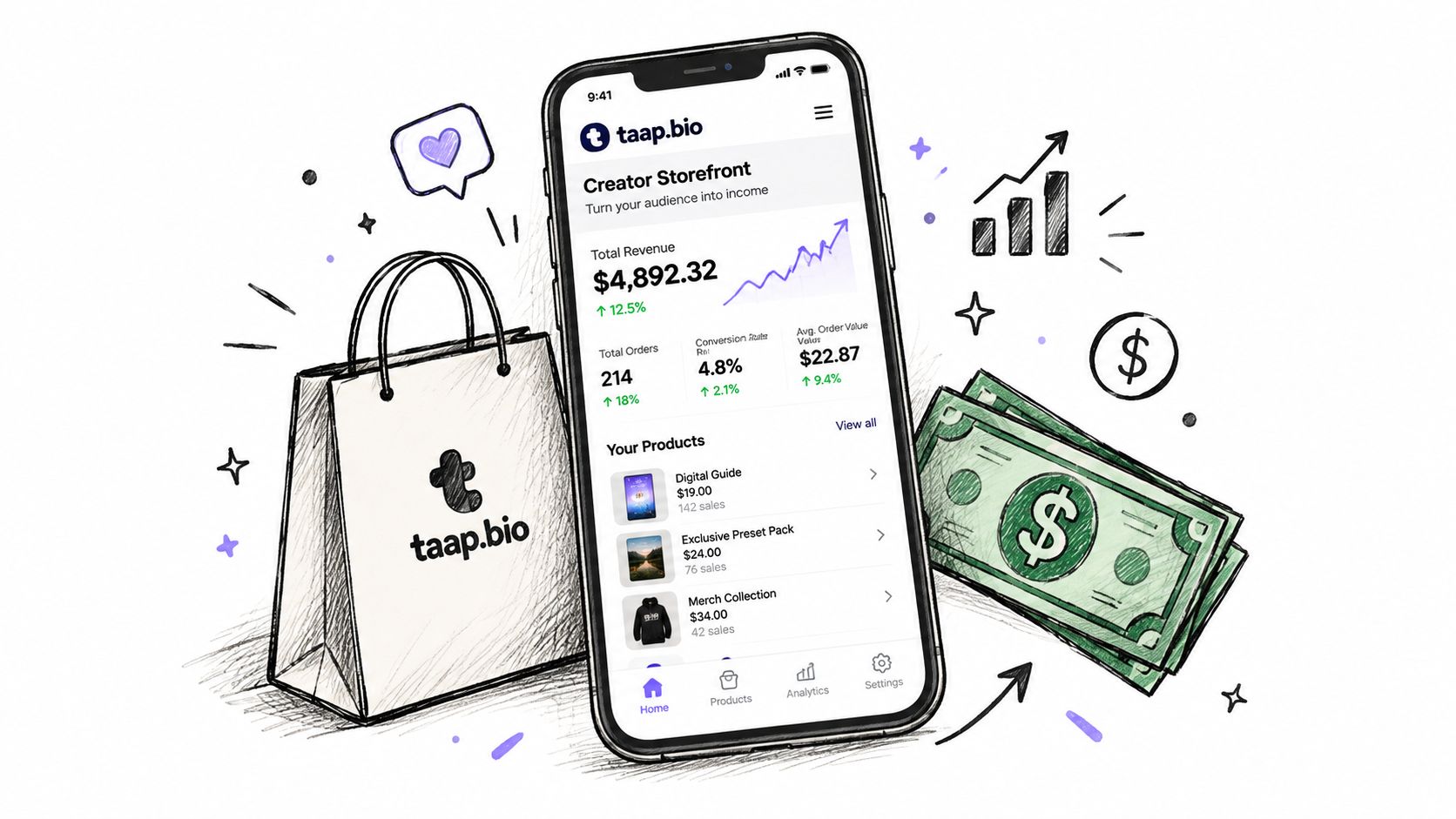
The trade-off is straightforward. Etsy supplies marketplace discovery and buyer intent, while a direct page requires you to bring the visitor through content, email, partnerships, or an existing audience. In return, the direct channel can preserve more of each sale, support customer email capture, and reduce dependence on a platform's search changes.
| Etsy channel | Direct creator storefront |
|---|---|
| Discovery: Shoppers can find products through marketplace search. | Traffic responsibility: You bring visitors from your audience and marketing channels. |
| Fees: Listing, transaction, payment-processing, and possible conversion charges reduce proceeds. | Margin: The platform described in the publisher brief charges no platform fee on sales. |
| Customer relationship: Communication stays within marketplace rules. | Audience building: Email signup and contact export support a more portable audience. |
| Product flow: Etsy handles digital listing delivery. | Product flow: Checkout and instant digital delivery can happen on the same page. |
The video below shows how a creator storefront can combine products and audience actions without requiring a separate tool for every step.
Keep the channels separate in your reporting. Treat Etsy as a marketplace acquisition source, then use your branded page for traffic you already control. This isn't about abandoning Etsy. It's about giving your best external traffic a destination where your margin and audience ownership are stronger.
Your 7-Day Launch Sequence and Next Steps
A focused launch can move from idea to published product without creating a large catalog first. Use the sequence below to force decisions in the right order.
Day one, choose the buyer and problem. Pick one narrow use case, such as social content for real-estate agents or financial planning for freelancers. Search comparable Etsy listings, note repeated buyer language, and write down what your product will make easier.
Day two, build the master file. Create the editable template with consistent naming, replaceable text, sensible layers, and a restrained asset set. Test the design with realistic content rather than only the polished sample copy.
Day three, package the handoff. Create the instruction PDF, compatibility note, license summary, and support guidance. Open the delivery file as a customer would and test the access link from a separate account or browser.
Day four, prepare the Etsy listing. Write the title around buyer intent, complete the description, choose accurate attributes, upload preview images, and configure digital delivery. Make the digital nature of the product impossible to miss.
Day five, check the economics. Model fees, support time, taxes, promotion, and refunds before choosing the standard price. Decide whether a bundle gives the buyer a better outcome and gives you a healthier contribution margin.
Day six, publish useful promotion. Share a short editing demonstration, a before-and-after example, or a practical tip aimed at the same niche. Send interested visitors to the channel that matches the relationship. Marketplace discovery belongs on Etsy. Audience-building traffic should have a direct destination.
Day seven, review the system. Check the listing as a shopper, test the delivery flow, and record the questions you expect to answer. Don't add more products until the first product can be delivered and supported consistently.
Use a digital product launch plan to turn the sequence into a repeatable checklist. Start testing direct-storefront sales when you have traffic outside Etsy, when marketplace fees materially affect your pricing, or when you want to collect permission-based email contacts. Scale the catalog when one buyer problem has several natural follow-up products and your support process remains manageable.
A practical two-channel setup lets Etsy introduce your templates to high-intent shoppers while a direct creator storefront handles external traffic, instant delivery, and audience growth. Visit taap.bio to create a focused page for your templates, products, bookings, and email signups, then make it the destination for the people you reach beyond Etsy.