You've finished the manuscript, uploaded a cover, and perhaps even posted the announcement on social media. Then the launch arrives and reality sets in: your followers click the bio link, browse for a moment, and disappear before they ever reach the Amazon sales page.
That's why learning how to sell ebooks on Amazon requires more than learning how to upload a file. KDP handles publishing and delivery, but you still need a product page that converts, traffic that arrives with buying intent, and a bridge between your audience and Amazon. The system below treats Amazon as the conversion endpoint, not the entire marketing plan.
Table of contents
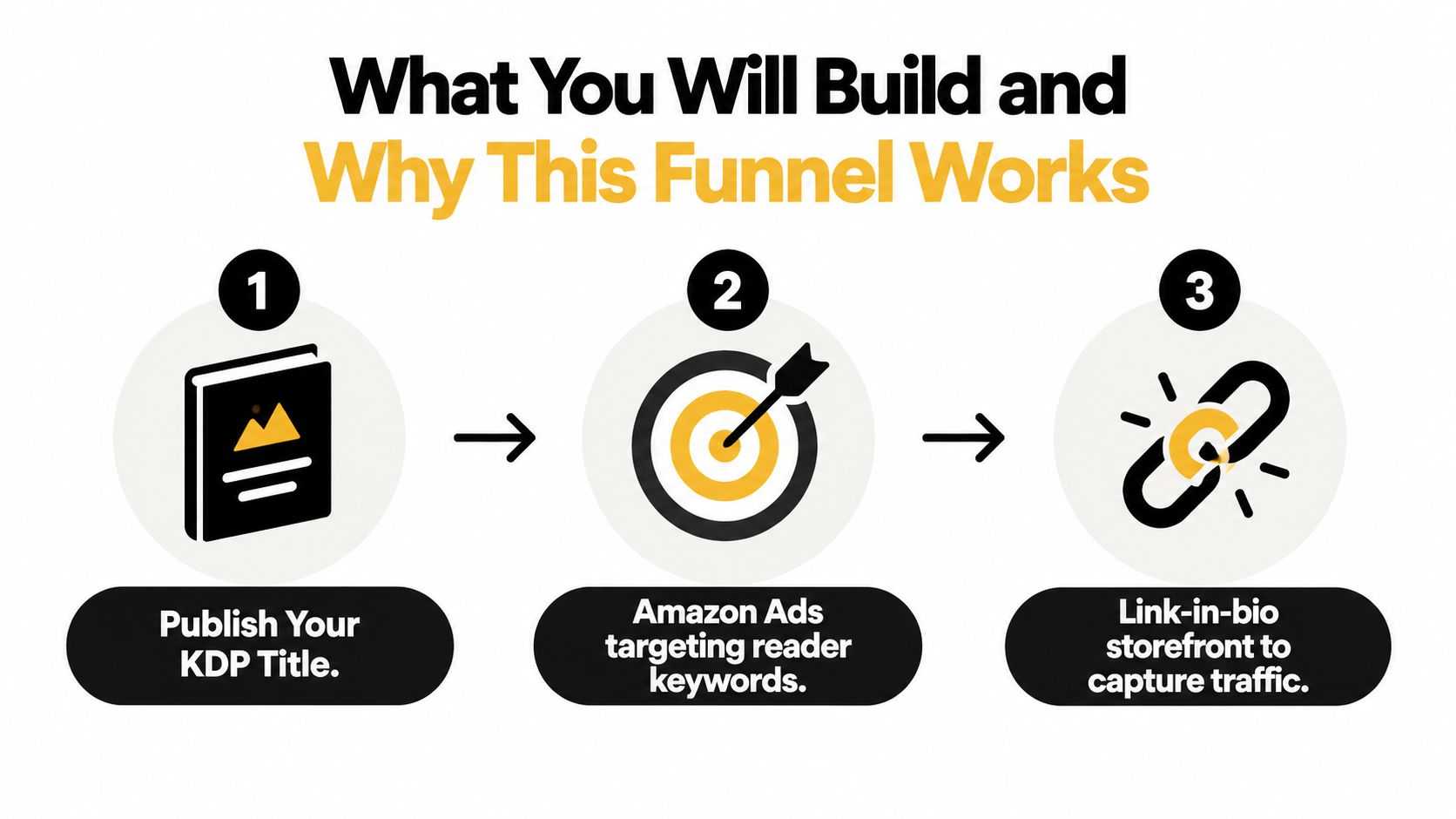
What You Will Build and Why This Funnel Works
A profitable ebook launch has three connected parts. First, you'll publish a polished Kindle title through Kindle Direct Publishing, with metadata, cover art, pricing, and preview quality handled before you send traffic. Second, you'll use Amazon Ads to reach readers who are already searching for books like yours. Third, you'll direct social traffic through a mobile link-in-bio page that offers a sample, captures email subscribers, and sends qualified visitors to Amazon.
Amazon is excellent at converting shoppers who are already browsing for a book. It isn't designed to preserve the relationship you have with a follower who arrives from Instagram, TikTok, YouTube, or a podcast. That visitor may click your profile link, scan several options, and leave without ever reaching the listing. Sending every person directly to Amazon gives you no useful way to follow up with people who aren't ready to buy today.
A bridge page fixes that leak. Offer a useful sample chapter, worksheet, reading guide, or related resource before presenting the Amazon button. Visitors who want the free resource can join your email list, while ready buyers can continue directly to the book page. You're building both an immediate sales path and an owned audience for the next title.
Practical rule: Social content creates attention. Amazon converts intent. Your link-in-bio page connects the two.
Keep the page focused. Put the ebook first, the sample immediately after it, and the email signup close to both. A storefront that combines content, email capture, and checkout can reduce unnecessary redirects, while a simple page builder may be enough if you only need links and a form. For broader funnel planning, you can browse Outrank's playbook library, and this guide on creating a sales funnel offers a useful framework for structuring the journey.
Choosing Your Amazon Path and Setting Up KDP the Right Way
A reader clicks your link-in-bio page, chooses the ebook, and arrives at Amazon ready to buy. That path works only when you choose the right Amazon product and prepare the account before launch. If the main offer is a digital reading experience, publish a Kindle ebook first. A paperback can build credibility and serve print-preferring readers, but it adds a separate production workflow. Do not delay a strong ebook launch while perfecting a print edition.
Your author name affects every future sale. Use your real name when the book supports a visible expert brand. Choose a pen name when genre expectations, privacy, or a separate catalog make that choice practical. Keep the spelling identical on the manuscript, cover, author profile, website, social accounts, and link-in-bio storefront. Inconsistent names make it harder for readers to connect your social reach with your Amazon catalog.
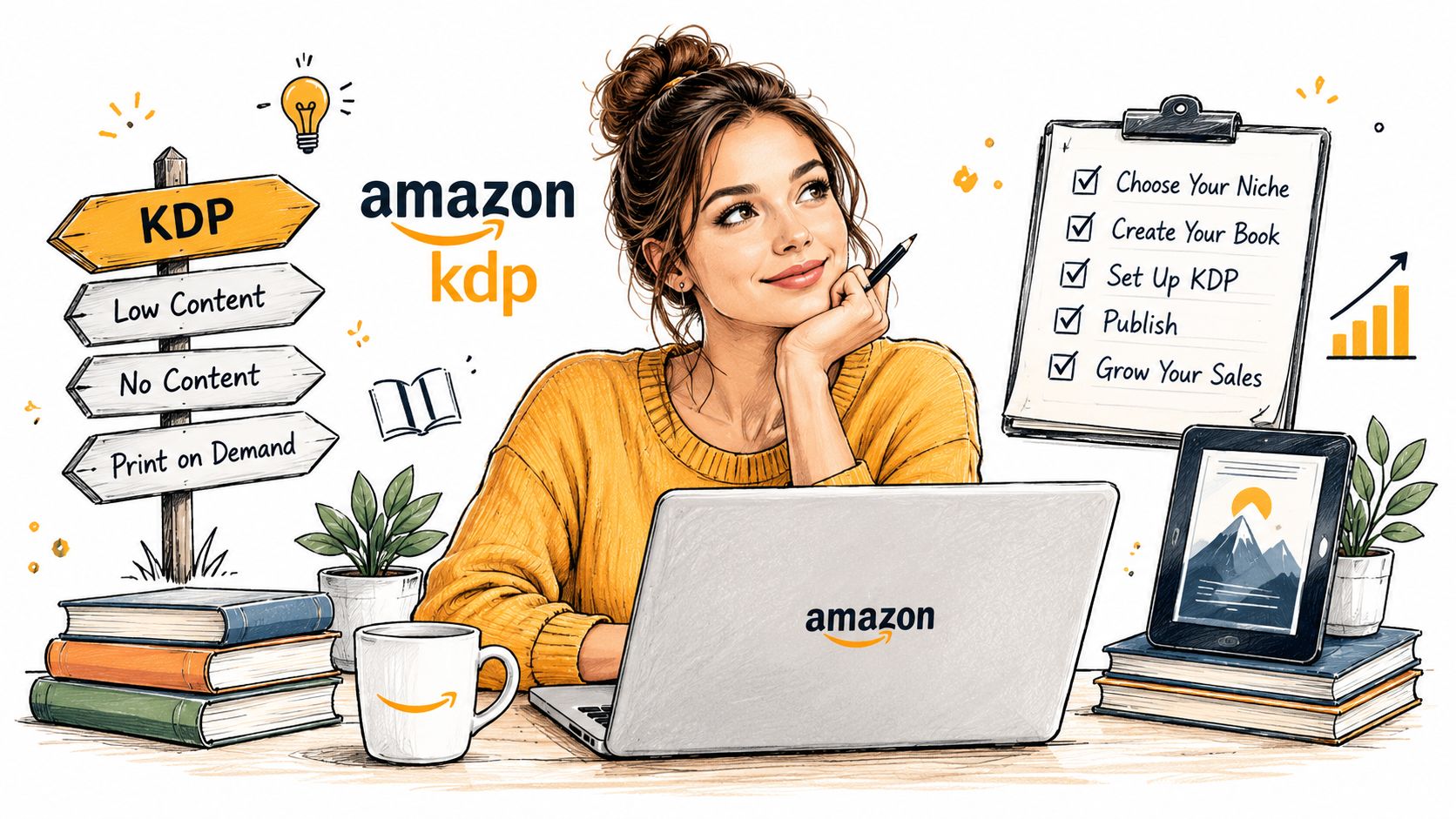
Set up the KDP account and business details before uploading the book. Amazon's publishing workflow asks for account information, payment details, tax information, publishing rights, manuscript, cover, metadata, and pricing decisions. The Amazon KDP publishing guide explains the official route from account creation to publication and marketplace distribution.
Separate KDP from your author profile
KDP manages the books. Author Central shapes the public author presence attached to them. Complete the author bio, add a professional photo, and connect every relevant title. A blank author page makes a published book look unfinished when someone clicks your name after arriving from an advertisement, social post, or link-in-bio page.
Select your primary marketplace, then inspect how the title, description, currency, and categories appear there. Amazon distributes books through major marketplaces, but presentation still deserves a manual review. For a broader look at how to sell digital products on Amazon, compare the ebook listing with the wider offer you are building around it.
Before publishing, confirm three decisions:
- Identity: Choose the author name that supports your long-term catalog.
- Rights: Confirm that you control the text, images, cover, and licensed material.
- Destination: Decide whether Amazon will be your exclusive ebook store or one part of a wider distribution plan.
These choices prevent avoidable account and catalog changes later. If the ebook supports a larger creator offer, review this guide to starting a digital product business and define what the Amazon purchase should lead readers toward.
Preparing Your Manuscript and Cover for Maximum Conversion
A weak file can waste a strong launch. Kindle books reflow across screens, so your manuscript must remain readable when the font size, device, and orientation change. Prepare the interior before opening the upload screen, not while trying to meet a launch deadline.
Use a clean ebook workflow. An EPUB file is a practical starting point for most text-led books, while KPF can be useful when you want to work inside Amazon's Kindle Create ecosystem. Keep headings consistent, use actual paragraph styles, build a navigable table of contents, and avoid decorative formatting that breaks when the text reflows. Embedded fonts and complex layouts deserve extra scrutiny because they can display differently from your original document.
Test the reading experience, not just the file
Open the manuscript in Kindle Previewer or KDP's preview tools. Check the first pages, chapter openings, hyperlinks, images, footnotes, page breaks, and table of contents. Read several sections on different simulated screen sizes. A file that looks fine on your laptop can still create awkward blank spaces, broken headings, or unreadable elements on a smaller device.
Amazon explicitly recommends previewing files before publication, and that step protects the conversion work you'll do later. If a reader downloads a book and finds formatting errors immediately, the cover and advertisement have already done their job. The product experience then loses the sale, the review, or both.
Your cover has a separate job. It must earn the click before the reader knows whether your prose is good.
- Match the genre: Use visual conventions that tell the right reader what kind of book they're seeing.
- Prioritize the title: Make the title and author name legible at thumbnail size.
- Create contrast: A readable title against the background beats a clever but muddy composition.
- Choose production help carefully: A professional designer, a quality premade cover, or a disciplined Canva design can work. A rushed template usually shows.
Don't spend ad money to send readers to a cover you wouldn't trust at a glance. Your cover earns attention, your description earns consideration, and your preview earns confidence. Strong persuasive writing techniques can improve the description and sample, but they can't compensate for a manuscript that feels unfinished.
Uploading to KDP, Metadata, and Pricing That Protects Royalties
The KDP upload screen is operational, but every field affects the commercial result. Select Kindle ebook, enter the title and subtitle exactly as they appear on the cover, add series information when relevant, and identify every contributor accurately. Upload the manuscript and cover as separate files. Run the previewer before setting the price, because a listing cannot convert well if the delivered file disappoints readers.
Treat Amazon as the conversion endpoint for the traffic you create elsewhere. If readers arrive from social posts through a link-in-bio storefront, the title, cover, description, and price they meet on Amazon must match the promise that earned the click. A mismatch creates wasted traffic and makes your launch data harder to interpret.
Amazon provides the product identifier used for an ebook in its store. Follow the current KDP instructions for identifier fields that apply to your selected format. Do not copy settings from a paperback tutorial. Set digital rights management deliberately. I prefer removing unnecessary friction unless your rights situation requires stricter control, because legitimate readers value easy access across their devices.
Treat metadata as your discovery layer
Your title and subtitle should identify the reader's problem, promise, or genre without awkward keyword stuffing. Write the description for a human shopper first. Use short paragraphs, clear formatting, and an opening promise that gives the reader a reason to continue. Then choose keyword phrases and categories that accurately describe the book.
Specific metadata beats impressive-sounding metadata. A narrow, accurate category gives Amazon a clearer signal about the readers most likely to respond. Review your listing after launch and refine its keywords or categories when you have evidence about which searches and category placements attract qualified traffic.
Use Amazon's own publishing workflow as the final reference for the sequence covering metadata, file upload, preview, rights, pricing, and publication. Dashboard labels and requirements can change, so check the current instructions instead of relying on an old walkthrough.
Price for margin and conversion
KDP offers 35% or 70% royalties, depending on list price and eligibility. The commonly used 70% band sits between $2.99 and $12.99, while prices outside that range generally fall back to 35%. At the 70% tier, Amazon deducts delivery costs from the payout, which means a larger file can reduce your net amount. Pricing is therefore an operating decision, not a vanity choice. Review the royalty and marketplace mechanics in this KDP seller guide.
| Price Range | Royalty % | Delivery Cost | Net per Sale (approx) |
|---|---|---|---|
| Within the commonly used 70% band, $2.99 to $12.99 | 70% if eligible | Deducted from payout | List price multiplied by the royalty rate, less delivery cost |
| Outside the 70% band | 35% generally | Depends on the applicable terms | List price multiplied by the royalty rate, subject to applicable deductions |
Do not judge ad profitability from the list price alone. Compare the royalty payout after delivery costs with the cost of each click and the number of clicks needed to produce a sale. Your digital product pricing strategy should reflect whether the ebook is a standalone purchase, an entry point to a series, or part of a broader offer promoted through your link-in-bio funnel.
Before publishing, check:
- Rights: You own the content and have permission for every licensed asset.
- Metadata: The title, subtitle, author name, description, keywords, and categories match the book.
- Preview: The contents page, links, images, and chapter breaks work correctly.
- Price: The selected royalty option and marketplace prices fit your margin.
- Distribution: You understand where the ebook will appear and whether any exclusivity applies.
After submission and approval, an ebook commonly becomes available within 24 to 72 hours, according to the operational guidance summarized in the seller resource above. Schedule your announcement around that review window, and avoid promising an exact release moment before Amazon completes its review.
KDP Select vs Going Wide and How to Decide
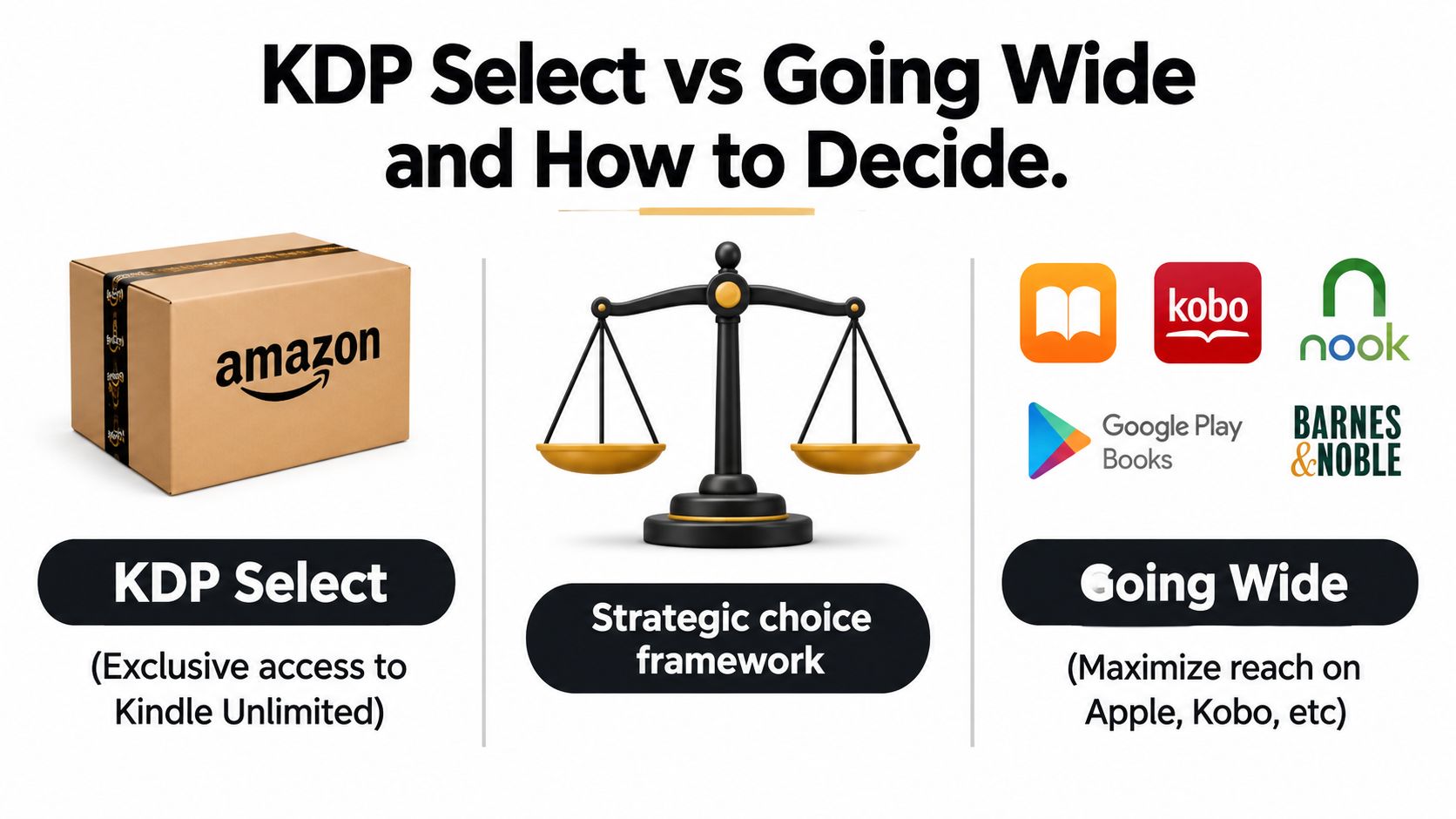
KDP Select is an Amazon-focused choice. It places the ebook inside Amazon's promotional and subscription ecosystem while requiring the digital edition to remain exclusive to Amazon during the applicable enrollment period. That can suit authors who want to concentrate their energy on one store, one ad system, and one reader journey.
Going wide means distributing the ebook through other retailers and library channels as well. You gain broader storefront coverage and avoid putting every digital sale in one platform's ecosystem, but you also inherit more metadata, pricing, file, and reporting tasks. You'll need to maintain several retailer pages rather than optimizing one Amazon listing.
Choose based on the business you're building
KDP Select deserves serious consideration when your books benefit from Amazon's subscription readership, promotional tools, and concentrated discoverability. It can be especially logical for a series where one reader's discovery leads naturally to the next book. A deep backlist also gives Amazon's ecosystem more titles to recommend after a reader finishes one.
Going wide makes more sense when your audience already buys through several stores, when you want distribution diversity, or when your direct relationships matter more than Amazon concentration. It also suits authors who can drive traffic to multiple retailers and maintain those listings with discipline.
Use this decision test:
- Genre fit: Does your readership already behave like concentrated Amazon shoppers, or do they spread purchases across stores?
- Catalog depth: Can one title benefit from a wider ecosystem of related books?
- Traffic control: Can you send external visitors to several retailers without confusing the buying path?
- Operational capacity: Will you maintain multiple dashboards, product pages, and retailer requirements?
Don't enroll in Select because it sounds like the default. Don't go wide because it sounds more independent. Pick the model that matches your audience, catalog, and ability to promote. This guide to where to sell ebooks can help you compare the wider distribution decision without treating every author as if they needs the same route.
Driving Sales With Amazon Ads and a Link-in-Bio Launch Page
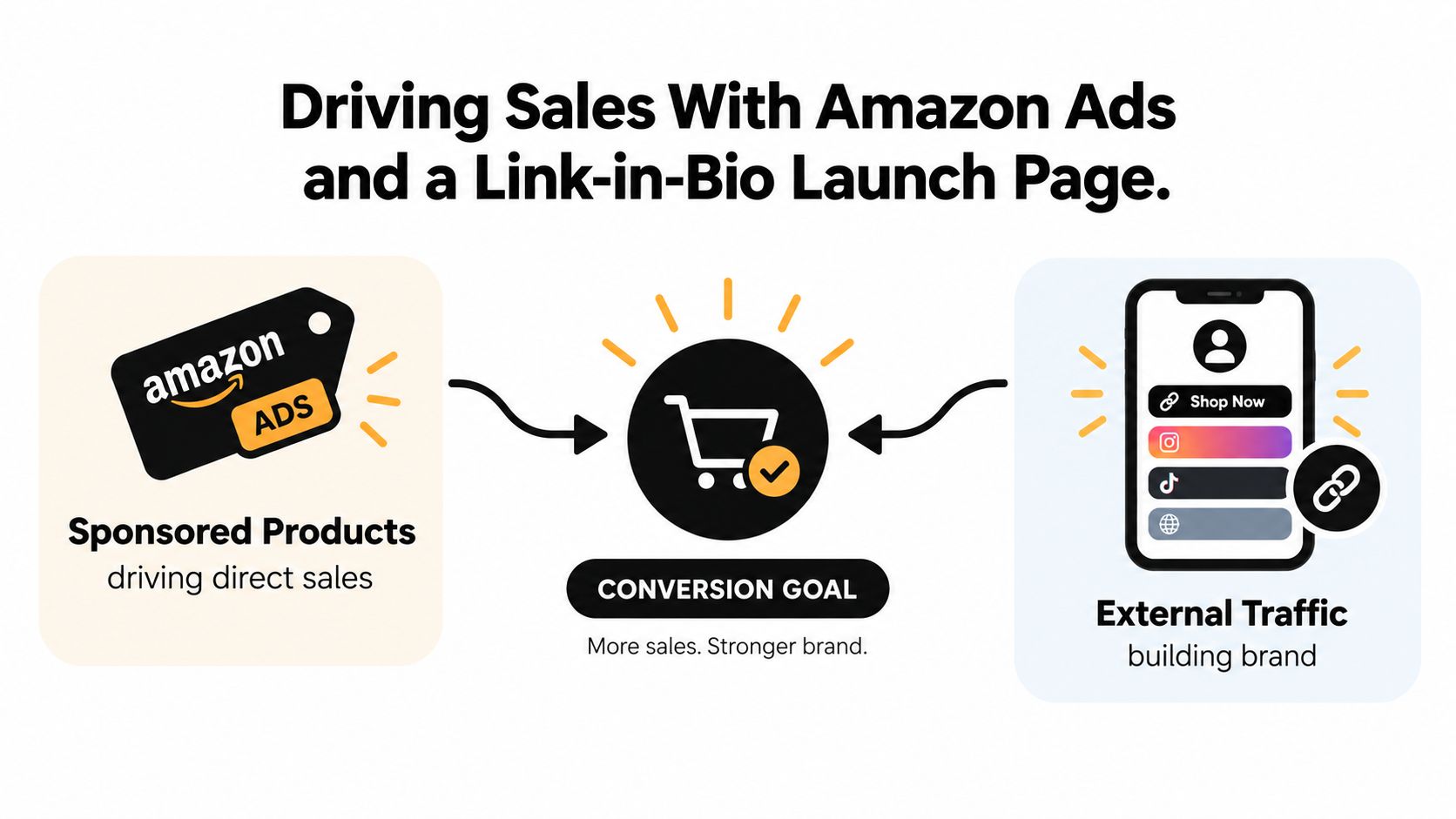
Amazon Ads work because they reach people close to a purchase decision. Start with Sponsored Products and separate automatic targeting from manual targeting. Automatic campaigns can reveal search terms and comparable products. Manual campaigns let you choose the reader-intent phrases you want to test and protect.
Your ad should reflect the book's positioning, not repeat generic promotion. A practical nonfiction campaign might test problem-based phrases, outcome-based phrases, and competing book themes. Fiction campaigns can test genre language, comparable authors, and reader expectations. Watch the actual search terms, add irrelevant terms as negatives, and stop paying for clicks from people who clearly want a different book.
Keep the first campaign controlled. Set a budget you can evaluate without emotional decisions, then judge traffic by relevance, sales, and royalty economics. A click isn't a win. A sale at a sustainable cost is the outcome you want.
Build the bridge before you promote
Your link-in-bio page should do more than display a list of destinations. Put the book offer at the top, explain who it serves, give visitors a sample or related resource, and place the Amazon purchase button where it's impossible to miss. Add an email signup for people who want the sample but aren't ready to buy.
That page gives your social traffic two useful outcomes. Ready readers go to Amazon. Curious readers join your audience, so you can announce the next book, share useful content, and make another offer without rebuilding the relationship from zero.
Amazon also states that external traffic referrals can earn an additional 4% on each sale in its merchandising guidance. Route social and newsletter visitors through tracked promotional links where appropriate, then compare the result with traffic that arrives through Amazon Ads. The point isn't to send every visitor through the same path. The point is to learn which audience and message produce buyers.
Launch principle: Use paid Amazon traffic to learn reader intent, then use your owned audience to create repeatable demand.
During launch week, publish content that demonstrates the book's promise rather than posting the purchase link repeatedly. Share a short excerpt, answer a problem addressed in the book, show the research or writing process, and point people to the bridge page. Place the Amazon button beside the sample, not behind a maze of unrelated links.
Use the video below as another practical reference while you plan the relationship between paid discovery and external promotion.
Your First 30 Days After Publishing and What to Do Next
Your first month should produce information, not just hope. In the opening week, confirm that the title appears in its intended categories and that the keywords and description display correctly. Publish the link-in-bio page, connect the Amazon listing, deliver the sample, and ask beta readers or existing subscribers for honest reviews without offering incentives or dictating what they should say.
In the second week, launch Sponsored Products with controlled targeting. Let automatic targeting reveal language you may not have considered, then move relevant terms into manual campaigns. Cut irrelevant terms and weak placements instead of increasing spend just because the campaign is active.
Turn promotion into a repeatable cycle
During the third week, expand external discovery through guest articles, podcast appearances, newsletter partnerships, and useful social content. Send those audiences to the bridge page so you can measure both Amazon visits and email signups. A direct Amazon click can produce a sale, but the bridge page gives you a second chance with everyone else.
In the fourth week, review royalties, advertising costs, search terms, sales by source, and how readers continue into related titles. Then make one strategic decision. Write the next book if demand is clear, test another promotional channel if the audience responds but the listing needs work, or reconsider Select versus wider distribution for the next release.
Save this checklist:
- Listing: The cover, description, preview, categories, and keywords match the reader promise.
- Traffic: Amazon Ads and external promotion use distinct tracked paths.
- Audience: The bridge page captures permission-based email subscribers.
- Economics: Royalty payouts, delivery deductions, and ad costs are reviewed together.
- Next move: You choose one improvement before starting another scattered campaign.
The authors who sell consistently don't treat every launch as a fresh experiment. They keep the useful parts, remove waste, and build the next release on what readers and numbers already showed them.
If you're ready to connect social traffic with an Amazon ebook launch, taap.bio lets you create a creator storefront with digital product delivery, email capture, checkout, and analytics from one page. Set up the bridge before your next promotion so interested readers can either buy the ebook or join your list for the next release.