Your online presence is your gallery, your press kit, and your storefront all in one. Building a compelling website can feel daunting and expensive, but you don't need a huge budget or coding skills to create a professional hub for your work. A powerful free website builder for artists can provide the perfect canvas to showcase your portfolio, connect with your audience, and grow your career.
This guide cuts through the noise to analyze the 12 best free platforms available today. We move beyond generic feature lists to give you an honest look at what works, what doesn't, and who each tool is truly for. We'll explore hidden strengths and limitations, helping you find the perfect match for your unique creative needs, whether you're a painter, musician, designer, or podcaster.
A crucial aspect of an artist's online presence is the ability to effectively display your work. Beyond just your website, consider tools that help you share images online to complement your portfolio and reach a wider audience. In this article, each platform review includes detailed analysis, screenshots, and direct links to get you started immediately. Let's find the platform that will turn your digital footprint into a masterpiece.
Table of contents
1. taap.bio
Best for: Visual artists, musicians, and designers who need a dynamic, portfolio-style link-in-bio page that functions as a mini-website.
Taap.bio stands out as a powerful free website builder for artists by completely reimagining the standard link-in-bio format. Instead of a simple vertical list, it provides a highly customizable, bento-style grid. This modular layout allows you to create a visually striking and asymmetrical page where each piece of content is a movable, resizable block, giving you the creative freedom to build a digital dashboard that truly reflects your artistic brand.
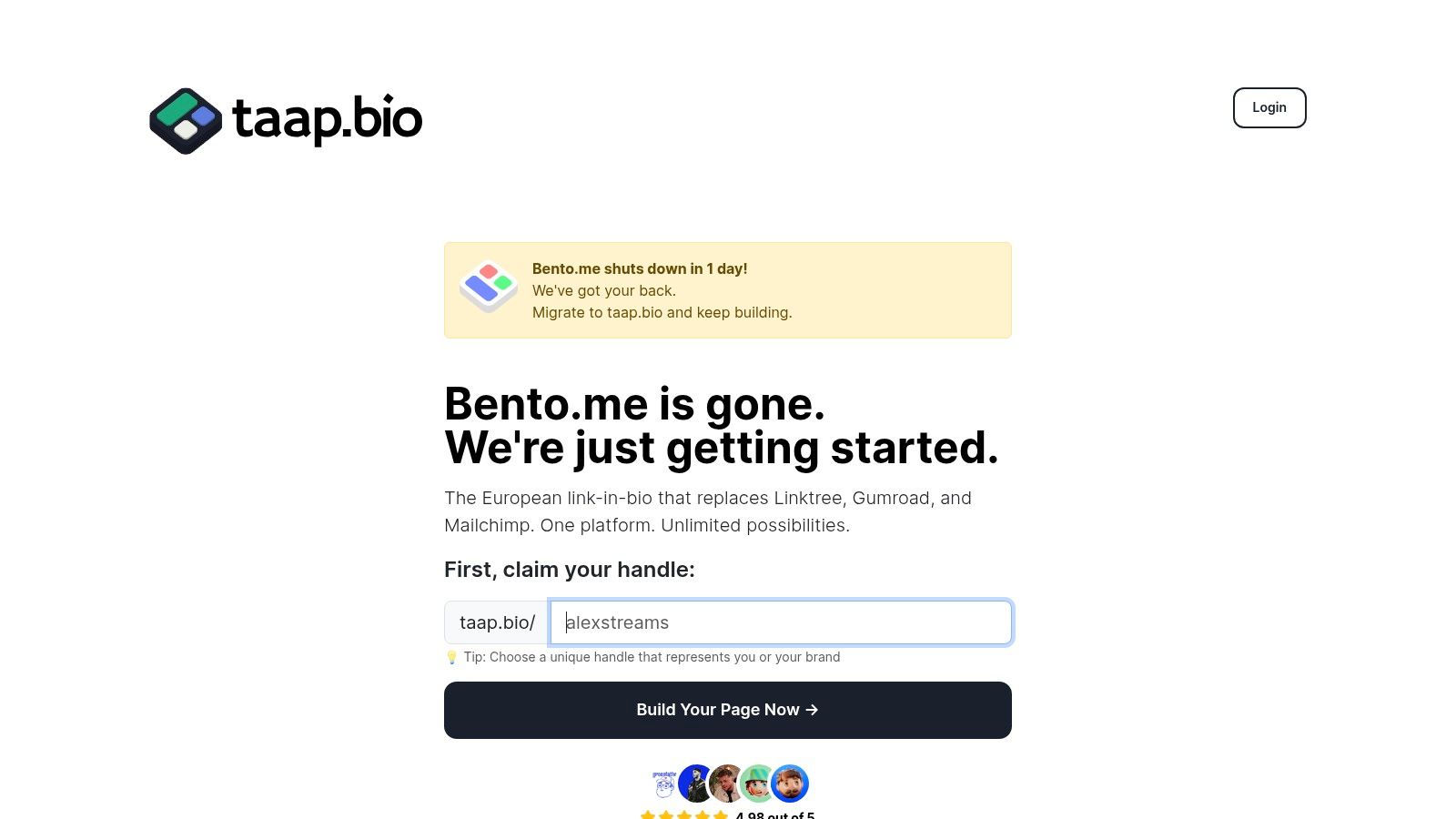
The platform’s core strength lies in its "smart widgets." These are not just static links; they pull in live data from services like Instagram, YouTube, Dribbble, and GitHub, showcasing your latest posts, follower counts, and project activity in real-time. This transforms your page from a simple directory into a living, interactive portfolio.
Key Strengths for Artists
For musicians and audio creators, the Spotify integration is a game-changer. It supports inline playback for tracks, albums, or entire podcast episodes, allowing visitors to listen to your work directly on your taap.bio page without being redirected. This frictionless experience can significantly boost engagement and stream counts, a feature explored in-depth in their guide to the best website builders for musicians.
The editor itself is a creative tool, featuring smooth drag-and-drop physics and fine-grained control over typography, colors, and backgrounds. A crucial advantage is the ability to edit mobile and desktop layouts separately, ensuring your page is perfectly optimized for every viewer, regardless of their device. Getting started is exceptionally easy, especially for those migrating from other platforms; taap.bio offers a one-click import from Bento.me that can have your new site ready in under a minute.
Pros:
- Unique Bento-Grid Editor: Offers unparalleled drag-and-drop control to build visually rich, asymmetrical layouts that break the mold of typical link-in-bio pages.
- Smart Widgets with Inline Playback: Deep integrations with platforms like Spotify, YouTube, and Instagram show live content and allow visitors to interact directly on your page.
- Separate Mobile & Desktop Editing: Guarantees your portfolio looks polished and professional on any screen size by allowing device-specific layout optimization.
- Quick Start & Easy Migration: The free-to-start model (no credit card required) and a one-click Bento.me importer make setup fast and seamless.
Cons:
- Potential Learning Curve: The sheer flexibility and number of options can be more complex to master than simpler, list-based tools.
- Limited Public Pricing Details: While the free tier is robust, detailed pricing for advanced or enterprise-level features is not immediately available on the main site.
2. Wix
Wix has long been a dominant force in the website builder space, and for good reason. It offers a powerful, yet surprisingly intuitive, drag-and-drop editor that gives artists pixel-perfect control over their site’s layout. This makes it a fantastic free website builder for artists who want to create a more traditional, multi-page portfolio without needing to code.
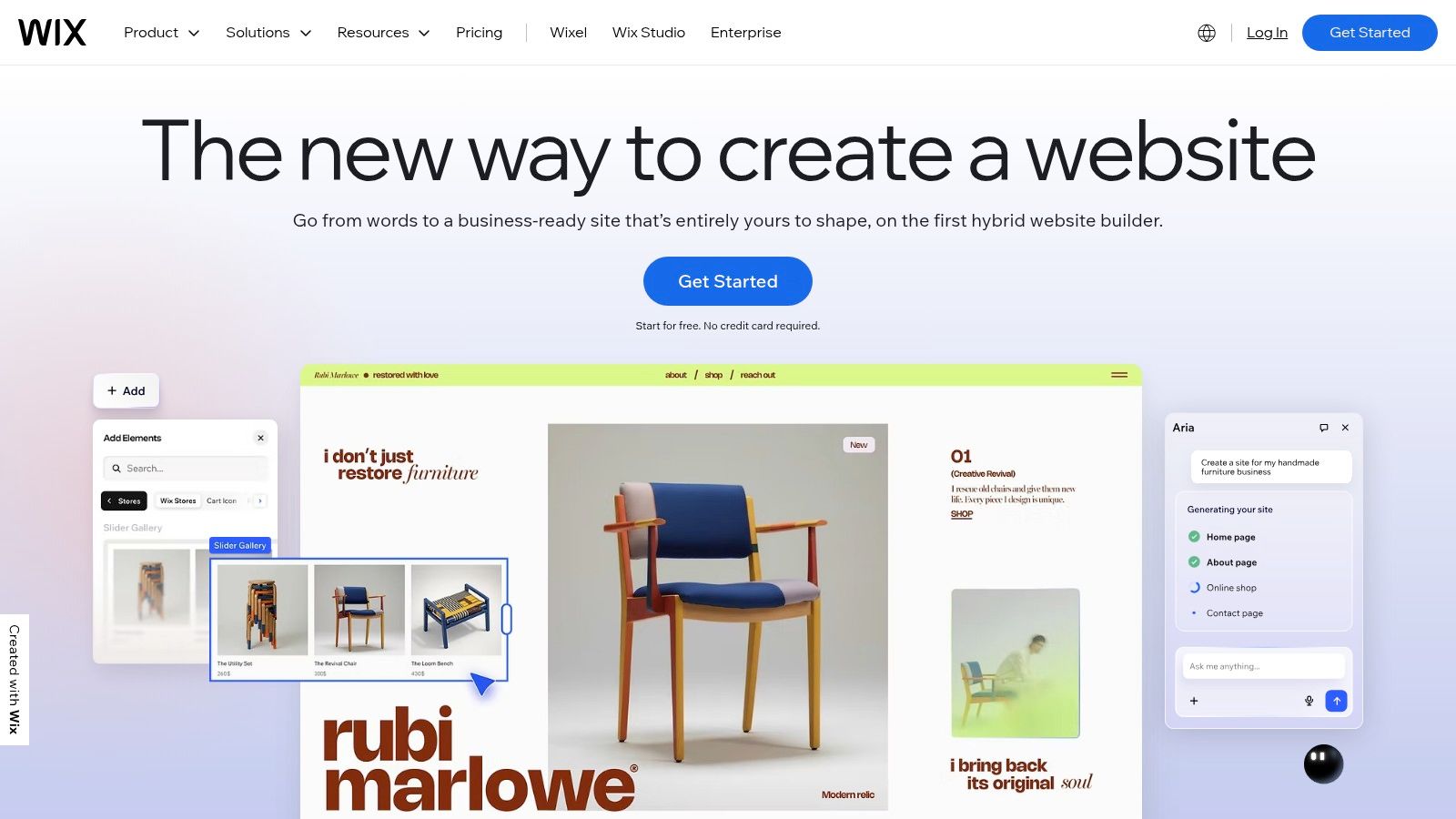
Its extensive library of designer templates, including many specifically for photographers, illustrators, and designers, provides a professional starting point. From there, you can add advanced galleries, video backgrounds, and even an integrated blog or online store, making it a platform that can grow with your career. While some artists might just need a simple landing page, Wix provides the tools for a more comprehensive digital presence.
Who is it Best For?
Wix is ideal for visual artists, photographers, and designers who need a robust, multi-page portfolio and want significant design freedom without touching code. It's also a great choice for creatives planning to eventually sell prints, offer services, or build a larger brand presence online, as its features scale exceptionally well.
Key Takeaway: Wix provides one of the most powerful free editors for building a full-featured artist website, offering deep customization and the ability to add complex features like e-commerce and booking systems.
Pros:
- Deep Design Control: The drag-and-drop editor allows for precise placement of elements.
- Scalability: Easily add an online store, blog, booking system, or member areas.
- Vast Template Library: Hundreds of professionally designed templates for creatives.
Cons:
- Branding on Free Plan: Free sites display prominent Wix ads.
- No Custom Domain: You're stuck with a
wixsite.comURL on the free plan. - Can Be Overwhelming: The sheer number of features can feel complex compared to a dedicated online portfolio builder free of clutter.
Website: https://www.wix.com
3. Weebly (by Square)
Now owned by Square, Weebly offers one of the most straightforward and user-friendly experiences for artists looking to create a clean portfolio or blog. Its structured, theme-based approach simplifies the design process, making it a great free website builder for artists who prioritize ease of use over granular, pixel-perfect control. It's less about limitless customization and more about getting a professional-looking site online quickly.
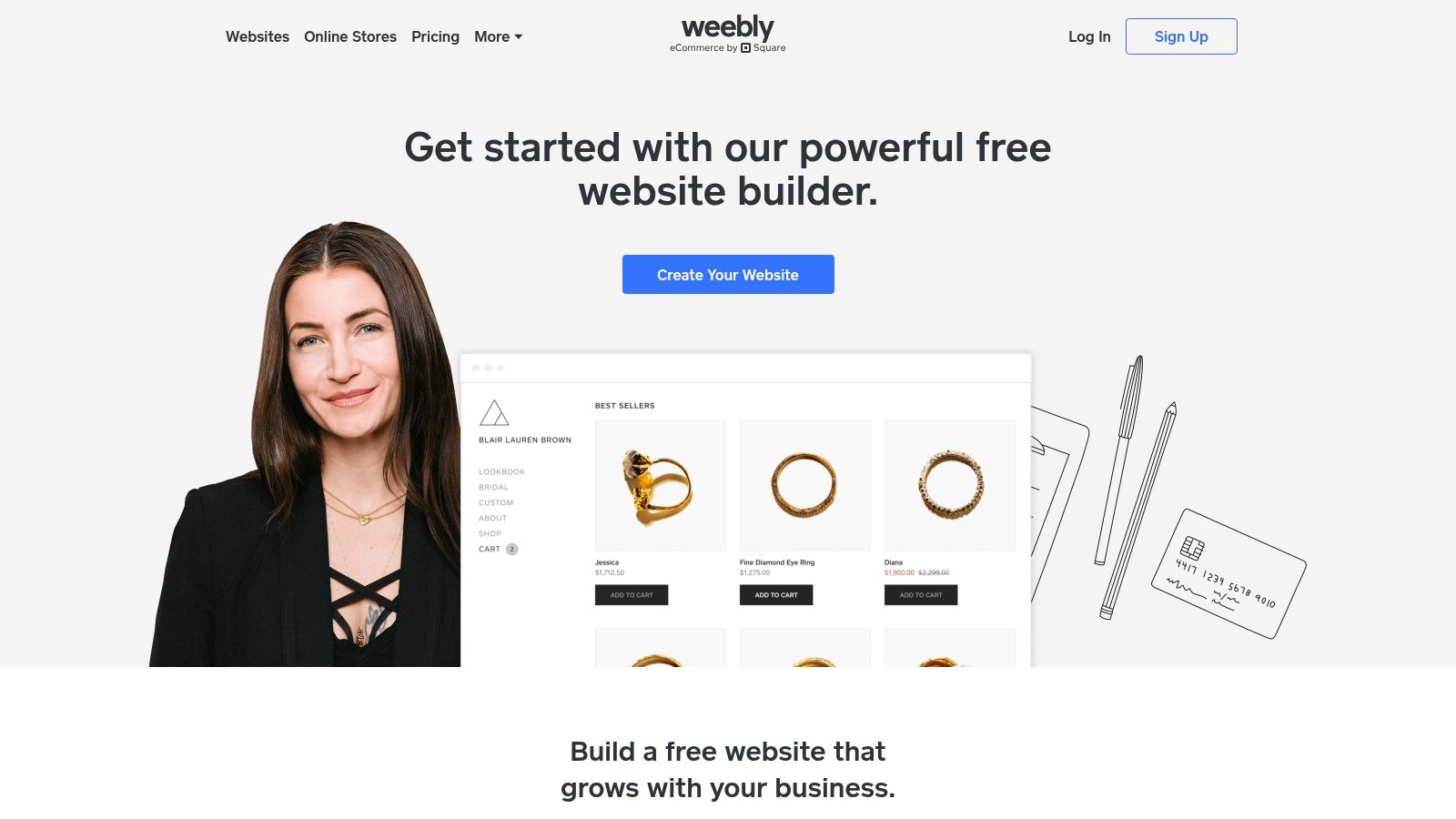
Weebly’s most significant differentiator is its integration with the Square commerce ecosystem. While other builders reserve e-commerce for paid tiers, Weebly allows you to list and sell products on its free plan, complete with a shopping cart and inventory management. This makes it an incredibly practical choice for artists who also sell merchandise or prints in person using Square and want a unified online and offline sales system without an initial investment.
Who is it Best For?
Weebly is perfect for artists, makers, and craftspeople who want a simple, no-fuss website with the built-in ability to sell products from day one. If you already use Square for in-person sales or want an easy entry into e-commerce without paying monthly fees, Weebly is an exceptional starting point.
Key Takeaway: Weebly's strength lies in its simplicity and powerful free e-commerce capabilities via Square, making it the go-to for artists who want to sell their work online without a paid subscription.
Pros:
- Integrated Free E-commerce: List unlimited products and accept payments through Square on the free plan.
- Very User-Friendly: The editor is intuitive and ideal for beginners with no technical skills.
- App Center: Extend your site’s functionality with third-party app integrations.
Cons:
- Limited Design Flexibility: Less creative freedom compared to builders like Wix; you're more confined to the template structure.
- Prominent Branding: Free sites feature a noticeable Weebly ad banner at the bottom.
weebly.comSubdomain: You cannot connect a custom domain on the free tier.
Website: https://www.weebly.com
4. WordPress.com
Known as the engine behind a huge portion of the web, WordPress.com offers a powerful, blog-centric platform that can be skillfully adapted into a compelling artist portfolio. Its block editor operates like building with digital LEGOs, allowing artists to construct pages with image galleries, text, and embedded media. This makes it an excellent free website builder for artists who prioritize content and storytelling alongside their visuals.
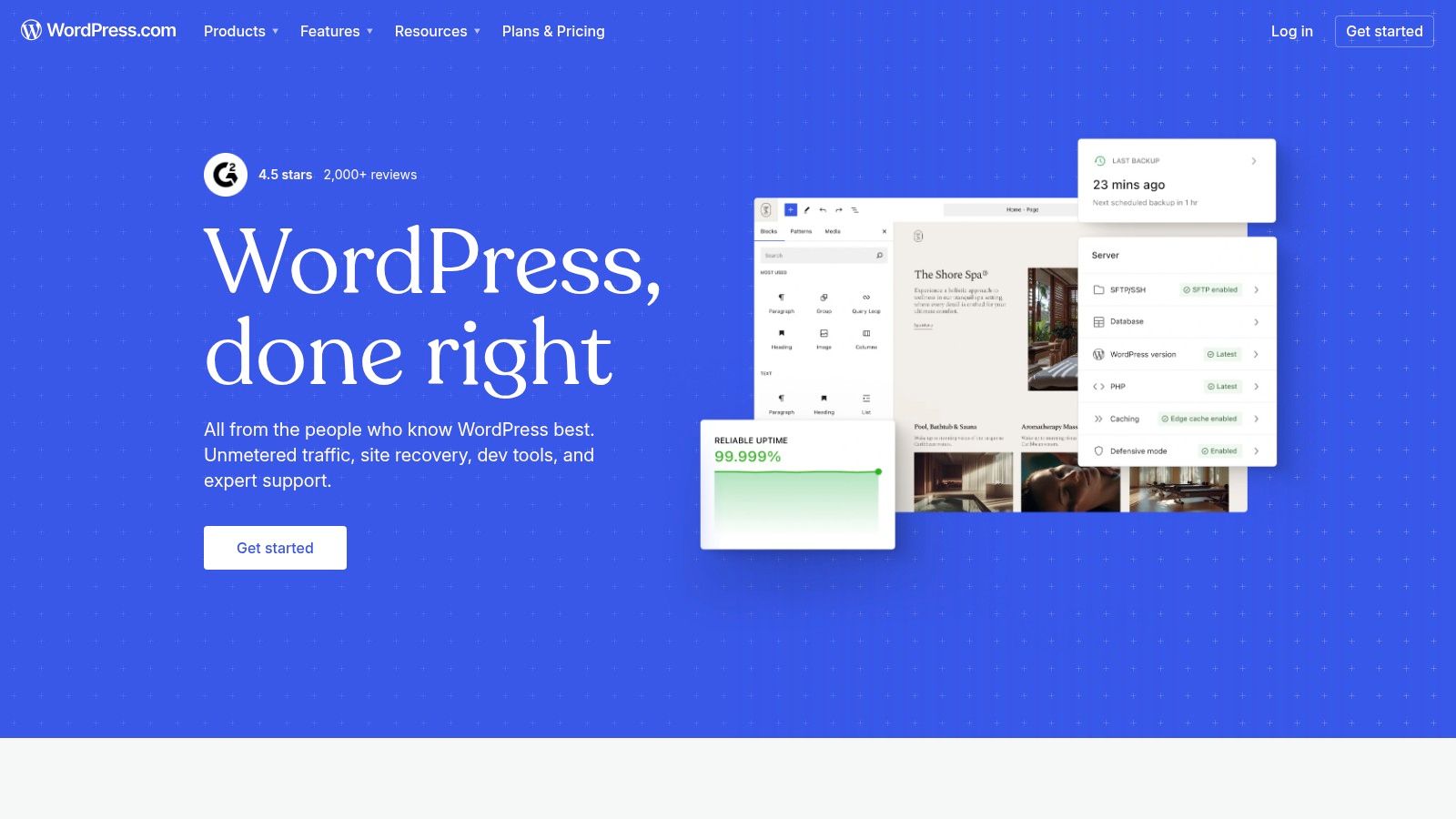
The platform’s real strength lies in its massive theme ecosystem and extensive community support, offering endless tutorials and resources. While the free plan is more limited than its self-hosted sibling (WordPress.org), it provides a solid foundation for building a professional blog to share your creative process or a multi-page site to categorize your work. For artists building their portfolio on WordPress.com, consistent content updates are vital. You can master WordPress post scheduling to efficiently manage and promote your latest creations, drawing inspiration from other successful artist portfolio website examples.
Who is it Best For?
WordPress.com is perfect for artists, writers, and illustrators who want to build a content-rich website or blog to support their portfolio. It’s also a great starting point for creatives who anticipate needing a more powerful, scalable solution in the future, as the platform provides a clear upgrade path to more advanced features and even a self-hosted site.
Key Takeaway: WordPress.com is an industry-standard platform that excels at content management, making it ideal for artists who want to pair their portfolio with a robust blog and benefit from a massive support community.
Pros:
- Huge Theme and Tutorial Ecosystem: Access to a vast library of themes and community-driven support.
- Strong Blogging Features: Unmatched capabilities for creating and managing blog content.
- Scalability: Easy to grow into paid plans for custom domains, plugins, and e-commerce.
Cons:
- Steeper Learning Curve: More menus and settings to learn than simpler, one-page builders.
- Features Behind Paywalls: A custom domain, advanced customization, and plugins require paid plans.
- Branding on Free Plan: Free sites include WordPress.com ads and a branded subdomain.
Website: https://wordpress.com
5. Webflow
Webflow occupies a unique space between traditional website builders and full-scale web development, offering unparalleled design control. It's a visual, no-code platform that essentially lets you build with the same power as CSS, making it the ultimate free website builder for artists who are design-savvy and crave total creative freedom. You are not just dropping widgets; you are visually structuring and styling every element on the page.
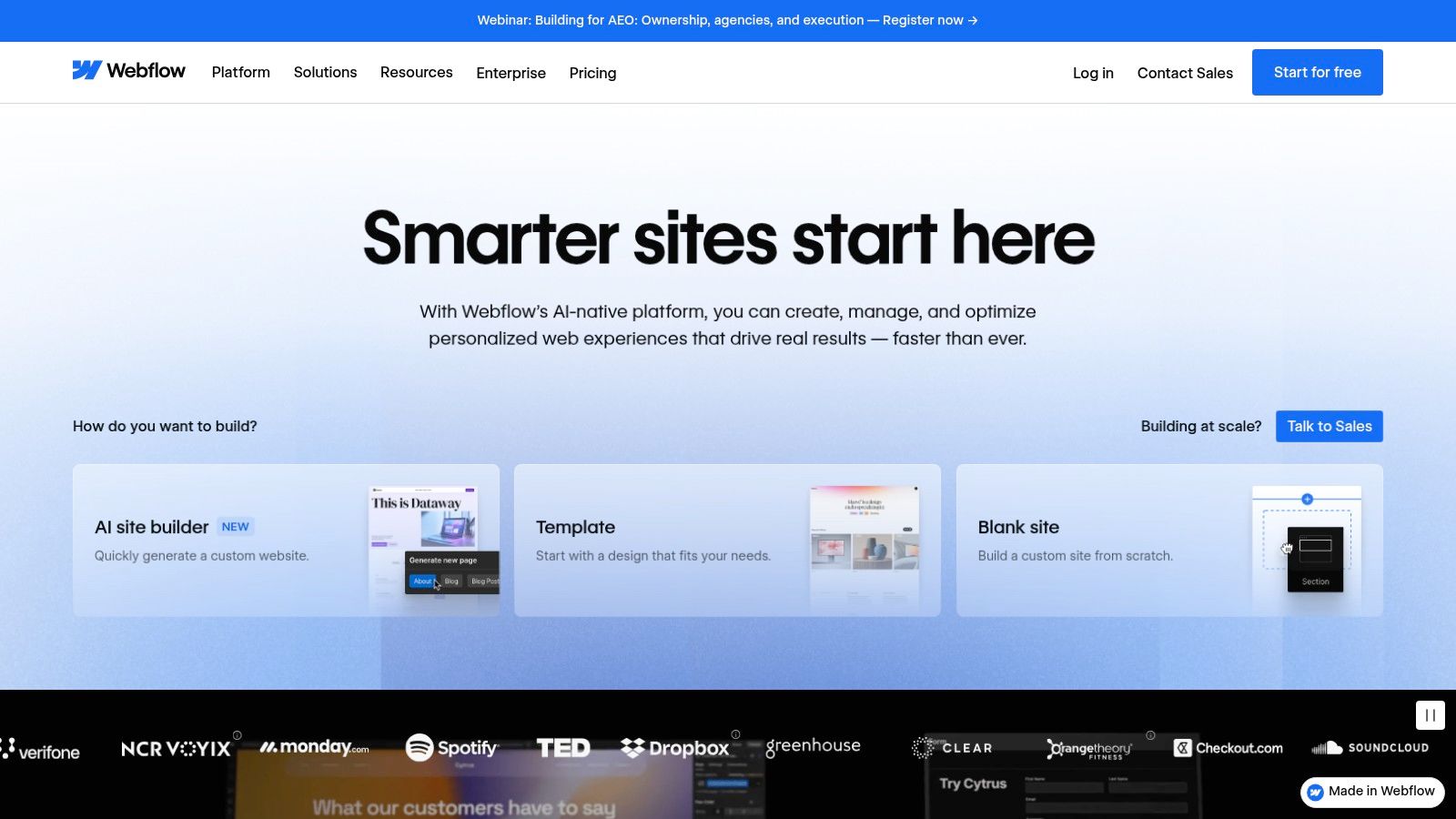
This granular control extends to sophisticated animations and interactions that can bring a portfolio to life in ways other builders simply can't match. Its free Starter plan allows you to publish a site to a webflow.io domain, perfect for building a high-fidelity prototype or a stunning, compact portfolio. The platform's powerful CMS (Content Management System) also allows you to manage blog posts or portfolio projects dynamically.
Who is it Best For?
Webflow is perfect for designers, illustrators, and digital artists who have a strong vision and want to create a completely bespoke, interactive website without writing code. It's for the creator who finds templates too restrictive and wants to build a portfolio that is as much a piece of art as the work it contains.
Key Takeaway: Webflow offers agency-level design power and animation capabilities in a visual interface, ideal for artists who want to build a truly custom, high-end portfolio site from the ground up.
Pros:
- Agency-Grade Design Control: Pixel-level control over layout, styling, and responsiveness without hand-coding.
- Advanced Interactions: Create complex, beautiful motion effects and animations.
- Clean Code Output: The platform generates clean, semantic HTML and CSS.
Cons:
- Steeper Learning Curve: More complex than drag-and-drop builders and requires understanding web design principles.
- Free Plan Limitations: Sites display a Webflow badge and are limited to a
webflow.iodomain. - Lower Page Limits: The free plan has restrictions on the number of static pages and CMS items.
Website: https://webflow.com
6. Framer
Framer brings the fluidity of a design tool like Figma directly into the web-building process, making it an exciting and modern free website builder for artists with a design background. It uses a real-time, canvas-based editor that feels incredibly intuitive for anyone accustomed to visual design software. The platform excels at creating highly interactive, animated, and visually stunning websites that load incredibly fast.
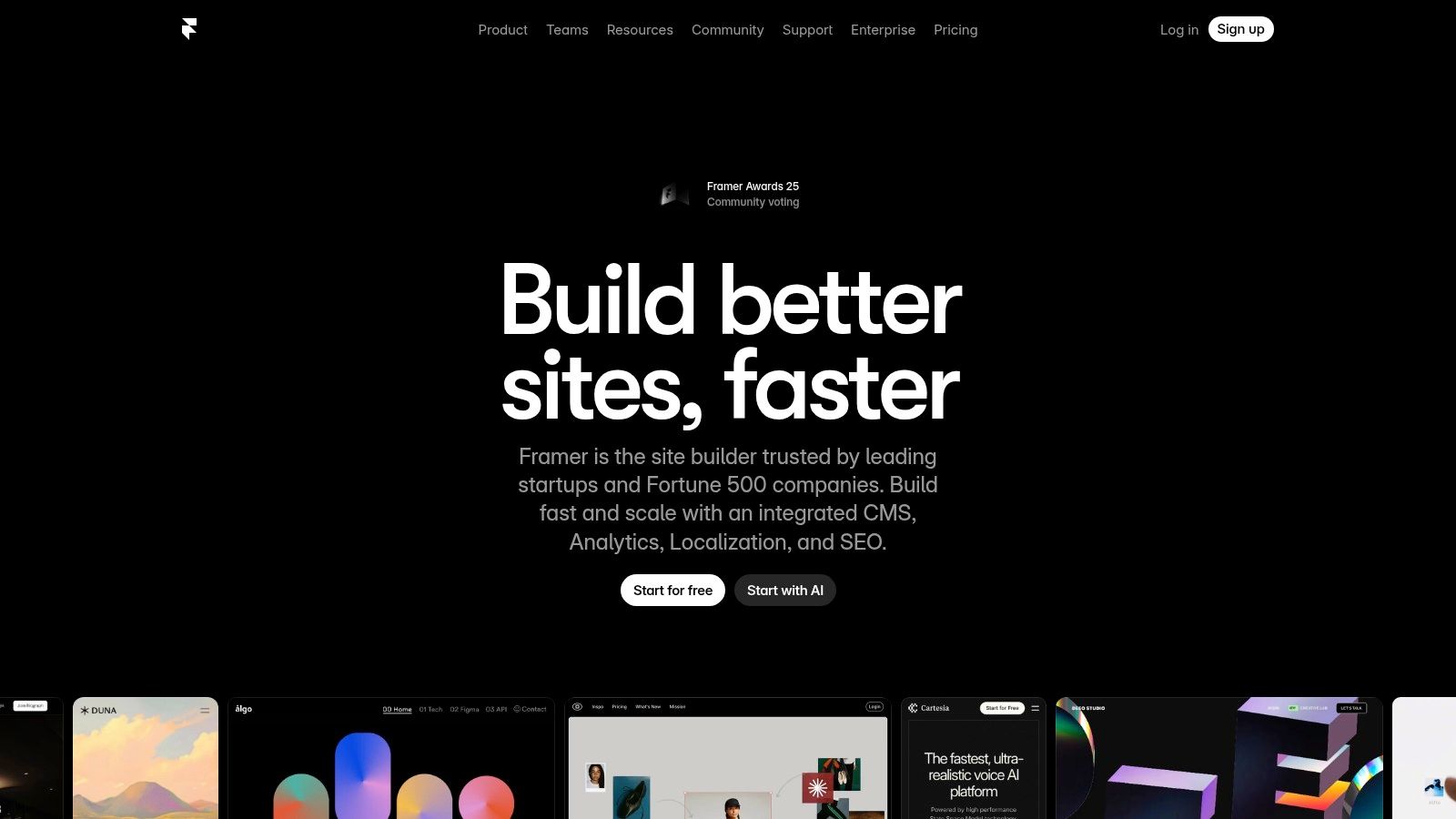
This tool is perfect for artists who want their portfolio site to be a work of art in itself, complete with slick animations and seamless transitions. Its AI-assisted design features can also help accelerate the creation process, while the built-in CMS makes managing a gallery or blog straightforward. Framer is built for performance, ensuring your high-resolution artwork is presented on a site that feels professional and responsive.
Who is it Best For?
Framer is best suited for web designers, UX/UI designers, and digital artists who are comfortable with canvas-style design tools and want to build a high-performance, visually dynamic portfolio. It’s an excellent choice for creatives who prioritize cutting-edge design and interaction over a simple, static gallery.
Key Takeaway: Framer merges the power of a professional design tool with a web builder, offering unparalleled creative freedom for artists who want to craft highly polished, interactive online experiences.
Pros:
- Design-First Workflow: The editor feels like a professional design app, offering immense creative control.
- High Performance: Sites built on Framer are known for being exceptionally fast and optimized.
- Stunning Animations: Easily create complex and fluid animations and interactions without code.
Cons:
- Branding on Free Plan: Free sites include Framer branding.
- Intended for Non-Commercial Use: The free plan is best for personal projects, not for businesses.
- Learning Curve: Can be more complex for beginners not familiar with design tools like Figma or Sketch.
Website: https://www.framer.com
7. Carrd
Carrd has mastered the art of simplicity, offering a fast and elegant solution for creating single-page websites. Its minimalist approach makes it an excellent free website builder for artists who need a stylish landing page, a digital business card, or a simple "link-in-bio" without the complexity of a multi-page site. The platform is incredibly intuitive, allowing you to publish a professional-looking site in minutes.
Starting with one of its dozens of responsive templates, you can create a focused online presence perfect for an EPK, a specific project showcase, or a central hub for your social links. While the free plan is generous, its Pro plans are unusually affordable, unlocking features like custom domains, forms, and embeds. This focus on a single page makes it a powerful tool for artists who value speed and aesthetics over sprawling content.
Who is it Best For?
Carrd is perfect for artists, musicians, and freelancers who need a sleek, responsive, and easy-to-manage single-page site. It's the ideal choice for creating a link-in-bio page, a personal portfolio summary, or a landing page for a new release or event where you need to get online quickly and effectively.
Key Takeaway: Carrd is the undisputed king of simplicity and speed for single-page websites, making it a go-to for artists who need an elegant and focused online presence without any fuss.
Pros:
- Extremely simple and fast: Go from signup to a live site in under an hour.
- Lightweight and responsive: Sites look great on any device and load instantly.
- Unusually affordable upgrades: Pro plans offer significant value for a low yearly cost.
Cons:
- Strictly one-page format: Not suitable for large, multi-category portfolios.
- Limited free features: Custom domains and advanced widgets require a paid plan.
- **Less flexible than a traditional one page website builder free of constraints for more complex projects.
Website: https://carrd.co
8. Canva Websites
For artists already living inside the Canva ecosystem, Canva Websites is a game-changer. It transforms the familiar, user-friendly design interface into a tool for creating simple, visually stunning one-page websites. This makes it an incredibly efficient free website builder for artists who want to quickly launch a beautiful portfolio, an event page, or a link-in-bio site without ever leaving their favorite design tool.
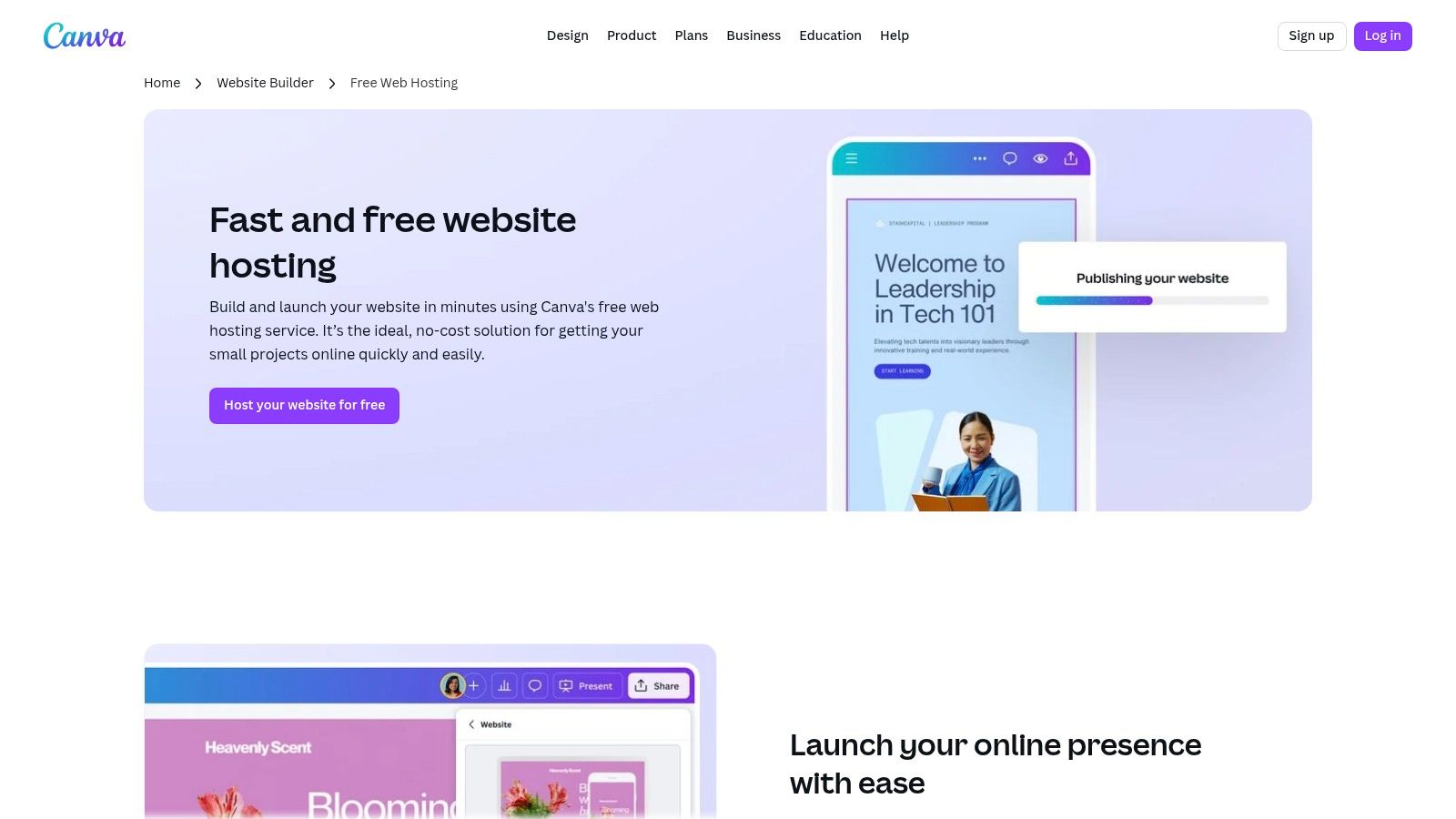
The primary strength of Canva Websites is its seamless integration with your existing assets and brand kits. You can drag and drop your logos, designs, and color palettes directly into a website template, ensuring perfect brand consistency. The platform offers a vast library of templates and leverages AI tools like Magic Write, making content creation for your site faster than ever.
Who is it Best For?
Canva Websites is perfect for graphic designers, illustrators, and social media artists who already use Canva to create their visual content. It’s also ideal for those needing a quick, highly visual, and temporary site for a specific project, exhibition, or digital business card without the complexity of a full website builder.
Key Takeaway: Canva offers the fastest path from design asset to live website, making it unbeatable for artists who prioritize speed, visual polish, and brand consistency in a simple one-page format.
Pros:
- Seamless Integration: Works perfectly with your existing Canva designs, fonts, and colors.
- Extremely User-Friendly: If you know how to use Canva, you already know how to build a website.
- Generous Free Plan: Host up to five different websites for free on a
my.canva.sitedomain.
Cons:
- Limited to One Page: Not suitable for multi-page portfolios or complex sites.
- No Native E-commerce: You can link out to shops, but there's no built-in sales functionality.
- Pro Plan Required for Custom Domains: Advanced features and connecting your own domain require a paid subscription.
Website: https://www.canva.com/features/website-hosting/
9. Google Sites
Often overlooked, Google Sites is a surprisingly capable and completely free website builder for artists who need a simple, no-frills digital space. Integrated directly into the Google Workspace ecosystem, its primary strength lies in its simplicity and seamless connection with other Google services. You can embed a portfolio from Google Drive, a contact form from Google Forms, or a calendar of upcoming shows in seconds.
While it lacks the sophisticated design tools of dedicated builders, it’s perfect for creating a straightforward electronic press kit (EPK), a simple artist bio, or a collaborative project site with other artists. The real-time, multi-editor functionality is a unique feature that makes it excellent for artist collectives or group exhibitions needing a central information hub. It’s a pragmatic choice when the goal is information delivery over aesthetic flair.
Who is it Best For?
Google Sites is ideal for students, educators, and artists who need a functional, cost-free solution for simple information sharing. It's also perfect for creating internal project wikis, quick EPKs, or a basic bio page that links to more comprehensive portfolios on other platforms.
Key Takeaway: Google Sites offers the simplest, most collaborative, and genuinely free way to build a basic info site, with unparalleled integration into the Google ecosystem and zero ads.
Pros:
- Completely Free with No Ads: No hosting costs and no platform branding are displayed on your site.
- Seamless Google Integration: Effortlessly embed content from Drive, YouTube, Calendar, and Maps.
- Dead-Simple Setup: The interface is incredibly intuitive, making it ideal for quick info pages.
Cons:
- Very Limited Design Customization: Template and layout options are basic and restrictive.
- Weak SEO and E-commerce: Lacks advanced SEO tools and has no native e-commerce functionality.
- Google-Centric Ecosystem: Custom domain mapping is more complex and often tied to a paid Google Workspace account.
Website: https://sites.google.com/new
10. Strikingly
Strikingly excels at speed and simplicity, making it a go-to for artists who need to get a professional-looking, single-page portfolio online in minutes. Its section-based editor is incredibly intuitive; you simply stack pre-designed blocks for your gallery, about section, and contact form. This makes it an excellent free website builder for artists who want a polished result without getting lost in complex settings.
The platform is designed around one-page sites, which are perfect for creating a focused digital business card or a landing page for a specific project or exhibition. This streamlined approach ensures your work is front and center without overwhelming visitors. Even on the free plan, the templates are modern and mobile-responsive, guaranteeing your art looks great on any device.
Who is it Best For?
Strikingly is perfect for artists, illustrators, and creators who need a simple, fast, and elegant single-page portfolio. It's also a great fit for those wanting to test a business idea, as the free plan allows you to list and sell a single product directly from your site.
Key Takeaway: Strikingly is arguably the fastest way for a beginner to build a stylish, single-page artist website, with the surprising bonus of being able to sell one item for free.
Pros:
- Extremely Beginner-Friendly: The section-based editor is one of the easiest to learn and use.
- Generous Free Plan: Build unlimited free sites and sell a single product without a subscription.
- Fast Setup: You can go from sign-up to a published, professional-looking site in under an hour.
Cons:
- Strikingly Branding: Free sites have prominent Strikingly ads.
- Limited Customization: Design freedom is restricted compared to more complex builders.
- Single Product Limit: Selling more than one item requires a paid plan.
Website: https://www.strikingly.com
11. Tilda
Tilda stands out with its elegant, block-based approach to web design, making it a favorite among creatives who prioritize sophisticated typography and clean layouts. Its system feels like assembling a high-end magazine page, allowing you to stack pre-designed, yet customizable, "blocks" to build a visually stunning site. This makes it an excellent free website builder for artists who want a polished, design-forward portfolio without a steep learning curve.
The free plan offers access to a curated selection of over 550 blocks, which is more than enough to create a beautiful single-page portfolio or project showcase. Built-in animations and flawless responsive design ensure your work looks professional on any device. While more advanced features are behind a paywall, Tilda’s core offering focuses on delivering an aesthetically pleasing result with minimal effort.
Who is it Best For?
Tilda is perfect for graphic designers, illustrators, and typographers who value a clean, editorial aesthetic. It’s for artists who want their website's design to be as considered as the work it displays and who prefer a guided, block-based system over a completely freeform drag-and-drop editor.
Key Takeaway: Tilda offers a superb balance of simplicity and design sophistication, allowing artists to create elegant, professional-looking websites quickly using its well-crafted block system.
Pros:
- Design-Forward Results: Creates beautiful, modern-looking sites with strong typography.
- Ease of Use: The block-based editor is intuitive and fast to learn.
- Great for Visual Storytelling: The layout system is ideal for creating compelling project case studies.
Cons:
- Limited Free Plan: Key features like forms, e-commerce, and custom domains require a paid plan.
- Branding and Subdomain: Free sites have Tilda branding and a
tilda.wsURL. - Block Restrictions: The full library of blocks is not available on the free tier.
Website: https://tilda.cc
12. Universe
Universe brings website creation directly to your phone with a fun, grid-based system that feels more like designing a poster than coding a website. Its mobile-first approach makes it an incredibly fast and accessible free website builder for artists who are constantly on the go or prefer creating on a tablet. The drag-and-drop interface lets you arrange images, text, and interactive blocks with creative freedom, making it perfect for single-page portfolios or dynamic link-in-bio pages.
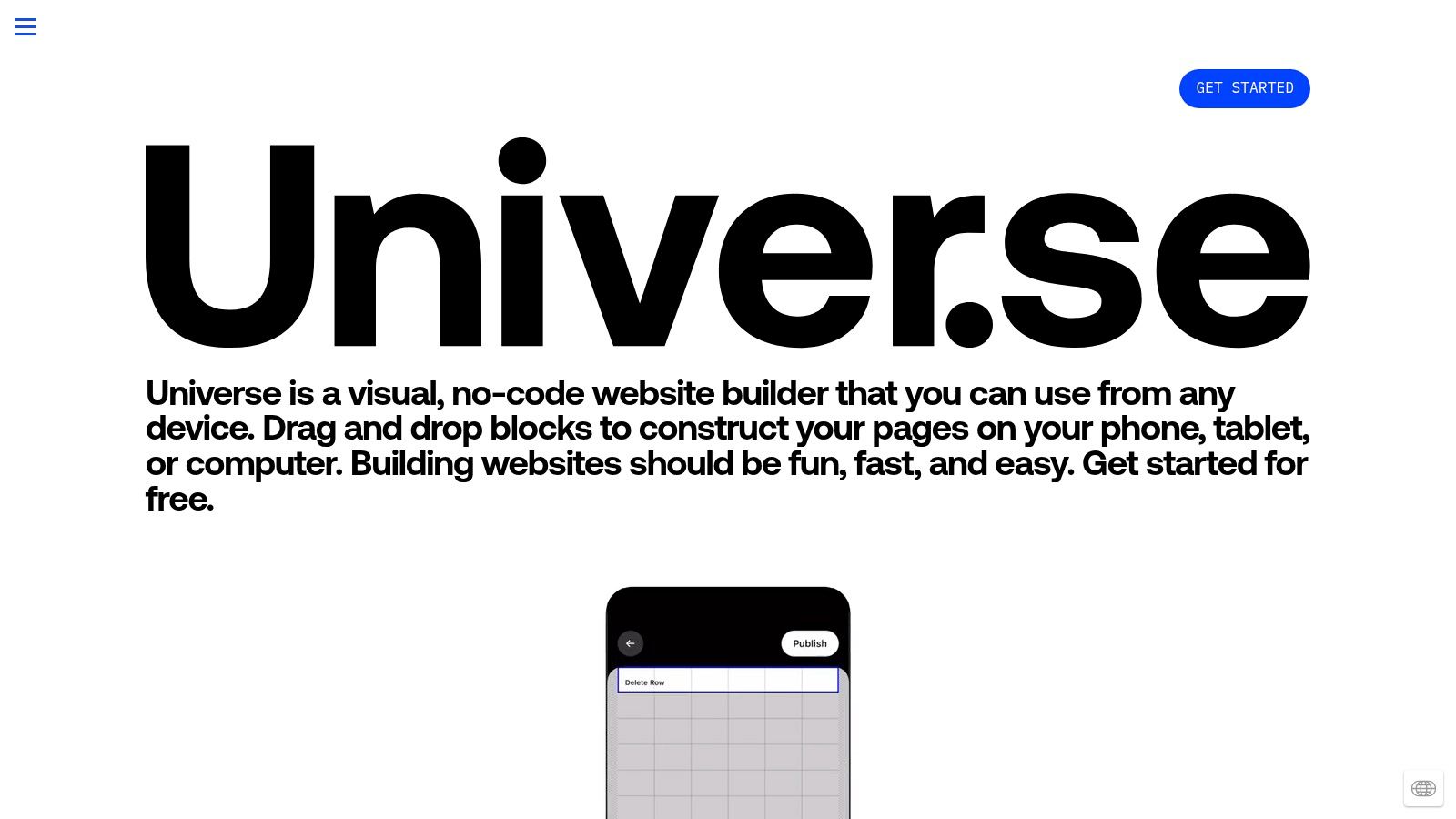
This platform excels at building visually striking, simple sites that get straight to the point. Artists can quickly assemble a landing page for a new merch drop, a gallery for a recent project, or a central hub linking to their social media and shops. Its playful and intuitive nature removes the technical barriers often associated with website building, encouraging experimentation and quick updates directly from an iOS device.
Who is it Best For?
Universe is best for visual creators, illustrators, and designers who want to build a simple, stylish, and mobile-friendly portfolio or landing page incredibly quickly. It's the ideal tool for artists who primarily work from their iPad or iPhone and need a no-fuss way to establish an online presence without ever touching a desktop computer.
Key Takeaway: Universe is the go-to builder for creating beautiful, grid-based websites entirely from your phone, offering a uniquely fast and playful experience for artists who prioritize speed and mobile convenience.
Pros:
- Super Fast Mobile Editing: Build and update your entire site from your phone or tablet.
- Playful Grid System: The block-based editor is intuitive and suits visual makers perfectly.
- Great for Simple Sites: Excellent for creating single-page portfolios or link-in-bio pages.
Cons:
- Limited for Complex Sites: Not designed for multi-page websites with complex navigation.
- Paid Tiers for Key Features: Advanced branding and commerce tools require a subscription.
- iOS-Centric: While a web editor exists, the primary experience is designed for Apple devices.
Website: https://universeapp.com
Comparison of 12 Free Website Builders for Artists
| Product | Core features | Unique selling points ✨ | UX / Quality ★ | Value & Price 💰 | Target audience 👥 |
|---|---|---|---|---|---|
| 🏆 taap.bio | Modular bento-grid editor; drag‑and‑drop blocks; smart widgets; mobile + desktop layouts | Inline audio playback; live widgets (Spotify, YouTube, GitHub, IG); per-device editing ✨ | ★★★★★ 4.98 — smooth, physics-based interactions | 💰 Free to start; paid tiers (details on signup) | 👥 Creators, musicians, designers, freelancers, SMBs |
| Wix | Drag‑and‑drop pages, templates, media players, ecommerce | Huge template library; AI site generator ✨ | ★★★★ Beginner‑friendly with deep controls | 💰 Free w/ branding; scalable paid plans | 👥 Artists, small businesses, stores |
| Weebly (Square) | Simple editor, basic store & cart, theme library | Free-tier store tied to Square; easy POS sync ✨ | ★★★ Approachable; limited design depth | 💰 Free plan (Square branding); paid for advanced features | 👥 Sellers using Square, artists selling in person |
| WordPress.com | Block editor, blogs, galleries, vast theme ecosystem | Massive plugins/themes + community support ✨ | ★★★★ Powerful but more settings to learn | 💰 Free subdomain; paid to add domain/plugins | 👥 Bloggers, portfolios, sites needing extensibility |
| Webflow | Visual CSS layout, interactions, CMS, code export | Pixel‑level control; exports clean code ✨ | ★★★★ Agency‑grade design; steeper learning curve | 💰 Free starter; paid for custom domains/CMS | 👥 Designers, agencies, advanced creators |
| Framer | Canvas-based editor, CMS, animations, fast hosting | Design-tool workflow + slick animations ✨ | ★★★★ Fast, designer‑friendly | 💰 Free for non-commercial; paid for custom domains | 👥 Designers, interactive portfolios |
| Carrd | One‑page templates, forms, embeds, responsive | Extremely lightweight and rapid publishing ✨ | ★★★★ Minimal, very easy to learn | 💰 Free up to 3 sites; affordable Pro upgrades | 👥 Creators needing a quick landing/EPK |
| Canva Websites | Template one‑page sites inside Canva editor | Seamless with Canva assets & AI tools ✨ | ★★★★ Great for quick on‑brand visuals | 💰 Free on my.canva.site; Pro for domains/features | 👥 Visual creators, event pages, social teams |
| Google Sites | Drag‑drop, YouTube/Drive/Maps embeds, collaboration | Real‑time collaboration; tight Google integration ✨ | ★★★ Very simple; limited design options | 💰 Completely free on Google subdomain | 👥 Teams, press kits, quick info pages |
| Strikingly | Section-based single/multi-page builder, store | Fast setup; generous free plan (unlimited sites) ✨ | ★★★ Quick and modern for simple sites | 💰 Free w/ limits; paid for Pro features | 👥 Beginners, quick portfolios, simple stores |
| Tilda | Block-based designer, typography control, animations | 550+ design blocks; strong typographic layout ✨ | ★★★★ Design‑forward and approachable | 💰 Free subdomain; paid for full block library/domains | 👥 Creatives valuing typography & layout |
| Universe | Mobile-first grid editor, galleries, video, forms | Mobile-first grid; build & edit from phone ✨ | ★★★ Fast mobile workflow; playful UX | 💰 Free tier; paid for commerce/branding | 👥 Mobile builders, visual makers, merch pages |
Choosing Your Canvas: Final Thoughts on the Best Free Builder for You
We've navigated a diverse landscape of digital tools, from the modular bento grids of Taap.bio to the expansive ecosystems of Wix and WordPress. The journey to find the perfect free website builder for artists isn't about crowning a single winner. Instead, it’s about discovering the digital canvas that feels most intuitive and empowering for your specific creative practice. The right platform will feel less like a technical hurdle and more like an extension of your studio.
The core takeaway is that your choice should be dictated by your primary goal. Are you building a simple, elegant business card to direct traffic, or a sprawling digital gallery to house your entire body of work? Your answer to that question is the most reliable compass you have in this search.
Synthesizing Your Options: A Final Recap
Let's distill our findings into clear categories to guide your next step. Think of your needs first, then match them to the right toolset.
For the Dynamic Visual Storyteller: If your goal is to create an engaging, interactive hub that feels more like an app than a static page, a modular builder is your best bet. Tools like Taap.bio and, to a lesser extent, Universe, excel here. They allow you to build visually rich, grid-based layouts that are perfect for showcasing a variety of media, from embedded audio tracks and video clips to galleries and smart widgets, creating a true digital destination for your audience.
For the Traditional Portfolio Architect: If you require a multi-page site with dedicated sections for your portfolio, an 'About' page, a blog, and maybe even a small store, then a more traditional builder is the way to go. Wix, Weebly, and WordPress.com offer robust, scalable solutions. While they have a steeper learning curve, they provide the foundational structure needed for a comprehensive, long-term online presence that can grow with your career.
For the Minimalist Maximizer: Sometimes, all you need is a single, beautiful page that gets the job done quickly and effectively. If you want to launch a stunning one-page portfolio or a sophisticated link-in-bio page in under an hour, Carrd and Canva Websites are unparalleled. They prioritize speed, simplicity, and aesthetic polish over complex functionality, making them ideal for artists who need a professional-looking site without the time commitment.
Your Actionable Next Steps
Before you commit, it's crucial to experiment. The 'feel' of a builder is just as important as its feature list. A platform that one artist finds intuitive, another might find clunky.
- Define Your Non-Negotiables: List the 3-5 absolute must-have features. Is it inline audio for your music? Is it a blog for your process? Is it a pixel-perfect design grid? Let this list be your filter.
- Shortlist Two Contenders: Pick one tool that seems like the "safe" choice (like Wix) and one that feels more innovative or aligned with your aesthetic (like Taap.bio or Framer).
- Run a 30-Minute Test: Spend a half-hour with each of your shortlisted builders. Don't try to build your final site. Just upload a few images, add some text, and play with the layout. This quick test will reveal which interface clicks with your creative workflow.
Ultimately, the best free website builder for artists is the one you will actually use and consistently update. Your digital presence is a living, breathing part of your artistic practice. Choose the tool that inspires you to share your work with the world, not the one that feels like a chore. Your art deserves a home that reflects its quality and passion, and with the options available today, you are fully equipped to build it.
Ready to build a digital presence that’s as visually compelling as your art? Get started with taap.bio and transform your single link into a dynamic, modular canvas for your creativity. Create your free, stunning bento-style page in minutes and give your audience a destination, not just a list of links. Sign up for free at taap.bio.