Yes, you can sell digital products on TikTok Shop, but only through its invite-only Virtual Goods framework, with a $500 total product listing price cap and no $10,000 or more in virtual-goods sales to one customer within 24 hours. TikTok also requires delivery within 2 business days after an order moves to Awaiting Shipment, so this is controlled access, not open file selling.
That's where most advice gets sloppy. People talk as if TikTok Shop is a normal digital-download checkout, but the actual rules are tighter, the approval path is narrower, and the buyer experience depends on what kind of digital item you're trying to sell. If you've been trying to force ebooks, templates, or courses into a system built for physical commerce, you've probably already felt the friction.
Table of contents
How TikTok Actually Handles Digital Goods
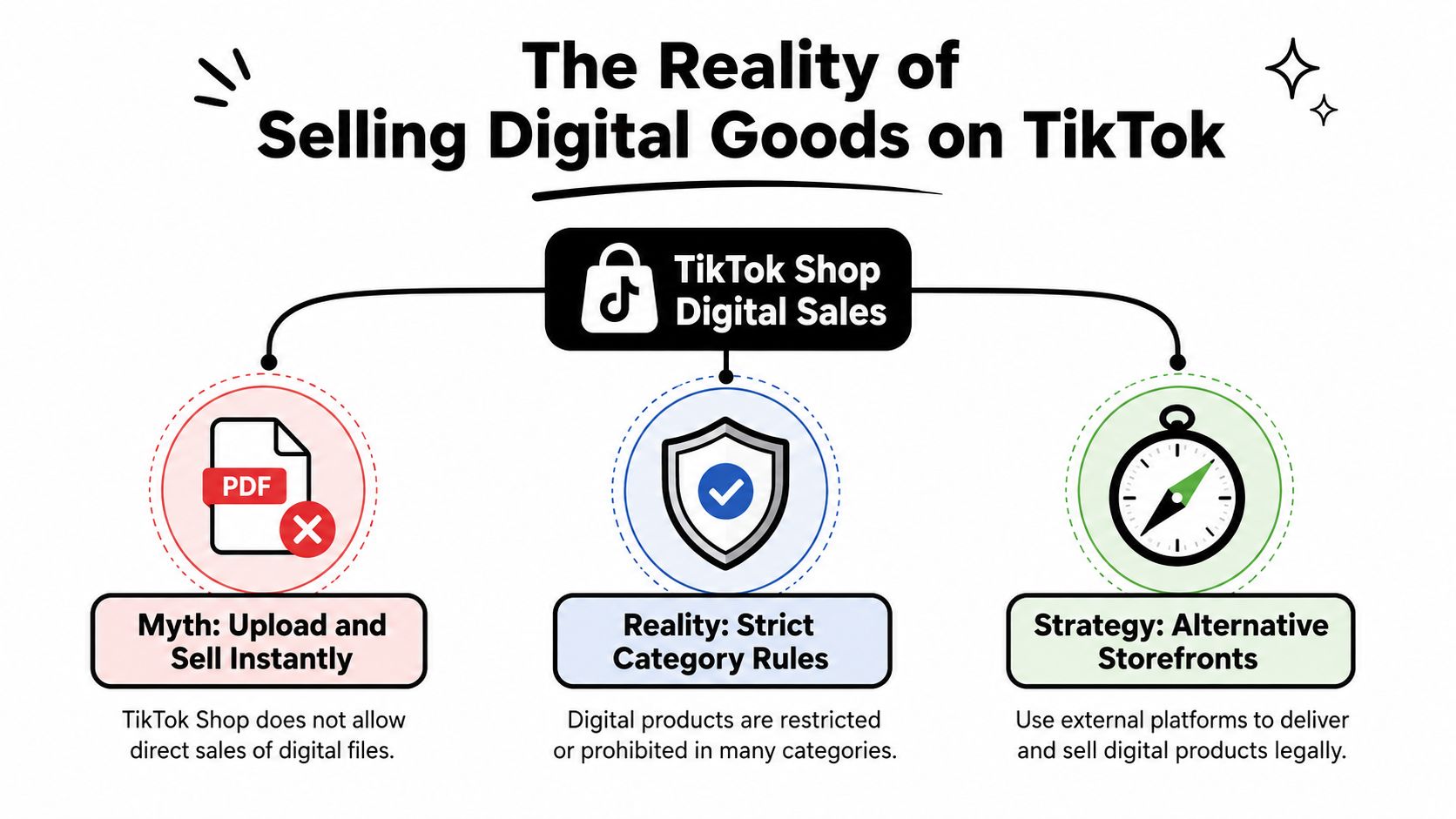
The straightforward answer is yes, but only inside TikTok's Virtual Goods category and only after approval. TikTok treats virtual goods as non-physical products delivered electronically, so the platform is checking whether your offer fits a controlled redemption flow, not whether you can attach a file to a post. The approved path is narrow, and that is the point.
What the policy actually means
TikTok does not treat digital selling like a normal self-serve checkout. Sellers need invitation-only access, accurate listings, and a delivery method that fits its rules. TikTok also caps the total product listing price at $500 and blocks $10,000 or more in virtual-goods sales to one customer within 24 hours, which makes the category feel closer to a monitored program than an open storefront (TikTok Seller Center guidance).
That matters because many creators try to force ebooks, PDFs, courses, audio files, digital art, templates, and other file-delivery products into a system built for controlled virtual goods. Those formats can run into the wrong fulfillment path fast, especially when the item is really a download rather than an approved virtual-good experience. If your offer depends on instant file access, TikTok Shop's official route is usually the tighter option.
The practical comparison is simple. The official route works only when your product fits TikTok's approved format. An external storefront works when you need speed, cleaner checkout control, and a delivery flow that is built for digital products from the start. For a broader social-selling view, this explainer on social commerce helps explain why TikTok behaves differently from a standard store. The guide to TikTok for B2B growth is useful too if you are treating TikTok as both a content channel and a sales channel.
What usually trips people up
The main mistake is assuming “digital product” means “anything downloadable.” TikTok's own guidance draws a line between approved virtual goods and ordinary file delivery, and the unsupported side is where many creators get stuck. That is why the key question is not whether digital products are allowed. It is whether your format fits TikTok's approved redemption path or whether you should sell elsewhere and use TikTok for attention.
For many creators, that second path is the cleaner one from day one.
Official TikTok Approval Versus External Storefronts
TikTok Shop's scale is real, but scale does not make approval easier. TikTok Seller Center guidance says creators should treat digital goods as a permissioned format, not a normal file download inside the standard shop flow. That matters because the official path is built around restricted virtual goods, while many creator offers are just products people expect to receive instantly by email or link.
If you want the official route, your offer has to fit TikTok's approved format and its fulfillment rules. If you want to sell a normal download, an external storefront is usually the cleaner setup.
Side-by-side trade-offs
The official route can work when you already qualify and your product matches TikTok's accepted use case. The external route works when you need control over checkout, delivery, and customer data from the start. For a social-selling reference point, the TikTok developer platform shows how different integration styles support different business models.
| Feature | Official TikTok Virtual Goods | External Store (taap.bio) |
|---|---|---|
| Access | Invite-only, approval required | Open to launch without platform approval |
| Product fit | Narrow, controlled virtual-goods use cases | Broader digital products and services |
| Delivery | Must follow TikTok's fulfillment rules | Built for direct digital delivery |
| Audience ownership | Limited, platform-centered | Better for email capture and repeat sales |
| Launch speed | Slower because of review and approval | Faster because setup is self-directed |
| Checkout control | Constrained by TikTok policy | You control product presentation and flow |
The decision usually comes down to one question. Can you describe your fulfillment method in one clear sentence, without hand-waving? If the answer is no, you are probably not ready for the official route.
I have seen creators lose time by forcing a product into TikTok's approval path before the offer was ready. If you are still waiting, or your product is a standard download, an external storefront is less fragile and easier to launch. A simple link in bio can do the handoff, and how to add a link to your TikTok bio is the setup step that makes that work.
Why storefront ownership matters
TikTok can bring attention quickly, but attention is not ownership. When your checkout lives outside the platform, you can collect emails, adjust product pages, and change offers without waiting for policy updates. That matters if your catalog includes several file types or delivery methods and you do not want to rebuild the sales flow every time TikTok changes what it supports.
The hybrid answer is often the practical one. Keep TikTok as the traffic source, then send buyers to a storefront you control. Use the official route only when your product fits the approved virtual-goods path.
How to Apply for TikTok Shop Virtual Goods Access
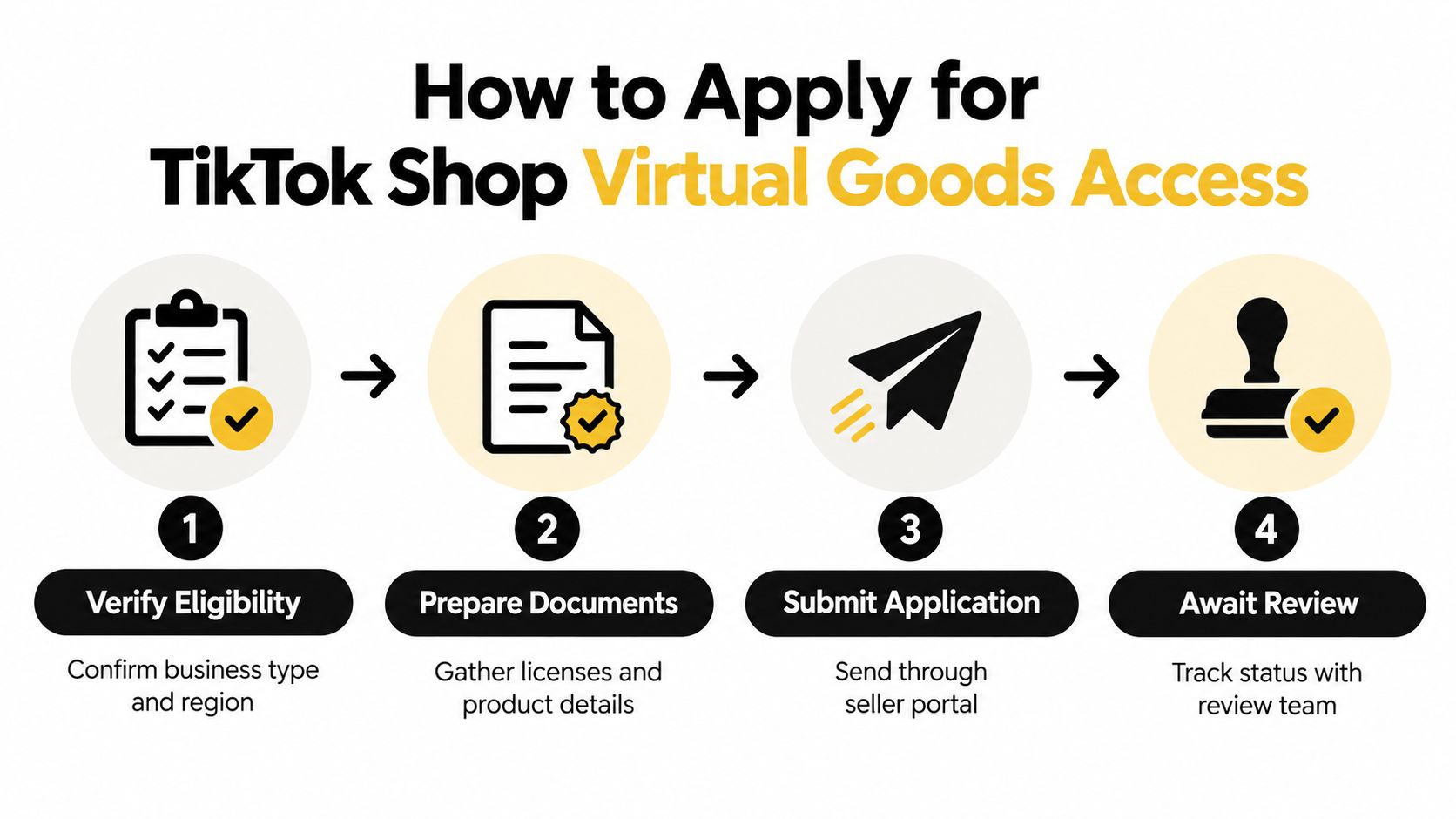
The official path starts with seller access, then virtual-goods approval, then listing only the digital formats TikTok has accepted under that program. TikTok's current guidance makes it clear that digital products are not ordinary file downloads inside the standard shop flow, so the application is really about proving you can operate inside the restricted system (TikTok Seller Center guidance).
What to prepare before you apply
Start with the basics TikTok expects from any seller account. Then make your digital offer legible to a reviewer, not just appealing to buyers. That means clear product naming, exact delivery language, and a fulfillment plan that matches TikTok's secure digital-delivery requirements.
A practical checklist looks like this:
- Verify seller access: Make sure your seller account is active and the region supports the relevant virtual-goods flow.
- Prepare product details: Write a plain description of what the buyer receives, how it's delivered, and what happens after payment.
- Document fulfillment logic: Show how secure delivery works and how you'll keep the process accurate.
- Plan around the limits: Keep the $500 listing cap and the 2 business day delivery requirement in mind from the start.
The point of the application is not just to get approved. It's to avoid building a product that TikTok will reject later because the fulfillment method is misaligned.
What usually gets denied
The most common failure is trying to treat the application like a generic digital-download pitch. TikTok's current guidance says unsupported formats include ebooks, PDFs, courses, audio files, digital art, templates, and similar file-delivery products unless they're packaged as approved virtual goods. If your offer is a standard download, the official route usually isn't the cleanest one.
Keep your language specific. “Digital asset” is too vague, but “redeemable access code sent by email” tells the reviewer how the order actually works.
If you're waiting on access, there's no reason to stall your launch. You can build the sales path off-platform while the application is under review, then decide later whether the official route is worth the friction.
Building Your Instant Digital Store with taap.bio
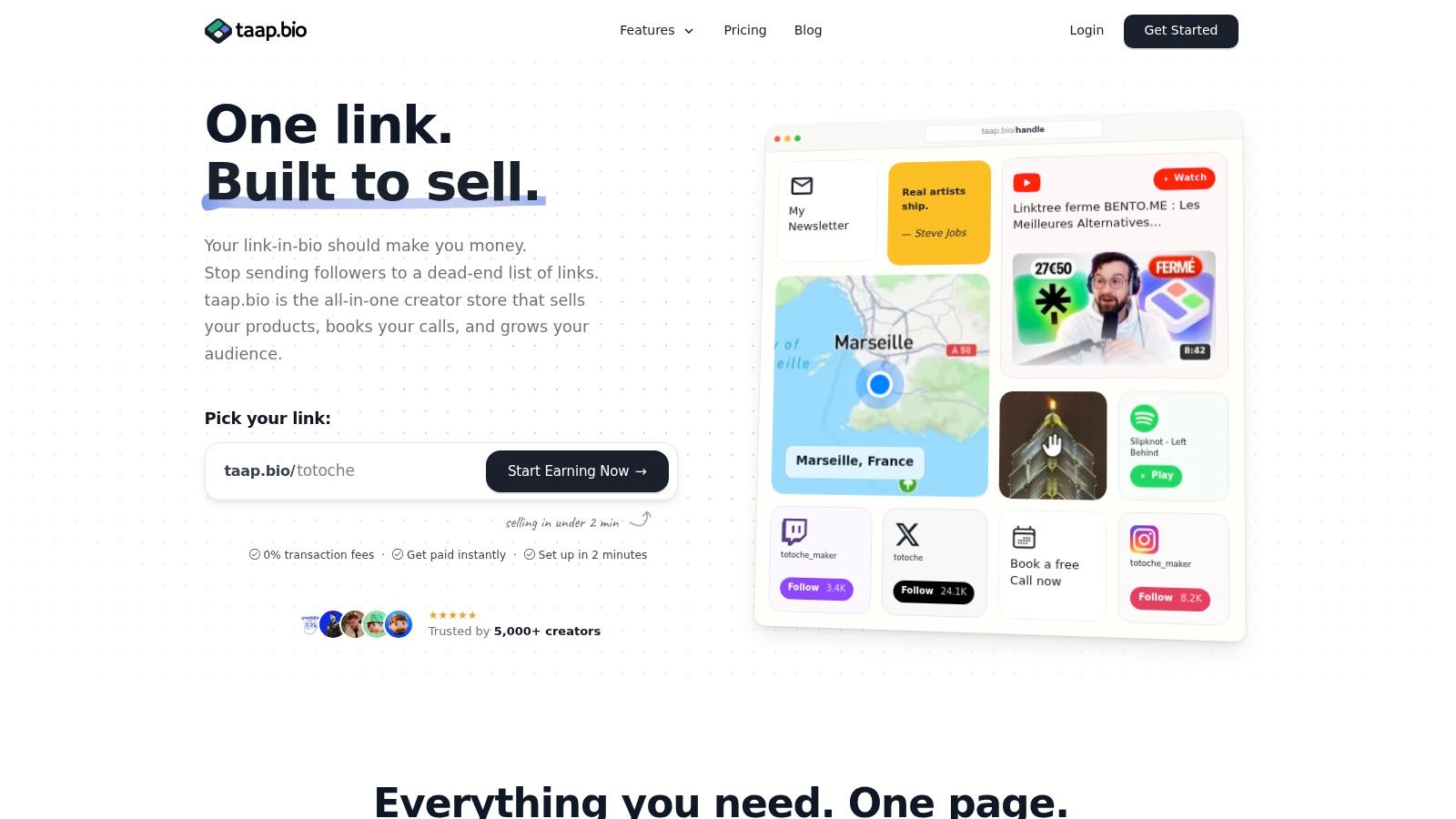
The fastest workaround is to move the checkout off TikTok and into a page you control. A link-in-bio storefront like taap.bio is built for that kind of handoff, because it combines product display, checkout, and file delivery in one place. If TikTok is discovery, the sale closes there.
How to set it up without friction
Build one clean page first. Put your strongest product at the top, use a simple benefit-led headline, and keep the path from click to purchase short. If you're selling something that needs explanation, use the product block to show what the buyer gets, then let the checkout do the rest.
A solid setup usually includes:
- A clear product block: Name the offer in plain English so viewers know what they're buying.
- Instant delivery settings: Use digital fulfillment so the buyer receives access right after payment.
- One visible link: Put the page in your TikTok bio and send traffic there from videos, comments, and pinned prompts.
- Optional booking flow: If your offer includes calls or services, add paid bookings on the same page.
If you want a deeper walkthrough of the format, this guide to digital product storefronts is the most relevant companion piece. The point is to remove the gap between curiosity and purchase, because every extra click on mobile costs you buyers.
Why this route fits TikTok traffic better
TikTok audiences buy fast when the product is obvious. They don't want to decode a complicated checkout, and they definitely don't want to wonder whether a file will arrive. A direct storefront gives you room to explain the offer once, then capture the buyer while the intent is still hot.
There's also a policy advantage. You're not trying to force every digital offer into TikTok's restricted Virtual Goods lane. Instead, you use TikTok for reach and your own page for execution, which is a cleaner split for creators who care about consistency.
The Hybrid Strategy for Maximum TikTok Sales
The smartest setup isn't either-or. Use TikTok to create demand, then use your storefront to collect the sale. That approach protects your business when platform rules shift, and it gives you a cleaner path for products that TikTok doesn't treat as ordinary downloads.
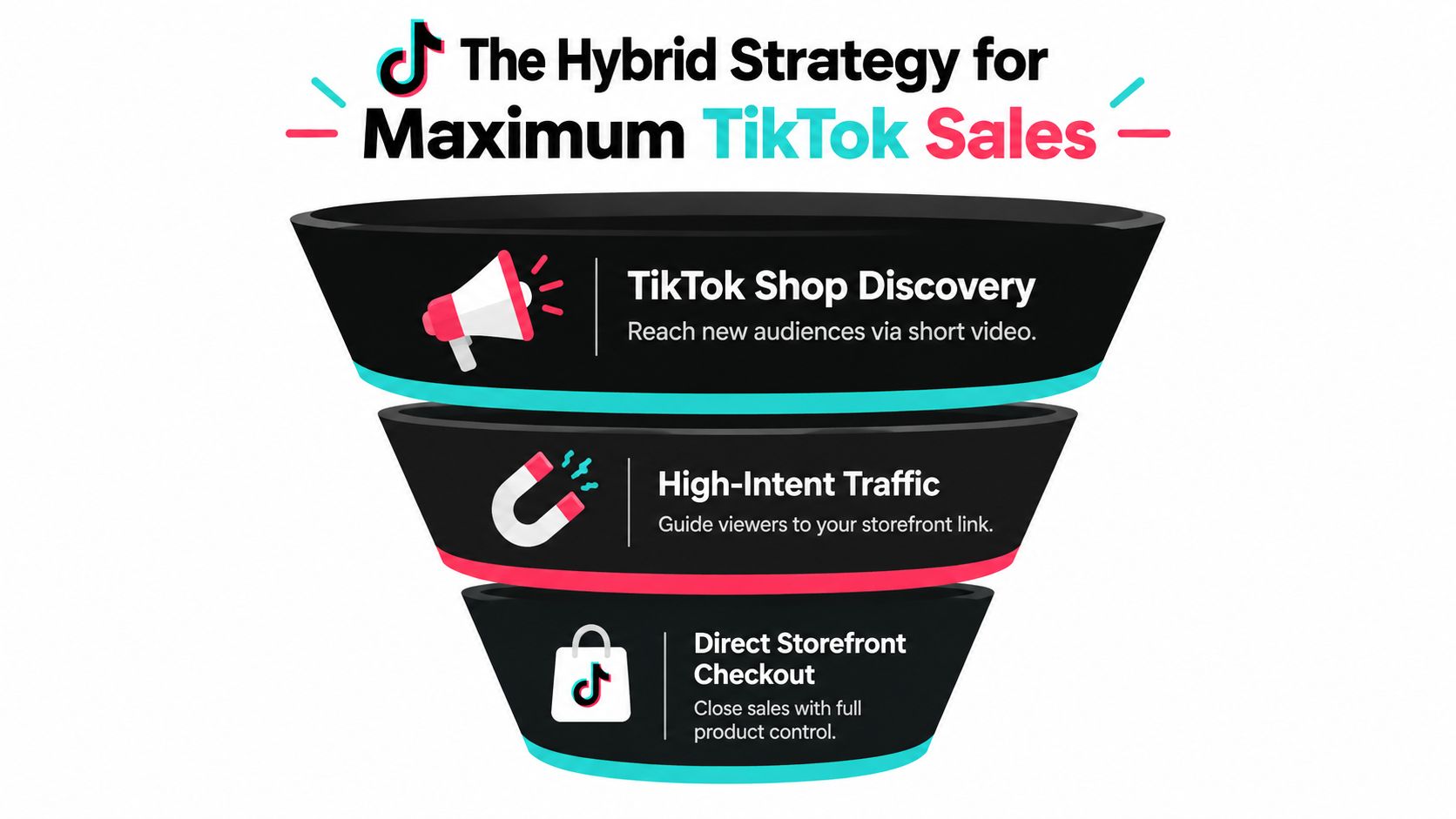
What to post and where to send buyers
Use short videos to show the outcome, not the file. A before-and-after clip, a screen recording, or a quick demo works much better than a static product pitch. Then move interested viewers to your bio link or pinned comment and let the storefront finish the transaction.
That flow matters more now because recent guidance suggests TikTok's digital-product support is limited in some markets, partly invite-only, and may involve workflow constraints such as code delivery and a separate redemption setup (2026 coverage on TikTok digital-product selling). In other words, TikTok is often better at discovery than fulfillment.
Treat TikTok like the hook, not the warehouse.
How to keep the funnel clean
Your content should do three jobs. It should attract the right viewer, qualify the buyer, and make the next click obvious. That means your captions need to point people toward the right destination without sounding forced, and your bio link needs to land them on a page that loads fast and explains the offer clearly.
This is also where an owned email list helps. If someone visits but doesn't buy, you still have a way to follow up. TikTok visibility is valuable, but it's volatile, and your revenue shouldn't depend on one algorithmic window.
If you want a deeper system for routing traffic, how to build your TikTok bio link properly is worth matching against your current profile setup. The hybrid play keeps the business moving whether TikTok approves your digital goods or not.
Troubleshooting Common Digital Product Issues
Most digital-product failures on TikTok come from one of three places, the listing, the delivery method, or the buyer expectations. If a product feels confusing at checkout, the problem is usually not traffic quality. It's mismatch between what the buyer saw and what the system delivers.
Where things break
The first breakdown is format mismatch. If your product behaves like a normal downloadable file but you try to push it through a restricted Virtual Goods flow, the order can stall or get rejected. The second is redemption confusion, especially when the buyer expects immediate access inside TikTok but the order depends on email or an outside system.
The third is trust. Buyers on mobile want proof that the digital item is real, clear, and easy to use. If the product page overpromises or the instructions are vague, comments and support messages start piling up quickly.
A few fast fixes help:
- Clarify delivery: Tell buyers exactly where the file, code, or access link arrives.
- Simplify the offer: One product with one clear outcome converts better than a crowded bundle.
- Test the handoff: Buy your own product from a phone and watch for any extra steps.
- Document support: Keep a short response path ready for access issues and delivery questions.
If the problem is on the delivery side, instant digital delivery setup guidance is the right place to tighten the flow. If the problem is the product itself, the answer is usually to narrow the offer and make the result easier to understand.
What not to ignore
Don't assume a refund issue is a traffic issue. Don't assume a policy issue is a design issue. And don't build a complicated system just because TikTok is where the audience lives. The cleaner the fulfillment path, the fewer support problems you create.
Final Verdict and Action Plan for Creators
So, can you sell digital products on TikTok Shop? Yes, but only in a narrow, invite-only Virtual Goods setup with hard controls on price, fulfillment, and approval. For most creators, that means the official route is worth pursuing only if your product already fits the approved format and you're ready to operate inside the restrictions. If your offer is a normal digital download, the external-store path is usually the one that moves faster and causes fewer headaches.
What to do this week
If you want the official route, submit the seller application and prepare the product details before you waste time trying to retrofit your offer later. If you want revenue now, build the external page first, connect it to your TikTok bio, and start posting content that shows the product in use. Those two moves aren't mutually exclusive.
A practical reference for modern selling habits is digital products 2026 tips for creators, especially if you're comparing your offer structure against other creators in the market. Use that perspective to tighten the offer, not to wait for perfect conditions.
The decision rule
Use TikTok Shop's official digital path when approval is realistic and the product fits the policy. Use an external storefront when you want a broader product catalog, faster launch, and better ownership of the buyer relationship. If you're unsure, default to the path that lets you sell without depending on a permission gate.
For tracking what's working, analytics and tracking for link-in-bio pages should be part of your setup from the start. You want to know where clicks come from, what products get tapped, and which videos send buyers through.
If you want a cleaner way to sell digital products from TikTok without waiting on invite-only approval, build your storefront on taap.bio. It gives you one page for checkout, digital delivery, bookings, and email capture, so you can turn TikTok attention into actual revenue. Set it up once, link it in your bio, and start selling while the platform rules sort themselves out.