The creator economy is booming, but success isn't just about talent; it's about having the right tools. A powerful, efficient workflow is what separates aspiring creators from established professionals. It means less time wrestling with clunky software and more time doing what you love. But with thousands of apps, platforms, and services all promising to be the 'best,' finding the right stack is overwhelming. This guide cuts through the noise.
We've compiled a definitive list of the 12 best tools for content creators in 2026, categorized by function and vetted for real-world performance. From professional-grade editing suites to innovative link-in-bio platforms that transform your online presence, this is your roadmap to building a smarter, more effective creative engine. This curated list is designed to help you make informed decisions, whether you're a designer looking for a visual-first link-in-bio page, a podcaster centralizing your content, or a freelancer showcasing a portfolio.
Inside, you'll find a detailed analysis of each tool, complete with screenshots, direct links, pros and cons, and specific use cases. We break down who each tool is truly for, helping you move beyond marketing hype and choose solutions that genuinely fit your workflow and goals. As you build your stack, remember that modern creation is also about efficiency. To truly build your ultimate creator toolkit, it's essential to stay updated on emerging technologies like the best AI tools for content creators.
This isn't just another list. It's a strategic guide to assembling a professional-grade toolkit that saves you time, enhances your quality, and ultimately helps you grow your brand. Let's dive in.
Table of contents
1. taap.bio
Taap.bio elevates the standard "link in bio" into a dynamic, media-rich micro-website, making it one of the best tools for content creators who prioritize visual storytelling and brand identity. Instead of a simple vertical list, it uses a modular bento-style grid. This allows you to create asymmetrical, magazine-like layouts with draggable, resizable blocks for a truly custom and interactive user experience.
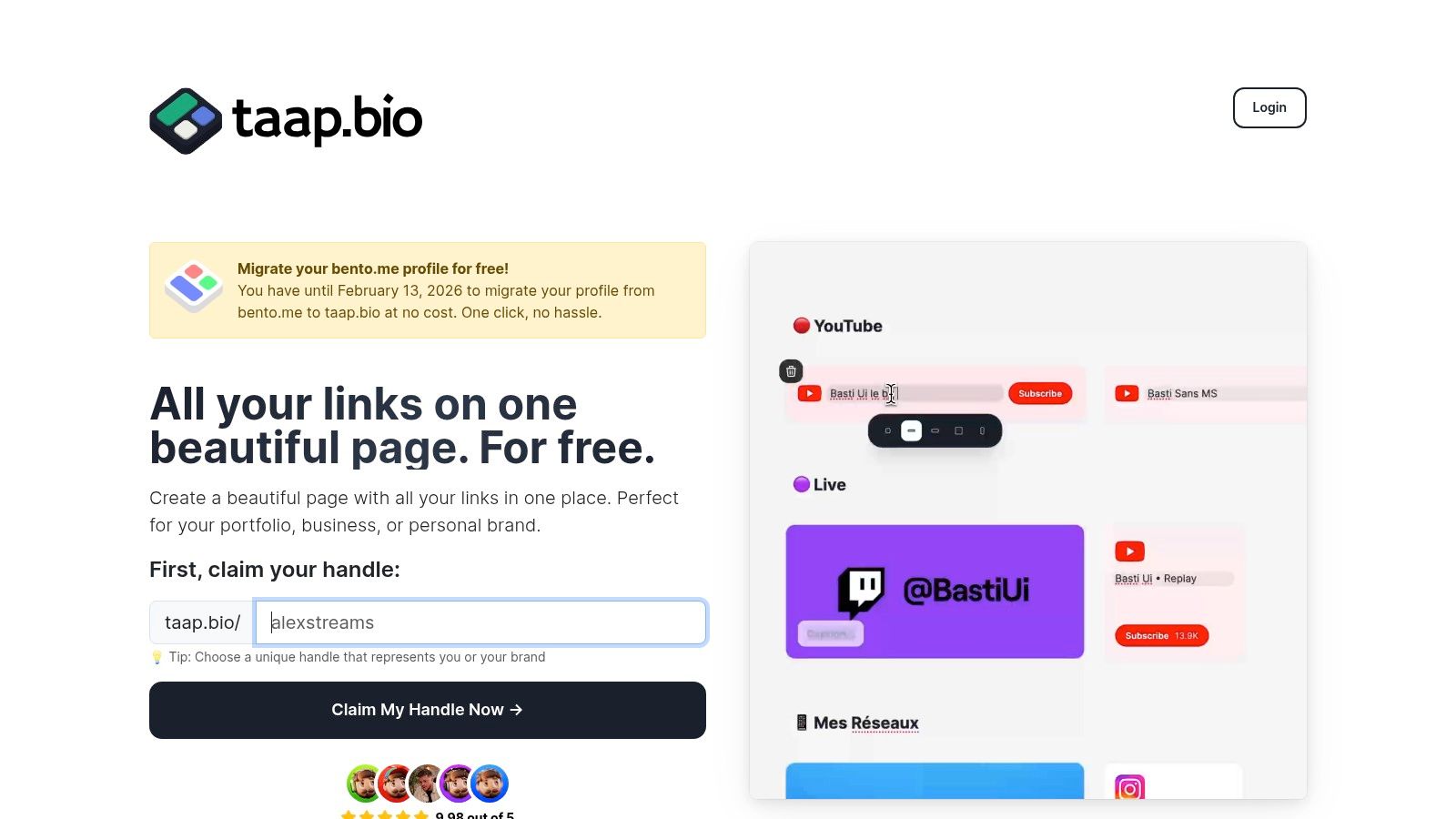
Its core strength lies in its powerful "smart widgets." These are not just static links but live, integrated content modules. A musician can embed a Spotify widget that allows visitors to play entire albums without leaving the page. A developer can showcase a live GitHub contribution graph, and a designer can pull in their latest work directly from Dribbble, Behance, or Figma. This transforms your page from a simple redirect hub into a destination in itself.
Key Features and Use Cases
- Bento Grid Layout: Design-forward creators can break free from linear link lists. A photographer could create a visual hierarchy with a large hero image, smaller thumbnails linking to galleries, and a contact block.
- Deep Integrations: The real-time widgets for platforms like Instagram, YouTube, and TikTok offer live previews and follower counts. This is ideal for influencers wanting to give visitors a snapshot of their content ecosystem.
- Independent Mobile/Desktop Editing: This is a critical feature often overlooked by competitors. You can design a multi-column, complex layout for desktop viewers and a streamlined, single-column version for mobile users, ensuring optimal viewing on any device.
- Rich Media and Customization: Support for video/GIF avatars, custom backgrounds, and unique typography allows for complete brand alignment, making it a perfect fit for small businesses needing a quick, branded landing page.
Who Is It Best For?
Taap.bio is an excellent choice for designers, musicians, podcasters, and developers who need more than just a list of links. Its visual-first approach makes it one of the most compelling link-in-bio tools available. It's also an essential consideration for Bento.me users, as Taap.bio offers a free, one-click migration path to claim and move your handle before the Bento shutdown.
Pricing and Final Thoughts
Taap.bio is marketed as free to create a page, though details on potential premium tiers or limitations are not specified on the homepage. While the extensive customization might present a slight learning curve for users seeking simplicity, the platform’s power to create a truly unique and functional micro-site is undeniable.
Website: https://taap.bio
2. Adobe Creative Cloud
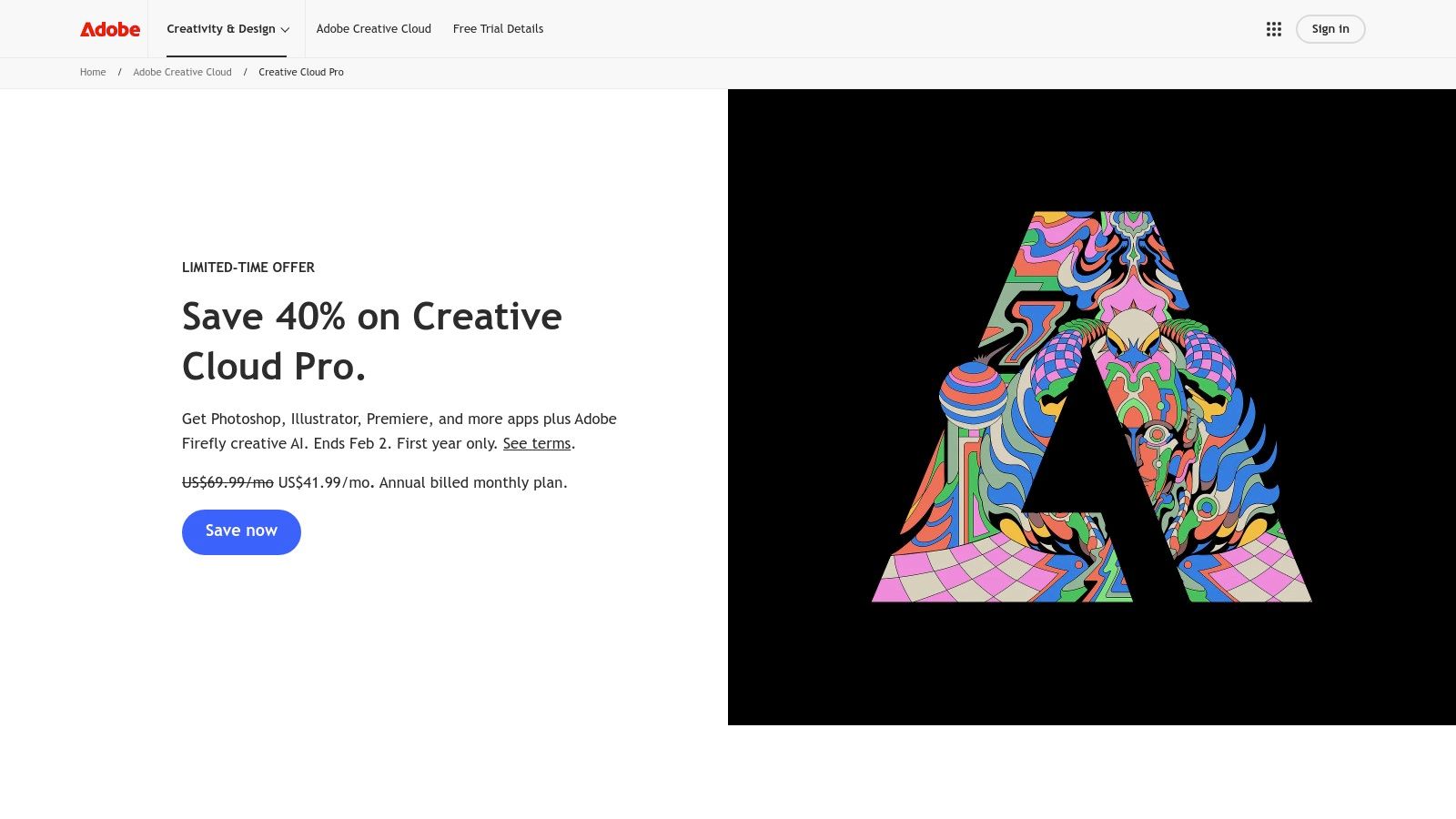
Adobe Creative Cloud is the undisputed heavyweight champion for creators who need a comprehensive, professional-grade toolkit. It's not just a collection of apps; it's an integrated ecosystem where your projects can flow seamlessly from one stage to the next. For serious content creators who want to produce polished, industry-standard work, this suite is an essential investment.
From editing a viral TikTok in Premiere Pro to designing a stunning thumbnail in Photoshop or creating vector graphics for merchandise in Illustrator, the Creative Cloud has a dedicated tool for every conceivable task. What truly sets it apart is the interoperability. You can edit a graphic in Photoshop and see it update instantly in your Premiere Pro video timeline, a workflow that saves countless hours and elevates production quality.
What We Like & Dislike
| Pros | Cons |
|---|---|
| Unmatched depth of features across 20+ apps | High monthly subscription cost |
| Industry-standard software increases collaboration | Steep learning curve for advanced apps |
| Powerful integration between applications | Can be resource-intensive on older hardware |
Use Case Spotlight
Imagine you're a YouTuber launching a new series. You can film your footage, then use Premiere Pro for the main edit. For advanced visual effects or motion graphics, you can send a clip directly to After Effects using Dynamic Link. Meanwhile, you use Photoshop to create high-impact thumbnails and Illustrator for a branded logo overlay. The entire asset library, including fonts from Adobe Fonts and stock footage, is synced via the cloud, accessible on both desktop and mobile.
Pricing and Access
- All Apps Plan: Typically around $59.99/month for individuals.
- Photography Plan: Starts at $9.99/month (includes Photoshop & Lightroom).
- Single App Plans: Available for most applications, usually starting at $22.99/month.
For creators who need the absolute best tools and are willing to invest in their craft, Adobe Creative Cloud remains the top choice.
Visit Website: https://www.adobe.com/creativecloud/all-apps
3. Canva
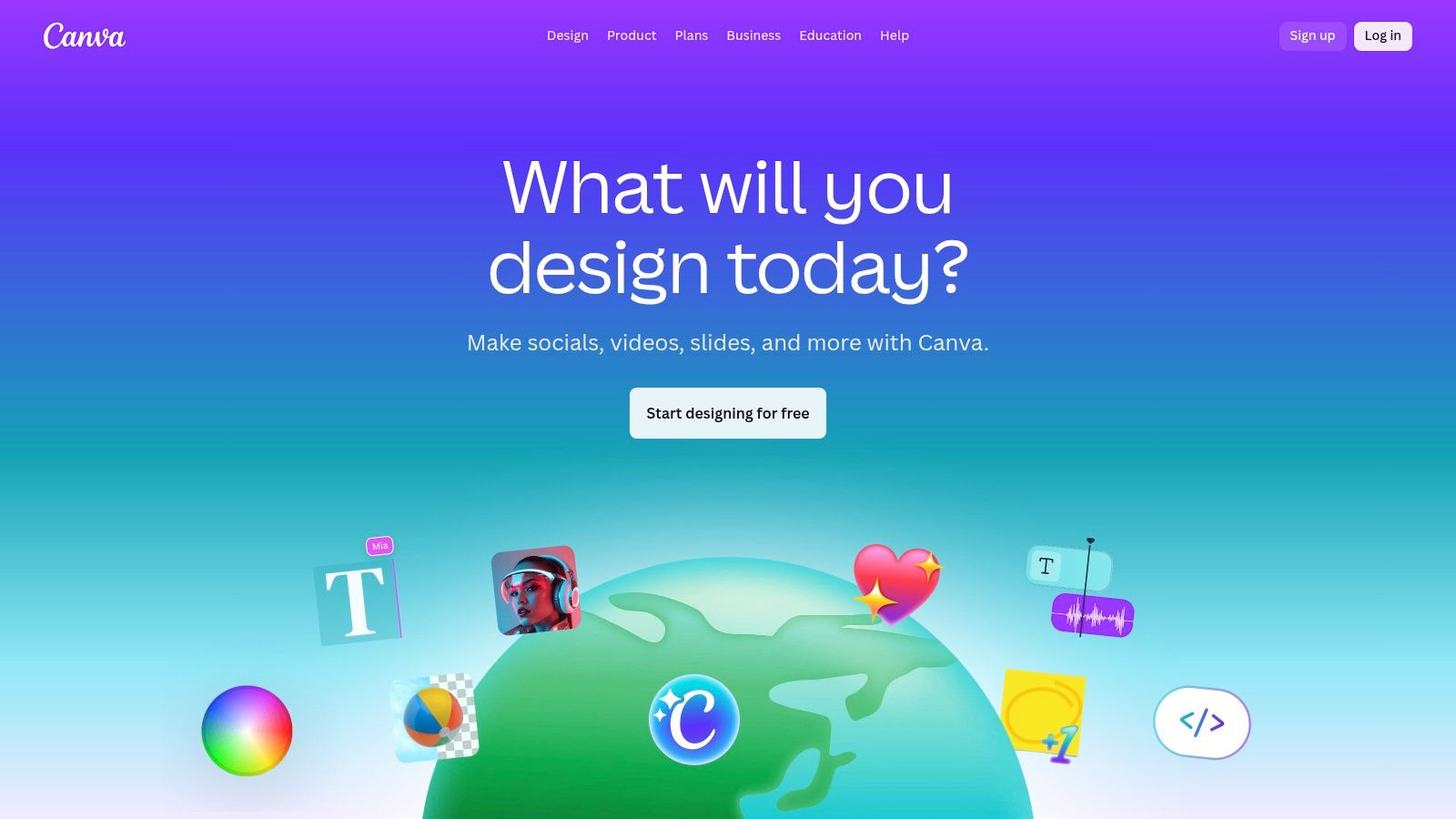
Canva is the ultimate design tool for creators who need to produce stunning, on-brand visuals without a steep learning curve. It has democratized design, empowering anyone to create professional-quality graphics, social media posts, videos, and presentations in minutes. For content creators juggling multiple platforms, Canva is an indispensable asset for maintaining a consistent and polished aesthetic with speed and efficiency.
What makes Canva one of the best tools for content creators is its massive library of templates, stock photos, and design elements combined with an intuitive drag-and-drop interface. From YouTube thumbnails and Instagram Stories to podcast cover art and digital products, you can find a starting point for virtually any project. Its AI-powered Magic Studio features, like the background remover and Magic Resize, further streamline the workflow, saving valuable time.
What We Like & Dislike
| Pros | Cons |
|---|---|
| Extremely user-friendly for non-designers | Less precise control than professional desktop apps |
| Huge library of templates, stock media, and assets | Advanced features and best assets are behind a paywall |
| Powerful collaboration and brand management tools | Video editing capabilities are basic compared to dedicated software |
Use Case Spotlight
Imagine you're an influencer planning a week's worth of content. You can use Canva to design a cohesive set of Instagram posts and carousels using a branded template. You can quickly edit a short-form video for Reels or TikTok, adding animated text and transitions. The platform is also perfect for creating a visually engaging photo grid, and you can explore some of the best collage apps for Instagram to find more specialized options. Finally, you can schedule all this content directly to your social platforms from within Canva's Content Planner.
Pricing and Access
- Canva Free: Generous free plan with thousands of templates and design assets.
- Canva Pro: Starts at $14.99/month for one person, unlocking premium templates, Brand Kit, Magic Studio, and the Content Planner.
- Canva for Teams: Begins at $29.99/month for a team of five, adding collaborative workflows and brand controls.
Canva is the go-to solution for creators who prioritize speed and ease of use without sacrificing visual quality.
Visit Website: https://www.canva.com
4. CapCut
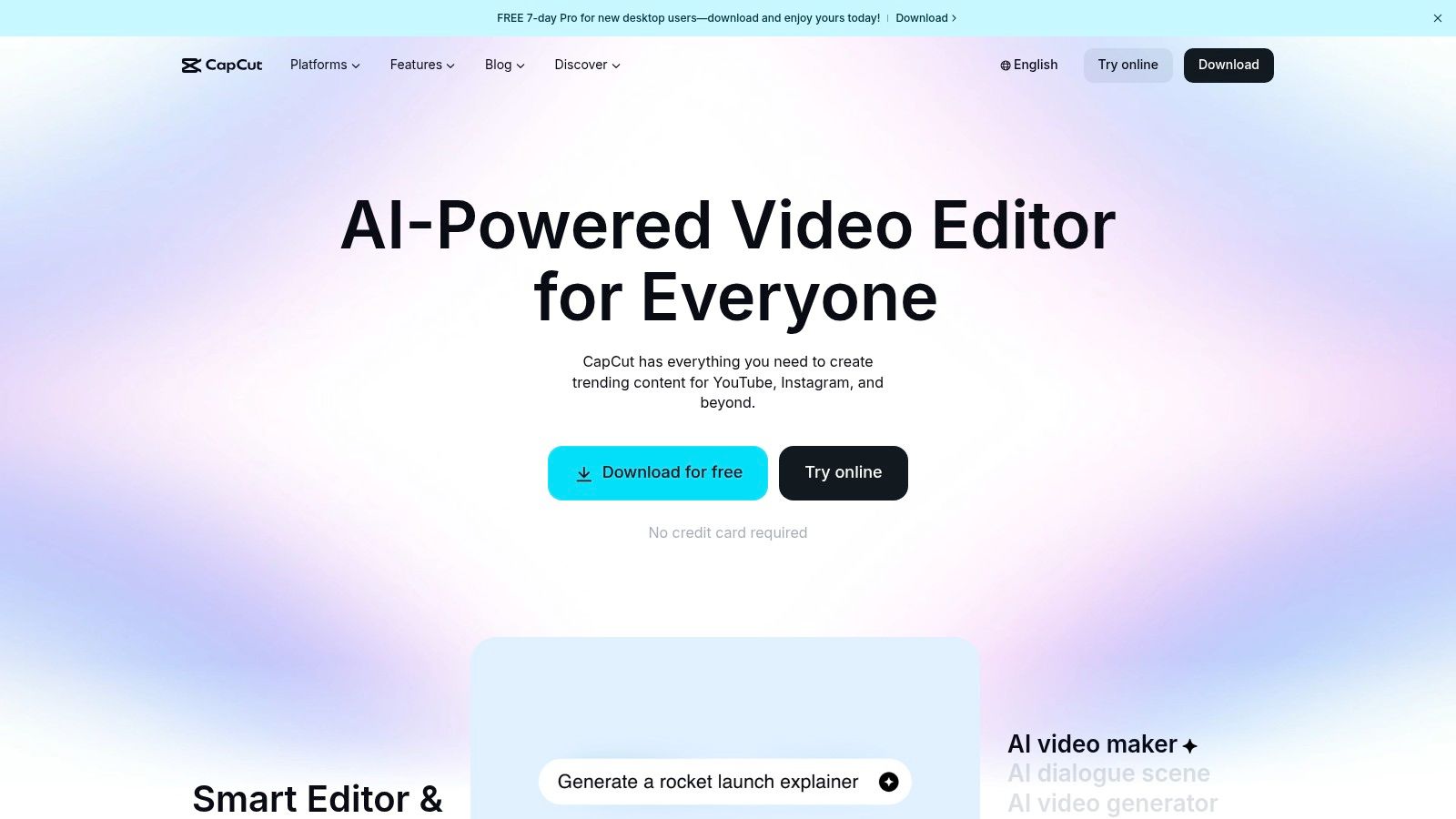
CapCut has rapidly become the go-to video editor for creators focused on speed and social media trends, especially for platforms like TikTok, Reels, and YouTube Shorts. It brilliantly bridges the gap between simple mobile editors and complex desktop software by combining a user-friendly timeline with powerful, AI-driven features and a vast library of trending effects, templates, and sounds.
Developed by the same parent company as TikTok, CapCut is perfectly attuned to the fast-paced world of vertical video. It simplifies traditionally complex tasks like generating accurate auto captions, removing backgrounds, or upscaling footage with AI. This focus on efficiency makes it one of the best tools for content creators who need to produce high volumes of engaging short-form content without a steep learning curve.
What We Like & Dislike
| Pros | Cons |
|---|---|
| Extremely fast workflow for vertical video | Pricing and feature tiers can vary by platform |
| Powerful AI tools like auto captions and bg removal | User complaints exist around app store billing |
| Huge library of trending templates and effects | Less depth for long-form, horizontal editing |
Use Case Spotlight
Imagine you're a fashion influencer creating an Instagram Reel. You can film several clips on your phone, open the CapCut app, and use a trending template that automatically syncs your clips to a popular audio track. You then use the auto caption feature to add stylized, animated text, apply a popular color grading filter, and export directly to Instagram in the optimal format, all within minutes. The cloud sync feature means you could even start on your phone and add finishing touches on the desktop app.
Pricing and Access
- Free Version: Incredibly robust, offering most core features with a small watermark.
- CapCut Pro: Approximately $7.99/month (pricing varies by region and platform), unlocking premium effects, templates, cloud storage, and AI features.
- Desktop, Web, and Mobile apps are all available.
For creators who live and breathe short-form video, CapCut offers an unbeatable combination of speed, simplicity, and trend-focused features.
Visit Website: https://www.capcut.com
5. Descript
Descript revolutionizes audio and video editing by turning it into a process as simple as editing a text document. This platform is a game-changer for podcasters, educators, and anyone creating spoken-word content, allowing you to edit media by simply editing the auto-generated transcript. This text-based approach dramatically lowers the barrier to entry for producing clean, professional-sounding audio and video.
Instead of navigating complex timelines, you can delete filler words like "um" and "uh" with a single click or rearrange entire sentences by cutting and pasting text. Features like Studio Sound enhance vocal clarity, while the AI-powered Overdub lets you clone your voice to correct mistakes seamlessly. For creators focused on dialogue, this is one of the best tools for content creators available today.
What We Like & Dislike
| Pros | Cons |
|---|---|
| Fast learning curve for talking-head and tutorial content | Heavy, long-form timelines can demand capable hardware |
| Excellent for repurposing long recordings into clips and shorts | Transcription hours and AI credits are limited by plan |
| Powerful AI tools for audio enhancement and voice cloning | Less suited for highly cinematic or effects-heavy video |
Use Case Spotlight
Imagine you’ve just recorded a one-hour podcast interview. You can upload the audio to Descript, which quickly transcribes it. Instead of listening through the entire file, you can scan the text, delete irrelevant sections, and remove all filler words instantly. You can then use the editor to create multiple short, engaging video clips for social media, complete with animated captions. This streamlined workflow is perfect for maximizing your content output and learning how to promote your podcast more effectively across different platforms.
Pricing and Access
- Free Plan: Includes 1 hour of transcription per month.
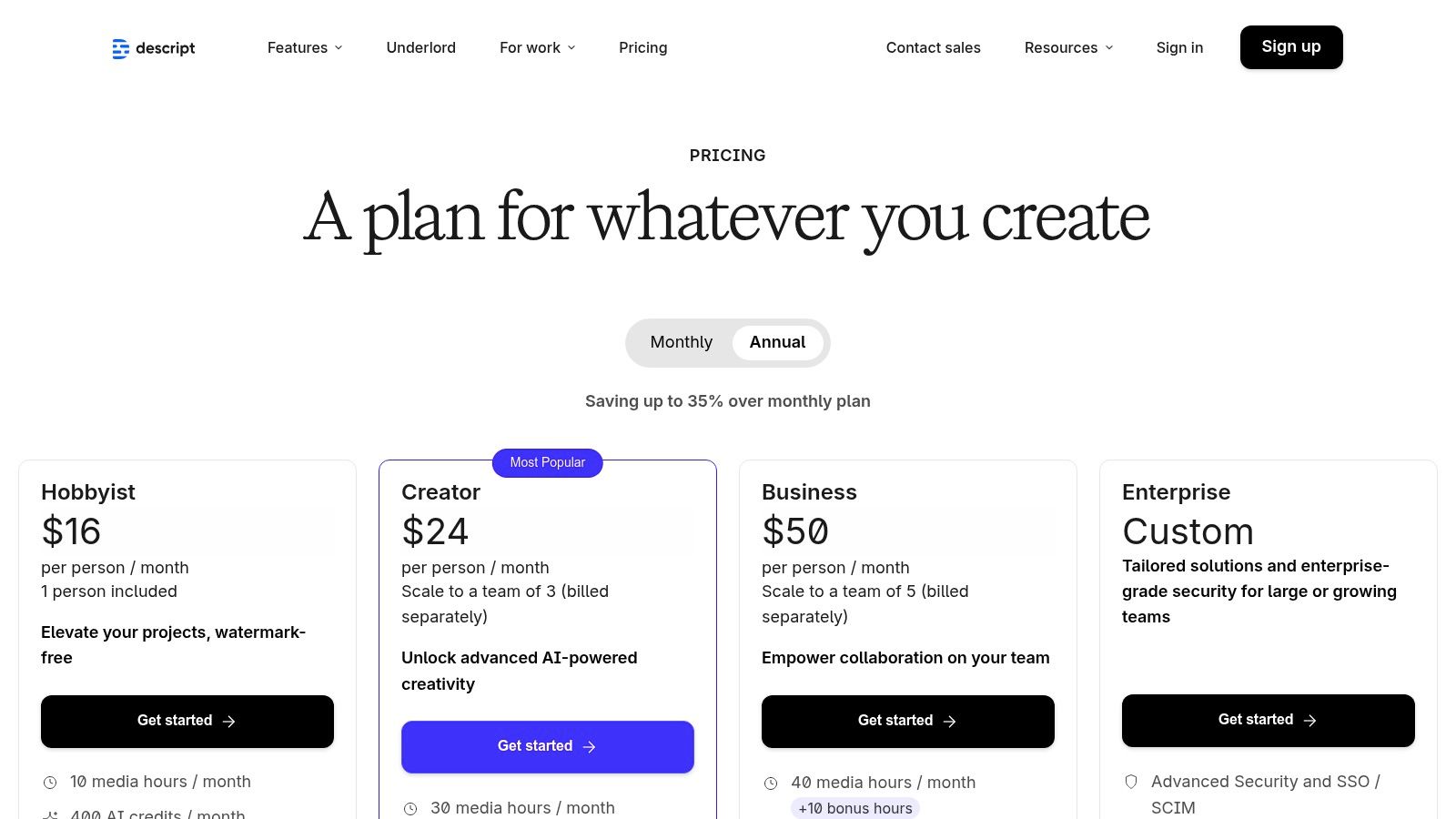
- Creator Plan: Starts at $12/month (billed annually) for 10 hours of transcription.
- Pro Plan: Starts at $24/month (billed annually) for 30 hours of transcription and unlimited Overdub.
Descript makes professional-level audio and video editing accessible to everyone, regardless of their technical skill.
Visit Website: https://www.descript.com/pricing
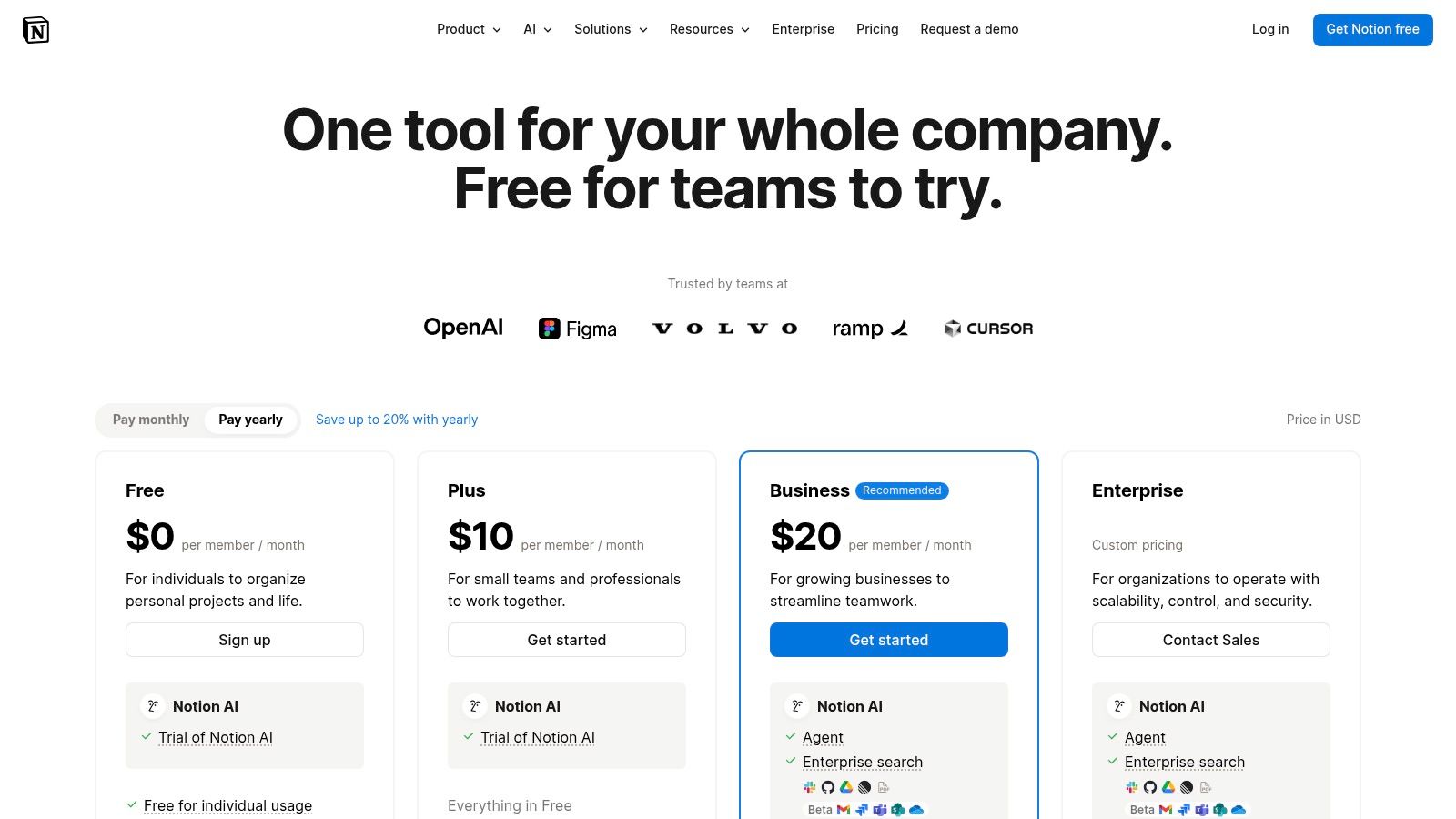
6. Notion
Notion is the ultimate "second brain" for content creators, a flexible workspace that transforms chaotic ideas into a structured production pipeline. It goes beyond simple note-taking, allowing you to build a custom-tailored command center for everything from content calendars and scriptwriting to sponsorship tracking and brand collaborations. For creators drowning in scattered documents and spreadsheets, Notion offers a unified, powerful solution.
Its strength lies in its modular design. You can use databases with Kanban, calendar, and gallery views to visualize your entire workflow from ideation to publication. This adaptability makes it one of the best tools for content creators who need a system that grows with them, consolidating multiple apps into one. By building a centralized system, you can effectively create a private content hub to manage all your projects.
What We Like & Dislike
| Pros | Cons |
|---|---|
| Highly customizable pipeline from ideation to publish | Requires initial setup time to design an effective system |
| Scales from solo creators to teams without migrating tools | Very large workspaces may require governance to stay organized |
| Real-time collaboration makes it great for teams | Mobile app can be less powerful than desktop version |
Use Case Spotlight
A podcaster can use Notion to manage their entire show. A "Podcast Episodes" database tracks each episode's status (e.g., Researching, Recording, Editing, Published) on a Kanban board. Each entry contains the script, guest research notes, sponsorship details, and a checklist for post-production tasks. Linked databases can manage guest contacts and advertiser information, creating a completely interconnected and streamlined operational hub for their content.
Pricing and Access
- Free Plan: Generous free tier perfect for individual creators.
- Plus Plan: Starts at $8/user/month (billed annually) for small groups and more advanced features.
- Business Plan: Starts at $15/user/month (billed annually) with advanced team and security features.
For creators who value organization and want to build a truly bespoke system for managing their business, Notion is an indispensable asset.
Visit Website: https://www.notion.so/pricing
7. Patreon
Patreon is a foundational tool for creators seeking to build a sustainable, recurring revenue stream directly from their most dedicated supporters. It moves beyond ad revenue and one-off sponsorships, allowing you to create a membership program where fans pay a monthly or annual fee for exclusive content, access, and community. For creators looking to own their audience relationship and diversify income, Patreon is one of the best tools for content creators available.
The platform excels at fostering a direct connection between you and your audience. You can offer tiered membership levels with increasing perks, such as exclusive videos, behind-the-scenes updates, direct messaging, or even physical merchandise. With features like native video, podcast hosting, and newsletters, it provides an all-in-one hub for delivering premium content to your paying members, transforming casual followers into a loyal, financially supportive community.
What We Like & Dislike
| Pros | Cons |
|---|---|
| Diversifies income beyond ads and sponsorships | Platform fees plus payment processing reduce earnings |
| Built-in CRM and audience insights | Requires ongoing effort to deliver member perks |
| Fosters a direct relationship with your community | Can be challenging to convert casual followers to paying members |
Use Case Spotlight
Imagine you're a podcaster who wants to offer an ad-free version of your show and a bonus monthly episode. You can set up a $5/month tier on Patreon that gives members access to a private RSS feed for their podcast player. For your most dedicated fans, a $15/month tier could include the ad-free feed, the bonus episode, and access to a monthly Q&A livestream hosted directly on Patreon, creating a powerful incentive for your audience to support your work directly.
Pricing and Access
Patreon's pricing is a percentage of the monthly income you earn on the platform, plus payment processing fees.
- Pro Plan: 8% of processed payments, includes membership tiers and analytics.
- Premium Plan: 12% of processed payments, adds dedicated coaching, merch solutions, and team accounts.
Learn more about the various monetization platforms for content creators to see how Patreon stacks up against alternatives.
Visit Website: https://www.patreon.com/pricing
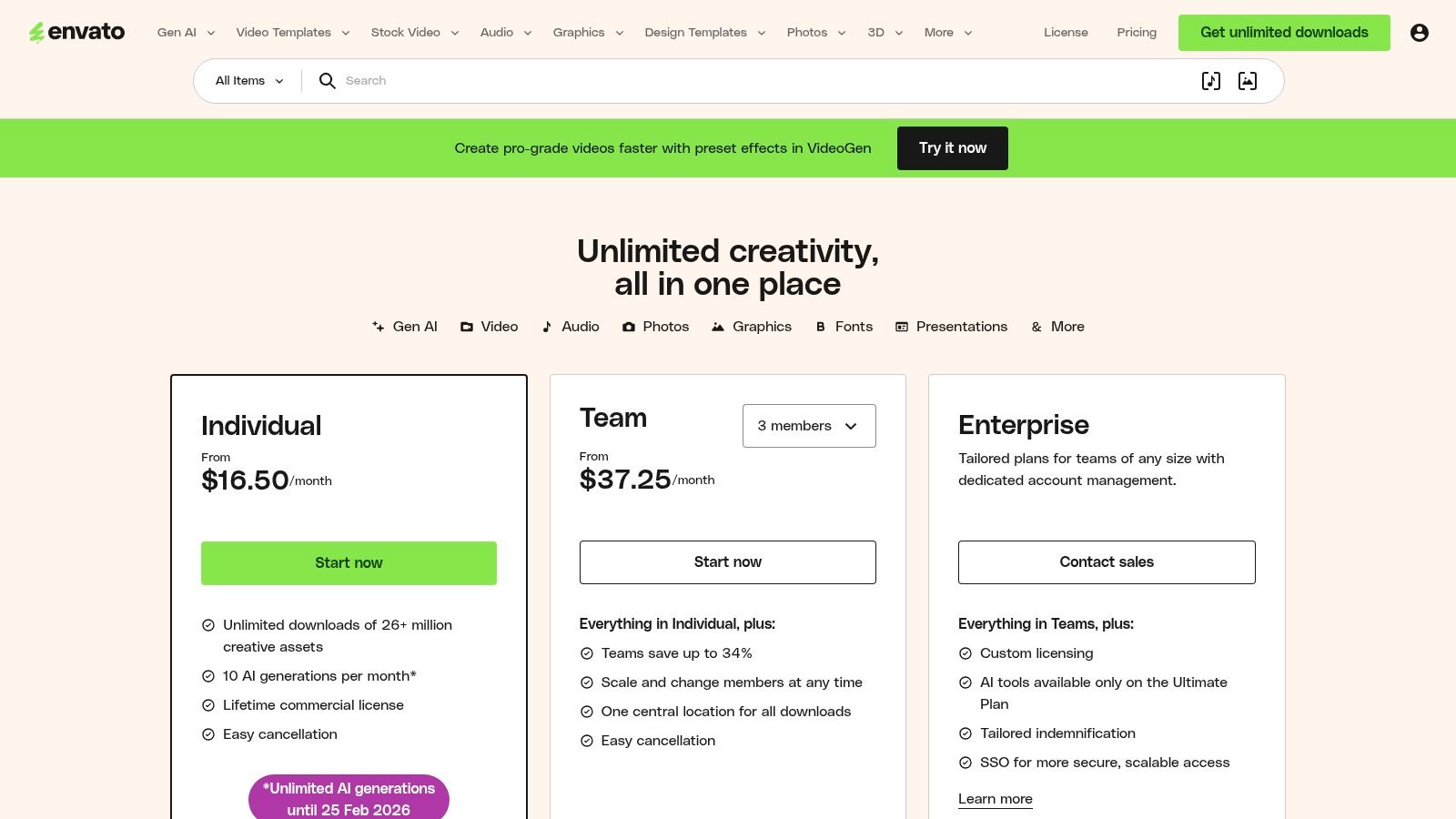
8. Envato Elements
For creators who constantly need fresh assets, Envato Elements is an absolute game-changer. Instead of paying per asset for stock footage, music, or video templates, this platform offers unlimited downloads from a massive library for a single monthly fee. It's the ultimate creative subscription box for anyone producing a high volume of content, eliminating the friction of micro-transactions and making experimentation affordable.
This service provides access to over 26 million assets, from b-roll for your YouTube videos and background music for your podcast to stunning presentation templates and unique fonts for your branding. The simple, broad commercial license covers most creator use cases, providing peace of mind and one of the best tools for content creators looking to enhance their production value without breaking the bank.
What We Like & Dislike
| Pros | Cons |
|---|---|
| Incredible value with unlimited downloads | Must license each asset for every project |
| Massive library covering video, audio, and graphics | Some assets lack robust documentation or support |
| Simple commercial license for most uses | Quality can be inconsistent across the library |
Use Case Spotlight
A podcaster can use Envato Elements to source royalty-free intro and outro music, then find After Effects templates to create engaging audiogram videos for social media promotion. Simultaneously, they can download graphic templates to design unique episode cover art and find stock photos for their blog posts discussing the episode. This entire creative workflow is powered by a single subscription, streamlining the asset-gathering process.
Pricing and Access
- Individual Plan: Starts at $16.50/month (billed annually).
- Teams Plan: Priced per member, starting at $10.75/month/member for teams of 6+.
- Enterprise Plans: Custom pricing for large organizations.
Envato Elements is an indispensable resource for creators who need a constant supply of diverse, high-quality assets to keep their content fresh and professional.
Visit Website: https://elements.envato.com/pricing
9. Artlist
Finding high-quality, royalty-free music and sound effects can be a major hurdle for video creators, but Artlist solves this with an expansive library and refreshingly simple licensing. It’s designed specifically for creators, offering a massive catalog of music, SFX, stock footage, and even AI tools under a straightforward subscription model. This makes it one of the best tools for content creators who need to elevate their video production value without risking copyright strikes.
The platform stands out by providing a lifetime license for any asset downloaded during an active subscription, meaning you can use it in your projects forever, even if you cancel. Its "Clearlist" feature also allows you to whitelist your channels, proactively preventing copyright claims on major platforms like YouTube and Twitch, a crucial benefit for monetized creators.
What We Like & Dislike
| Pros | Cons |
|---|---|
| Lifetime license for downloaded assets | Most Pro plans are billed annually |
| Clearlist feature prevents copyright claims | Pricing structure can be complex with bundles |
| Expansive, high-quality music and SFX catalog | Monthly plans are limited and more expensive |
Use Case Spotlight
Imagine you're a travel vlogger producing a weekly series. With an Artlist subscription, you can browse curated playlists to find the perfect cinematic score for your drone footage. You can download multiple tracks and corresponding sound effects like whooshes and ambient city sounds to build a rich audio landscape. Because you’ve whitelisted your YouTube channel, you can upload the final video with confidence, knowing it won't be flagged or demonetized for music use.
Pricing and Access
- Music & SFX Social: Starts at $9.99/month (billed annually) for personal social channels.
- Music & SFX Pro: Typically around $16.58/month (billed annually), covering commercial and client work.
- Artlist Max: All-in-one bundles including music, SFX, footage, and templates are available at higher tiers.
For creators who prioritize audio quality and licensing peace of mind, Artlist is a top-tier investment.
Visit Website: https://artlist.io
10. Amazon
No creative toolkit is complete without the right hardware, and Amazon is the unparalleled global marketplace for sourcing every piece of gear imaginable. From your first vlogging camera and ring light to professional-grade microphones, powerful SSDs, and specialized capture cards, it’s the essential one-stop shop. For content creators, its value lies in the massive selection, competitive pricing, and logistical speed.
What makes Amazon indispensable is the combination of near-instant access to products via Prime shipping and the wealth of community-driven data. You can compare specs on three different microphones, read dozens of user reviews, watch video testimonials, and have the winner on your doorstep the next day. This rapid procurement and easy return process allows creators to test gear and build their ideal setup with minimal friction, making it one of the best tools for content creators on a practical level.
What We Like & Dislike
| Pros | Cons |
|---|---|
| Unmatched selection of creator hardware and accessories | Product quality can vary significantly by seller |
| Fast, often free shipping and simple returns with Prime | Risk of counterfeit products; must vet sellers |
| Buyer reviews and Q&A provide valuable real-world insights | Overwhelming number of options can lead to decision fatigue |
Use Case Spotlight
Imagine you're a live streamer looking to upgrade your setup. You can use Amazon to research and purchase a new key light, a Logitech C920 webcam, and an Elgato Stream Deck. You'd read reviews to confirm the gear is compatible and check the Q&A section to see if other streamers had issues with your specific software. With Prime, everything arrives in two days, just in time for your next broadcast. If a product doesn't meet expectations, the return process is straightforward, minimizing your financial risk.
Pricing and Access
- Access: Free to browse and purchase.
- Amazon Prime: Approximately $14.99/month or $139/year for benefits like free, fast shipping and more.
- Product Costs: Varies widely depending on the hardware or accessory.
For acquiring the physical tools of the trade quickly and efficiently, Amazon remains a fundamental resource for every creator.
Visit Website: https://www.amazon.com
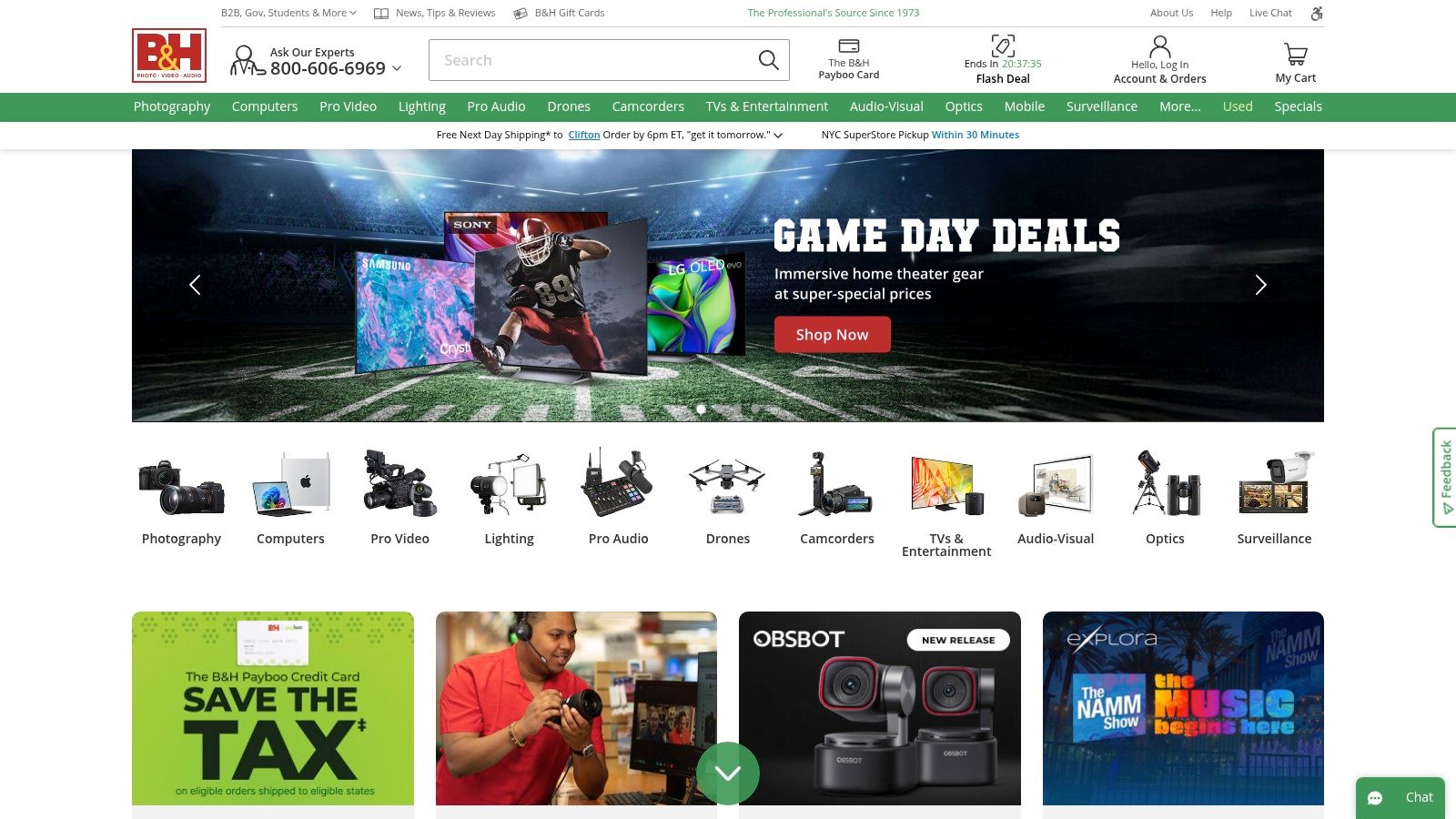
11. B&H Photo Video
When it comes to the physical hardware that powers your creativity, B&H Photo Video is the gold standard retailer for creators. This isn't just an online store; it's a comprehensive resource for purchasing professional-grade cameras, lighting, microphones, and streaming gear. For creators seeking reliable equipment and expert advice, B&H is an indispensable part of the toolkit.
What sets B&H apart is its deep specialization and knowledgeable support. Instead of wading through endless consumer electronics, you get a curated inventory tailored to photo, video, and audio production. Their sales professionals can provide consultative help to ensure you’re buying the right gear for your specific needs, making it one of the best tools for content creators building or upgrading their studio.
What We Like & Dislike
| Pros | Cons |
|---|---|
| Pro-grade inventory across all creation categories | Free shipping has limitations for certain regions |
| Knowledgeable support to match gear to use cases | Some items may ship directly from the manufacturer |
| Clear shipping policies and fast fulfillment | Can be overwhelming for absolute beginners |
Use Case Spotlight
Imagine you're a streamer looking to upgrade from a basic webcam setup to a professional multi-camera rig. You can use B&H's live chat to consult with an expert about the best mirrorless cameras for clean HDMI output, like a Sony a6400, and pair it with the right capture card and lighting kit. You can also explore their used gear section for cost-effective lenses or finance a larger purchase to spread out the investment, all from one trusted vendor.
Pricing and Access
- Pricing: Varies by product. B&H offers a vast range from budget-friendly accessories to high-end cinema cameras.
- Financing: Payboo Credit Card and other financing options are available to make high-ticket items more accessible.
- Used Gear: A dedicated section for used equipment allows creators to access pro gear at a lower cost.
For acquiring the essential hardware to produce high-quality content, B&H is the most trusted and supportive retailer in the industry.
Visit Website: https://www.bhphotovideo.com
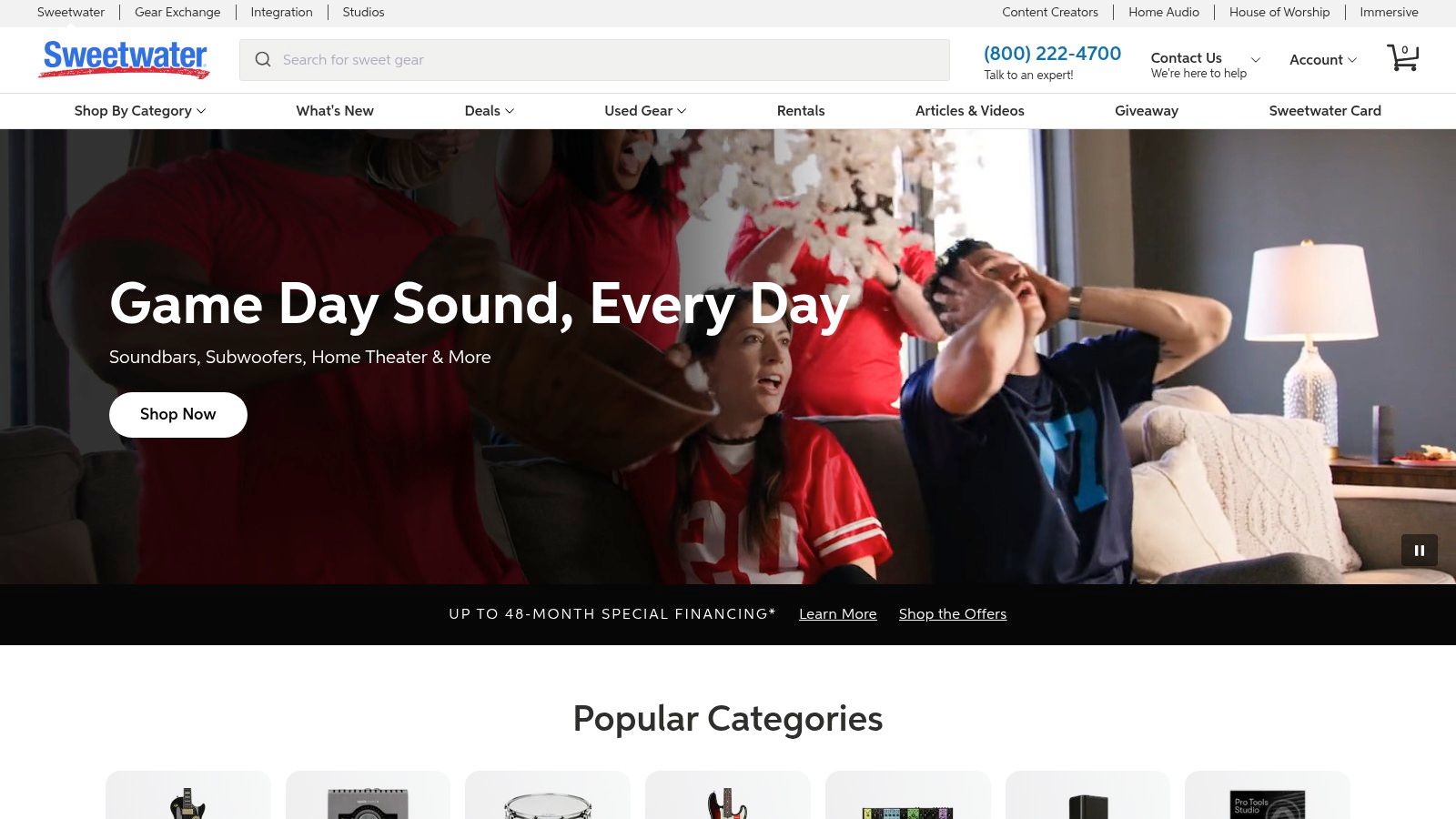
12. Sweetwater
For creators serious about audio quality, Sweetwater is more than just an online store; it's an essential resource partner. Whether you're a podcaster needing a new microphone, a streamer upgrading your audio interface, or a musician setting up a home studio, Sweetwater provides the specialized gear and, more importantly, the expert guidance to make the right choice. It’s one of the best tools for content creators who understand that crisp, professional audio is non-negotiable.
What sets Sweetwater apart is its unique sales model. Every customer is assigned a dedicated Sales Engineer, a real person with deep product knowledge who can offer personalized advice on your specific setup. This consultative approach demystifies complex equipment, ensuring you invest in gear that truly fits your creative workflow and budget, rather than just guessing based on online reviews.
What We Like & Dislike
| Pros | Cons |
|---|---|
| Expert guidance from dedicated Sales Engineers | International shipping is restricted for many brands |
| Massive inventory of professional audio gear | Free shipping excludes some large or heavy items |
| Strong after-sales support and in-house tech team | Primarily focused on the U.S. market |
Use Case Spotlight
Imagine you're launching a new podcast and feel overwhelmed by the options for microphones, mixers, and headphones. Instead of spending days watching conflicting YouTube videos, you can call your Sweetwater Sales Engineer. You can describe your recording space, budget, and desired sound quality, and they will recommend a complete, compatible package, from a Shure SM7B microphone to a Focusrite Scarlett interface, saving you from costly purchasing mistakes.
Pricing and Access
- Products: Gear ranges from under $100 for entry-level microphones to thousands for high-end studio equipment.
- Financing: Offers flexible payment plans and financing options for larger purchases.
- Shipping: Free shipping is standard on most items within the contiguous U.S.
Sweetwater is the go-to destination for creators who are ready to elevate their audio production from amateur to professional.
Visit Website: https://www.sweetwater.com
Top 12 Content Creator Tools — Quick Comparison
| Tool | Core features | UX / Quality ★ | Value / Price 💰 | Target audience 👥 | Unique selling points ✨ |
|---|---|---|---|---|---|
| taap.bio 🏆 | Modular bento grid, drag‑drop blocks, smart widgets (Instagram, YouTube, GitHub, Spotify inline) | ★★★★☆ | 💰 Free‑friendly (migration offer; pro tiers unclear) | 👥 Creators, musicians, freelancers, small businesses | ✨ Visual grid layouts, live widgets, inline audio & device‑specific edits |
| Adobe Creative Cloud | 20+ pro apps (Photoshop, Premiere, After Effects), cloud & collaboration | ★★★★★ | 💰 Premium subscription (high cost) | 👥 Agencies, studios, professional creators | ✨ Industry‑standard toolset & deep cross‑app interoperability |
| Canva | Templates, Magic Studio AI, Brand Kits, stock assets | ★★★★☆ | 💰 Freemium → paid Teams/Pro | 👥 Non‑designers, social creators, small teams | ✨ Fast template workflows and easy brand consistency |
| CapCut | Vertical video editor, templates, AI tools, cloud sync | ★★★★☆ | 💰 Mostly free/affordable; regional tiers vary | 👥 Short‑form video creators (TikTok/Reels/Shorts) | ✨ Quick vertical workflows and trend‑tuned asset library |
| Descript | Text‑based audio/video editing, transcription, Overdub voice AI | ★★★★☆ | 💰 Subscription (tiered; credits limit) | 👥 Podcasters, educators, talking‑head creators | ✨ Edit via transcript, AI voice tools, filler‑word removal |
| Notion | Databases, Kanban, calendars, templates & collaboration | ★★★★☆ | 💰 Freemium → team plans | 👥 Content planners, teams, solo creators | ✨ Highly customizable editorial workflows and templates |
| Patreon | Membership tiers, paid posts, native video/livestream & podcast hosting | ★★★★☆ | 💰 Revenue share + payment fees | 👥 Creators seeking recurring income & superfans | ✨ Built‑in CRM, member management, monetization tools |
| Envato Elements | Unlimited downloads of stock video, templates, music & fonts | ★★★★☆ | 💰 Subscription — high asset value | 👥 Creators needing frequent licensed assets | ✨ Massive asset library with commercial license per project |
| Artlist | Royalty‑free music, SFX, stock footage, clear licensing options | ★★★★☆ | 💰 Subscription (Social vs Pro tiers) | 👥 Video editors, musicians, commercial creators | ✨ Social licensing, channel whitelisting & Premiere integrations |
| Amazon | Wide marketplace for cameras, mics, lighting, accessories | ★★★★☆ | 💰 Competitive pricing; deals & Prime shipping | 👥 Gear shoppers across budgets | ✨ Vast selection, fast delivery, broad seller options |
| B&H Photo Video | Pro‑grade gear, rentals, used equipment, expert support | ★★★★☆ | 💰 Retail pricing; financing/rental options | 👥 Professional photographers, filmmakers, studios | ✨ Consultative sales, rentals & pro service options |
| Sweetwater | Audio/podcast gear specialist, demos and sales engineers | ★★★★☆ | 💰 Competitive; free shipping (contiguous US) | 👥 Podcasters, musicians, audio engineers | ✨ Dedicated sales engineers, demos, strong after‑sales support |
Building Your Perfect Creative Stack
Navigating the vast ocean of software, hardware, and platforms available today can feel overwhelming, but building your ideal creative toolkit doesn't have to be a monumental task. The extensive list of the best tools for content creators we've explored, from the all-encompassing power of Adobe Creative Cloud to the specialized audio excellence found at Sweetwater, isn't meant to be a shopping list. Instead, view it as a curated menu of potential solutions designed to solve specific problems in your creative workflow.
The core takeaway is this: the perfect stack is not about having the most tools, but about having the right ones for your unique journey. A YouTuber's daily driver might be a combination of CapCut for quick, trend-focused edits and Descript for cleaning up audio, while a graphic designer might live exclusively within Canva and Adobe Illustrator. Your ideal toolkit is a personalized, dynamic ecosystem that grows and adapts with you.
From Tools to a Cohesive Workflow
The true power of these tools is unleashed when they work together in a seamless system. Think of each tool as a specialized member of your creative team. Notion organizes the grand vision, Envato Elements provides the raw materials, and platforms like Patreon help you build a sustainable business around your passion.
However, a disjointed system where your audience has to hunt for your content across different platforms creates friction. This is where a central hub becomes not just a nice-to-have, but a strategic necessity. Your link-in-bio is the digital front door to your entire brand, connecting your social media, your portfolio, your shop, and your latest projects. It’s the final, crucial piece that ties your entire creative stack together into a cohesive and professional online presence.
Actionable Steps to Build Your Stack
Feeling ready to upgrade your creative engine? Here’s a simple, actionable plan to get started without getting overwhelmed.
- Identify Your Biggest Bottleneck: What is the single biggest point of friction in your content creation process right now? Is it spending too much time on video editing? Is it struggling to keep your project ideas organized? Is it a lack of high-quality stock assets? Pinpoint that one major pain point first.
- Select One Solution: Choose just one tool from this guide that directly addresses your primary bottleneck. If editing speed is your issue, dive into a free trial of CapCut or Descript. If organization is chaotic, commit to learning the basics of Notion. Don’t try to implement five new tools at once.
- Integrate and Master: Focus on integrating that single new tool into your existing workflow. Watch tutorials, experiment with its features, and make it a core part of your process. True efficiency comes from mastery, not from a bloated, underutilized software library.
- Centralize Your Digital Presence: As you build out your content ecosystem, ensure your audience can easily find everything. This is where a tool like Taap.bio becomes invaluable, acting as a visually stunning and organized hub that links to all your creative outputs.
Ultimately, the best tools for content creators are the ones that fade into the background, allowing your creativity to take center stage. They should feel like extensions of your own mind, removing technical barriers and empowering you to produce your best work consistently. Your toolkit is an investment in your efficiency, your professional image, and your long-term success. Start small, be intentional, and build a system that frees you up to do what you do best: create.
Ready to create a stunning, central hub for your brand that ties all your creative tools and platforms together? Build your free, visually captivating link-in-bio page with taap.bio and give your audience one beautiful place to find everything you create. Get started today at taap.bio.