In the crowded visual landscape of Instagram, a single photo often isn't enough to tell the whole story. To capture attention and communicate a richer narrative, you need a more dynamic tool. Photo collages are the perfect solution, allowing you to combine multiple images, create visual rhythm, and stop the scroll with compelling, eye-catching layouts.
Whether you're showcasing a new product line, summarizing a travel adventure, or creating a powerful before-and-after, a well-crafted collage transforms your post from a simple snapshot into a mini-story. This visual storytelling is a key component for creators who want their content to pop. To truly stand out, explore strategies to effectively boost engagement on Instagram. But with countless options flooding the app stores, finding the right tool for the job can feel overwhelming and time-consuming.
This guide cuts through the noise. We have meticulously tested and analyzed the market to bring you the definitive list of the 12 best collage apps for Instagram. We go beyond basic feature lists, providing a comprehensive breakdown of what makes each app unique, including its ideal use case, platform availability, pricing, and honest pros and cons.
Inside, you'll find direct links and screenshots for each app, helping you quickly identify the perfect fit for your specific needs, whether you're creating quick, trendy Stories, polished brand-aligned carousels, or even unique layouts for your link-in-bio page. Get ready to find the ideal app to elevate your feed from a simple gallery into a dynamic visual experience that captivates your audience.
Table of contents
1. Canva
Canva is less of a dedicated collage app and more of a complete design ecosystem, which is precisely why it tops our list. For Instagram creators who need more than just a simple photo grid, Canva provides an all-in-one solution. Its massive library of professionally designed templates means you can create a stunning, on-brand collage for your Feed, Stories, or even Reels covers in minutes, not hours. The drag-and-drop interface is famously intuitive, making it one of the best collage apps for Instagram if you don't have a background in graphic design.
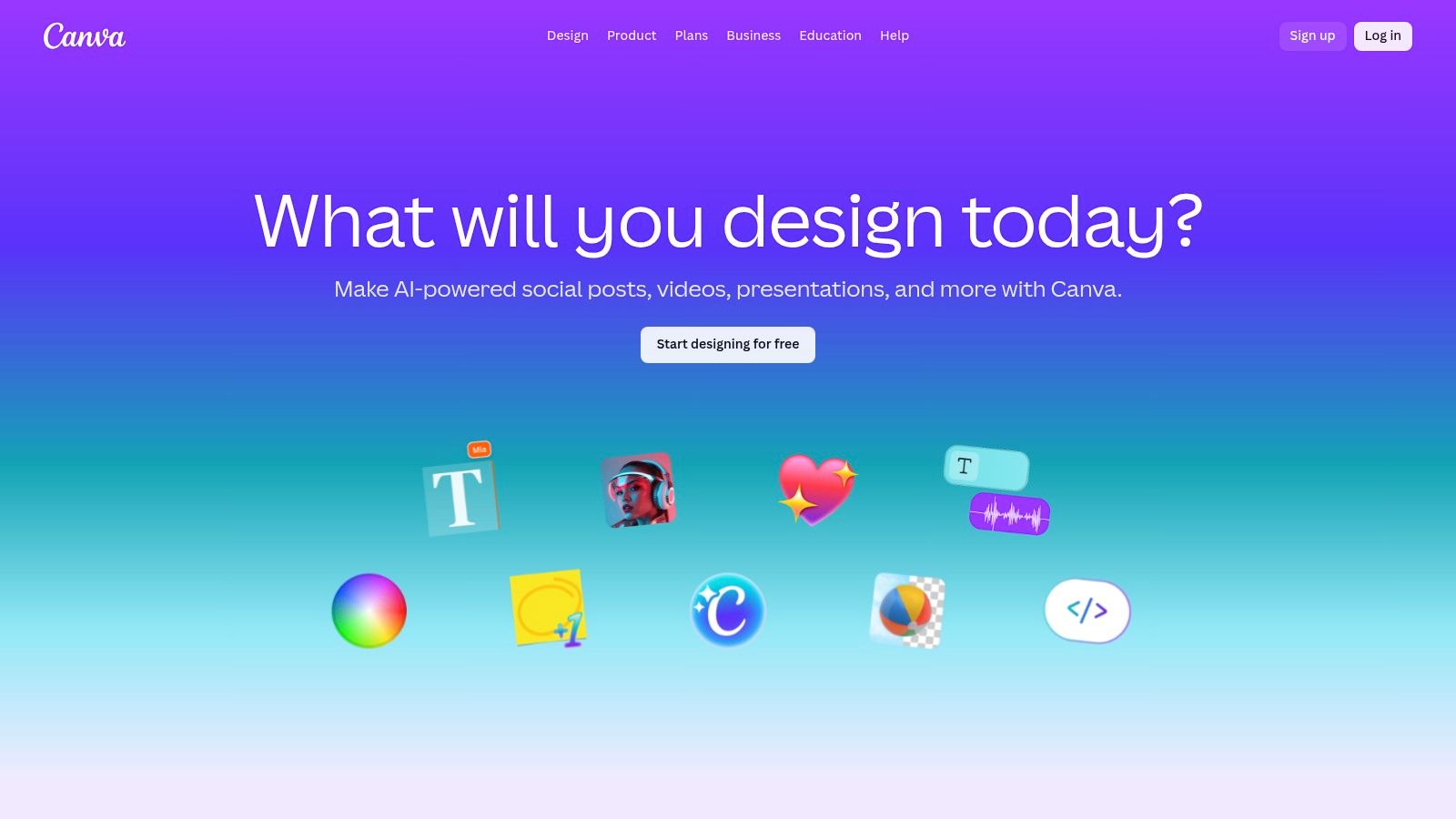
What makes Canva a powerhouse is its versatility. You can start with a blank canvas or choose from thousands of templates already optimized for Instagram's various formats. This eliminates the guesswork of getting dimensions right, a crucial detail you can learn more about with these Instagram Story specs. The platform also supports adding text, stickers, stock photos, and even basic animations or video clips to your collages, turning a simple post into a dynamic piece of content.
Key Features & Pricing
Canva operates on a freemium model that is exceptionally generous. The free plan offers more than enough to get started, but the Pro plan elevates the experience significantly.
| Feature | Canva Free | Canva Pro ($119.99/year for one person) |
|---|---|---|
| Templates | 250,000+ free templates | 610,000+ premium and free templates |
| Stock Assets | 1 million+ free photos & graphics | 100 million+ premium stock photos, videos, audio, & graphics |
| Key Tools | Basic editing, drag-and-drop | Magic Resize, background remover, Brand Kit, Content Planner |
| Cloud Storage | 5GB | 1TB |
Pros:
- Extremely beginner-friendly with a minimal learning curve.
- Massive library of templates and assets speeds up the creation process.
- The free version is highly capable for most users' needs.
Cons:
- Many of the best elements and photos are locked behind the Pro subscription.
- Recent changes to team pricing have been a point of contention for some users.
Website: https://www.canva.com
2. Adobe Express
Coming from the creative powerhouse behind Photoshop, Adobe Express serves as a streamlined, all-in-one design tool perfect for social media creators. It offers a powerful yet simplified alternative to the more complex Adobe suite, positioning itself as one of the best collage apps for Instagram for those who want professional-grade assets without a steep learning curve. The guided collage maker is particularly noteworthy, allowing users to quickly upload photos, shuffle layouts, and customize their designs with ease.
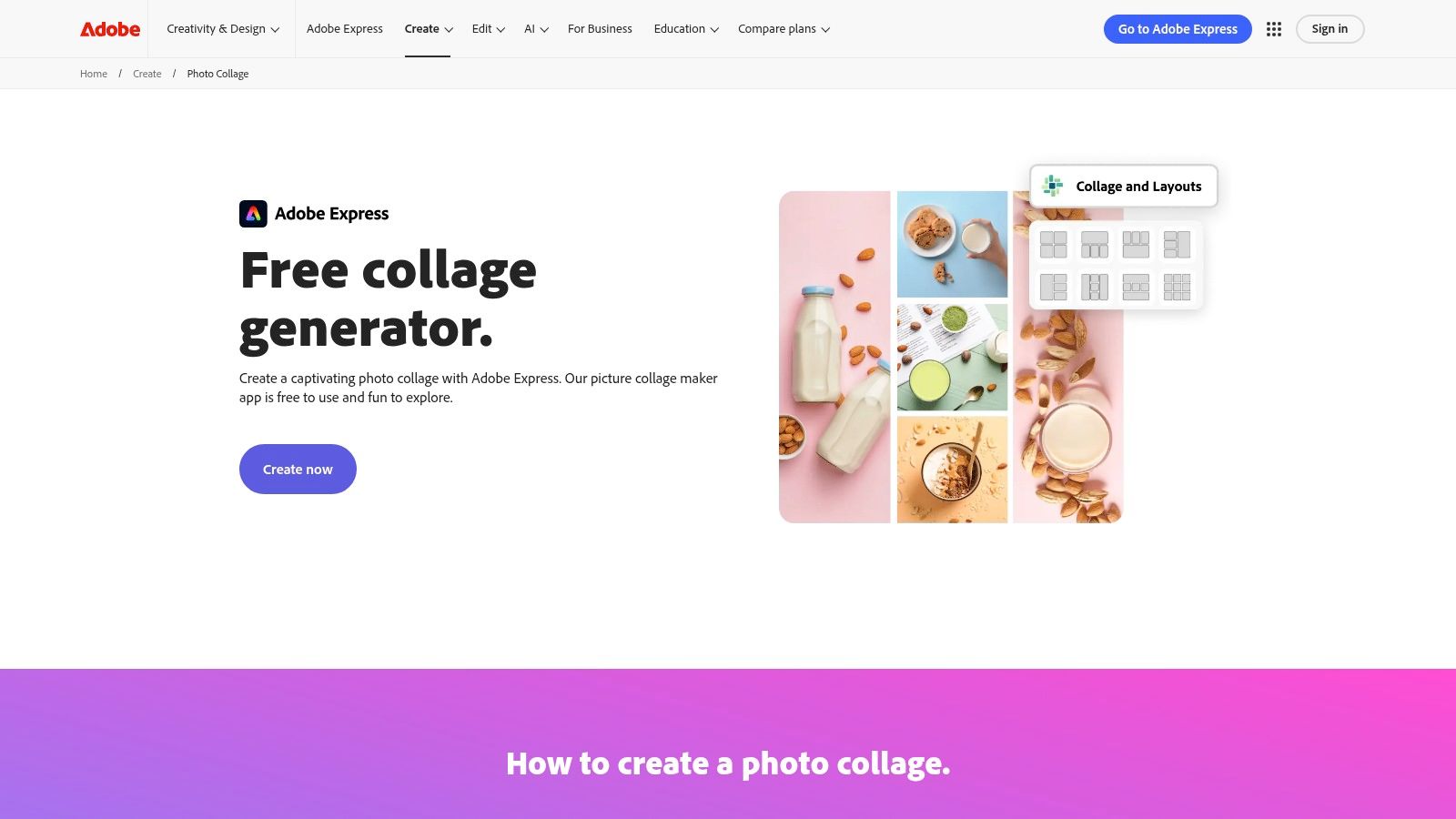
Adobe Express excels by integrating seamlessly with the broader Adobe ecosystem. You can access an extensive library of Adobe Stock photos, fonts, and design assets directly within the collage creator. Its templates are already optimized for Instagram feeds and stories, taking the guesswork out of sizing. Furthermore, the ability to add text animations and video clips helps your collages stand out in a crowded feed, transforming a static image grid into a more engaging piece of content.
Key Features & Pricing
Adobe Express follows a freemium model, offering a robust free version with an option to unlock more advanced features and assets with a Premium subscription.
| Feature | Adobe Express Free | Adobe Express Premium ($9.99/month) |
|---|---|---|
| Templates & Assets | Thousands of free templates & design assets | 200,000+ premium templates & 25,000+ Adobe Fonts |
| Stock Photos | Limited collection of free Adobe Stock photos | 195 million+ premium, royalty-free Adobe Stock photos |
| Key Tools | Basic photo editing, animations, remove background | Resize, all premium tools, Brand Kit, Content Scheduler |
| Cloud Storage | 5GB | 100GB |
Pros:
- Very intuitive and easy to use, especially in the web browser.
- Strong integration with the professional Adobe ecosystem and Adobe Stock.
- The free tier is generous and perfectly suitable for basic Instagram collages.
Cons:
- Some advanced features and the best assets are locked behind the paid subscription.
- Users have reported occasional regressions in the mobile app's collage-making UI.
Website: https://www.adobe.com/express/create/photo-collage
3. Picsart
Picsart positions itself as a powerful creative suite where collage making is just one part of a much larger, AI-enhanced editing ecosystem. It's an excellent choice for creators who want to do more than just arrange photos; they want to perfect them first. With a massive library of grids, freestyle templates, and robust photo editing tools built right in, Picsart is one of the best collage apps for Instagram for users seeking a one-stop-shop for both editing and composing. Its blend of traditional collage layouts with advanced AI features like background and object removal makes it uniquely versatile.
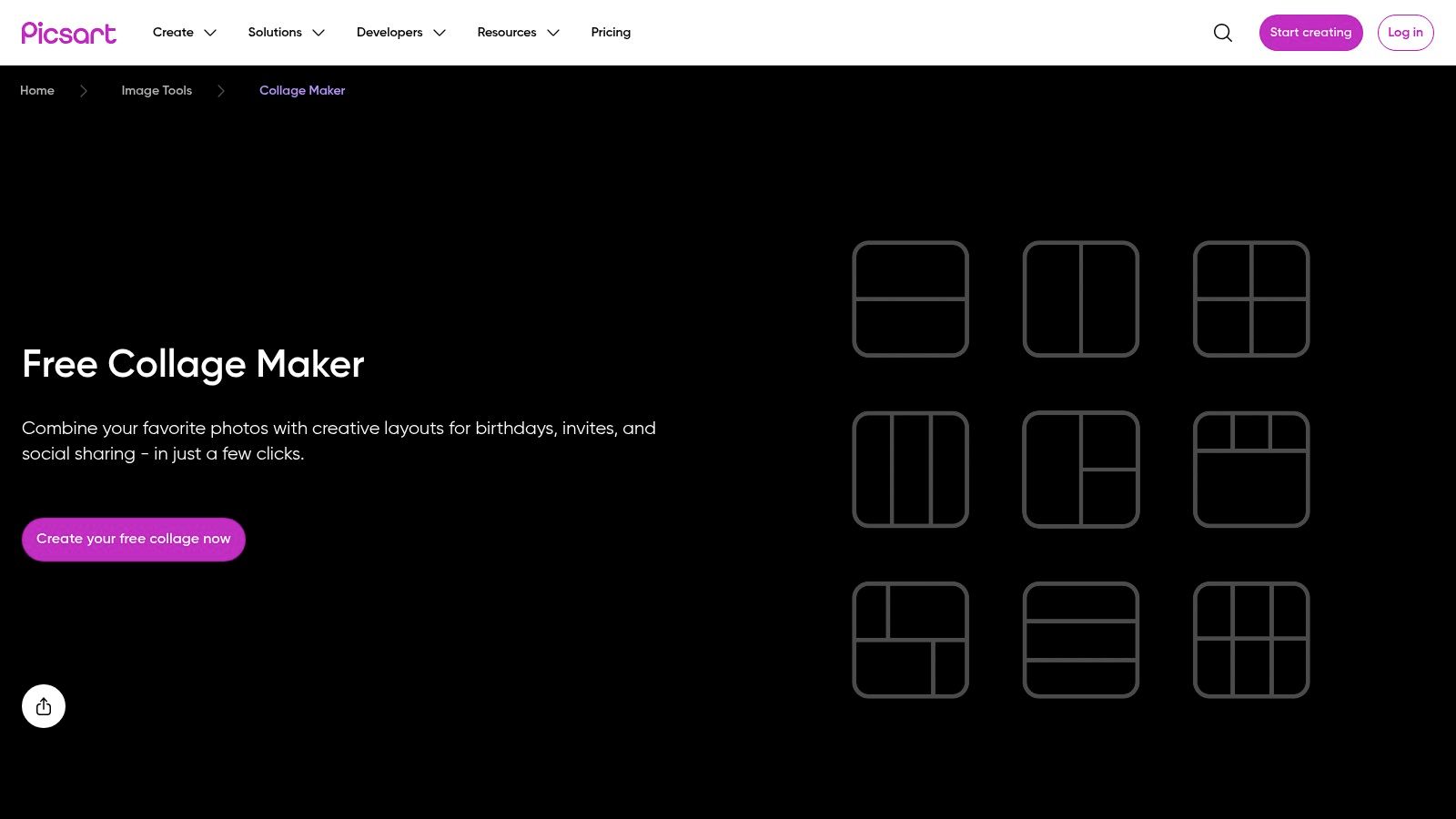
What truly sets Picsart apart is its community-driven approach and the integration of AI tools that simplify complex edits. You can easily polish your source images before they even enter a collage grid, ensuring every element looks its best. This focus on high-quality input can dramatically elevate the final output, helping you create content that drives interaction. Polished visuals are a cornerstone of engagement, and you can discover more strategies on how to improve social media engagement. The platform is available as both a web editor and a mobile app, providing flexibility for creating on any device.
Key Features & Pricing
Picsart uses a tiered subscription model, with a capable free version and premium plans that unlock advanced AI tools, more assets, and higher-quality exports.
| Feature | Picsart Free | Picsart Plus ($55.80/year for one person) |
|---|---|---|
| Templates | Hundreds of free grids & templates | Millions of templates, fonts, and stock images |
| Stock Assets | Limited access to stock library | Full access to millions of stock photos & video clips |
| Key Tools | Basic editing tools, standard filters | AI background/object remover, AI Enhance, premium tools & filters |
| AI Credits | Limited starter credits | More monthly credits for AI tools |
Pros:
- Powerful all-in-one editor and collage maker.
- The free version is very functional for basic collage and editing needs.
- Seamless workflow between the web editor and mobile apps.
Cons:
- Many of the most impressive AI tools and assets require a paid subscription.
- The interface can feel busy for users who only need simple collage features.
Website: https://picsart.com/collage-maker/
4. PicCollage
PicCollage is one of the original mobile collage makers, and it remains a top contender by keeping things fun, fast, and simple. It excels at creating vibrant, scrapbook-style visuals perfect for casual Instagram Stories or a more playful feed aesthetic. While it lacks the high-end design features of a tool like Canva, it's one of the best collage apps for Instagram for users who want to create something colorful and eye-catching in seconds directly on their phone.
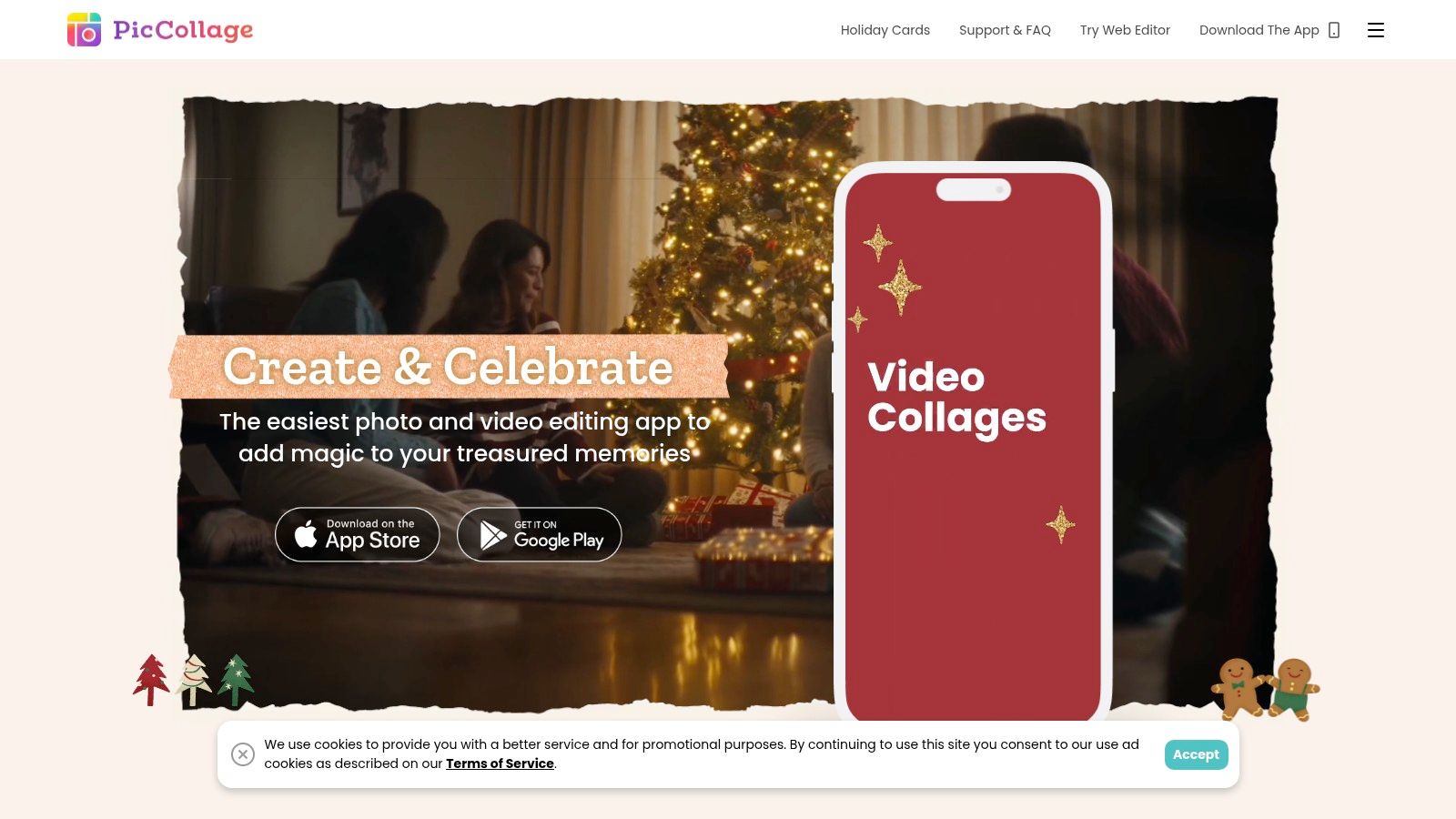
The app offers two main creation modes: classic grids and a more creative freestyle mode. Its true strength lies in its constantly updated library of themed templates, stickers, and backgrounds, which makes it easy to create timely content for holidays or trends. The interface is incredibly intuitive, focusing on quick taps and gestures to arrange your photos. For those who enjoy structured layouts, you can explore various grid layout design examples to get inspired before you start.
Key Features & Pricing
PicCollage offers a solid free experience but reserves its best features and content for VIP subscribers. The VIP plan removes watermarks and ads, unlocking the full creative potential of the app.
| Feature | PicCollage Free | PicCollage VIP ($35.99/year) |
|---|---|---|
| Templates & Content | Access to basic templates, stickers, & backgrounds | Full access to all premium templates, stickers, & fonts |
| Key Tools | Grid & Freestyle modes, basic text editing | Video collage support (iOS), cloud backup, no watermarks |
| Ads & Watermarks | Contains ads and a PicCollage watermark on exports | Ad-free experience and no watermark on saved collages |
| Cloud Storage | None | Backup for up to 1,000 collages |
Pros:
- Extremely easy to use with a very minimal learning curve.
- Frequent updates with new, trendy templates and stickers.
- Strong mobile-first design is perfect for on-the-go editing.
Cons:
- Watermark and ads can be intrusive on the free version.
- Lacks advanced design tools like brand kits or complex animations.
Website: https://piccollage.com
5. Fotor
Fotor carves out its niche as a powerful online photo editor first and a collage maker second, making it ideal for creators who need to perfect their images before combining them. It’s a fantastic tool for non-designers, blending a straightforward interface with a suite of AI-powered tools that simplify common editing tasks. If you need to quickly remove a background, enhance an image's quality, or apply artistic effects before dropping it into a template, Fotor is one of the best collage apps for Instagram for an all-in-one workflow.
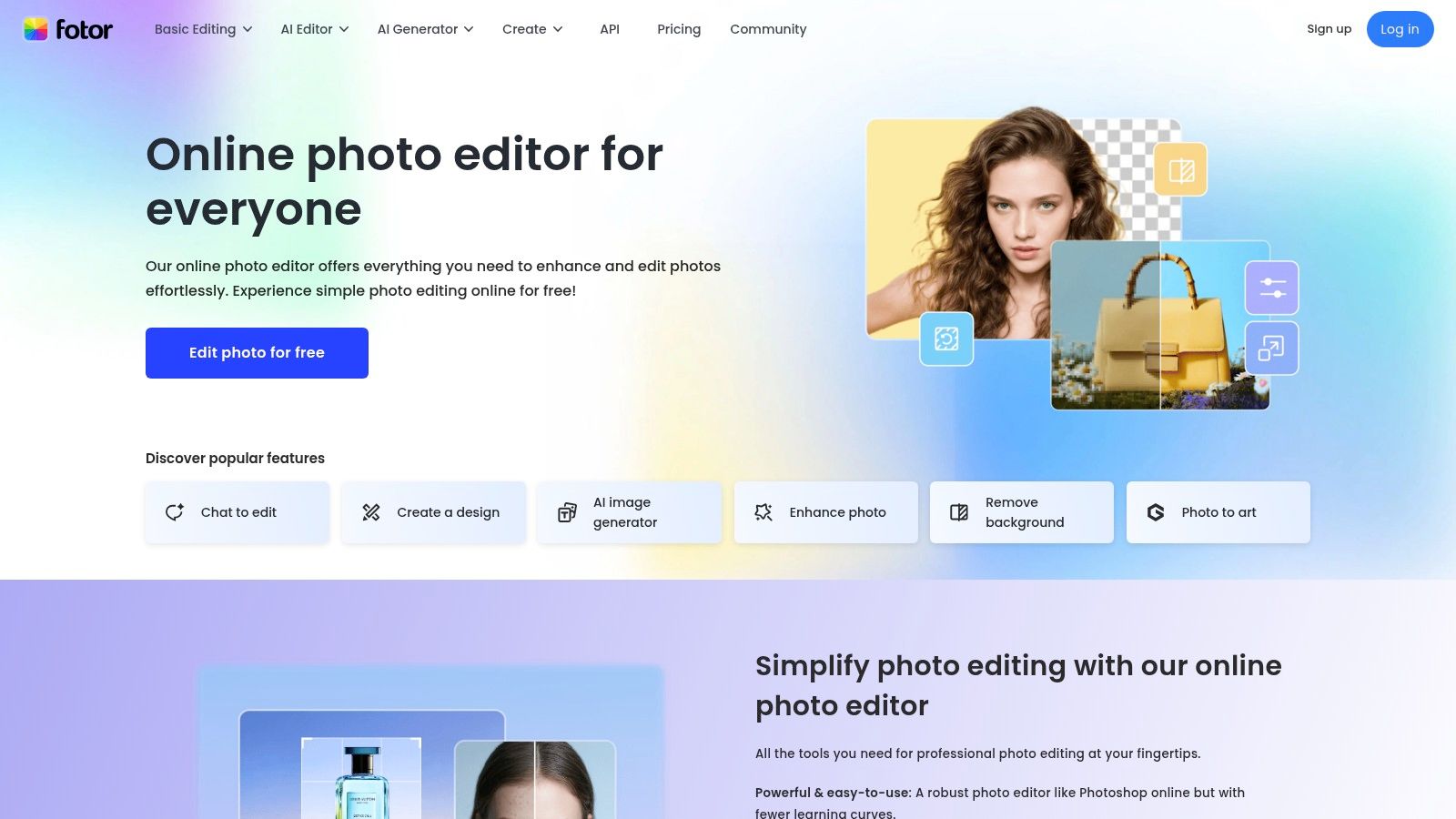
The platform stands out by integrating AI editing directly into the collage-making process. You can upload a set of photos, use the AI upscaler to improve low-resolution shots, and then seamlessly move them into one of thousands of premade collage layouts. This focus on image quality ensures your final collage looks professional and crisp. A well-organized collage uses strong visuals to guide the viewer's eye, a principle you can explore further by mastering visual hierarchy in web design.
Key Features & Pricing
Fotor offers distinct tiers, with AI tools and high-quality exports reserved for its paid plans. The free version is functional for basic collages, but Pro unlocks its true potential.
| Feature | Fotor Basic (Free) | Fotor Pro ($39.99/year) |
|---|---|---|
| Templates | 1,000+ basic collage layouts | 100,000+ premium templates & assets |
| AI Tools | Limited free credits | AI photo enhancer, background remover, magic eraser |
| Key Tools | Basic editing, text, filters | Batch editing, HD exports (JPG, PNG, PDF), no watermarks |
| Cloud Storage | 500MB | 10GB |
Pros:
- Excellent built-in AI tools for quick image enhancement and editing.
- Very intuitive for non-designers who need fast, professional-looking results.
- Clear and affordable pricing tiers for unlocking advanced features.
Cons:
- Many of the best templates and elements require a Pro subscription.
- High-definition and transparent background exports are gated behind paid plans.
Website: https://www.fotor.com
6. PhotoGrid
PhotoGrid has established itself as a mobile-first powerhouse, specifically designed for creators who need to quickly assemble social media-ready content on the go. Its strength lies in its sheer volume of options, boasting an enormous library of templates and layouts optimized for Instagram Feed posts and Stories. If you need to combine multiple photos into a classic grid or a themed design in seconds, PhotoGrid is one of the best collage apps for Instagram due to its speed and simplicity.
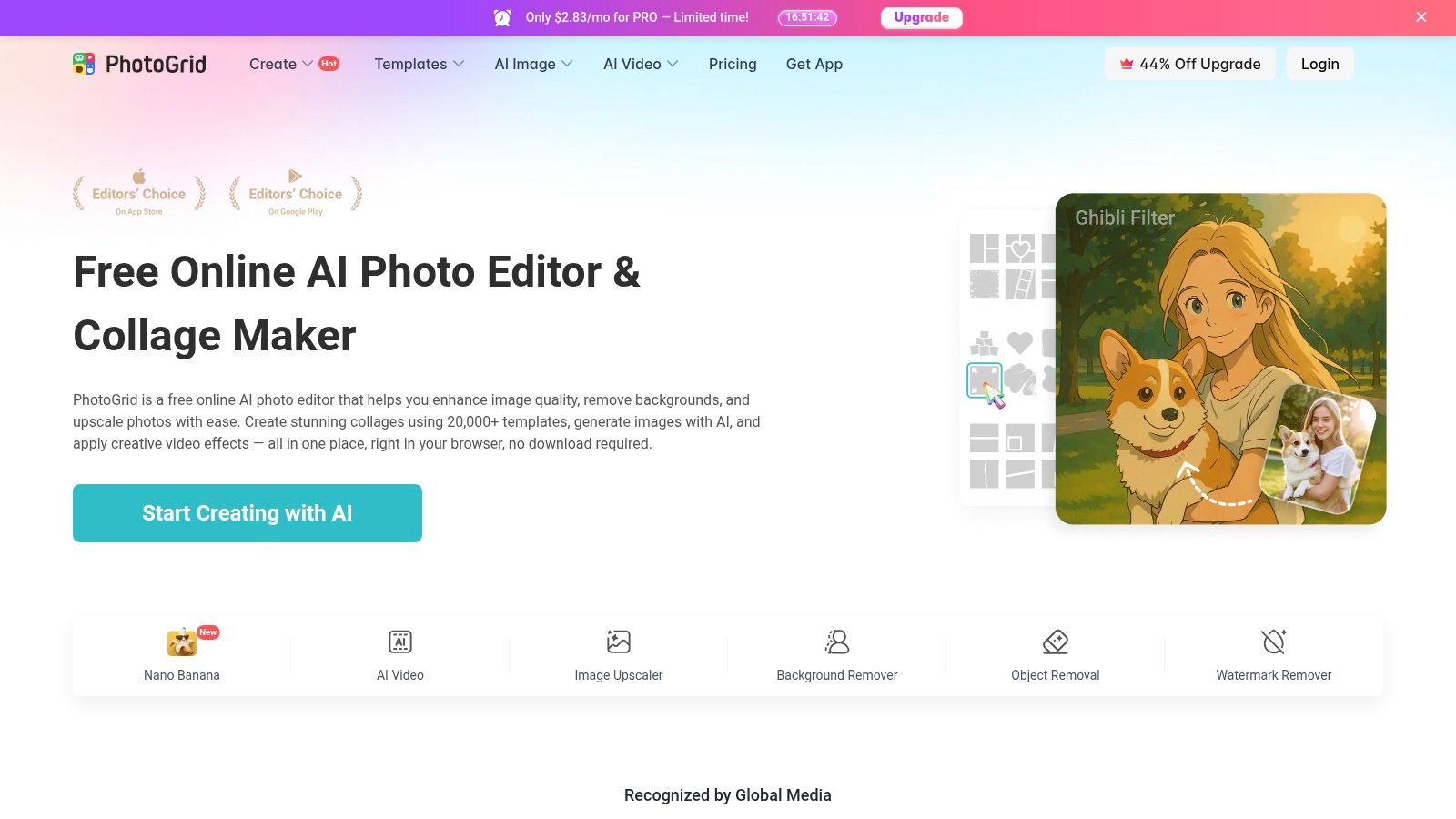
What sets PhotoGrid apart is its blend of traditional grid-making with modern AI-powered features. You can choose from standard layouts or a "freestyle" mode for more creative control. The app also includes AI effects for object replacement and background expansion, allowing for quick and impressive edits without needing complex software. With frequent updates and a massive user base, the app stays current with social media trends, regularly adding new themes, stickers, and filters.
Key Features & Pricing
PhotoGrid uses a freemium model where the core collage functions are free, but a subscription is needed to remove watermarks and unlock the full suite of assets and advanced tools.
| Feature | PhotoGrid Free | PhotoGrid Premium (Varies, approx. $35.99/year) |
|---|---|---|
| Templates | Thousands of free layouts and basic grids | Access to the full 20,000+ premium templates and materials |
| Key Tools | Standard collage layouts, basic editing, stickers, filters | Ad-free experience, watermark removal, premium fonts & assets |
| AI Effects | Limited access to some AI-powered tools | Full access to all AI effects and advanced editing features |
| Output Quality | Standard resolution exports | High-resolution exports (e.g., 2048x2048) |
Pros:
- Extremely fast for creating multi-image grids for Instagram.
- Massive template library that is constantly updated with new themes.
- Good balance of free versus premium content for casual users.
Cons:
- Watermark removal and the best layouts require a paid subscription.
- Premium pricing can vary significantly depending on your device's app store and region.
Website: https://www.photogrid.app/en/
7. SCRL (Photo Collage & Instagram Carousel Maker)
For Instagram creators whose primary focus is the art of the swipe-able carousel, SCRL is a game-changer. Unlike general-purpose design tools, SCRL is built from the ground up to create seamless, panoramic, and aesthetically pleasing multi-panel posts. It excels at layouts that flow from one slide to the next, allowing a single image or a creative collage to span across multiple frames for a high-impact storytelling effect. This specialization makes it one of the best collage apps for Instagram for anyone wanting to elevate their carousel game beyond basic grids.
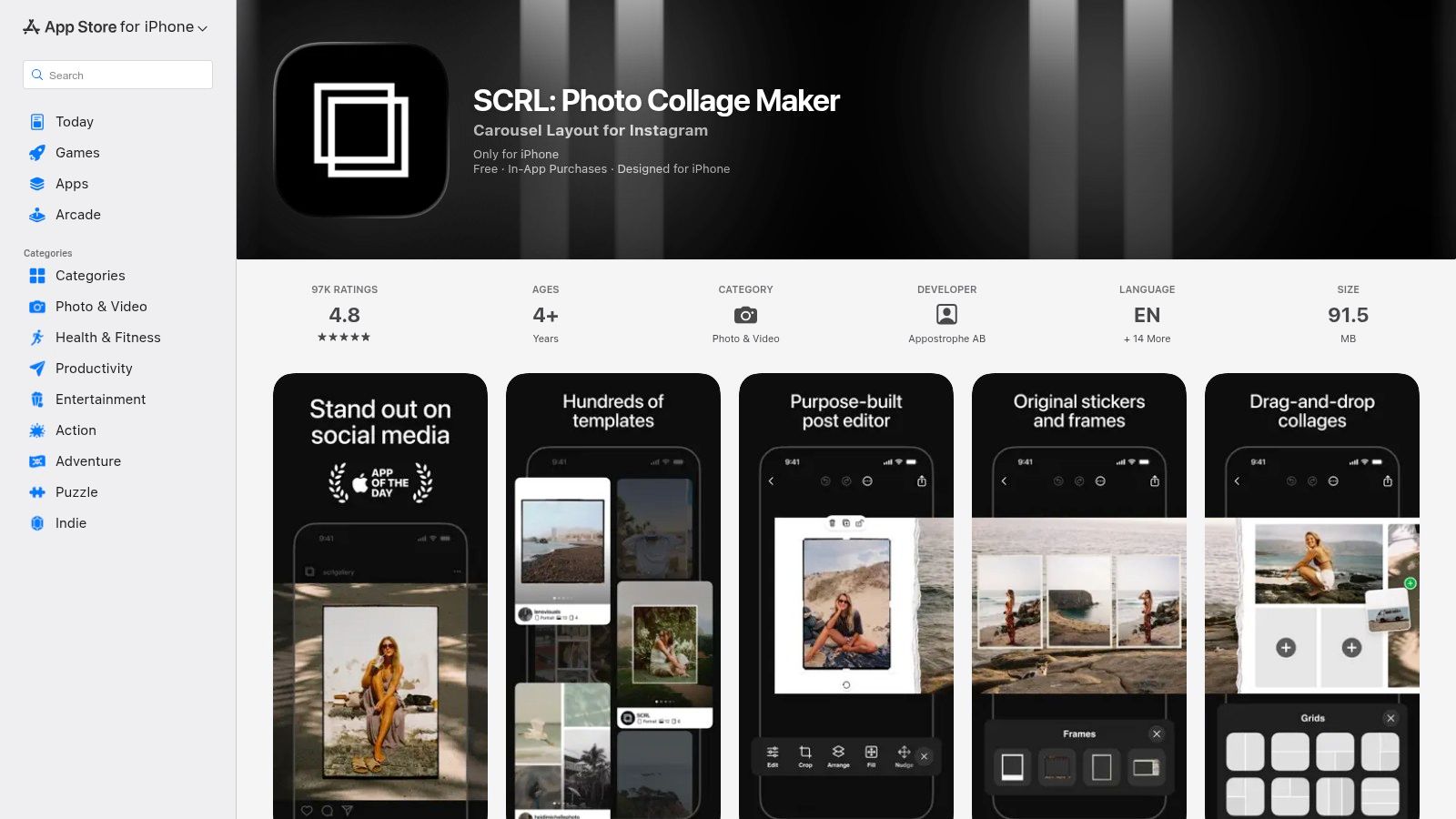
What sets SCRL apart is its intuitive freeform canvas that shows your entire carousel sequence at once, letting you drag photos and text across slide boundaries effortlessly. You can start with hundreds of professionally designed templates or build your own unique layouts from scratch. The app simplifies the technical process of splitting images perfectly, ensuring your final post looks polished and professional when swiped on Instagram.
Key Features & Pricing
SCRL uses an in-app purchase model to unlock its full potential. The free version offers a solid starting point, but the subscription is necessary for accessing the most desirable templates and advanced tools.
| Feature | SCRL Free | SCRL Premium ($39.99/year) |
|---|---|---|
| Templates | Limited selection of free templates | Full access to hundreds of premium templates |
| Media Support | Photos only | Video support in grids and collages |
| Key Tools | Basic layouts, text tools, image adjustments | Gradients, premium fonts, advanced layouts, full template library |
| Instagram Export | Direct export with watermark (can be removed) | Watermark-free direct export to Instagram |
Pros:
- Purpose-built for creating seamless and polished Instagram carousels.
- Highly intuitive canvas lets you visualize and design the entire sequence at once.
- Strong App Store ratings and consistent addition of new, trendy templates.
Cons:
- It is currently iOS-only, with no version available for Android users.
- The most powerful features and best templates are locked behind the subscription.
Website: https://apps.apple.com/us/app/scrl-photo-collage-maker/id1289057196
8. Unfold (by Squarespace)
Unfold is a storyteller's toolkit, designed for creators who favor a clean, modern, and editorial aesthetic. Acquired by Squarespace, it goes beyond simple grids to offer magazine-style templates that make your Instagram Stories and posts look like they were crafted by a professional designer. Its focus on minimalist layouts and elegant typography makes it one of the best collage apps for Instagram for brands and influencers aiming to build a cohesive and sophisticated visual identity.
What sets Unfold apart is its curated experience. Instead of overwhelming you with options, it provides collections of templates that work together seamlessly, encouraging consistent brand storytelling. Beyond collages, the app integrates a feed planner and a Bio Site tool, which functions as a lightweight landing page. For creators looking to centralize their online presence, this Bio Site feature provides a stylish alternative to a full website, a concept you can explore further with these link-in-bio alternatives.
Key Features & Pricing
Unfold offers a tiered subscription model, starting with a functional free version and scaling up to a Pro plan with advanced brand management tools.
| Feature | Unfold Basic (Free) | Unfold+ ($12.99/year) | Unfold Pro ($99.99/year) |
|---|---|---|---|
| Templates | Limited access to templates & collections | 400+ templates & collections | All Unfold+ features plus premium collections |
| Stock Assets | Access to Unsplash library | Additional filters, stickers, & fonts | All Unfold+ assets plus custom fonts & colors |
| Key Tools | Basic editing tools, Bio Site | Remove watermark, exclusive releases | Brand Kit, publish stories to the web, desktop access |
| Integrations | N/A | N/A | Manage assets from your Squarespace account |
Pros:
- Beautiful, modern, and minimalist templates create a high-end look.
- Excellent for maintaining a consistent brand aesthetic across Stories and posts.
- The integrated Feed Planner and Bio Site add significant value.
Cons:
- Many of the most desirable templates and features are behind a paywall.
- Advanced tools like the Brand Kit are reserved for the more expensive Pro tier.
Website: https://unfold-stories.squarespace.com
9. Diptic
Diptic has been a stalwart in the collage-making space for years, carving out a niche with its focus on classic, clean grids and robust frame customization. It's an iOS-exclusive app that prioritizes simplicity and control over flashy trends. For Instagram creators who value precision in their layouts, Diptic allows for minute adjustments to border thickness, color, texture, and even the curvature of inner frames, giving you a level of fine-tuning not always found in template-based apps.
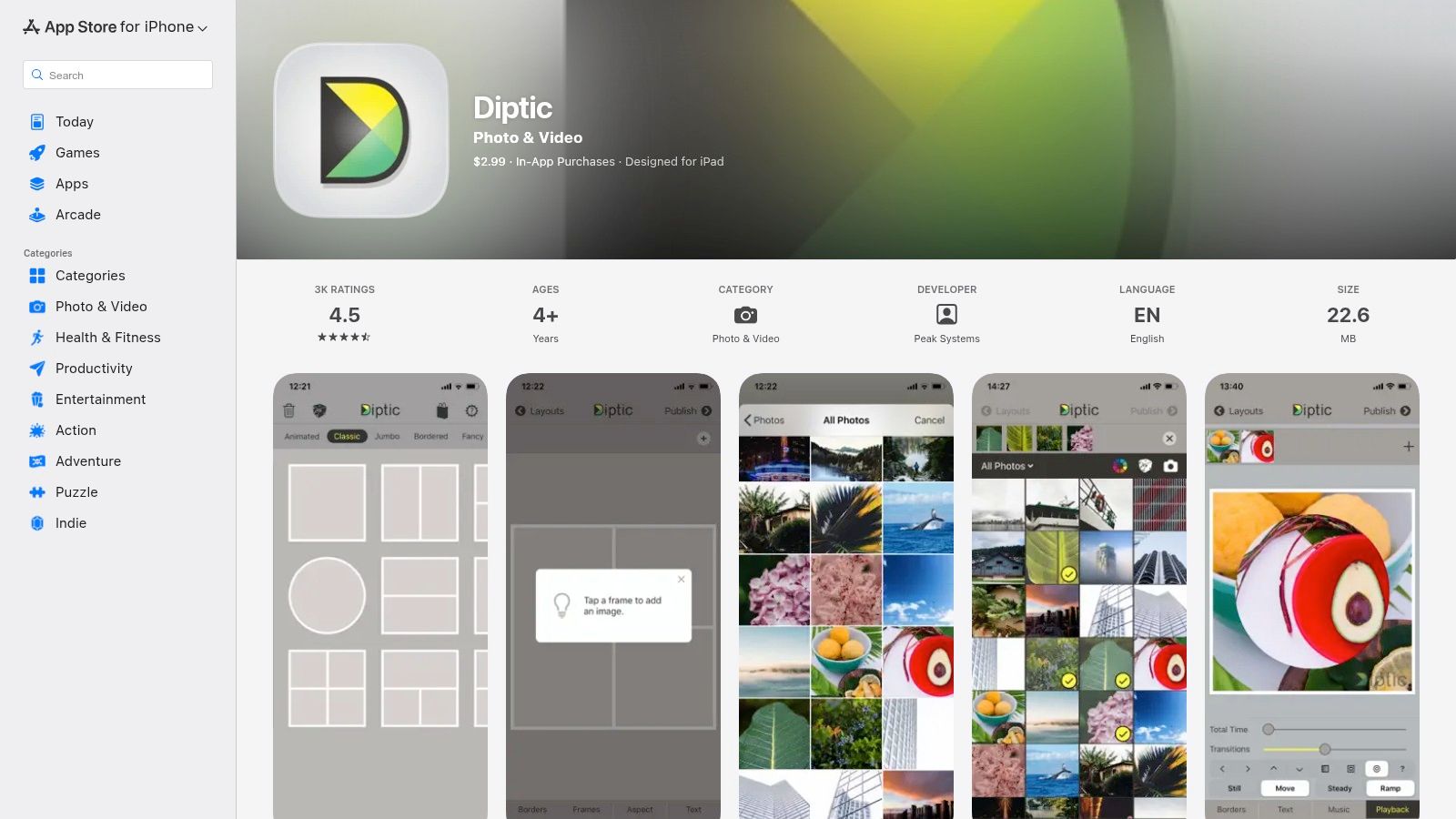
What makes Diptic one of the best collage apps for Instagram is its straightforward, no-fuss approach combined with powerful customization. It offers over 190 layouts and even supports video collages, letting you combine photos and video clips into a single post. The interface is clean and stable, making it a reliable tool for quickly creating elegant, minimalist photo grids that look professional without needing complex design software. Its one-time purchase model is also a refreshing change from the prevalent subscription-based services.
Key Features & Pricing
Diptic is a premium app with a one-time purchase price, though some advanced features require small, additional in-app purchases.
| Feature | Diptic (iOS only) |
|---|---|
| Price | $2.99 one-time purchase |
| Layouts | 190+ layouts, plus expandable layout packs via in-app purchase |
| Key Tools | Adjustable joints and lines, rounded inner/outer borders, basic filters, text |
| Export Quality | High-resolution export, direct sharing to social media platforms |
Pros:
- Affordable one-time price instead of a recurring subscription.
- Excellent control over border spacing, color, and curvature for clean aesthetics.
- Stable, focused, and easy-to-navigate user interface.
Cons:
- Only available for iOS users.
- Lacks the trendy templates, stickers, and extensive effects found in other apps.
- Some useful features, like specific layout packs, are locked behind extra in-app purchases.
Website: https://apps.apple.com/us/app/diptic/id377989827
10. MOLDIV (by JellyBus)
MOLDIV positions itself as a professional, all-in-one photo editor where collage creation is a central feature. It excels at producing stylish, editorial-looking content, making it one of the best collage apps for Instagram for users who want to emulate a high-fashion or magazine aesthetic. Instead of just basic grids, MOLDIV offers unique 'Magazine' presets that transform your photos into compelling layouts perfect for sophisticated Instagram Stories and posts. This focus on polished, publication-quality designs sets it apart from more playful or template-heavy apps.
The app integrates a complete editing suite, including a pro-level camera and beauty tools, allowing you to perfect your images before arranging them. With over 190 classic frames and free-form stitching modes, you have both structured and creative freedom. You can further customize your collages with a wide selection of filters, textures, stickers, and text options, ensuring every creation is unique and aligns with your personal brand.
Key Features & Pricing
MOLDIV is free to download but locks many of its more desirable features and assets behind a subscription or various in-app purchases. The "MOLDIV Pro" subscription unlocks everything.
| Feature | MOLDIV Free | MOLDIV Pro (Subscription varies by region) |
|---|---|---|
| Collage Frames | 190+ frames, with some premium options locked | Full access to all frames and Magazine layouts |
| Editing Tools | Basic editing, filters, textures, and text | All premium filters, tools, and assets unlocked |
| Special Features | Standard collage and stitch modes | Magazine presets, Pro Camera, Beauty Editor |
| Assets | Limited selection of stickers and backgrounds | Full access to all premium design elements |
Pros:
- Excellent magazine-style presets for creating an editorial look.
- Combines collage-making with a powerful photo editor and camera.
- The app is mature and available on both iOS and Android.
Cons:
- A significant number of features and assets require a Pro subscription or in-app purchases.
- Official updates and information are primarily found on the app stores rather than a dedicated blog.
Website: https://jellybus.com/moldiv
11. InCollage (Photo Editor – Collage Maker)
From the creators of the popular video editor InShot, InCollage is a mobile-first app designed for speed and simplicity. It excels at creating classic photo grids and freestyle scrapbook-style collages, making it a go-to for daily Instagram content creators. Its streamlined interface allows you to select photos and drop them into one of over 300 layouts in seconds. This focus on an efficient workflow makes it one of the best collage apps for Instagram when you need to create a high-quality post quickly without getting bogged down in complex design tools.
What sets InCollage apart is its integration of useful AI tools within this fast-paced environment. Features like AI object remover and photo enhancers let you clean up your images directly within the collage-making process, saving you from switching between different editing apps. You can combine up to 25 photos, add custom backgrounds, apply stickers, and choose from a wide variety of fonts, all before exporting your creation in high resolution, perfectly optimized for your Instagram Feed or Stories.
Key Features & Pricing
InCollage uses a freemium model where the core features are free with ads, and a Pro subscription unlocks the full suite of tools and removes interruptions.
| Feature | InCollage Free | InCollage Pro ($7.99/year) |
|---|---|---|
| Layouts & Capacity | 300+ layouts, combine up to 25 photos | All layouts unlocked, premium content |
| AI Tools | Basic access with limitations | Full access to AI Object Remover, AI Enhancer, etc. |
| Assets | Limited stickers, backgrounds, and fonts | Access to all premium stickers, backgrounds, and fonts |
| Export Quality | High-resolution export (with watermark) | High-resolution export without watermarks or ads |
Pros:
- Extremely fast workflow ideal for creating daily Instagram collages.
- The Pro subscription is very affordable and includes family sharing on iOS.
- Helpful built-in AI tools for quick photo touch-ups.
Cons:
- The free version contains ads that can interrupt the creative process.
- Lacks the advanced video and animation features found in more comprehensive design suites.
Website: https://play.google.com/store/apps/details?id=photo.editor.photoeditor.collageeditor
12. Pixlr
Pixlr stands out as a powerful, browser-based photo editing suite that includes a surprisingly robust and free collage maker. It’s an excellent choice for creators who need to quickly assemble a grid for Instagram without downloading or installing any software. Its web-first approach means you can work from any computer, making it a flexible tool for on-the-go editing. The platform uses AI to suggest layouts, which streamlines the creation process and helps you find an attractive composition in seconds.
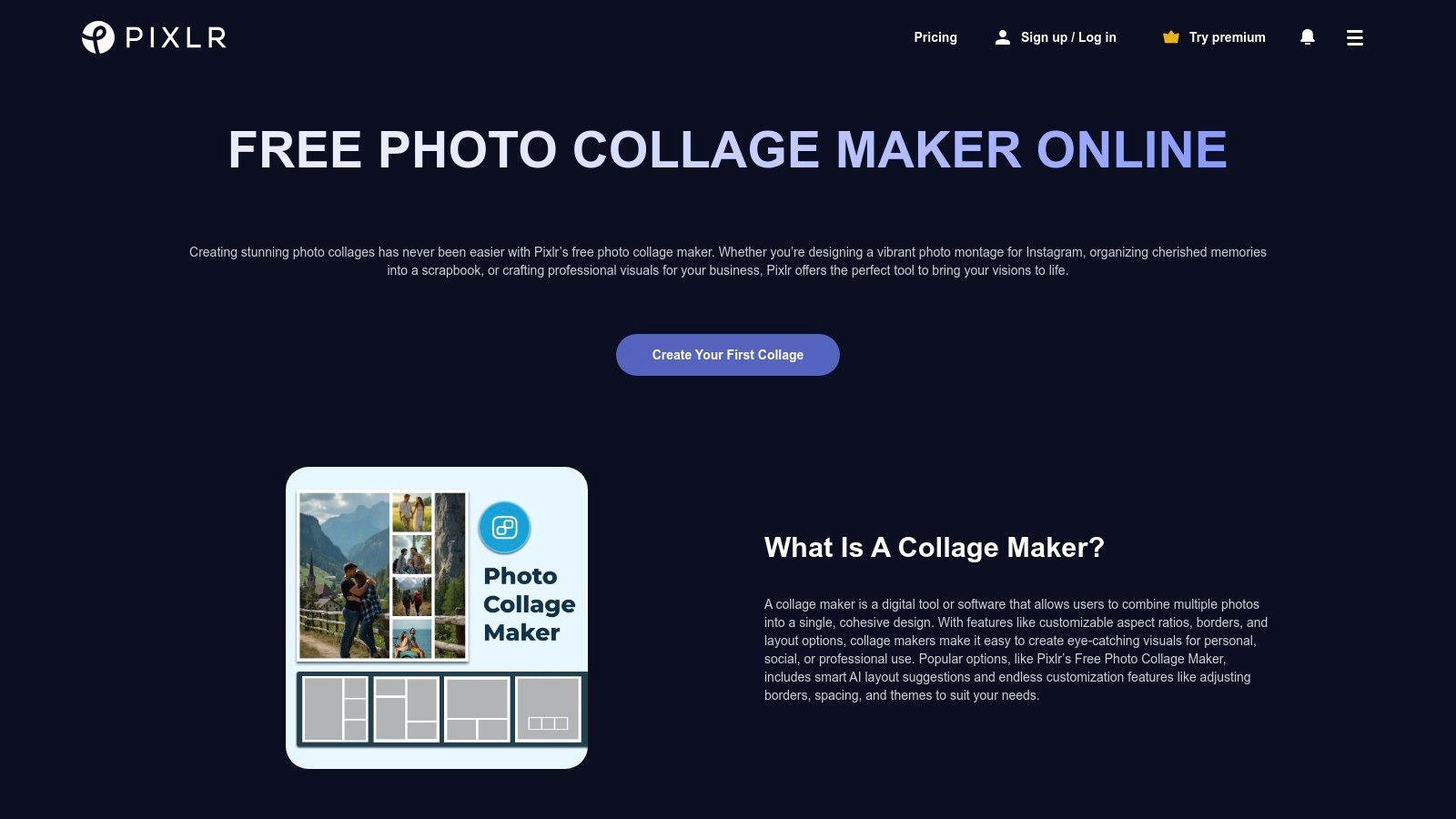
What makes Pixlr one of the best collage apps for Instagram is its balance of simplicity and advanced features. You can quickly add up to 10 images, adjust spacing and borders, and then seamlessly move your creation into the full Pixlr editor for more detailed enhancements. This integration allows you to add text, effects, and even use AI tools like one-click background removal before finalizing your post, giving you more creative control than a typical standalone collage app.
Key Features & Pricing
Pixlr offers a great free tool, but its affordable paid plans unlock advanced AI capabilities and an ad-free experience.
| Feature | Pixlr Free | Pixlr Plus ($0.75/month) | Pixlr Premium ($4.90/month) |
|---|---|---|---|
| Collage Maker | Yes, with ads | Ad-free Collage Maker | Ad-free Collage Maker |
| Key Tools | Basic editing, templates | No ads, saves | Extensive AI tools, 8K output, assets |
| AI Credits | Limited trial credits | Not included | 1,000 AI credits per month |
| Access | Web, Mobile | Web, Mobile | Web, Mobile, Desktop Apps |
Pros:
- Completely free and accessible online with no heavy setup required.
- AI-suggested layouts make creating balanced collages fast and easy.
- Low-cost paid plans provide ad-free editing and powerful AI tools.
Cons:
- Some users have reported occasional regressions in editing controls after updates.
- The AI credit system in paid plans might be a limitation for heavy users.
Website: https://pixlr.com/tools/collage-maker/
Top 12 Instagram Collage Apps — Feature Comparison
| Tool | Core features | UX & Quality (★) | Value / Price (💰) | Target audience (👥) | Unique selling points (✨🏆) |
|---|---|---|---|---|---|
| Canva | Drag‑and‑drop templates, Magic Resize, stock assets, Brand Kit | ★★★★☆ polished & beginner‑friendly | 💰 Free tier; Pro for premium assets & Teams | 👥 Non‑designers, social creators, small teams | ✨ Huge template library; 🏆 Magic Resize & collaboration |
| Adobe Express | Guided Collage Maker, Adobe Stock, animations, export presets | ★★★★☆ simple browser workflow | 💰 Free/basic; paid for Stock & premium features | 👥 Quick branded posts, Adobe users | ✨ Guided workflow; 🏆 Adobe Stock integration |
| Picsart | Hundreds of grids, AI editing (remove/enhance), stock library | ★★★★☆ powerful, more advanced tools | 💰 Free + Plus/Pro for premium AI & assets | 👥 Creators who want editing + collage power | ✨ Strong AI tools (background/object remover); 🏆 Robust editor suite |
| PicCollage | Freestyle & grid modes, stickers, mobile templates, cloud backup | ★★★★☆ very easy, mobile‑focused | 💰 Free with ads; VIP removes watermark & adds cloud | 👥 Casual mobile users, quick storytellers | ✨ Frequent template updates; simple fast workflow |
| Fotor | 1,000+ templates, AI upscaler, background remover, batch workflows | ★★★★☆ clean editor with useful AI | 💰 Free; Pro/Pro+ for HD exports & premium templates | 👥 Non‑designers needing fast, clean output | ✨ AI upscaler & batch export for higher throughput |
| PhotoGrid | 20k+ templates, grid & freestyle, AI effects & filters | ★★★★☆ fast mobile-first experience | 💰 Free + paid to unlock full layouts/materials | 👥 Social posters wanting quick themed collages | ✨ Massive template/theme catalog |
| SCRL (Carousel maker) | Carousel templates, panoramic swipe, direct IG posting | ★★★★☆ polished for multi‑panel carousels | 💰 Free with IAP/subscription options | 👥 Creators focused on Instagram carousels | ✨ Seamless multi‑panel outputs; 🏆 Carousel specialization |
| Unfold (Squarespace) | Minimal editorial templates, feed planner, brand kit | ★★★★☆ modern, magazine aesthetic | 💰 Free; Unfold+/Pro for expanded assets | 👥 Brands, storytellers, editorial creators | ✨ Clean editorial templates; Squarespace tools |
| Diptic | 190+ layouts, adjustable joints/lines, rounded borders, video support | ★★★★☆ simple, stable interface | 💰 One‑time iOS price; some IAP | 👥 Users wanting fine control & one‑time buy | ✨ Precise spacing/border controls; 🏆 One‑time pricing option |
| MOLDIV | 190+ frames, magazine presets, camera & beauty tools | ★★★★☆ mature cross‑platform app | 💰 Free + IAP/subscription for premium assets | 👥 Editorial storytellers & mobile editors | ✨ Magazine‑style presets & built‑in beauty camera |
| InCollage (InShot) | 20–25 image combos, 300+ layouts, AI tools, high‑res export | ★★★★☆ very fast everyday workflow | 💰 Free w/ ads; affordable Pro tier | 👥 Everyday Instagram posters, InShot users | ✨ Fast multi‑image grids; high‑res export |
| Pixlr | Web-based collage maker, AI layouts, one‑click bg remover | ★★★★☆ quick web editor (no install) | 💰 Free; low‑cost paid plans with AI credits | 👥 Users needing browser‑first tools | ✨ Web‑first convenience; one‑click background removal |
Choosing Your Creative Toolkit and Where to Showcase Your Work
Navigating the expansive world of creative applications can feel overwhelming, but after exploring the unique strengths of a dozen of the best collage apps for Instagram, a clear picture emerges. Your final choice isn't about finding a single "perfect" app; it's about building a customized toolkit that aligns with your specific creative vision, workflow, and long-term content goals. The journey from a folder of raw images to a stunning, share-worthy collage is deeply personal, and the right tools are those that make this process feel intuitive and empowering, not restrictive.
How to Select the Right App for Your Needs
Think of this selection process as curating a digital studio. You wouldn't use a paintbrush for a task that requires a chisel. Similarly, the app you use for a quick, trendy Instagram Story should be different from the one you use to design a sophisticated, multi-panel carousel. To make the most effective choice, consider these pivotal factors:
- For the All-in-One Power User: If you need a single, robust platform that handles everything from collages to video edits and social media scheduling, giants like Canva and Adobe Express are your undeniable champions. Their vast template libraries, integrated stock assets, and cross-platform syncing capabilities are designed for high-volume content creators who value efficiency and versatility above all else.
- For the Aesthetic-Driven Storyteller: When your brand is built on a specific visual identity, specialized apps are your greatest asset. Unfold excels at delivering clean, minimalist, and editorial-style templates that feel more like a high-end magazine than a social media post. Its curated aesthetic is perfect for fashion, lifestyle, and design-focused accounts.
- For the Instagram Carousel Specialist: If your primary goal is to master the seamless, swipeable carousel format, then a purpose-built tool like SCRL is non-negotiable. It removes the guesswork and tedious alignment issues inherent in using general-purpose design apps, allowing you to focus purely on crafting a fluid, narrative-driven visual experience that keeps your audience engaged from one slide to the next.
- For the Mobile-First Creator on a Budget: For those who create exclusively on their phones and need powerful tools without a hefty price tag, apps like InCollage, PhotoGrid, and Picsart offer an incredible range of features in their free versions. While they may include ads or watermarks, their accessibility makes them fantastic starting points for experimenting with different collage styles.
Beyond the App: A Holistic Content Strategy
Mastering collage creation is a significant step, but it's only one piece of a much larger puzzle. The most successful creators understand that visual assets are part of a broader digital ecosystem. Expanding your skills and toolset will unlock new possibilities for engagement and brand growth. As you become more proficient, consider exploring the wider universe of creative applications. Delving into the best content creation tools for social media can introduce you to specialized video editors, animation software, and graphic design platforms that complement your collage work and elevate your entire online presence.
Ultimately, the goal is not just to create beautiful content but to present it in a way that is cohesive, professional, and easily accessible to your audience. Your Instagram feed is just one touchpoint. The real magic happens when you can direct your followers to a central hub that tells your complete story. This is where your meticulously crafted collages can truly shine, serving as more than just fleeting posts. They can become cornerstone pieces of a digital portfolio, showcased beautifully on a link-in-bio page, turning casual visitors into dedicated followers.
Ready to give your stunning collages a permanent, professional home? With taap.bio, you can transform your link-in-bio from a simple list into a visually striking micro-website, using bento-style grids to showcase your best Instagram work. Sign up for free today and build a page that truly represents your creative identity at taap.bio.