
Ready to transform your Instagram feed from a simple photo stream into a captivating visual narrative? Collages are the secret weapon for top creators, allowing you to showcase multiple moments, compare before-and-afters, or build a cohesive brand aesthetic in a single post or story. But with so many options available, finding the right tool can feel overwhelming, leaving you stuck with clunky interfaces and generic templates that don't match your vision.
This guide cuts through the noise to reveal the absolute best app for collages on Instagram, tailored to your specific needs, whether you're a professional photographer, a growing influencer, or just looking to spice up your personal feed. We’ll move beyond basic feature lists to provide a comprehensive analysis of 12 powerful apps, complete with direct links and screenshots for each. You'll discover which tools excel at animated story layouts, which offer the most precise grid control, and which are best for creating viral-worthy video collages for Reels.
We’ll dissect everything from pricing tiers and template libraries to export quality and ease of use. You'll learn the key differences between apps like Canva and Adobe Express, uncover the unique capabilities of specialized tools like Unfold and SCRL, and gain practical tips for making your creations stand out. To truly master your visual presence, understanding tools like a complete professional guide to Instagram grid makers can elevate your content beyond simple collages. By the end of this guide, you won't just have a list of options; you'll have a clear, actionable roadmap to choosing and mastering the perfect collage maker for maximum Instagram impact.
Table of contents
1. Canva
Canva is more than just a collage maker; it's a comprehensive design powerhouse that has become the go-to tool for creators and businesses needing a fast, reliable, and aesthetically pleasing app for collages on Instagram. Its drag-and-drop interface is famously intuitive, making it possible to create stunning, on-brand content in minutes, even with zero design experience. What truly sets Canva apart is its massive library of templates specifically sized for every Instagram format, from square posts to Stories and Reels.
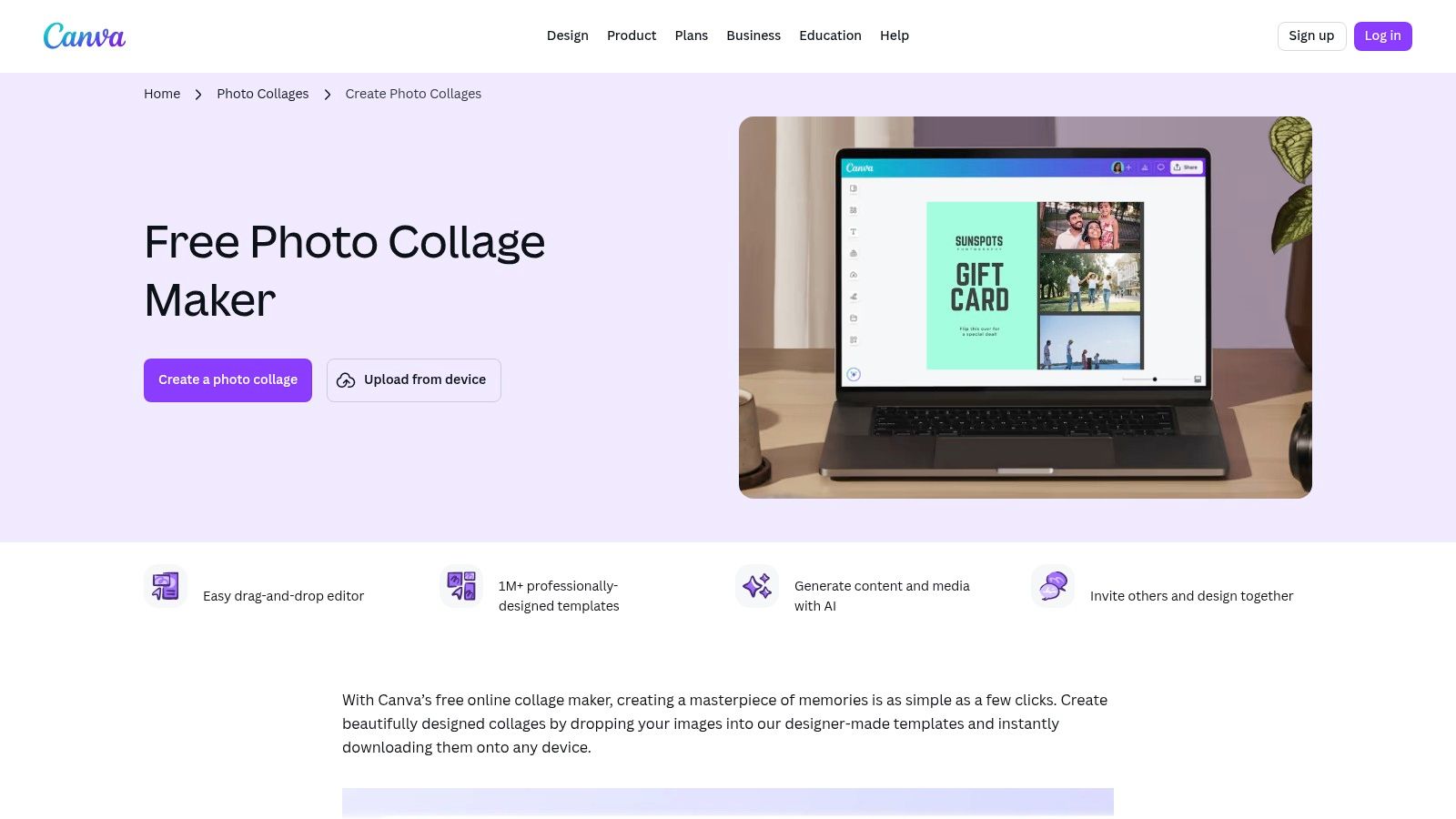
This platform excels at both static and dynamic content. You can whip up a classic photo grid or dive into animated video collages complete with transitions and music, perfect for engaging your audience on Reels. While its free version is incredibly generous, the Canva Pro subscription unlocks premium assets and powerful tools like the background remover. For those evaluating its place in the wider creative suite market, exploring a comparison like Invideo vs. Canva can offer valuable insights into its broader capabilities.
Key Features & Use Case
- Best For: Small businesses, influencers, and casual creators who prioritize speed and brand consistency.
- Standout Feature: A vast library of over one million templates and elements, including thousands of pre-sized, fully customizable Instagram collage layouts for posts, Stories, and Reels.
- Practical Tip: Use Canva's "Brand Kit" (Pro feature) to save your brand colors, fonts, and logos. This allows you to apply your branding to any collage template with a single click, ensuring perfect consistency across all your Instagram content.
- Pricing: A robust free plan is available. Canva Pro starts at $14.99/month.
Website: Canva
2. Adobe Express
Adobe Express brings the reliability and power of the Adobe ecosystem into a streamlined, user-friendly package, positioning itself as a top-tier app for collages on Instagram. It’s designed for creators who want professional-grade tools without the steep learning curve of advanced software like Photoshop. The platform simplifies the collage creation process with an intuitive drag-and-drop editor and a strong focus on templates optimized for every Instagram format, ensuring your creations look polished and are perfectly sized for Posts, Stories, or Reels.
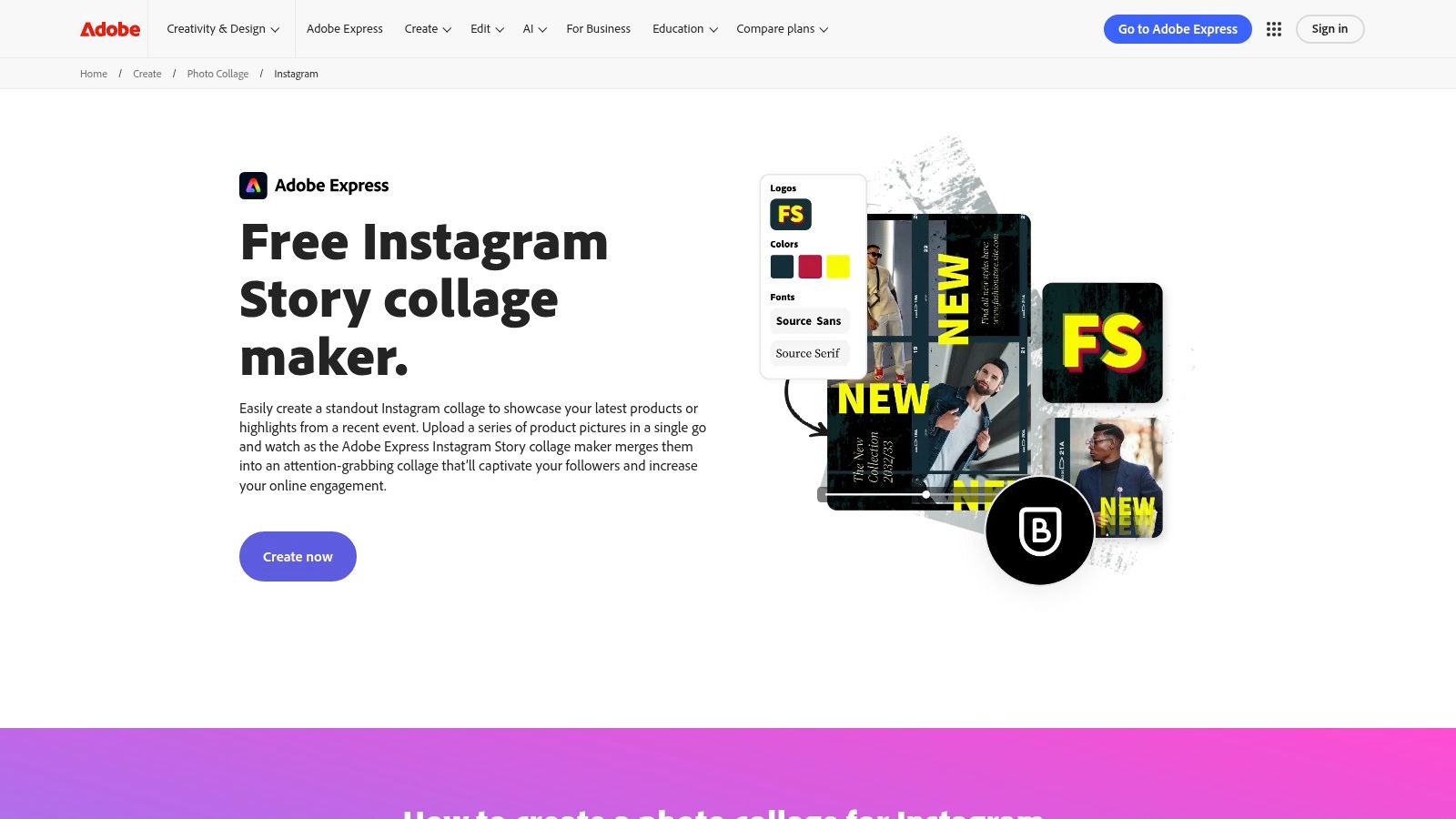
What makes Adobe Express particularly compelling is its integration of design and planning. Beyond just making beautiful grid layouts with adjustable spacing, you can use its built-in Content Scheduler to plan and preview how your collages will appear in your Instagram feed. This unique feature helps maintain a cohesive aesthetic directly within the app. While its free version is more than sufficient for basic needs, upgrading unlocks the full suite of premium Adobe Stock photos and advanced design assets, making it a scalable solution for growing creators.
Key Features & Use Case
- Best For: Content creators and small businesses who want an all-in-one tool for creating, scheduling, and previewing their Instagram content.
- Standout Feature: The integrated Content Scheduler allows you to design your collage and then directly plan, schedule, and preview it for your Instagram feed, streamlining your entire workflow.
- Practical Tip: Take advantage of the quick actions like "Remove Background" on the paid plan to make your collage subjects pop. Layering cutout images over a simple grid can create a dynamic, professional-looking design that grabs attention on the feed.
- Pricing: A generous free plan is available. The Premium plan starts at $9.99/month.
Website: Adobe Express
3. Picsart
Picsart positions itself as a creative playground, evolving far beyond a simple photo editor into a full-fledged content creation suite that is an excellent app for collages on Instagram. It appeals directly to the social media creator who loves to experiment with trends, filters, and AI-powered tools. The platform is renowned for its massive library of stickers, artistic filters, and community-remixed templates, offering endless inspiration for unique and eye-catching collages that stand out in a crowded feed.
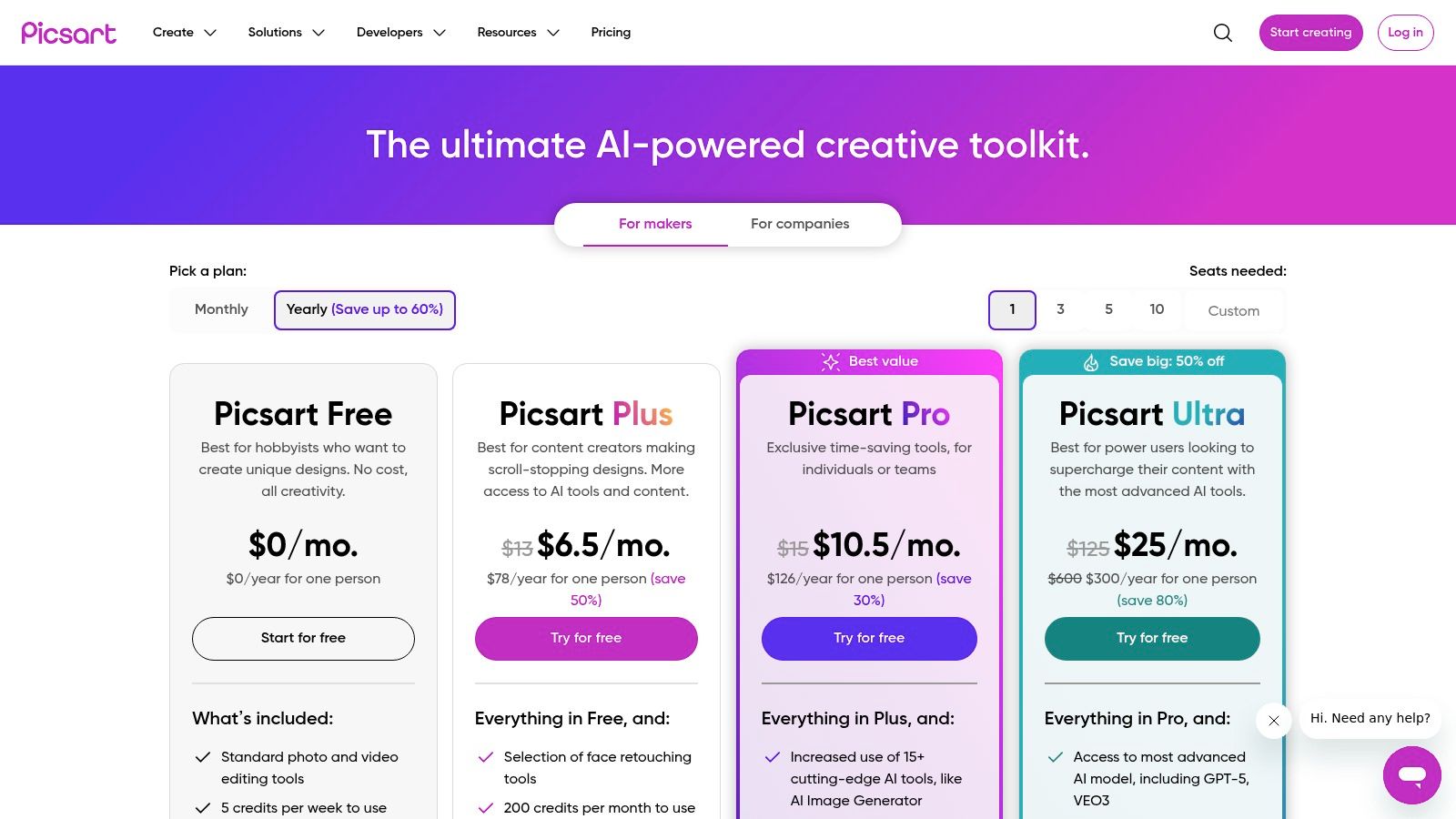
What makes Picsart a powerhouse is its blend of user-friendly collage grids and advanced, AI-driven features. You can quickly assemble a photo grid or take your creation further by using the AI background remover to create sticker-like cutouts of your subjects. While the free version provides a solid starting point, the paid subscriptions unlock the platform's full potential, including premium templates, advanced AI tools, and a vast stock media library. It's a fantastic choice for those who want a robust mobile-first editing experience with a creative, trend-focused edge.
Key Features & Use Case
- Best For: Social media creators and younger audiences who want access to trendy effects, AI tools, and a vast community content library.
- Standout Feature: A comprehensive suite of AI editing tools, including an impressive background and object remover, an AI image generator, and smart filters that transform photos with a single tap.
- Practical Tip: Use the "Replay" feature to apply a series of edits from another user's creation to your own photo. This is a fast way to discover new editing styles and replicate complex, professional-looking effects on your collage in seconds.
- Pricing: A free version is available with ads and limited features. Picsart Plus starts at $5/month.
Website: Picsart
4. PicCollage
PicCollage is a vibrant and playful collage maker designed for speed and social sharing, making it a fantastic app for collages on Instagram, especially for users who love topical and trendy content. It leans into a fun, scrapbook-like aesthetic, offering a massive library of stickers, backgrounds, and templates that are constantly updated for holidays, seasons, and trending events. This focus on fresh, relevant content allows creators to quickly assemble eye-catching collages that feel timely and engaging for their audience.
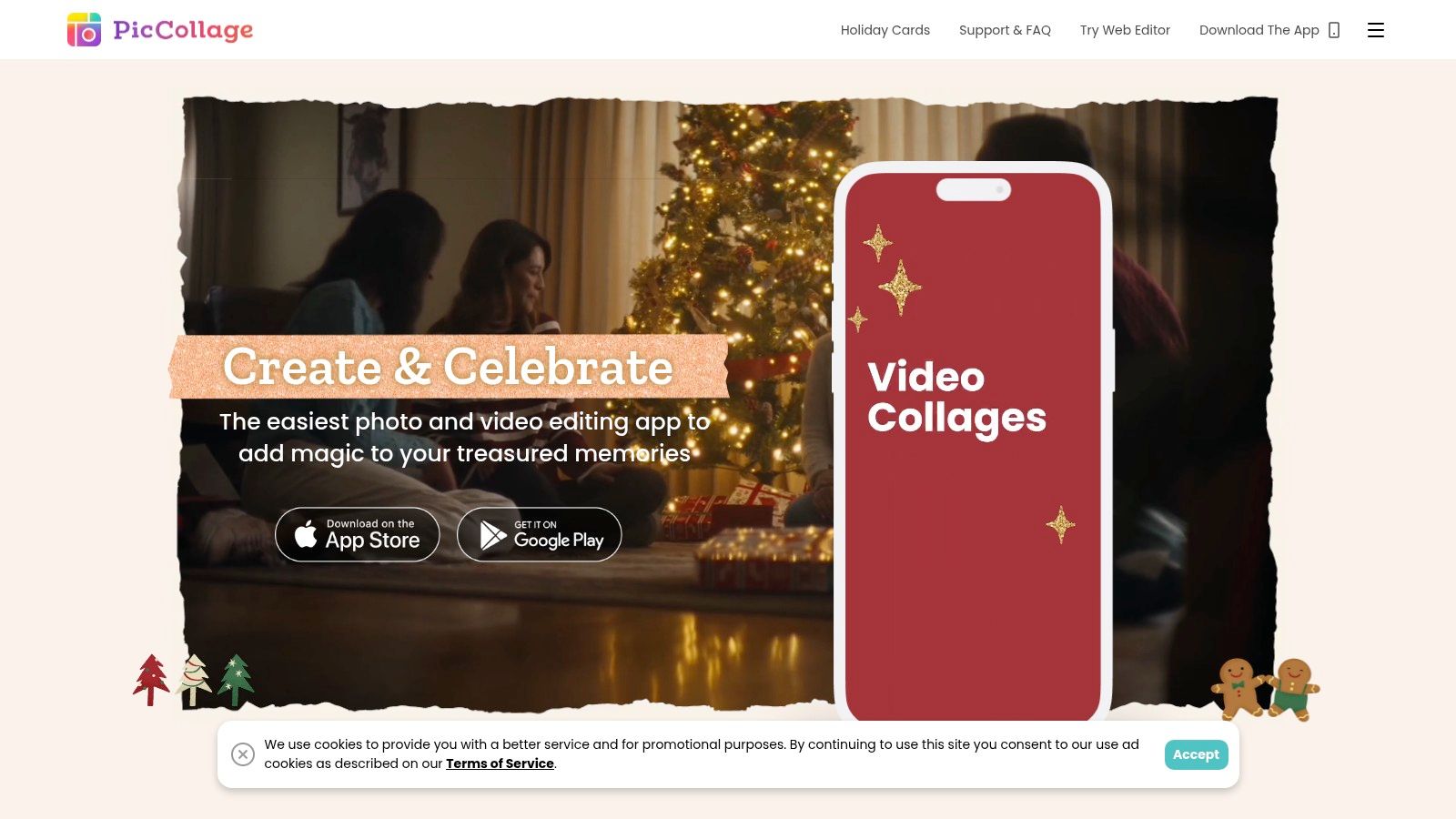
While its core strength is rapid photo assembly, the VIP subscription on iOS unlocks powerful video collage features, allowing you to mix multiple videos and photos seamlessly. The app's strength lies in its simplicity and the sheer volume of its creative assets, enabling users to produce unique, personality-filled collages for Instagram Stories and posts in just a few taps. It's less of a corporate design tool and more of a creative playground for personal expression.
Key Features & Use Case
- Best For: Casual users, families, and influencers who create timely, seasonal, or campaign-specific content for Instagram Stories.
- Standout Feature: A huge and frequently updated library of over 5,000 stickers and 3,000 backgrounds, with specialized asset packs for holidays, seasons, and trends.
- Practical Tip: Before a major holiday or event, check PicCollage for new themed templates and sticker packs. You can create a highly relevant and shareable Instagram Story collage in minutes, capitalizing on the festive buzz with minimal effort.
- Pricing: Free version with ads and watermarks. The VIP subscription starts at $4.99/month.
Website: PicCollage
5. Pic Stitch
Pic Stitch is a classic, dedicated collage maker that has perfected the art of grid-based storytelling, making it a reliable app for collages on Instagram. Its primary strength lies in its vast and well-organized library of layouts, offering a straightforward path to creating clean, professional-looking photo and video combinations. The app focuses on getting the fundamentals right: easy media import, simple border adjustments, and quick exports, making it a go-to for users who want to assemble content without navigating a complex design suite.
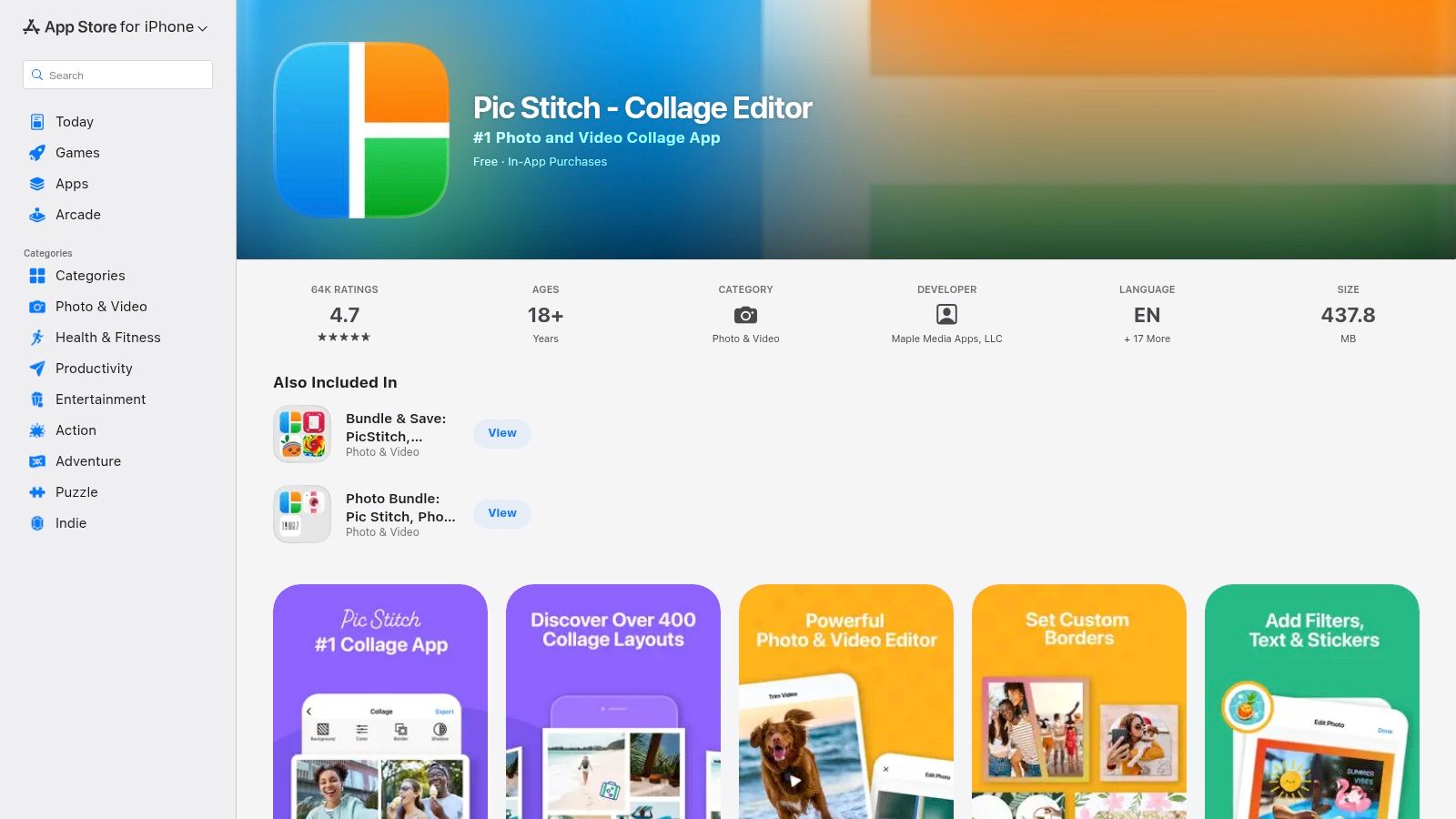
What sets Pic Stitch apart is its seamless integration of both photos and videos within the same collage frame, a feature that many other apps struggle to execute smoothly. This allows for dynamic, mixed-media content ideal for Instagram Stories or posts that capture more than a single moment. While the free version is functional, upgrading to the Pro subscription is essential for removing watermarks and accessing the full range of layouts and editing tools, representing a clear value proposition for frequent creators who need variety and a polished final product.
Key Features & Use Case
- Best For: Creators and casual users who want a huge variety of classic grid layouts and the ability to easily mix photos and videos.
- Standout Feature: A massive library of over 375 customizable layouts, paired with robust support for embedding video clips directly alongside static images within a single collage.
- Practical Tip: When creating a video collage, tap on a video clip within the grid to access a simple editor. You can trim the clip's length and select the start point, ensuring the most impactful part of your video is featured in the final Instagram post.
- Pricing: Free with ads and watermarks. A Pro subscription is available for a one-time purchase or monthly/yearly fee to unlock all features.
Website: Pic Stitch
6. PhotoGrid
PhotoGrid positions itself as a collage-making juggernaut, built from the ground up to serve users who crave variety and speed. It is a fantastic app for collages on Instagram for creators who need to produce high volumes of content without sacrificing creativity. The platform's core strength lies in its almost overwhelming library of layouts, allowing users to find the perfect grid for any number of photos or videos, a feature that distinguishes it from more general-purpose design tools.
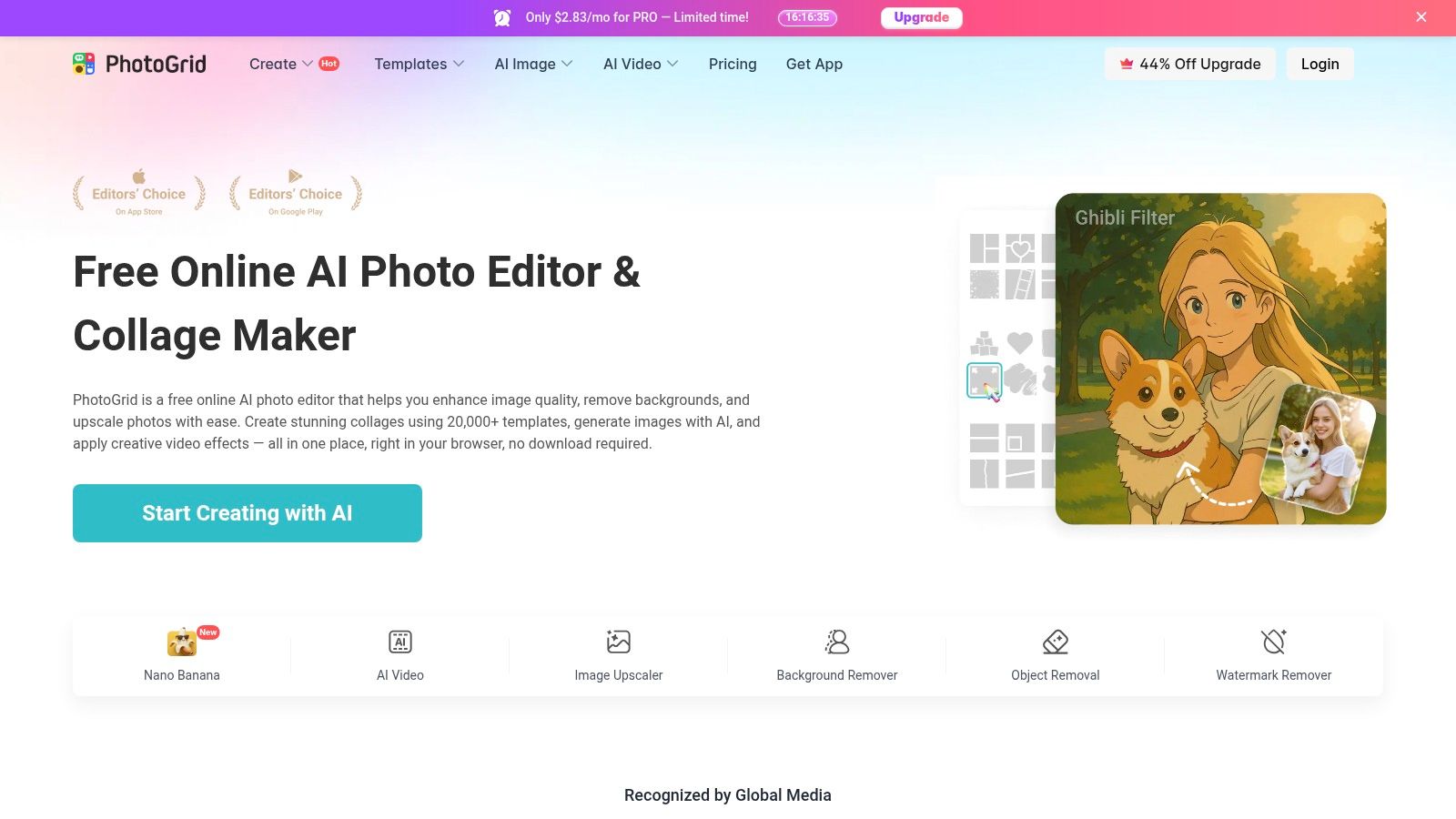
This app is particularly powerful for creating dynamic content. Its video grid feature, which supports combining up to nine videos with photos, is perfect for crafting attention-grabbing Instagram Reels or Stories. PhotoGrid also leans into modern editing with AI-powered tools like a background remover and replacer, making complex edits accessible with a single tap. The constant addition of seasonal effects and templates ensures your content stays fresh and relevant all year round.
Key Features & Use Case
- Best For: Social media managers and casual creators who frequently post collages and want the largest possible selection of ready-to-go layouts.
- Standout Feature: An enormous library featuring over 10,000 collage layouts and 20,000 templates, including specialized video grids for mixed-media content.
- Practical Tip: Explore the "Freestyle" mode to break away from rigid grid lines. This allows you to freely move, resize, and rotate photos on a custom background, giving you more creative control for unique, scrapbook-style collages.
- Pricing: A feature-rich free version is available with ads. Premium subscriptions remove ads and unlock all features, with pricing that can vary.
Website: PhotoGrid
7. InShot
InShot is renowned as a mobile-first video editing powerhouse, but it also packs a solid photo collage maker, making it a versatile app for collages on Instagram. While many apps focus solely on static images, InShot’s strength lies in its dual capabilities. It allows creators to produce classic photo grids and then seamlessly switch to its robust video editor to create dynamic, multi-panel video collages for Instagram Reels using its Picture-in-Picture (PIP) feature. This makes it an essential tool for anyone whose content strategy blends both photos and videos.
The platform is celebrated for its user-friendly interface that simplifies complex video editing tasks. You can easily add on-trend effects, transitions, animated text, and music to bring your collages to life. Its export settings are optimized for all Instagram formats, ensuring your final product looks professional and polished. While the native collage tool is for images only, the PIP workflow for video is a powerful workaround that unlocks immense creative potential for engaging Reels and Stories.
Key Features & Use Case
- Best For: Content creators who heavily focus on Instagram Reels and need an all-in-one tool for both photo and video collage creation.
- Standout Feature: The Picture-in-Picture (PIP) function within the video editor, which allows for creating sophisticated multi-panel video collages complete with individual clip timings and effects.
- Practical Tip: To create a video collage for Reels, start a new video project and set your background. Then, use the "PIP" option to add multiple videos on top, resizing and positioning them to form a grid. You can animate each video layer for a dynamic effect.
- Pricing: Free version with ads and watermarks. InShot Pro starts at $3.99/month, with a lifetime purchase option also available.
Website: InShot
8. Unfold
Acquired by Squarespace, Unfold has carved out a niche as the premier toolkit for creators aiming for a polished, editorial, and minimalist aesthetic. It's more than just a collage maker; it's a storytelling platform that excels at creating cohesive and high-end narratives, making it a powerful app for collages on Instagram, especially for Stories. Its templates feel less like generic grids and more like pages torn from a modern design magazine, featuring elegant typography and thoughtful spacing.
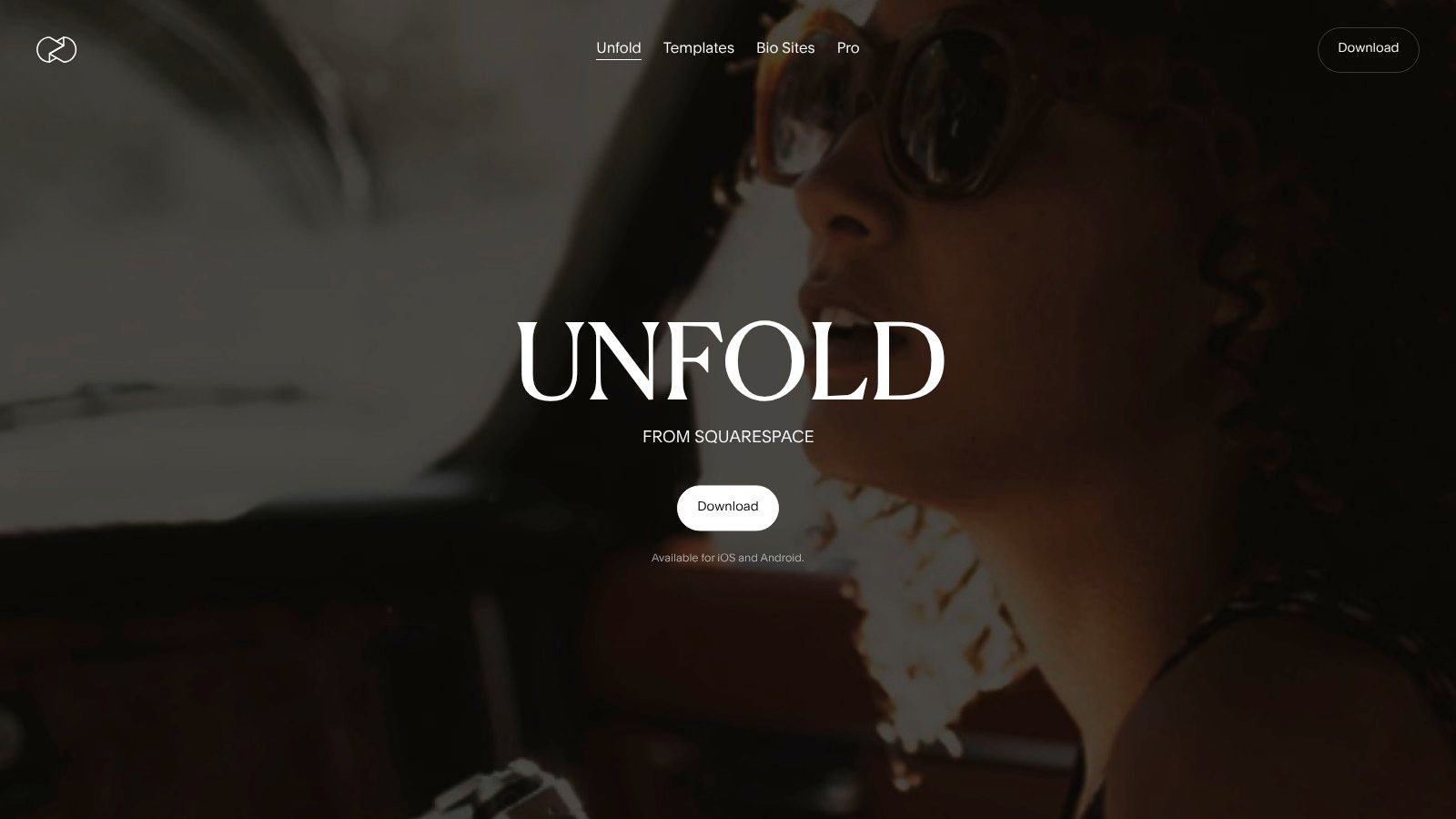
The platform focuses heavily on templated design rather than deep photo editing, which streamlines the creation process for users who prioritize speed and a consistent look. With Unfold, you can effortlessly blend photos and videos into a single, seamless Story collage that looks professionally produced. While the free version offers a taste of its potential, subscribing to Unfold+ or Unfold Pro unlocks its full power, including brand kits, premium template collections, and a feed planner to ensure every collage perfectly complements your overall Instagram grid.
Key Features & Use Case
- Best For: Fashion bloggers, photographers, and brands cultivating a sophisticated, minimalist, and cohesive brand identity on Instagram.
- Standout Feature: Over 400 professionally designed, editorial-quality templates that bring a magazine-like feel to Instagram Stories and posts, effortlessly combining photos, videos, and text.
- Practical Tip: Use the "Feed Planner" (Pro feature) to visually arrange your upcoming collage posts. This allows you to see how your new creation will look next to existing content, ensuring your grid maintains its curated and harmonious aesthetic before you hit publish.
- Pricing: A free version is available. Unfold+ starts at $2.99/month, and Unfold Pro is $12.99/month.
Website: Unfold
9. Mojo
Mojo is not your typical static collage maker; it’s a dynamic animation studio designed specifically for social media. If you want your Instagram Stories and Reels to grab attention with motion, Mojo is the best app for collages on Instagram to make that happen. It transforms simple photo collections into captivating animated videos with stylish text overlays and smooth transitions, making your content feel polished and professional without the need for complex video editing software. The app is built around a vast library of templates that are motion-first, ensuring your collages are engaging from the first second.
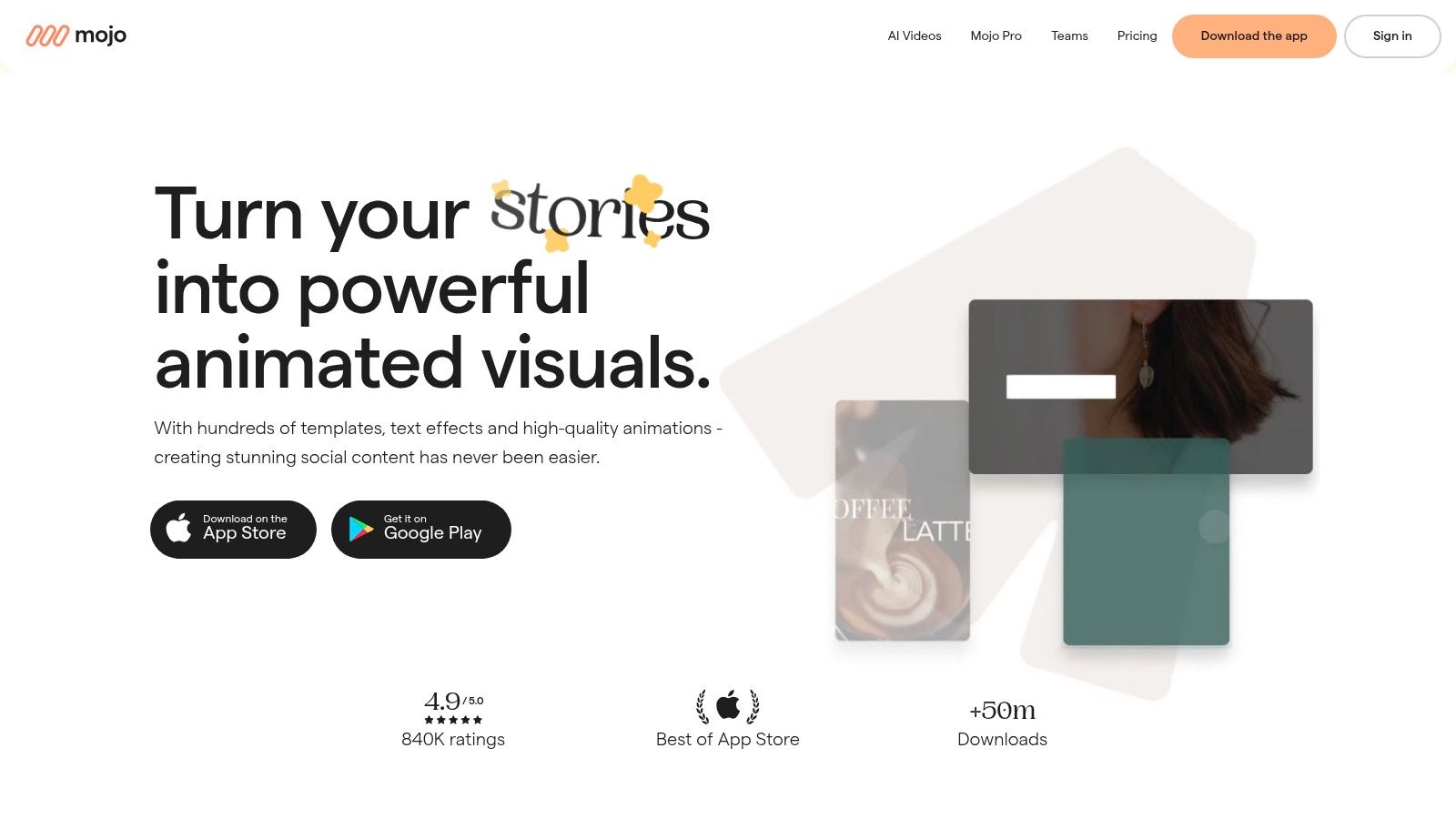
The platform’s strength lies in its speed and simplicity. You can select a template, drop in your photos and videos, customize the text, and export a high-quality animated collage in minutes. While the free version provides a great starting point, the Pro subscription is where Mojo truly shines, unlocking its full template library, brand kit features, and background remover. Its focus on vertical video formats makes it an essential tool for any creator looking to elevate their Story and Reels game with minimal effort and maximum impact.
Key Features & Use Case
- Best For: Influencers, brands, and creators who want to produce high-energy, animated collages for Instagram Stories and Reels quickly.
- Standout Feature: Over 1,200 animated templates with modern motion graphics that make it incredibly easy to create dynamic, professional-looking video collages.
- Practical Tip: Use the auto-captions feature to make your animated story collages more accessible. Mojo can automatically transcribe your audio, adding perfectly timed subtitles that boost viewer retention and engagement, especially for users watching with the sound off.
- Pricing: A free version is available with limited templates. Mojo Pro plans start at $9.99/month.
Website: Mojo
10. SCRL
SCRL carves out a unique niche by focusing entirely on one of Instagram's most engaging formats: the panoramic carousel. While other apps treat carousels as an afterthought, SCRL is purpose-built to help you create seamless, swipe-through stories that flow beautifully from one slide to the next. This makes it an exceptional app for collages on Instagram for storytellers, photographers, and brands wanting to guide their audience through a visual narrative. Its freeform canvas and intuitive templates are designed specifically for this multi-slide workflow.
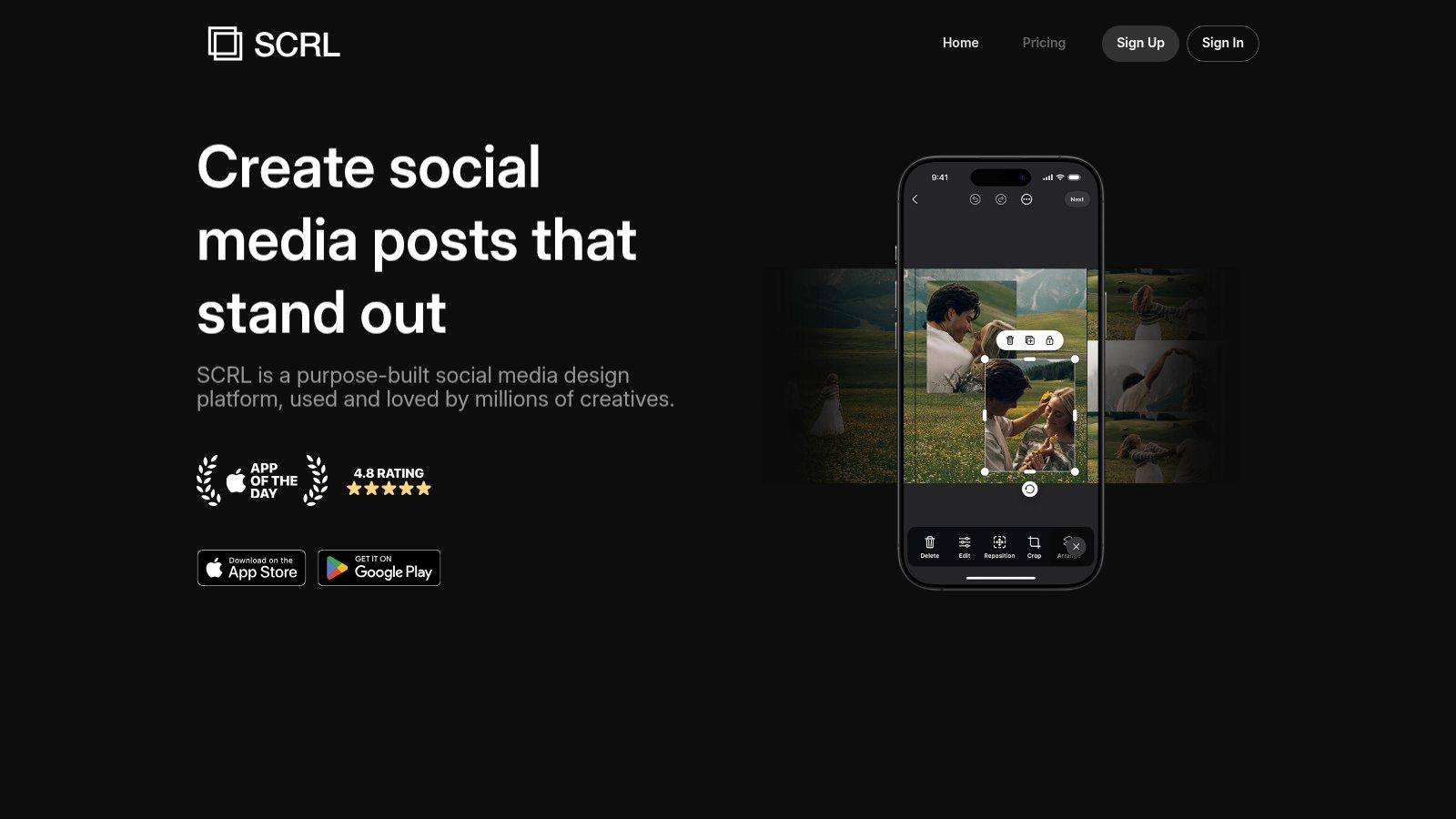
The platform’s standout ability is its simple export process, which automatically splits your panoramic design into perfectly sized individual images ready for an Instagram carousel upload. This removes all the guesswork and manual cropping, ensuring your final post looks exactly as intended. While its specialization is its greatest strength, it's also a limitation; it's not the best tool for single-post collages or Instagram Stories. Currently, SCRL appears to be available exclusively for iPhone users.
Key Features & Use Case
- Best For: Photographers, designers, and influencers who want to create visually stunning and seamless Instagram carousels.
- Standout Feature: A specialized freeform canvas and template library designed for creating continuous, panoramic swipe-through posts, with an export function that automatically slices the image for a perfect carousel.
- Practical Tip: Plan your narrative before you start. Place your most compelling image or text where the swipe occurs between slides 1 and 2 to create an irresistible hook that encourages users to swipe through the entire carousel.
- Pricing: Free to download with basic templates. SCRL Premium unlocks all features and templates, starting at $3.99/month.
Website: SCRL
11. Fotor
Fotor stands out as a powerful, browser-first photo editor and collage maker, making it a strong contender for the best app for collages on Instagram for users who prefer working on a desktop. It blends traditional collage layouts with a suite of modern AI-powered tools, allowing for sophisticated edits without needing to download any software. Its web interface is robust, offering thousands of templates specifically designed for Instagram posts and Stories, ensuring your creations are perfectly optimized for the platform.
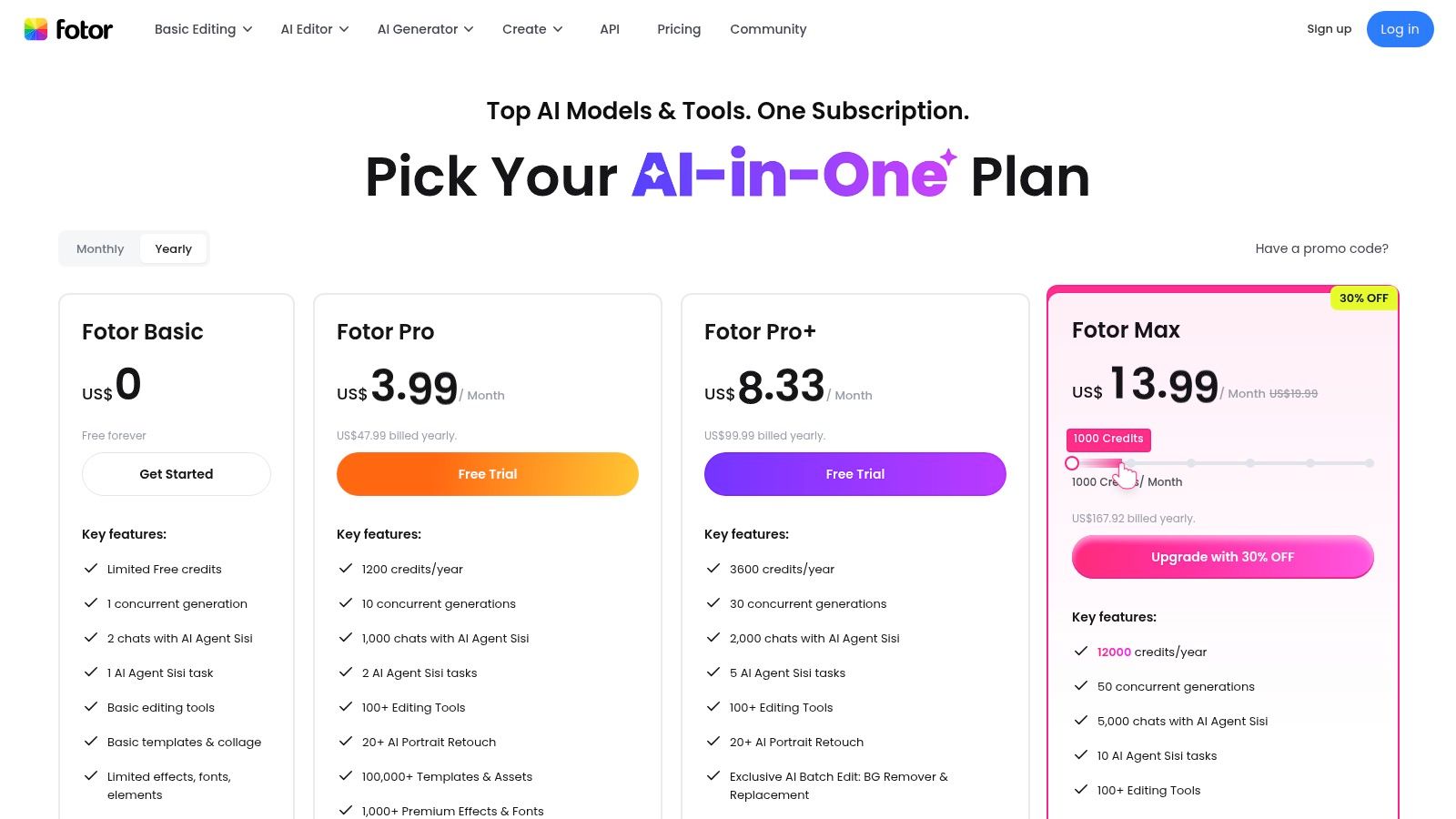
The platform shines with its integrated AI features, such as background removers, image enhancers, and upscalers, which can elevate a simple photo grid into a polished piece of content. While the free version provides a solid starting point, upgrading to a Pro plan is essential for accessing the full asset library, removing watermarks, and exporting in high resolution. This makes Fotor an excellent choice for creators who need a reliable online tool that delivers professional-quality results directly from their browser.
Key Features & Use Case
- Best For: Content creators and marketers who primarily work on a desktop and require AI-powered editing tools and high-resolution exports.
- Standout Feature: A comprehensive suite of AI tools integrated directly into the collage workflow, including an AI upscaler, background remover, and object replacer for advanced image manipulation.
- Practical Tip: Use Fotor's batch editing feature (Pro) to apply the same filter, border, and resizing adjustments to all photos in your collage simultaneously. This saves significant time and ensures a cohesive look across your entire design.
- Pricing: A free plan with basic features is available. Fotor Pro starts at $8.99/month, and Pro+ at $19.99/month for access to all advanced tools and assets.
Website: Fotor
12. CapCut
Originally known as a powerhouse video editor, CapCut has rapidly evolved into a top-tier app for collages on Instagram, especially for creators focused on dynamic, vertical content. From the makers of TikTok, ByteDance, CapCut brings its intuitive, trend-focused approach to collage creation, making it incredibly easy to produce viral-worthy Reels and Stories. Its strength lies in a massive library of ready-to-use templates that combine video clips and photos into engaging, multi-panel layouts.
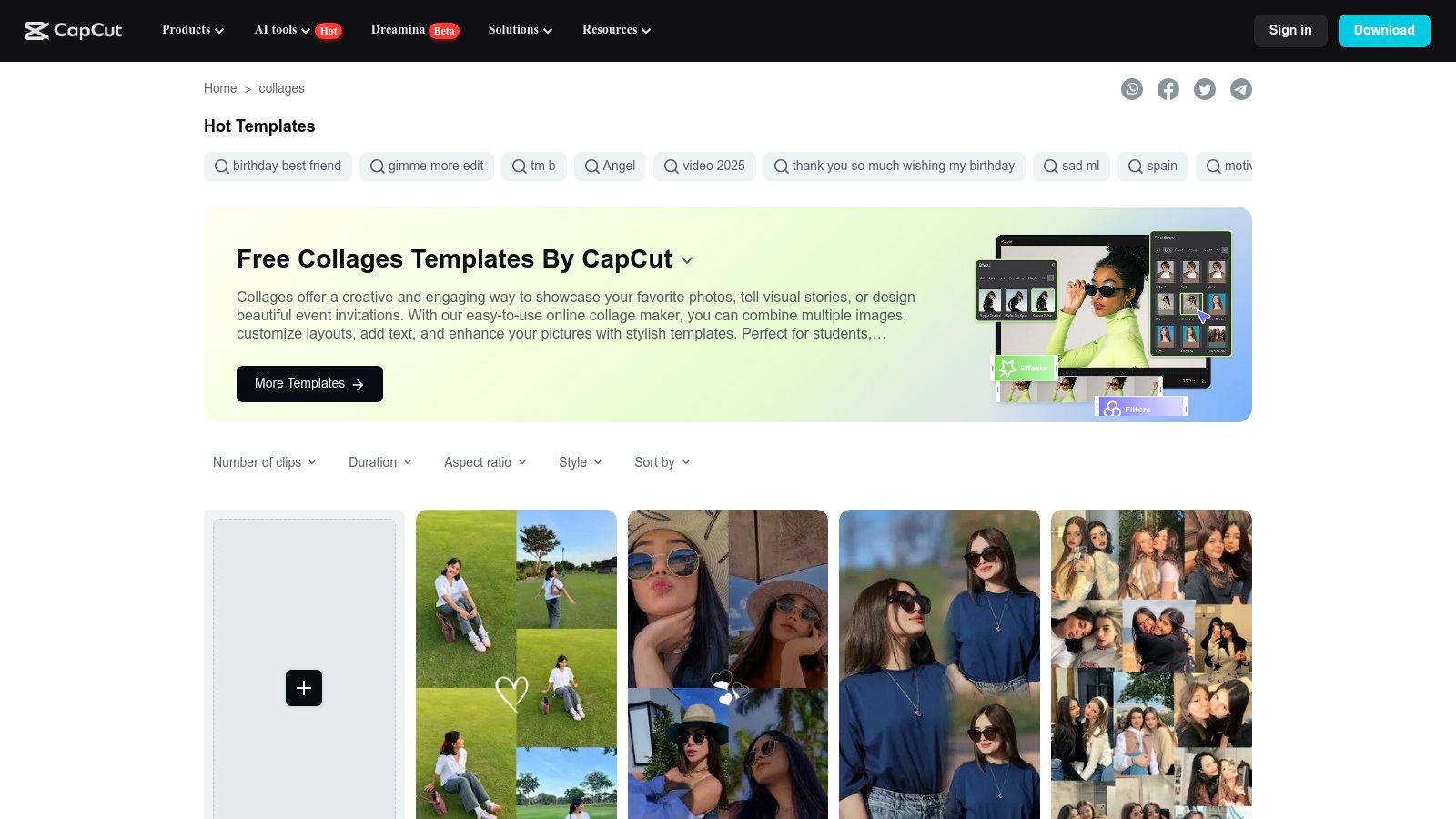
The platform excels at making complex video collages simple. With just a few taps, you can drop your media into a pre-designed vertical template complete with transitions, effects, and trending audio. While its focus is heavily on video, it still handles static image combinations effectively. The seamless integration between its mobile app and web-based editor ensures you can start a project on one device and finish on another, offering unmatched flexibility for creators on the go.
Key Features & Use Case
- Best For: Creators and brands who want to make trendy, vertical video collages for Instagram Reels and Stories with minimal effort.
- Standout Feature: An enormous, constantly updated public template gallery with thousands of 9:16 vertical collage formats that can be customized and exported in seconds.
- Practical Tip: Use the "Templates" tab in the app to search for trending collage styles. Select a popular template, and CapCut will automatically prompt you to add your own clips and photos, syncing them to the beat and cuts for a professional finish.
- Pricing: A highly functional free version is available. CapCut Pro, which unlocks premium effects and features, starts at $7.99/month.
Website: CapCut
Top 12 Instagram Collage Apps — Feature Comparison
| Product | Core features | ★ (UX / Quality) | 💰 (Pricing / Value) | 👥 (Target audience) | ✨ (Unique / Standout) |
|---|---|---|---|---|---|
| Canva | Drag‑drop editor, 1M+ templates, photo & video collages | ★★★★☆ | 💰 Free + Pro (premium assets) | 👥 Creators & SMBs | ✨ Massive template library & easy branding |
| Adobe Express | Grid layouts, photo effects, Content Scheduler | ★★★★ | 💰 Freemium; paid tiers for assets/storage | 👥 Social managers & planners | ✨ Built‑in scheduling + Adobe ecosystem |
| Picsart | Extensive templates, stickers, AI tools, batch edit | ★★★★ | 💰 Freemium; Plus/Pro tiers | 👥 Frequent social creators & AI users | ✨ Strong AI features & large asset updates |
| PicCollage | Stickers, backgrounds, seasonal templates, VIP video | ★★★★ | 💰 Free + VIP subscription | 👥 Casual creators & seasonal campaigns | ✨ Huge sticker/background packs |
| Pic Stitch | 375+ layouts, photo+video collages, video editor | ★★★ | 💰 Free + Pro (watermark removal) | 👥 Creators wanting layout variety | ✨ Mature collage workflow with mixed media |
| PhotoGrid | 10K+ layouts, video grids, AI tools, templates | ★★★★ | 💰 Freemium; premium for ad‑free/HD | 👥 Users needing many ready grids | ✨ One of the largest layout libraries |
| InShot | Photo collage + PIP video editor, exports for Reels | ★★★★ | 💰 Free + subscription/in‑app purchases | 👥 Reel creators & video editors | ✨ PIP multi‑panel video workflow |
| Unfold | Minimalist story/post templates, brand kit | ★★★★ | 💰 Freemium; Pro for brand features | 👥 Brands & creators seeking polished feed | ✨ High‑end, cohesive aesthetic templates |
| Mojo | Animated templates, auto‑captions, brand kit | ★★★★ | 💰 Freemium; subscription for full access | 👥 Motion‑first story creators | ✨ Fast animated collage templates & captions |
| SCRL | Panoramic swipe carousels, freeform canvas | ★★★★ | 💰 Free + subscription unlock | 👥 Carousel‑focused Instagram creators | ✨ Best‑in‑class seamless multi‑slide exports |
| Fotor | Web editor, AI upscaler, batch editing, HD export | ★★★ | 💰 Freemium; Pro/Pro+ for HD & cloud | 👥 Browser users needing high‑res output | ✨ Strong browser experience + AI tools |
| CapCut | Vertical collage & split‑screen templates, effects | ★★★★★ | 💰 Free (some premium templates) | 👥 Trendy short‑form video creators | ✨ Huge vertical template gallery for Reels |
Choosing Your Perfect Collage App and Next Steps
We've journeyed through a comprehensive lineup of the most dynamic and feature-rich collage makers on the market. From powerhouse design suites to niche storytelling tools, the sheer variety can feel overwhelming. Yet, this diversity is your greatest asset, ensuring there is a perfect solution tailored precisely to your creative workflow and aesthetic goals. The key takeaway is that the best app for collages on Instagram isn't a one-size-fits-all answer; it’s the one that removes friction between your idea and its execution, empowering you to produce stunning visuals consistently.
For many, the choice will come down to a few front-runners. Canva and Adobe Express have rightfully earned their places as versatile, all-in-one content creation hubs. Their massive template libraries, intuitive interfaces, and robust feature sets make them ideal for creators who need to produce a high volume of diverse content, from static feed posts to animated Stories, without a steep learning curve. They represent the ultimate balance of power and accessibility.
Finding Your Niche and Creative Edge
Beyond these giants, specialized tools offer a unique competitive advantage. If your brand is built on a foundation of sophisticated, clean, and minimalist design, Unfold is unequivocally your best choice. Its curated templates feel less like generic layouts and more like pages from a high-end digital magazine, instantly elevating your Instagram Stories.
For creators who understand that movement captures attention, the decision leans towards video-centric apps. Mojo and CapCut are game-changers, transforming static images into captivating, animated video collages perfect for Reels and Stories. They provide the tools to tell a more dynamic story, tapping into the algorithm's preference for engaging video content. And for those looking to master the art of the seamless panoramic carousel, SCRL stands alone, offering a dedicated and powerful solution to a specific, high-impact Instagram format.
Your Actionable Path Forward
So, where do you go from here? The most effective strategy is to move from analysis to action. Don't fall into the trap of analysis paralysis. Instead, follow these simple steps to integrate collage creation into your Instagram strategy:
- Identify Your Core Need: Are you focused on beautiful static grids, animated Stories, or seamless carousels? Pinpoint your primary goal first.
- Select Two Contenders: Based on our detailed reviews, choose one primary app (like Canva for all-around use) and one specialized app (like Unfold for Stories or SCRL for carousels) that aligns with your aesthetic.
- Experiment and Create: Dedicate time to exploring the features of your chosen apps. Recreate a collage style you admire or follow a tutorial. The goal is to get comfortable and develop a quick, repeatable workflow.
- Amplify Your Best Work: Your creations deserve more than a 24-hour lifespan on your feed or in your Stories. Your most compelling collages are valuable assets. Feature them prominently on your link-in-bio page to give visitors a powerful, immediate glimpse into your brand's visual identity.
Ultimately, mastering the art of the Instagram collage is about finding the right tool that feels like an extension of your own creativity. It's about efficiency, impact, and building a visual language that is unmistakably yours. By selecting an app that complements your style and strategically showcasing your best work, you transform your Instagram from a simple photo gallery into a compelling, curated, and unforgettable visual narrative.
Now that you've chosen the best app for collages on Instagram, don't let your stunning creations get lost in the feed. Showcase your best work on a beautiful, customized link-in-bio page with taap.bio. Embed your collages as dynamic media blocks to create a powerful visual portfolio that captivates visitors the moment they click your link. Start building your free, visually-driven landing page today at taap.bio.


