
In a world of digital clutter, simplicity wins. A single, focused page can be the most effective way to launch a product, build a personal brand, or capture leads. But finding the right tool is critical. A one-page site demands a builder that's fast, visually compelling, and purpose-built for a specific goal, whether it's a dynamic portfolio for a freelancer, a high-converting landing page for a small business, or a stunning link-in-bio hub for a creator. The wrong choice can lead to a generic, slow-loading page that fails to make an impact.
This guide cuts through the noise to rank the 12 best one page website builders available today. We move beyond marketing hype to give you a genuine look at what works and what doesn't. If you're a Bento.me user planning your next move before the 2026 shutdown or a designer who values pixel-perfect control over basic link lists, this resource is for you. We'll dive deep into each platform's unique strengths, hidden limitations, and ideal use cases to help you choose the perfect tool.
Consider this your definitive roadmap to creating a powerful single-page presence without the overhead of a full multi-page website. Each review includes detailed analysis, screenshots, and direct links to help you make an informed decision quickly. We'll explore everything from powerful, visually-rich alternatives like Taap.bio to robust platforms like Framer and Webflow, ensuring you find a builder that matches your technical skill and creative vision. Let's find the right platform to bring your project to life.
Table of contents
1. taap.bio
Best for: Visual Creators, Musicians, and Developers Seeking a Media-Rich Hub
Taap.bio elevates the concept of a link-in-bio page into a dynamic, interactive personal dashboard. Instead of a conventional list of links, it provides a freeform, modular canvas where you can drag, resize, and position content blocks anywhere you like. This "bento-style" grid allows for the creation of visually compelling, magazine-like layouts that are a significant departure from the linear format of its competitors. It’s a standout choice among the best one page website builders for users who prioritize aesthetic control and deep media integration.
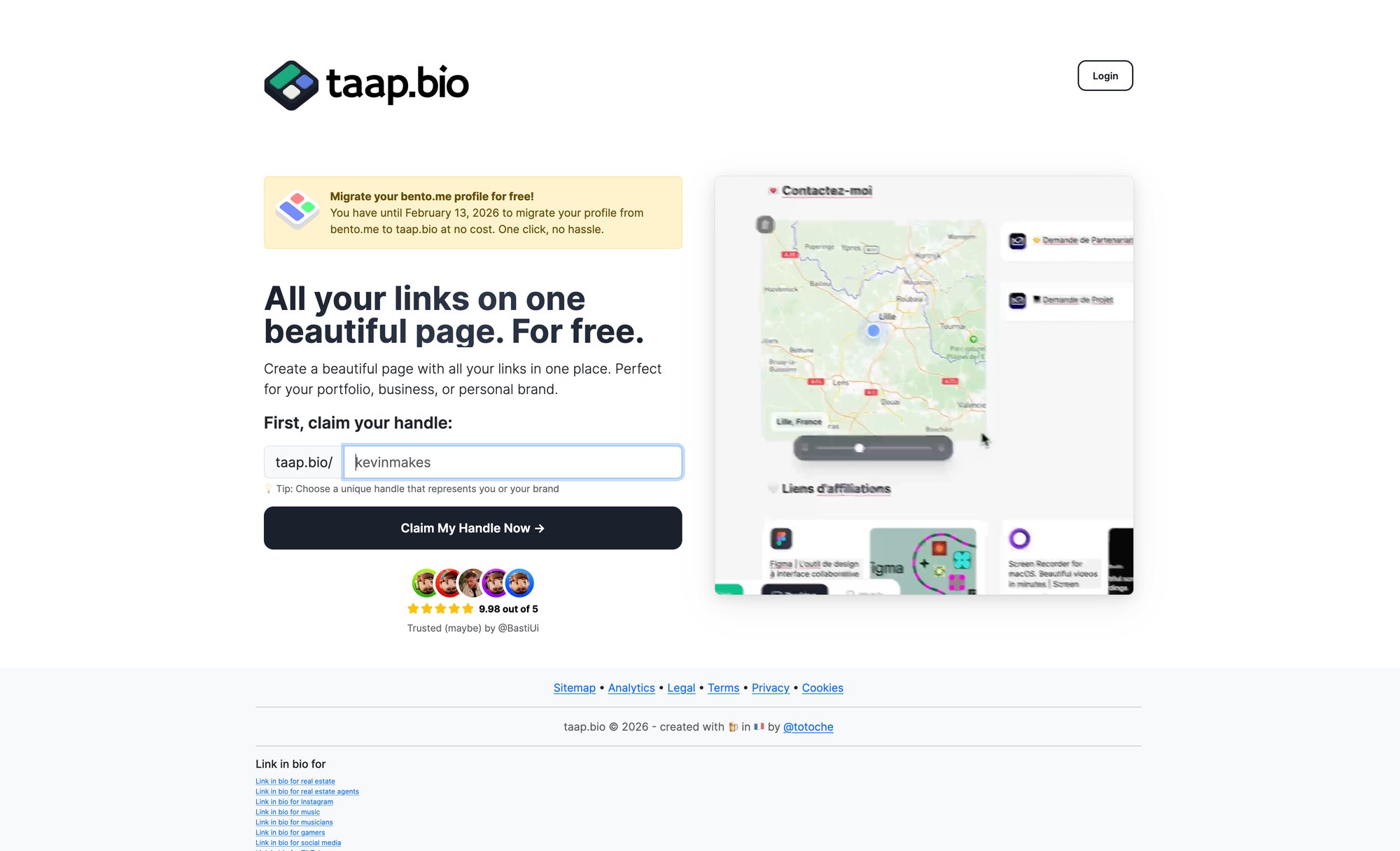
The platform’s core strength lies in its smart widgets, which pull in live data from other services. This transforms your page from a static collection of links into a living profile. You can embed a GitHub contribution graph, display Dribbble and Behance portfolios, or showcase live Instagram grids complete with follower counts.
Key Strengths and Use Cases
Taap.bio is particularly powerful for audio creators. Its Spotify widgets are exceptional, allowing visitors to play individual tracks, browse full album tracklists, or listen to entire podcast episodes directly on your page without being redirected. This frictionless experience is ideal for musicians, bands, and podcasters aiming to increase engagement and listening time.
The customization suite is exhaustive, offering control over everything from color palettes and custom backgrounds to animated GIF avatars and multiple widget sizes. A crucial feature is the separate editing environment for mobile and desktop layouts, ensuring your page is perfectly optimized for every viewer, regardless of their device.
Ideal User Scenarios:
Designers & Developers: Showcase Figma files, Dribbble shots, and GitHub activity in a single, curated view.
Musicians & Podcasters: Create an immersive listening hub with inline Spotify players for new releases and podcast episodes.
Creators & Influencers: Build a vibrant, branded destination that feels more like an app than a simple link list.
Platform Status and Considerations
As a new platform slated for a 2025 launch, Taap.bio's public site currently shows a "Launching Soon" page with an email signup for early access. Pricing and plan details have not yet been published, so some features may evolve. While the highly customizable interface offers unparalleled creative freedom, it may present a steeper learning curve than simpler tools. However, for those seeking to build a truly unique and functional one-page website, Taap.bio is a powerful and promising contender.
| Feature Analysis | taap.bio's Approach |
|---|---|
| Layout Style | Bento Grid: Fully drag-and-drop, resizable blocks. |
| Key Differentiator | Live Data Widgets: Real-time integrations (GitHub, Spotify, etc.). |
| Mobile Experience | Separate Mobile & Desktop Editing: Full control over layouts. |
| Audio Features | Inline Playback: Spotify tracks, albums, and podcasts play on-page. |
2. Carrd
Carrd has carved out a powerful niche by focusing exclusively on one thing: building simple, responsive, one-page sites for pretty much anything. It stands as one of the best one-page website builders because of its laser-focus on speed, simplicity, and affordability. If you need a personal profile, a "link in bio" page, or a landing page for a new project launched yesterday, Carrd lets you go from concept to live site in minutes.
The platform’s strength lies in its streamlined editor and purpose-built templates. Unlike larger builders that can feel bloated, Carrd’s interface is intuitive, ensuring a near-zero learning curve. You can build up to three sites on its generous free plan, making it an excellent starting point for testing ideas.
Key Features & Use Cases
Carrd’s Pro plans, starting at an almost unbelievable $19 per year, unlock the platform's true potential. This makes it an ideal choice for freelancers, creators, and small businesses who need professional features without the high monthly costs.
Best For: Personal profiles, digital business cards, link-in-bio pages for social media, and simple landing pages for lead capture or product launches.
Pro Features: Use custom domains with SSL, remove Carrd branding, and integrate forms with services like Mailchimp and ConvertKit.
Embeds & Widgets: Pro users can embed third-party widgets, including payment buttons from Stripe and PayPal or forms from Typeform, adding a layer of functionality without complexity.
Implementation Tip: Start with a template that closely matches your vision. While customization is flexible, a good starting point can cut your build time by 80%.
Website: https://carrd.co/
3. Framer
Framer has rapidly become a favorite among designers and marketers, positioning itself as a high-fidelity tool for creating visually stunning websites. While it can build complex multi-page sites, it truly excels as one of the best one-page website builders for those who refuse to compromise on design. It combines pixel-perfect control with powerful animations and interactions, allowing you to build marketing pages and portfolios that feel more like apps than static pages.
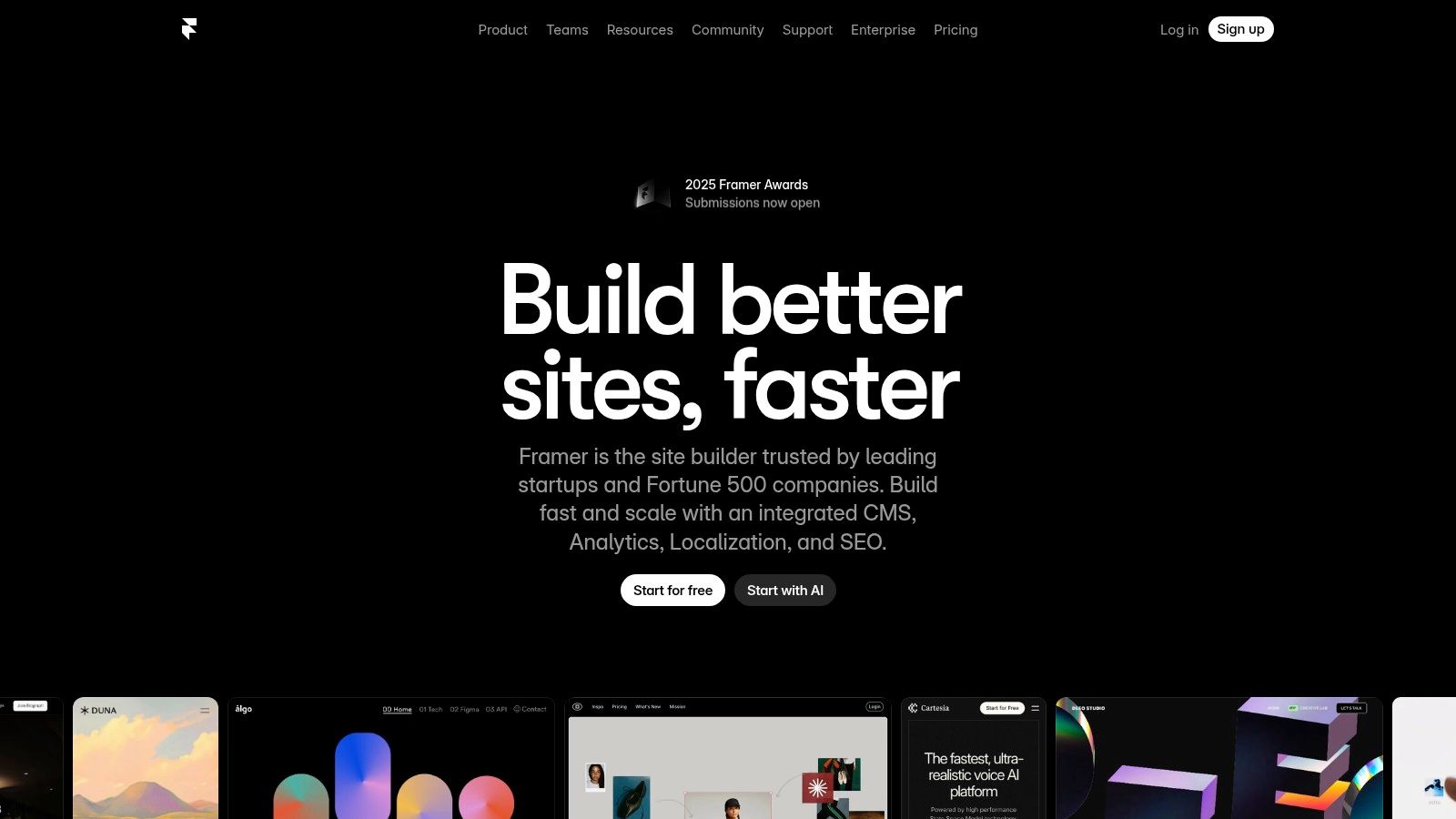
The platform offers a real-time visual editor that feels familiar to users of design tools like Figma, yet it outputs production-ready code. Its free plan is generous, allowing you to get started, while paid plans provide access to a global CDN, custom domains, and increased traffic limits, ensuring your site is both beautiful and performant.
Key Features & Use Cases
Framer’s strength is its ability to bridge the gap between design and development, making it perfect for creating polished, interactive one-pagers without writing a single line of code. Its AI-assisted features also help accelerate the initial design process.
Best For: High-end marketing landing pages, interactive portfolios for designers, product launch announcements, and visually rich event pages.
Pro Features: Leverage the built-in CMS to manage dynamic content, add site search, and password-protect specific pages. Higher-tier plans unlock advanced analytics and funnels.
Animations & Interactions: Easily add scroll effects, component animations, and sophisticated transitions that set your one-page site apart from the competition.
Implementation Tip: Start by using Framer's "Copy and Paste from Figma" feature to import existing designs. This saves significant time and allows you to quickly add interactivity to a layout you've already perfected.
Website: https://www.framer.com/
4. Webflow
Webflow is the powerhouse choice for designers and businesses who want a professional one-page site with the potential to grow. It bridges the gap between simple builders and custom-coded websites, offering unparalleled visual control over every element. While it has a steeper learning curve than dedicated single-page tools, it’s one of the best one-page website builders for those who refuse to compromise on design and plan for future expansion.
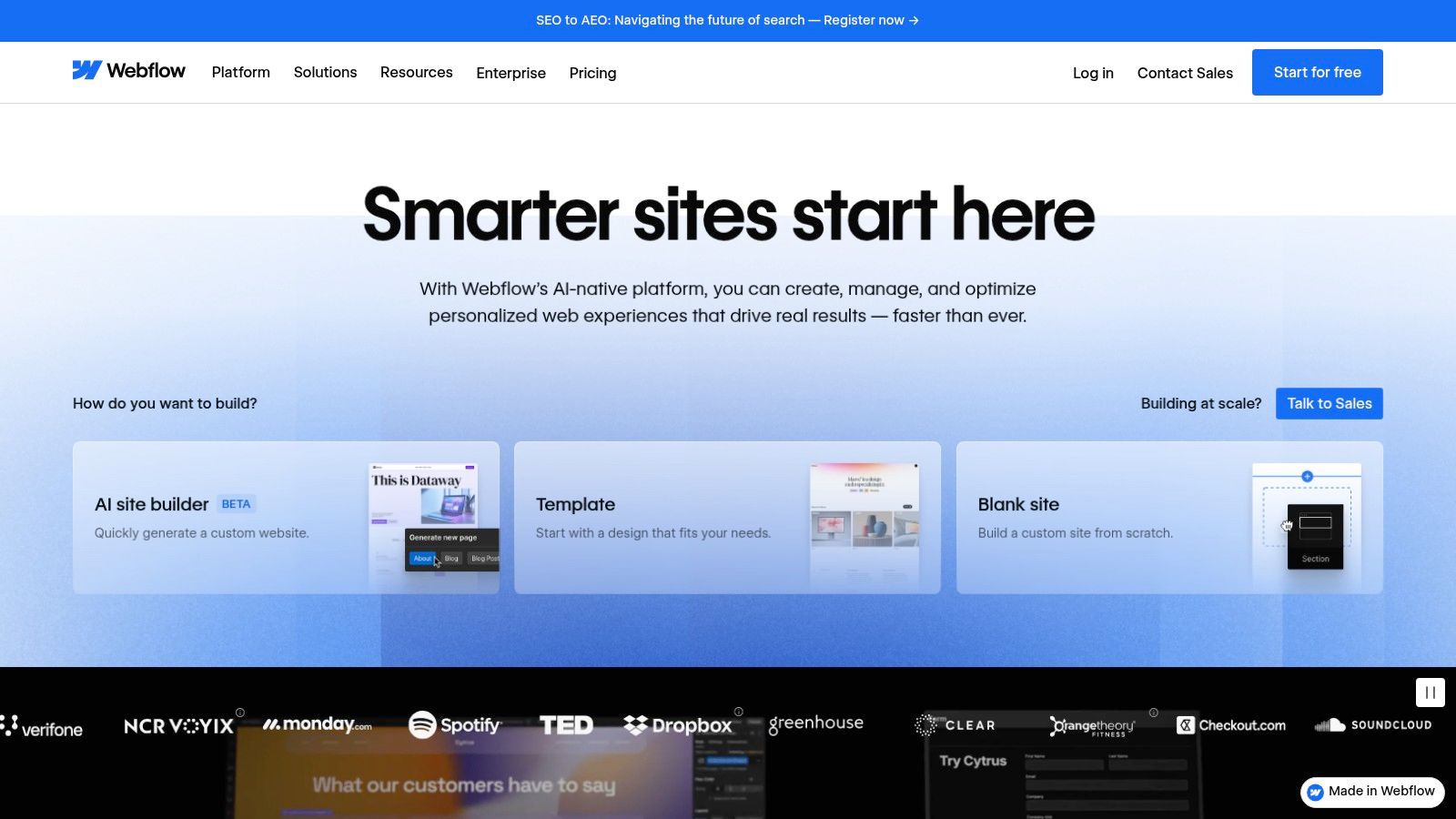
The platform’s visual canvas translates design decisions directly into clean, semantic code, allowing for complex animations and interactions that make a single page feel dynamic and engaging. You can start with a stunning one-pager and later add a full CMS for a blog or portfolio without ever needing to migrate platforms.
Key Features & Use Cases
Webflow’s pricing is tiered, with a free plan for learning and building, and paid site plans starting at $14 per month (billed annually) for custom domains. This structure makes it an investment, best suited for professional projects that demand design fidelity and scalability.
Best For: High-fidelity landing pages, interactive portfolios for designers, agency websites, and single-page applications that may eventually scale into larger, CMS-driven sites.
Designer Control: Build with a visual "box model" system, create complex animations with the interactions timeline, and access a full suite of responsive design tools.
Scalability: Start with one page on a Basic plan and seamlessly upgrade to a CMS or Ecommerce plan to add dynamic content, products, or a blog as your needs evolve.
Implementation Tip: Leverage Webflow University. Its vast library of high-quality tutorials is essential for mastering the interface and unlocking its powerful features efficiently.
Website: https://webflow.com/
5. Squarespace
Squarespace is renowned for its design-first approach, making it an excellent choice for creators and businesses who prioritize a polished, professional aesthetic. While known for multi-page sites, its powerful toolset and stunning templates make it one of the best one-page website builders for those who want an all-in-one solution. It effortlessly combines visual elegance with robust functionality, allowing you to create a sophisticated digital storefront, portfolio, or scheduling hub all on a single, scrolling page.
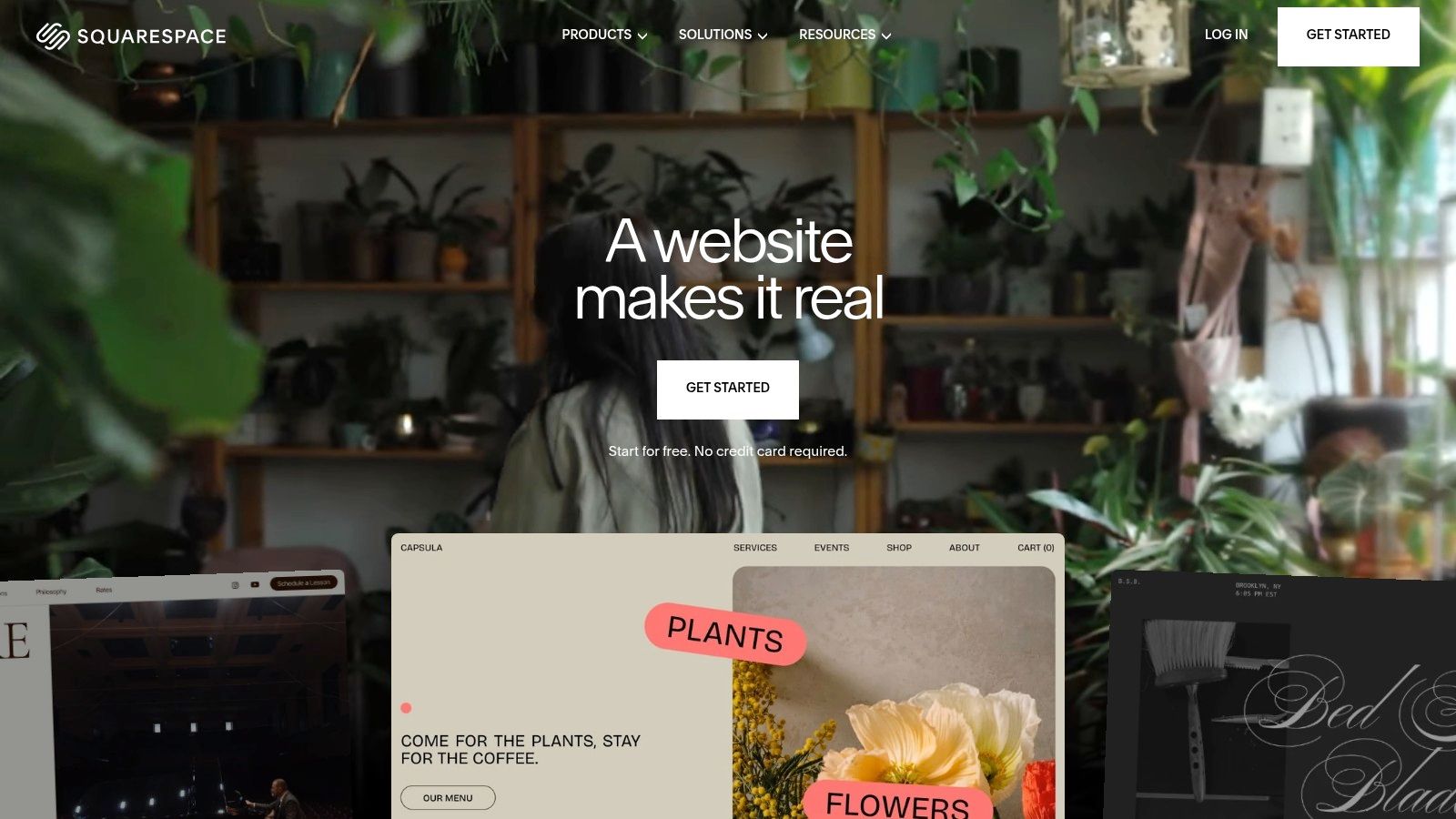
The platform shines by integrating everything you need directly into its ecosystem. You don't have to piece together third-party tools for commerce, email marketing, or appointment booking. This makes it ideal for users who want to scale their one-page site with advanced features without ever leaving the Squarespace dashboard, backed by reliable customer support.
Key Features & Use Cases
Squarespace plans, which start with a 14-day free trial, are priced higher than simpler tools but offer a comprehensive suite of features. This integrated power is perfect for serious freelancers, consultants, and small businesses aiming for a high-end online presence from day one.
Best For: Creative portfolios, service-based businesses with appointment scheduling, high-end landing pages, and single-product e-commerce sites.
Integrated Tools: Access built-in features for e-commerce, member areas, email campaigns, and analytics without needing external plugins or services.
Designer Templates: Start with award-winning, mobile-responsive templates that look professional right out of the box, ensuring a premium feel.
Implementation Tip: Use "Page Sections" to build out your one-page site. Each section can have a unique layout and background, creating the illusion of distinct pages while maintaining a seamless, single-page scroll experience.
Website: https://www.squarespace.com/
6. Wix
While known as a powerhouse for building full-scale websites, Wix also excels as one of the best one-page website builders, offering a potent mix of simplicity and scalability. Its intuitive drag-and-drop editor and ADI (Artificial Design Intelligence) allow users to generate a polished single-page site in minutes. This makes it a fantastic choice for those who want a quick start but also need the option to expand later.
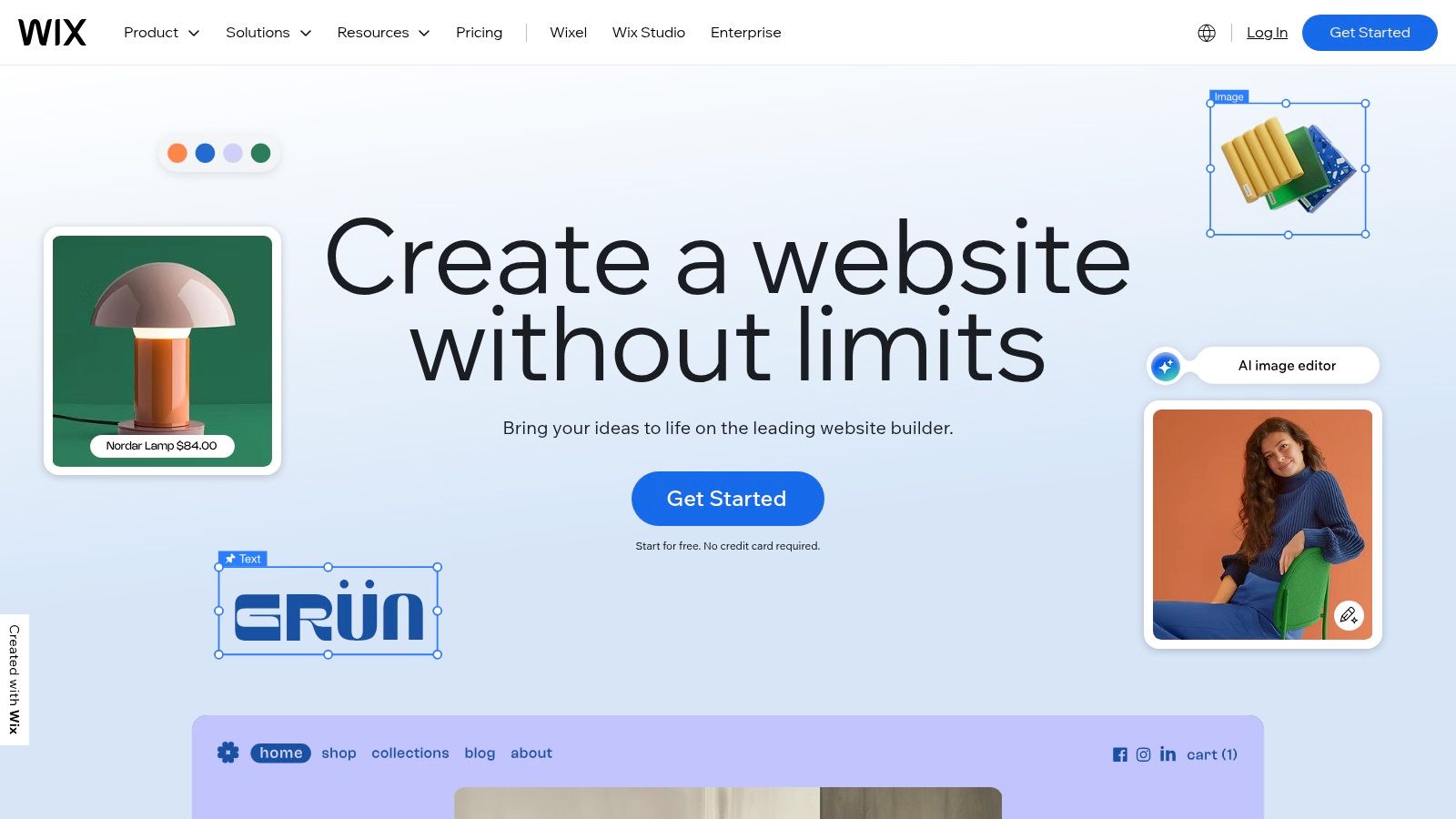
Wix bridges the gap between minimalist builders and complex platforms. You can start with a simple landing page and, through its extensive App Market, add sophisticated functionality like booking systems, e-commerce stores, or live chat without ever leaving the single-page format. The free plan is generous, though it includes Wix branding and a subdomain.
Key Features & Use Cases
Wix's true advantage lies in its all-in-one ecosystem, providing professional tools that grow with your project. While the platform can feel more substantial than hyper-focused one-pagers, its frequent promotions on annual plans make its premium features highly accessible for serious users.
Best For: Small businesses needing service bookings, consultants showcasing a portfolio, event promotion pages, and anyone wanting a one-page site with the potential for future growth.
Pro Features: Connect a custom domain, remove Wix ads, access advanced analytics, and utilize a suite of marketing and e-commerce tools.
App Market Power: Integrate powerful business tools directly into your one-page site, such as Wix Bookings for appointments, Wix Stores for selling products, or Ascend by Wix for marketing automation.
Implementation Tip: Use the Wix ADI to get an initial design quickly. You can then switch to the classic Wix Editor to fine-tune every detail, giving you the perfect balance of speed and creative control.
Website: https://www.wix.com/
7. Tilda
Tilda has gained a dedicated following, especially among designers and visually-focused creators, by blending modular block-based building with granular creative control. It’s an exceptional choice for those who want to create stunning, bespoke one-page websites without writing a single line of code. Tilda excels at producing polished landing pages, portfolios, and event sites that feel custom-built, thanks to its focus on typography and clean aesthetics.
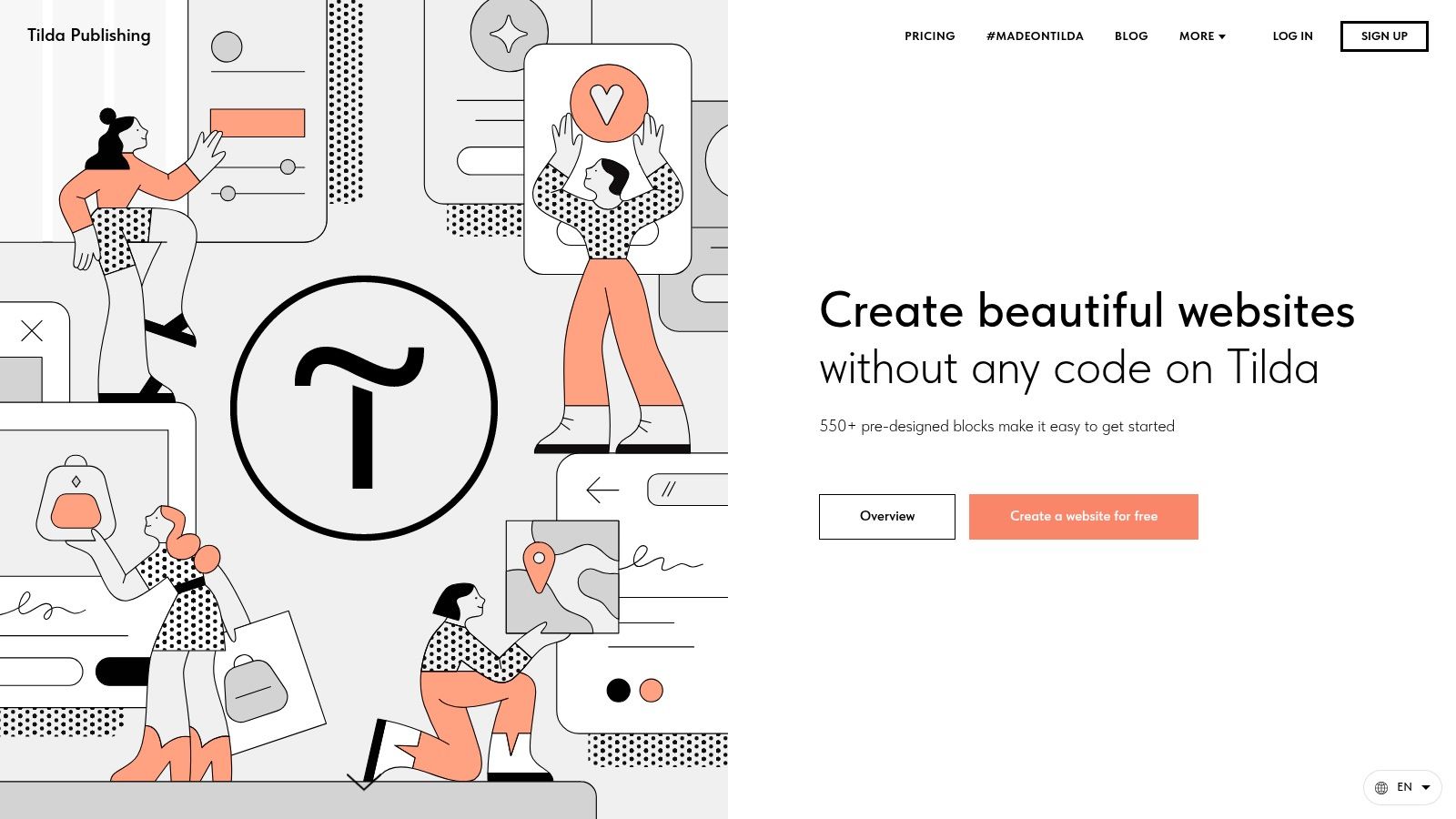
The platform's standout feature is the "Zero Block" editor, which allows you to break free from template constraints and position elements anywhere on the canvas with pixel-perfect precision. This combination of 550+ pre-designed blocks for speed and the Zero Block for full customization makes Tilda one of the best one-page website builders for achieving a high-end, agency-level look.
Key Features & Use Cases
While Tilda offers a free plan to get started, its paid plans (starting at $15/month) unlock custom domains, more blocks, and powerful integrations. This makes it ideal for professionals and businesses who prioritize design fidelity and lead generation.
Best For: Designer portfolios, marketing landing pages, event announcements, and visually rich company presentations.
Zero Block Editor: Provides complete creative freedom to build custom layouts, animations, and designs from scratch, which is perfect for brand-centric projects.
Built-in Tools: Comes equipped with a basic CRM, A/B testing, and robust form-building capabilities, consolidating your marketing toolkit in one place.
Implementation Tip: Use Tilda's pre-designed blocks to quickly structure your page layout, then switch to the Zero Block editor to fine-tune key sections for a unique, branded feel.
Website: https://tilda.cc/
8. Dorik
Dorik positions itself as a powerful, affordable, and flexible no-code platform that goes beyond simple landing pages. It has earned its spot as one of the best one-page website builders by combining an intuitive drag-and-drop editor with advanced features like AI site generation, memberships, and even white-label options. This makes it a fantastic choice for both individuals creating a single page and agencies managing multiple client projects.
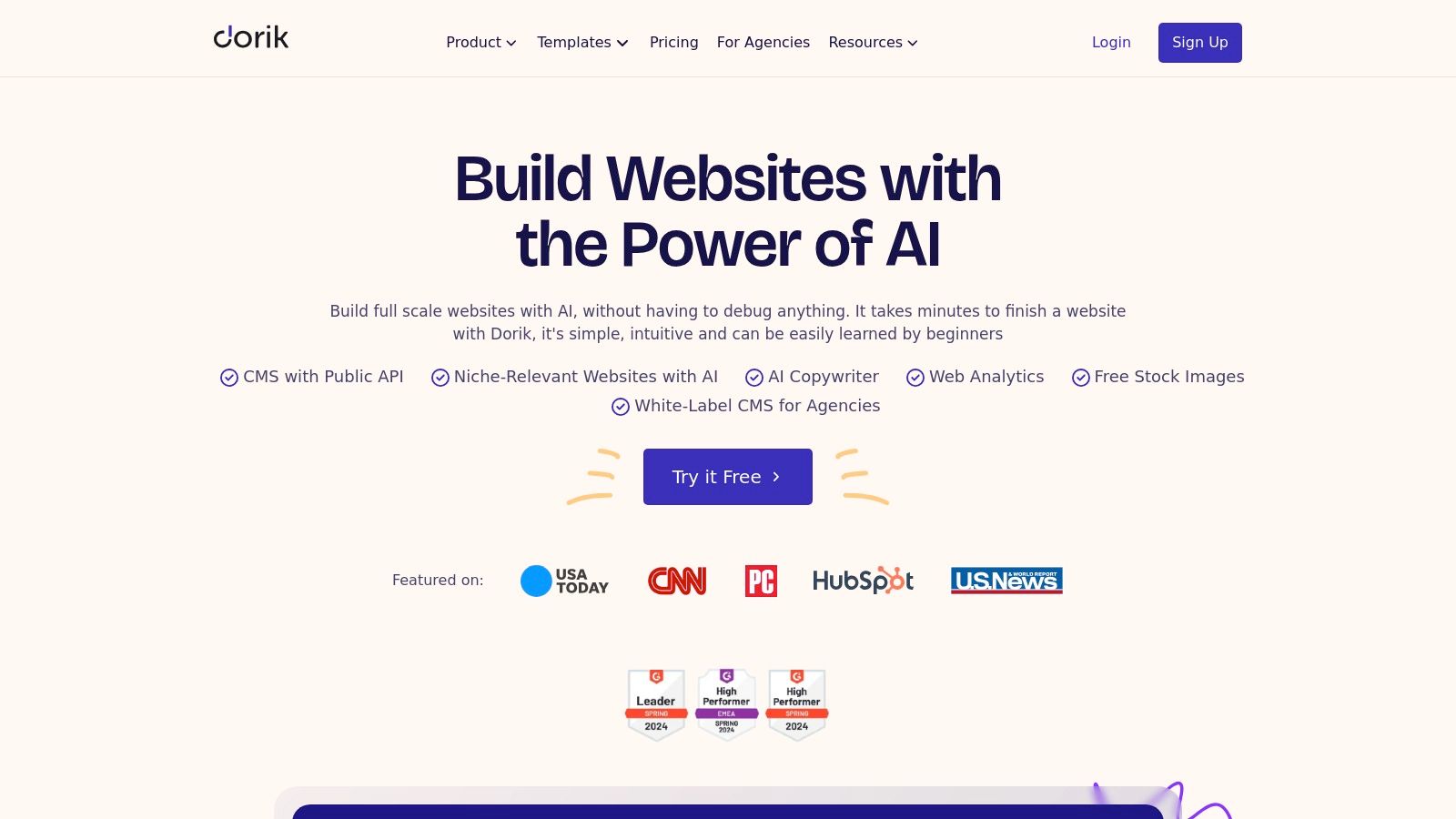
The platform’s standout feature is its value proposition. You get access to a robust CMS, blogging capabilities, and unlimited hosting at a price point that aggressively competes with more established players. Its AI website generator can also create a polished first draft in seconds, giving you a solid foundation to customize further.
Key Features & Use Cases
Dorik's pricing model is extremely competitive, with premium plans offering generous limits that appeal to growing businesses and freelancers. The inclusion of memberships and client billing at lower tiers than many rivals makes it a standout choice for those looking to monetize their single-page site or scale their services.
Best For: Landing pages, SaaS websites, agency portfolios, and creators who need membership or community features built directly into their one-page site.
Pro Features: The Business and Agency plans unlock a white-label dashboard, code export, and client billing, making it ideal for resellers.
AI Generator: Use the AI assistant to generate entire sections or complete websites with just a text prompt, significantly speeding up the initial design process.
Implementation Tip: Take advantage of the 250+ UI blocks and 80+ templates. They are professionally designed and can be mixed and matched to create a unique, custom-looking page without starting from a blank canvas.
Website: https://dorik.com/
9. Umso
Umso is engineered for startups and entrepreneurs who need to launch a professional, performance-oriented website with maximum speed and minimal fuss. It shines as one of the best one-page website builders for those who value guided creation over endless tweaking. Its AI-assisted generator asks you a few questions about your project and then builds a tailored, near-complete site, making it perfect for validating an idea or creating a lean marketing page.
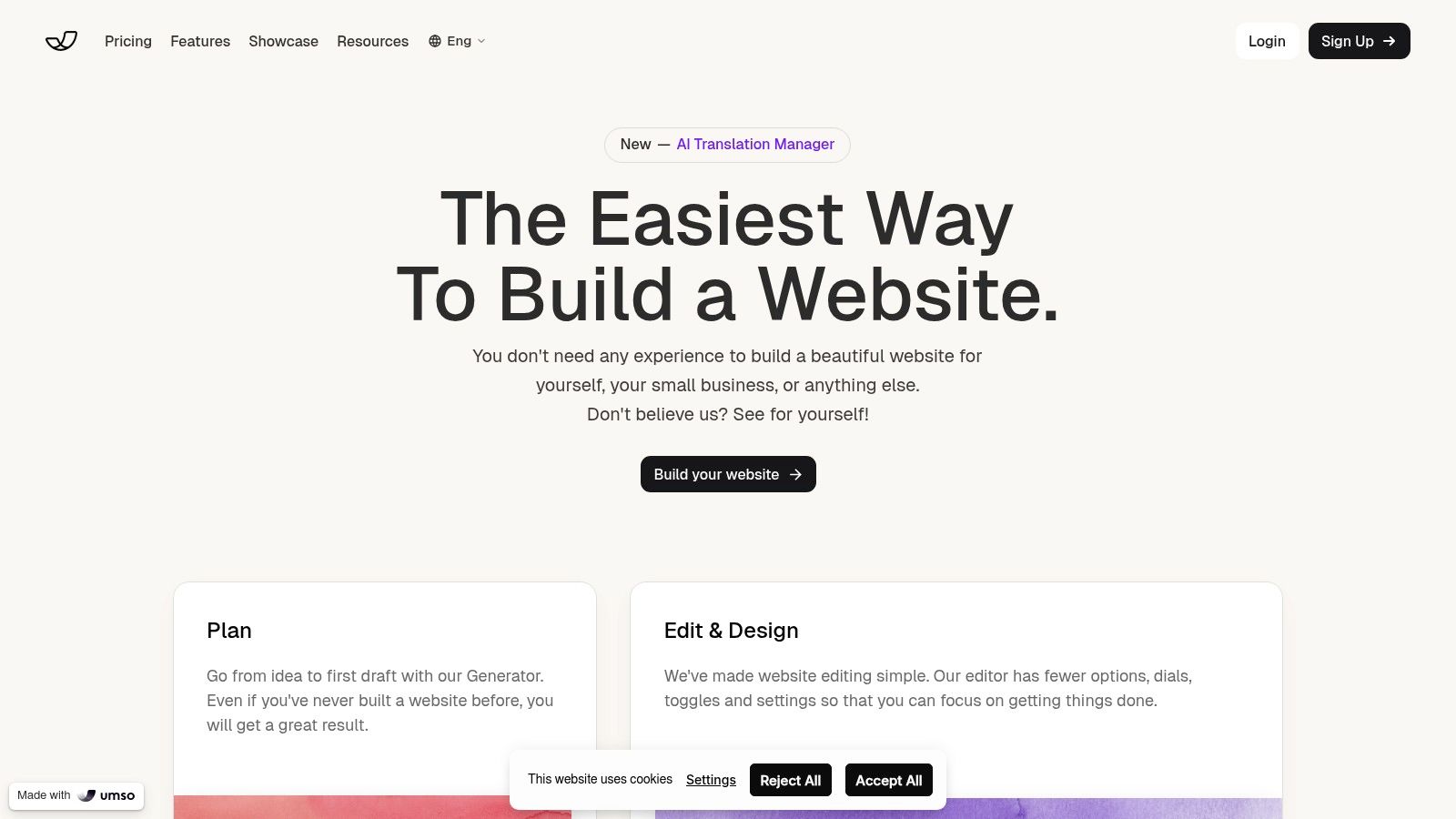
The platform’s core strength is its opinionated design approach, which provides sensible, clean defaults so you can focus on your content, not the configuration. While its free plan is limited to a homepage with Umso branding, the paid plans unlock a suite of useful features that cater directly to startup needs without overwhelming the user.
Key Features & Use Cases
Umso is designed to get you from zero to live in a single afternoon. Its Pro plans offer excellent value by including advanced functionality that often requires third-party tools, making it a cohesive solution for early-stage ventures.
Best For: Startups validating a product, SaaS landing pages, lean marketing sites, and entrepreneurs who need a professional online presence quickly.
Built-in Tools: Comes with integrated analytics, contact forms, and even blog support, eliminating the need for complex external integrations.
Pro Features: The "Startup" plan ($25/month) allows you to use a custom domain, remove branding, add password protection, enable multilingual support, and even export your site's code.
Implementation Tip: Trust the generator. Answer the initial questions thoughtfully to get a foundation that's 90% of the way there, then refine the copy and images for a fast, effective launch.
Website: https://www.umso.com/
10. Unicorn Platform
Unicorn Platform is a landing page builder designed with the specific needs of startups, SaaS businesses, and indie makers in mind. It excels at creating polished, conversion-focused single pages without the feature bloat of more generalized builders. If your goal is to quickly launch a coming-soon page, validate an idea, or announce a product, Unicorn Platform offers a curated set of components that are pre-designed to tell a startup's story effectively.
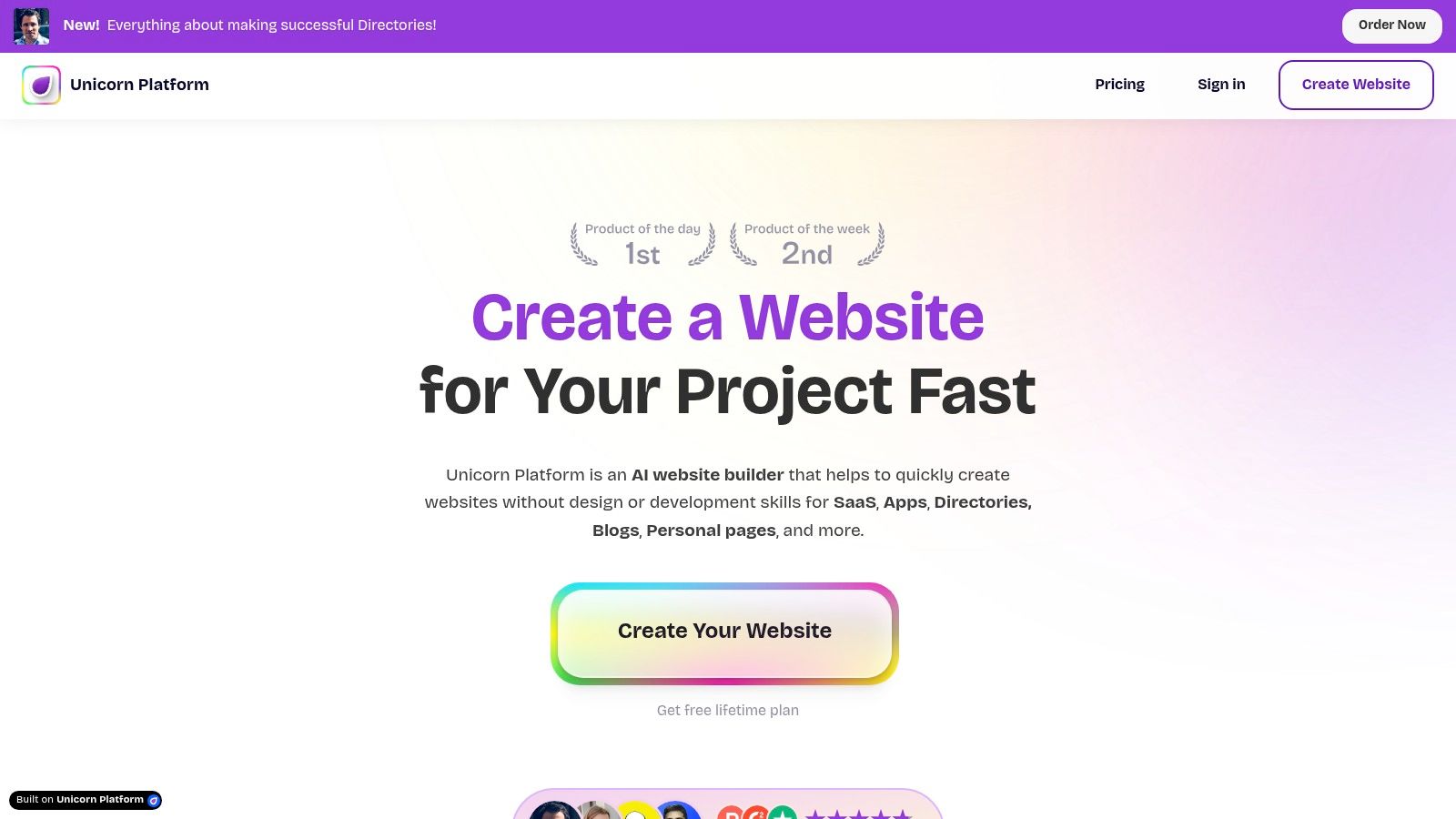
Its drag-and-drop editor isn't about granular element placement but rather about assembling pre-built, professional sections like hero banners, feature grids, and pricing tables. This approach significantly speeds up the build process, making it one of the best one page website builders for founders who value speed and polish over infinite customization. A generous free plan allows you to draft and build your page before committing.
Key Features & Use Cases
The platform's standout feature is its HTML export capability on paid plans, giving users full ownership and portability of their code. This offers a unique escape hatch not commonly found in other cloud-based builders, appealing to developers who want to host their site anywhere or integrate it into a larger project.
Best For: SaaS landing pages, startup "coming soon" pages, product validation sites, and indie developer project showcases.
Pro Features: Remove Unicorn Platform branding, connect custom domains with free SSL/CDN, and integrate with essential tools like Mailchimp, Zapier, and Stripe.
HTML Export: Gain complete control by exporting your entire site's code. This is perfect for those who want to self-host, modify the code directly, or avoid platform lock-in.
Implementation Tip: Leverage the startup-focused components. Instead of building from a blank slate, use the pre-made sections for features, testimonials, and FAQs to maintain a professional, cohesive design with minimal effort.
Website: https://unicornplatform.com/
11. Leadpages
Leadpages is engineered from the ground up for one primary goal: conversion. While it can build multi-page websites, its core strength lies in its powerful suite of tools for creating high-performing one-page sites and landing pages. For businesses and marketers focused on generating leads, selling products, or growing an email list, Leadpages is one of the best one-page website builders because it prioritizes results over everything else.
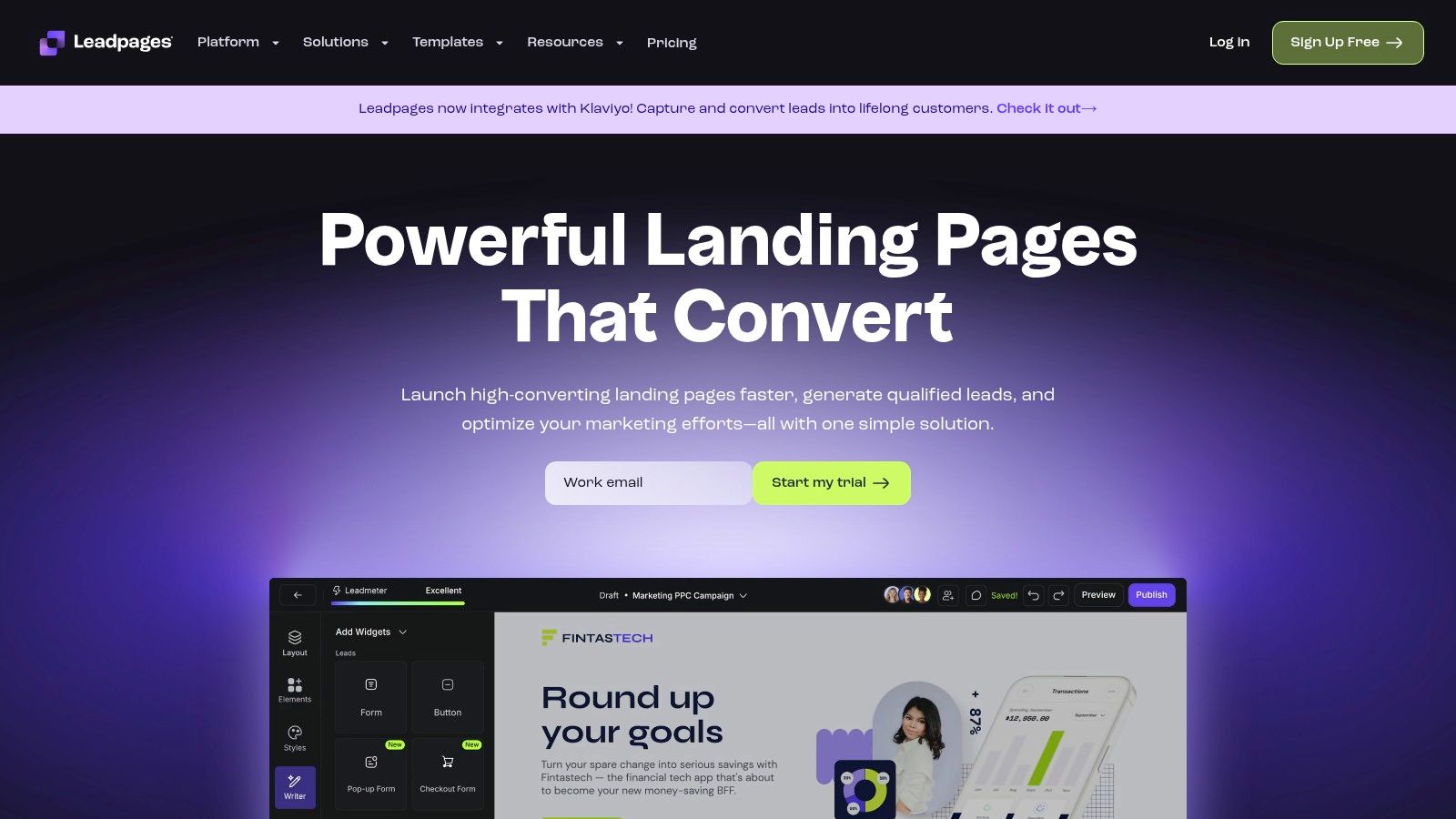
The platform offers a drag-and-drop editor paired with over 250 conversion-optimized templates, taking the guesswork out of design. Unlike more general-purpose builders, every element in Leadpages is built with performance in mind, from its pop-ups and alert bars to its robust analytics and A/B testing capabilities.
Key Features & Use Cases
Leadpages' plans are structured to grow with your marketing needs, offering unlimited traffic and leads on all tiers. The real power is unlocked in its Pro plan, which provides A/B testing and integrated e-commerce checkouts, making it a complete marketing hub.
Best For: Marketers, entrepreneurs, and businesses needing to create landing pages for ad campaigns, webinar registrations, lead magnet downloads, and direct sales.
Pro Features: Split test your page variations to find the highest-converting design with A/B testing, and sell products or services directly from your page using its built-in checkout system powered by Stripe.
Marketing Tools: Beyond the page itself, you can create pop-ups and alert bars to capture visitor attention and drive action across your entire digital presence.
Implementation Tip: Use the "Leadmeter" tool inside the builder. It provides real-time feedback on your page's likely conversion performance, helping you optimize elements before you even publish.
Website: https://www.leadpages.com/
12. Typedream
Typedream brings a fresh, Notion-inspired approach to the website-building space, making it a fantastic choice for creators and solo founders who love clean, minimal aesthetics. It excels at helping users quickly launch polished single-page sites, link-in-bio pages, and simple product showcases. If you appreciate a fast, intuitive editor that feels more like writing a document than coding a website, Typedream is a strong contender.
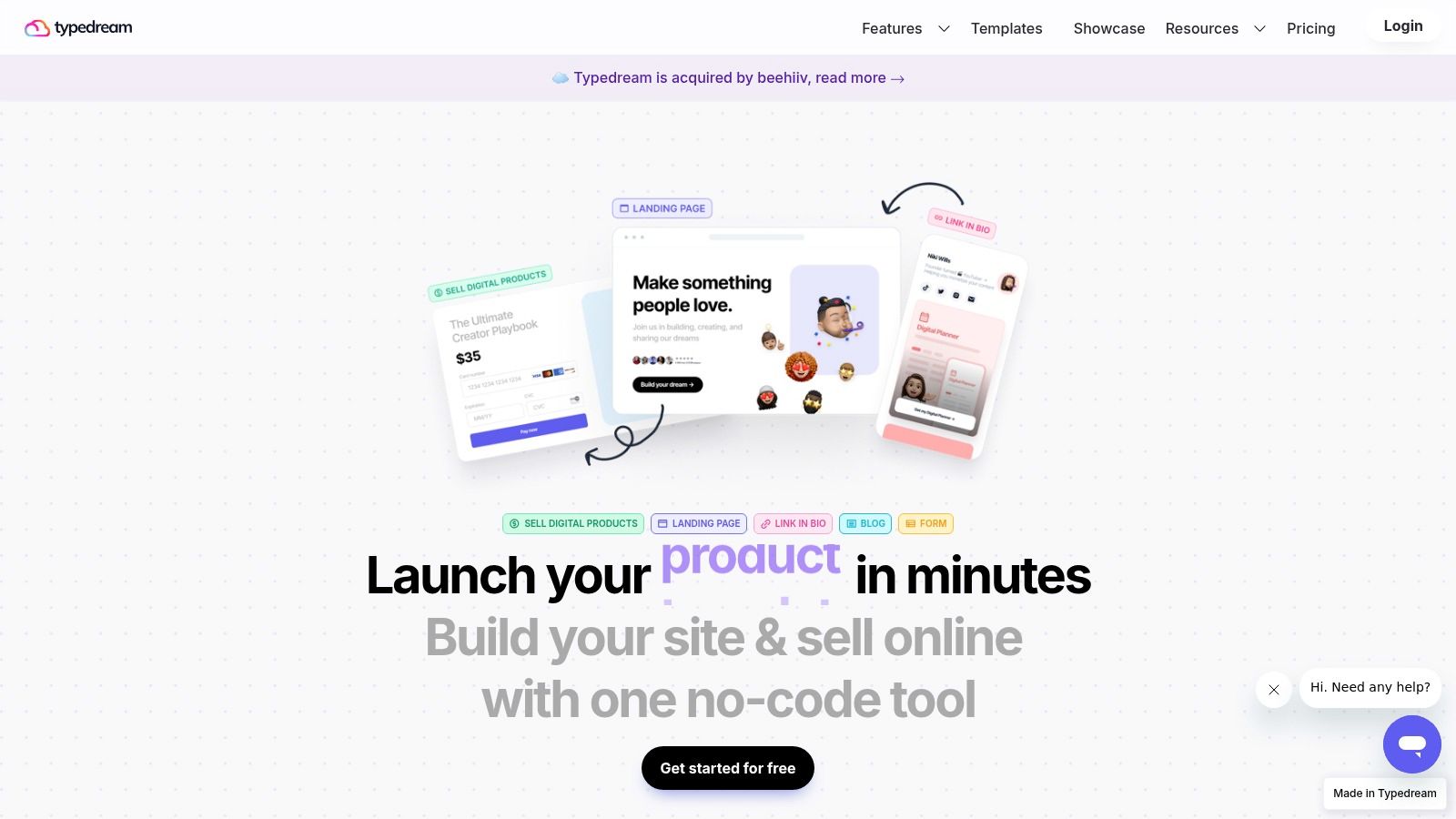
The platform’s strength is its user-friendly interface and simple per-site pricing, which removes the complexity found in larger builders. While it has a smaller ecosystem, it provides essential controls for SEO, custom code injection, and analytics, ensuring your one-pager is both beautiful and discoverable. Its friendly design makes it one of the best one-page website builders for those who prioritize speed and style.
Key Features & Use Cases
Typedream’s paid plans unlock more advanced features like CMS collections for blogs or portfolios, form integrations, and password-protected pages, offering a clear growth path. Its built-in tools for capturing email subscribers on certain tiers make it great for creators building an audience directly from their landing page.
Best For: Link-in-bio pages, digital resumes, product waitlists, and simple landing pages for creative projects or startups.
Key Features: WYSIWYG editor with slash commands, CMS/blog collections, form building, and basic ecommerce support.
Integrations & Code: Supports code injection for custom widgets and analytics, plus it integrates with popular creator tools.
Implementation Tip: Use the slash ("/") command in the editor to quickly add new elements like buttons, images, or embeds. This Notion-like functionality dramatically speeds up the building process.
Website: https://typedream.com/
Top 12 One-Page Website Builders Comparison
| Product | Core features | UX / Quality (★) | Price / Value (💰) | Target audience (👥) | Unique selling point (✨) |
|---|---|---|---|---|---|
| taap.bio 🏆 | Bento-style modular grid, drag‑&‑drop canvas, smart widgets (IG/YouTube/GitHub/Spotify), separate mobile/desktop layouts | ★★★★☆ (rich, evolving) | 💰 Launch / TBD | 👥 Creators, musicians, designers, freelancers | ✨ Live integrations + inline audio/video playback; fully arrangeable blocks |
| Carrd | Responsive one‑page templates, simple embeds & forms | ★★★★☆ (fast, minimal) | 💰 Free → Pro (very affordable) | 👥 Solopreneurs, makers, quick bios | ✨ Ultra-simple, fastest publish flow |
| Framer | Visual design editor, animations, hosting/CDN, CMS options | ★★★★☆ (design‑first, steeper learning) | 💰 Mid (paid for CMS/features) | 👥 Designers, product teams | ✨ Pixel‑perfect motion & staging |
| Webflow | Advanced visual designer, CMS, interactions, robust hosting | ★★★★☆ (powerful, complex) | 💰 Mid → High (scales with usage) | 👥 Agencies, designers, scaling sites | ✨ Designer-level control without hand-coding |
| Squarespace | Designer templates, commerce, email campaigns, analytics | ★★★★☆ (polished out‑of‑box) | 💰 Mid (all‑in‑one) | 👥 Creators, small businesses | ✨ High‑quality templates + integrated commerce |
| Wix | AI builder, classic drag‑drop, large App Market, ecommerce tools | ★★★★☆ (easy, can feel heavy) | 💰 Free → Mid (frequent promos) | 👥 Small businesses, beginners | ✨ Extensive app ecosystem & AI site tools |
| Tilda | Block-based builder, Zero Block custom editor, strong typography | ★★★★☆ (visual control) | 💰 Mid (Business for advanced) | 👥 Designers, marketers | ✨ Zero Block for pixel custom layouts |
| Dorik | No‑code editor, AI generator, CMS, memberships, white‑label | ★★★★☆ (budget‑friendly) | 💰 Low (very competitive) | 👥 Agencies, resellers, small teams | ✨ White‑label + client billing at low cost |
| Umso | Guided AI single‑page generator, analytics, fast publishing | ★★★★☆ (speed & simplicity) | 💰 Low → Mid | 👥 Startups, lean teams | ✨ Guided one‑pager setup for quick launch |
| Unicorn Platform | Startup sections, drag‑drop, forms, HTML export | ★★★★☆ (startup-focused) | 💰 Free → Paid (simple tiers) | 👥 Startups, indie makers | ✨ Startup-ready sections + HTML export |
| Leadpages | Conversion-focused pages, templates, pop-ups, A/B testing | ★★★★☆ (conversion tools) | 💰 Mid (Pro for A/B) | 👥 Marketers, growth teams | ✨ Built‑in A/B testing & conversion templates |
| Typedream | Notion-like WYSIWYG editor, quick pages, CMS basics | ★★★★☆ (minimal & friendly) | 💰 Low → Mid | 👥 Creators, solo founders | ✨ Notion-inspired editor for fast polish |
Choosing the Right Builder for Your Big Idea
The journey through the world of the best one page website builders reveals a powerful truth: there is no single "perfect" platform. Instead, the ideal choice is a direct reflection of your unique vision, technical comfort, and ultimate goal. We've explored a dozen powerful contenders, from the design-forward freedom of Framer to the focused, rapid deployment of Carrd, and the visual storytelling prowess of Taap.bio. Your task now is to match the tool to the ambition.
Making the right decision requires moving beyond a simple feature list and asking strategic questions. What is the primary job of your one-page site? Is it to capture leads, showcase a portfolio, sell a product, or build a community? The answer will immediately narrow your options. A platform like Leadpages is purpose-built for conversion, while a tool like Squarespace excels at creating visually stunning, commerce-ready portfolios.
Key Takeaways for Your Selection Process
Before you commit, reflect on these core insights from our deep dive:
Simplicity vs. Scalability: Tools like Carrd, Dorik, and Unicorn Platform prioritize speed and ease of use. They are perfect for launching quickly and testing ideas. In contrast, Webflow and Framer offer a much steeper learning curve but provide unparalleled creative control and the potential to scale your project into something far more complex down the road.
The Aesthetic Factor: For creators, artists, and designers, the visual impact is non-negotiable. Taap.bio’s bento grid and live widget integrations offer a modern, dynamic aesthetic that standard link-in-bio tools can't match. Similarly, Tilda and Typedream provide beautiful, pre-designed blocks that ensure a polished, professional look with minimal effort.
Purpose-Driven Design: Don't choose a builder just because it's popular; choose it because it's built for your specific use case. Umso shines for startup landing pages, while Wix's ADI can generate a functional site in minutes for small business owners who need to get online fast. Align the platform’s core strength with your primary objective for the best results.
Actionable Next Steps to Launch Your Vision
Feeling empowered but unsure where to start? Follow this simple framework to make your final decision and get building.
Define Your One True Goal: Write down the single most important action you want a visitor to take. Is it to sign up for a newsletter, book a consultation, view your work, or click a specific link? This is your North Star.
Assess Your Resources: Be honest about your time, budget, and design skills. If you're a busy freelancer, a template-driven builder like Squarespace or Dorik is more practical than learning Webflow from scratch. Your most valuable resource is momentum.
Test Drive Your Top 2-3 Choices: Nearly every builder on this list offers a free plan or a trial period. Use it. Spend an hour with each of your top contenders. See which interface feels most intuitive and which one sparks your creativity. This hands-on experience is often the most revealing factor.
Ultimately, the best one page website builder is the one that gets out of your way and lets your idea shine. It’s the platform that feels less like a technical hurdle and more like a creative partner. Whether you're a former Bento.me user seeking a visually rich new home, a consultant creating a digital business card, or an artist building a central hub for your work, the right tool is waiting. Don't get lost in analysis paralysis. Choose a builder, start creating, and launch your big idea into the world.
Ready to build a one-page site that’s as dynamic and visually engaging as your brand? taap.bio goes beyond the simple link list, offering a beautiful bento grid layout and live widgets to create a truly interactive hub for your content. Start building your modern, engaging one-page presence for free at taap.bio and give your audience the rich experience they deserve.


