
Most advice about ai tools for content creators is backwards. It treats each app like a silver bullet, so creators end up with a pile of subscriptions, a messy handoff between tools, and no clear path from content to revenue.
The better question isn't which tool is best in isolation. It's which tool earns a place in a workflow that starts with an idea and ends with a sale, a booking, or an email signup. That's a different standard. A tool can be impressive and still be wrong for your stack if the output needs too much cleanup, the credit system slows you down, or the export doesn't connect cleanly to where your audience converts.
That matters now because AI is no longer experimental for most creators. A 2025 Adobe Creators' Toolkit report, summarized by Digiday's coverage of creator AI usage, found that 86% of creators actively use creative generative AI tools and 60% had used more than one AI tool in the previous three months. The stack is already multi-tool. The mistake is building it without a workflow rule.
My rule is simple. Judge each tool on five things: output quality, review effort, credit or minute limits, integrations, and the next conversion step. If a caption, thumbnail, video, or lead magnet can't move smoothly onto a landing page, product page, booking page, or email capture point, it's unfinished work.
That's where taap.bio fits. It isn't another generation tool. It's the destination layer where finished content can point people to one page to buy a digital product, book paid time, or join your list. If you want a wider stack view, this roundup pairs well with these best AI marketing tools for 2026.
Table of contents
1. ChatGPT
If you only keep one general-purpose AI assistant, ChatGPT is the safest pick. It handles idea generation, outlines, hooks, scripts, captions, rewrites, summaries, and lightweight code without forcing you into a specialized workflow too early.
For solo creators, that's the advantage. You can go from messy thought to first draft fast, then turn one piece into a thread, carousel copy, short-form hooks, email blurbs, and product descriptions in the same session.
Where it earns its place
Use ChatGPT at the front and middle of the workflow, not the finish line. It's strongest when you already know the asset you're trying to publish. Give it a transcript, rough notes, or a product offer and ask for multiple output formats tied to one conversion goal.
The 2026 creator survey summarized by Adobe MAX creator survey reporting found that 82.7% of creators use AI mainly for writing and brainstorming, 72.8% for research and summarization, and 48.2% for data analysis. That lines up with how ChatGPT works best. It's your first-draft engine and your repurposing assistant, not your final editor.
Practical rule: Never publish ChatGPT copy untouched when trust affects conversion. Sales pages, booking copy, and lead magnets need your phrasing, your examples, and your judgment.
What doesn't work is treating it like an authority machine. It can flatten your voice, overstate weak ideas, and invent details if your prompt is vague. For creators building authority, that last issue matters more than speed.
A good use case is pairing ChatGPT with a simple storefront flow. Draft the lead magnet title, landing copy, and follow-up email in ChatGPT, then publish the offer from one page. If writing is your business, these tools for writers on taap.bio's blog make a useful companion stack.
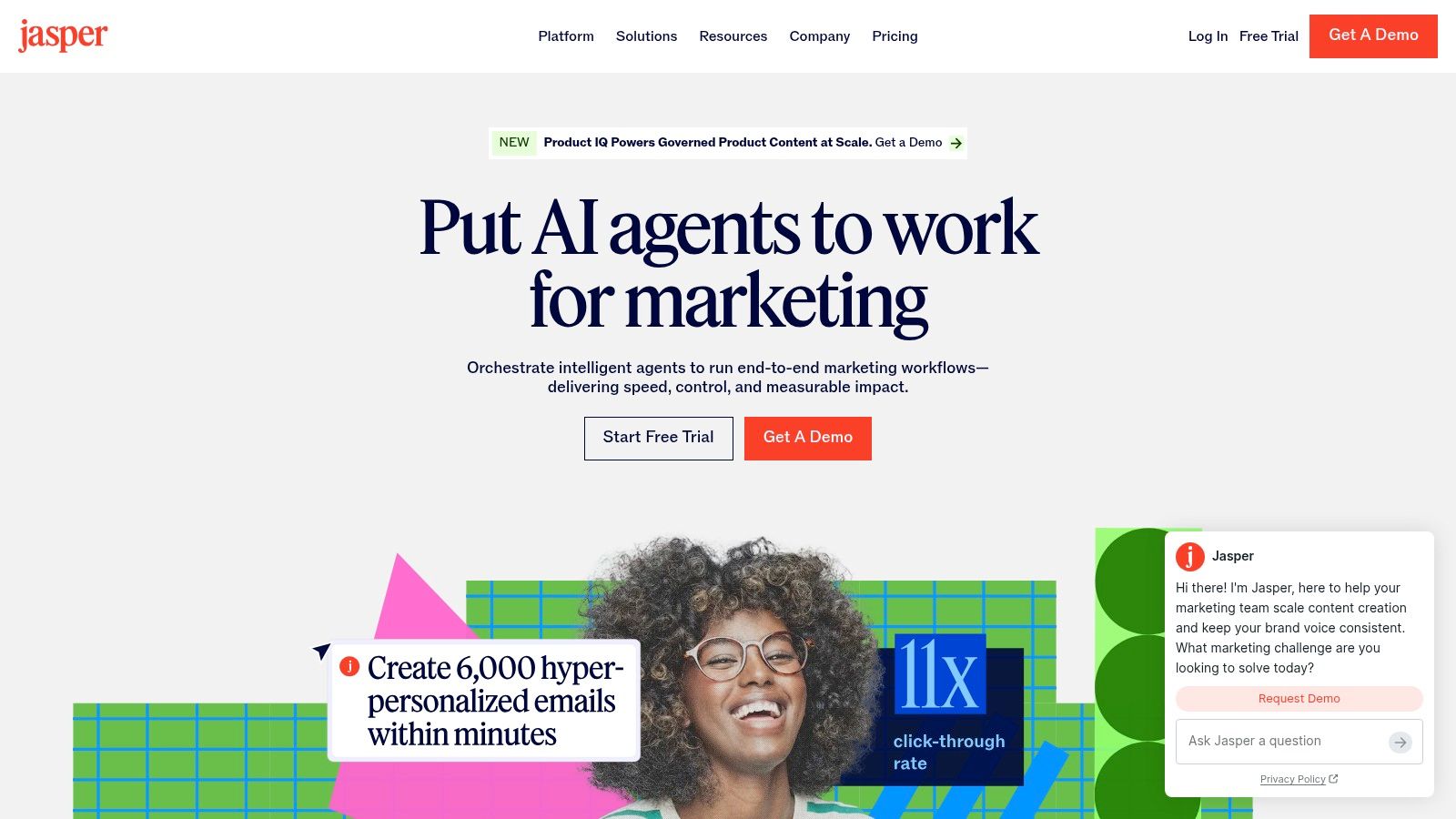
2. Jasper
Jasper makes more sense when content is already a system, not a side task. If ChatGPT feels like a flexible workbench, Jasper feels like a managed marketing environment built to keep outputs on-brand across repeated campaigns.
That distinction matters if you're publishing sales emails, landing pages, product listings, and social copy around the same offer every week. Jasper's value isn't novelty. It's control.
Best for creators with repeatable offers
Brand Voice, style controls, knowledge layers, and workflow features make Jasper a stronger fit for teams, agencies, coaches, and product sellers who can't afford random tonal drift between pages and campaigns.
I wouldn't recommend it to every solo creator. If you're posting casually, Jasper can feel like overhead. But if your content supports recurring launches, evergreen lead capture, or a booked calendar, governance is useful because consistency converts better than cleverness.
A practical Jasper workflow looks like this:
- Lead magnet launch copy: Draft the opt-in page, welcome email, and reminder sequence in one voice.
- Offer support assets: Generate product descriptions, promo captions, and FAQ copy around the same positioning.
- Campaign reuse: Refresh a proven campaign without rewriting everything from scratch.
The downside is obvious. Jasper is harder to justify if you don't need brand controls or collaboration. Generic chatbot users can get close enough for less money and less setup.
Human review still decides whether Jasper earns the subscription. AI can keep a style guide in memory, but it can't decide whether your promise is believable, your CTA is specific enough, or your tone matches the actual relationship you have with your audience. If you sell through persuasion-heavy copy, these persuasive writing techniques are more valuable than any prompt template.
3. Canva
Creators rarely need a better design tool. They need fewer production bottlenecks.
Canva earns its place because it shortens the path from rough idea to publishable asset. A script can become a carousel, a lead magnet, a product mockup, and a booking graphic in one session. For a creator business, that matters more than having the strongest image model or the smartest writing assistant in a separate tab.
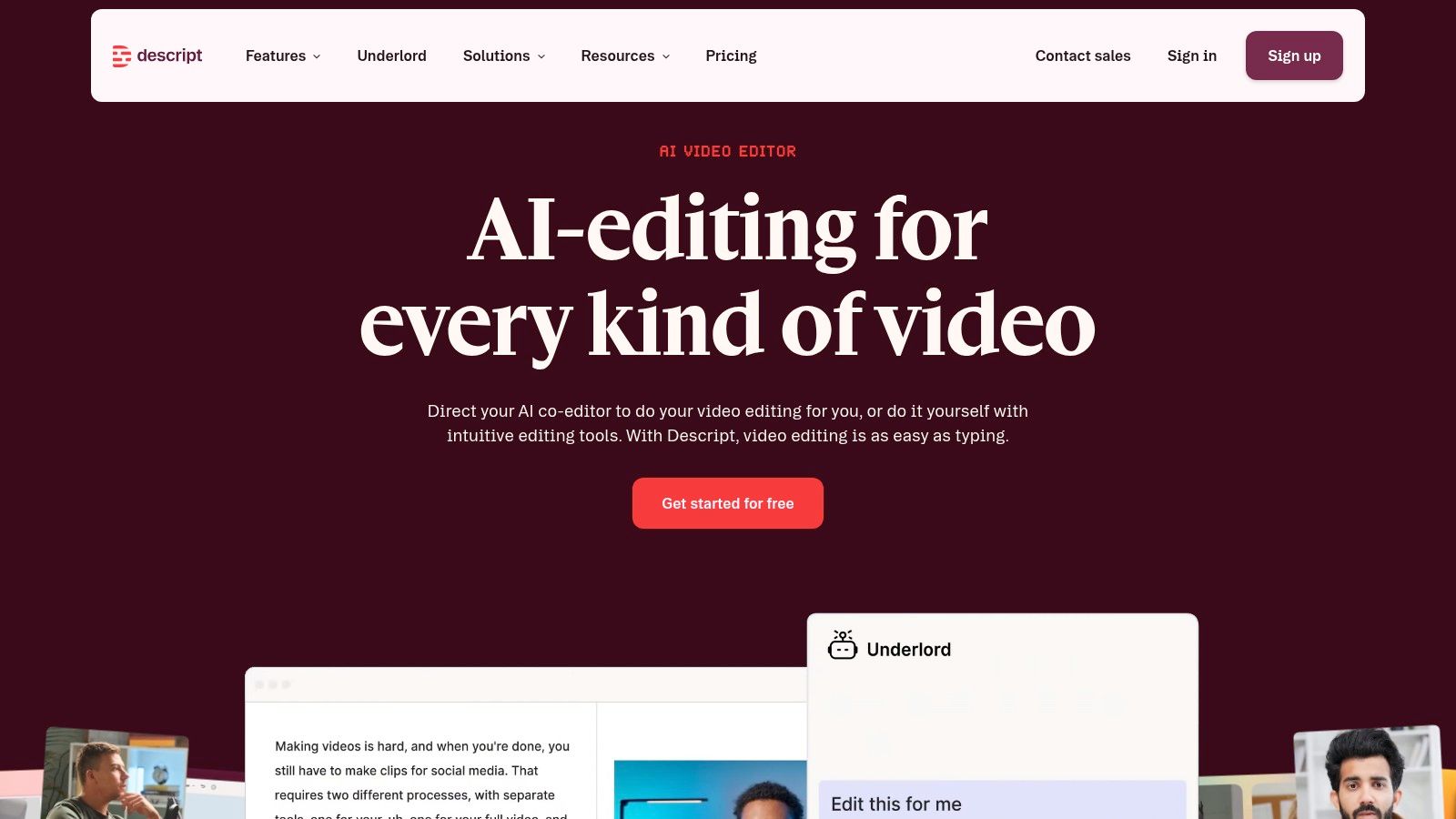
The practical advantage is workflow compression. Canva puts copy, layout, resizing, stock media, light video editing, brand assets, and export in one place. That makes it useful for creators who publish often and sell through visuals, not just creators who care about design.
A revenue-focused use case looks like this. Draft the offer angle or lead magnet outline elsewhere, then build the actual assets in Canva: the PDF, the promo graphics, the story slides, the thumbnail variation, and the simple video teaser. From there, send traffic to a taap.bio page that holds the product link, booking CTA, and email capture in one destination.
Canva is especially good at jobs that sit close to conversion:
- Lead capture assets: checklists, mini guides, webinar slides, and opt-in graphics
- Sales support: product covers, bundle previews, upsell graphics, and launch visuals
- Booking support: coaching promos, speaker kits, event graphics, and simple service explainers
- Repurposing: turn one core idea into post variations for different channels fast
The AI features help, but they still need a human editor with taste. Magic Write can give you a starting point for slide copy or captions. Magic Design can speed up layout direction. Magic Media can fill visual gaps. None of them reliably decide hierarchy, differentiate your brand from everyone else using the same template set, or protect you from vague messaging.
That last part is the trade-off. Canva is fast because it standardizes a lot of design decisions. Speed is good for output volume, but templated sameness can hurt click-throughs and weaken premium positioning. I use Canva most aggressively after the positioning is already clear. It works best as the packaging layer for an offer, not as the tool that invents the offer.
If you sell template-based products, Canva can also be the product itself. You can build the asset, create the promo materials, and list the offer from the same workflow. This guide on how to sell Canva templates covers that model well.
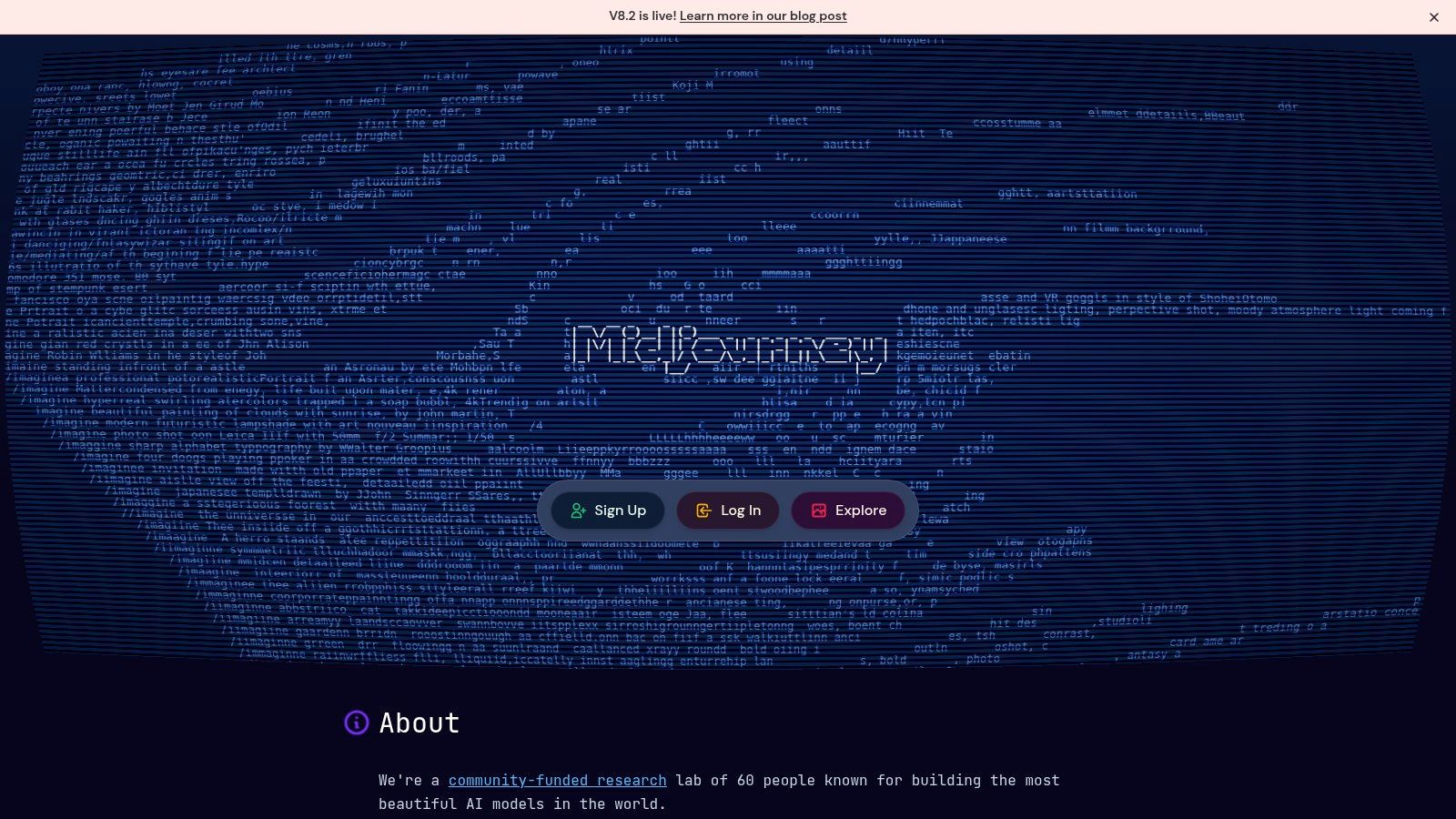
4. Midjourney
Midjourney earns its place earlier in the workflow than a lot of creators expect. I would not use it to finish assets. I use it to create the visual angle that makes the rest of the funnel easier to sell.
A stronger image can raise curiosity before anyone reads the headline, clicks the booking link, or joins the email list. That matters if your content has a job beyond impressions. A creator selling a digital download, promoting a paid session, or pushing traffic to a taap.bio page needs visuals that create identity fast.
Midjourney is strongest at that first commercial layer. It can produce cover concepts for a paid guide, hero art for a launch, visual themes for a content series, or stylized product images for creators selling artwork, printables, presets, or other digital products artists can sell. It also works well for thumbnail exploration when stock photos make every post look interchangeable.
The trade-off is production friction. Midjourney gives you distinctive source material, but the file usually needs cleanup, resizing, text treatment, and brand control somewhere else before it is ready for publication. In practice, that means a handoff. Generate the concept here, refine the asset in Canva or Adobe Express, then route it into the distribution stack where it supports a post, a product page, a booking offer, or an email capture page on taap.bio.
Human review matters most in three places. Check for anatomy errors and awkward details. Check that the image does not drift too close to a living artist's recognizable style. Check that the visual supports the offer instead of overpowering it. Good AI art can still hurt conversion if the audience remembers the image but cannot tell what you are selling.
Midjourney works best for creators who already know the message and need better packaging for it. If the offer is weak, stronger art will not save it. If the offer is solid, better visuals can carry that idea from content into clicks, and from clicks into revenue.
5. Adobe Express + Firefly
Adobe Express earns its spot after ideation, not before it. Once the offer is clear and the message is set, Adobe Express with Firefly helps turn rough creative into branded assets that are close to publishable without sending every task into Photoshop or Premiere.
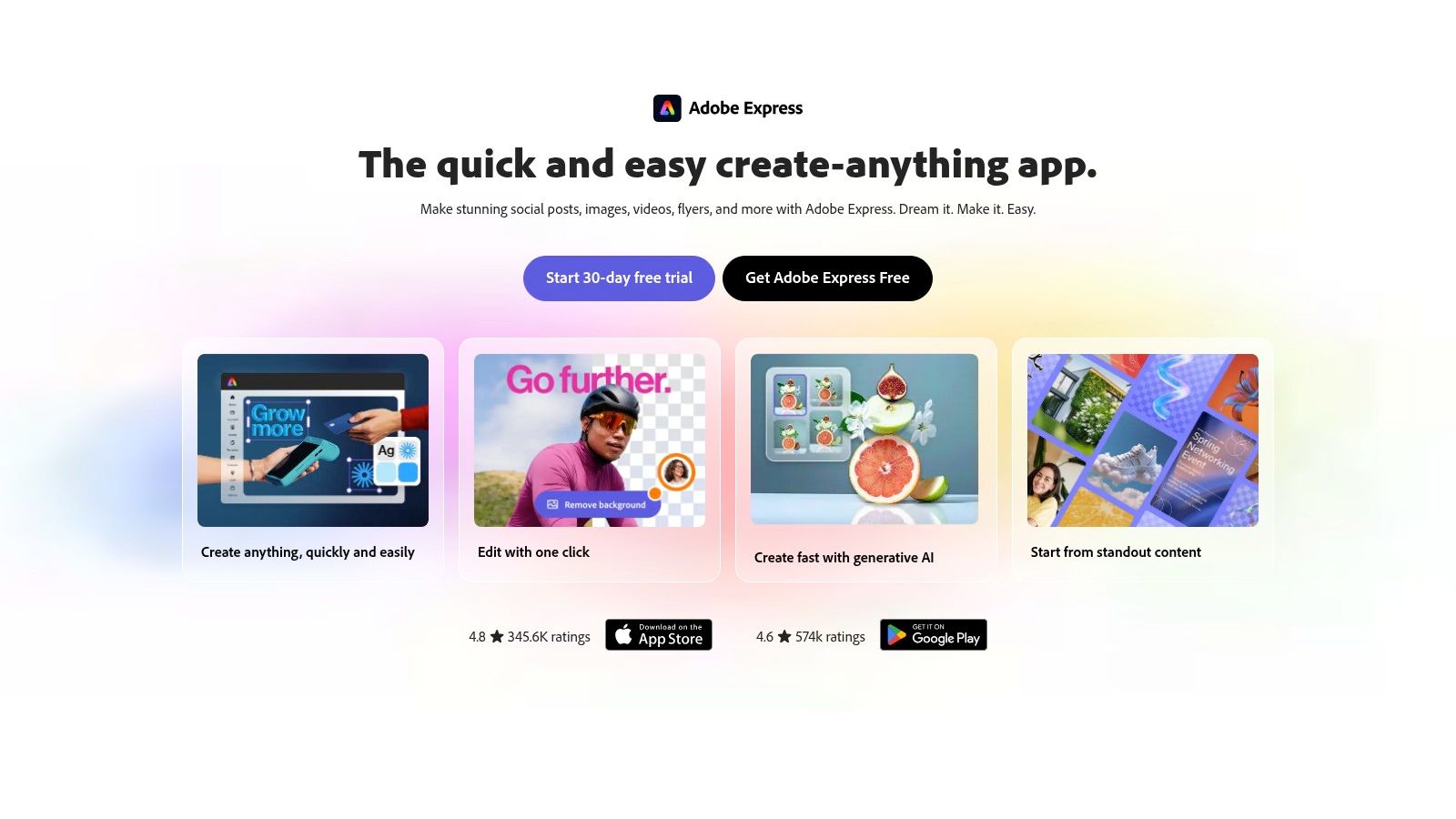
For creators with revenue attached to the content, that distinction matters. A launch graphic, booking promo, lead magnet cover, or sponsor-ready social post has to look finished, stay on brand, and hold up under commercial use questions. Express handles the layout system. Firefly speeds up background generation, text effects, and visual variation inside that system.
Adobe also has a clearer position on creator concerns around rights, disclosure, and trust than many lighter tools, as outlined in Adobe's Creators Toolkit report update. That does not remove review. It changes where the risk sits.
A practical workflow looks like this: generate or write the core idea elsewhere, bring the approved concept into Express, build the asset set, then export versions sized for the channels that drive revenue. One session can produce the social post, story panel, product cover, teaser reel graphic, and email header that all point to the same taap.bio page for products, paid bookings, or email capture.
Use it where brand consistency matters more than novelty.
The trade-off is that Firefly is better at controlled asset production than distinctive visual invention. If the goal is unusual art direction, Midjourney will usually produce stronger starting concepts. If the goal is getting approved, on-brand assets out the door fast, Express is often the better production layer.
Human review still carries real weight here. Check text placement, because AI-generated effects can hurt readability. Check brand consistency across exports, especially when templates start multiplying. Check that every asset supports a specific action, not just awareness. If the post looks polished but the viewer cannot tell whether to buy, book, or join the email list, the workflow stopped too early.
Adobe's limits are practical, not fatal. Credits and plan tiers can shape how often you use generative features, and the stack makes more sense if you already work in Adobe products. For creators selling services, products, or sponsorship-ready campaigns, that trade is often worth it because the output moves cleanly from production into distribution.
6. Descript
Descript is one of the few AI tools that can remove real production pain instead of creating new cleanup work. If you make podcasts, talking-head videos, interviews, webinars, or lessons, text-based editing is still one of the fastest ways to get from raw recording to usable content.
The best part isn't novelty. It's speed with control.
Strongest when you already record long-form
Descript works best when you have source material worth mining. Its transcript-based editing, filler-word removal, silence cleanup, captioning, dubbing features, and voice tools help turn one recording into multiple assets without re-editing from scratch in a traditional timeline every time.
A practical path looks like this. Record the core piece once. Clean it in Descript. Cut the full version, pull clips, export captions, and create audio or dubbed variants from the same project.
Editing rule: Let AI remove friction, not meaning. Filler-word cleanup is helpful. Auto-cutting pauses can also kill pacing, personality, or emphasis if you accept every suggestion.
Descript is particularly strong for creators selling expertise. A coach can record a lesson, trim it for a paid mini product, clip highlights for social, and publish a booking CTA below the finished asset. A musician or consultant can do the same with a behind-the-scenes breakdown or client education video.
What doesn't work is weak source recording. Descript improves media. It doesn't rescue bad framing, muddy messaging, or a monotone performance that never had enough energy to begin with.
7. Runway
Runway earns its spot when you need AI video that looks intentional rather than gimmicky. It's one of the better choices for short generated sequences, visual explainers, mood-heavy hero clips, and B-roll that would otherwise require more time, gear, or post-production.
Used well, it expands what a small creator team can make. Used badly, it produces expensive filler.
Where Runway fits in a revenue workflow
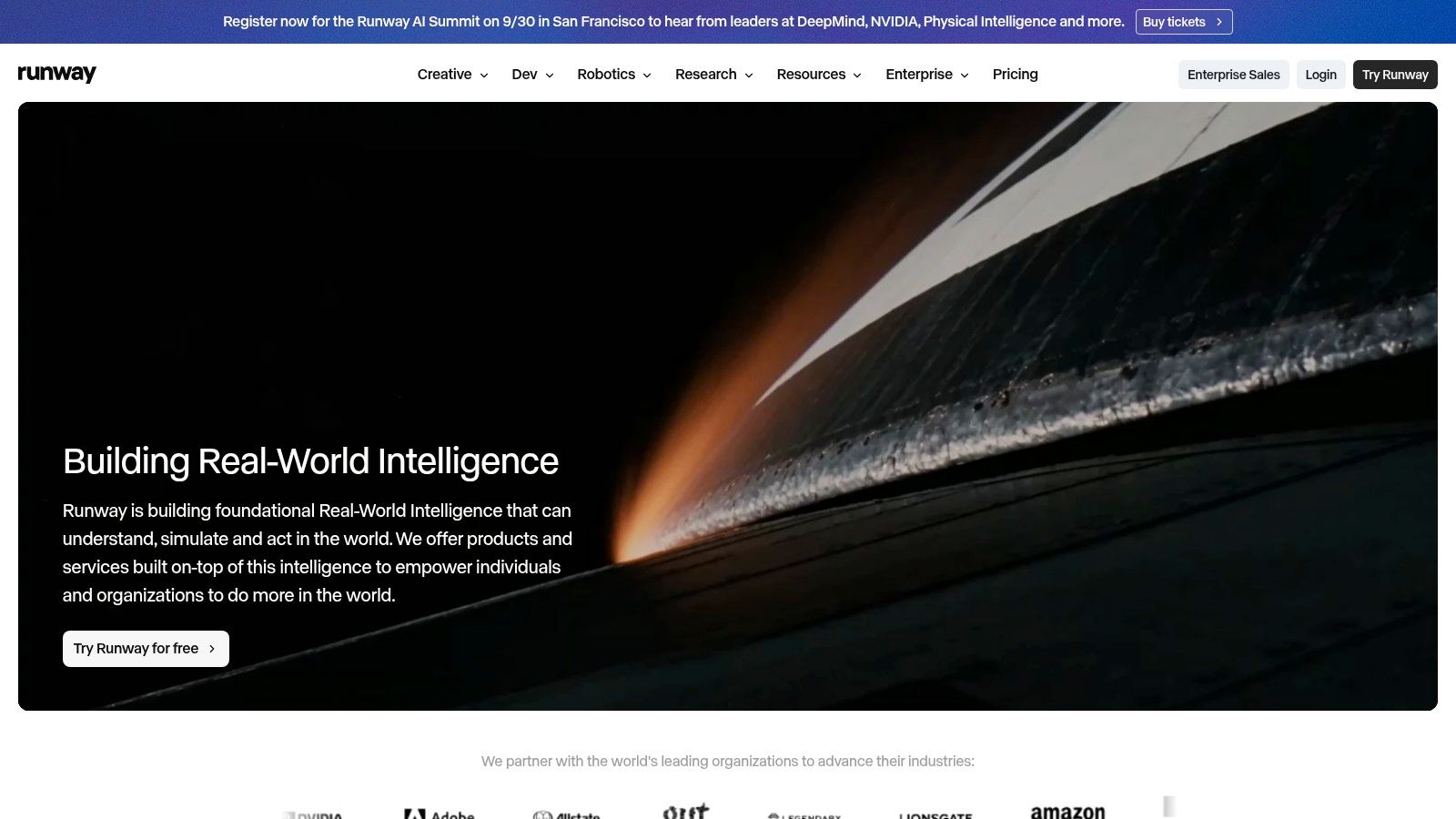
Runway is strongest when the generated video supports a clear commercial purpose. A product page hero loop, a launch teaser, an explainer sequence, or branded atmospheric footage can lift the presentation of an offer without requiring a shoot.
It is not the best tool for everything video-related. If you need a polished talking-head edit, Descript is usually more efficient. If you need localization with a presenter, Synthesia may be the faster route. Runway wins when motion itself is the asset.
Use it for:
- Sales visuals: product promos and animated page headers
- Audience-building assets: short trailers and concept clips for social
- Course or membership intros: stylized transitions, thematic B-roll, and visual framing
The trade-off is prompt craft and credit discipline. Runway rewards experimentation, but experimentation can eat budget fast if you generate first and think later. Go in with a shot purpose, a rough storyboard, and a defined placement for the clip after export.
A generated scene with no next step is just visual clutter. A generated scene above a booking button or product block can do work.
8. ElevenLabs
ElevenLabs is the voice tool I'd reach for when audio quality affects trust. That's especially true for narrations, multilingual content, dubbed lessons, audio products, and patch fixes where re-recording isn't practical.
Its real advantage isn't just realism. It's flexibility across voiceover, cloning, transcription, and localization inside one voice-centric workflow.
Best for creators extending content into audio and new languages
A single script can become a narrated lead magnet preview, a dubbed short, an audio lesson, or a product walkthrough. That makes ElevenLabs useful for creators who want each idea to travel further without recording every version manually.
This is one area where discipline matters more than the model. Voice cloning should be consent-based, clearly governed, and used with brand judgment. If your audience trusts you because you sound human and direct, don't turn every spoken touchpoint into polished synthetic audio.
A few strong use cases:
- Course creators: voiceovers for lessons, updates, and multilingual versions
- Consultants and coaches: narrated explainers and welcome audio for paid offers
- Artists and educators: turning written material into spoken companion content
The weak use case is replacing genuine presence where your personality is the product. AI voice can patch, scale, and localize. It can't substitute for conviction in a live pitch or nuance in a sensitive teaching moment.
Human review here means more than transcript accuracy. Listen for pacing, emphasis, emotional fit, and whether the audio still sounds like something your audience would believe came from you.
9. Synthesia
Synthesia is one of the clearest examples of a tool being excellent for the right job and distracting for the wrong one. If you need repeatable talking-head videos in multiple languages without filming every version, it's highly practical.
If you're trying to mimic a personal creator relationship, it can work against you.
Great for explainers, not intimacy
Synthesia is strong for product intros, onboarding lessons, internal training, simple sales explainers, FAQs, and localized educational videos. The script-to-video workflow is fast, and the language support makes it useful when one message needs broad distribution.
This is also where creator adoption trends become more practical than abstract. The 2026 creator survey summarized by Kit's report on AI in the creator economy found that 57.3% of creators use AI every day, 71.7% use it at least weekly, and 89.2% always review and edit AI output before publishing. Synthesia is exactly the kind of tool that proves why that last part matters. A script may be technically fine and still feel emotionally off once an avatar delivers it.
Use Synthesia when clarity matters more than personality:
- Mini lessons tied to a product
- Localized sales support videos
- Simple service explainers above a booking widget
Don't use it for testimonials, vulnerable storytelling, artist statements, or trust-sensitive founder messages unless the format itself makes sense for your audience. In those cases, a real camera still carries more weight.
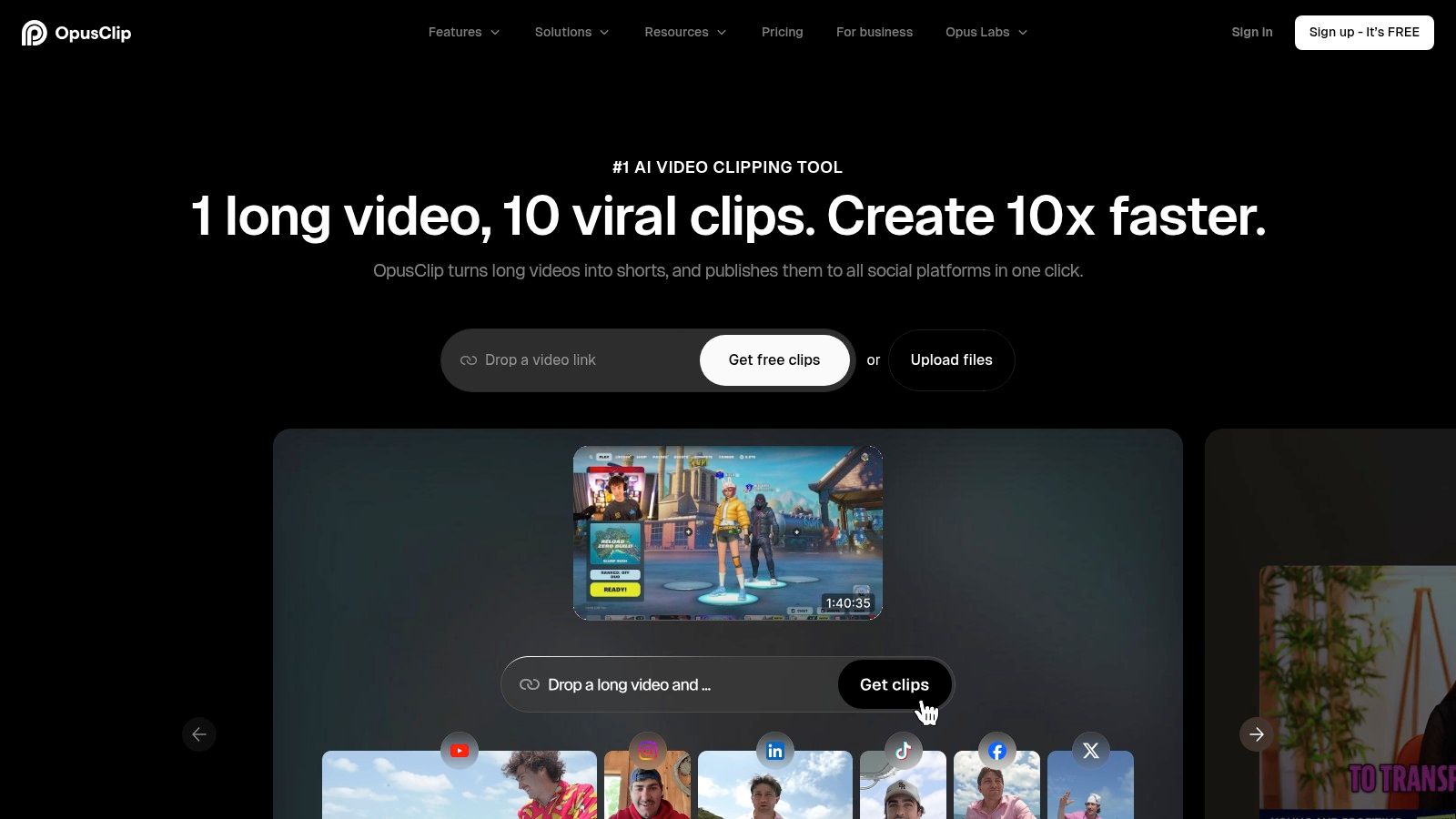
10. OpusClip
OpusClip is built for one of the most valuable creator habits: turning long-form work into a steady short-form publishing engine. If you already record podcasts, livestreams, webinars, interviews, or tutorials, it can save a lot of mechanical editing time.
That benefit is real, but only if you treat clipping as distribution, not strategy.
Best for creators with a backlog worth mining
OpusClip handles automatic clipping, captions, multiple aspect ratios, B-roll assists, and imports from common video sources. That makes it useful when your growth model depends on keeping shorts, reels, and vertical video in circulation without editing every clip by hand.
The strongest setup is simple. Publish one substantial piece. Use OpusClip to extract several short assets. Route each short to a specific next step instead of posting clips into the void.
Repurposing only makes money when each clip points somewhere concrete.
That "somewhere" might be a free download, a paid consultation, a beat pack, a mini course, or an email signup page. The clip gets attention. The linked destination does the conversion work.
What doesn't work is trusting auto-selected hooks blindly. Some clips will feel too abrupt, too context-light, or too optimized for novelty instead of actual relevance. That's why creators still need to review framing, captions, CTA wording, and whether the clip stands on its own.
If long-form to short-form is already part of your system, these content repurposing strategies will help you get more value from every recording before you publish the final CTA destination.
Top 10 AI Tools for Content Creators: Comparison
| Tool | Primary use (core feature) | UX & quality (★) | Value & pricing (💰) | Best for creators (👥) | Unique fit for taap.bio (✨ / 🏆) |
|---|---|---|---|---|---|
| ChatGPT (OpenAI) | Ideation, drafts, captions, light research | ★★★★☆ | 💰 Free → Plus/Teams ($) | 👥 Solo creators, writers, marketers | ✨ Fast-first-drafts & repurposing, 🏆 most versatile assistant |
| Jasper | On‑brand marketing copy & team governance | ★★★★☆ | 💰 Mid→High (subscription) | 👥 Teams & scale‑focused creators | ✨ Brand voice + pipelines for repeatable listings |
| Canva (Magic Studio) | Design, templates, short video, brand kits | ★★★★★ | 💰 Freemium → Pro (credits for AI) | 👥 Visual-first creators, social managers | ✨ End‑to‑end design + scheduler, large asset library |
| Midjourney | AI image generation (thumbnails, art) | ★★★★☆ | 💰 Subscription/credits | 👥 Visual artists, cover art creators | ✨ Distinctive stylized visuals & robust upscaling |
| Adobe Express + Firefly | Generative design + Creative Cloud assets | ★★★★☆ | 💰 Freemium → Premium (generative credits) | 👥 Brand teams, pro creators | ✨ Clear licensing + stock integrations, 🏆 enterprise fit |
| Descript | Text‑based audio/video editing & overdub | ★★★★☆ | 💰 Free → Paid (AI minutes) | 👥 Podcasters, video creators | ✨ Edit-as-text, captions & overdub for quick clips |
| Runway | AI text→video, advanced motion & exports | ★★★★☆ | 💰 Credit-based (pro tiers) | 👥 Video creators, editors needing high fidelity | ✨ Gen‑4.5 motion + pro export formats |
| ElevenLabs | Natural TTS, dubbing, voice cloning | ★★★★★ | 💰 Credit tiers / API pricing | 👥 Course creators, narrators, multilingual teams | ✨ Highly expressive voices + 90+ language dubbing |
| Synthesia | Avatar talking‑head videos & localization | ★★★★☆ | 💰 Minutes/plan (studio add‑ons) | 👥 Edu/sales creators needing fast vids | ✨ Script→video avatars in 160+ languages |
| OpusClip | Auto‑clip long → short verticals with hooks | ★★★★☆ | 💰 Freemium → credit tiers (watermark on free) | 👥 Repurposers, podcast/video creators | ✨ Auto hooks, captions & virality scoring for social promotion |
Turn AI Output Into a Creator Asset
The best ai tools for content creators don't win because they generate the most output. They win because they remove the right bottleneck without creating extra review work downstream.
Start there. If your bottleneck is ideas, use ChatGPT or Jasper. If your bottleneck is visual production, Canva, Midjourney, or Adobe Express + Firefly make more sense. If you're buried in editing, Descript is the practical fix. If video generation or motion assets are slowing launches, Runway can help. If your content needs voice, dubbing, or audio extensions, ElevenLabs is strong. If you need fast presenter-style localization, Synthesia has a place. If the problem is distribution volume, OpusClip can turn one recording into a publishing stream.
Don't build the stack all at once. Test one repeatable format first. That might be a weekly talking-head video, a lead magnet promo carousel, a short sales clip, a narrated lesson, or a product launch page. Judge the tool by the actual output quality, the amount of human correction required, and whether the credit or minute system fits your publishing rhythm.
Human review stays in the workflow, even as adoption grows. A 2026 industry roundup collected by Presenc.ai's creator AI adoption research says 86% to 92% of creators use at least one generative AI tool, about 60% use more than one regularly, and creators rank time savings, productivity gains, and cost reduction as top benefits. Those gains are useful, but they don't remove the need for judgment. Trust, originality, rights, and accuracy still sit with the creator.
The practical funnel is straightforward. ChatGPT or Jasper develops the idea and rough copy. Canva, Midjourney, Adobe Express, Runway, Descript, ElevenLabs, Synthesia, or OpusClip turns that idea into the actual asset. Then taap.bio gives that asset one page where the audience can take a real action without bouncing across a stack of disconnected tools.
That's the part many AI roundups miss. Production speed isn't the full metric. If a better thumbnail gets more clicks but the visitor lands on a cluttered link list, you've improved the least important step. If a short clip gets attention but doesn't lead to a paid session, product checkout, or email capture, you've made content, not an asset.
Review conversion and widget analytics, not just generation speed. Watch which content sends people to a digital file, which video drives paid bookings, and which lead magnet grows your owned list. That's how you decide whether a tool belongs in your stack. Not because it impressed you in a demo, but because it moved someone from viewer to customer.
If you're using AI to publish more, you also need a better place to send the attention. taap.bio gives creators one revenue-focused page to sell digital products, take paid bookings, and capture email subscribers without stitching together five separate tools. Put your AI-made content to work by sending people somewhere built for conversion, not just clicks.


