Juggling multiple social media accounts feels like a constant battle against the clock and ever-changing algorithms. You’re expected to create stunning content, engage with your audience, schedule posts at the perfect time, and then somehow make sense of the analytics to prove it’s all working. Doing this manually is not just inefficient; it's a direct path to burnout. The right apps for social media marketing aren’t just a convenience, they are a strategic necessity for growth.
This is where your toolkit becomes your advantage. Having the right software stack automates the tedious work, giving you back the time to focus on what truly matters: creating authentic connections and building your brand. Forget about spending hours resizing images for different platforms or manually logging into each account to post. A well-chosen app can manage your entire content calendar, uncover deep performance insights, and even help you design professional-grade graphics in minutes.
In this comprehensive guide, we cut through the noise to bring you the best apps for social media marketing today. We’ll go far beyond basic feature lists, giving you a detailed breakdown of each tool’s practical use cases, honest pros and cons, and specific pricing information. You’ll find direct links and screenshots for every platform, including scheduling powerhouses like Hootsuite and Buffer, content creation suites like Canva, and all-in-one solutions that integrate perfectly with link-in-bio tools like Taap.bio. This list is designed to help you find the perfect application to solve your specific challenges, whether you're a solo creator, a small business owner, or a growing agency. Let's find your new secret weapon.
Table of contents
1. taap.bio
Best For: Visually-driven creators who want a mini-website, not just a link list.
Taap.bio elevates the standard "link-in-bio" into a dynamic, magazine-style micro-site. Moving beyond the typical vertical list of links, it provides a modular, drag-and-drop canvas inspired by Japanese bento box design. This structure allows creators to build asymmetric, visually engaging layouts that feel curated and unique. For social media marketing, this transforms a simple directory into a compelling destination that can actively increase engagement and showcase brand personality.
The platform's standout feature is its collection of "smart widgets." These blocks integrate directly with key social and creative platforms, pulling in live data. You can display recent Instagram posts, GitHub contributions, YouTube videos, and portfolio pieces from Dribbble or Behance. A particularly powerful integration is with Spotify, which allows visitors to play tracks, albums, and podcasts directly on your Taap.bio page without leaving. This is a significant advantage for musicians and podcasters looking to reduce friction and capture listeners instantly.
Key Strengths & Use Cases
- Visual Storytelling: The bento-style grid gives you complete control. You can resize blocks to span multiple rows or columns, creating a visual hierarchy that guides your audience's attention to your most important content.
- Deep Creative Integrations: Musicians can embed their latest Spotify release with inline playback. Designers can showcase their Figma files or Dribbble shots, which automatically update. This makes your page a living portfolio.
- Separate Mobile & Desktop Layouts: Design a wide, expansive layout for desktop viewers and a more compact, scroll-friendly version for mobile. This level of control ensures an optimal experience on any device.
- Effortless Migration: For users of the soon-to-be-discontinued Bento.me, Taap.bio offers a one-click import tool that transfers your links, widgets, and settings in under a minute, making the switch seamless.
Considerations
The design-first approach offers immense freedom but has a slight learning curve compared to simpler tools like Linktree. If you only need a basic list of 5-10 static links, the robust feature set might be more than you require. While the platform offers a generous free starting plan, the full breakdown of premium features and pricing tiers is located on the account pages after signing up.
Link: taap.bio
2. Hootsuite
Hootsuite is one of the original and most recognized names in the social media management space. It serves as an all-in-one command center, especially for teams and agencies that need strong governance and a unified workflow for both organic and paid social media efforts. This platform consolidates publishing, engagement, analytics, and advertising into a single, comprehensive user interface.
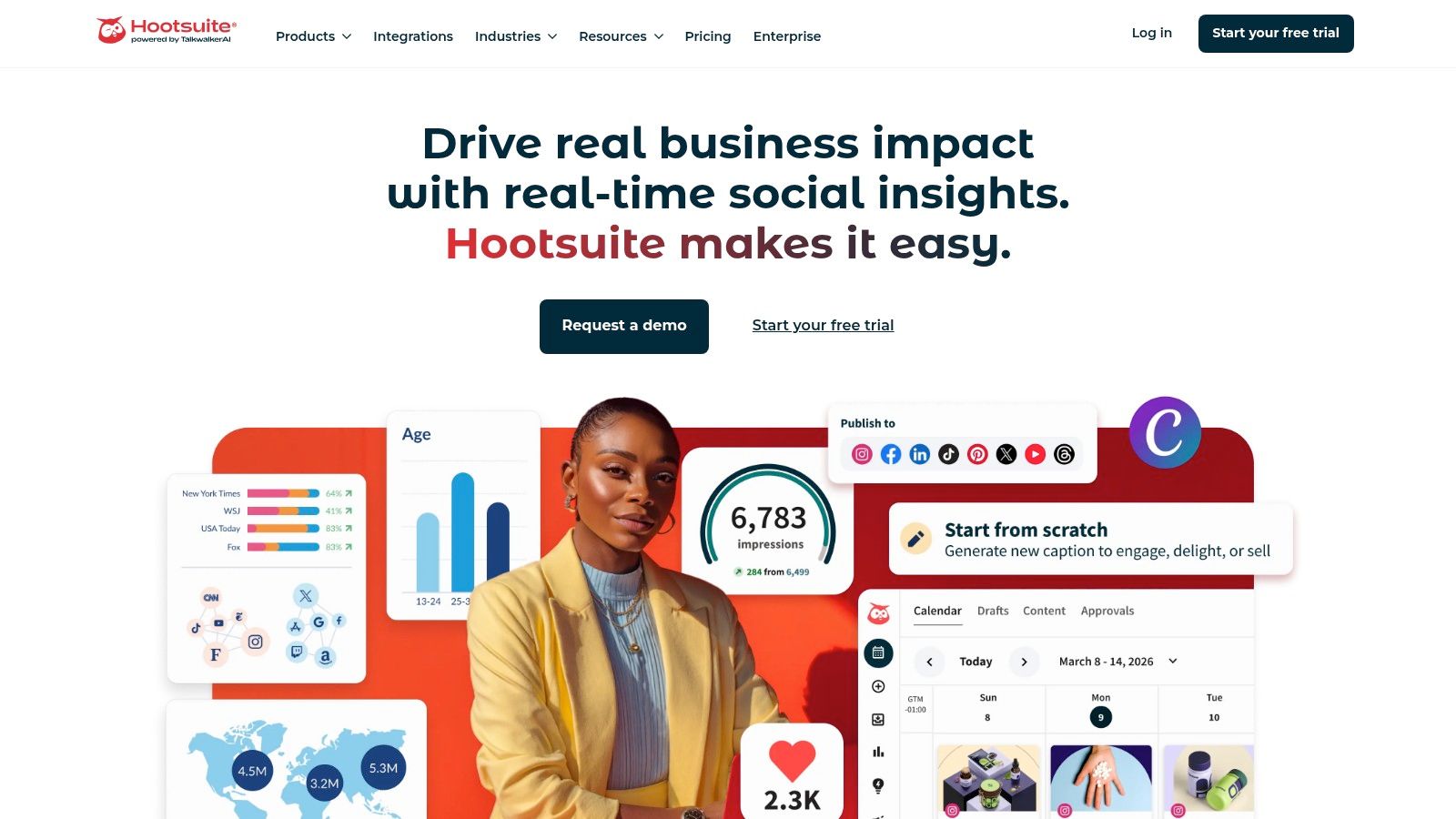
What really makes Hootsuite a powerhouse among apps for social media marketing is its enterprise-grade control system. For creators working with brands or agencies managing multiple clients, the mature team and permissions model is essential. It allows you to set up approval workflows, ensuring content is vetted before it goes live, which protects brand integrity.
Pricing and Key Features
Hootsuite’s pricing is premium, with plans tailored to your team size and feature needs. You'll need to contact them for a quote on their Enterprise plans, but their Professional and Team plans start at $99 and $249 per month, respectively.
- Best For: Agencies, large brands, and creator teams needing detailed approval workflows and combined paid/organic strategy management.
- Standout Feature: The "Streams" dashboard offers a customizable view of all your social feeds, mentions, and keywords in one place, making real-time monitoring incredibly efficient.
- Pros: Deep feature set in one platform; powerful team management and permissions.
- Cons: The interface can feel dated and complex for first-time users; pricing can be high for solo creators.
Hootsuite's vast capabilities can be compared against other tools in our social media management tools comparison to see how it stacks up for specific needs. If your focus is on collaboration and control, Hootsuite is a proven solution.
Website: https://www.hootsuite.com
3. Buffer
Buffer is celebrated for its simplicity and clean interface, making it a go-to choice for creators and small businesses who want powerful scheduling without a steep learning curve. It champions a straightforward, no-fuss approach to social media management, focusing on getting your content planned and published efficiently across a wide array of networks, including emerging platforms like Threads and Bluesky. This focus on core functionality makes it one of the most approachable apps for social media marketing available today.
Where Buffer truly shines is in its creator-friendly features and transparent pricing. The visual content calendar, first-comment scheduling for platforms like Instagram, and an integrated hashtag manager are designed to streamline a creator's daily workflow. The onboarding process is exceptionally fast, allowing you to connect your accounts and start scheduling content in minutes, not hours. This makes it an ideal starting point for those new to social media management or anyone who values speed and ease of use.
Pricing and Key Features
Buffer's pricing is refreshingly transparent, with a genuinely useful free plan for up to three channels. Paid plans start at $6 per month per channel, with discounts for adding more. A 14-day trial is available on all paid tiers.
- Best For: Solo creators, small businesses, and social media managers who prioritize a clean user experience and straightforward scheduling.
- Standout Feature: The "Start Page" tool allows you to build a beautiful, mobile-friendly landing page for your link-in-bio, consolidating its value beyond just scheduling.
- Pros: Very easy to learn and use; transparent, per-channel pricing with a great free plan.
- Cons: Costs can escalate with a high number of social channels; lacks the deep analytics and team features of more enterprise-focused platforms.
For creators who feel overwhelmed by complex dashboards, Buffer offers a breath of fresh air. It provides the essential tools to build and maintain a consistent social media presence without the clutter.
Website: https://buffer.com
4. Sprout Social
Sprout Social is a premium, enterprise-grade platform that excels in bringing publishing, engagement, reporting, and listening into one cohesive system. It is particularly popular with mid-market and enterprise teams that require deep analytics and strong collaborative tools to manage their social media presence effectively.
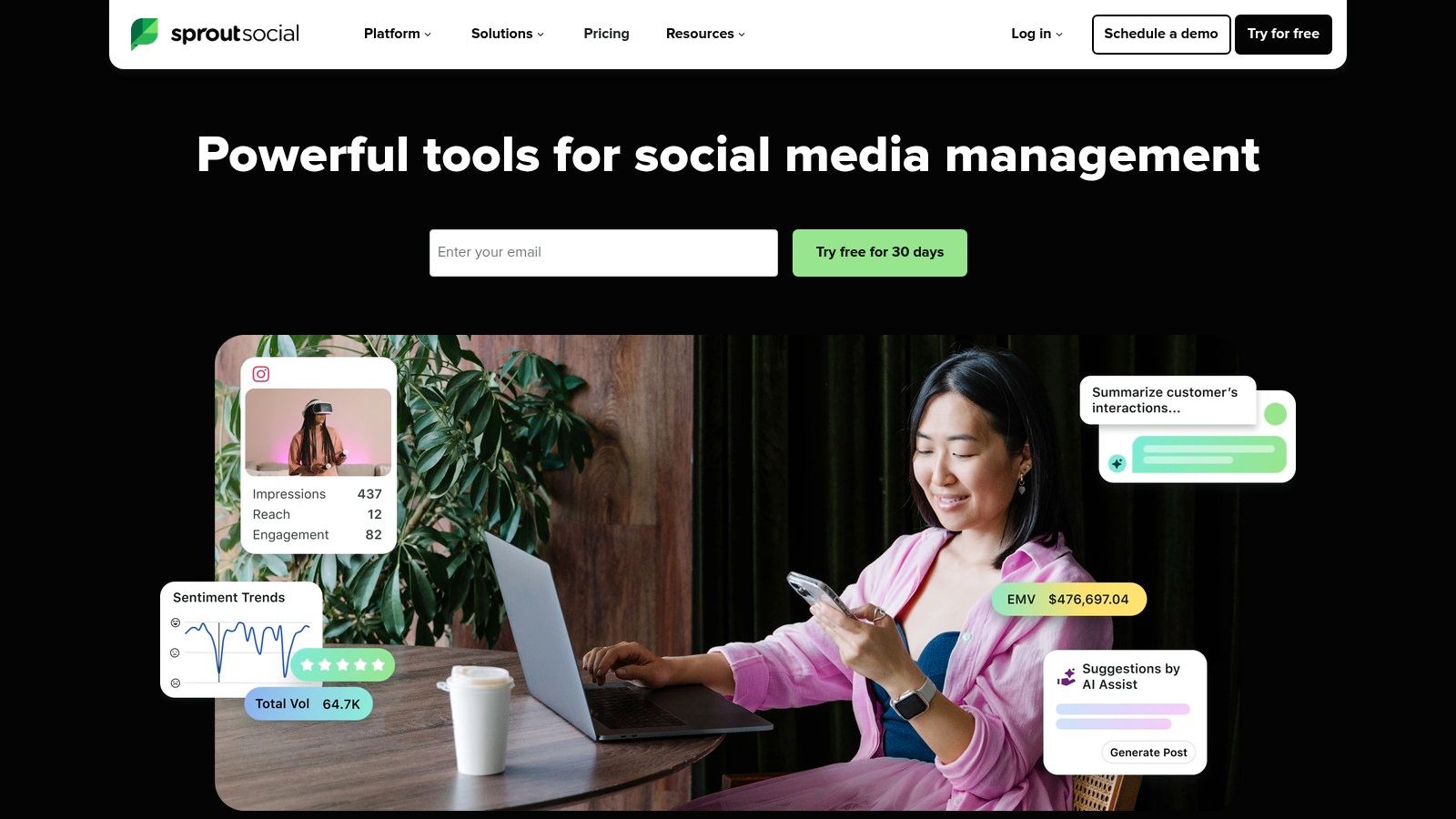
What distinguishes Sprout Social among other apps for social media marketing is its powerful Smart Inbox and exceptional reporting capabilities. The Smart Inbox consolidates all incoming messages and mentions into a single, manageable stream, making engagement highly efficient. For creators and brands that need to prove ROI, its analytics provide a level of depth and clarity that justifies its premium positioning.
Pricing and Key Features
Sprout Social uses a per-user pricing model, starting with its Standard plan at $249 per user per month. The Professional and Advanced plans, at $399 and $499 per user per month respectively, unlock more features and profiles.
- Best For: Mid-market to enterprise-level businesses and agencies that prioritize data-driven decisions and streamlined team collaboration.
- Standout Feature: The Smart Inbox, which unifies all social conversations into one feed, paired with top-tier analytics for performance measurement.
- Pros: Excellent reporting depth with beautiful visualizations; powerful add-ons for listening and employee advocacy; generous 30-day trial.
- Cons: Per-user pricing can become very expensive for larger teams; many advanced features are locked behind higher-tier plans or are paid add-ons.
Sprout Social’s emphasis on analytics makes it a strong contender, which you can explore further in our review of top social media dashboard tools. If your primary goal is to measure and optimize social media performance with a polished user experience, Sprout Social is a formidable choice.
Website: https://sproutsocial.com
5. Later (by Mavrck)
Later has carved out a distinct niche by focusing on visual-first social media planning. Originally an Instagram scheduler, it has grown into a powerful tool for creators and brands who lead with aesthetics, making it ideal for platforms like Instagram, TikTok, and Pinterest. Its core is a drag-and-drop visual calendar that allows you to see exactly how your grid or feed will look before you post.
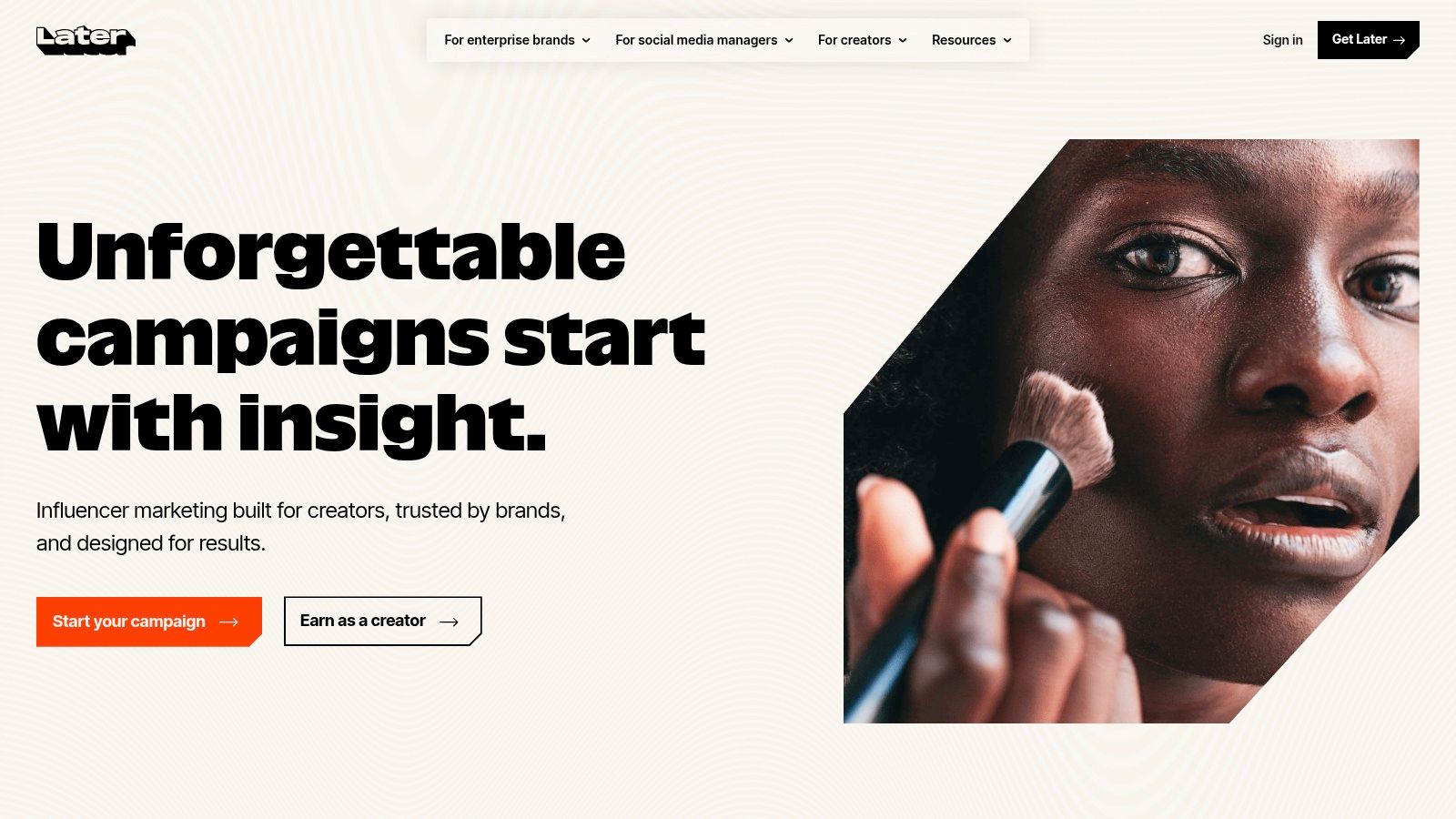
What makes Later one of the most practical apps for social media marketing is its intuitive workflow for modern content. The platform's "Social Sets" feature lets you group different social profiles together, simplifying cross-platform campaign management. This, combined with its built-in link-in-bio tool and user-generated content (UGC) collection features, provides a complete ecosystem for visual storytelling and monetization.
Pricing and Key Features
Later offers a free plan with limitations, while paid plans start at $25 per month for the Starter plan and go up to $80 for the Growth plan. This tiered structure makes it accessible for solo creators and scalable for growing teams.
- Best For: Solo creators, visual-first brands, and e-commerce businesses focused on Instagram, TikTok, and Pinterest.
- Standout Feature: The Visual Planner is best-in-class, offering a drag-and-drop interface to preview your Instagram grid, which is essential for maintaining a cohesive brand aesthetic.
- Pros: Exceptional visual scheduling calendar; strong support for modern formats like Reels and TikToks; clear and accessible pricing tiers.
- Cons: Post quotas on lower-tier plans can be restrictive; advanced analytics and competitor benchmarking are reserved for higher-priced plans.
For those looking to streamline their content pipelines, Later is one of the top social media marketing automation tools available. If your strategy is built on strong visuals, Later provides the focused toolset you need.
Website: https://www.later.com
6. Loomly
Loomly brings a refreshingly collaborative and visually-driven approach to social media management. It is designed around a content calendar, making it an excellent tool for teams that need a clear, shared view of their entire publishing schedule. The platform guides you from post ideas and asset management all the way to approvals and analytics, simplifying what can often be a chaotic process.
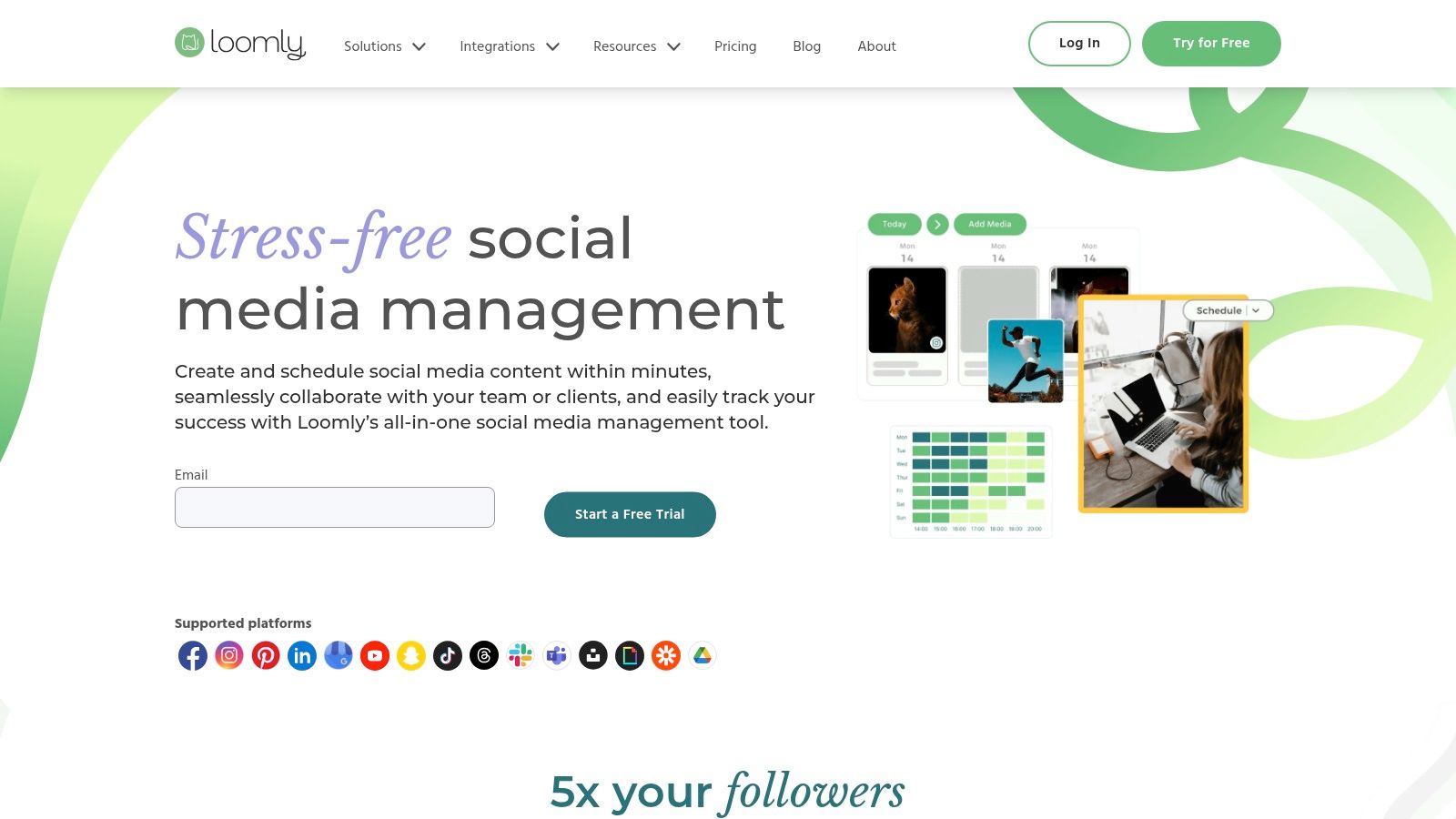
What makes Loomly a strong contender among apps for social media marketing is its intuitive workflow, especially for client work. The draft, review, and approval system is straightforward, allowing freelancers and agencies to present content to stakeholders for feedback before it goes live. This collaborative spirit is baked into its core, supported by built-in asset management and helpful post-creation guides.
Pricing and Key Features
Loomly’s pricing is tiered, starting with a Base plan at $42/month for 2 users and 10 social accounts. Plans scale up to the Premium tier for large teams, with custom pricing for enterprise needs. Notably, they offer a lifetime 50% discount for registered nonprofit organizations.
- Best For: Small to mid-sized teams, agencies, and freelancers who prioritize a clear, calendar-based approval workflow.
- Standout Feature: The platform provides post ideas and optimization tips based on social media best practices, trending topics, and date-related events, sparking creativity when you need it most.
- Pros: Very user-friendly interface with an easy-to-understand client approval process; strong nonprofit discount program.
- Cons: Pricing and plan features change periodically, so verifying current limits is important; advanced analytics are reserved for higher-tier plans.
For those focused on structured content creation, our guide on social media content planning tools provides more strategies. Loomly excels at turning a messy plan into an organized, actionable calendar.
Website: https://www.loomly.com
7. SocialPilot
SocialPilot carves out a significant space in the social media management market by focusing on affordability without sacrificing core functionality. It is particularly well-suited for agencies and small-to-medium-sized businesses that need to manage a high volume of social media accounts but are conscious of their budget. The platform offers a clean, straightforward approach to scheduling, analytics, and team collaboration.
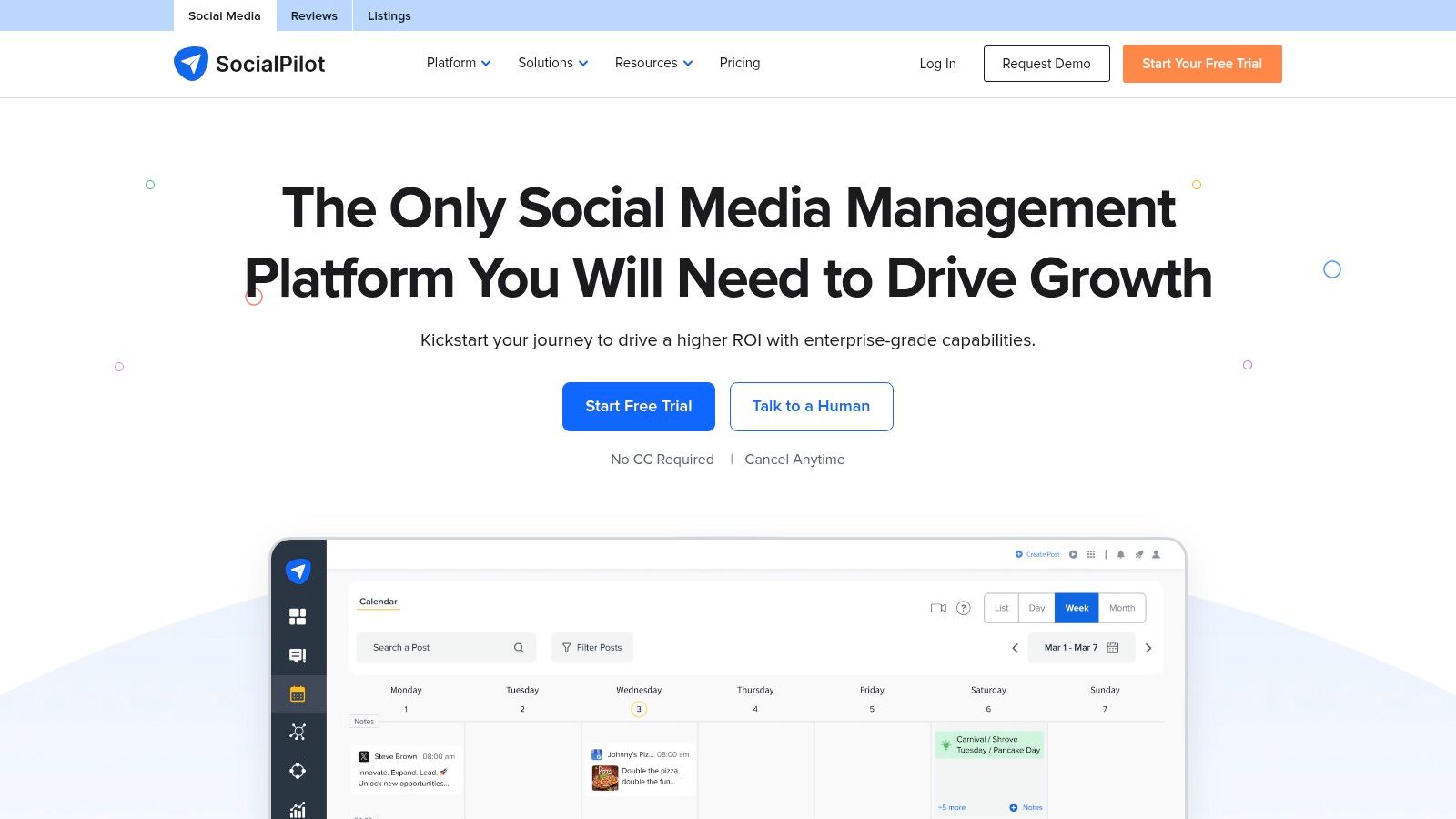
What makes SocialPilot a compelling choice among apps for social media marketing is its agency-centric feature set at a very competitive price point. Features like white-label reporting, client management dashboards, and simple approval workflows are often found in much more expensive tools. This allows growing agencies and creator teams to present a professional front to clients without the enterprise-level investment.
Pricing and Key Features
SocialPilot’s pricing is designed for scale, with its Professional plan starting at a very accessible $30 per month for 10 social accounts. Agency plans begin at $100 per month for 30 accounts and 3 team members, offering one of the best value propositions on the market for teams.
- Best For: Marketing agencies, small businesses, and creator teams looking for maximum value and high social profile limits.
- Standout Feature: The white-label reporting and client management portal, which allows agencies to deliver branded analytics and manage content approvals seamlessly.
- Pros: Excellent value with generous account limits; strong agency-focused features; easy to scale up with affordable add-ons.
- Cons: The user interface is more functional than flashy compared to premium competitors; lacks some of the deep, advanced analytics of higher-priced tools.
For those prioritizing efficient, scalable management for multiple clients or brands, SocialPilot offers a practical and powerful solution that won't break the bank.
Website: https://www.socialpilot.co
8. Agorapulse
Agorapulse has carved out a strong position as one of the best apps for social media marketing by focusing on team collaboration and return on investment (ROI). It excels at transforming chaotic social media engagement into a structured, manageable workflow through its unified inbox, which acts as a powerful social CRM. This makes it an ideal choice for teams needing to assign conversations, track response times, and ensure no customer interaction is missed.
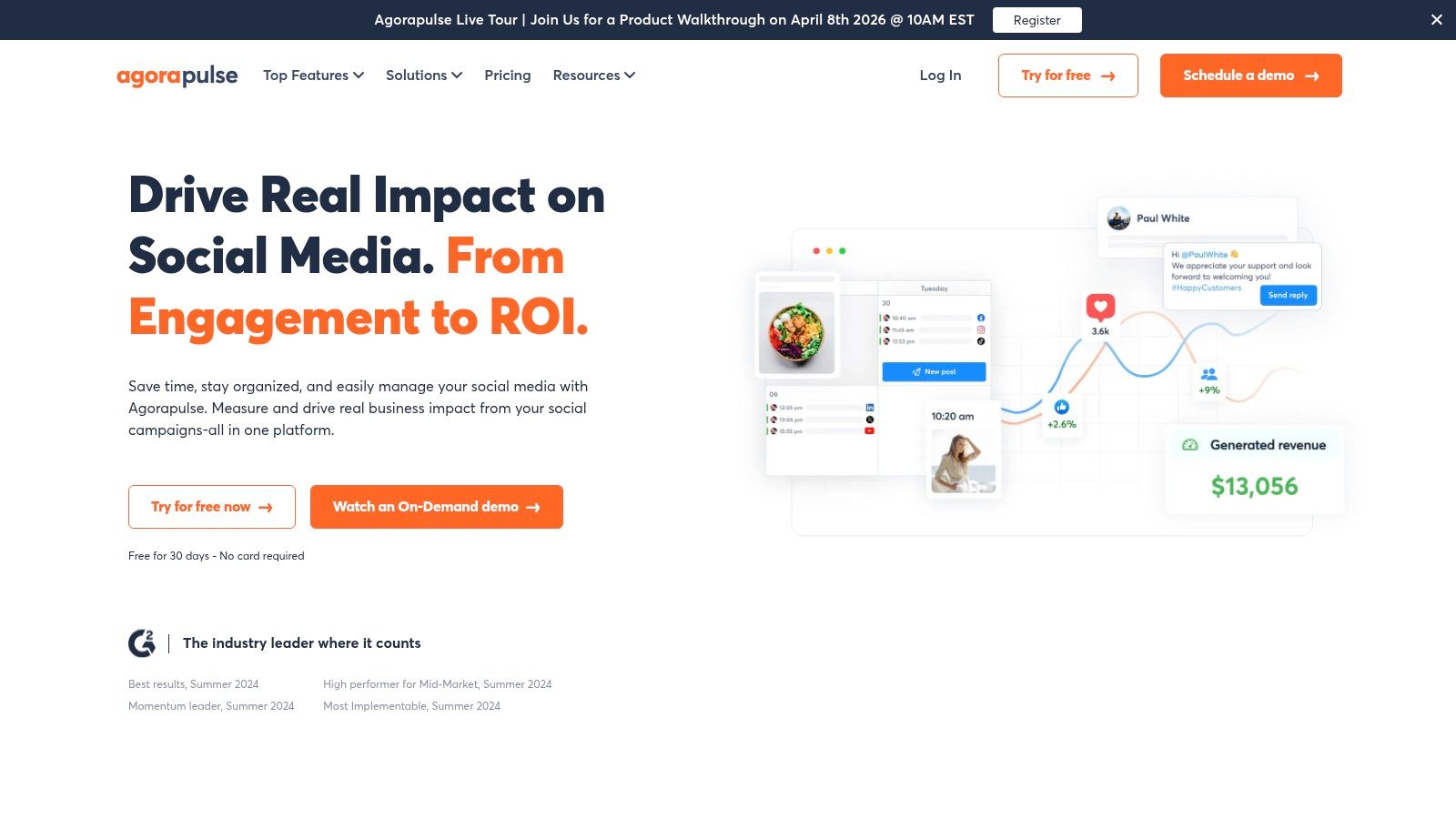
What truly distinguishes Agorapulse is its reporting depth. While many tools report on vanity metrics, Agorapulse provides clear, exportable reports that help tie social media activity directly to business outcomes. For creators and businesses that need to prove the value of their social efforts to clients or stakeholders, this ROI-centric approach is a significant advantage. The platform also integrates growing AI tools for writing assistance and generating alt-text, making content creation more efficient.
Pricing and Key Features
Agorapulse offers a generous 30-day free trial, with paid plans starting at $49 per user, per month (billed annually). The Standard and Professional plans offer a solid feature set for small teams, while advanced plans add features like a shared calendar and ad comment moderation.
- Best For: Small to mid-sized teams, agencies, and creators who prioritize community management and need to demonstrate social media ROI.
- Standout Feature: The unified "Social Inbox" and built-in CRM functionality make managing conversations across all platforms incredibly organized and efficient.
- Pros: Excellent reporting and inbox management; helpful AI tools included in all plans; generous 30-day trial.
- Cons: The per-user pricing model can become expensive for larger teams; some platform-specific features may require add-on costs.
Agorapulse delivers a balanced mix of publishing, engagement, and analytics tools with a user-friendly interface that simplifies complex workflows.
Website: https://www.agorapulse.com
9. Sendible
Sendible is purpose-built for agencies and freelancers who juggle multiple clients. While other platforms can be adapted for agency use, Sendible’s entire workflow is designed around client management, from initial onboarding to final report delivery. It offers a powerful, cohesive environment that prioritizes efficiency and white-label presentation.
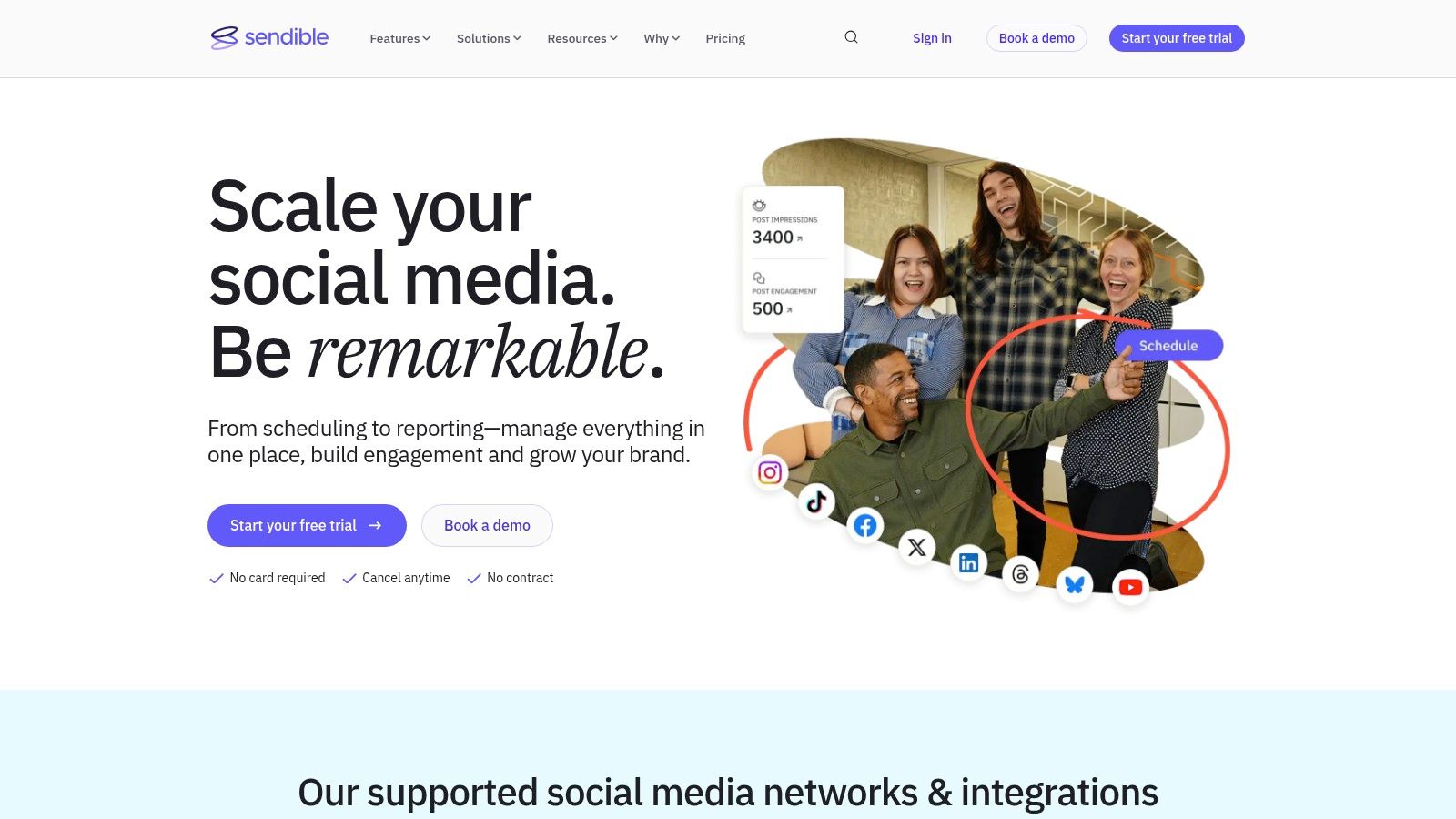
The platform’s strength lies in its client-focused features. You can create secure, client-only dashboards and use the "Client Connect" widget to simplify the process of gaining access to their social accounts. This removes a common friction point in the agency-client relationship, allowing you to get campaigns running faster. For creators managing brand partnerships, these granular approval flows ensure all stakeholders are aligned before content is published.
Pricing and Key Features
Sendible offers a range of plans, with the Creator plan starting at $29 per month. Its agency-focused plans, Traction and White Label, are priced at $89 and $240 per month, respectively, offering more profiles and users.
- Best For: Marketing agencies, freelancers, and social media managers who handle multiple client accounts and require robust approval systems.
- Standout Feature: The "Client Connect" widget provides a seamless and secure way for clients to grant you access to their social profiles without sharing passwords.
- Pros: Exceptional client management and approval workflows; generous user and profile allowances on higher-tier plans.
- Cons: Full white-labeling is an extra cost on top of the base plan; the costs can accumulate for smaller agencies needing advanced features.
Sendible is one of the best apps for social media marketing if your business model revolves around servicing clients. Its feature set is finely tuned to make that specific workflow as smooth as possible.
Website: https://www.sendible.com
10. Metricool
Metricool is a powerful planning and analytics tool that uniquely combines organic social media management with paid advertising reporting. It’s built for creators and small businesses who need to see the full picture of their marketing efforts, merging data from platforms like Google Ads, Facebook Ads, and TikTok Ads alongside their regular social media performance. This unified dashboard simplifies tracking return on investment.
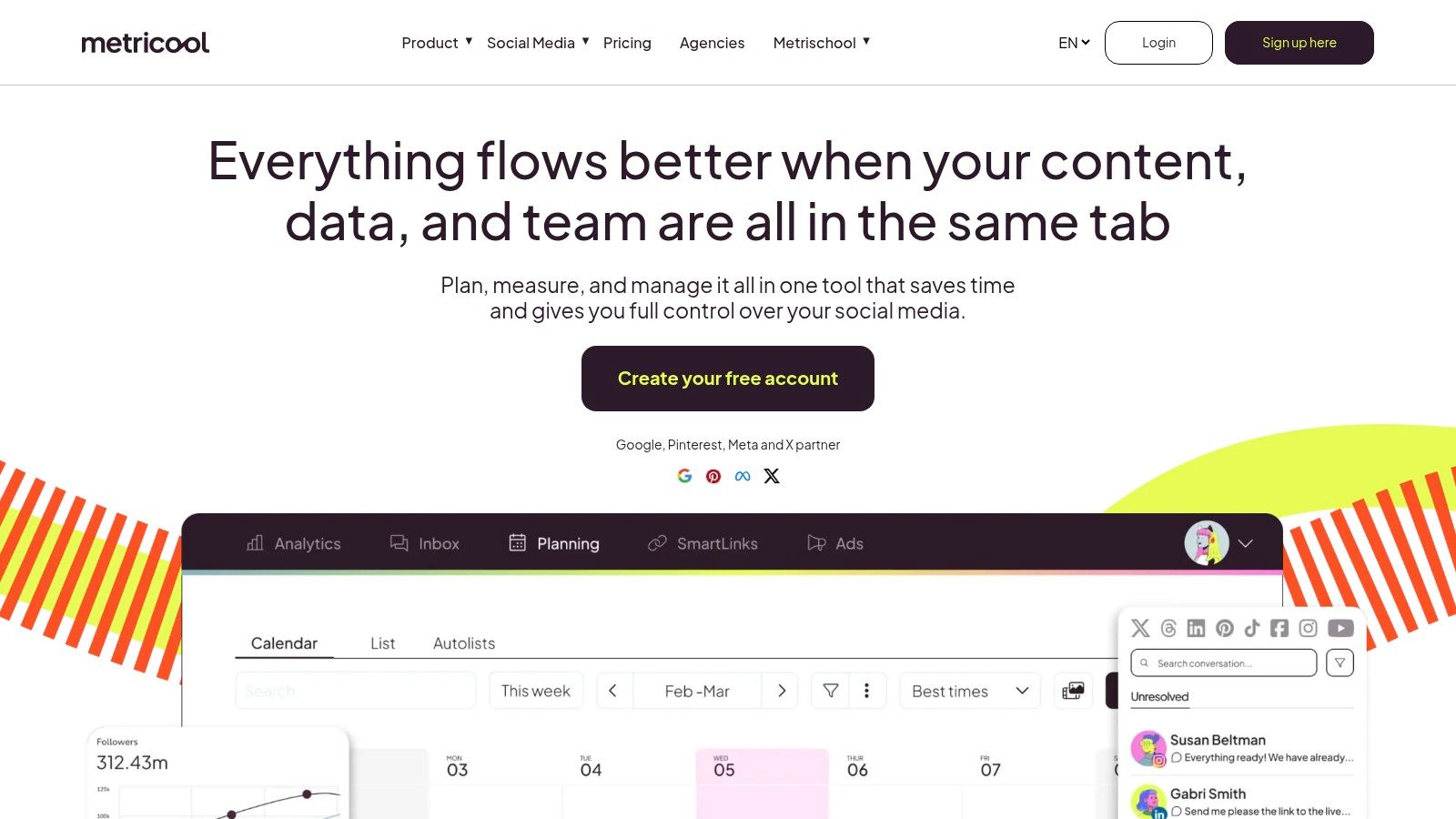
What makes Metricool stand out among other apps for social media marketing is its modular and accessible approach. Instead of forcing users into expensive, all-inclusive packages, it offers a solid free plan and allows you to add specific functionalities like X/Twitter posting or advanced hashtag trackers as needed. This flexibility is perfect for creators who are scaling up and want a tool that grows with them without a massive initial investment.
Pricing and Key Features
Metricool's pricing is designed to be approachable, starting with a robust free plan. Paid plans begin at very reasonable price points, but costs can increase with optional add-ons. Pricing for add-ons is often shown in-app and varies by region, making it slightly less transparent upfront.
- Best For: Solo creators and small businesses managing both organic content and paid ad campaigns who need a single, affordable reporting dashboard.
- Standout Feature: The integration of ad campaign reporting (Google/Facebook/TikTok) directly within the social media analytics dashboard, providing a holistic view of performance.
- Pros: Excellent free plan to get started; combines organic and paid reporting in one interface; modular add-ons provide cost-effective scaling.
- Cons: Some key features, like X posting and the Looker Studio connector, require paid tiers or add-ons; add-on pricing can feel less transparent.
Metricool is an excellent choice for anyone who finds themselves juggling separate tools for scheduling and ad analysis. It provides a clean, consolidated view to make better strategic decisions.
Website: https://metricool.com
11. Iconosquare
Iconosquare is an analytics-first platform that puts data at the core of your social media strategy. While it has expanded to include scheduling and listening, its true strength lies in providing incredibly detailed reports and clean dashboards. For creators and agencies who need to prove ROI and make data-driven decisions, Iconosquare offers a level of insight that goes beyond native analytics.
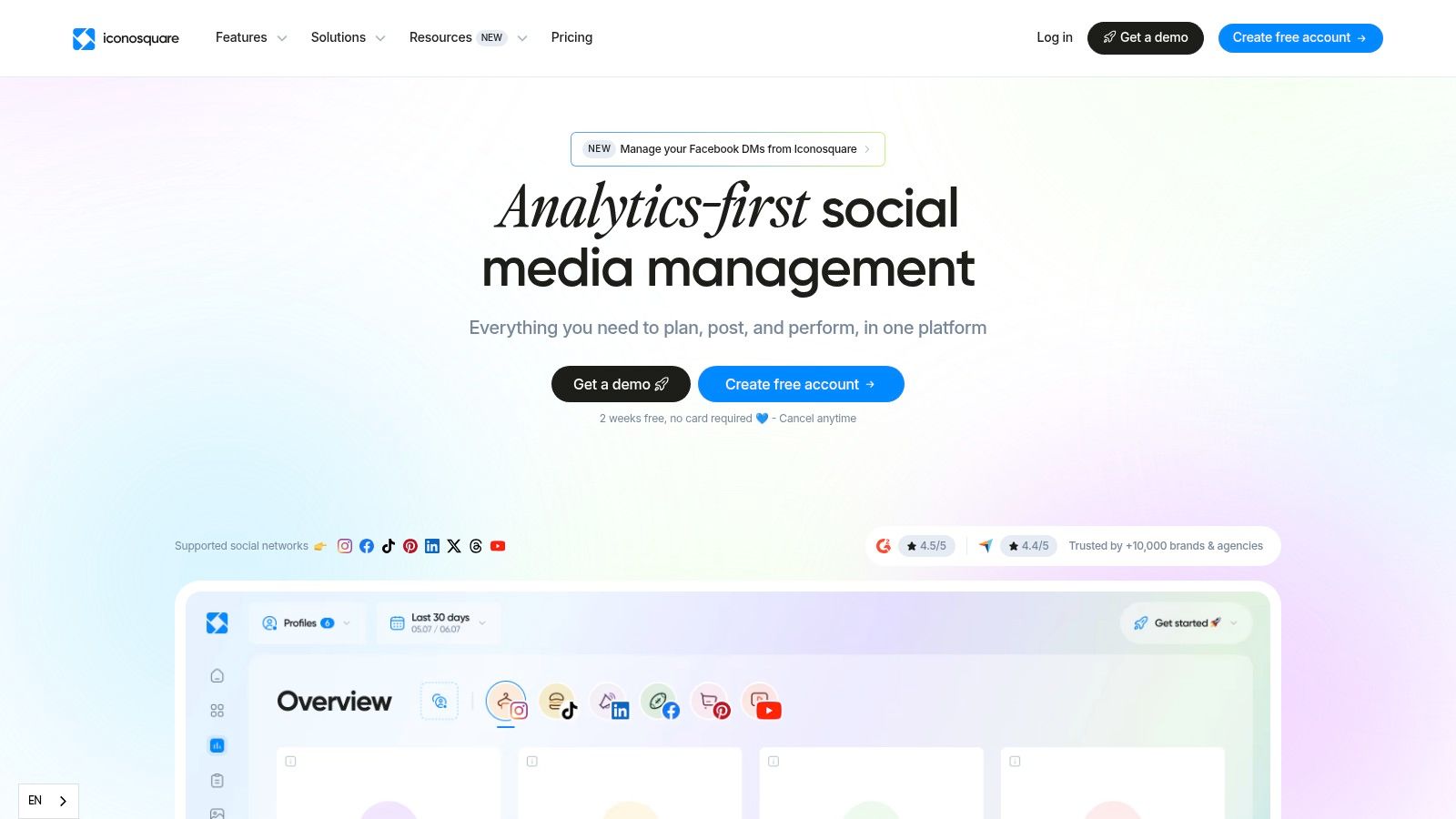
What solidifies Iconosquare's spot among the best apps for social media marketing is its focus on report generation. The ability to create custom, exportable, and even white-labeled reports is a massive advantage for freelancers and agencies presenting results to clients. It translates raw numbers into professional, digestible documents that showcase content performance, audience growth, and competitive standing.
Pricing and Key Features
Iconosquare offers several tiers, with pricing starting around $49 per month for the "Pro" plan when billed annually. The "Advanced" and "Enterprise" plans add more profiles, users, and advanced reporting features, though you may need to contact sales for a custom quote on the highest tier.
- Best For: Data-focused marketers, social media managers, and agencies needing robust, client-ready reporting and competitor analysis.
- Standout Feature: The custom dashboards and automated, exportable reports (PDF, PNG, CSV) make it simple to track KPIs and share performance insights with stakeholders who aren't on the platform.
- Pros: Exceptional depth in analytics and reporting; agency-friendly features like multi-profile management and white-label reports.
- Cons: Pricing can be less transparent on the website and varies by region; some of the most powerful reporting features are locked behind higher-tier plans.
For those who prioritize deep performance metrics over a vast suite of creative tools, Iconosquare provides the necessary clarity to refine your social strategy effectively.
Website: https://www.iconosquare.com
12. Canva (Pro/Business)
Canva has evolved from a simple graphic design tool into a powerful content creation and management suite. It's built for creators and teams who want to unify their workflow, allowing them to design, schedule, and publish social media content all within a single, intuitive platform. This integrated approach removes the friction of switching between a design tool and a separate scheduler.
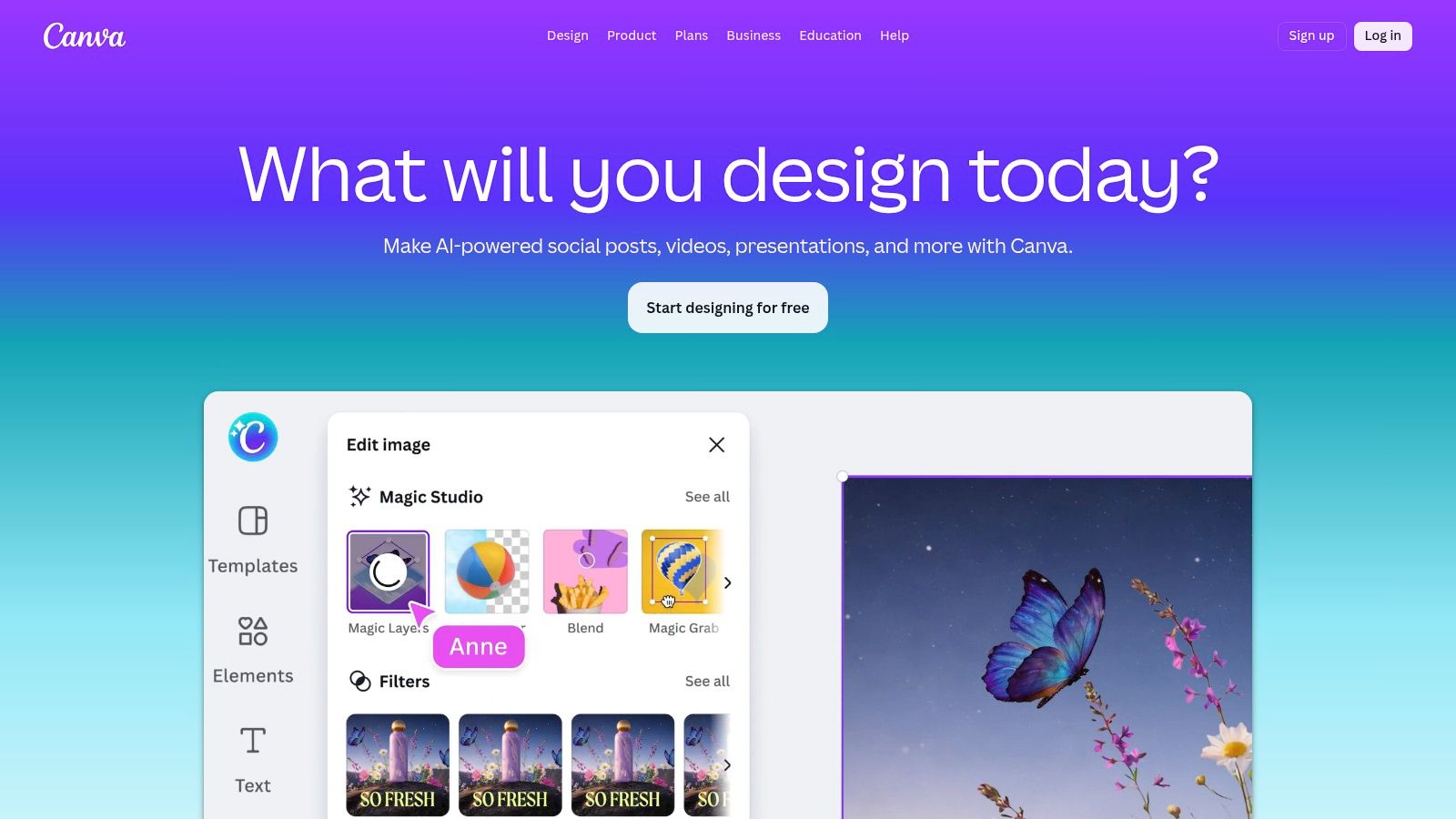
What makes Canva an essential app for social media marketing is its ability to bridge the gap between creation and distribution. The built-in Social Content Planner lets you take a design and immediately schedule it across multiple channels like Instagram, Facebook, and LinkedIn. Features like Magic Resize and AI-powered design tools speed up the process of adapting content for different platforms, saving immense time.
Pricing and Key Features
Canva offers a robust free version, but its social media power is unlocked with paid plans. Canva Pro starts at $14.99 per month for one person, while Canva for Teams begins at $29.99 per month for the first five people, adding collaboration and approval features.
- Best For: Solo creators and small teams who prioritize a seamless design-to-publish workflow and want to maintain brand consistency effortlessly.
- Standout Feature: The combination of the Social Content Planner with Brand Kits. This allows you to design on-brand content and schedule it in just a few clicks, making it one of the most efficient workflows available.
- Pros: Combines design and scheduling to eliminate tool-switching; massive template and asset library accelerates content production.
- Cons: Scheduling and analytics features are less advanced than dedicated SMM platforms; teams may need the pricier Business plan for better governance.
While Canva offers robust features, you might want to explore a list of diverse tools for graphic design. Consider these other Canva alternatives to find the perfect fit for your specific creative needs.
Website: https://www.canva.com
Top 12 Social Media Marketing Apps — Side-by-Side Comparison
| Product | Core features | UX & Quality (★) | Value & Pricing (💰) | Target audience (👥) | Unique selling points (✨) |
|---|---|---|---|---|---|
| taap.bio 🏆 | Modular bento-grid, drag‑and‑drop editor, smart widgets (Spotify inline, IG, GitHub, YouTube), separate mobile/desktop layouts | ★★★★★ — tactile, expressive editor | 💰 Free starter; premium tiers for advanced features | 👥 Creators, designers, musicians, podcasters, freelancers, small biz | ✨ Visual bento canvas, real‑time widgets, inline media playback |
| Hootsuite | Multi‑network publishing, unified inbox, ads & analytics, team permissions | ★★★★ — feature‑rich, steeper learning curve | 💰 Enterprise/pricing by region & config | 👥 Enterprises, agencies, large teams | ✨ Unified ads + publishing + governance |
| Buffer | Visual calendar, scheduling, first‑comment, hashtag manager, AI assistant | ★★★★ — clean, fast onboarding | 💰 Transparent tiers + usable free plan | 👥 Creators & SMBs wanting simple scheduling | ✨ Simple UX with transparent pricing |
| Sprout Social | Publishing, Smart Inbox, advanced reporting, listening, per‑seat plans | ★★★★ — premium, analytics‑focused | 💰 Premium per‑user pricing | 👥 Mid‑market & enterprise teams | ✨ Deep reporting, collaboration & add‑ons |
| Later (by Mavrck) | Visual planner, drag‑and‑drop calendar, link‑in‑bio, UGC, AI caption ideas | ★★★★ — visual planner for creators | 💰 Tiered plans; post quotas on lower tiers | 👥 Visual brands, influencers, creators | ✨ Visual-first planner + link‑in‑bio |
| Loomly | Content calendar, approvals, asset management, multi‑platform scheduling | ★★★★ — intuitive client workflows | 💰 Mid-range; check current plan limits | 👥 Teams & agencies with client workflows | ✨ Strong approvals + asset workflows |
| SocialPilot | Multi‑platform posting, bulk scheduling, white‑label reporting, scalable profiles | ★★★ — utilitarian UI, high value | 💰 Budget‑friendly; generous profile counts | 👥 Agencies & SMBs on budget | ✨ White‑label reporting & high profile limits |
| Agorapulse | Publishing, unified inbox, social CRM, robust reporting, AI tools | ★★★★ — strong inbox & ROI reporting | 💰 Per‑user pricing; 30‑day trial | 👥 Agencies & teams focused on ROI | ✨ ROI‑oriented exports & CRM features |
| Sendible | Client dashboards, onboarding widgets, unlimited scheduling, UTM tracking | ★★★ — agency‑oriented UX | 💰 Mid-tier; white‑label extras increase cost | 👥 Agencies with client portals | ✨ Client Connect & onboarding widgets |
| Metricool | Planner + best times, analytics (social & ads), Looker/Canva integrations | ★★★ — combines organic + paid reporting | 💰 Free plan; modular add‑ons for features | 👥 SMBs managing organic + paid ads | ✨ Unified organic + ads insights |
| Iconosquare | Detailed profile & competitor analytics, custom dashboards, scheduling | ★★★★ — analytics‑first platform | 💰 Tiered pricing; regional variance | 👥 Analysts & agencies needing exports | ✨ In‑depth, exportable analytics & dashboards |
| Canva (Pro/Business) | Design editor + Social Content Planner, Magic Resize, Brand Kits | ★★★★ — integrated design → publish | 💰 Pro/Business subscriptions | 👥 Creators & teams who design and publish | ✨ Powerful design tools with built‑in planner |
Building Your Perfect Social Media Stack
Navigating the crowded market of apps for social media marketing can feel overwhelming, but making an informed choice is the first step toward reclaiming your time and amplifying your impact. We’ve explored a dozen powerful platforms, from all-in-one dashboards like Hootsuite and Sprout Social to visually-focused schedulers like Later and creative powerhouses like Canva. The goal isn't to adopt every tool available; it's to strategically assemble a "stack" that aligns with your specific workflow, budget, and creative ambitions.
Your perfect toolkit is deeply personal. A freelance social media manager juggling ten clients will find immense value in the robust team features of Agorapulse or Sendible. In contrast, a solo creator or artist might prioritize the aesthetic control and direct commerce integrations offered by tools like taap.bio, combined with the scheduling simplicity of Buffer or Metricool for a lean, effective setup. Don't be swayed by the platform with the most features; focus on the one that solves your most pressing problems.
Key Takeaways for Selecting Your Tools
Remember the core principles we discussed as you make your decision. Your software should serve your strategy, not define it.
- Start with Your Central Hub: Before anything else, decide on your "link-in-bio" solution. This is your digital storefront and portfolio. A tool like taap.bio gives you a visually compelling, customizable landing page that acts as the central destination for all your traffic, making it a foundational piece of your marketing stack.
- Evaluate Your Primary Need: Are you drowning in content scheduling? Start with a scheduler like Later or SocialPilot. Do you have no idea if your efforts are working? An analytics-first tool like Iconosquare or the deep reporting in Sprout Social should be your priority. Solve your biggest bottleneck first.
- Consider Your Content Type: If your strategy is heavily reliant on visual media, especially video, your choice of tools must support that. As you curate your ideal toolkit, remember that a strong social media stack often includes robust capabilities for video content. Mastering your approach to video marketing social media can significantly boost your reach and engagement. Ensure your chosen scheduler and analytics tools provide strong support for video metrics.
From Selection to Implementation: Your Action Plan
Choosing your apps is only half the battle. Successful implementation is what separates a costly subscription from a true asset.
- Commit to a Trial Period: Never purchase an annual plan without a thorough test drive. Use the free trial to connect your actual accounts, schedule real posts, and pull a report. Does the workflow feel intuitive or clunky? This is your chance to find out, risk-free.
- Integrate One Tool at a Time: Resist the urge to overhaul your entire workflow overnight. Start by implementing your foundational tool, like your link-in-bio page. Once that is set up and driving traffic, introduce your next tool, perhaps a scheduler. This piecemeal approach prevents overwhelm and helps you master each platform.
- Establish a Review Cadence: Your needs will change as your brand grows. Set a calendar reminder for every six months to briefly re-evaluate your stack. Is your current scheduler still meeting your needs? Has your team grown, requiring better collaboration features? This keeps your toolkit optimized and cost-effective.
Ultimately, the best apps for social media marketing are the ones that feel less like a chore and more like a natural extension of your creative process. They should clear the administrative fog, giving you the clarity and freedom to connect with your audience, create meaningful content, and build your brand. Take the insights from this guide, trust your gut, and start building the stack that will power your success.
Ready to build the foundation of your social media presence? A powerful link-in-bio is the central hub for all your marketing efforts. Sign up for taap.bio today to create a stunning, customized landing page that brings all your content, links, and products together in one beautiful, easy-to-manage place. Start building your perfect digital storefront for free at taap.bio.