Tired of your Instagram Stories getting lost in the feed? The secret to stopping the scroll and capturing your audience's attention isn't just what you post, but how you present it. A well-crafted collage can transform a simple update into a dynamic, engaging piece of visual storytelling, allowing you to share multiple photos, videos, and text in a single, eye-catching frame. This is where dedicated instagram story collage apps become your most valuable asset.
This guide cuts through the noise of the app store to bring you the definitive list of the best tools for the job. We've tested them all, from industry giants to niche favorites, to give you a clear, actionable breakdown of what each app offers. You'll find detailed reviews on everything from templates and export settings to pricing and unique features. To truly make your Instagram Stories pop, mastering collage apps is key, and many fall under the umbrella of the best free graphic design software options available today.
Forget endless searching and frustrating trial-and-error. This resource is your direct path to finding the perfect app to elevate your content, drive engagement, and make your Stories truly unforgettable. Let's dive in.
Table of contents
1. Canva
Canva is more than just a collage maker; it's a full-fledged design suite that has become the go-to for creators who need to produce on-brand content quickly. Its massive library of Instagram Story templates is its biggest strength. You can find a professionally designed layout for almost any purpose, from a simple photo grid to an animated multi-page Story sequence. This makes it one of the best instagram story collage apps for beginners and teams alike.
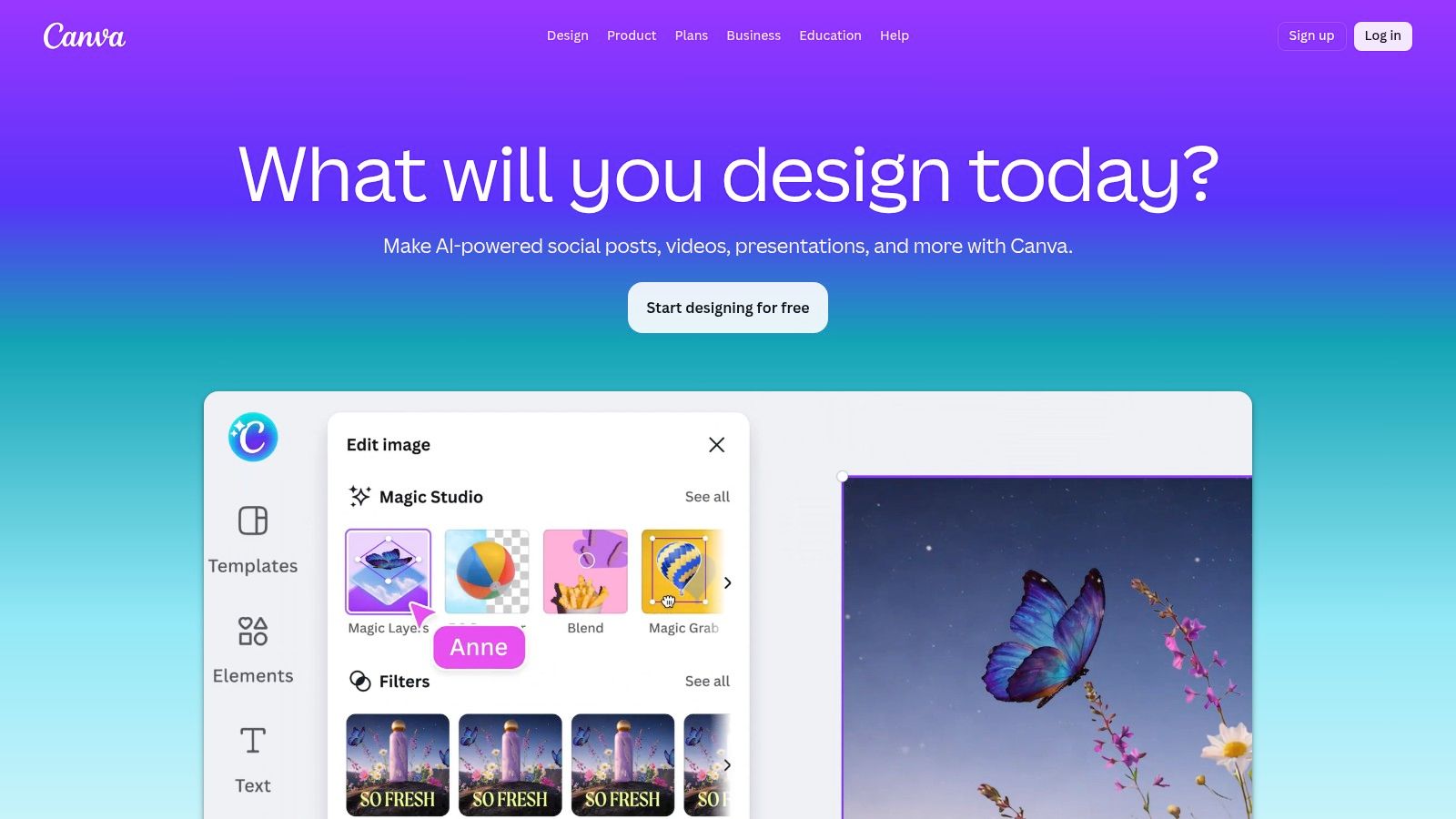
The drag-and-drop editor is incredibly intuitive. Upload your photos, drop them into placeholders, and watch your collage come to life. With a Pro account, the Brand Kit feature is a game-changer, giving you one-click access to your logos, brand colors, and custom fonts. This ensures every Story collage you create is perfectly aligned with your visual identity. Canva even lets you add animated text or stickers to make your collages more dynamic.
Key Features & Use Cases
- Best For: Businesses and creators who need to produce consistent, branded content at scale.
- Standout Feature: The Brand Kit (Pro) allows for instant application of your brand's colors, fonts, and logos to any template, saving immense time.
- Ideal Use-Case: Creating a multi-slide Story to announce a product launch, complete with branded visuals, animated text, and a final slide directing viewers to your link-in-bio. You can also use it to add stylish text overlays to your images; explore some great ideas for adding beautiful quotes to pictures for inspiration.
Pricing, Pros & Cons
| Details | |
|---|---|
| Pricing | Free plan available with generous features. Canva Pro starts at $14.99/month for advanced tools like Brand Kit, premium templates, and more stock assets. |
| Pros | ✓ Extremely fast workflow for creating on-brand content. ✓ Massive library of templates and assets. ✓ Cross-device syncing between web and mobile apps. |
| Cons | ✗ The most desirable templates and features are locked behind the Pro plan. ✗ The editor can feel sluggish on older devices when working with many elements. |
Quick Tips for Taap.bio Users
Workflow: Design your Story collage in Canva and export it as a high-quality JPG or PNG. Post it to your Instagram Story and use a sticker to link directly to your Taap.bio page where followers can explore your new offer, portfolio, or links.
Export Settings:
- Format: PNG for the highest quality with photos.
- Size: 1080 x 1920 pixels.
- Compression: If exporting a JPG, keep the quality slider above 80%.
Website: https://www.canva.com
2. Adobe Express
Adobe Express is the creative giant's answer to fast and intuitive design, making it a strong contender among the best instagram story collage apps. It's particularly powerful for those already within the Adobe ecosystem. The platform offers a curated collection of polished, professional Instagram Story templates that are perfectly sized and ready for customization. Its strength lies in its high-quality design assets and seamless integration with other Adobe services.
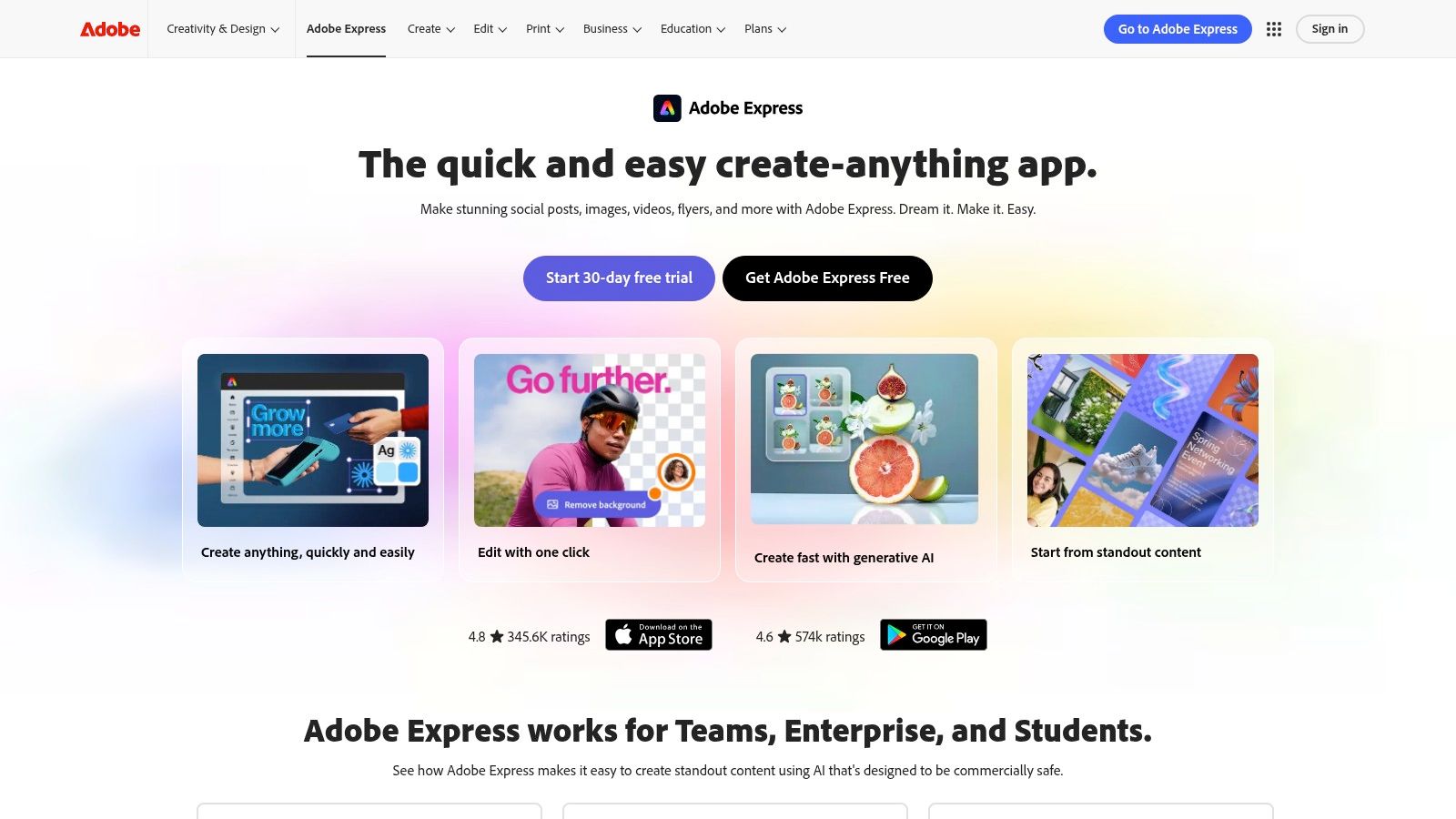
The user experience is clean and focused, allowing you to quickly create collages without getting overwhelmed by too many tools. Features like the one-click background remover are remarkably effective, and the text effects are top-notch. For premium users, the ability to import brand kits and access the entire Adobe Fonts and Adobe Stock library makes maintaining brand consistency across all your Stories incredibly simple. The cloud sync between the web and mobile apps ensures your projects are always accessible.
Key Features & Use Cases
- Best For: Creatives and businesses already invested in the Adobe Creative Cloud suite.
- Standout Feature: Direct access to Adobe Fonts and Adobe Stock (Premium) provides an unmatched library of professional-grade typography and images.
- Ideal Use-Case: A graphic designer sharing a new portfolio piece. They can use an elegant collage template, apply their exact brand fonts from Adobe Fonts, and add an animated sticker pointing to their Taap.bio link for the full case study.
Pricing, Pros & Cons
| Details | |
|---|---|
| Pricing | A robust free plan is available. The Premium plan starts at $9.99/month, unlocking premium templates, all Adobe Fonts, more stock photos, and brand features. |
| Pros | ✓ Polished templates and superior typography options. ✓ Excellent for maintaining brand consistency. ✓ Smooth workflow for existing Adobe Creative Cloud users. |
| Cons | ✗ The most valuable assets and features are behind the Premium paywall. ✗ Browsing the template library on the mobile app can feel a bit crowded. |
Quick Tips for Taap.bio Users
Workflow: Build your collage in Adobe Express, making sure to use your brand's specific fonts and colors. Export the final image and upload it to your Instagram Story. Add an interactive sticker linking back to your Taap.bio page to drive traffic to your portfolio, services, or latest content.
Export Settings:
- Format: PNG to preserve image quality and any transparency.
- Size: 1080 x 1920 pixels (default for Story templates).
- Compression: Not applicable for PNG; quality is lossless.
Website: https://www.adobe.com/express
3. Mojo
Mojo is built for one core purpose: turning static photos into dynamic, animated stories. While other apps handle static collages, Mojo specializes in motion, offering a massive library of video-first templates that make your content feel alive. This focus makes it one of the top instagram story collage apps for anyone wanting to stop the scroll with eye-catching movement, without needing complex video editing software.
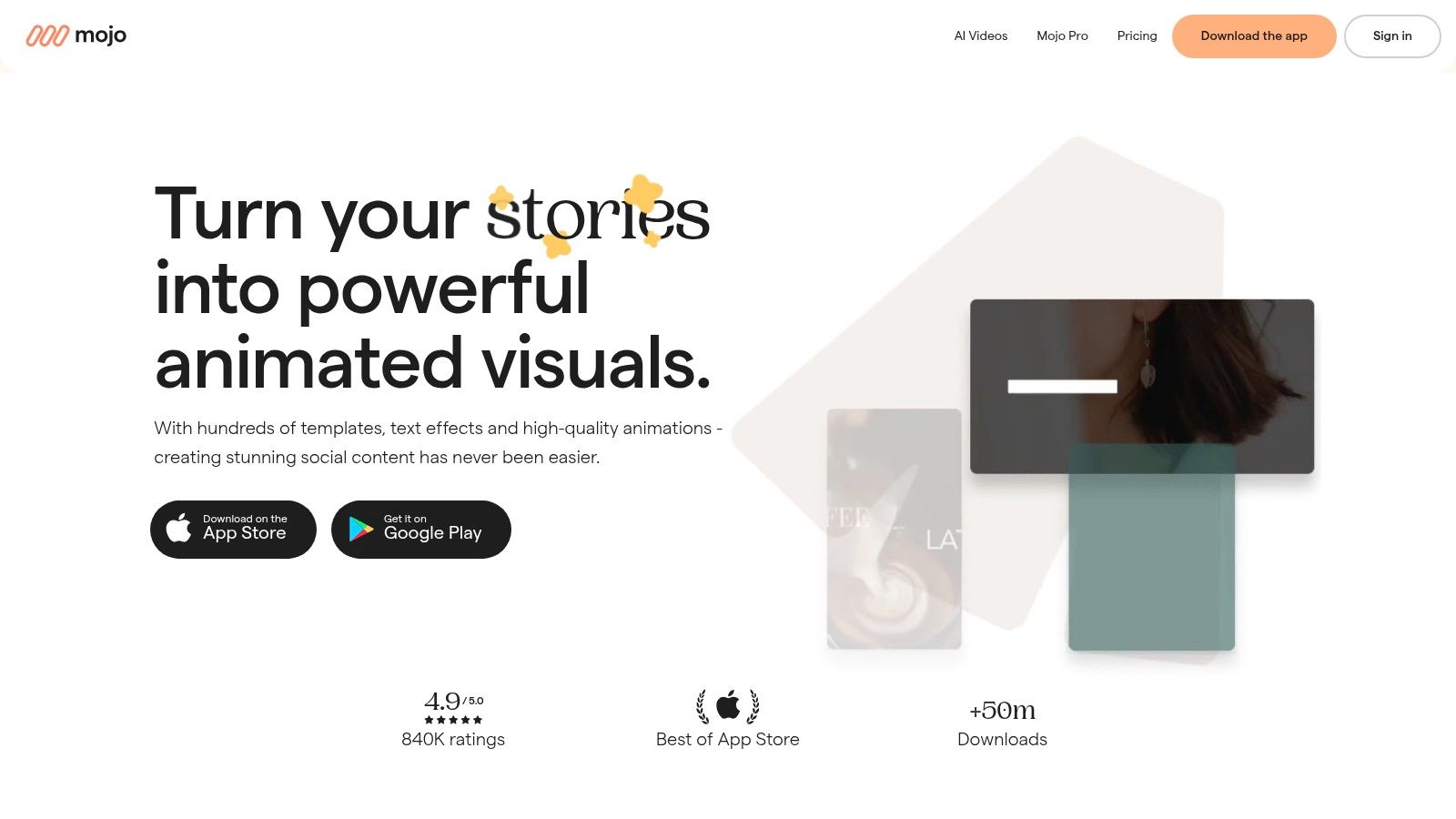
The app's mobile-first interface is incredibly direct. You choose a template, drop in your photos or video clips, and customize the text. Its strength lies in its stylish, social-native designs that feel current and professional. With built-in text animation presets and licensed music tracks, you can create a high-production-value video story collage in just a couple of minutes, a process that would take far longer in traditional editing software.
Key Features & Use Cases
- Best For: Influencers and brands who want to create modern, animated Story content quickly from still images.
- Standout Feature: The vast library of animated templates, complete with modern typography and fluid transitions, is its biggest asset.
- Ideal Use-Case: Creating a "photo dump" recap as an animated Reel or Story, where multiple photos are revealed with stylish transitions and text overlays, set to a trending audio track to maximize engagement. It's also perfect for ensuring your output respects the official Instagram Story specs.
Pricing, Pros & Cons
| Details | |
|---|---|
| Pricing | Free plan with watermarked exports and limited templates. Mojo Pro starts at $9.99/month to remove watermarks, unlock all templates, and add your own branding. |
| Pros | ✓ Extremely fast for creating professional motion collages. ✓ Templates feel modern and designed for social media. ✓ Regular addition of new, on-trend templates. |
| Cons | ✗ The most advanced animations and templates are behind the Pro paywall. ✗ The template-first workflow can feel restrictive for deep customization. |
Quick Tips for Taap.bio Users
Workflow: Build your animated collage in Mojo and export it as an MP4 video. Upload it to your Instagram Story and use the link sticker to point viewers to a relevant page on your Taap.bio, like a new blog post or product collection.
Export Settings:
- Format: MP4.
- Size: 1080 x 1920 pixels.
- Frame Rate: 30 FPS is standard for smooth playback.
Website: https://mojo-app.com
4. Unfold
Unfold has carved out a niche as the go-to app for creators seeking a minimalist, editorial aesthetic. Acquired by Squarespace, it excels at providing clean, magazine-style layouts and film-inspired frames that give your content a premium feel. Its strength lies in its curated collection of templates that make it simple to build a visually cohesive series of Stories, making it one of the most stylish instagram story collage apps available.
The app offers a library of tasteful collage templates, custom fonts, and subtle filters that prioritize aesthetics over loud effects. The experience feels more like laying out a page in a high-end zine than just dropping photos into a grid. For those who upgrade to Unfold Plus or Pro, a brand kit is available to apply your custom colors, logos, and fonts, and there's even a planning tool to preview your Instagram grid.
Key Features & Use Cases
- Best For: Fashion bloggers, photographers, and brands wanting a sophisticated and consistent Story aesthetic.
- Standout Feature: The collection of filmic and analog-inspired templates (like Clasico and Journal) that instantly elevate your photos with a timeless, artistic look.
- Ideal Use-Case: Creating a multi-part Story to recap a travel experience or showcase a new collection. Each slide flows into the next with a consistent, editorial style, ending with a call to action. You can discover more about how to add a link to your Instagram Story to drive traffic effectively.
Pricing, Pros & Cons
| Details | |
|---|---|
| Pricing | A free version offers a solid set of basic templates. Unfold+ starts at $2.99/month for access to all templates and features, with a Pro plan available for businesses. |
| Pros | ✓ Incredibly tasteful and restrained template designs. ✓ Perfect for building a cohesive series of Stories. ✓ Simple and intuitive user interface. |
| Cons | ✗ Brand features and the best templates require a subscription. ✗ Template flexibility is more curated, offering less freeform customization than other apps. |
Quick Tips for Taap.bio Users
Workflow: Build your elegant collage series in Unfold and save the video or image sequence to your phone. Upload to Instagram Stories, then add a sticker linking viewers to a specific project or lookbook on your Taap.bio page.
Export Settings:
- Format: Export as "Pages" for still images (PNG) or "Story" for an animated MP4.
- Size: The app automatically exports at the correct 1080 x 1920 dimension.
- Compression: Unfold's exports are already optimized for high quality on social media.
Website: https://unfold.com
5. GoDaddy Studio (formerly Over)
GoDaddy Studio, the app formerly known as Over, has evolved into a powerful and accessible tool for small business owners and creators. It offers a fantastic selection of on-trend Story templates and collage layouts with straightforward brand management tools. This makes it an ideal choice for anyone already using GoDaddy services, as it integrates smoothly into their ecosystem.
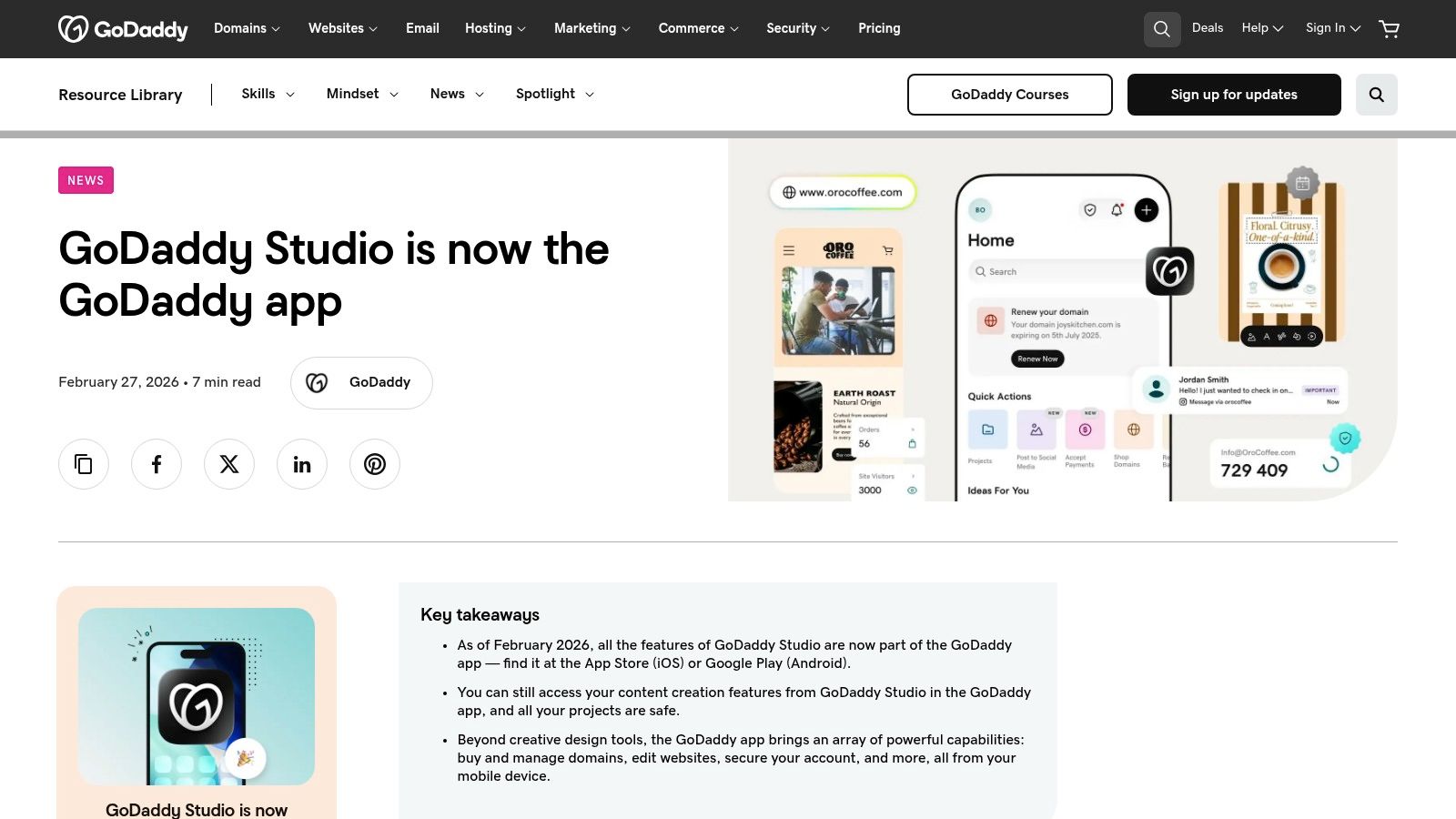
The app focuses on speed and simplicity, allowing you to create professional-looking promotional stories with just a few taps. You can easily apply your brand colors and fonts, add graphics, and even build a simple link-in-bio site directly within the app. While not as deep as a full design suite, its focused feature set makes it one of the most convenient instagram story collage apps for quick, effective social media marketing.
Key Features & Use Cases
- Best For: Small business owners, especially those already using GoDaddy for their website or domain.
- Standout Feature: The tight integration with the GoDaddy ecosystem, including a built-in link-in-bio site builder.
- Ideal Use-Case: A boutique owner needs to quickly create a Story collage to promote a flash sale. They use a GoDaddy Studio template, add their product photos, apply their brand colors with one tap, and publish it, all from their phone in minutes.
Pricing, Pros & Cons
| Details | |
|---|---|
| Pricing | Free plan with basic features. The paid plan unlocks premium templates and assets, starting around $9.99/month. |
| Pros | ✓ Very simple and approachable UI for creating promo stories quickly. ✓ Convenient integration if your domain or website is on GoDaddy. ✓ Available on both iOS and Android. |
| Cons | ✗ The feature set is less deep than dedicated design suites like Canva. ✗ The transition from Over to GoDaddy Studio has been confusing for some longtime users. |
Quick Tips for Taap.bio Users
Workflow: Build your promotional collage in the GoDaddy app and save the image to your phone. When you upload it to your Instagram Story, add a sticker that links to a specific product or section on your Taap.bio page, guiding your customers directly to the point of purchase.
Export Settings:
- Format: PNG to maintain photo clarity.
- Size: The app defaults to the correct 1080 x 1920 Story size.
- Compression: Not applicable, the app handles export settings automatically.
Website: https://www.godaddy.com/resources/news/godaddy-studio-is-becoming-the-godaddy-app
6. Picsart
Picsart is a powerful, all-in-one creative platform that blurs the line between a photo editor and a collage maker. It offers a great balance of deep editing features and quick, template-driven creation. While it has dedicated collage tools like grid and freeform layouts, its strength lies in the Instagram Story maker, which is packed with templates, stickers, and unique effects. This makes it one of the most flexible instagram story collage apps for those who want both speed and creative control.
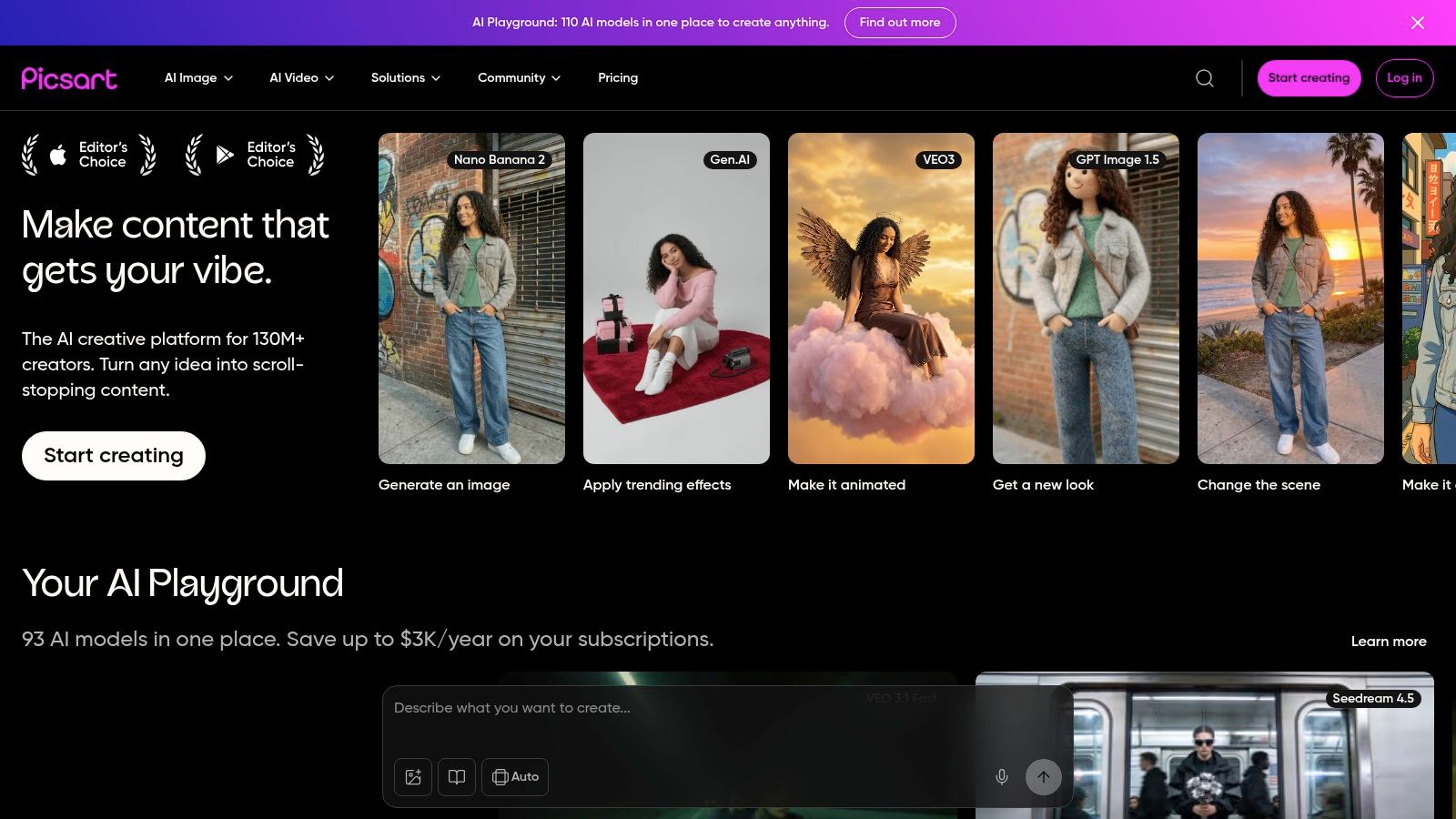
The platform is available on both web and mobile, allowing you to start a design on one device and finish it on another. A standout addition is the AI Template Generator, which can create custom Story layouts for you instantly based on your inputs. Beyond collages, you can add artistic effects and filters, which can completely change the mood of your images. For more ideas on how effects can elevate your content, you can find popular Instagram filters names and trends to explore.
Key Features & Use Cases
- Best For: Creators who want a single app for both quick collage templates and more advanced photo editing.
- Standout Feature: The AI Template Generator provides a unique starting point, creating custom layouts instantly and breaking you out of a creative rut.
- Ideal Use-Case: Creating a visually rich, multi-layered Story collage that blends photos, text, stickers, and artistic effects for a scrapbook-like feel, all within one app.
Pricing, Pros & Cons
| Details | |
|---|---|
| Pricing | Free plan with ads and limited tools. Picsart Gold starts at $5/month (billed annually) to unlock all features, templates, and assets. |
| Pros | ✓ Versatile tool for both quick templates and deep edits. ✓ Powerful AI features for template generation. ✓ Available across web and mobile for easy syncing. |
| Cons | ✗ The free version has frequent ads and prompts to upgrade. ✗ The social feed within the app can be distracting for some users. |
Quick Tips for Taap.bio Users
Workflow: Use Picsart's Story templates or AI generator to create your collage. After exporting, upload it to your Instagram Story and add a link sticker pointing to your Taap.bio page to showcase a new project or blog post.
Export Settings:
- Format: PNG for best quality.
- Size: 1080 x 1920 pixels.
- Compression: Ensure you're exporting at the highest quality setting available.
Website: https://picsart.com
7. InShot
InShot is a creator-favorite mobile video and photo editor that excels at speed and convenience. While known primarily for video, its collage function is a powerful tool for anyone needing to quickly combine photos and video clips into a single, cohesive Instagram Story. This makes it one of the most practical instagram story collage apps for creating hybrid content on the go.
The app makes it simple to select a layout, drop in your media, and adjust the borders or background. Where it truly shines is its ability to handle both static images and video clips within the same collage frame. You can add background music, text overlays, and stickers, turning a simple grid into an engaging micro-story. The "Canvas" tool ensures your creation is perfectly sized for the 9:16 Instagram Story format with a single tap.
Key Features & Use Cases
- Best For: Creators who frequently mix video clips and photos in their Stories and need a fast mobile workflow.
- Standout Feature: The ability to seamlessly integrate video into collage layouts, complete with trimming and volume controls for each clip.
- Ideal Use-Case: Creating a "behind-the-scenes" Story collage that shows a final photo alongside a short video clip of the setup, all within the same frame. Add some trending audio and animated text to make it even more captivating.
Pricing, Pros & Cons
| Details | |
|---|---|
| Pricing | Free version available with ads and watermarks. InShot Pro is available for $3.99/month or a one-time purchase of $39.99, which removes watermarks and unlocks all features. |
| Pros | ✓ Excellent for creating hybrid photo and video collages. ✓ Very fast and intuitive workflow on a mobile device. ✓ All-in-one editor with video, photo, and collage tools. |
| Cons | ✗ The user interface can feel a bit crowded for simple photo-only collages. ✗ Key features like watermark removal and premium effects require the Pro subscription. |
Quick Tips for Taap.bio Users
Workflow: Build your photo/video collage in InShot and export it as an MP4. Upload it to your Instagram Story and use the link sticker to direct followers to a specific project or service page on your Taap.bio site.
Export Settings:
- Format: MP4.
- Resolution: 1080p.
- Frame Rate: 30fps is standard for social media.
Website: https://inshot.com
8. Bazaart
Bazaart excels at creating artistic, scrapbook-style collages that feel handcrafted and personal. Its strength lies in its powerful layer-based editor and exceptional background removal tools, allowing you to precisely cut out subjects and arrange them with stickers, text, and photos. This makes it one of the most creative instagram story collage apps for users who want to move beyond simple grids and achieve a distinct, mixed-media aesthetic.
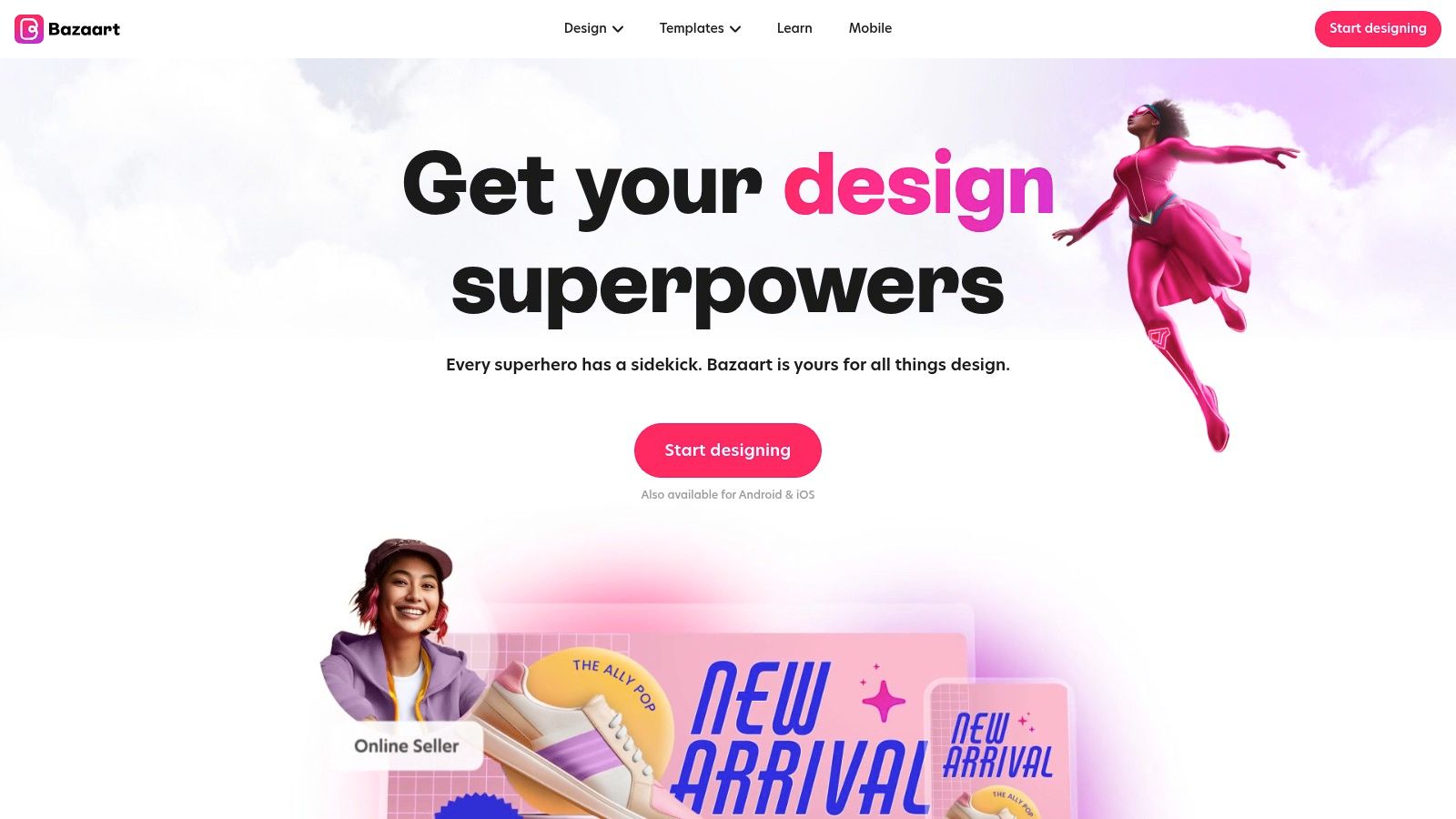
The app offers a clean interface where you can easily stack and manipulate different elements, giving you fine-tuned control over your final design. While it provides a solid library of templates sized perfectly for Stories, its real power is unlocked when you start from a blank canvas. The AI-driven tools simplify complex edits, making it possible for even non-designers to produce polished, visually rich collages that stand out in a crowded feed.
Key Features & Use Cases
- Best For: Creators and artists aiming for an aesthetic, layered, or scrapbook look for their Stories.
- Standout Feature: The "Magic" background removal tool is incredibly accurate and fast, making it easy to isolate subjects from photos for artistic compositions.
- Ideal Use-Case: Building a "photo dump" Story collage with a scrapbook feel. You can cut out people or products from multiple photos, layer them with digital washi tape stickers, add handwritten-style fonts, and create a visually dense and engaging design.
Pricing, Pros & Cons
| Details | |
|---|---|
| Pricing | Free version available with basic tools. Premium subscription starts around $11.99/month to unlock all features, including the magic eraser, premium templates, and full asset library. |
| Pros | ✓ Excellent for creating artistic, mixed-media looks. ✓ Powerful background removal and layering tools. ✓ Clean, intuitive user interface. |
| Cons | ✗ The best features and assets are behind a subscription. ✗ More manual and time-consuming than template-heavy apps. |
Quick Tips for Taap.bio Users
Workflow: Use Bazaart to create your unique, layered collage. Export the finished image and upload it to your Instagram Story. Add an interactive sticker linking viewers to a specific project or product page on your Taap.bio.
Export Settings:
- Format: PNG to preserve transparency if you use cutout elements.
- Size: 1080 x 1920 pixels.
- Compression: Not applicable for PNG; quality will be high.
Website: https://www.bazaart.com
9. Tezza
Tezza is an aesthetics-first editor designed for creators who prioritize a consistent, film-inspired look across their content. It's less about complex grids and more about mood. The app provides simple layout tools that let you arrange photos and videos, but its real power comes from its signature presets and overlays. This makes it one of the top instagram story collage apps for achieving a recognizable, editorial style with minimal effort.
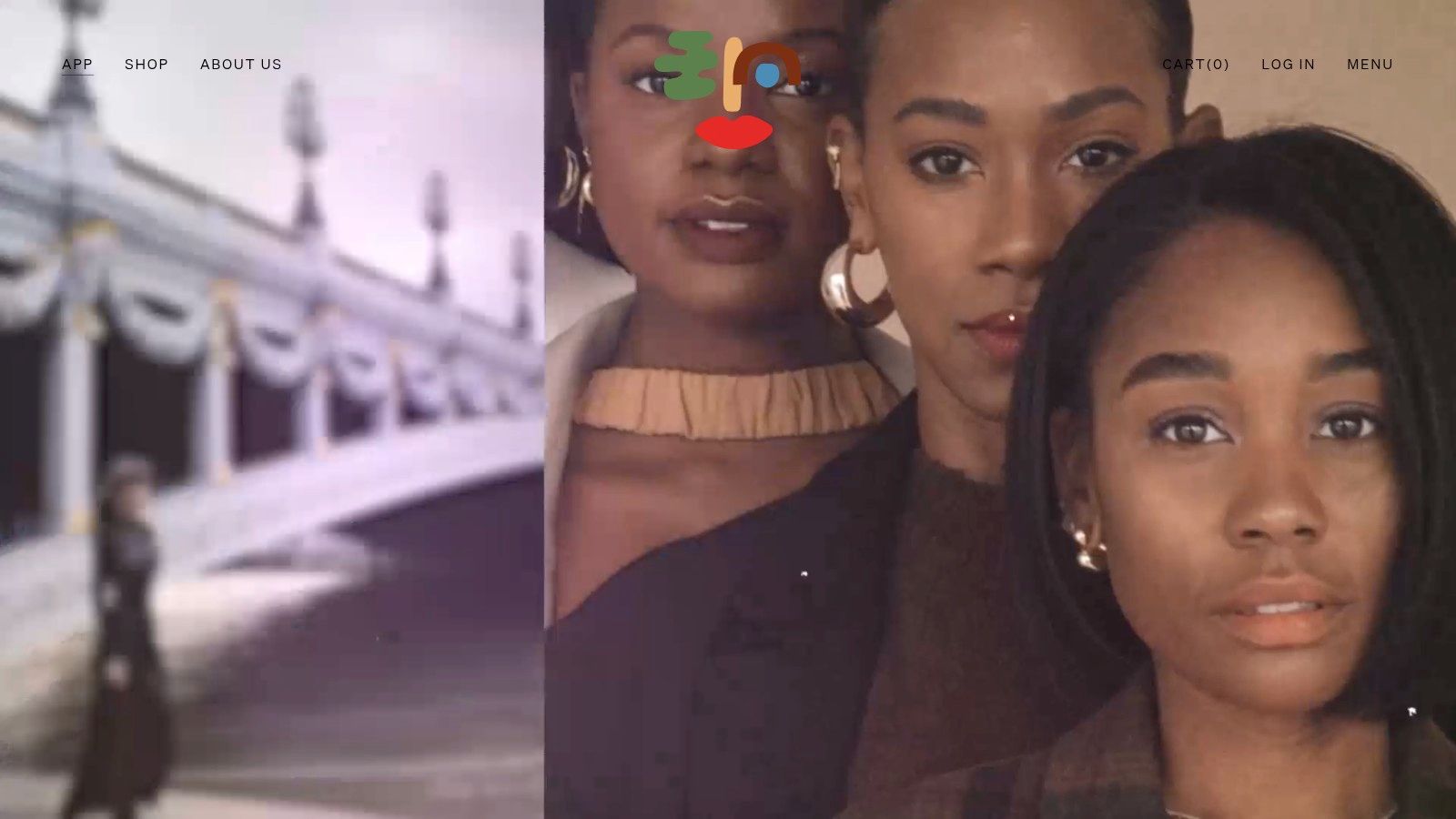
The mobile-first workflow is perfect for on-the-go editing. You can apply a cohesive filter across multiple photos and video clips, then arrange them into a simple, stylish Story layout. This ensures your collage feels like a unified piece rather than just a collection of images. Tezza's focus on a singular aesthetic makes it a favorite among influencers and brands who want their Stories to feel curated and professional.
Key Features & Use Cases
- Best For: Influencers and creators aiming for a consistent brand mood and film-like aesthetic.
- Standout Feature: The signature presets and filters provide an instantly recognizable style, ensuring your collages maintain a cohesive vibe.
- Ideal Use-Case: Creating a "photo dump" Story collage from a recent trip or event. You can apply the same preset to all images for a uniform look, add a grainy texture overlay, and arrange them in a simple vertical stack for a chic, scrapbook feel.
Pricing, Pros & Cons
| Details | |
|---|---|
| Pricing | Free version with limited presets and tools. Pro subscription is $5.99/month or $39.99/year to unlock all presets, editing tools, and collage layouts. |
| Pros | ✓ Delivers a recognizable, high-fashion editorial style. ✓ Great for creators who want a consistent brand tone. ✓ Simple and intuitive mobile-first workflow. |
| Cons | ✗ Fewer ready-made collage grids than template-focused apps. ✗ The preset-driven approach may feel restrictive for advanced users wanting full control. |
Quick Tips for Taap.bio Users
Workflow: Curate your photos in Tezza, apply your favorite preset, and arrange them in a Story collage. Export the collage and upload it to your Instagram Story. Add a link sticker pointing to your Taap.bio page where you've posted a full gallery or a related blog post.
Export Settings:
- Format: JPG is sufficient for this app's style.
- Size: The app defaults to the correct 1080 x 1920 Story dimensions.
- Compression: Export at the highest available quality setting.
Website: https://www.shoptezza.com/pages/app
10. Storyluxe
Storyluxe specializes in delivering high-fashion, editorial-style templates that make your photos look like they belong in a magazine. It stands out by focusing on specific aesthetics, offering curated packs of templates with themes like film, tape, neon, and floral designs. This makes it an excellent choice for influencers and brands wanting a cohesive, retro, or premium look for their Stories.
The app's workflow is designed for speed. You simply pick a template, drop your photos into the placeholders, and export. While it doesn't offer the deep customization of a full design suite, its strength lies in providing pre-made, stylish frames and textures that guarantee a professional result with minimal effort. This focus on curated packs makes it one of the best instagram story collage apps for creating an entire, visually consistent Story series.
Key Features & Use Cases
- Best For: Fashion influencers, photographers, and brands aiming for a distinct editorial or film-inspired aesthetic.
- Standout Feature: The cohesive template packs (e.g., "FILM," "TAPE") allow you to create a multi-slide Story where every frame looks like it was designed together.
- Ideal Use-Case: Showcasing a new photoshoot or product line using a series of "FILM" templates to create a vintage, analog-style narrative across several Instagram Stories.
Pricing, Pros & Cons
| Details | |
|---|---|
| Pricing | Free to download with a selection of templates. Storyluxe Unlimited subscription starts at $3.99/month for access to all templates and features. |
| Pros | ✓ Extremely quick workflow; create a beautiful collage in seconds. ✓ Cohesive template packs give Stories a professional, unified look. ✓ High-quality, trendy designs you won't find elsewhere. |
| Cons | ✗ Primarily an iOS app, so Android users have limited or no access. ✗ Lacks deep editing tools for text, colors, or element placement. |
Quick Tips for Taap.bio Users
Workflow: Select a template pack in Storyluxe that matches your brand's vibe. Create a multi-image Story collage and save it. Upload to Instagram and add a "Link" sticker pointing to your Taap.bio page, where users can see your full portfolio or shop the featured items.
Export Settings:
- Format: The app exports as a high-quality image, perfect for Stories.
- Size: Automatically sized to 1080 x 1920 pixels.
- Compression: Not applicable; the app handles optimal quality.
Website: https://storyluxe.com
11. SCRL
SCRL is designed for a specific kind of visual storytelling: seamless, multi-slide narratives. Instead of focusing on single-frame collages, it excels at creating panoramic effects that flow across multiple Instagram Story slides or carousel posts. This makes it one of the best instagram story collage apps for creators who want to build a cohesive, immersive experience that encourages viewers to tap through. Its minimalist approach prioritizes composition and negative space.
The app's interface is built around a canvas that spans several slides, allowing you to place and layer photos so they seamlessly connect from one frame to the next. You can drag images across the boundaries of individual slides to create a continuous design. This is perfect for lookbooks, tutorials, or behind-the-scenes montages where the story unfolds gradually. SCRL strips away complex tools to keep you focused on layout and flow.
Key Features & Use Cases
- Best For: Photographers, designers, and fashion influencers who favor minimalist aesthetics and multi-slide storytelling.
- Standout Feature: The seamless multi-panel canvas that lets you design across several Story slides at once for a continuous panoramic effect.
- Ideal Use-Case: Creating a "swipe-through" lookbook for a new clothing collection, where a single model shot is split across three consecutive Stories, with text overlays appearing on each new slide.
Pricing, Pros & Cons
| Details | |
|---|---|
| Pricing | Free version available with basic templates. SCRL Pro is available as a one-time purchase or subscription, unlocking all templates, layers, and fonts. |
| Pros | ✓ Superb for creating seamless, panoramic layouts. ✓ Simple, composition-focused editor is easy to learn. ✓ Encourages creative multi-slide narratives. |
| Cons | ✗ Purpose-built, so it lacks the broader editing tools of larger suites. ✗ Limited library of stickers and advanced effects. |
Quick Tips for Taap.bio Users
Workflow: Build your seamless multi-slide collage in SCRL and export each slide as a separate image. Upload them in order to your Instagram Story. On the final slide, add a link sticker directing users to your Taap.bio page to see the full collection or project.
Export Settings:
- Format: JPG is sufficient for this style.
- Size: The app exports at the correct 1080 x 1920 pixel resolution for each slide.
- Compression: Use the default high-quality export setting.
Website: https://scrlapp.squarespace.com
12. PicCollage
PicCollage has been a staple in the mobile creative space for years, and for good reason. It excels at quickly assembling multiple photos into fun, energetic collages perfect for Instagram Stories. Its strength lies in its speed and simplicity, making it one of the best instagram story collage apps for creating photo-dump recaps, "this or that" posts, or showcasing a collection of moments from an event. The interface is incredibly straightforward and geared toward fast creation.
The app is consistently updated with themed and seasonal templates, so you'll always find fresh layouts for holidays, trends, or special occasions. Beyond its extensive grid options, PicCollage offers a freeform mode where you can arrange, resize, and rotate photos freely. It also includes useful tools like a quick cutout feature to isolate subjects from their backgrounds and a doodle tool for adding a personal, hand-drawn touch to your creations.
Key Features & Use Cases
- Best For: Users who want to create fun, photo-centric collages quickly without a steep learning curve.
- Standout Feature: A massive and frequently updated library of seasonal and event-based templates, keeping your Story content timely and relevant.
- Ideal Use-Case: Compiling a weekend recap Story. You can quickly drop 5-10 photos into a dynamic grid, add a title like "Weekend Vibes," sprinkle in a few fun stickers, and post it in minutes. It's a great tool for those who want to know how to post multiple photos on Instagram Stories with more creative flair than the native options allow.
Pricing, Pros & Cons
| Details | |
|---|---|
| Pricing | Free to download and use with a watermark. PicCollage VIP is available for $4.99/month to remove watermarks, unlock all stickers and templates, and get new features. |
| Pros | ✓ Extremely fast workflow for assembling multi-photo collages. ✓ Huge selection of beginner-friendly layouts and fun stickers. ✓ Frequent content updates for holidays and trends. |
| Cons | ✗ Watermark on free version exports. ✗ The best templates and features require a VIP subscription. ✗ Lacks the advanced design and branding tools of more professional editors. |
Quick Tips for Taap.bio Users
Workflow: Create your photo-dump collage in PicCollage and save it to your camera roll. Share it on your Instagram Story and add an interactive poll or quiz sticker. Then, use the link sticker to direct your audience to your Taap.bio page to see a full blog post or gallery related to the event.
Export Settings:
- Format: JPG is standard.
- Size: The app automatically exports in a Story-optimized dimension (1080 x 1920 pixels).
- Compression: Default settings are sufficient for good quality on mobile.
Website: https://piccollage.com
12-Tool Comparison: Instagram Story Collage Apps
| App | Core features ✨ | UX / Quality ★ | Price / Value 💰 | Target audience 👥 | Top strength 🏆 |
|---|---|---|---|---|---|
| Canva | Thousands of Story templates, drag‑and‑drop, stock library | ★★★★☆ — fast & collaborative | Free + Pro (best tools paid) 💰 | Creators, teams, marketers 👥 | Massive template ecosystem 🏆 |
| Adobe Express | Curated 1080×1920 templates, fonts, bg remover | ★★★★☆ — polished, brand‑ready | Free + Premium (Adobe plan) 💰 | Adobe users, brand teams 👥 | Type & brand consistency 🏆 |
| Mojo | Animated Story templates, text presets, music | ★★★★☆ — motion‑native, mobile first | Free + Pro templates/assets 💰 | Reels/Story creators, social natives 👥 | Motion‑first animated templates 🏆 |
| Unfold | Minimal editorial templates, fonts, filters | ★★★★☆ — tasteful & restrained | Free + Plus/Pro (brand kits) 💰 | Photographers, editorial creators 👥 | Clean, premium aesthetic packs 🏆 |
| GoDaddy Studio | Trendy templates, brand tools, link‑in‑bio | ★★★☆☆ — simple & approachable | Free + paid features; GoDaddy tie‑in 💰 | Small businesses, entrepreneurs 👥 | Easy promo tools + GoDaddy integration 🏆 |
| Picsart | Grid/freeform collages, AI template generator, effects | ★★★★☆ — versatile editing suite | Free + Pro (best assets paid) 💰 | Editors who want speed + depth 👥 | AI‑assisted templates & deep edits 🏆 |
| InShot | Photo/video collages, music, transitions, 9:16 sizing | ★★★★☆ — very fast on mobile | Free + Pro (export/features) 💰 | Mobile creators, vloggers 👥 | Hybrid photo + video workflow 🏆 |
| Bazaart | Layered editing, cutouts, background removal | ★★★★☆ — precise, design‑oriented | Trial + subscription for pro tools 💰 | Aesthetic creators, mixed‑media designers 👥 | Strong layering & cutout control 🏆 |
| Tezza | Signature presets, overlays, simple layout tools | ★★★★☆ — cohesive, preset‑driven | Paid focused (app purchases) 💰 | Creators seeking a consistent mood 👥 | Distinct editorial presets & overlays 🏆 |
| Storyluxe | Curated film/neon/tape packs, film textures | ★★★☆☆ — quick, pack‑based flow | Paid packs; iOS‑first 💰 | Editorial/retro aesthetic creators 👥 | Pack‑based premium film frames 🏆 |
| SCRL | Panoramic & multi‑panel layouts, composition tools | ★★★★☆ — minimalist, narrative‑focused | Free + in‑app purchases 💰 | Storytellers, carousel creators 👥 | Seamless multi‑slide storytelling 🏆 |
| PicCollage | Seasonal grids, stickers, quick cutouts | ★★★☆☆ — ultra‑fast & easy | Free + paid packs 💰 | Casual creators, beginners 👥 | Fast, trendy seasonal templates 🏆 |
From App to Audience: Turning Your Collages into Connections
You've just explored a dozen of the best instagram story collage apps available, each offering a distinct path to creating standout content. The journey from a blank canvas to a published Story collage is about more than just arranging photos; it’s about translating your vision into a visual language that captivates your audience. We've seen how tools like Canva and Adobe Express provide all-in-one design power, while apps like Mojo and Unfold offer cinematic animations and minimalist elegance.
The key takeaway is that there is no single "best" app, only the best app for your specific needs and workflow. Your choice ultimately depends on what you value most. Are you a content creator who needs speed and trendy templates? Unfold or Mojo might be your go-to. Are you a small business owner who requires brand consistency across all marketing materials? GoDaddy Studio or Adobe Express offers the robust features you need. For those who love deep creative control and artistic effects, Picsart and Bazaart provide a nearly limitless playground.
Choosing Your Creative Partner
Making the right selection requires a moment of self-assessment. Before you commit, consider these critical factors:
- Your Skill Level: Be honest about your design experience. If you're a beginner, an app with a simple interface and a wealth of ready-to-use templates like PicCollage or InShot will prevent frustration and get you creating faster.
- Your Time Commitment: How much time can you dedicate to creating Stories? If you're constantly on the move, an app celebrated for its speed and intuitive workflow, such as Storyluxe, is a practical choice. If you enjoy the design process, a more feature-rich platform like Canva won't feel overwhelming.
- Your Budget: Many of these instagram story collage apps offer fantastic free versions. Test them thoroughly before subscribing. A paid plan is only worth it if you consistently use its premium features, such as background removal, exclusive templates, or brand kits.
- Your Aesthetic: Your brand's visual identity is paramount. If your look is film-inspired and moody, Tezza is a perfect match. If it's clean and modern, Unfold's templates will align beautifully. Don't force an app that doesn't naturally fit your style.
Ultimately, the power of a great collage lies in its ability to tell a story, stop the scroll, and guide your audience to action. The apps are merely the instruments; you are the conductor. Experiment with a few from this list, find the one that feels like an extension of your own creativity, and start turning your ideas into engaging visual narratives that build genuine connections.
Now that your Instagram Stories look exceptional, give your followers a beautiful and functional destination to explore all your content. A stunning taap.bio page is the perfect place to feature your new collages, link to your latest projects, and grow your audience. Create your free, elegant link-in-bio page in minutes at taap.bio and make every click count.