
In 2026, a static website is a missed opportunity. To capture attention and build a loyal audience, you need a dynamic, interactive experience that pulls visitors deeper into your world. The right widgets can transform your site from a simple brochure into a vibrant hub, showcasing your latest social media posts, building trust with real-time reviews, and offering seamless ways for users to engage with your content. But with thousands of options available, how do you choose the ones that will actually make a difference without slowing down your site or overwhelming your visitors?
This guide cuts through the noise. We've curated the ultimate list of the best widgets for websites, categorized by function, to help you add powerful, interactive elements that drive engagement and conversions. We'll explore everything from all-in-one widget suites like Elfsight and POWR to specialized social feed plugins from Smash Balloon, giving you the insights to pick the perfect tools. Making these choices can be complex, and for those wanting to dig even deeper into the specifics, a comprehensive comparison of website tools can provide additional clarity.
Inside this resource, you will find:
- A detailed breakdown of 12 top-tier widget providers.
- Specific use cases for each tool to spark your creativity.
- Honest assessments of performance, privacy, and implementation.
- Screenshots and direct links to get you started immediately.
Forget generic lists. This is your actionable playbook for enhancing your website's functionality and creating an experience that keeps visitors coming back for more. Let's find the perfect widgets to elevate your site.
Table of contents
1. Elfsight
Elfsight stands out as a massive, all-in-one library for some of the best widgets for websites, offering a staggering collection of over 90 ready-to-use apps. It's the ideal solution for website owners who need to quickly add diverse functionality, like social media feeds, customer reviews, or interactive forms, without touching a single line of code. The platform’s strength lies in its consistency and ease of use; once you learn how to configure one widget, you can master them all.
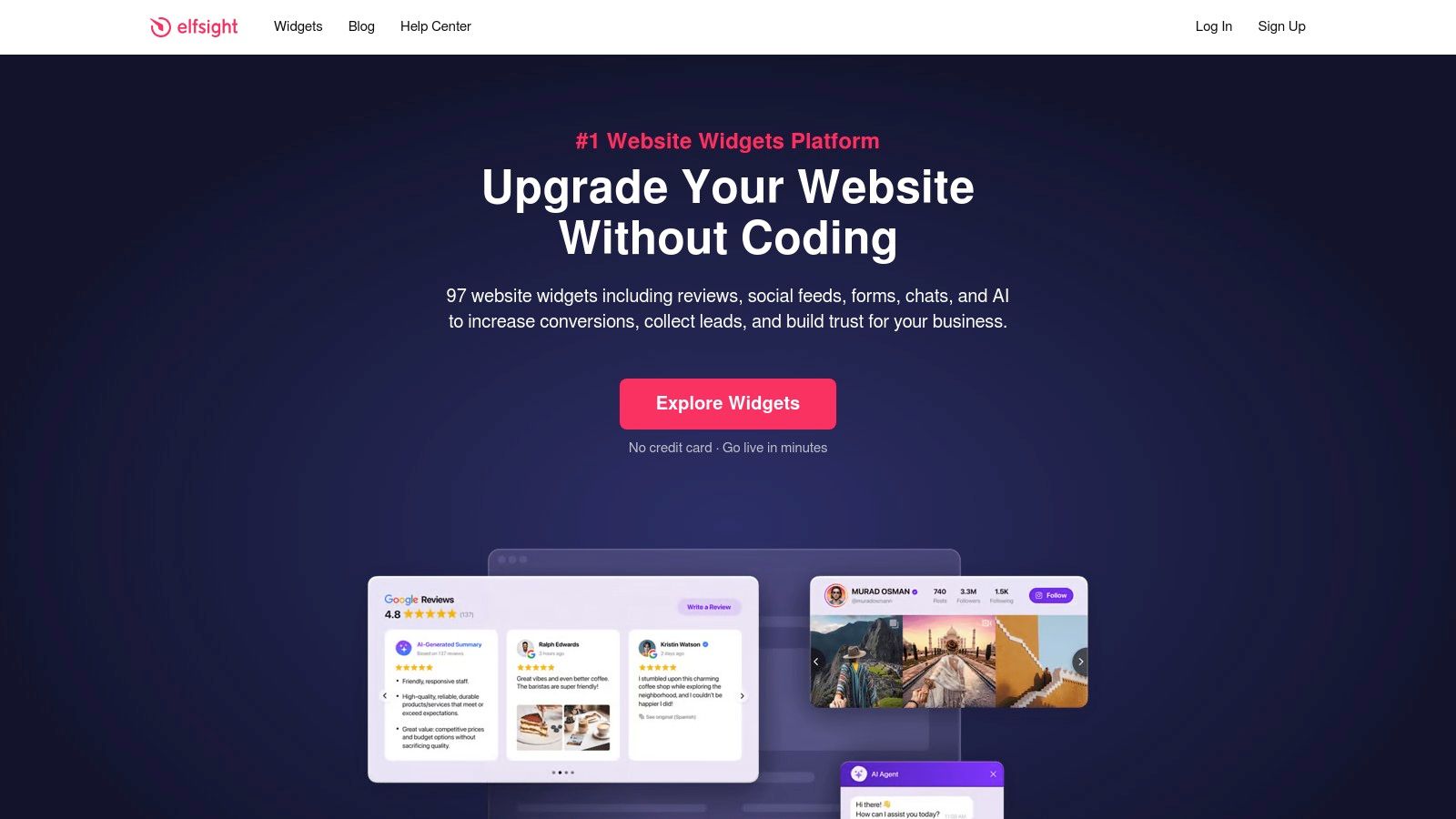
This makes it perfect for agencies or freelancers managing multiple client sites, as you can deploy polished, professional widgets across unlimited domains. Elfsight's All-in-One plan bundles every app, but you can also subscribe to individual widgets. Their social media widgets, for instance, are a fantastic way to create a dynamic social hub, and you can explore more advanced platforms in our guide to the best link in bio alternatives.
Key Features & Considerations
- Massive Library: With over 90 apps, you can find a widget for almost any need, from event calendars to pricing tables.
- No-Code Editor: Customize templates, colors, and layouts through a user-friendly interface.
- Universal Compatibility: Works seamlessly with WordPress, Shopify, Squarespace, and any platform that allows custom HTML.
- Pricing Model: Plans are based on monthly widget views. The free plan is great for testing, but high-traffic sites will need a paid tier to avoid having widgets paused. Be mindful that view limits can be hit quickly during traffic spikes.
- Support: A comprehensive help center and optional installation services are available for those who need extra assistance.
Website: https://elfsight.com
2. Common Ninja
Common Ninja offers a powerful and diverse collection of no-code widgets designed to enhance any website with rich, interactive content. From dynamic tables and comparison charts to tournament brackets and review showcases, its library provides tools for a wide range of needs. The platform's unique strength is its instance-based pricing model, giving users granular control over exactly how many widgets they deploy and pay for.
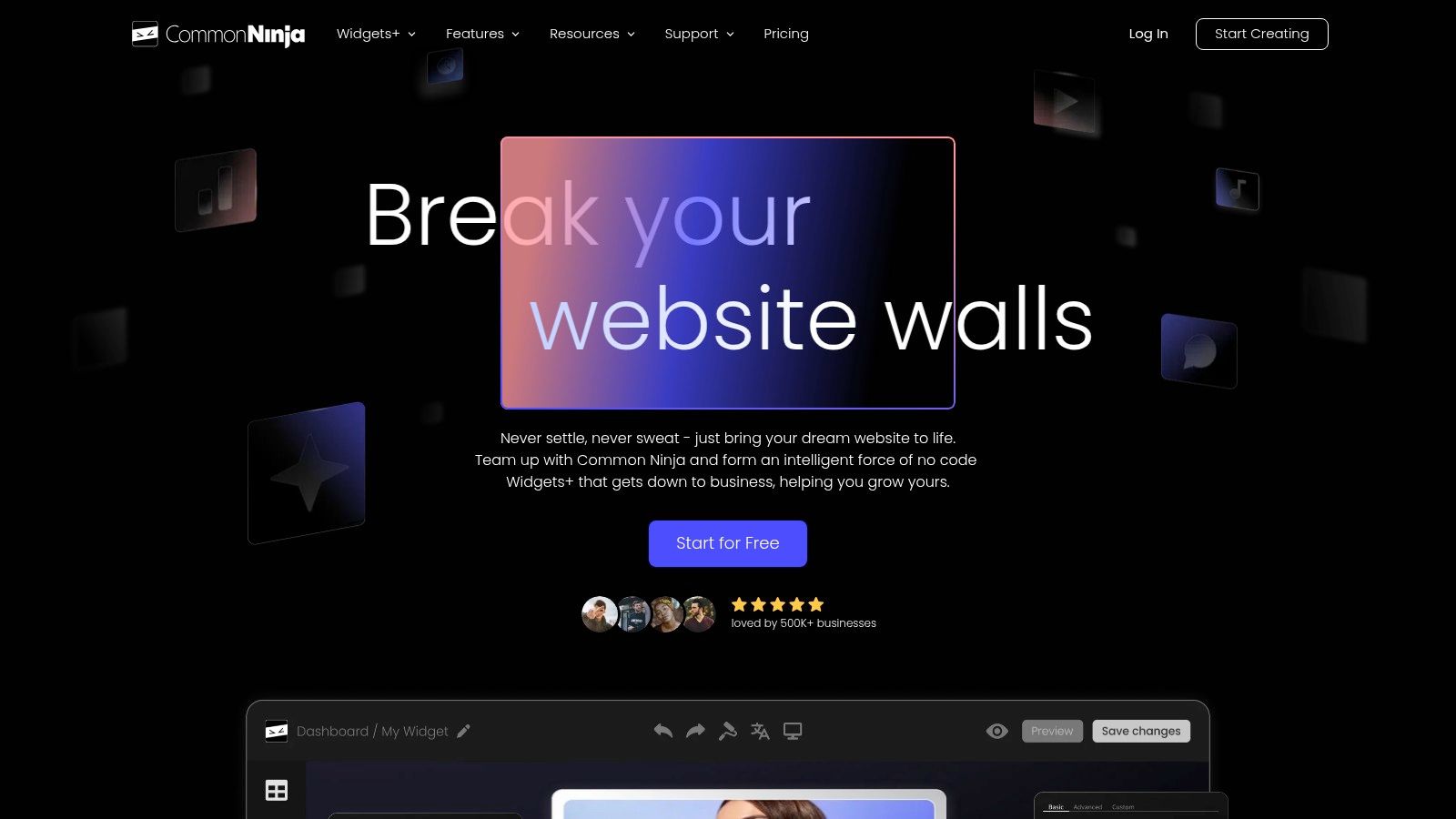
This approach makes it an excellent choice for agencies, freelancers, or anyone managing multiple projects who needs predictable costs without being locked into a large, all-or-nothing package. Common Ninja excels at providing some of the best widgets for websites that require both utility and marketing appeal, backed by solid documentation that makes getting started straightforward.
Key Features & Considerations
- Wide Widget Variety: The library includes a great mix of content tools like sliders and tables alongside marketing widgets like forms and social feeds.
- Instance-Based Pricing: You purchase a specific number of widget instances (e.g., 1, 5, 25), giving you precise control over your subscription costs. This is a key differentiator from view-based models.
- Broad Compatibility: Integrates smoothly with popular website builders like WordPress, Duda, Wix, and any platform that supports custom HTML.
- Complex Pricing: The pricing structure can be slightly confusing, with separate plans for its main widget suite ("Widgets+") and specialized tools like "Brackets." Users should carefully review the tiers.
- Styling Limitations: While customization is robust, some advanced styling options and features may be reserved for higher-priced plans.
Website: https://www.commoninja.com
3. POWR
POWR is a versatile hub for website owners seeking a wide range of embeddable apps, offering a library of over 60 plugins designed for marketing, sales, and customer support. It’s an excellent choice for those who need to add specific functions like popups, forms, or social media feeds across different platforms. The platform's major selling point is its incredible compatibility and straightforward installation process, with step-by-step guides for virtually every major website builder and CMS.
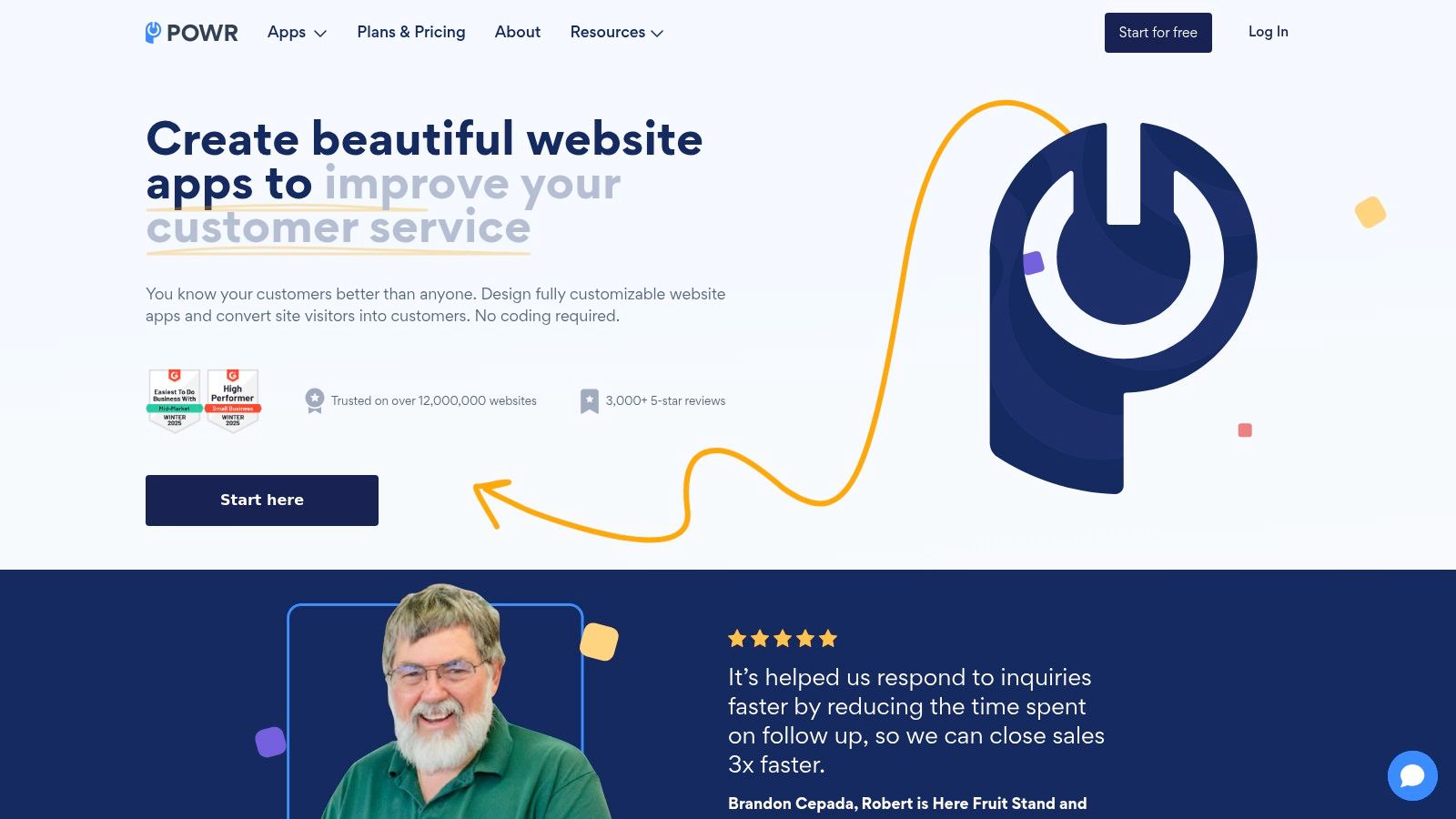
This makes POWR a reliable option for users on WordPress, Shopify, Wix, Squarespace, and even more niche builders. Each app is highly customizable, allowing you to tailor its appearance and behavior to match your brand's aesthetic without needing to code. The focus on practical marketing tools, such as countdown timers and FAQ sections, makes it one of the best widget providers for websites aiming to boost conversions and user engagement.
Key Features & Considerations
- Extensive App Library: Access over 60 customizable apps, including forms, galleries, popups, and payment buttons.
- Broad Platform Support: Detailed tutorials ensure seamless integration with almost any website builder or e-commerce platform.
- Helpful Free Tiers: Most apps offer a free plan, which is perfect for testing functionality before committing to a paid subscription.
- Usage-Based Pricing: Plans are typically based on pageviews or app loads. This is cost-effective for new sites but may require upgrades as traffic grows. The POWR branding is also present on free plans.
- User-Friendly Editor: The interface is clean and intuitive, making it easy to configure and deploy your widgets quickly.
Website: https://www.powr.io
4. Getsitecontrol
Getsitecontrol zeroes in on conversion-driven website widgets, empowering marketers and e-commerce stores to capture leads, gather feedback, and drive sales. Instead of offering a broad library, it provides a specialized toolkit for creating popups, surveys, and sticky bars designed to engage visitors at the perfect moment. Its core strength is the powerful targeting engine that lets you trigger widgets based on user behavior, traffic source, or even shopping cart contents without needing a developer.

This makes Getsitecontrol one of the best widgets for websites focused on boosting key metrics like email sign-ups or reducing cart abandonment. The platform is designed for action, providing real-time statistics and seamless integrations with major marketing tools like Klaviyo, HubSpot, and Mailchimp. Its clean editor and mobile-friendly designs ensure a professional look across all devices, making it easy to deploy a sophisticated engagement strategy quickly.
Key Features & Considerations
- Conversion-Focused Tools: Specializes in popups, floating bars, email capture forms, and user surveys.
- Advanced Targeting Engine: Set display rules based on visitor behavior, on-page actions, device, location, and e-commerce data.
- A/B Testing: Easily test different copy, designs, and offers to see what converts best.
- Pricing Model: Plans are priced per-site and based on monthly widget views. High-traffic sites may find view caps restrictive, as widgets are paused once the limit is reached. Note that email marketing features are billed as a separate product.
- Integrations: Connects directly with popular email marketing services, CRMs, and analytics platforms, plus Zapier for endless automation possibilities.
Website: https://getsitecontrol.com
5. Smash Balloon
For WordPress users seeking best-in-class social media feed integration, Smash Balloon is the undisputed leader. Rather than offering a broad library, it provides a suite of powerful, dedicated plugins for Instagram, Facebook, X/Twitter, YouTube, TikTok, and customer reviews. This specialized approach makes it the go-to solution for website owners who need reliable, deeply customizable, and performance-optimized social feeds directly within their WordPress dashboard. Its strength lies in its maturity and focus, ensuring feeds are always up-to-date with API changes.
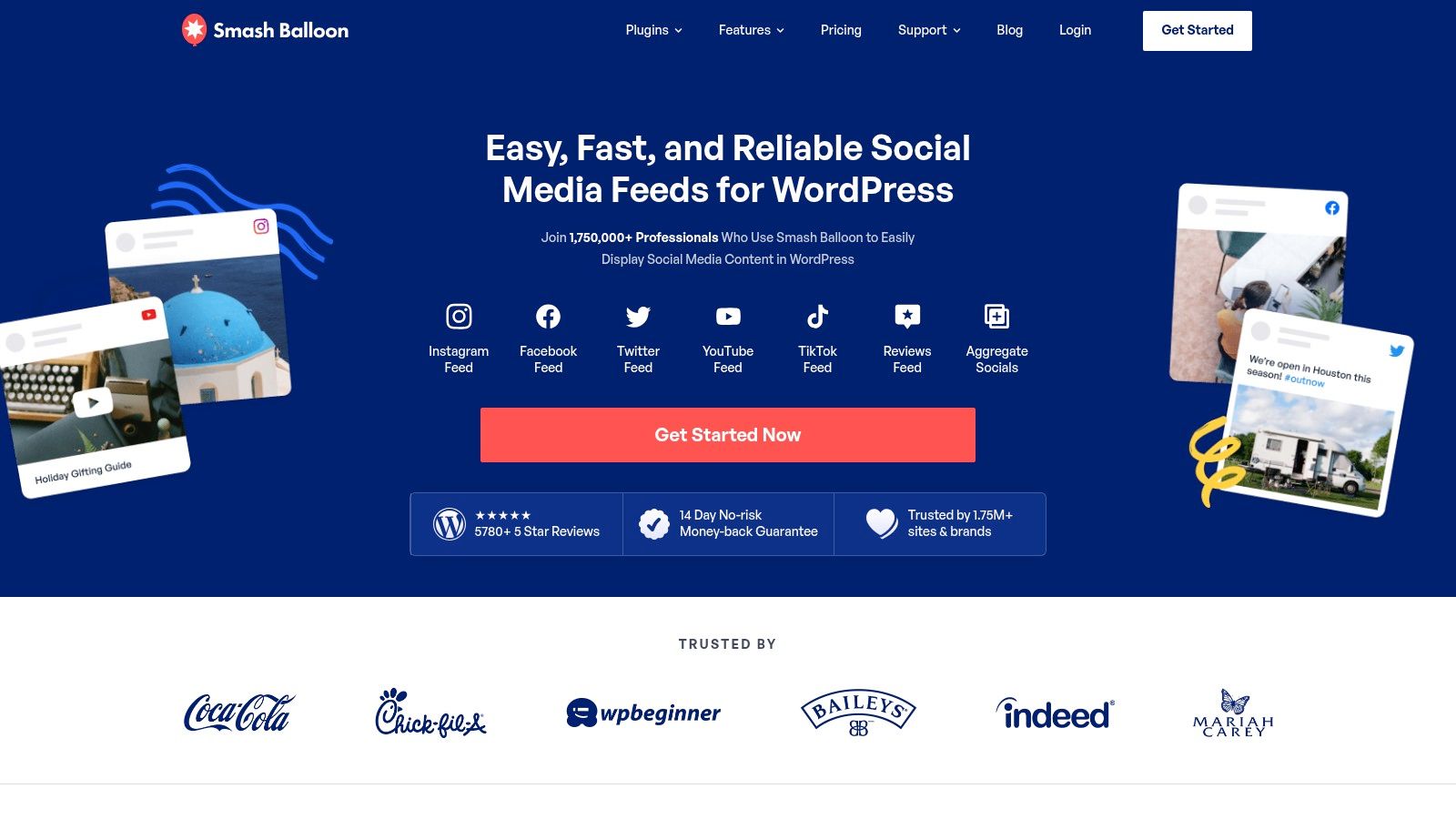
The platform is ideal for businesses that want to leverage user-generated content or create a seamless social hub without leaving their WordPress environment. Because it’s a native plugin, it inherits your theme's styling for a cohesive look while offering extensive customization options. If you're looking for broader tools that work across different platforms, you can find great options in our guide to free social media aggregators.
Key Features & Considerations
- Dedicated WordPress Plugins: Individual, highly-optimized plugins for each major social network ensure deep functionality and reliability.
- Advanced Customization: Offers multiple layouts like carousels, galleries, and masonry grids with robust moderation tools to filter content.
- Performance-Focused: Built to be fast, with smart caching and minimal requests to protect your site speed.
- WordPress Only: This is its greatest strength and its main limitation; it does not work on non-WordPress platforms like Shopify or Squarespace.
- Pricing Model: You can purchase plugins individually or get the All-Access bundle for the best value. API changes from social networks can occasionally affect functionality, but the team is quick to release updates.
Website: https://smashballoon.com
6. EmbedSocial
EmbedSocial excels at turning social proof and user-generated content into powerful, trust-building website assets. It specializes in aggregating reviews from platforms like Google, Facebook, and Yelp, and displaying social media feeds from Instagram, TikTok, and YouTube. This makes it an invaluable tool for businesses aiming to showcase authentic customer feedback and dynamic social content directly on their site, which is key to boosting conversions and credibility.
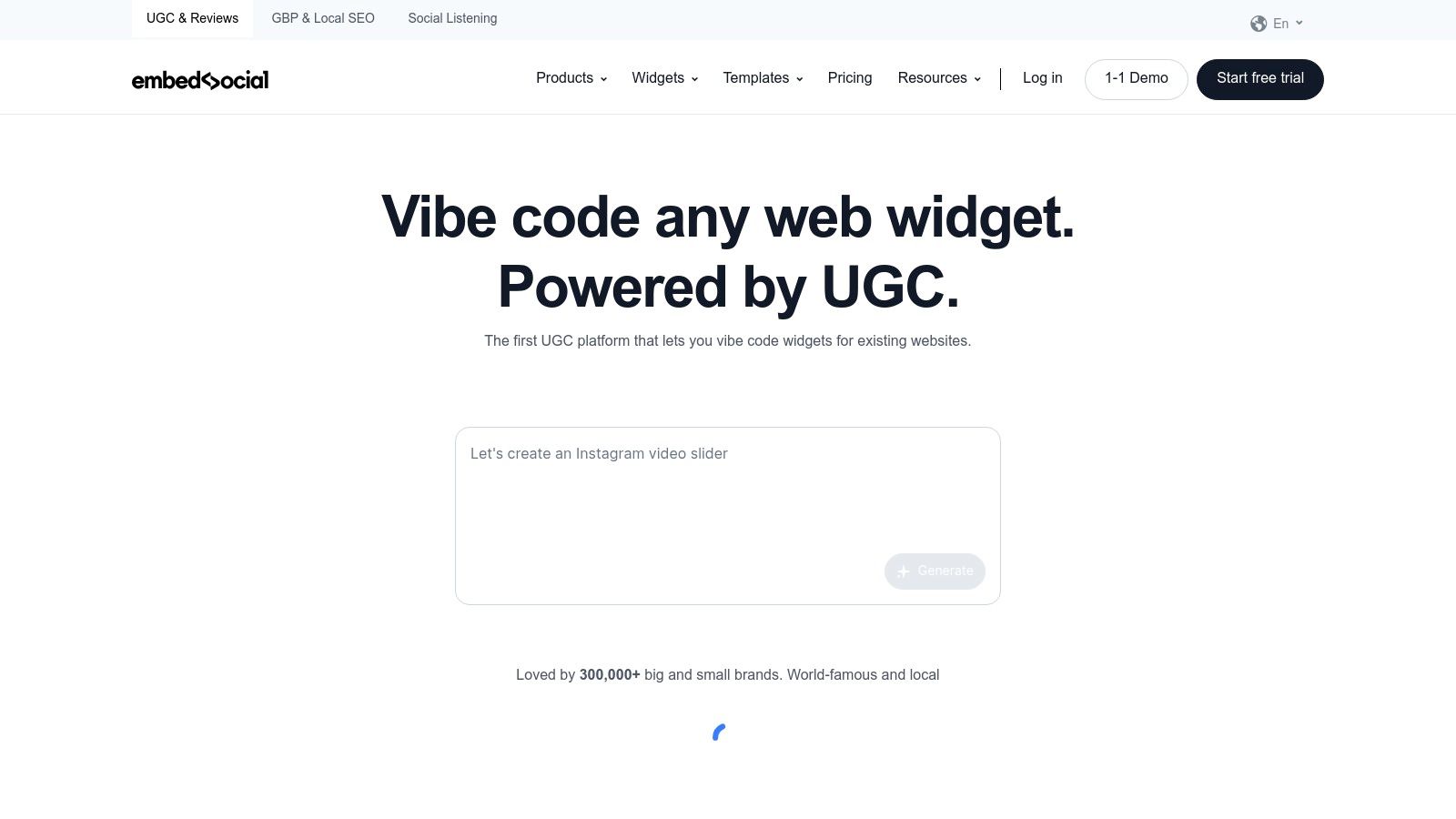
The platform’s strength is its focused approach to social proof, offering robust tools to not just display content but also to collect and manage it. For e-commerce stores, the ability to create shoppable Instagram and TikTok galleries is a game-changer, allowing visitors to purchase products featured in user posts. EmbedSocial provides some of the best widgets for websites looking to leverage authentic social content to drive sales and build a loyal community.
Key Features & Considerations
- Social Proof Aggregation: Automatically pulls and displays reviews from major platforms, saving you manual effort and ensuring content is always fresh.
- UGC & Shoppable Galleries: Create beautiful, interactive galleries from Instagram and TikTok feeds, complete with product tagging to drive on-site sales.
- Moderation & Customization: Powerful tools let you filter and approve content before it goes live, and the no-code editor helps you match the widget's style to your brand.
- Pricing & Limits: The free plan is quite limited, making it best for testing. Paid plans are structured around the number of sources (e.g., one Facebook page is one source) and widget views, so high-traffic sites need to choose their tier carefully.
- Multi-Platform Support: Generates a simple embed code that works with WordPress, Shopify, Wix, Squarespace, and any site that accepts custom HTML.
Website: https://embedsocial.com
7. Tagembed
Tagembed specializes in transforming social media content into dynamic, embeddable widgets for your website. As a powerful social media aggregator, it allows you to collect and curate feeds from various platforms like Instagram, Facebook, Google Reviews, and TikTok, creating a unified social wall. This is ideal for businesses looking to boost social proof, increase engagement, and keep website content fresh without manual updates.

What sets Tagembed apart is its focus on performance and moderation, making it one of the best widgets for websites that rely on user-generated content. It uses caching and CDN delivery to ensure your social feeds load quickly, while AI-powered moderation helps filter out undesirable content automatically. If you're new to this concept, you can learn more about how a content aggregator works and why it's so effective.
Key Features & Considerations
- Broad Platform Support: The free plan supports over 10 sources, with paid plans offering even more integrations.
- Performance Optimized: With CDN delivery and content caching, widgets are designed to have minimal impact on your site’s loading speed.
- Advanced Moderation: Features AI sentiment analysis and manual controls to ensure only high-quality content appears on your site.
- Team & Agency Focused: Higher-tier plans include collaboration features, making it easy for teams to manage multiple social walls.
- Plan Limitations: Be aware that Twitter/X is often excluded from lower-tier plans, and the refund policy on annual plans can be restrictive.
Website: https://tagembed.com
8. SociableKIT
SociableKIT is a powerful solution for anyone looking to integrate dynamic social media feeds and niche content directly into their website. With a library of over 90 different widgets, it specializes in pulling content from various platforms, including social media, event sites, review platforms, and even job boards. Its unique value proposition is the "unlimited widgets" model offered across all plans, making it highly cost-effective for users who need to embed multiple feeds from the same sources.

The platform is designed for ease of use, with a straightforward customization and embedding process. A major benefit for those less technically inclined is the free installation service offered on all paid plans, ensuring a smooth setup. This focus on social and user-generated content makes it one of the best widgets for websites looking to boost engagement and display real-time updates without manual effort. While many platforms offer basic social feeds, SociableKIT’s specialized widgets for hard-to-find sources give it a distinct edge.
Key Features & Considerations
- Specialized Library: Offers over 90 widgets with a strong focus on social feeds, reviews, and other niche content like job listings or events.
- Unlimited Widgets Model: All plans allow you to create an unlimited number of widgets; pricing is based on the number of data sources and monthly views.
- Free Installation Service: Paid plans include a complimentary installation service, which is a significant perk for users who need technical assistance.
- Cost-Effectiveness: The model is particularly economical for agencies or businesses that need to reuse the same data source (e.g., a specific Facebook page) across multiple widgets.
- Plan Limitations: The free plan has limited views and reverts customizations after the trial period ends. Advanced features are gated behind paid tiers, so it's best suited for professional use cases.
Website: https://www.sociablekit.com
9. Trustpilot (TrustBox)
Trustpilot is a powerhouse for building consumer confidence, and its official TrustBox widgets are among the best widgets for websites looking to leverage authentic social proof. These widgets allow businesses to embed their TrustScore, star ratings, and customer reviews directly onto their site, transforming positive feedback into a powerful conversion tool. The platform offers a library of widgets designed for different placements, from prominent homepage banners to subtle email signature snippets, ensuring you can showcase credibility wherever it matters most.
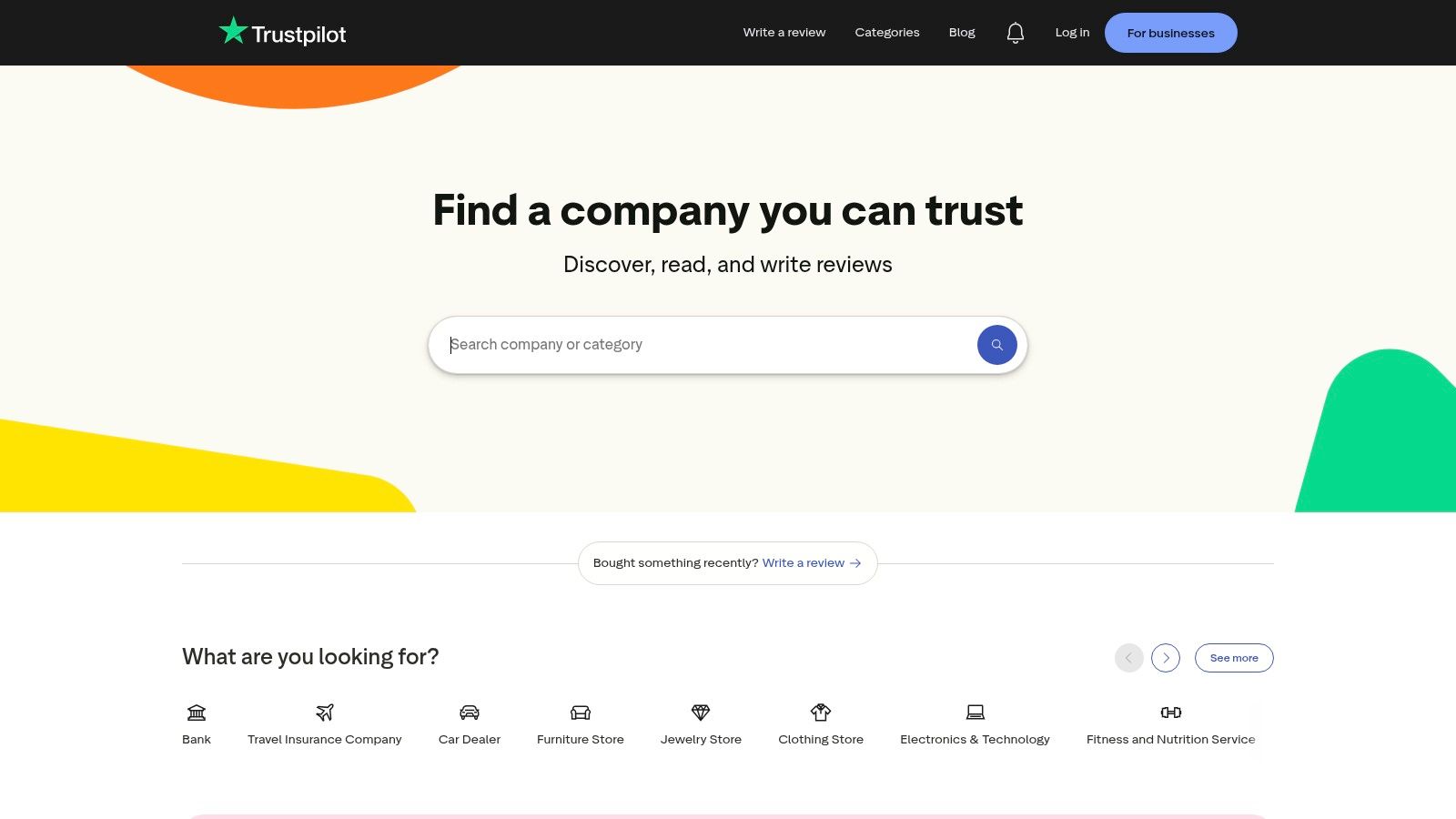
This approach standardizes how verified reviews are displayed, creating a consistent and trustworthy brand image. By integrating these widgets, businesses can effectively boost their credibility and learn about improving conversion rates on landing pages through user-generated content. Beyond Trustpilot's specific offerings, there are many powerful examples of social proof that provide essential credibility and drive conversions across your site.
Key Features & Considerations
- Official TrustBox Library: A variety of official, mobile-optimized widgets for different layouts and use cases, including email and newsletters.
- Verified Social Proof: Displays authentic, verified reviews and ratings directly from the Trustpilot platform, building immediate trust.
- Easy Implementation: Clear documentation is available for standard websites, Single Page Applications (SPAs), and Google Tag Manager (GTM) setups.
- Gated Features: While a free plan offers basic widgets, many of the most impactful and customizable TrustBoxes are locked behind paid Business plans.
- Brand Guidelines: Implementation must adhere to Trustpilot's strict branding and usage rules to maintain the integrity of the displayed reviews.
Website: https://trustpilot.com
10. WordPress.org Plugin Directory
For anyone running a self-hosted WordPress site, the official WordPress.org Plugin Directory is the first and most essential stop for finding the best widgets for websites. It’s a vast, free repository housing over 60,000 plugins, many of which are dedicated widgets or include widget functionality, from social media feeds and contact forms to sophisticated image sliders and custom post displays. This platform is the bedrock of WordPress customization, allowing users to extend their site’s capabilities directly from their dashboard.
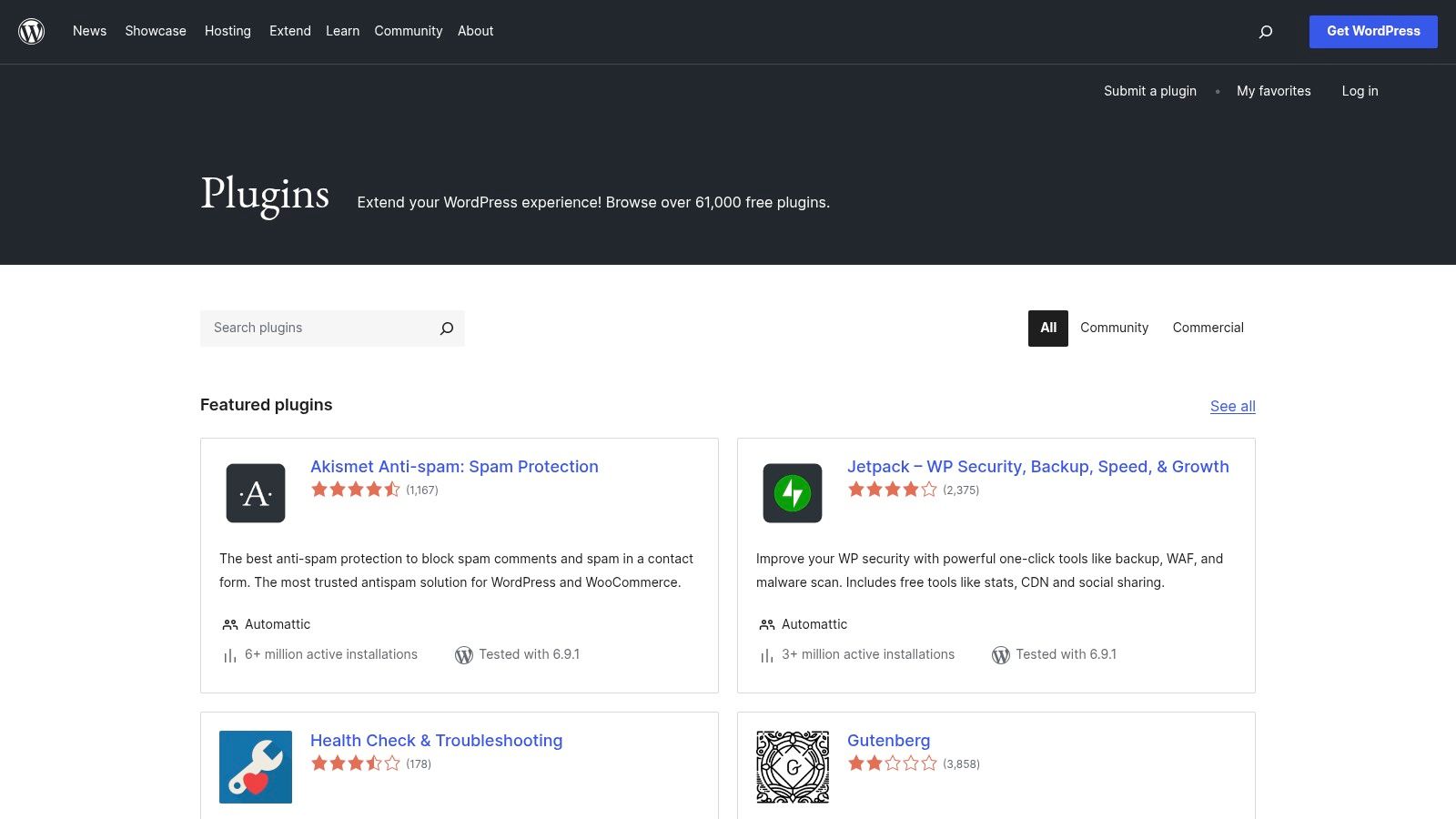
The directory's strength is its community-driven ecosystem. Every plugin is accompanied by user ratings, active installation counts, support forums, and an update history, giving you crucial data to assess its quality and reliability before installing. Whether you need a simple map widget or a complex booking system, the odds are high that a free, well-supported solution is waiting for you in the official directory.
Key Features & Considerations
- Massive Selection: With over 61,000 free plugins, the variety is unparalleled, covering nearly every imaginable function.
- Community Vetting: User reviews, active install numbers, and "last updated" dates act as powerful signals for a plugin’s quality and maintenance level.
- Seamless Integration: Plugins can be found and installed directly from the WordPress admin dashboard with just a few clicks.
- Quality Varies: The open-source nature means quality can be inconsistent. Some plugins may be outdated, poorly coded, or abandoned by their developers.
- Freemium Model: Many free plugins are excellent but often serve as a gateway to a premium version with more advanced features, requiring paid add-ons for full functionality.
Website: https://wordpress.org/plugins/
11. Webflow Marketplace
For users building exclusively within the Webflow ecosystem, the official Webflow Marketplace is the definitive source for extending site functionality. It’s less of a universal widget library and more of an integrated app store, offering third-party tools that plug directly into the Webflow Designer and CMS. This native approach allows for deeper integrations, like adding advanced filtering to CMS collections or enhancing e-commerce workflows, without the typical copy-paste embed process.
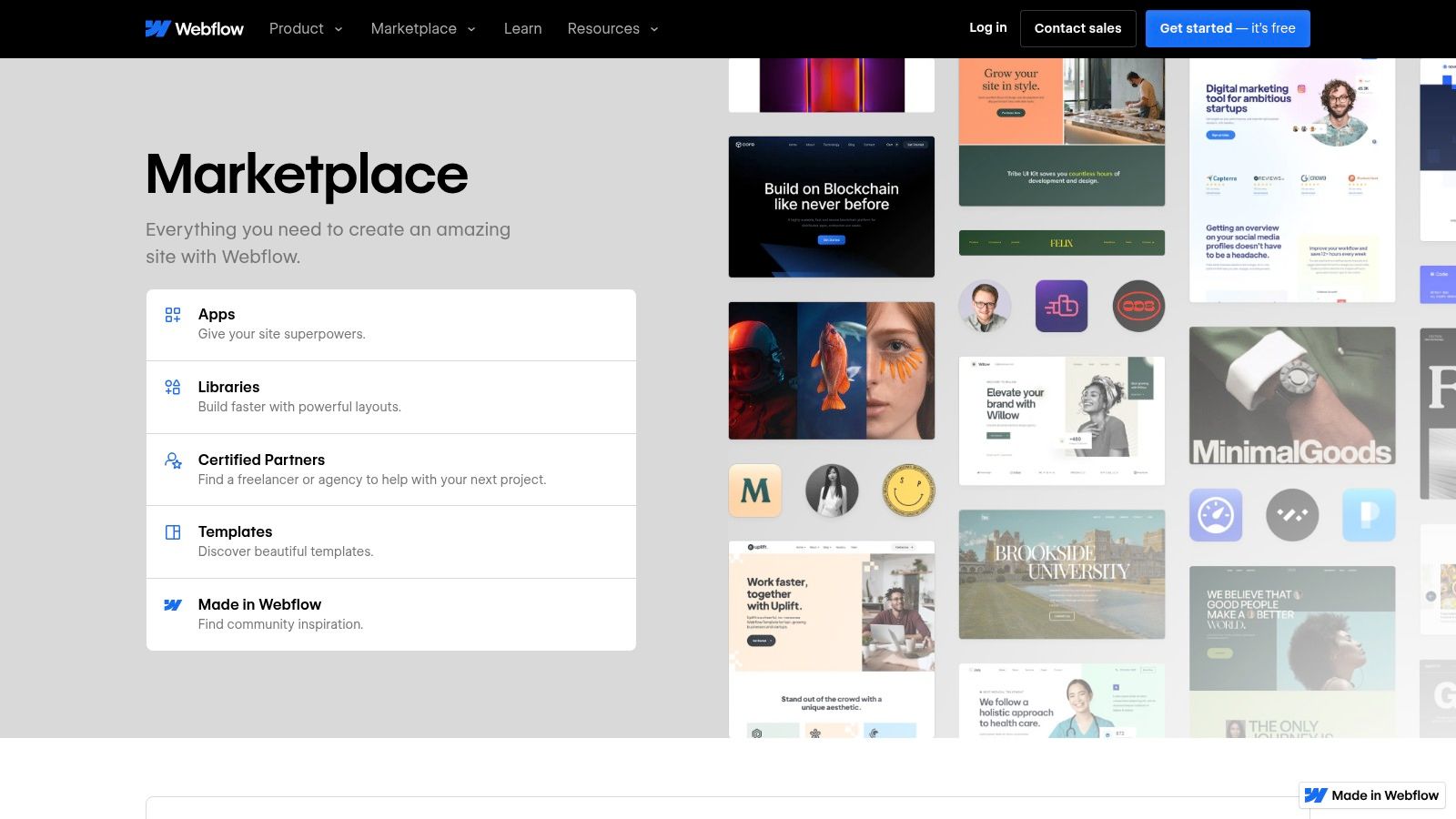
The key advantage is the seamless user experience; apps feel like a natural extension of the platform rather than a foreign element. If your entire workflow revolves around Webflow, this marketplace is the most efficient and powerful way to discover some of the best widgets for websites designed specifically for your needs. It eliminates compatibility guesswork and ensures that the tools you add are optimized for the environment you work in.
Key Features & Considerations
- Native Integration: Apps install directly into your Webflow workspace, interacting with the CMS, Forms, and E-commerce features.
- Curated Directory: The marketplace is an official, curated list, ensuring a degree of quality and compatibility with the core platform.
- Webflow-Specific Solutions: Find powerful, niche tools for tasks like dynamic sorting, custom forms, and membership portals that are built for Webflow first.
- Platform-Locked: These apps and widgets are exclusively for Webflow sites and cannot be used on other platforms like WordPress or Shopify.
- Variable Pricing: As a marketplace of third-party developers, pricing, features, and support models vary significantly from one app to another.
Website: https://webflow.com/marketplace
12. CodeCanyon (Envato Market)
CodeCanyon operates as a massive marketplace where developers sell individual scripts, plugins, and some of the best widgets for websites. It’s the perfect destination when you need a very specific, niche component, like a complex booking calendar or an advanced image slider, that all-in-one suites don’t offer. Instead of a subscription, you make a one-time purchase for each item, giving you direct control over your assets.
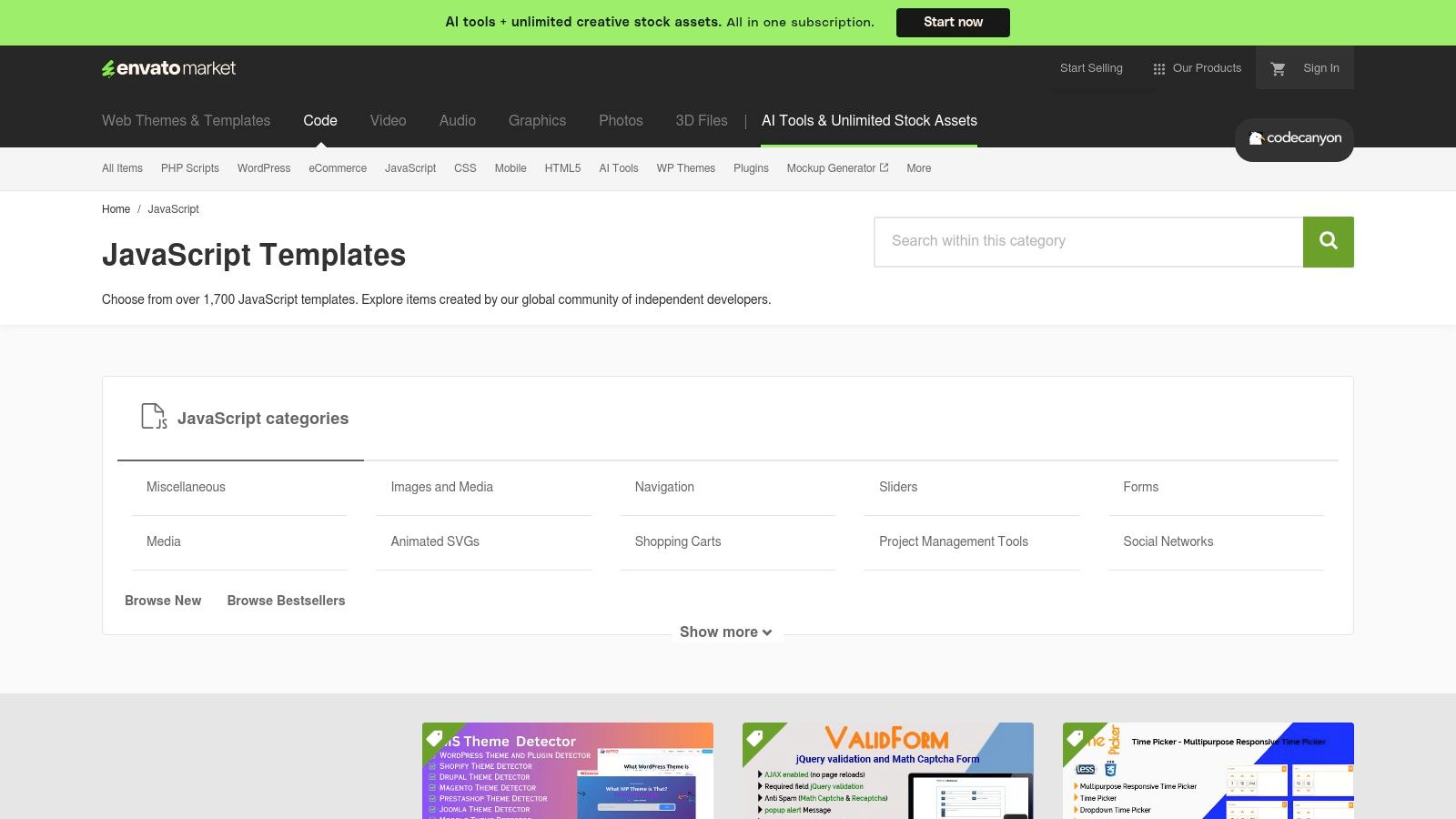
This model is ideal for developers or savvy website owners who want to integrate unique functionality without ongoing fees. You can find everything from sophisticated JavaScript charts to entire form builders. Many of these widgets are designed to be integrated into a custom build or added via a drag-and-drop website builder that supports custom code. However, the sheer variety means quality can differ significantly between authors, so it’s crucial to vet each product carefully.
Key Features & Considerations
- Vast Marketplace: Thousands of JavaScript, HTML5, and WordPress widgets are available, from simple UI elements to complex applications.
- One-Time Licensing: Pay for a widget once and own it. Optional extended support and updates are available for an additional fee.
- Live Previews: Most items include a live demo, allowing you to test functionality and design before making a purchase.
- Variable Quality: Since it's a marketplace, the quality, support, and update frequency vary by seller. Always check user reviews, sales numbers, and the author’s recent activity.
- Author Support: Support is handled directly by the widget’s creator, which can be a mixed experience depending on their responsiveness.
Website: https://codecanyon.net/category/javascript
Top 12 Website Widgets Comparison
| Tool | Core features | Unique selling points (✨/🏆) | 👥 Target audience | UX & Quality (★) | Pricing & Value (💰) |
|---|---|---|---|---|---|
| Elfsight | 90+ embeddable apps; presets & editor; unlimited sites | ✨ Fast deploy; broad catalog; team targeting 🏆 | 👥 Agencies, marketers, SMBs | ★★★★☆ Consistent UI, quick setup | 💰 Per-app or All-Apps; view caps can pause widgets |
| Common Ninja | No-code widgets (tables, sliders, charts); many builders | ✨ Instance-based control; flexible instances 🏆 | 👥 Agencies, multi-site users | ★★★★ Good docs, flexible styling | 💰 Instance tiers (1–50+); annual discounts |
| POWR | 60+ apps; cross-CMS support; app templates | ✨ Strong builder coverage; step-by-step guides | 👥 E‑commerce, marketers, site builders | ★★★★ Practical marketing widgets; trial-friendly | 💰 Usage/pageview pricing; branding on free plan |
| Getsitecontrol | Popups, surveys, forms; deep targeting & automations | ✨ Advanced triggers & built-in email automations 🏆 | 👥 Marketers, e‑commerce stores | ★★★★☆ Clean editor; A/B friendly | 💰 Per-site + view caps; emails billed separately |
| Smash Balloon | Individual WP plugins for social feeds; moderation | ✨ Best-in-class WP social feeds; frequent updates 🏆 | 👥 WordPress sites & developers | ★★★★★ Mature codebase; priority support | 💰 Single plugin or All‑Access bundle |
| EmbedSocial | Reviews + social aggregators; auto-sync & analytics | ✨ Shoppable UGC galleries; strong review tooling 🏆 | 👥 Brands, e‑commerce, agencies | ★★★★ Good moderation & analytics | 💰 Limited free; paid for advanced features |
| Tagembed | Social aggregator; CDN/caching; AI moderation | ✨ Performance-first; sentiment analysis | 👥 SMBs, agencies needing analytics | ★★★★ Responsive support; analytics | 💰 Generous free sources; plan caps apply |
| SociableKIT | 90+ widgets; unlimited widgets model; install help | ✨ Covers niche embeds; free install service 🏆 | 👥 Agencies, heavy-embed users | ★★★★ Straightforward embeds; cost-effective reuse | 💰 Unlimited-widget plans; free plan limits |
| Trustpilot (TrustBox) | Official review widgets; TrustScore & layouts | ✨ Verified reviews = conversion lift 🏆 | 👥 Brands seeking authentic social proof | ★★★★☆ Mobile-optimized; documented installs | 💰 Free & Business tiers; many widgets gated |
| WordPress.org Plugin Dir | 61k+ free plugins; ratings & update histories | ✨ Massive selection; community vetting | 👥 WordPress.org site owners & devs | ★★★★ Varied quality; community signals | 💰 Free to try; premium add-ons common |
| Webflow Marketplace | Third-party apps/templates; 'Add to site' flow | ✨ Native Webflow integration; designer-focused | 👥 Webflow designers & teams | ★★★★ Curated listings; growing ecosystem | 💰 Vendor-specific pricing; varies |
| CodeCanyon (Envato) | Thousands of JS/HTML/WP components; demos | ✨ Huge niche selection; one-off licenses | 👥 Developers needing specific UI/JS components | ★★★☆ Quality varies by author; check updates | 💰 One-off purchases; optional support fees |
Beyond Widgets: Consolidating Your Digital Identity
We've explored a powerful arsenal of tools, from dedicated widget suites like Elfsight and Common Ninja to specialized social aggregators like Smash Balloon and Tagembed. Each of these solutions offers a fantastic way to inject dynamic, engaging content directly into your website pages. You now have the knowledge to embed a feature-rich social media feed, a functional booking calendar, or compelling customer reviews, transforming static pages into interactive hubs.
The central takeaway is that the best widgets for websites are not just about adding features; they are about creating strategic bridges. They connect your core website to the vibrant, ever-changing ecosystems where your audience lives, whether that's Instagram, Spotify, or a reviews platform like Trustpilot. The goal is to reduce friction and keep users engaged with your brand's story, wherever it unfolds.
From Disparate Elements to a Cohesive Narrative
However, choosing and implementing the right widget is only half the battle. The modern digital creator, freelancer, or small business owner operates across a dozen different platforms. You have a portfolio on one site, a newsletter on another, social media profiles, and perhaps an e-commerce storefront. Sprinkling individual widgets across your website helps, but it doesn't solve a more significant challenge: how do you present a unified, holistic view of your entire digital identity in one place?
This is where the strategy shifts from embedding isolated elements to curating a comprehensive digital dashboard. Your audience, especially those discovering you for the first time through a social bio link, needs a central, beautifully organized destination that tells your complete story at a glance. They don't just want to see your latest tweet; they want to see the tweet next to your latest YouTube video, your current project status, and a link to book a consultation with you.
The Power of a Unified Hub
This is precisely the problem that next-generation link-in-bio platforms, designed with a widget-first philosophy, are built to solve. Instead of just being a list of links, they act as a personal landing page, a micro-site that consolidates your digital footprint using smart, interactive blocks.
Consider these key advantages of this consolidated approach:
- Narrative Control: You get to arrange the pieces of your online world to tell a compelling story. Place your professional achievements next to your creative projects to showcase your multidimensional brand.
- Reduced Visitor Fatigue: Instead of forcing users to click away to five different sites, you allow them to sample your content directly within one seamless interface. They can watch your video, listen to your track, and browse your gallery without ever leaving your page.
- Enhanced Engagement: Dynamic, content-rich blocks are infinitely more engaging than a simple list of hyperlinks. This visual and interactive experience encourages deeper exploration and a stronger connection with your brand.
Ultimately, the smartest approach is a dual one. Use the specialized widgets we've discussed to enhance specific pages on your main website. But for your crucial "link in bio" or central landing page, consolidate your presence into a dynamic, interactive hub. This ensures that no matter where someone discovers you, they are greeted with a rich, cohesive, and engaging introduction to everything you do. You've curated the best tools; now it's time to build your best digital self.
Ready to move beyond scattered links and build a stunning, interactive hub for your brand? taap.bio leverages this exact "smart widget" philosophy, allowing you to create a beautiful, bento-style grid that showcases all your content in one place. Stop just listing your links and start telling your story by signing up for free at taap.bio.