

Is your newsletter’s design holding you back? An uninspired or clunky layout can be the silent reason subscribers hit "delete" without a second thought, or worse, "unsubscribe." A poorly designed email doesn't just look bad; it fails to guide the reader’s eye, makes your content hard to read on mobile, and ultimately kills your click-through rates. This isn't about being a design expert-it's about having the right tools.
This guide gets straight to the point. We've compiled the definitive list of the best newsletter templates and builders to solve that exact problem. Forget endless searching and frustrating code. We’re giving you a direct path to creating professional, engaging, and high-converting emails that people actually want to read.
Inside, you'll find a curated collection of top-tier resources, perfect for any use case, from e-commerce promotions to personal blogs. We've broken down platforms like Mailchimp, BeeFree, and Stripo, along with powerful frameworks like MJML for those who want more control.
For each option, you'll get:
- Real-world examples with preview screenshots.
- A clear breakdown of pros, cons, and pricing.
- Practical tips on customization and use cases.
- Direct links to get you started immediately.
We've done the heavy lifting to find the best options available. Now, you can focus on what matters: crafting great content and growing your audience. Let's find the perfect template that will make your subscribers stop scrolling and start clicking.
Table of contents
1. Mailchimp
Mailchimp is much more than just a place to find newsletter templates; it's a complete email marketing ecosystem. For creators and small businesses who want templates tightly integrated with their growth tools, Mailchimp offers an unmatched all-in-one solution. You can choose from a large library of pre-designed layouts or build your own from scratch using a visual drag-and-drop editor, all within the same platform that handles your subscriber lists, automations, and analytics.
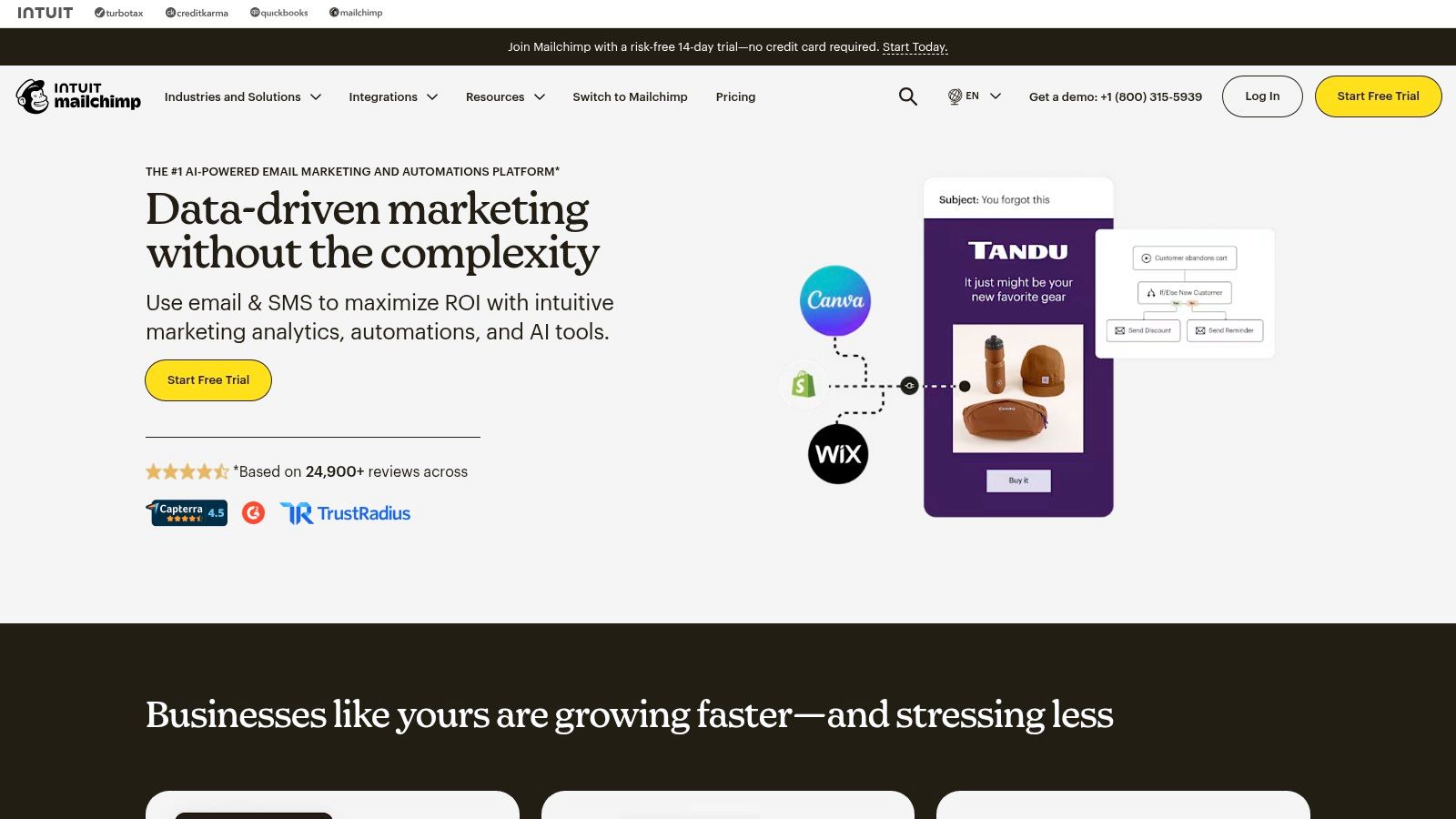
This integration is its key advantage. You aren't just downloading a file; you are building a campaign. Once you pick a template, you can connect it directly to an integrated signup form on your website or a dedicated landing page. You can find inspiration by checking out these powerful newsletter landing page examples to see how to convert visitors effectively. This direct connection makes it simple to grow your audience and immediately send them beautifully designed emails.
Key Features & Considerations
Mailchimp’s template editor is intuitive, but it also supports advanced users. If you have coding skills, you can import custom HTML templates or use their template language for dynamic content.
- Pros: The platform's solid analytics and segmentation tools are excellent for understanding and targeting your audience as your list grows. Its wide third-party support means it connects with tools you already use.
- Cons: The free plan's features and audience limits have become more restrictive, which could be a barrier for those just starting. Some long-time users have also noted friction in finding assets during recent platform updates.
- Pricing: Offers a free plan with limited features. Paid plans start at $13/month and scale with contacts.
Website: https://mailchimp.com
2. BeeFree (beefree.io)
For creators who prioritize design flexibility above all else, BeeFree stands out as a dedicated visual builder for emails and landing pages. Instead of being tied to a single email service provider (ESP), BeeFree offers a massive library of over 1,700 designer-grade templates that you can customize and then export to almost any platform. This makes it one of the best newsletter templates resources for those who want a polished, modern look without being restricted by their ESP's native editor.
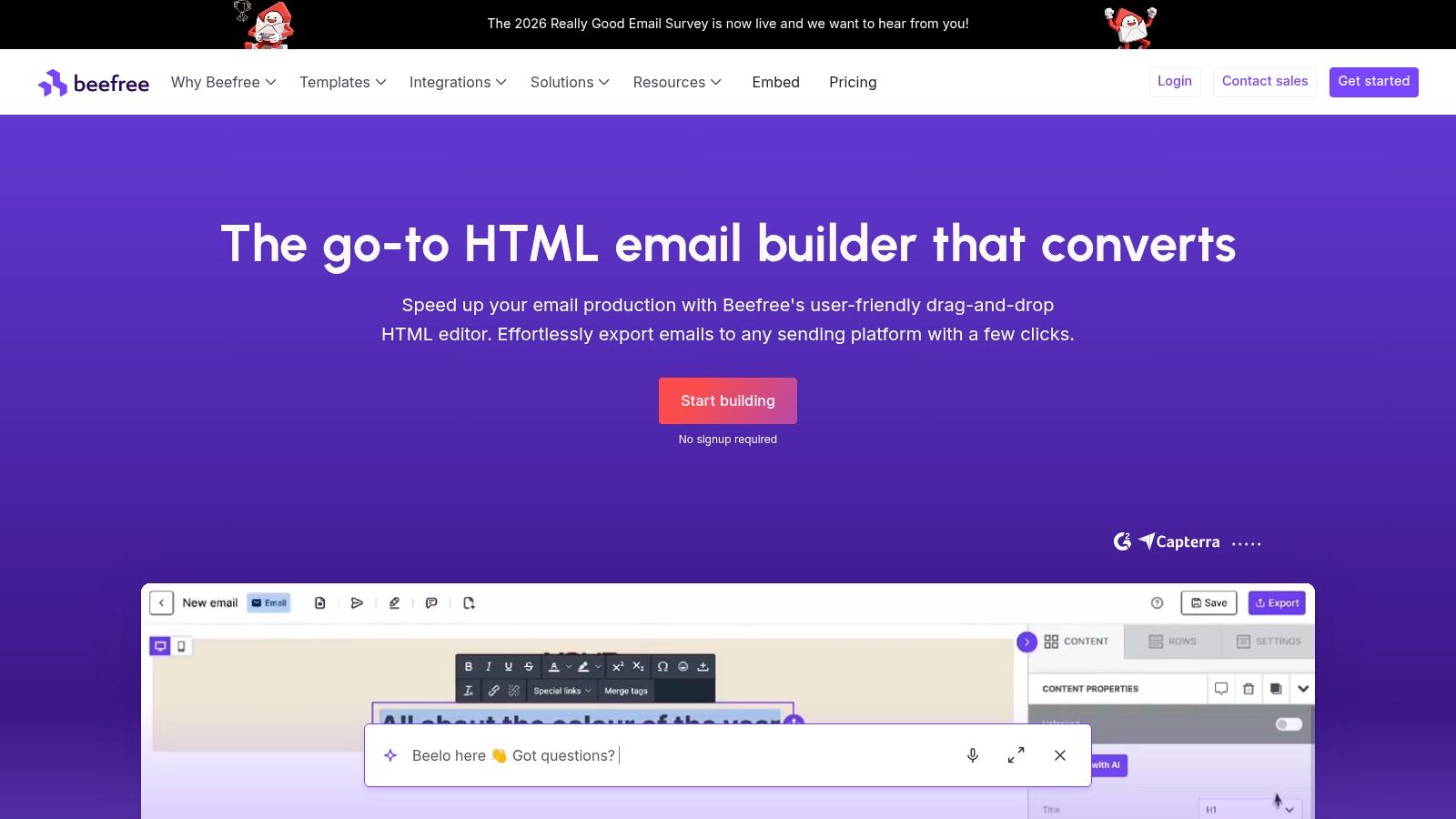
The platform’s key strength is its 'build here, send there' philosophy. You can perfect your design in a powerful editor and then push it directly to services like Mailchimp, HubSpot, or Campaign Monitor with just one click. This workflow is ideal for teams where a designer creates the template and a marketer handles the sending. The experience is similar to what you might find in a modern drag-and-drop page builder, focusing entirely on the visual creation process.
Key Features & Considerations
BeeFree’s editor is known for producing clean, mobile-responsive code that renders well across major email clients, a common pain point for email designers. You can also save and reuse custom content blocks to maintain brand consistency across all your campaigns.
- Pros: The interface is extremely designer-friendly and accelerates production compared to coding templates from scratch. Its export functionality makes team hand-offs and cross-platform work simple.
- Cons: It operates as an extra tool in your workflow, requiring an export/import step for every campaign. Some advanced features, like brand controls and team collaboration, are reserved for paid tiers.
- Pricing: Offers a free plan with access to templates and the core editor. Paid plans with advanced features start at $30/month.
Website: https://beefree.io
3. Stripo
Stripo is a powerful, dedicated email design platform built for creators and brands who demand polished, brand-consistent templates without deep coding knowledge. Its strength lies in its combination of a user-friendly drag-and-drop editor and advanced features, allowing you to create some of the best newsletter templates available and export them to virtually any email service provider (ESP). This makes it an ideal choice for teams that manage multiple brands or want to maintain design control while using different sending platforms.
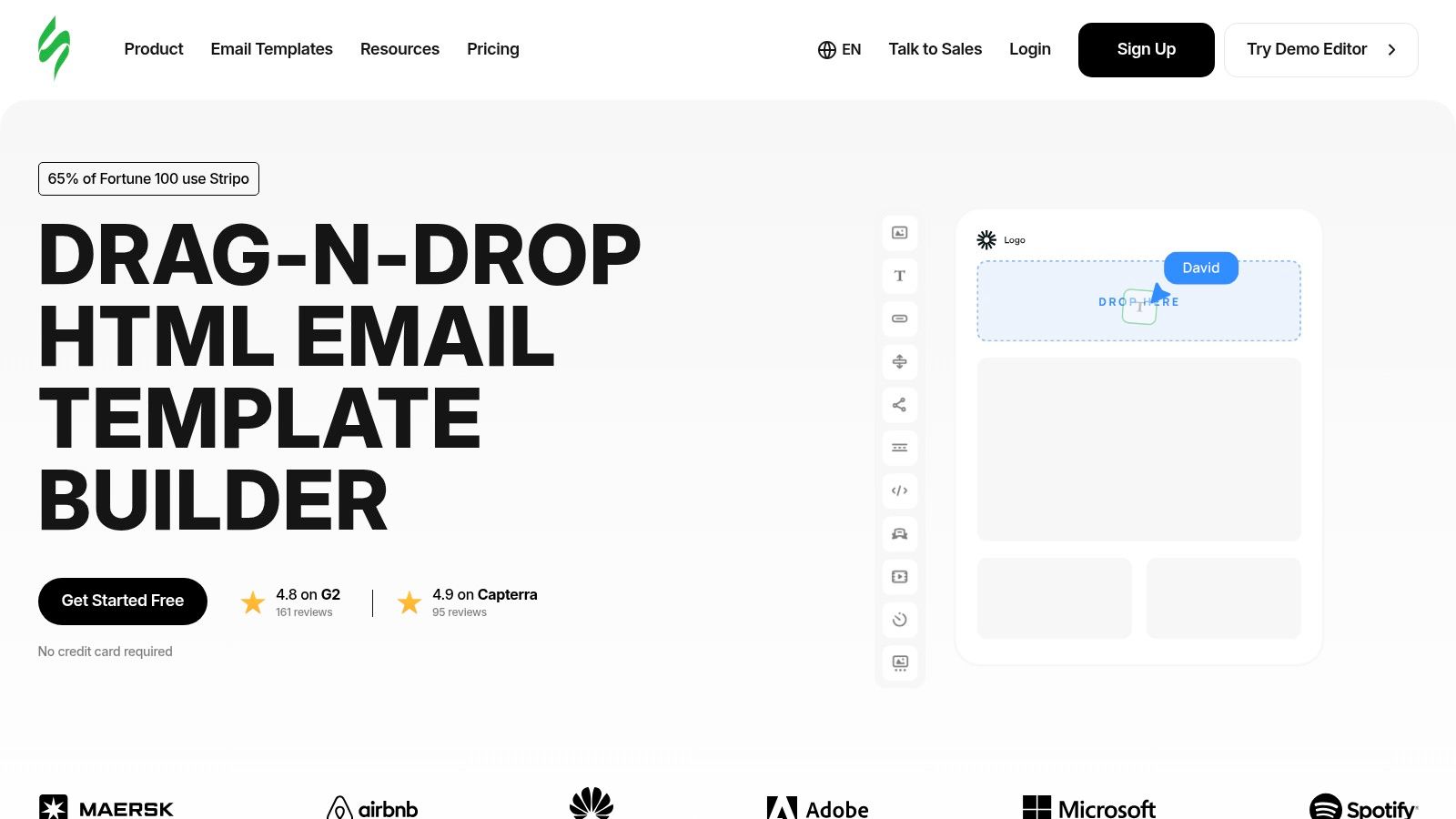
The platform is designed for efficiency. With a library of over 1,600 ready-made templates and a modular block system, you can build a new campaign in minutes. Its ability to save and reuse custom modules is a significant time-saver for producing recurring newsletters. Furthermore, Stripo supports interactive elements like image carousels and AMP for email, letting you build engaging experiences directly within the inbox, which can set your newsletter apart from the competition.
Key Features & Considerations
Stripo’s editor provides a good middle ground between simple builders and full code control. You can work visually but also dive into the HTML and CSS for fine-tuning.
- Pros: The extensive export options (over 70 ESPs) provide great flexibility, preventing you from being locked into one system. Its brand guidelines features help maintain design consistency across a team or multiple projects.
- Cons: While it offers a free plan, many of the advanced templates and features that make Stripo special are behind a paywall. The sheer number of options can feel a bit overwhelming for absolute beginners.
- Pricing: A free plan is available with feature limitations. Paid plans with more exports and advanced tools start at $15/month.
Website: https://stripo.email
4. Postcards by Designmodo
Postcards by Designmodo is a specialized, no-code email template builder designed for one purpose: creating pixel-perfect HTML newsletters quickly. Instead of being an all-in-one marketing platform, it focuses on a modular approach. Users can stack, customize, and combine over 100 pre-made sections (like headers, content blocks, and footers) to assemble a polished, responsive email in minutes. This makes it an ideal tool for teams and individuals who want full design control and a clean HTML output without writing any code.
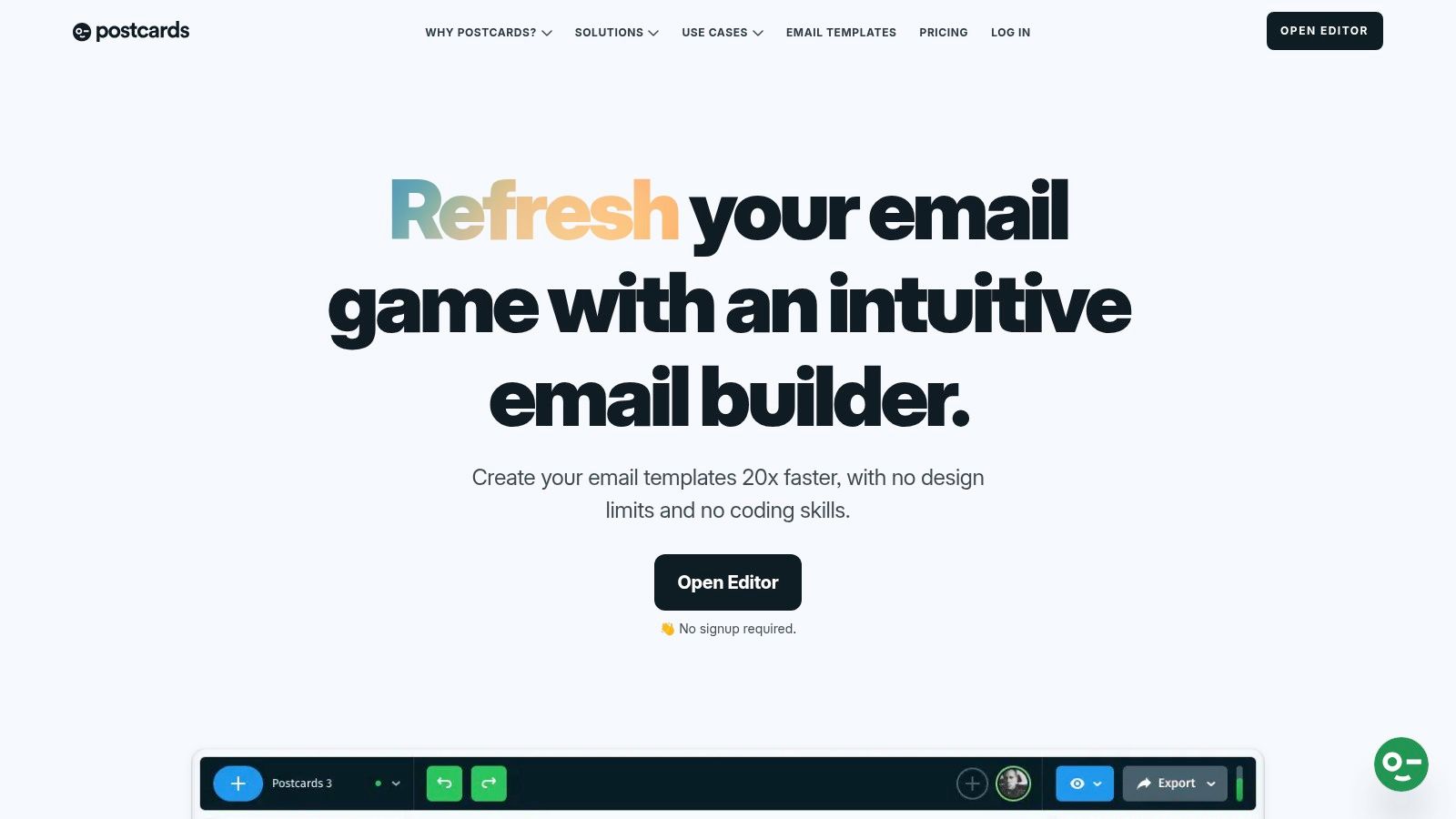
The key strength of Postcards lies in its separation from any specific Email Service Provider (ESP). You build your template visually, then export the production-ready HTML file. This file can then be imported into Mailchimp, HubSpot, or nearly any other platform that accepts custom HTML. The builder even includes guidance for ensuring your designs look great in tricky clients like Outlook, a common pain point for email designers.
Key Features & Considerations
Postcards' drag-and-drop interface is remarkably intuitive, allowing you to see exactly how your email will look as you build it. The modern, professional design of its modules gives you some of the best newsletter templates right out of the box, which you can then customize with your own colors, fonts, and images.
- Pros: Its modular system is incredibly fast for going from an idea to a finished HTML file. The output is clean and well-tested, ensuring predictable rendering across major email clients.
- Cons: Since it is a standalone builder, it adds an extra step to your workflow; you have to export the HTML and import it into your ESP for every campaign. Team collaboration and unlimited projects are locked behind paid tiers.
- Pricing: Offers a free demo with limited modules and features. Paid plans start at $24/month, providing access to more modules and export capabilities.
Website: https://designmodo.com/postcards
5. Campaign Monitor
Campaign Monitor positions itself as an email marketing platform for brands that prioritize visual polish and a clean, direct user experience. It offers a curated library of professionally designed, responsive templates that serve as an excellent starting point for businesses that want their emails to look sharp without a heavy design lift. The platform is built around a straightforward drag-and-drop editor, making it simple to customize these layouts with your brand’s logo, colors, and content.
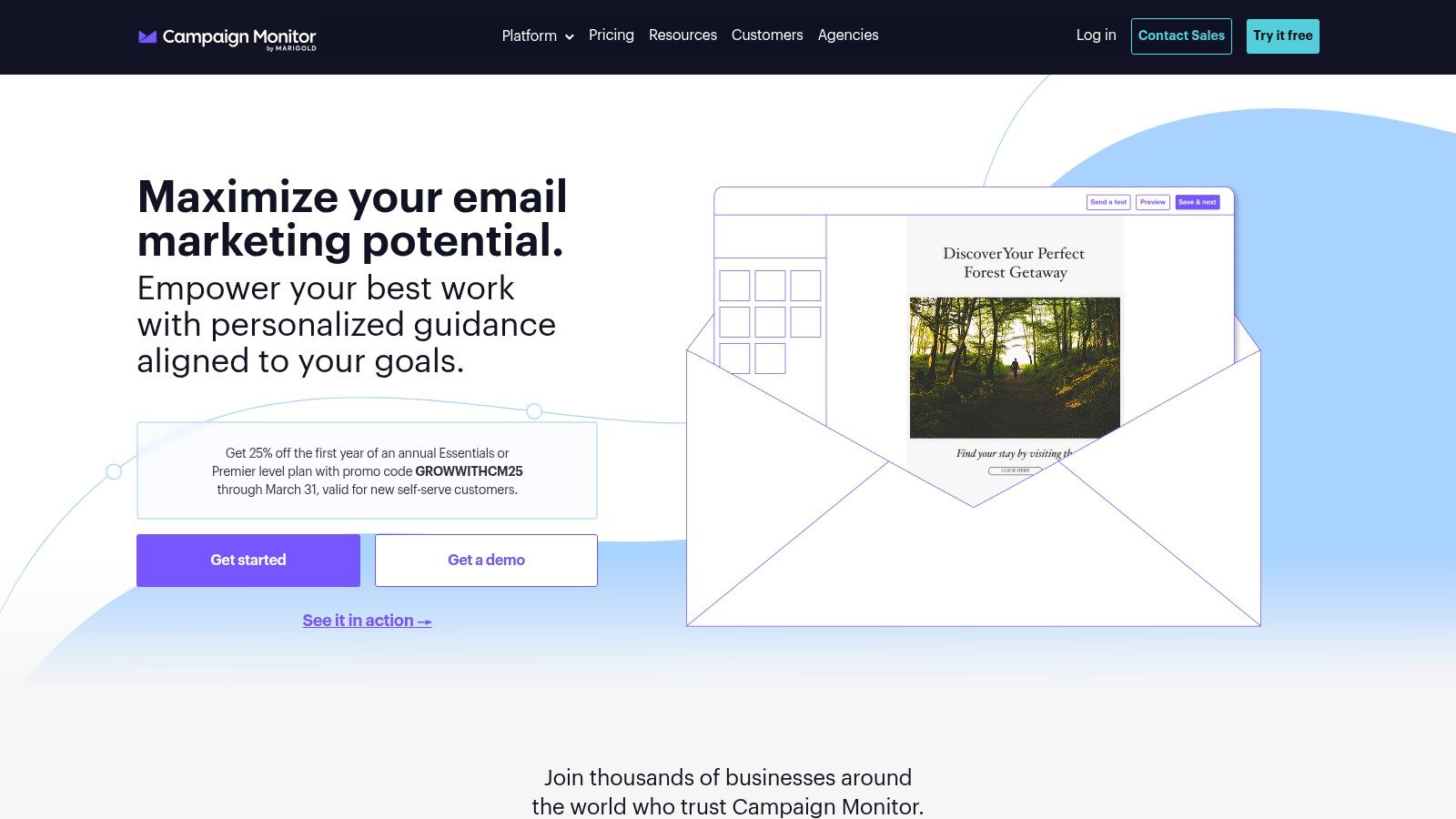
The platform’s strength lies in its simplicity and focus on core email marketing functions. You can create reusable templates for recurring sends, ensuring brand consistency across all your campaigns. This focus on the essentials makes it an attractive option for teams who don't need the complexity of an all-in-one marketing suite but still require powerful tools. Once your design is set, you can guide new subscribers to it from a dedicated sign-up page; if you’re new to this concept, you can learn more about what a landing page is and how it can effectively grow your audience.
Key Features & Considerations
Campaign Monitor’s editor and template system are built for efficiency. For larger brands, the platform offers custom services to create bespoke templates, and paid plans include useful features like link reviews and inbox previews to ensure your emails look perfect on any device.
- Pros: The user interface is exceptionally clear, making it a great choice for teams that need to create and send newsletters regularly. It also maintains a strong reputation for email deliverability.
- Cons: The pricing structure is based on list size, which can become costly as your audience grows. It has fewer built-in extras like CRM or advanced e-commerce integrations compared to larger platforms.
- Pricing: Plans start at $11/month and scale with the number of contacts. A limited free trial is available to test features.
Website: https://www.campaignmonitor.com
6. MailerLite
MailerLite stands out as a highly accessible email marketing platform, especially for creators and small businesses who need powerful features without a steep learning curve or high cost. It combines a clean, modern template gallery with an intuitive drag-and-drop builder, making the process of finding and customizing the best newsletter templates remarkably straightforward. Beyond just email, it offers integrated tools for building landing pages and even managing paid newsletters.
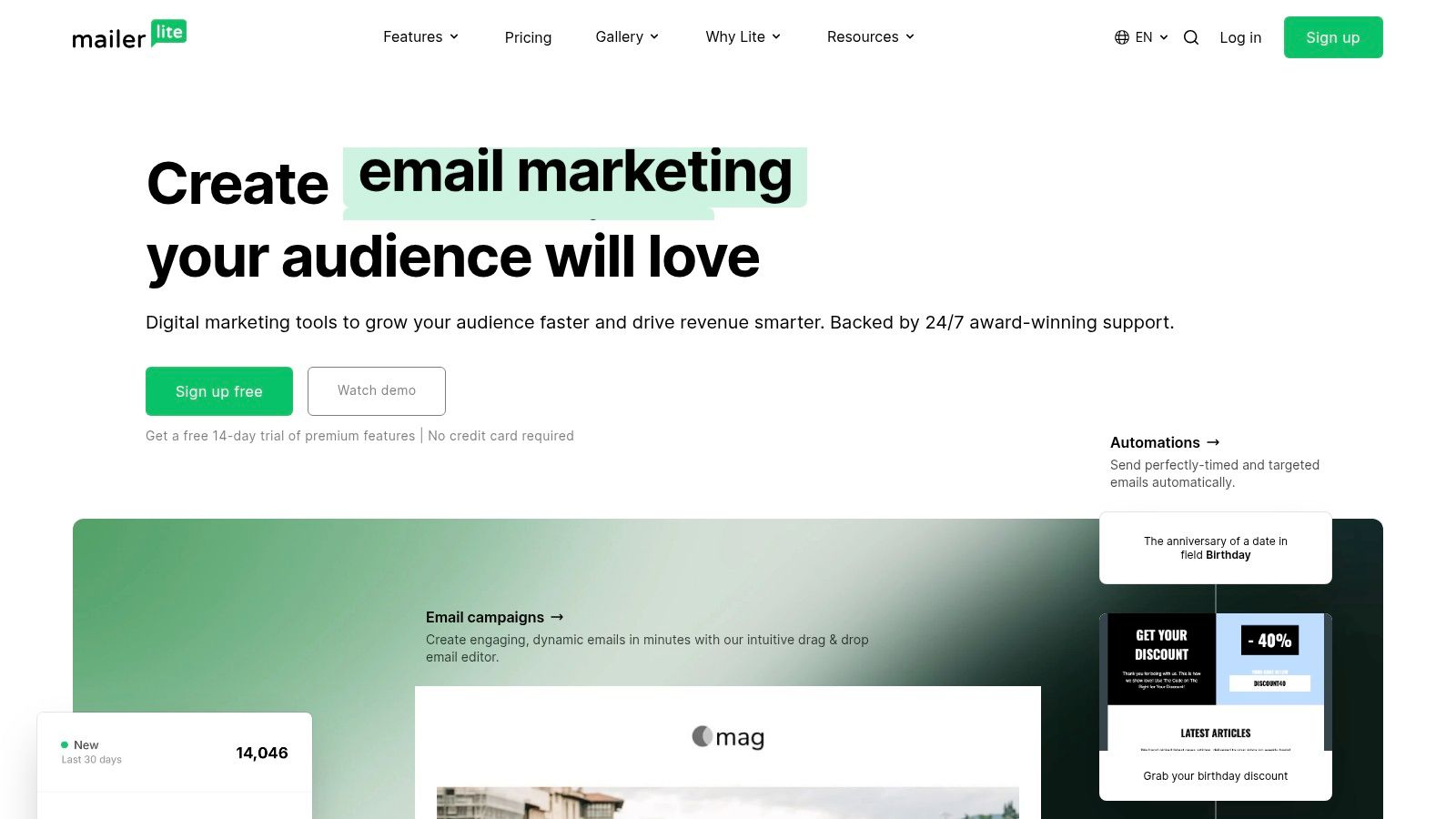
The platform’s strength is its excellent value and ease of use. You can quickly set up a complete funnel, from a signup form to a welcome sequence, using professionally designed templates. Its landing page and website creation tools are also quite capable, allowing you to build a simple home for your newsletter without needing external tools. If you're looking to build a more complex site, you can compare its features with some of the best no-code website builders to see what works for your goals.
Key Features & Considerations
MailerLite’s editor is designed for speed and simplicity, but it also includes features like dynamic content blocks and survey tools directly within your emails. The platform is transparent with its pricing, offering a clear calculator based on your subscriber count.
- Pros: Offers fantastic value for creators and is exceptionally easy to learn. The included landing page and website tools are great for growing your list from day one.
- Cons: Some advanced automation and promotion features are reserved for higher-priced plans. Similar to other platforms, the free plan's limits have become more restrictive over time.
- Pricing: A free plan is available for up to 1,000 subscribers and 12,000 monthly emails. Paid plans start at $10/month.
Website: https://www.mailerlite.com
7. Brevo (formerly Sendinblue)
Brevo stands out in the email marketing space with a pricing model that can be a game-changer for many creators. Instead of charging based on the number of subscribers, its plans are primarily based on the volume of emails you send. This makes it an attractive platform for those who have a large but less frequently engaged audience or are particularly budget-sensitive. Brevo provides a solid library of starter templates and an intuitive drag-and-drop editor to get your campaigns running quickly.
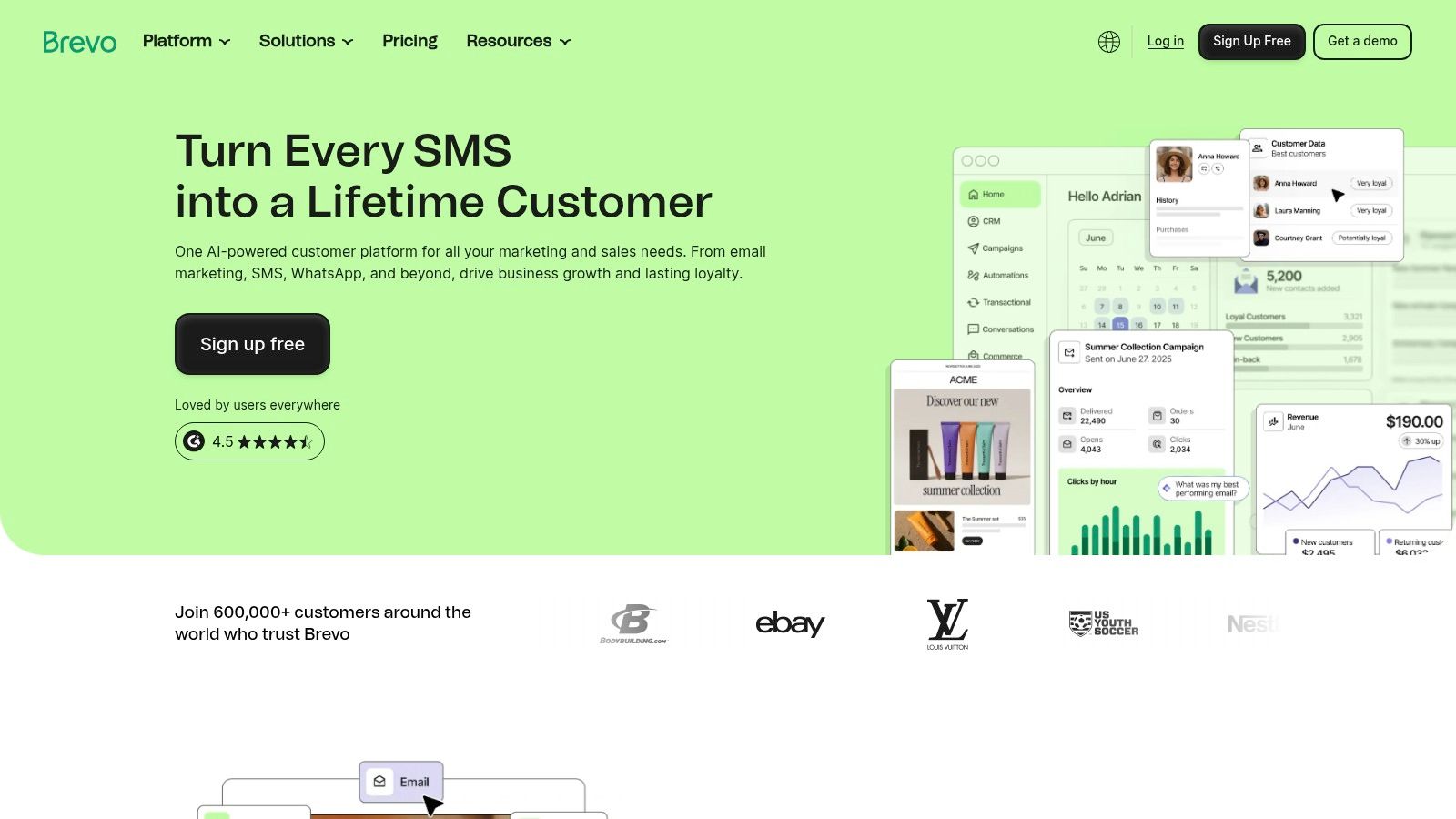
The platform is designed as an all-in-one sales and marketing tool, extending beyond just email. While its core strength lies in email campaigns, Brevo also integrates SMS marketing, WhatsApp campaigns, and even a sales CRM. If you're looking for one of the best newsletter templates to use within a system that can support your growth into multi-channel communication, Brevo is a strong contender. Its generous free plan is perfect for testing the waters without any financial commitment.
Key Features & Considerations
Brevo’s template editor is straightforward, allowing for easy customization of colors, fonts, and layouts. The platform also offers marketing automation and, on higher-tier plans, features like A/B testing and dedicated landing pages to support your newsletter's growth.
- Pros: The volume-based pricing is highly cost-effective for users with large contact lists who send emails infrequently. The inclusion of multi-channel options like SMS and WhatsApp provides a clear path for expanding your marketing efforts.
- Cons: Removing Brevo branding and accessing more advanced features requires upgrading to a paid plan. The most powerful tools are reserved for the higher-priced business tiers.
- Pricing: A generous free plan allows 300 emails per day. Paid plans start at $25/month for 20,000 monthly emails.
Website: https://www.brevo.com
8. Kit (formerly ConvertKit)
Kit, known for years as ConvertKit, is a powerful email marketing platform built specifically with creators, course sellers, and solo brands in mind. It goes beyond simple templates by integrating email design with tools for selling digital products and managing paid newsletters. For creators who want their email system to be the engine of their business, Kit provides a focused, high-performance environment. The platform offers a clean template library and an intuitive email designer, ensuring your messages are both beautiful and effective.
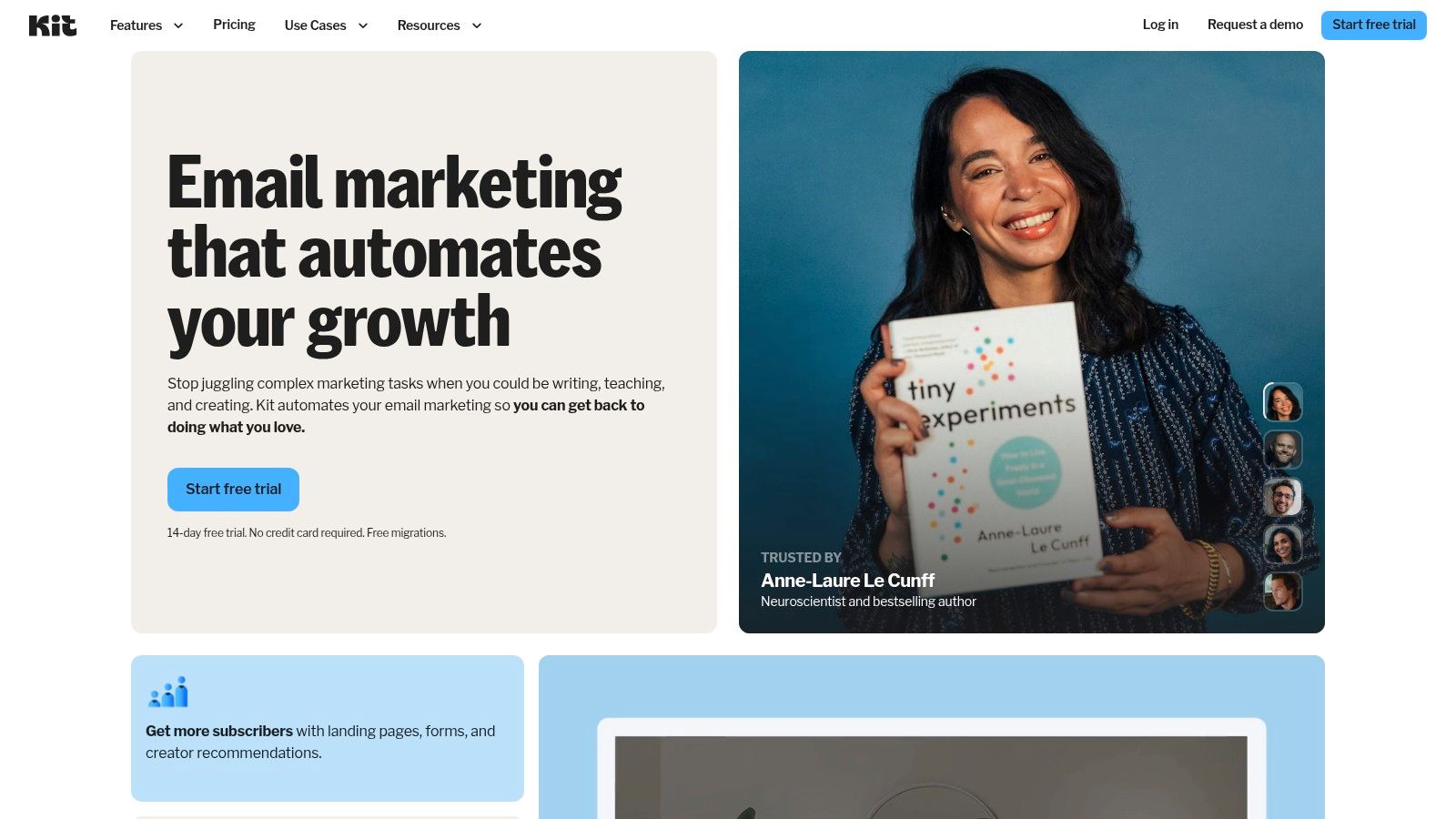
The primary strength of Kit is its direct connection between content and commerce. You can select one of the best newsletter templates, customize it, and immediately link it to a digital product sale or a paid subscription tier. The platform's visual automation builder makes it simple to create sophisticated subscriber journeys, nurturing leads from a free sign-up to a paid customer. This creator-centric approach means you spend less time wrestling with technology and more time building your audience and generating revenue.
Key Features & Considerations
Kit's email designer prioritizes readability and deliverability, featuring minimalist designs that look great in any inbox. It’s designed to help your content, not the template's flair, be the star of the show.
- Pros: The platform is purpose-built for the creator economy, with features that directly support monetization. Its templates are minimal and clean, contributing to fast delivery and high engagement rates.
- Cons: Pricing can become expensive as your subscriber list grows, especially when accessing advanced features. Some users have found the cost increases at scale to be a significant consideration.
- Pricing: A free plan is available for up to 1,000 subscribers. Paid plans with advanced features and automation start at $9/month.
Website: https://kit.com
9. MJML
For teams that prioritize perfect rendering and developer control, MJML (Mailjet Markup Language) is a powerful open-source framework. Instead of a drag-and-drop editor, MJML simplifies the process of coding responsive emails. It's designed for those who want to build custom, component-based templates that will work predictably across even the most troublesome email clients like Outlook. You write in MJML's easy-to-learn syntax, and it compiles into battle-tested, responsive HTML.
The key distinction is that MJML is not an email service provider; it's a creation tool. You build your template using MJML and then export the final HTML to use with any sending platform, from Mailchimp to a custom-built system. This approach gives you incredible flexibility and portability. The component-based nature of the framework also aligns perfectly with modern design systems, as you can see in these excellent modular design examples. This makes it ideal for creating a library of reusable email parts for consistent branding.
Key Features & Considerations
MJML offers an official gallery of responsive templates and numerous community examples on GitHub to get you started. The ecosystem includes live online editors, a VS Code extension, and community-built tools that even use AI to generate markup.
- Pros: Templates are extremely portable and can be used with any email sender. Once compiled, the HTML provides highly predictable rendering across different email clients, solving a major developer headache.
- Cons: This is not a full ESP and requires a developer workflow. You need technical comfort to customize templates and a separate platform to manage lists and send emails.
- Pricing: MJML is a completely free and open-source framework.
Website: https://mjml.io
10. Foundation for Emails (ZURB)
For developers and technical teams that need to build and maintain a consistent, branded email system, Foundation for Emails by ZURB is the definitive framework. It moves beyond simple templates, offering a production-tested system for creating responsive, cross-client compatible HTML emails. This is not a drag-and-drop builder but a powerful development toolset for crafting an entire email design system from the ground up, ensuring every newsletter, marketing blast, and transactional message is on-brand and reliable.
The core strength of Foundation is its Inky templating language, which simplifies the notoriously complex table-based HTML required for email clients like Outlook. Developers can write clean, semantic code that the framework compiles into bulletproof HTML tables. It comes with a set of responsive starter templates that serve as an excellent base for building some of the best newsletter templates tailored precisely to your brand’s needs, complete with CSS inlining tools and extensive documentation to guide the process.
Key Features & Considerations
Foundation is built for a professional workflow, integrating with build tools to automate asset management and inlining. This makes it ideal for teams that send a high volume of emails and require absolute control over the final code.
- Pros: The battle-tested codebase is perfect for teams building a reusable, branded email system at scale. Its approach guarantees more reliable rendering across difficult email clients.
- Cons: This framework requires a developer workflow and coding knowledge. It is entirely unsuitable for non-technical users who want a visual, drag-and-drop editor.
- Pricing: Completely free and open-source.
Website: https://get.foundation/emails.html
11. ThemeForest (Envato Market) – Email Templates
For those who want complete creative control without being tied to a specific email service provider, ThemeForest is a massive marketplace for standalone HTML newsletter templates. It operates on a one-time purchase model, giving you a downloadable file that you can customize and import into nearly any email marketing platform that accepts custom HTML. This approach is ideal for one-off campaigns, specific product launches, or for developers who want a solid design foundation to build upon.
The key difference here is a la carte purchasing versus subscription. You are not signing up for a service; you are buying a digital asset. This makes ThemeForest one of the best newsletter templates sources for agencies or freelancers who need a wide variety of designs for different clients without committing to multiple platform subscriptions. Many templates also come bundled with access to a simple online builder, allowing for quick visual edits before you export the final code.
Key Features & Considerations
Because ThemeForest is a marketplace, the quality and features can vary significantly between sellers. It’s crucial to read reviews, check the item’s last update date, and test the live preview before buying.
- Pros: The sheer volume of over 1,400 templates provides incredible style and industry coverage at a low, one-time cost. It's an excellent choice for sourcing designs for quick, targeted campaigns.
- Cons: Quality can be inconsistent across the marketplace. You must vet each template's demo and seller support. Using these templates often requires some comfort with editing HTML or using an import function in your email service provider.
- Pricing: Templates are sold as a one-time purchase, typically ranging from $10 to $29 per template.
Website: https://themeforest.net/category/marketing/email-templates
12. Canva
Canva has become the go-to design tool for millions, but its power extends far beyond social media graphics. For creators who prioritize a strong, consistent visual identity, Canva provides thousands of excellent newsletter templates that can be customized in minutes. It's the ideal platform for designing your email's look and feel, ensuring it perfectly matches your website, social posts, and even your link-in-bio page branding.
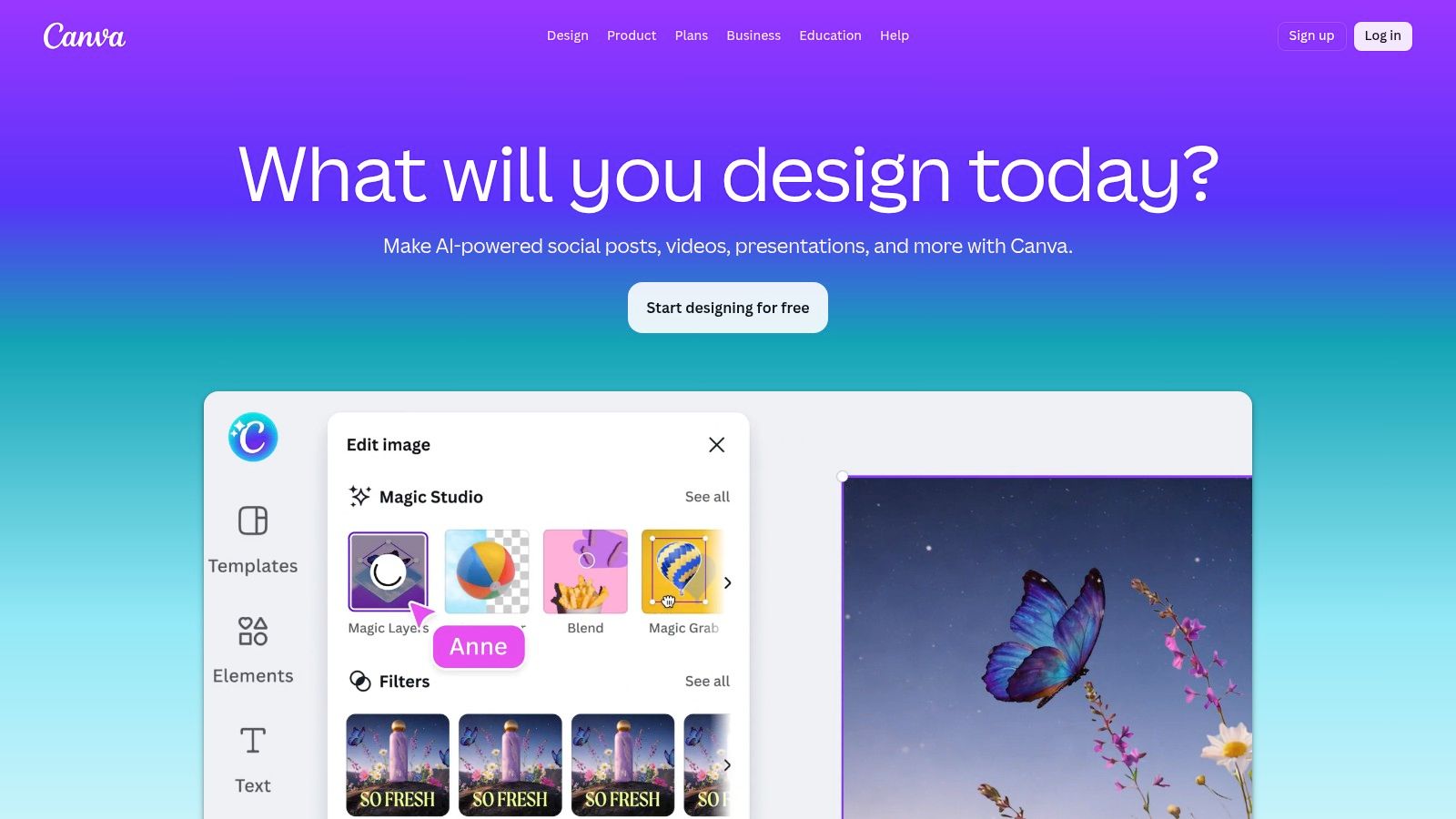
The primary advantage is its simplicity and integration with your broader marketing workflow. You can design a stunning newsletter header, a promotional graphic, and a social media announcement all in one place using your saved brand kit. While it isn't an email service provider, Canva offers integrations that allow you to send your designs directly to platforms like Mailchimp or download them for use elsewhere, making it a powerful starting point for visually-driven campaigns.
Key Features & Considerations
Canva's strength lies in its fast visual editing and massive library, making it accessible for non-designers and teams. Collaboration is seamless, allowing for quick feedback and approvals before exporting.
- Pros: Exceptionally easy to use for creating professional-looking visuals without design experience. It serves as a central hub for all brand assets, from email headers to thumbnails.
- Cons: Exporting templates as HTML for email can be tricky. The final code often depends on the import capabilities of your email service provider and may require adjustments to ensure it renders correctly across all email clients.
- Pricing: A generous free plan is available. Canva Pro, which includes brand kits and more templates, starts at $14.99/month.
Website: https://www.canva.com
Top 12 Newsletter Template Tools — Quick Comparison
| Product | Core features | UX / Quality ★ | Value / Price 💰 | Target audience 👥 | Unique / Standout ✨🏆 |
|---|---|---|---|---|---|
| Mailchimp | Drag‑drop + custom HTML templates, automations, forms | ★★★★ | 💰 Freemium (reduced), scalable | 👥 SMBs & marketers growing lists | ✨ Large ecosystem & analytics 🏆 |
| BeeFree (beefree.io) | 1,700+ responsive templates, ESP exports | ★★★★ | 💰 Paid tiers for advanced features | 👥 Designers & agencies | ✨ Designer-grade templates + one‑click ESP export 🏆 |
| Stripo | Modular templates, interactive/AMP designs, exports | ★★★★ | 💰 Free + paywalled premium | 👥 Teams needing brand control | ✨ Interactive modules & plugin/API 🏆 |
| Postcards by Designmodo | Mix‑and‑match modules, Outlook guidance, HTML export | ★★★★ | 💰 One‑time/export model; paid tiers | 👥 Devs & teams needing production HTML | ✨ Fast to production‑ready HTML 🏆 |
| Campaign Monitor | Drag‑drop editor, responsive templates, deliverability | ★★★★ | 💰 Pricing scales by list size | 👥 Brands valuing polish | ✨ Strong deliverability & simple branding 🏆 |
| MailerLite | Drag‑drop builder, landing pages, paid-newsletter tools | ★★★ | 💰 Budget‑friendly for creators | 👥 Creators & small teams | ✨ Transparent pricing + creator tools 🏆 |
| Brevo (Sendinblue) | Templates, automations, volume‑based sending | ★★★★ | 💰 💰 Volume‑based (emails/month) — cost‑effective | 👥 Budget‑sensitive senders | ✨ Multi‑channel options (SMS/WhatsApp) 🏆 |
| Kit (formerly ConvertKit) | Visual automations, paid newsletters, migrations | ★★★★ | 💰 Creator‑priced, can scale costly | 👥 Solo creators & course sellers | ✨ Built‑in paid newsletters & product tools 🏆 |
| MJML | Componentized MJML → responsive HTML framework | ★★★★ | 💰 Open‑source (free) + tooling costs | 👥 Developers & technical teams | ✨ Developer‑friendly, predictable rendering 🏆 |
| Foundation for Emails (ZURB) | Inky templating, table‑based compiled HTML, tooling | ★★★★ | 💰 Free framework; dev costs apply | 👥 Engineering teams at scale | ✨ Production‑tested codebase for Outlook reliability 🏆 |
| ThemeForest – Email Templates | Large marketplace of standalone HTML templates | ★★★ | 💰 One‑time purchases (low per‑item) | 👥 Quick one‑off campaigns & buyers | ✨ Broad style coverage; many ready‑to‑use options 🏆 |
| Canva | Visual editor, brand kits, export to images/HTML via integrations | ★★★★ | 💰 Freemium, Pro unlocks assets | 👥 Non‑designers & social teams | ✨ Fast visual editing across channels 🏆 |
Your Next Step: From Template to Thriving Newsletter
You’ve just explored a curated collection of some of the best newsletter templates and platforms available today. From the user-friendly drag-and-drop editors of MailerLite and BeeFree to the developer-centric power of MJML and Foundation for Emails, the perfect starting point for your next email campaign is within reach. We’ve seen how tools like Canva can democratize design for everyone, while marketplaces like ThemeForest offer a nearly endless supply of niche, professionally designed options.
The goal was never to just present a list, but to give you a strategic map. You now have a clearer picture of how a simple template choice can directly influence your subscriber engagement, brand perception, and overall workflow efficiency. A template isn't just a layout; it's the foundation of your entire communication strategy.
Distilling Your Options: How to Make the Final Choice
Choosing the right tool can feel overwhelming, so let's simplify the decision. Your final selection should boil down to a few core considerations. Instead of getting lost in feature comparisons, ask yourself these direct questions:
- Who is building the email? If you're a solo creator or a small team without a dedicated designer, platforms like Kit (ConvertKit) and Campaign Monitor offer intuitive builders with a strong focus on content. If you have development resources, MJML provides unparalleled control and ensures perfect rendering.
- What is my primary goal? For e-commerce businesses, templates from Stripo or Mailchimp with their robust product blocks and integration capabilities are ideal. For creators focused on building a personal connection, the minimalist, text-first templates from Kit might be more effective.
- What is my budget? Don't overlook the powerful free tiers. BeeFree, MailerLite, and Brevo offer incredibly generous free plans that are more than enough to get a high-quality newsletter off the ground. Evaluate what you get for free before committing to a paid plan.
Ultimately, the best template is the one you will actually use consistently. A visually stunning but complicated template from Postcards is useless if it takes you hours to update each week. A simpler, more functional design that you can edit in minutes is far more valuable.
Beyond the Template: Activating Your Strategy
Remember, a great template is only one piece of the puzzle. The most beautiful design will fail if the content is weak or the delivery is flawed. To ensure your newsletter moves from a mere template to a truly thriving communication channel, understanding and applying key email marketing best practices is critical. This includes everything from writing compelling subject lines to segmenting your audience and analyzing your performance metrics.
Your template provides the structure, but your strategy gives it life. Before you hit "send," consider these final implementation steps:
- Test Rigorously: Use a tool like Litmus or Email on Acid (or your ESP's built-in testing) to see how your chosen template looks across different email clients like Gmail, Outlook, and Apple Mail.
- Optimize for Mobile: This is non-negotiable. The majority of your audience will open your email on a phone. Your template must be responsive and legible on a small screen.
- Establish Brand Consistency: Customize your template with your brand's specific colors, fonts, and logo. This builds recognition and trust with your subscribers over time.
By pairing one of the excellent templates we've covered with a sound strategy, you are well on your way to creating a newsletter that not only looks professional but also achieves your business and creative goals.
Now that your newsletter is ready to capture attention, where will you promote it? Your link-in-bio page is the perfect hub for your content. With taap.bio, you can create a stunning, mobile-first microsite to showcase your newsletter signup form, link to your latest issues, and centralize all your important links in one beautiful place. Stop just listing links and start building a real homepage for your brand online by visiting taap.bio today.


