A fan taps your bio link right after seeing a release clip on TikTok. They want to hear the track, save it, maybe grab tickets, maybe join your text or email list. If the page gives them a plain stack of buttons, you lose momentum at the exact moment interest is highest.
For artists, a bio link page has one job. Turn attention into action without making the fan work for it.
That usually means more than outbound links. The page needs to support actual music marketing workflows: inline audio or video playback, pre-save routing before release day, clear ticket and merch placement once the song is live, and a fan data capture point you control. Artists also need to update these pages fast during campaign week, not rebuild a mini site every time priorities change.
Linktree is still widely used, but many musicians outgrow the basic list format once release marketing gets more serious. The friction shows up quickly. Fans bounce to DSPs before hearing enough to care, pre-save campaigns live on separate pages, and email capture gets treated like an afterthought instead of part of the conversion path.
A stronger setup behaves more like a compact artist hub. The best options in this guide handle music-specific tasks well, including pre-save management, smart links, embedded players, and list growth. Some also make migration fairly painless if you are moving over from Linktree or Bento. If you need a clearer picture of what artists usually want on a dedicated link in bio for musicians page, start there before choosing a platform.
I have seen the difference in campaign performance firsthand. When fans can play a snippet on-page, tap one clear CTA, and leave an email or phone number before they drop off, the bio link stops being a placeholder and starts working like part of the release funnel.
A lot of artists also pair release pages with short-form visuals to improve click-through from socials. For that side of the workflow, tools that generate cinematic AI videos can help turn snippets, teasers, and cover art into stronger promo assets.
Table of contents
1. taap.bio
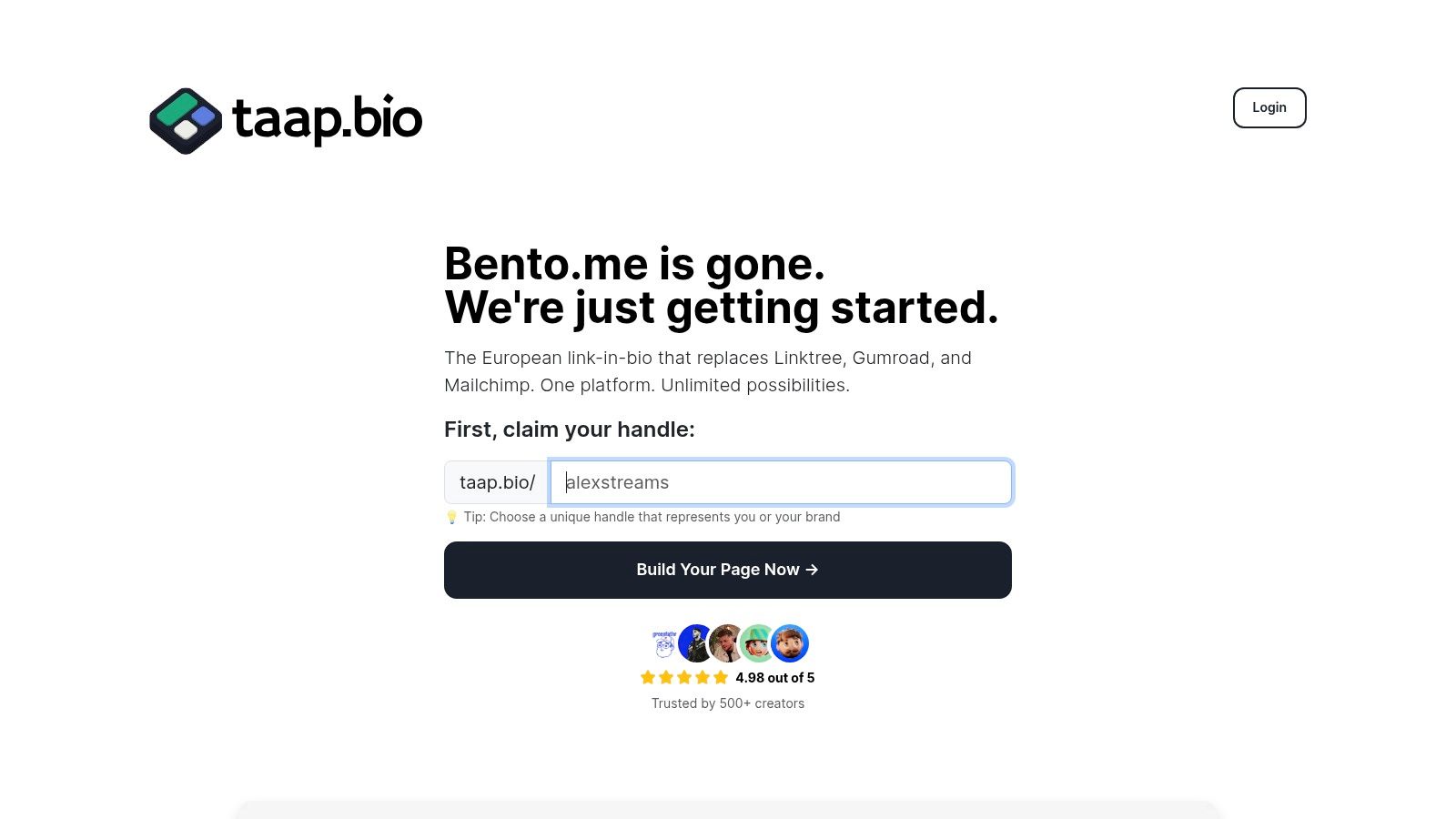
Most linktree alternatives for musicians still think in lists. Taap.bio doesn’t. It treats the page like a modular canvas, which is much closer to how artists present a release: cover art, teaser video, Spotify player, ticket block, merch preview, and socials all working together as one visual story.
That matters if your music brand is visual. A producer with strong artwork, a singer-songwriter with intimate live clips, or a band with tour posters and merch mockups needs layout control. Taap.bio’s bento-style grid gives you that control without asking you to build a full website.
Why it works for music promotion
The strongest part of taap.bio for musicians is the widget depth. Spotify embeds support inline playback, so a fan can listen on the page instead of bouncing out immediately. You can also place YouTube previews, TikTok clips, Instagram blocks, maps, standard links, text notes, and image blocks in one composition.
Its mobile and desktop editing is also more useful than it sounds. A lot of artist pages look decent on mobile, then awkward on desktop, or the reverse. Separate editing lets you change hierarchy by device, which is practical when one audience is coming from Instagram and another is clicking from press, email, or desktop social.
If you want a music-focused setup idea, this link in bio for musicians guide from taap.bio shows the kind of structure that fits release campaigns well.
Practical rule: Put the playable music block above the fold. If fans have to scroll before they can hear anything, you’re wasting the strongest asset on the page.
Taap.bio also stands out for Bento.me migration. That’s especially relevant because post-shutdown migration has become a real need for artists who want to preserve a visual layout rather than downgrade to a generic list. Taap.bio offers one-click Bento.me import for links, widgets, and settings, which removes a lot of rebuild friction.
Best fit and trade-offs
Taap.bio is best for artists who care about presentation and engagement on the page itself. It’s a strong fit for visual musicians, indie artists promoting a single with embedded media, and anyone replacing Bento.me while keeping a design-led feel.
The trade-off is time. A grid-based page takes more thought than dropping links into a vertical list. If you want something live in minutes and don’t care how unique it looks, a simpler tool will feel faster.
A few quick pros and cons matter here:
- Best-in-class visual control: You can create an actual hierarchy instead of a stack of equal-weight buttons.
- Inline media experience: Spotify, video, and social previews make the page feel alive.
- Low-friction start: It’s free to start, with no credit card required and account controls that are easy to understand.
- Less obvious pricing depth: Advanced paid-tier details aren’t as public as some competitors.
- More design decisions: Artists who hate layout work may prefer a campaign-first platform.
2. Feature.fm
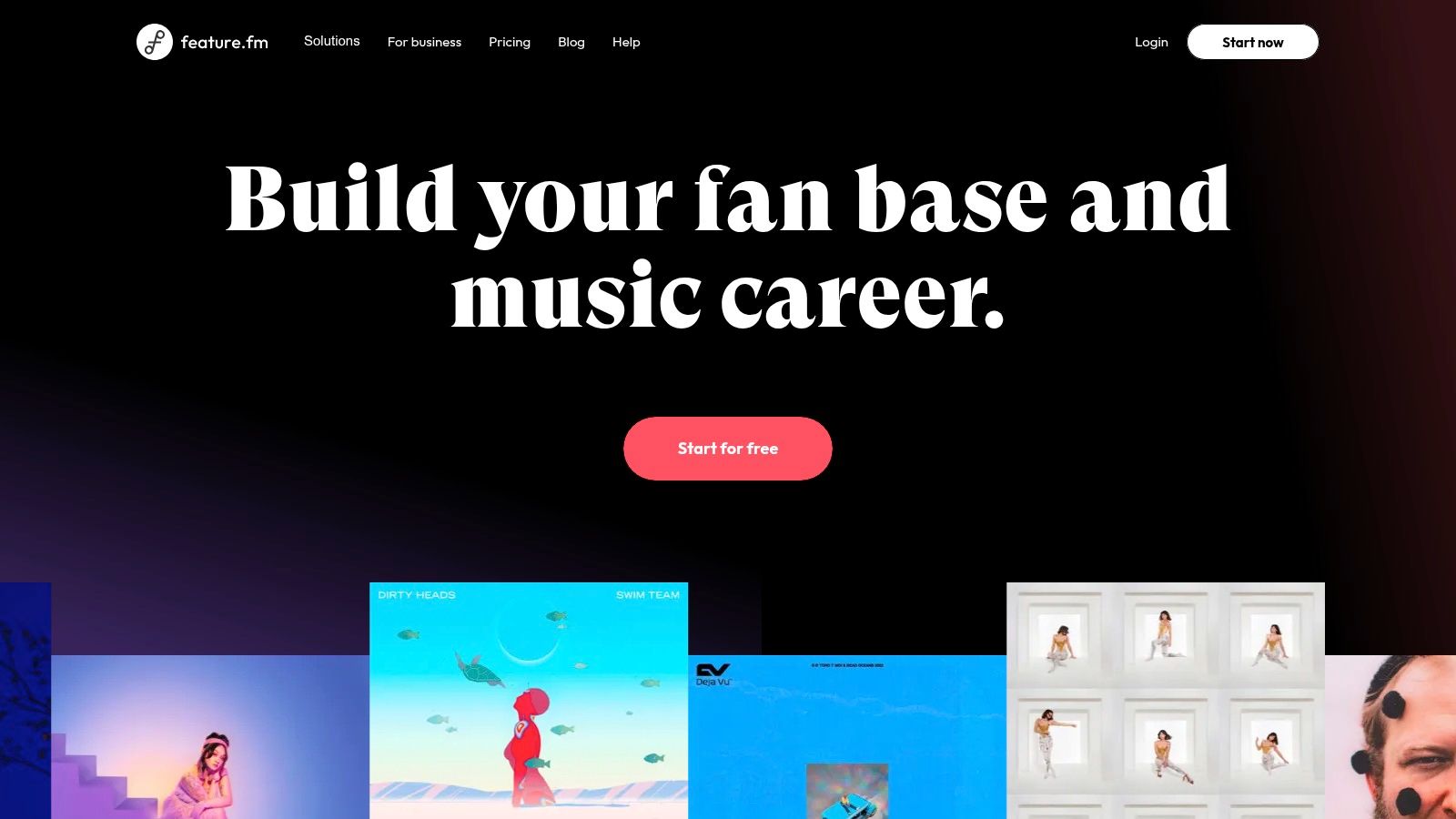
A fan taps your Instagram bio on release day. If that click lands on a plain link list, you waste the moment. Feature.fm is built for the version of that moment where the fan can pre-save, choose a streaming service, hear the track, and join your list without getting lost across five tabs.
That is why I separate Feature.fm from general bio tools. It works best as a campaign hub for active releases, not just a profile page. Pre-save pages, smart links, tour dates, short links, and audience capture all live in one system, which matters once you are running paid traffic or coordinating a rollout across TikTok, Instagram, and email.
Where Feature.fm earns its keep
The biggest advantage is campaign control. Feature.fm gives artists tools for pre-save setup, timed release routing, geo-targeted destinations, retargeting pixels, and CRM connections such as Mailchimp and ActiveCampaign. Those are practical features, not dashboard decoration. They let you send a fan in Germany to the right DSP, retarget visitors who clicked but did not stream, and collect email addresses while attention is still high.
It also handles inline playback better than a lot of generic link-in-bio platforms. Spotify, SoundCloud, and YouTube embeds keep the page in listening mode instead of turning it into a dead-end menu. For musicians, that matters. The page should help someone hear the song fast, then take the next action.
Feature.fm is also strong if your workflow revolves around pre-save campaigns. You can build one destination for the whole release cycle, then update routing as the campaign moves from teaser to pre-save to live stream link. That reduces cleanup and keeps old social posts useful for longer.
If you want to tighten the path from social post to music click, this guide on how to share music on Instagram fits well with a Feature.fm setup.
Good release pages do two jobs at once. They remove friction for fans and capture enough data for the next campaign.
Best fit and trade-offs
Feature.fm is a strong choice for independent artists with regular release schedules, managers running multiple campaigns, and teams buying traffic that needs clean attribution. It is especially useful for pop, hip-hop, and electronic artists who depend on pre-saves, DSP choice, and retargeting audiences between singles.
The trade-off is setup overhead. You need to think through routing rules, integrations, pixels, and fan capture forms before the page does its best work. Artists who only want a simple homepage with a few permanent links may find it heavier than they need.
Migration also takes more planning than with a basic bio tool. If you are moving from Linktree or Bento, start by exporting your core links, then rebuild around campaigns instead of copying the old stack one button at a time. Put the current release first, add one inline player, add email capture, then route out to tour, merch, and socials below that. That structure usually converts better than carrying over a long generic list.
For artist managers, my practical recommendation is simple. Use Feature.fm when the page has a job to do. If the goal is to drive pre-saves, segment traffic, and keep fan data, it earns the extra complexity. If the goal is only to host a neat-looking bio link, a lighter tool will be faster.
3. Linkfire
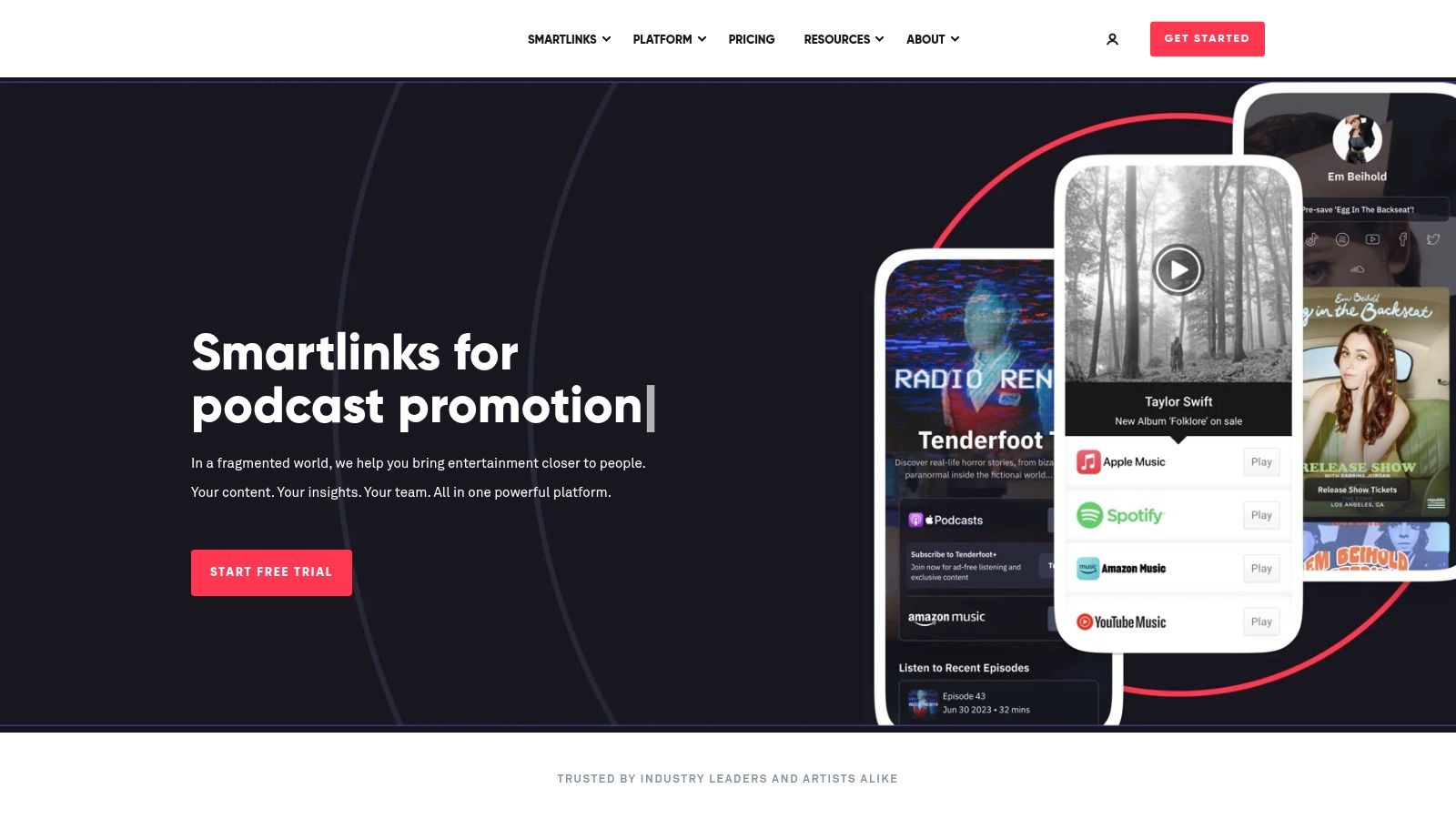
A fan taps your bio link on release day from Spotify, another comes from TikTok, and someone in Germany opens the same page looking for Apple Music. Linkfire is built for that kind of traffic mix. It handles release routing at scale, keeps store matching cleaner across territories, and gives teams better visibility into which channels are driving listens.
That matters more for musicians than for general creators. A standard link-in-bio page can list your streaming services. Linkfire is designed around release campaigns, pre-saves, geo-aware store routing, and post-click reporting. If the job is to move fans from discovery to the right DSP with as little drop-off as possible, Linkfire usually does that better than a generic menu of links.
Where Linkfire earns its keep
I usually recommend Linkfire for artists and managers who already run structured release calendars. That includes labels, distribution teams, and independent acts putting money behind singles. The value is not just the page itself. It is the workflow around it.
For pre-release campaigns, Linkfire is useful when you need one smart page that can support pre-save activity before launch, then shift into a live release destination once the track is out. For launch week, it helps when fans are split across Spotify, Apple Music, Amazon Music, Deezer, and regional platforms. For catalog campaigns, it gives you cleaner routing than a basic bio tool that asks fans to choose from a long list manually.
Linkfire also gives you more control over campaign reporting than simpler tools. That is a practical advantage if you are buying traffic, comparing creator whitelisting against organic social, or trying to see whether Instagram Stories outperform short-form video. If social is your main discovery engine, this guide to promoting music on social media without wasting clicks pairs well with a Linkfire setup.
Music-specific strengths and real limitations
The strongest use case is release infrastructure. Linkfire is good at smart links, pre-save flows, wide DSP coverage, and campaign tracking. Those are the features that matter when the page needs to support a release plan, not just sit in a bio.
The trade-off is that it can feel narrower as a long-term artist hub. If you want heavy visual customization, a built-out homepage feel, or a page centered on personality and community touchpoints, Linkfire is less flexible than tools built around creator profiles. Inline audio playback and fan capture are possible in some setups, but they are not the main reason to choose it. Artists who want a stronger mix of music previewing, email collection, merch, and evergreen brand storytelling may prefer to keep Linkfire for campaigns and use another hub for the always-on bio link.
Pricing and setup can also be a sticking point for smaller independent artists. A solo act releasing one or two songs a year may not get enough value from the extra routing and analytics. A manager handling several artists usually will.
Linkfire works best when every click has a job. Pre-save, stream, attribute, retarget, then move the fan into the next campaign.
Best fit and migration advice
Linkfire fits artists with active release cycles, teams that care about attribution, and campaigns where DSP choice really affects conversion. It is especially strong for pop, hip-hop, dance, and label-supported releases with international traffic.
If you are migrating from Linktree or Bento, do not copy your old page button for button. Start with one release page. Put the current single or album first, connect every major service, check territory routing, then add only the links that support the release, usually merch, tour, and email capture. Keep your evergreen links somewhere else if needed. Linkfire performs better when the page is focused.
My practical take is simple. Use Linkfire when release marketing is the core job and reporting matters. If you need one branded page to host your world year-round, it may feel too campaign-first.
4. Amplify.link
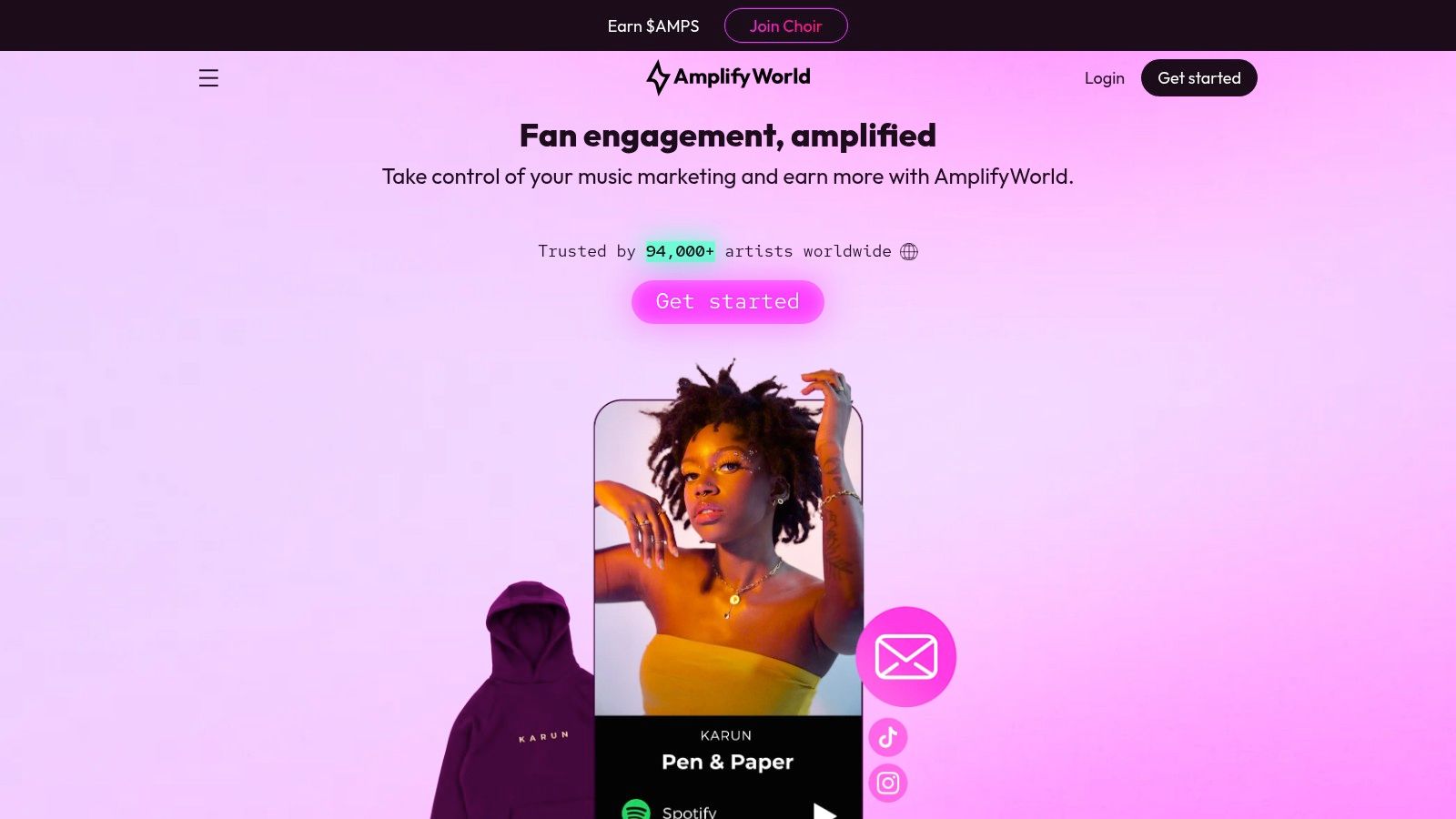
Amplify.link is useful when your bio link needs to connect promotion and monetization. It offers page types for releases, pre-saves, bios, events, and rewards, while also leaning into tips, subscriptions, merch, and remarketing.
That combination matters for artists who don’t just want more streams. They want to convert attention into owned audience and revenue. A release page that captures emails, supports remarketing, and points to merch can do more work than a simple link hub.
A good fit for campaign stacking
Amplify.link works well when you’re stacking actions around one release. You can run a pre-save page before launch, move fans to a release page after the drop, then keep the bio page live as the ongoing home for your catalog, merch, and event links.
Its custom domain support and marketing-tool integrations help if you care about a more branded presentation. The built-in monetization angle is also useful for artists who are experimenting with direct fan support rather than sending everything through third-party storefronts.
If your traffic engine is mostly social, this how to promote music on social media article is a practical companion to an Amplify.link funnel.
What to watch
Amplify.link’s biggest drawback is clarity. Public pricing detail isn’t as obvious as on more straightforward self-serve tools, so you may need to create an account before you understand the full picture.
That doesn’t make it a bad option. It just means decision-making takes more effort. Artists who value simple pricing and immediate comparison may prefer platforms that show all plan details up front.
5. Hypeddit
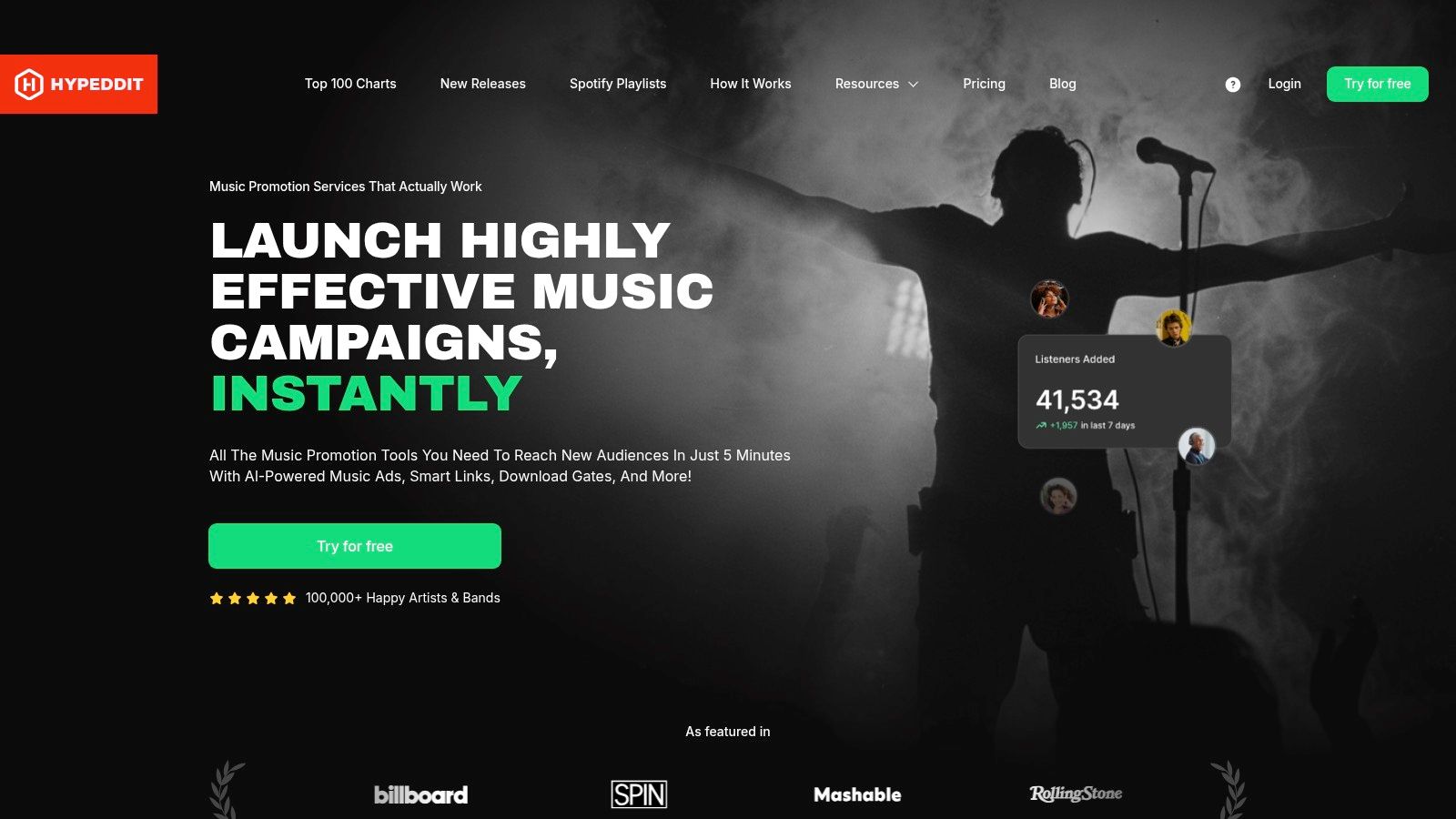
Hypeddit has always made the most sense for artists who think like promoters. Smart links are there, but its primary attraction is the wider growth toolkit around them: download gates, pre-saves, ad support, retargeting pixels, and promotion workflows.
That makes it one of the more action-oriented linktree alternatives for musicians. It’s less about “build a pretty page” and more about “turn this release into follows, email signups, and measurable campaign traffic.”
Where Hypeddit earns its keep
Download gates are still one of the clearest differentiators in music marketing. If you’re giving away a remix pack, demo, bootleg, or bonus download, gating that asset behind a follow or signup can be more valuable than sending people to an open page with no next step.
Hypeddit also supports pixel tracking for Meta, Google, and TikTok, plus quick page creation from streaming and media links. That’s practical when you’re moving fast and need a campaign live without rebuilding everything manually.
A lot of DIY artists overlook this: if paid traffic is part of your strategy, campaign data matters as much as page design. A clean-looking page that can’t support retargeting is often weaker than a slightly heavier one that helps you build custom audiences.
The downside
Hypeddit pages can feel busier than minimalist bio tools. That’s not always a problem, but if you’re sending cold traffic from ads, page weight and visual density can affect how quickly someone understands what to do next.
It’s also not the cheapest option once you move into advanced tiers. For artists who only need a polished bio hub and an occasional release link, it may be more platform than they need.
6. Bandzoogle
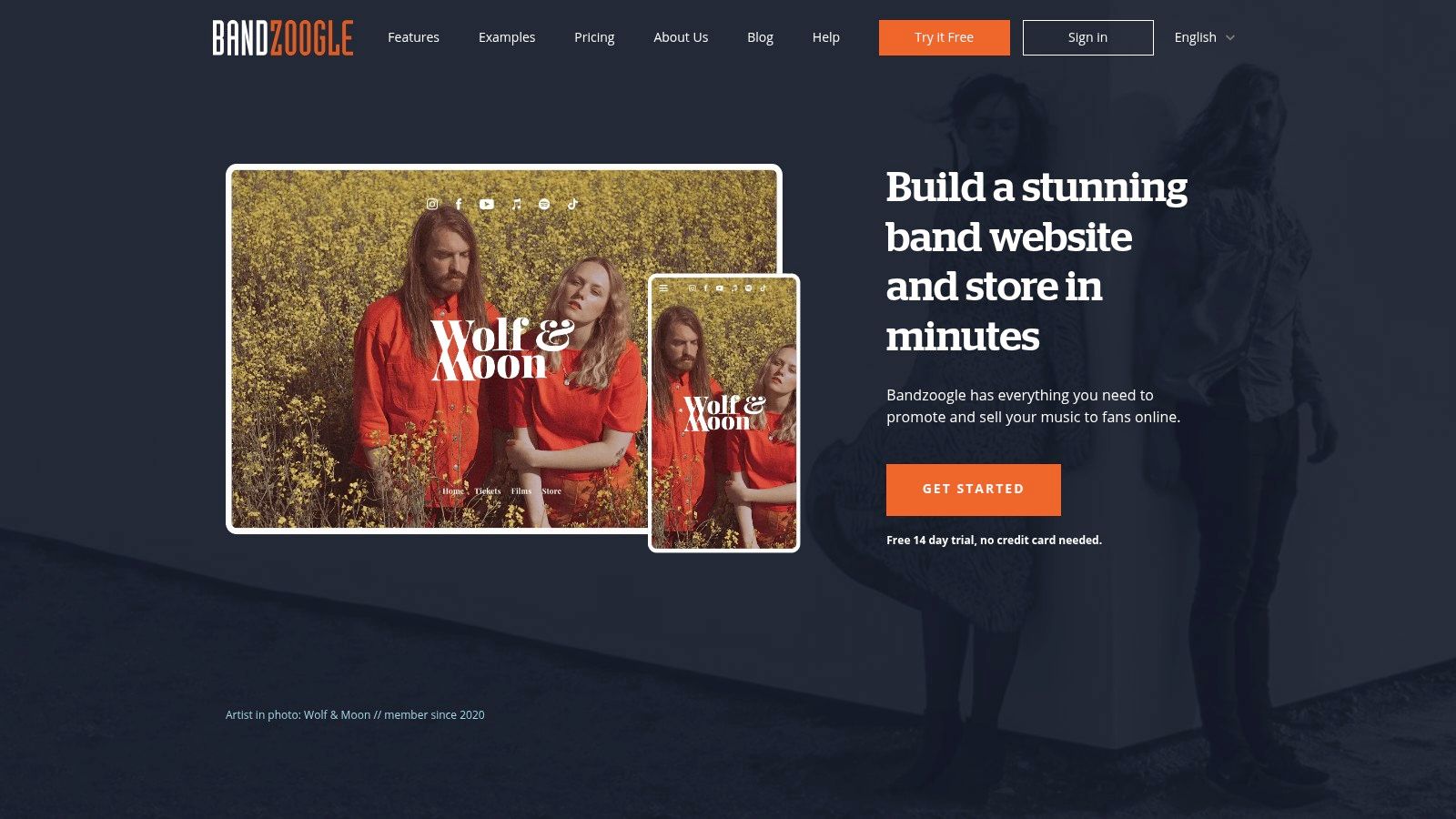
A common breakpoint comes right after an artist’s second or third release. The link-in-bio page starts doing too many jobs at once. It needs to handle a pre-save, stream links, merch, tour dates, email capture, and a press-ready home for new fans who want more context. That’s where Bandzoogle makes sense, because it puts the bio link inside your own website instead of splitting traffic across separate tools.
For musicians, that changes the workflow more than the design. A fan can hear a track in the built-in player, join your mailing list, buy a shirt, and check upcoming shows without bouncing between platforms. You also keep the traffic on your domain, which is better for brand consistency and usually better for search visibility over time.
Best for artists who are done patching tools together
Bandzoogle fits artists who want one place to run the core parts of their direct-to-fan setup. The useful combination is the website builder, music player, merch store, mailing list tools, and pages for releases or tour announcements. If you are currently using Linktree or Bento for social traffic but sending people out again for merch and signups, this setup is cleaner.
It’s also a practical migration path. Start by rebuilding your highest-traffic bio links as website sections: latest release, tour, store, and email signup. Then point your Instagram, TikTok, and YouTube profile links to a dedicated landing page on your domain. For artists with catalog depth, I usually recommend pinning an inline player above the fold and keeping the email form visible before the merch grid. New visitors often need to hear something before they buy anything.
Bandzoogle is stronger than most bio-link tools when your fan journey needs context. An artist website can carry your story, press assets, and release history in a way a stacked link page rarely does. If that part of your setup is weak, these musician bio examples that actually support artist branding are a useful reference point.
Where the trade-off shows up
Bandzoogle can be too much for a new act with one single, no mailing list strategy, and no store. A lightweight smart-link tool is faster if your only goal is to launch a pre-save page this afternoon and get campaign tracking live.
It also asks for more setup discipline. To get real value, you need to organize navigation, create clear release pages, connect your store properly, and decide where fan data gets captured. Artists who skip that work often end up with a full website that still behaves like a messy bio page.
For established acts, that extra setup is usually worth it. For early-stage artists, Bandzoogle works best once you are ready to treat your link hub as owned infrastructure, not just a temporary list of destinations.
7. Beacons
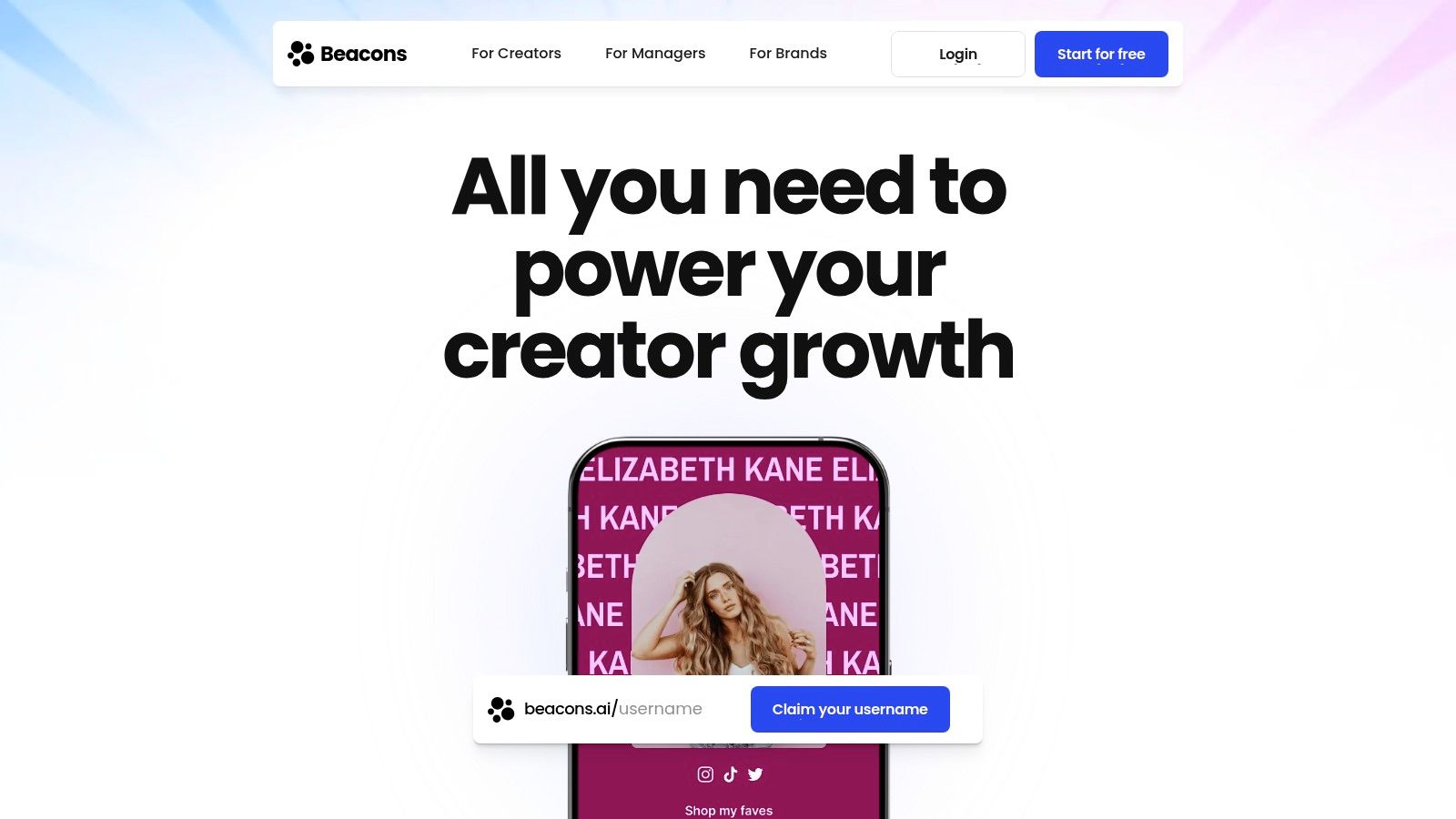
A common artist scenario looks like this. The new single is out, but the bio link also has to sell a vocal preset pack, collect emails for a remix contest, and route superfans into a paid community. Beacons handles that kind of mixed business model better than tools built mainly for streaming campaigns.
Its strength is packaging offers. You can put products, tip jars, booking links, audience signup, and content access on one page without making the whole thing feel like a raw list of URLs. For artists who operate like both musician and creator, that matters.
Better for monetization than release operations
Beacons usually makes more sense when music is one part of the funnel, not the entire funnel. If you sell beat packs, run coaching, offer fan subscriptions, or use short-form content to drive direct sales, the built-in storefront and creator-focused blocks can do real work.
The trade-off shows up fast in release marketing. Beacons can send fans to Spotify, Apple Music, YouTube, and merch, but it is less optimized for musician-specific workflows like pre-save campaign setup, smart-link routing by platform, or DSP-first attribution. Artists who live and die by release-week conversion usually get cleaner execution from Feature.fm or Linkfire.
Inline listening also needs scrutiny here. Before migrating, test whether the page gives enough immediate music context for a cold visitor from TikTok or Instagram. If fans have to click away before they hear anything, conversion often drops, especially for newer acts without strong name recognition.
I usually recommend Beacons for artists with a direct-to-fan offer stack. In practice, that means setting the top of the page in this order: current release, email or SMS capture, paid offer, then social proof. If you import a crowded Linktree or Bento page without reordering it, Beacons can turn into a creator storefront that hides the actual music.
For artists comparing creator-first bio tools against simpler link hubs, this Beacons vs Linktree breakdown for musicians is a useful reference.
Best fit
Beacons fits artists building revenue from more than streams alone. It is a strong option for producers, DJs, educator-artists, and acts with digital products or membership offers.
It is a weaker fit for campaigns centered on pre-saves, release-day routing, and fan data capture tied closely to listening behavior. If the main job of your bio link is getting people from social traffic into a release funnel you can measure, use a music-first tool. If the main job is turning audience attention into multiple income streams, Beacons deserves a serious look.
8. Campsite.bio
Campsite.bio sits in a useful middle ground. It’s lighter than a full campaign platform, but it still gives musicians enough flexibility to build a clean, listenable page with native music embeds, analytics options, custom domains, and team-friendly profile controls.
That balance makes it easy to recommend to managers, duos, collectives, and artists who don’t want their setup to become a second job.
Why musicians like it
Campsite.bio supports native embedding for Spotify tracks, playlists, and Apple Music, so fans can get context before clicking away. It also offers UTM support, which is practical if you’re trying to separate traffic from Instagram, TikTok, email, and press rather than lumping everything into one blob.
The page-building experience is also simpler than heavier music-marketing platforms. That’s often the sweet spot for independent artists who want enough analytics to make decisions without turning every release into a full attribution exercise.
For artists weighing creator platforms against simpler bio tools, this Beacons vs Linktree comparison helps frame where tools like Campsite.bio sit in the broader stack.
Trade-offs
Campsite.bio doesn’t try to be a release-marketing command center. If you need advanced pre-save mechanics, deep fan-journey tracking, or label-style integrations, it won’t replace the specialist platforms.
But for many artists, that’s fine. A simple page with music embeds, decent customization, and enough analytics to spot what fans click is often more usable than an overbuilt tool nobody updates.
9. Solo.to
Solo.to is one of the cleaner minimalist options in this category. It loads quickly, the design stays out of the way, and the paid plans provide enough features to make it viable for musicians who want embeds, scheduling, custom domains, and pixel tracking without the bloat of bigger systems.
That speed matters more than people admit. Fans coming from stories, reels, or short-form social have very little patience for cluttered pages.
A lean setup for focused artists
If your strategy is straightforward, Solo.to can be enough. You can keep the page focused on one current release, one merch link, one mailing-list action, and a small catalog of evergreen destinations. The cleaner the page, the easier it is for fans to choose.
Its just-enough approach is the selling point. You don’t get every music-marketing bell and whistle, but you also don’t spend hours configuring them. For artists who are active but not running complex launch systems, that can be a good trade.
Keep one primary action at the top of the page. A bio link fails when every block asks for equal attention.
When it falls short
Embeds, tracking, and several meaningful features require paid tiers, so the free version won’t satisfy most working artists for long. It also doesn’t bring the music-specific campaign depth you’d get from Feature.fm, Linkfire, or Hypeddit.
Still, if what you want is a fast-loading page with a polished feel and limited decision fatigue, Solo.to stays appealing.
10. Odesli
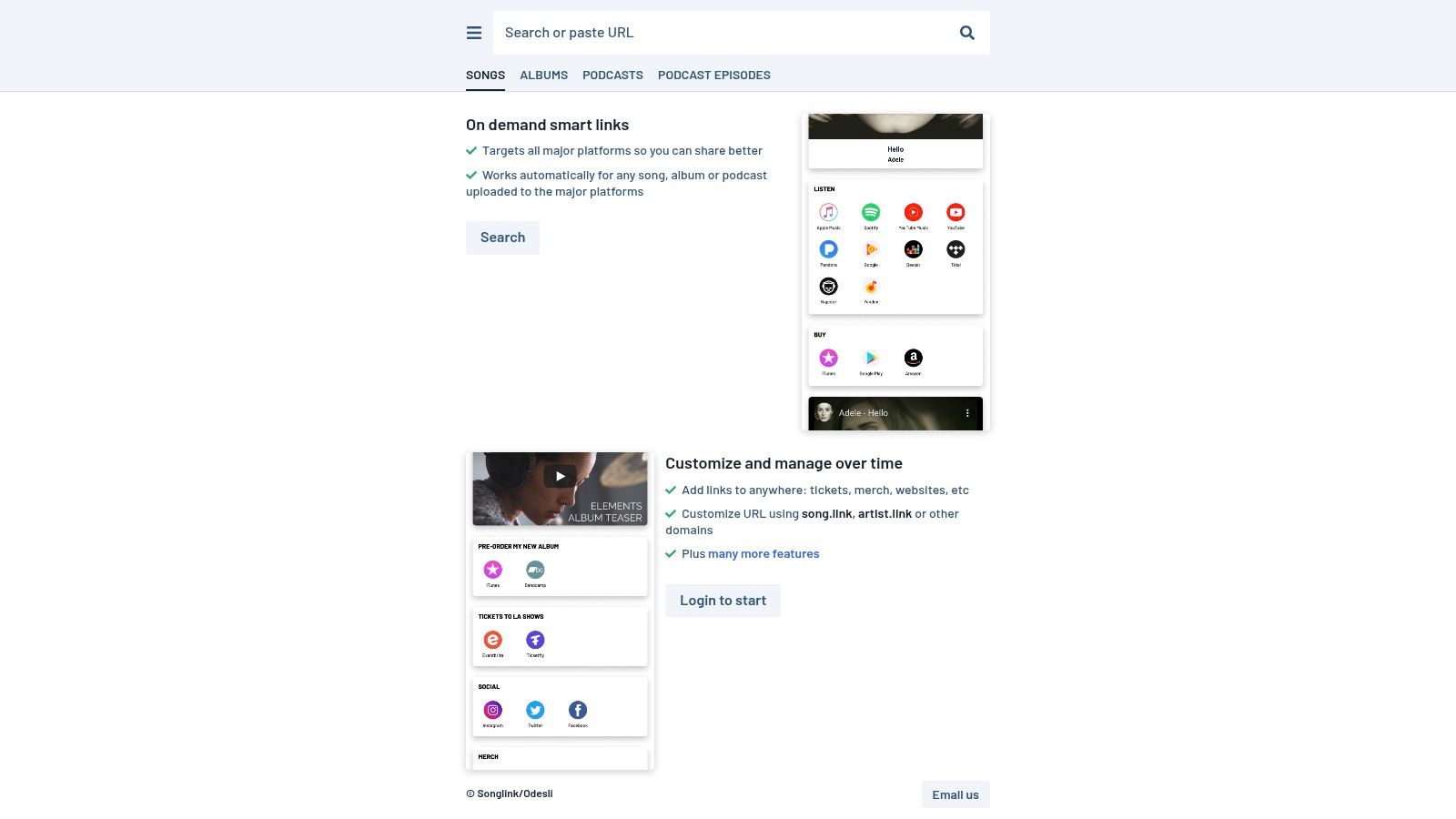
Odesli, also known as Song.link, is the easiest recommendation for one specific job: per-release smart links. If you need a universal song, album, or podcast link fast, it does that with almost no friction.
This is not a full artist hub. That’s the key distinction. It’s a release-routing tool first.
Why it still belongs on this list
Not every musician needs a fully built bio page for every campaign. Sometimes you just need one clean universal link that sends fans to their preferred platform without forcing account setup or complicated configuration.
Odesli is great for that. It’s especially useful for press outreach, story links, and quick-turn sharing when your release is live and you need a DSP-agnostic destination immediately.
Best way to use it
Use Odesli for release-specific sharing, not as your only web presence. Pair it with a richer bio hub if you care about email capture, merch visibility, tour links, or keeping fans on the page longer.
That hybrid setup works well in practice. Your bio link can be your long-term hub. Your Odesli link can be the clean universal release link you drop into posts, messages, and media outreach.
Top 10 Linktree Alternatives for Musicians, Quick Comparison
| Platform | Core features | UX & Quality ★ | Price & Value 💰 | Target & Unique Selling Point 👥 ✨ |
|---|---|---|---|---|
| 🏆 taap.bio | Modular bento-grid, drag‑and‑drop canvas, smart widgets (Spotify inline, IG/YouTube previews), separate mobile/desktop layouts | ★4.98, design‑first, fluid physics interactions | 💰 Free to start; paid tiers (details limited) | 👥 Creators, musicians, designers, ✨ Visual canvas + live, inline widgets (audio playback, GitHub graph) |
| Feature.fm | Music‑first bio pages, pre‑saves, embedded players, retargeting & campaign links | ★ Strong music toolkit with robust analytics | 💰 Paid plans geared to artist campaigns; some features gated | 👥 Musicians & labels, ✨ Pre‑saves, conditional redirects & retargeting |
| Linkfire | Label‑grade smart links, auto‑match DSPs, deep analytics, many integrations | ★ Enterprise‑trusted; powerful reporting | 💰 Enterprise pricing (contact sales) | 👥 Labels & pro artists, ✨ Auto‑scanning releases + premium brand controls |
| Amplify.link | Release/pre‑save/bio/event/reward pages, monetization (tips/merch), remarketing | ★ Feature‑rich marketing studio for music | 💰 Paid tiers (public pricing limited) | 👥 Independent artists/teams, ✨ All‑in‑one marketing + monetization workflow |
| Hypeddit | Smart links, download gates, pre‑saves, pixel tracking, integrated ads & coaching | ★ Focused on growth/promotion; transparent tiers | 💰 Free Rookie + paid Elite (advanced tiers pricier) | 👥 DIY artists/promoters, ✨ Gates + in‑platform ads & coaching |
| Bandzoogle | Full website builder with smart links, music player, merch, tour & analytics | ★ Comprehensive site features; commission‑free sales options | 💰 Paid website plans (includes e‑commerce) | 👥 Musicians wanting owned sites, ✨ Hosted on your domain with built‑in commerce |
| Beacons | Customizable link‑in‑bio, storefronts, memberships, email & analytics | ★ Strong commerce & creator tools; scalable | 💰 Free→paid tiers; 0% seller fees on higher plans | 👥 Creators selling digital products/memberships, ✨ Integrated storefront + memberships |
| Campsite.bio | Lightweight bio builder, native Spotify/Apple embeds, UTM support, collaborator profiles | ★ Simple, affordable, music‑friendly | 💰 Free with affordable Pro add‑ons | 👥 Musicians & small teams, ✨ Unlimited free links + collaborator seats |
| Solo.to | Minimal, fast link pages; paid embeds, scheduled links, custom domains & pixels | ★ Very fast, clean and performance‑oriented | 💰 Transparent, low pricing; advanced features paid | 👥 Artists wanting speed & simplicity, ✨ Minimalist, quick‑loading pages |
| Odesli (Song.link) | Instant smart links for songs/albums/podcasts, DSP‑agnostic pages, no login required | ★ Instant & zero‑friction for releases | 💰 Free; optional custom song.link domains | 👥 Artists sharing single releases, ✨ Fast, no‑account per‑release links |
Choosing Your Digital Hub From Links to Legacy
A fan taps your Instagram bio after hearing a clip of your new single. In the next ten seconds, they either hear the track, pre-save it, join your text or email list, buy a ticket, or they bounce. That is the core job of a music bio link. It is not a link dump. It is a conversion point.
The right platform depends on the job you need it to do right now. Artists in release mode usually need pre-save flows, smart routing, pixels, and fan data capture. Artists with active merch or touring calendars often get more value from a hub tied to their own store and mailing list. Early-stage acts may care most about fast setup and a page that looks good on mobile without much maintenance.
taap.bio fits artists who want the bio page itself to hold attention. Inline playback, visual modules, and flexible layouts help keep fans on the page long enough to sample a track and click the next action. That matters when you are moving from Linktree or Bento and do not want to lose the design layer that makes the page feel like part of the artist brand.
Feature.fm and Linkfire suit a different workflow. They are built for release marketing. If your team is running pre-saves, routing listeners by platform or territory, and retargeting visitors after a campaign launch, those tools usually make more sense than a general creator bio page. The trade-off is simple. They are stronger for campaign operations than for building an artist home fans want to browse.
Bandzoogle is the ownership play. It takes more setup, but you get your own domain, store, tour pages, mailing list capture, and a site structure that can grow with the project. For artists selling merch, collecting email signups, and publishing more than one release cycle at a time, that extra setup usually pays off.
Migration is usually less painful than artists expect if you treat it like a cleanup, not a copy-and-paste job.
- Move high-intent links first: current release, tickets, merch, email signup, and one primary social channel.
- Set one conversion goal per page: pre-save, stream, ticket sale, preorder, or list signup. Fans respond better when the page tells them what to do next.
- Add native media where possible: audio players, short video clips, cover art, and tour visuals usually outperform stacks of identical buttons.
- Handle domains before launch: if you use a custom domain, update DNS and redirects before changing your bio across social platforms.
- Test the full path on mobile: open the page from Instagram, TikTok, and Spotify profile links, then check load speed, player behavior, and form completion.
The bigger shift is strategic. Artists are asking more from a bio link than simple routing. They want to capture emails and phone numbers, run pre-save campaigns, pixel visitors for retargeting, and connect that traffic to merch, tickets, and direct fan sales. Once those jobs matter, a generic link page starts to feel small.
Choose the hub that matches your current business model, then configure it around one clear fan action. A release-first artist should prioritize smart links, pre-saves, and retargeting. A touring artist should put tickets, city-based routing, and SMS capture near the top. A merch-heavy artist should shorten the path from social click to product page. A developing act should keep the page light, playable, and easy to update weekly.
A stronger web presence doesn’t happen by accident. If you’re also thinking beyond the bio page itself, this guide on how to build online presence is worth reading alongside your platform choice.
If you want your bio link to feel like an artist home instead of a generic list, try taap.bio. It’s a strong fit for musicians who care about visual identity, inline Spotify playback, Bento-style layouts, and keeping fans engaged on the page instead of sending them straight away.