
Free doesn't mean frictionless. The popular advice is to pick the course builder with the longest free feature list, upload lessons, and start selling. That skips the parts that determine whether learners receive a usable course and whether you can run it after launch.
A serious comparison must cover free-plan limits, hosting, quizzes, drip delivery, learner management, payment paths, ownership, maintenance, and upgrade triggers. A hosted SaaS platform removes technical work but controls the environment. A classroom tool handles cohorts but usually lacks public checkout. A self-hosted LMS gives you ownership but makes you responsible for hosting and updates. WordPress plugins sit between those models. Lightweight creator stores can be better still when you only need to sell lessons or paid access through a link.
The market supports testing these models. Online learning revenue is projected to reach $185.2 billion in 2024, while the MOOC segment was valued at $22.8 billion in 2024 and is projected to exceed $119 billion by 2029, according to online learning market statistics. Free course supply also grew from 800,000 courses in 2020 to 2.3 million in 2023, with more than 100 million students enrolled in open online courses in 2022, as reported by course statistics research. The best option is the smallest publishing system that fits your operating model, not the tool with the most buttons.
If you need a branded destination, compare these builders with the option to build course pages before committing to a platform migration.
Table of contents
1. Payhip
Payhip is the clearest choice for a creator who wants to publish a paid course quickly and avoid a monthly software bill. It combines a curriculum-style course builder with sales pages, checkout, and a student dashboard, so you aren't stitching together a landing page, payment tool, and lesson portal.
The course structure supports video, files, and text, with drip content and free lesson previews. That makes it suitable for a focused self-paced course where access should follow payment and selected lessons should remain available as a sample. Payhip also handles EU and UK VAT automatically, a practical advantage for creators selling across those markets.
The free plan trade-off
The free-forever plan includes the core publishing tools, which makes Payhip strong for validating a first course or running a small launch. The cost appears when a sale happens. The free plan charges a 5% platform fee, in addition to payment processor fees, so the platform remains easy to start but becomes more expensive as sales grow.
Video hosting may also require an add-on on free plans. Many creators solve that by embedding videos hosted on YouTube or Vimeo, but that adds another account and another place to maintain content.
Best fit: Use Payhip when checkout and fast delivery matter more than advanced LMS administration.
You'll accept fewer institutional controls than a dedicated LMS, but you'll get a much shorter path from outline to paid access. For a practical comparison of this model, use this guide to sell online courses with a creator storefront. Start with Payhip if you already have an audience and want a course sales system without a subscription.
Website: Payhip
2. Systeme.io
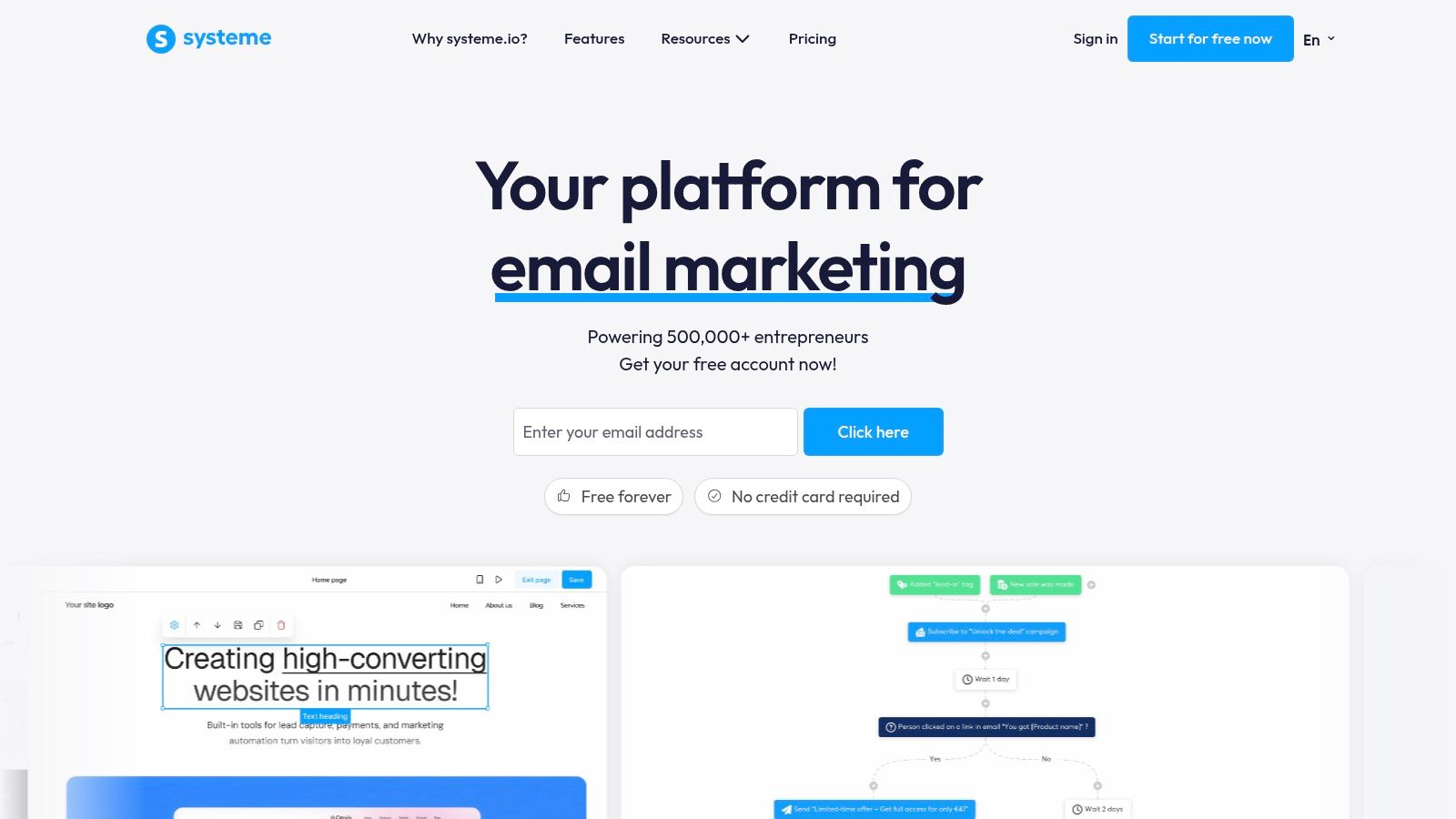
Systeme.io is the strongest pick when the course is only one part of a larger marketing system. Its free plan combines a visual course builder with funnels, checkout, affiliate tools, and unlimited email sends. That lets you publish the course and build the path that brings people to it without immediately adding a separate email platform or funnel service.
The platform supports unlimited students for the included course, which makes it useful for a complete minimum viable product. You can create a lead capture page, nurture subscribers, sell access, and deliver lessons within one account. The built-in affiliate program also gives you a direct way to involve partners in promotion.
Where the free tier stops
The free plan is limited to one course. It also restricts the surrounding marketing system to three funnels and 2,000 contacts, so the first upgrade trigger may come from marketing growth rather than learner demand. If you plan to build a catalog, run multiple lead magnets, or segment a growing audience, map those limits before investing heavily in the platform.
Systeme.io doesn't charge platform transaction fees, but payment processor costs still apply. Its advantage is operational consolidation. Its weakness is that you're accepting a defined ceiling on courses, contacts, and funnels in exchange for keeping the stack simple.
The course experience is adequate for an offer-led business, but this isn't the best choice for complex assessment workflows or institution-style reporting. It's built for creators who need course delivery plus conversion infrastructure.
For a closer look at the broader workflow, review this resource on an online course creation platform.
Website: Systeme.io
3. TalentLMS
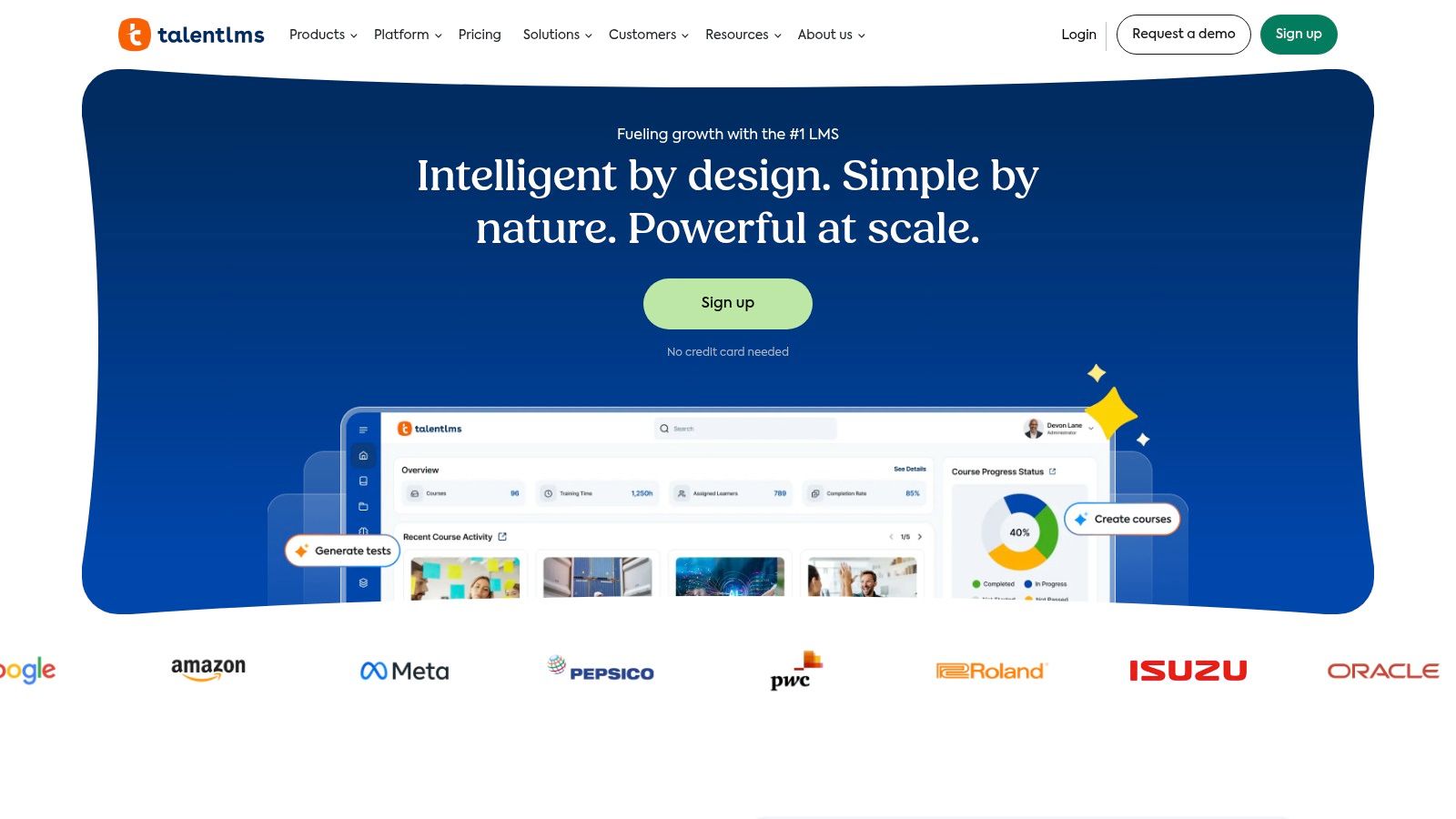
TalentLMS is the practical choice for a small training pilot where assessments, learner tracking, and reporting matter more than public course sales. It's a hosted LMS, so TalentLMS handles the infrastructure while you concentrate on building lessons and enrolling learners.
The free plan supports up to 5 users and 10 active courses. That's enough for a small internal pilot, a client demonstration, or an initial catalog used by a compact team. Course authoring and assessments are included, along with reporting and mobile access. Learners can use a dedicated training environment rather than receiving lessons through a general-purpose classroom workspace.
A good test environment, not a growth plan
The user limit is the decisive constraint. TalentLMS works well when you want to test a training process with a small group, but it won't serve a public course launch on the free tier. You'll need to upgrade as soon as the audience grows beyond the included seats or you need more active courses.
Paid tiers add support for SCORM, xAPI, and cmi5, which matters for organizations importing standardized learning content or connecting the LMS to a wider training environment. Those capabilities aren't part of the free operating model, so teams should assess interoperability before building a large library.
TalentLMS is easier to operate than a self-hosted LMS. You won't manage server updates, security patches, or backups, but you also won't own the underlying infrastructure. That's a fair trade for a training manager who wants a quick, documented setup.
Use TalentLMS for a controlled pilot. Don't choose it as your long-term free platform if public enrollment is the plan.
For adjacent creator workflows, this overview of tools for course creators can help you separate LMS requirements from sales requirements.
Website: TalentLMS
4. Google Classroom
Google Classroom is the best free option for a teacher, tutor, or internal trainer who needs to manage a live group rather than sell a public course. It creates a familiar workspace for lessons, assignments, rubrics, grades, and communication. If your learners already use Google Drive, Docs, and Meet, the setup burden is low.
You can create classes, publish materials, collect assignments, grade submissions, and return feedback from the same environment. That makes Classroom effective for cohort-based teaching, where deadlines, discussion, and instructor response matter more than an evergreen sales funnel.
Why it doesn't replace a course storefront
Google Classroom isn't designed as a public commerce platform. It doesn't give you a built-in checkout, sales page system, affiliate workflow, or creator storefront. You can use external tools to collect payment and then manage access manually, but that creates an operating process rather than a complete payment path.
Personal Google accounts can use Classroom for free, while Google Workspace for Education serves qualifying institutions. The distinction affects administration, account controls, and available features, so schools and organizations should verify which edition they can use before planning a rollout.
Classroom also favors instructor-led delivery. It can host structured lessons and assignments, but it isn't the right choice for an automated evergreen course with advanced drip rules and self-service purchase access.
Choose it when the teacher remains central to the learner journey. Choose Payhip or Systeme.io when the buyer should pay and receive access without manual enrollment.
Website: Google Classroom
5. Moodle
Moodle is the strongest choice for an organization that wants control over its learning environment and is prepared to operate software. The open-source LMS supports course activities, quizzes, assignments, messaging, roles, and permissions, with a plugin ecosystem that lets administrators extend the system.
There's no software license cost because Moodle is open source. That doesn't make the complete system costless. You still need hosting, backups, updates, security management, email configuration, and someone who can troubleshoot the environment when a plugin or theme causes a problem.
Ownership comes with responsibility
Self-hosting gives you control over your data and stack. You can decide where the platform runs, how accounts are managed, and which integrations you install. That's valuable for institutions, associations, and businesses with privacy or governance requirements.
The same control creates the largest setup burden on this list. You'll need to select hosting, configure the LMS, establish administrator roles, test learner access, and maintain the installation. Payment and public sales also require configuration through plugins or external services, so Moodle isn't a quick creator storefront.
Moodle fits a structured learning operation with recurring administration. It supports richer assessment and communication than a lightweight digital-product seller, but you'll pay for that flexibility with technical work.
Practical rule: Choose Moodle only when ownership and extensibility justify taking responsibility for the stack.
Creators who want a less technical way to combine courses and digital products can also review this guide to an online course platform, then compare the setup work against their actual learner requirements.
Website: Moodle
6. Open edX
Open edX is built for organizations that need a serious MOOC or institutional delivery environment, not for a solo creator testing a first paid lesson. Its authoring environment, Open edX Studio, supports structured course creation and advanced assessments. The platform also supports extensibility and third-party authentication through SAML and OAuth.
The software is open source and offers enterprise-grade capabilities. Organizations can use a vendor ecosystem for implementation, hosting, and support, which creates more operating options than a closed SaaS platform. That flexibility is useful for universities, large programs, and organizations delivering learning across multiple systems.
Powerful software, substantial operations
Open edX requires more technical planning than Payhip, Systeme.io, or Google Classroom. Hosting, deployment, authentication, upgrades, monitoring, and support typically require budget and specialist involvement even though the software itself is free.
That trade-off makes Open edX a poor fit for a creator who only needs a simple paid course page. It becomes compelling when you need institutional control, assessment, integration with identity systems, or a platform that can support a large and complex learning program.
The publishing workflow is also more deliberate. You'll need to design roles, define the learner journey, test assessments, configure the environment, and establish maintenance ownership before inviting a broad audience.
Use Open edX when the course operation is part of an institution. If your core question is how to sell a compact course to an existing audience, choose a hosted commerce-first tool instead.
Website: Open edX
7. Tutor LMS
Tutor LMS is the right WordPress choice for creators who want a branded course site and already accept the responsibility of running WordPress. The free plugin provides a drag-and-drop course builder, quizzes, lesson management, and course administration inside your own website.
That gives you more control over design than most hosted platforms. You can select a WordPress theme, customize the course pages, connect membership tools, and integrate payment plugins. Your site can hold the course, blog, sales content, and other brand assets in one environment.
WordPress flexibility is not maintenance-free
You must provide hosting and manage WordPress security, backups, updates, and plugin compatibility. A conflict between Tutor LMS, your theme, a page builder, and a payment extension can become your problem rather than a vendor support ticket with a single owner.
Tutor LMS is also stronger as a learning layer than as a complete free commerce solution. Some advanced payment and integration capabilities require paid add-ons, so the free plugin may publish lessons successfully while leaving you to assemble the purchase and access workflow.
This option works best for a site owner who values design and ownership and already understands WordPress administration. It isn't the fastest route for someone who wants to upload a course today without maintaining a website.
For creators combining education with downloads, this guide to selling digital products on WordPress provides useful context before you choose a plugin-heavy stack.
Website: Tutor LMS
8. LearnPress
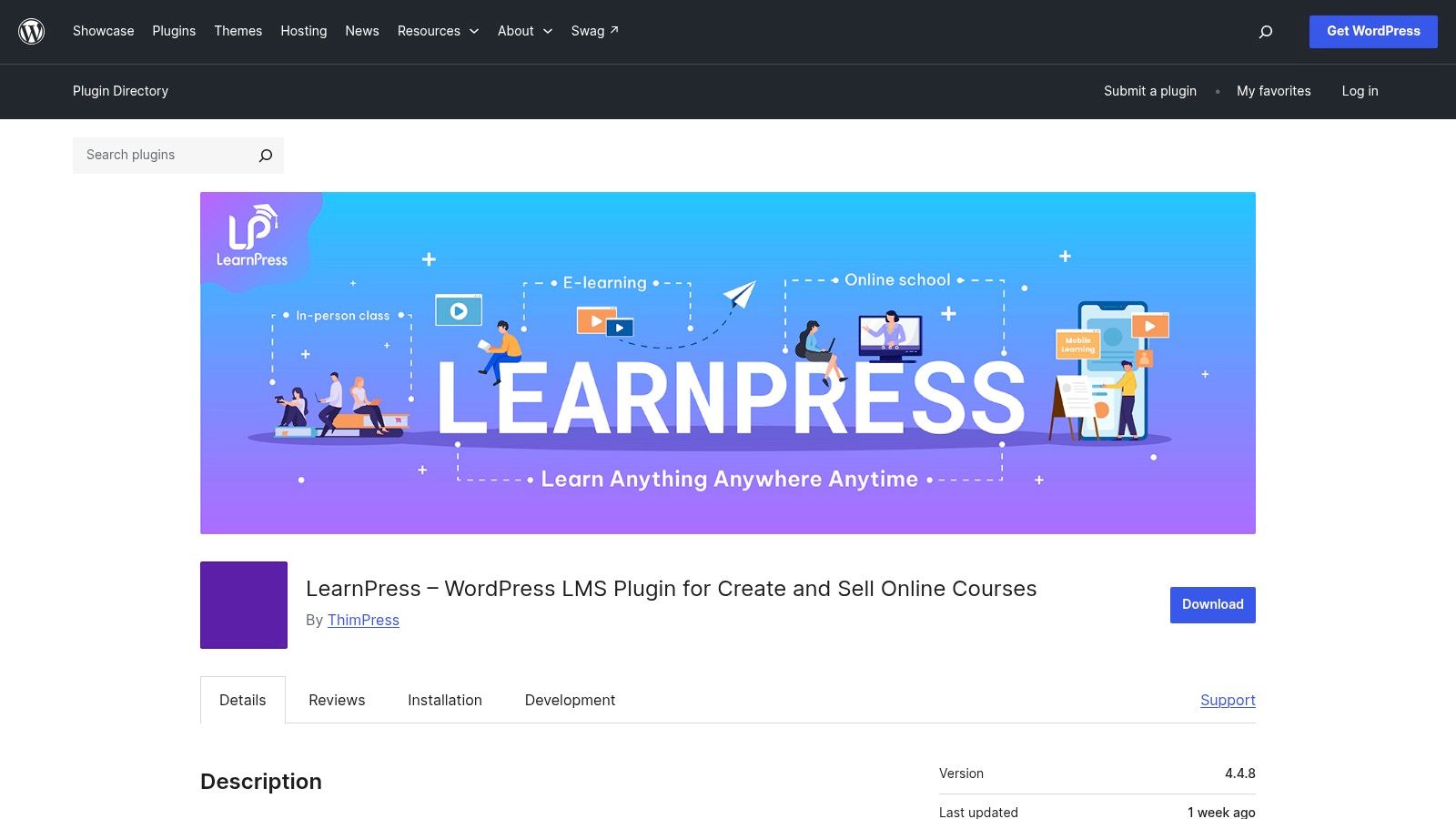
LearnPress is a dependable starting point for a lightweight WordPress course site. It organizes content into courses, lessons, and quizzes, and it supports assignments and certificates. If you already run WordPress, the interface feels familiar and the core plugin lets you build a structured learning area without adopting a separate hosted platform.
Its main advantage is its add-on path. You can extend the site with WooCommerce and membership integrations when you need paid access, while keeping the course content inside your own domain and database. That makes LearnPress suitable for a creator who wants to begin with lessons and add commerce as the offer becomes clearer.
Add-ons define the real system
The free core doesn't automatically mean the entire business workflow is free. Payment gateways, advanced commerce, certificates, memberships, and other enhancements may require add-ons or paid bundles. Each extension adds another update dependency and another compatibility point to test.
That's the central trade-off. LearnPress gives you ownership and WordPress flexibility, but you'll assemble the publishing system yourself. You're responsible for hosting, security, backups, plugin updates, learner support, and payment troubleshooting.
Choose LearnPress when your website is already an important business asset and the course should live inside it. Avoid it if you don't want to manage WordPress or if your priority is the fastest possible paid launch.
A simple course can work well here, but test the full buyer journey before publishing. Create a test account, complete a lesson, submit a quiz, purchase access, and confirm that the correct content becomes available.
Website: LearnPress
9. Sensei LMS
Sensei LMS is a strong fit for WordPress site owners who want a clean learner experience and straightforward integration with WooCommerce. The free plugin provides lessons, quizzes, progress tracking, and Learning Mode templates, so learners can move through course content without the visual clutter common on general WordPress pages.
WooCommerce compatibility gives you a familiar route to paid access. You can use WooCommerce to sell a product and connect that purchase to the course enrollment process. This keeps commerce close to the website rather than forcing learners through a separate storefront.
A clean core with paid expansion
Sensei LMS is backed by Automattic and integrates naturally into the WordPress ecosystem. That's useful if your site already depends on WooCommerce, WordPress themes, and standard content workflows.
The free core won't cover every advanced learning or commerce requirement. Interactive video, deeper engagement features, and other enhancements may require Sensei Pro or additional extensions. You'll also manage the underlying WordPress installation, including updates and compatibility testing.
Sensei is a better choice than a generic page builder when learner navigation and progress matter. It's less attractive if you need a no-maintenance platform or a built-in creator storefront that handles checkout and delivery from the start.
Before launch, test the purchase-to-enrollment sequence on mobile and desktop. A working course page isn't enough if a buyer pays but doesn't receive access immediately.
Website: Sensei LMS
10. LifterLMS
LifterLMS is the best WordPress option here when you want a generous free core and don't want artificial limits on the number of courses or enrollments. The plugin supports unlimited courses and enrollments, basic quizzes, and progress tracking. That makes it attractive for a site owner building a catalog rather than testing a single course.
The free core gives you room to create multiple learning paths without hitting a course-count ceiling. You can then add extensions for payment gateways, memberships, advanced quizzes, and other requirements as the business develops.
The commerce path requires planning
LifterLMS is a powerful LMS layer, but selling courses natively will usually require a paid payment gateway or another add-on. You can build and organize content without paying for the core plugin, but the complete paid-access workflow may not remain free.
You also carry the normal WordPress responsibilities. Hosting, security, backups, updates, and plugin compatibility belong to you. That's a fair exchange for control, but it means the software bill isn't the only cost to consider.
Choose LifterLMS for a WordPress-native learning business that expects to grow its catalog and can handle technical administration. Choose Payhip if you need a faster commercial launch with less setup. Choose Moodle if institutional control and permissions matter more than creator-site flexibility.
LifterLMS makes sense when the website itself is the long-term platform. It's excessive for a few downloadable lessons delivered after a simple payment.
Website: LifterLMS
Top 10 Free Online Course Builders, Quick Comparison
| Platform | Core features | UX (★) | Price / value (💰) | Target audience (👥) | Unique selling points (✨ / 🏆) |
|---|---|---|---|---|---|
| Payhip | Curriculum builder; drip lessons; built‑in sales pages; EU/UK VAT handling | ★★★★ | 💰 Free‑forever plan; 5% platform fee on free tier; pay‑per‑sale option | 👥 Indie creators selling courses & digital downloads | ✨ Quick launch + built‑in checkout; automatic VAT handling |
| Systeme.io | Visual course builder; funnels; email & affiliate tools; 0% platform fees | ★★★★ | 💰 Generous free tier; scalable paid plans | 👥 Creators who want funnels + automation in one place | ✨ All‑in‑one marketing + course stack; 0% fees 🏆 |
| TalentLMS | Course authoring; assessments; reporting; mobile access | ★★★ | 💰 Free up to 5 users & 10 courses; paid tiers to scale | 👥 Small teams, pilots, corporate training | ✨ Fast setup with good docs; learner reporting |
| Google Classroom | Classes, assignments, grading; Drive/Meet integration | ★★★ | 💰 Free for personal & Education accounts | 👥 Tutors, schools, cohort-based instructors | ✨ Familiar Google workflow; seamless Workspace integration |
| Moodle (self‑hosted) | Rich activities, quizzes, messaging; plugin ecosystem | ★★★ | 💰 Free open‑source software; hosting/support costs apply | 👥 Institutions & orgs wanting full control | ✨ Highly extensible; data ownership & customizability 🏆 |
| Open edX (self‑hosted) | Studio authoring; advanced assessments; enterprise integrations | ★★★ | 💰 Free software; significant hosting & ops costs | 👥 Universities & large-scale programs | ✨ Enterprise MOOC capabilities; scalable & extensible 🏆 |
| Tutor LMS (WordPress) | Drag‑and‑drop course builder; quizzes; WP integrations | ★★★★ | 💰 Free core plugin; hosting & paid add‑ons | 👥 WordPress creators wanting branded course sites | ✨ Flexible design via WP ecosystem; easy branding |
| LearnPress (WordPress) | Course/lesson/quiz structure; certificates; WooCommerce add‑ons | ★★★ | 💰 Free core; add‑on costs for commerce/features | 👥 Budget‑conscious WordPress site owners | ✨ Long‑running plugin with many extensions |
| Sensei LMS (Automattic) | Lessons, quizzes, progress tracking; WooCommerce compatible | ★★★★ | 💰 Free core; Pro/add‑ons for advanced features | 👥 WordPress sites seeking polished UX & WooCommerce | ✨ Automattic‑backed; smooth WooCommerce integration |
| LifterLMS (WordPress) | Unlimited courses in free core; quizzes; add‑on library | ★★★★ | 💰 Free core; paid extensions for commerce & features | 👥 WordPress creators needing power & scalability | ✨ No course caps in free core; extensible commerce options |
Choose the Smallest Stack That Works
The best free online course builder depends on the complete publishing system you need. A course authoring interface is only one piece. Learners need a reliable access path, instructors need a way to assess progress, and buyers need a payment and delivery experience that doesn't create manual work.
Start by writing down the operating model before comparing plans. Your answer should cover:
- Learner limits: Confirm how many people can enroll, whether they need accounts, and whether the limit applies to active or total learners.
- Course caps: Check whether the free plan permits one course, several courses, or an uncapped catalog.
- Hosting responsibility: Decide whether the vendor hosts everything or whether you'll maintain servers, WordPress, backups, and security.
- Assessments: Verify that quizzes, assignments, grading, certificates, and completion tracking exist where your learners need them.
- Drip delivery: Check whether lessons can release on a schedule or only appear immediately after enrollment.
- Payment and delivery: Test checkout, payment processing, refunds, access activation, and delivery of files or videos.
- Ownership: Find out how you can export course content and learner data if you leave.
- Maintenance and upgrades: Treat hosting, add-ons, transaction fees, support, and plan limits as part of the actual cost.
For a fast paid launch, choose Payhip. It handles the course storefront, checkout, student dashboard, previews, and drip delivery with little technical setup. Accept the free-plan transaction fee and the possibility that you'll embed video elsewhere. Payhip is the right answer when speed and commercial delivery outweigh advanced LMS controls.
For a course-plus-funnel MVP, choose Systeme.io. You get one complete course alongside funnels, email, checkout, and affiliate tools. It's the strongest fit for a creator who wants to capture leads and sell from one operating system, but you'll need to upgrade when the single-course or funnel and contact limits become restrictive.
For a small cohort, choose TalentLMS or Google Classroom. TalentLMS is better for learner tracking, assessments, and reporting. Google Classroom is better for instructor-led classes that depend on assignments, Google Docs, Drive, and Meet. Neither is the right first choice for automated public course sales.
For controlled institutional delivery, choose Moodle or Open edX. Moodle offers broad extensibility and ownership for organizations willing to operate an LMS. Open edX suits larger or more technically demanding programs that need advanced assessments, authentication, and an enterprise-oriented ecosystem. Free software doesn't remove hosting, support, deployment, or maintenance costs.
For branded site ownership, choose Tutor LMS, LearnPress, Sensei LMS, or LifterLMS according to your WordPress needs. Tutor LMS gives you a flexible course builder, LearnPress offers a modular add-on path, Sensei works naturally with WooCommerce, and LifterLMS provides an uncapped free core for courses and enrollments. All four require WordPress administration, and paid extensions may be necessary for complete commerce.
There's also an alternative path. If you're selling simple digital lessons, a compact course file, or paid access through a link in your social profile, you may not need a full LMS. taap.bio provides a link-in-bio creator store with built-in checkout, instant digital file delivery, email capture, paid bookings, and analytics. It can help you sell a simple course or digital lesson from one page, but it isn't a replacement for structured assessments, detailed learner administration, or institutional LMS controls. Visit taap.bio if your real requirement is a revenue-focused creator page rather than a full classroom.
Before choosing a platform, run a small publishing test. Upload one lesson, create the learner account, complete the assessment, trigger the payment, confirm access, and export the data if the platform allows it. That test reveals more than a feature page because it exposes the setup burden you'll carry after launch. You can also use this guide to building online courses for founders to clarify whether your product needs a classroom, a storefront, or both.
Choose the smallest stack that works today, and leave yourself a clear upgrade path for the requirement you're most likely to outgrow.
taap.bio gives course creators a single link-in-bio store for selling digital lessons, delivering files after checkout, capturing email subscribers, taking paid bookings, and reviewing page analytics. Visit taap.bio to test a lighter publishing path before investing in a full LMS.