
In a feed crowded with single images, a well-crafted collage is more than just a collection of photos; it's a narrative tool. It allows you to showcase multiple perspectives, create visual rhythm, and tell a richer story in a single post. Whether you're a brand launching a product, a photographer sharing a series, or a creator recapping an event, the right collage can stop the scroll and boost engagement. But with countless apps available, finding the one that balances power with ease of use is key.
This guide cuts through the noise. We've tested and analyzed the best collage apps for Instagram to help you find the perfect tool for your specific needs, from simple grids to animated stories. Forget generic feature lists; we're providing real-world insights, pros and cons, and quick how-to tips for each app. You'll learn which tools are best for creating seamless carousels, which excel at video collages, and which offer the most creative templates.
Understanding the unique visual demands of the platform is key to making your collages shine. For more insights into optimizing your content and exploring various application features, you might want to delve into resources providing further Instagram-specific strategies. Our goal is to equip you with the right app to transform your grid, one stunning composition at a time. Let's dive in.
Table of contents
1. Canva
Canva is more than just an app; it’s a full-fledged design ecosystem that makes creating professional-looking Instagram collages incredibly simple. Its power lies in its massive library of templates, specifically sized and styled for Instagram Posts, Stories, and even multi-image carousels. This makes it one of the best and most reliable platforms on our list of good collage apps for Instagram, especially for creators who need design consistency.
The platform’s drag-and-drop interface is famously intuitive, allowing you to quickly swap photos, change colors, and add text without a steep learning curve. For brand-conscious creators, the Brand Kit feature (available in Canva Pro) is a game-changer, ensuring your fonts, colors, and logos are always on hand.
Key Features & Use Case
Canva excels for creators who need a unified workflow across desktop and mobile. You can start a collage on your laptop and finish it on your phone, perfect for designing on the go. It’s the ideal tool for creating themed content, promotional graphics, or detailed carousel posts that tell a story.
- Best For: Content creators, social media managers, and small businesses needing consistent, high-quality branding in their collages.
- Pricing: A very capable Free plan is available. Canva Pro is $119.99/year for one person, unlocking premium templates, stock photos, a background remover, and the Brand Kit.
- Platform: Available on Web, macOS, Windows, iOS, and Android.
- Website: https://www.canva.com
| Pros | Cons |
|---|---|
| Huge, constantly updated template library | Can feel overly complex for a quick collage |
| Works seamlessly on web and mobile devices | Best features are behind the Pro paywall |
| Excellent free version for most basic needs | Performance can be slow on older devices |
2. Adobe Express (Instagram Collage Maker)
As a direct competitor to Canva, Adobe Express brings the power of the Adobe ecosystem into a streamlined, web-based tool perfect for Instagram creators. Its dedicated Instagram collage maker is a standout, offering polished, professionally designed templates that automatically adjust your photos into beautiful layouts. This focus on high-quality presets makes it one of the best choices among good collage apps for Instagram for those who want stunning results with minimal effort.
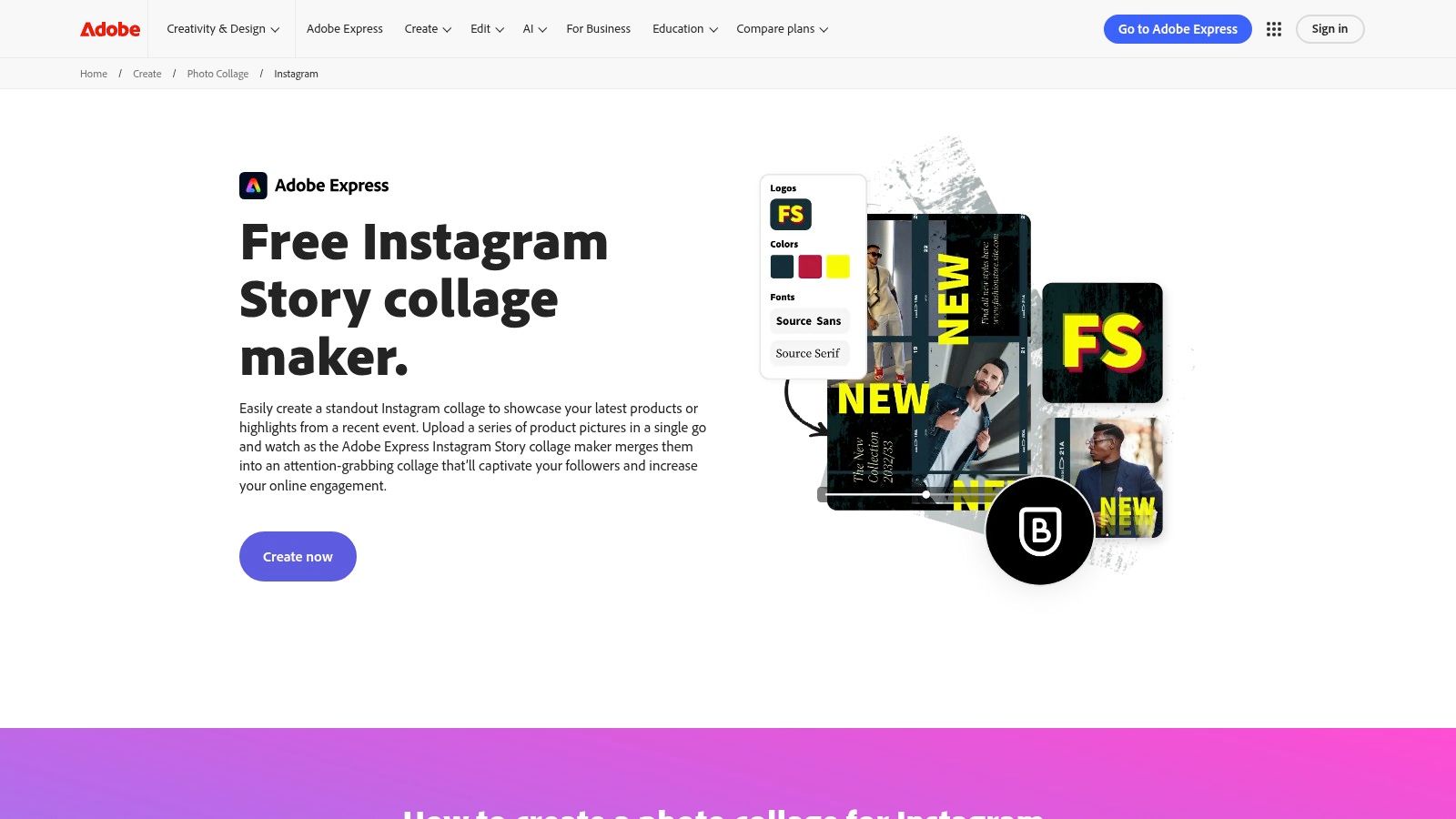
The platform integrates powerful photo editing tools, including one-click background removal and artistic filters, directly into the collage workflow. For creators managing a content calendar, the built-in scheduler is a huge advantage, letting you design your collage and schedule it to post on Instagram from a single interface. This all-in-one approach can significantly improve your social media engagement by simplifying your posting process.
Key Features & Use Case
Adobe Express is ideal for users who appreciate the quality of Adobe's creative tools but need a faster, more accessible solution for social media. Its AI-powered features and seamless integration with Adobe Stock and Fonts provide a premium feel, even on the free plan. It excels at creating quick, eye-catching collages for Instagram Stories and Posts without needing deep design knowledge.
- Best For: Solo creators, marketers, and Adobe Creative Cloud users looking for a fast, template-driven collage maker with publishing capabilities.
- Pricing: A generous Free plan is available with core features. The Premium plan is $99.99/year, unlocking all premium assets, more cloud storage, and advanced features.
- Platform: Available on Web, iOS, and Android.
- Website: https://www.adobe.com/express/create/photo-collage/instagram
| Pros | Cons |
|---|---|
| Polished, beginner-friendly templates | Best assets and features are in paid tiers |
| Free plan includes many core features | Web app can be slower on older machines |
| Integrated content scheduler for Instagram | Mobile app is less powerful than the web version |
3. Picsart (Collage Maker)
Picsart is a powerhouse in the mobile editing space, and its dedicated collage maker is built for speed and creativity. It blends a user-friendly interface with an enormous library of community-sourced stickers, effects, and backgrounds, making it one of the most dynamic and fun collage apps for Instagram. The platform thrives on letting you quickly assemble photos into stylish grids and then customize them with a near-endless supply of artistic flair.
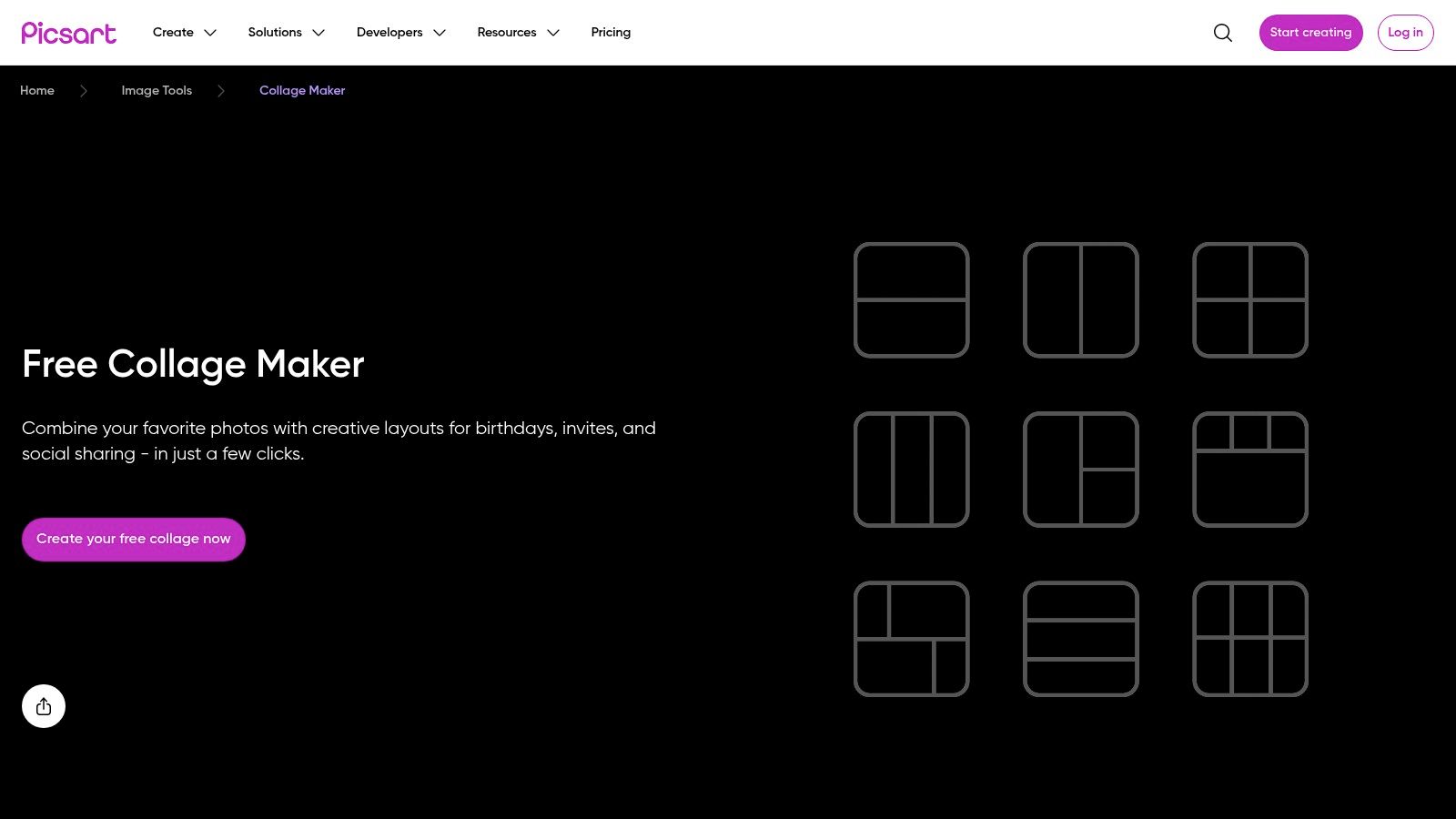
Unlike more structured design tools, Picsart encourages playful experimentation. Its one-click enhancements, trendy filters, and editable grids allow you to go from a simple photo layout to a vibrant, share-worthy graphic in minutes. This makes it perfect for creators who want their collages to feel spontaneous and visually rich without spending hours on design.
Key Features & Use Case
Picsart is ideal for creating eye-catching, personality-driven collages that stand out in a crowded feed. It’s the go-to app for quick, on-the-fly edits, whether you're making a birthday shoutout, a travel recap, or a trendy mood board. Once your collage is exported, you can feature it in your grid and link to related content using one of the best link in bio tools to drive engagement.
- Best For: Influencers and casual users who want to create trendy, artistic, and highly-stylized collages quickly on their mobile devices.
- Pricing: A Free version is available with ads. Picsart Gold is $55.99/year, removing ads and watermarks while unlocking all premium tools and content.
- Platform: Available on Web, iOS, and Android.
- Website: https://picsart.com/collage-maker
| Pros | Cons |
|---|---|
| Very fast and intuitive for simple collages | Annoying ads and upsells on the free plan |
| Huge library of creative assets and effects | Watermarks on some free exports unless upgraded |
| Works seamlessly in the browser and on mobile | The interface can feel cluttered with options |
4. Unfold by Squarespace
Unfold is an elegant, mobile-first toolkit designed for creators who prioritize a minimalist, cohesive aesthetic. Its strength lies in its curated collection of designer templates that make your Instagram Stories and Posts look like they belong in a high-end digital magazine. If you’re searching for good collage apps for Instagram that deliver a specific, clean look with minimal effort, Unfold is a top-tier choice.
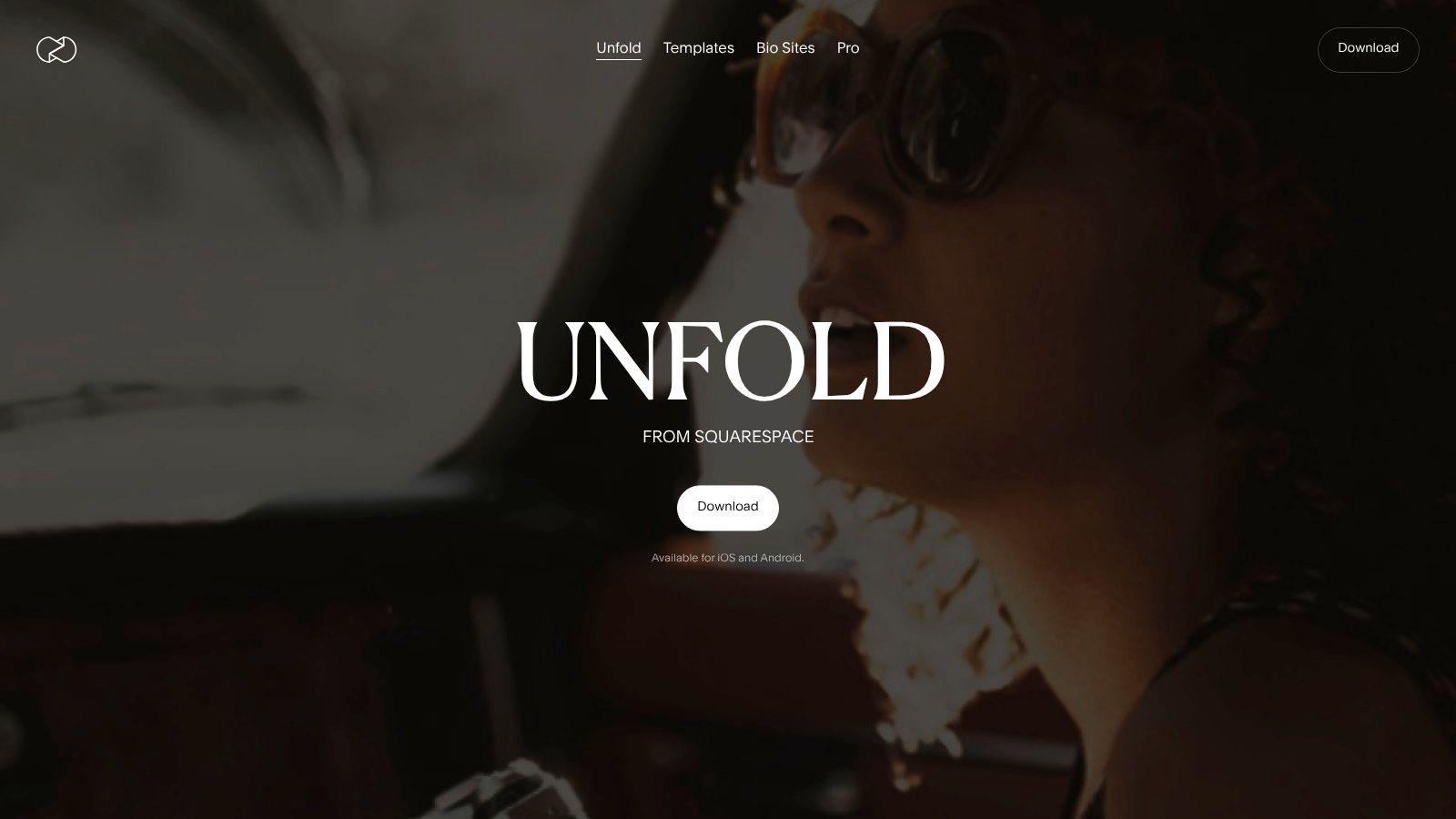
The app goes beyond static images, offering beautiful templates for video collages and animated text, perfect for creating dynamic content. Its user interface is clean and intuitive, focusing on the creative process rather than overwhelming you with features. This makes it incredibly fast to create and export perfectly sized content, and you can learn more about the correct dimensions with our guide to Instagram Story specs.
Key Features & Use Case
Unfold is the go-to app for storytellers, fashion influencers, and brands who want to maintain a consistent and sophisticated visual identity. The built-in feed planner helps you visualize how your collages will look together on your grid before you post, ensuring a seamless aesthetic. It’s also ideal for creating multi-page Stories that guide your audience through a narrative.
- Best For: Lifestyle bloggers, photographers, and brands aiming for a clean, minimalist, and editorial-style Instagram feed.
- Pricing: A Free version offers access to basic templates. Unfold+ is $12.99/month, and Unfold Pro is $19.99/month, unlocking all templates, custom fonts, and a brand kit.
- Platform: Available on iOS and Android, with limited web access on higher-tier plans.
- Website: https://unfold.com
| Pros | Cons |
|---|---|
| Beautiful, designer-grade templates | Most premium templates require a subscription |
| Helps maintain a cohesive Instagram aesthetic | Primarily mobile-first; desktop features are limited |
| Excellent for both photo and video collages | Fewer customization options than all-in-one editors |
5. PicCollage
PicCollage has been a staple in the mobile creative space for years, solidifying its place as one of the most approachable and fun options on our list of good collage apps for Instagram. It strikes a perfect balance between simplicity and creative freedom, offering both structured grids and a freestyle mode where you can arrange, resize, and layer photos, stickers, and text with intuitive gestures.
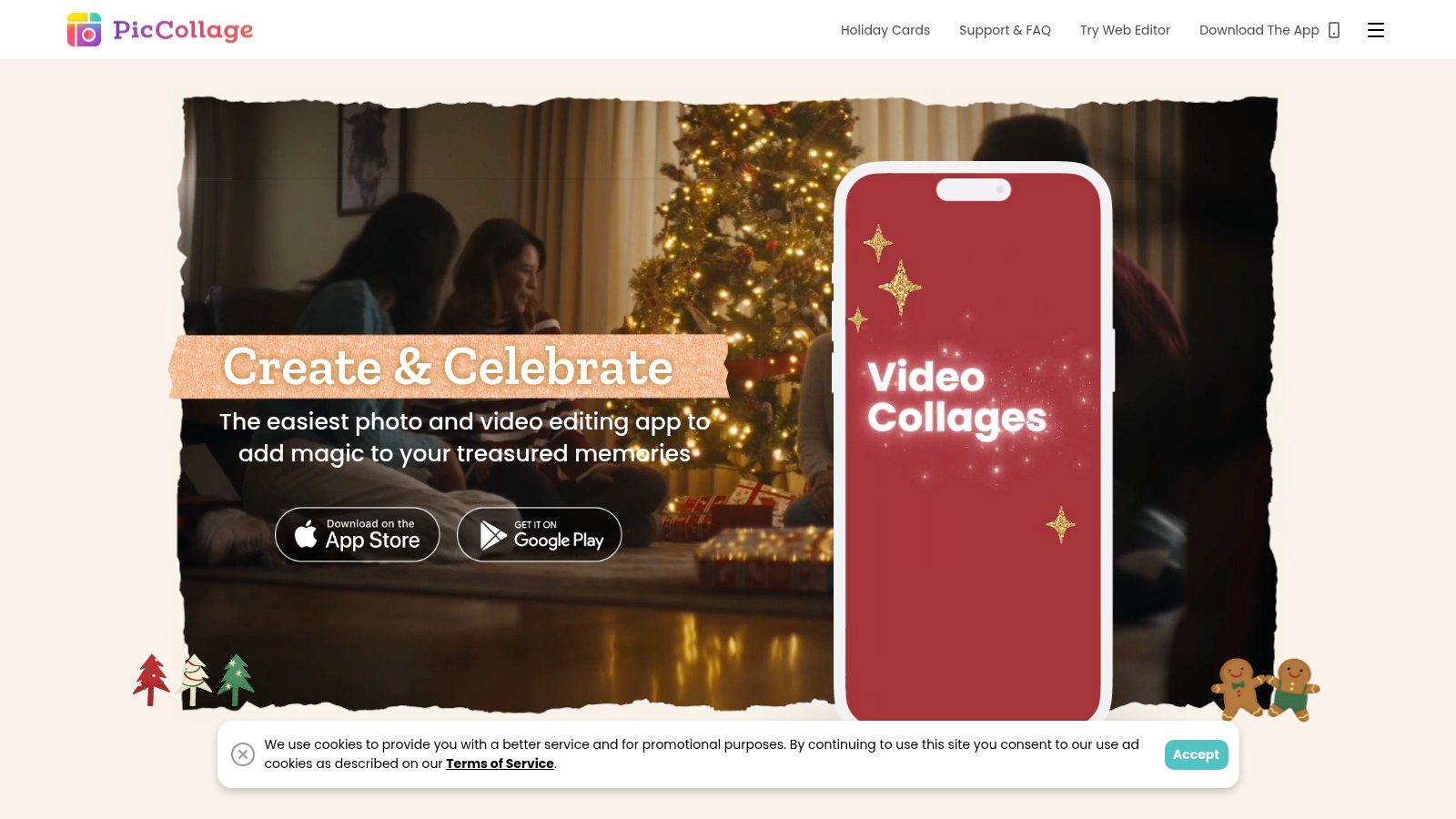
The app's biggest draw is its massive and constantly updated library of themed content. From seasonal holidays to trending aesthetics, PicCollage provides sticker packs, backgrounds, and templates that make it incredibly easy to create timely and engaging content for your Instagram feed or Stories without needing any design skills.
Key Features & Use Case
PicCollage is the go-to app for speedy, expressive creations. It’s perfect for casual users, parents, or influencers who want to quickly commemorate an event or jump on a seasonal trend. The freestyle canvas is particularly useful for creating digital scrapbook-style posts that feel more personal and less structured than a standard grid.
- Best For: Casual creators, families, and anyone wanting to make fun, themed, or seasonal collages in minutes.
- Pricing: Free with ads and a watermark. PicCollage VIP removes these and unlocks all content for $35.99/year.
- Platform: Available on iOS and Android.
- Website: https://piccollage.com
| Pros | Cons |
|---|---|
| Extremely easy to use for quick collages | Watermark and ads on the free tier |
| Huge variety of festive and seasonal content | Less precise control than professional tools |
| Fun freestyle mode for scrapbook-style posts | No dedicated web or desktop version |
6. SCRL (Photo Collage & Carousel Maker)
SCRL is purpose-built for one thing and does it exceptionally well: creating stunning, seamless Instagram carousels. This app revolutionizes the multi-image post by allowing you to design across multiple slides on a single, continuous canvas. This ensures that photos and design elements perfectly align as users swipe, creating an immersive panoramic or storytelling experience that is difficult to achieve with other collage apps.
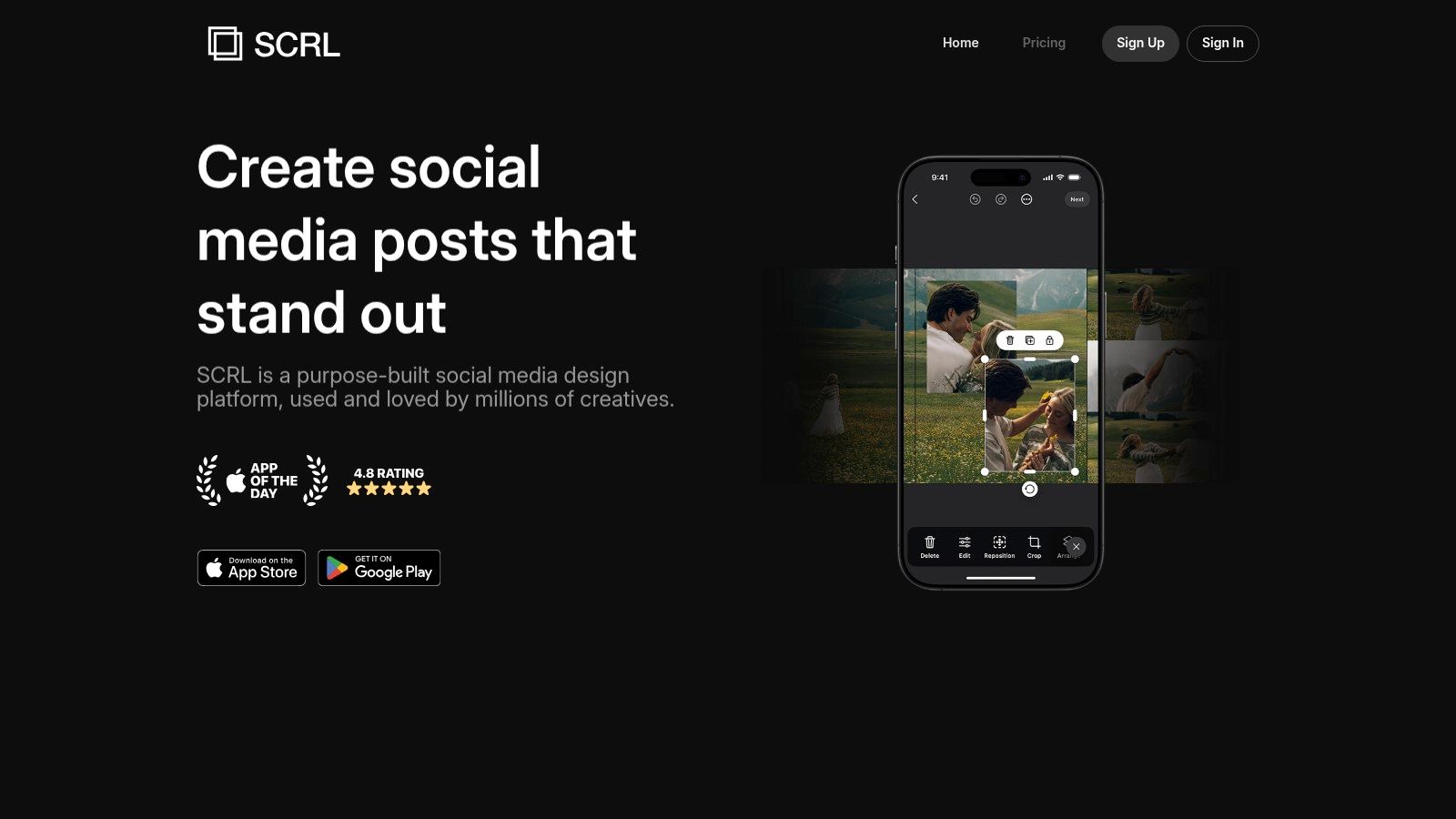
The interface lets you lay out up to 20 slides at once, making it one of the most powerful and good collage apps for Instagram for anyone focused on dynamic, swipe-through content. Its templates are specifically designed for this format, helping you craft cohesive visual narratives, before-and-after reveals, or beautifully blended photo dumps. Getting your grid layout design just right is a key part of the process.
Key Features & Use Case
SCRL is the undisputed champion for creators who love telling a story through Instagram carousels. The ability to see your entire multi-slide layout in one view and then export it as perfectly sliced images for direct upload is a massive time-saver. It's ideal for photographers, designers, and brands wanting to create high-impact, editorial-style posts.
- Best For: Photographers, designers, and influencers who want to create seamless, swipeable panoramic and carousel collages.
- Pricing: A Free version with basic templates is available. SCRL Pro is $35.99/year to unlock the full library of templates, stickers, and advanced tools.
- Platform: Available on iOS and Android.
- Website: https://www.scrl.com
| Pros | Cons |
|---|---|
| Best-in-class workflow for swipeable carousels | Full template and asset library is behind a paywall |
| Continuous canvas simplifies complex layouts | Some users report occasional crashes on older devices |
| Regular additions of new, modern templates | Primarily focused on carousels, less on single-image collages |
7. Google Photos (Built-in Collage Editor)
Often overlooked, Google Photos has a surprisingly effective built-in collage maker that is perfect for when you need a quick and clean result without downloading another app. Since it integrates directly with your main photo library, creating a collage is a zero-friction process. This makes it one of the most accessible and good collage apps for Instagram, especially for users who want to create something beautiful in just a few taps.
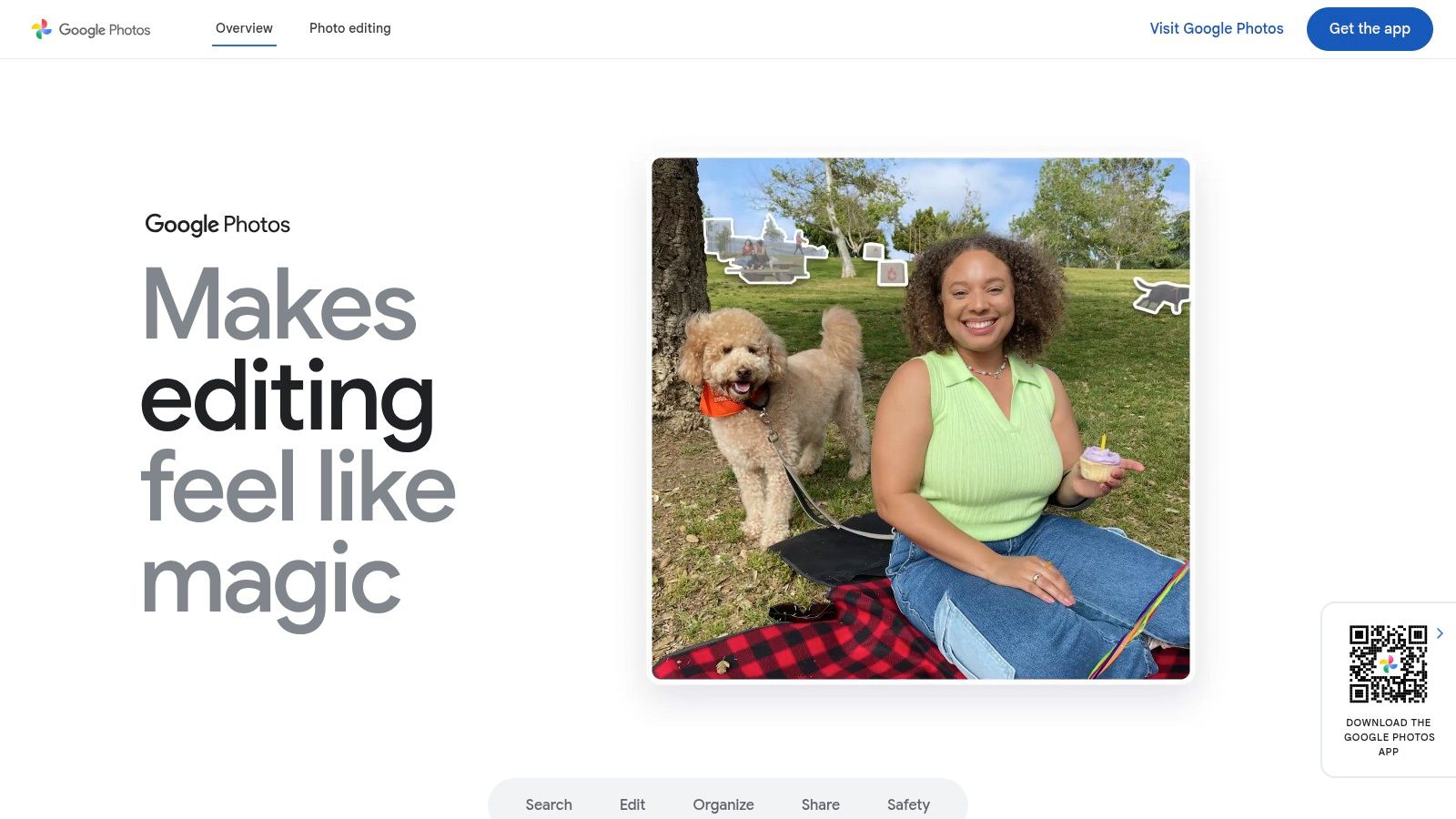
The platform offers one-tap collage creation by simply selecting the photos you want to use and choosing from several clean, minimalist layouts. While it lacks the intricate design tools of dedicated apps, its simplicity is its strength. You can make basic photo adjustments within the collage editor, ensuring your images look their best before sharing.
Key Features & Use Case
Google Photos shines for spontaneous, on-the-go collage creation. If you've just returned from an event and want to quickly group the best shots into a single Instagram post, this is your tool. The "Creations" hub also centralizes your collages, animations, and highlight videos, making it easy to find your past work.
- Best For: Casual users and Android device owners who want a fast, simple way to create collages from their existing photo library.
- Pricing: Completely Free with your Google account. Some enhanced editing features and artistic collage styles may require a Google One subscription.
- Platform: Available on Web, iOS, and Android (pre-installed on most Android devices).
- Website: https://photos.google.com
| Pros | Cons |
|---|---|
| No extra app required; integrates with your library | Fewer design controls than dedicated collage apps |
| Quick and easy for no-frills Instagram collages | Some advanced styles and features may require Google One |
| Clean, ad-free, and intuitive interface | Limited options for text, stickers, or backgrounds |
8. PhotoGrid: Video Collage Maker
PhotoGrid stands out with its sheer volume of options, boasting over 20,000 layouts that support both photos and videos. This makes it an incredibly versatile tool for creators who want to combine different media types into a single, dynamic Instagram post. Its focus on social-media-friendly ratios ensures your creations for Posts and Stories are perfectly sized right from the start.
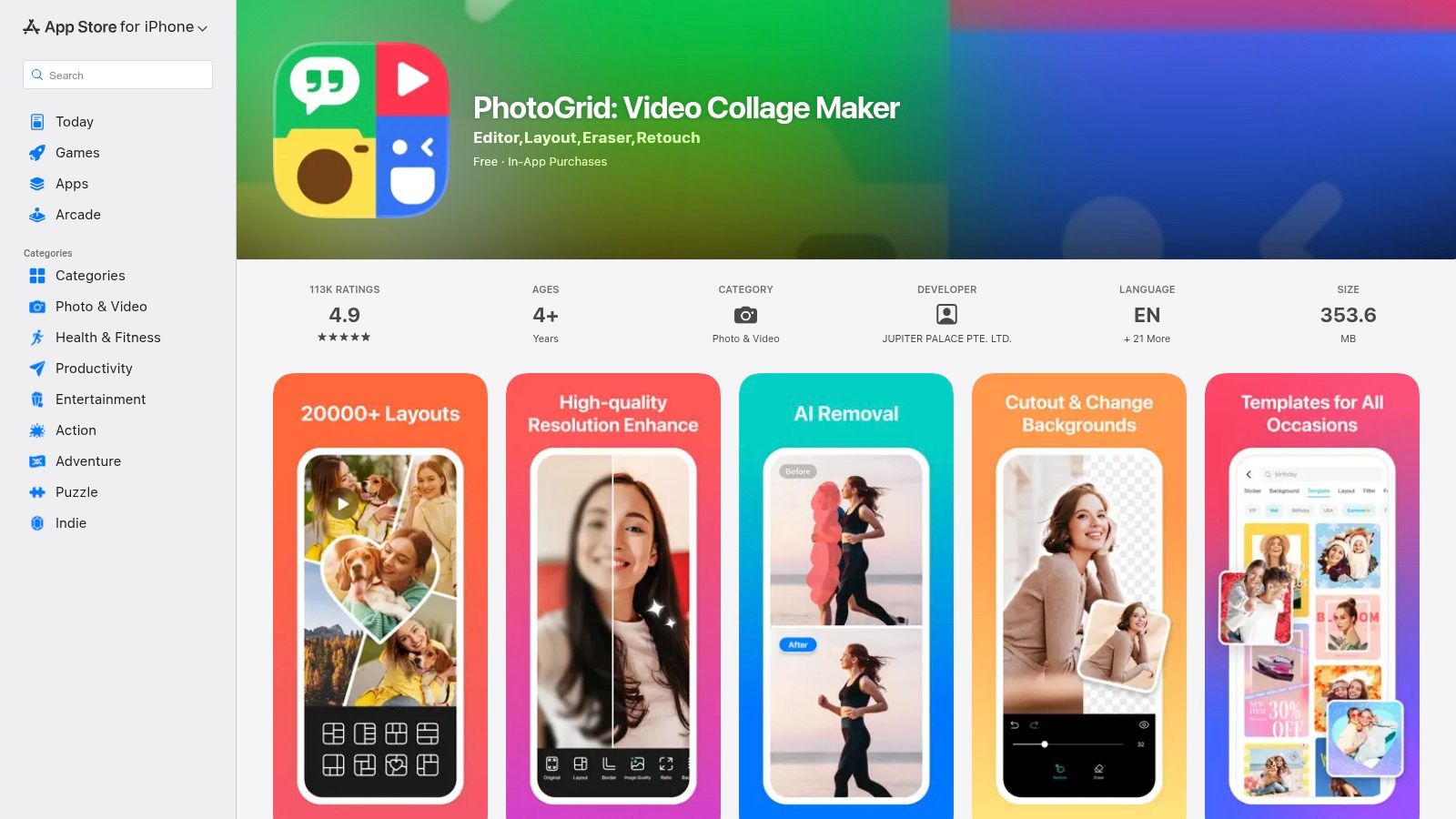
The app isn't just a layout tool; it includes a basic editor for adding filters, text, and stickers to polish your final collage. For those who frequently mix video clips with static images, PhotoGrid is one of the more powerful and good collage apps for Instagram, allowing for complex and engaging visual narratives that grab attention in the feed.
Key Features & Use Case
PhotoGrid is ideal for users who want to create video collages without complex editing software. The ability to drop multiple video clips into a single grid is a standout feature, perfect for creating before-and-after reels, event recaps, or product showcases. Its massive template library serves as a great source of inspiration when you need a creative boost.
- Best For: Influencers and creators who want to combine photos and videos in a single grid, especially for dynamic Instagram Stories.
- Pricing: Free version with ads and watermarks. Premium plans vary, starting around $4.99/month, unlocking all layouts, 4K exports, and removing ads.
- Platform: Available on iOS and Android.
- Website: https://apps.apple.com/us/app/photogrid-video-collage-maker/id543577420
| Pros | Cons |
|---|---|
| Extensive template library including multi-video grids | Heavy upsells and multiple plan options can be confusing |
| Supports high-resolution 4K exports in premium tiers | Mixed reports on trials and billing-review terms closely |
| Excellent for creating dynamic video and photo mixes | The free version is quite limited with ads and watermarks |
9. Diptic
Diptic is a classic collage-making powerhouse for iOS users who crave precision and control over their layouts. Where many apps focus on templates, Diptic stands out by giving you granular control over the geometry of your collage, allowing for unique and polished compositions. It offers an impressive number of layouts and lets you adjust everything from border thickness and color to the curvature and joints of the frames.
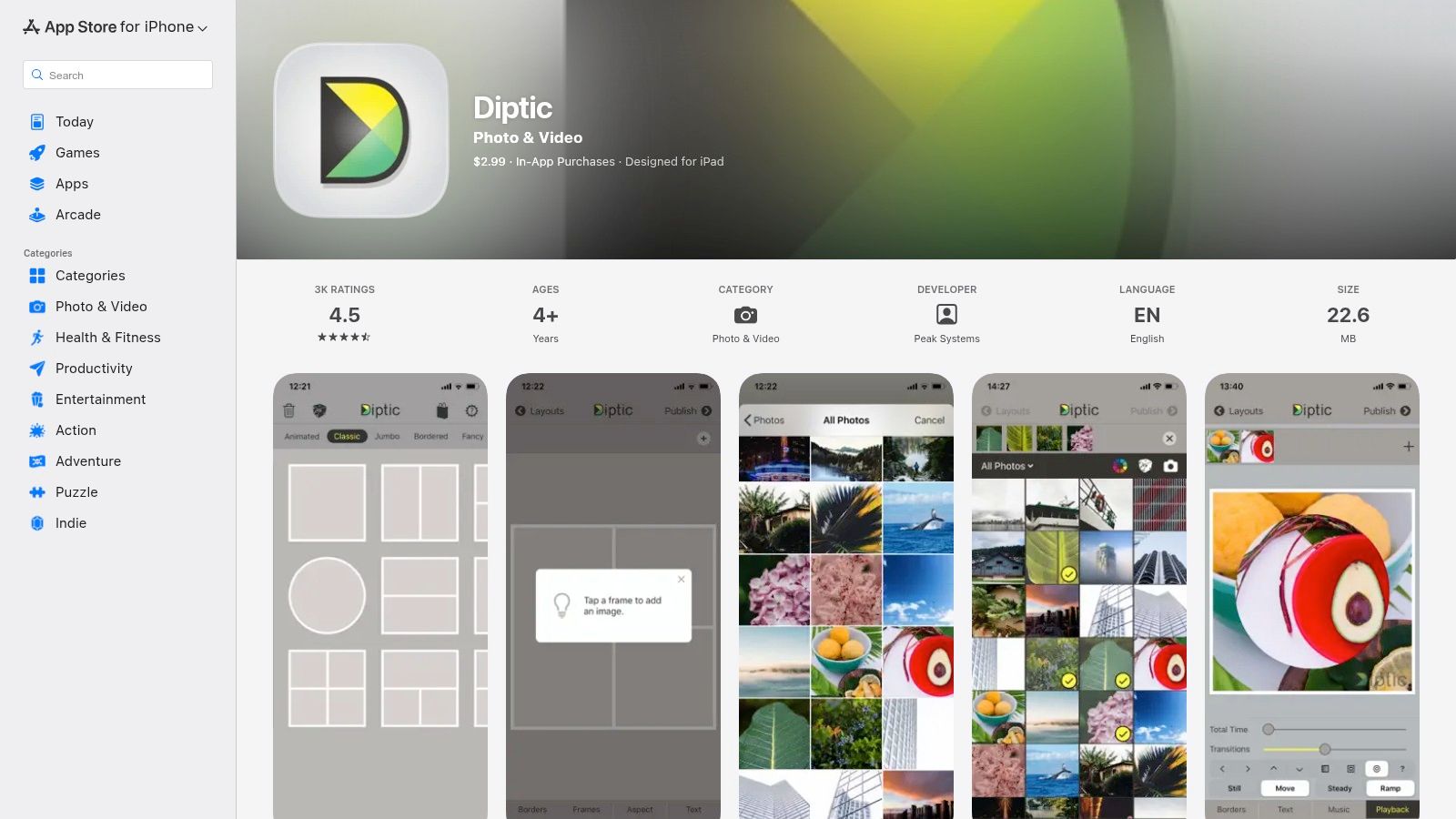
This level of detail makes it one of the more architecturally-focused good collage apps for Instagram, perfect for creating clean, symmetrical grids. A standout feature is its ability to mix photos and videos within the same layout and even add a music track, opening up creative possibilities for dynamic Instagram posts.
Key Features & Use Case
Diptic is ideal for photographers and designers who want to create meticulously crafted collages without the clutter of excessive stickers or text effects. Its high-resolution export ensures your final image looks sharp and professional on your Instagram feed. The focus is purely on the structural art of the collage itself, making it a refreshingly straightforward tool.
- Best For: iOS users and photographers who want precise, geometric control over their collage frames and layouts.
- Pricing: A one-time purchase of $2.99 on the App Store, with optional in-app purchases for additional layout packs.
- Platform: Available exclusively on iOS (iPhone and iPad).
- Website: https://apps.apple.com/us/app/diptic/id377989827
| Pros | Cons |
|---|---|
| Precise control over layout geometry | iOS-only, not available for Android |
| Simple, lightweight, and focused app | Some layout packs are paid add-ons |
| Mix photos and videos in one layout | Interface feels slightly dated |
10. MOLDIV by JellyBus
MOLDIV positions itself as a feature-rich photo editor and collage maker that excels at creating editorial-style Instagram content. It moves beyond simple grids, offering over 300 unique frames and striking magazine-style layouts designed to make your feed look like a professional publication. This makes it one of the most creatively flexible and good collage apps for Instagram for users wanting a polished, stylized aesthetic.
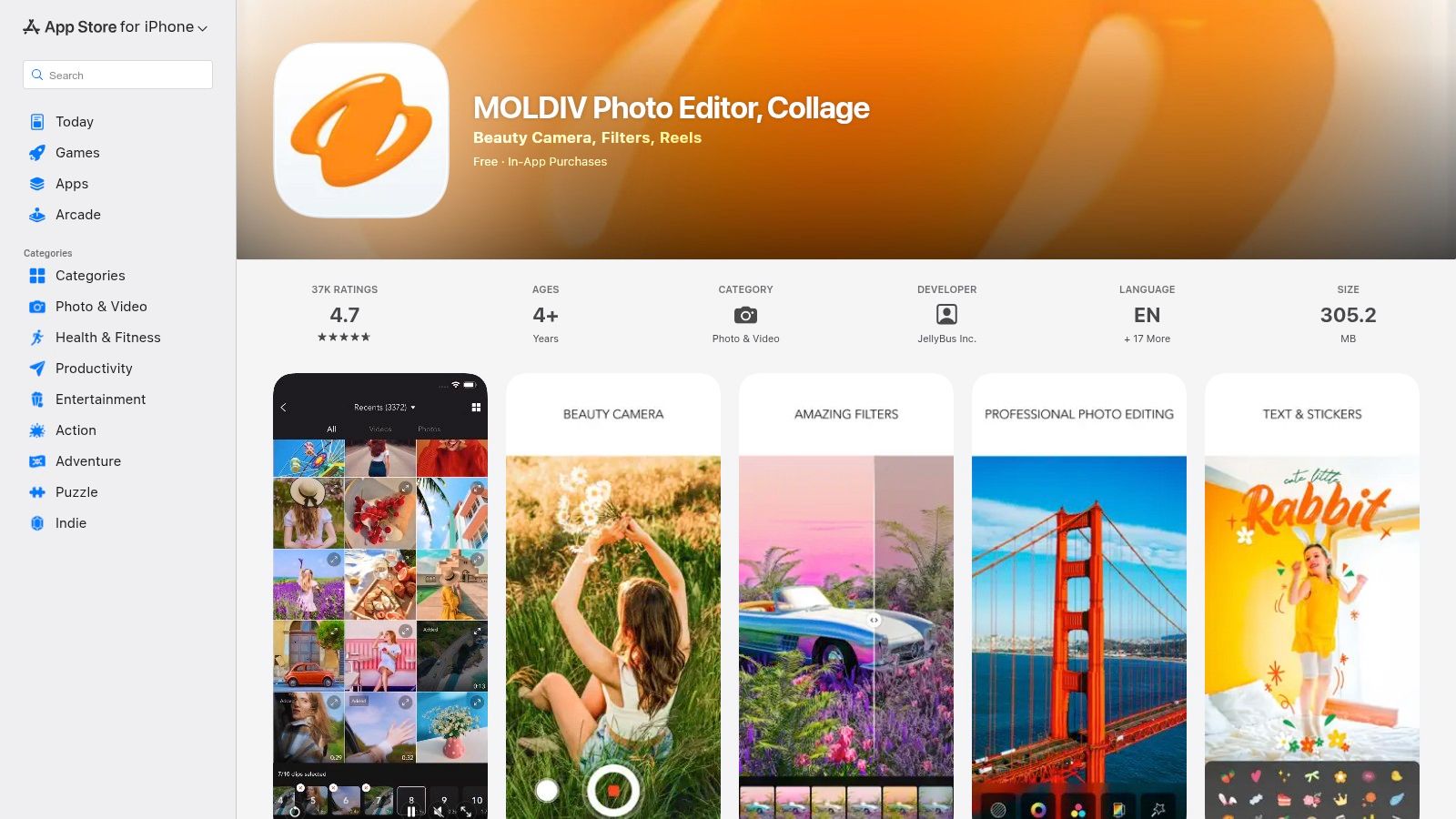
The app combines robust editing tools with a huge library of decorative elements, including over 300 fonts and 840 stickers. A standout feature is its AI Cutout tool, which effortlessly removes backgrounds for creating dynamic, layered collages. While the interface can feel busy at first, its depth allows for a high degree of customization once you get the hang of it.
Key Features & Use Case
MOLDIV is perfect for fashion bloggers, artists, and storytellers who want to create visually compelling, magazine-like posts that stop scrollers in their tracks. The app’s strength is turning a collection of photos into a single, cohesive, and artfully designed piece of content, ideal for lookbooks, event recaps, or themed visual stories.
- Best For: Influencers and creators who want to produce editorial or magazine-quality collages with professional flair.
- Pricing: Free to download with ads and limited features. MOLDIV Premium unlocks all content and tools for $3.99/month or $12.99/year.
- Platform: Available on iOS and Android.
- Website: https://apps.apple.com/us/app/moldiv-photo-editor-collage/id608188610
| Pros | Cons |
|---|---|
| Magazine layouts produce standout posts | Busy UI can be overwhelming for new users |
| Strong combination of editing and collage tools | Most impressive content is locked in Premium |
| AI background removal is a powerful feature | Heavy focus on in-app purchases |
11. BeFunky (Collage Maker)
BeFunky's Collage Maker is a powerful, web-based tool that shines with its simplicity and speed, making it perfect for creating Instagram collages without installing any software. Its standout feature is the AI Collage Wizard, which automatically arranges your selected photos into a clean, balanced layout, saving you significant time. This makes it one of the most efficient and good collage apps for Instagram when you need to process multiple images quickly.
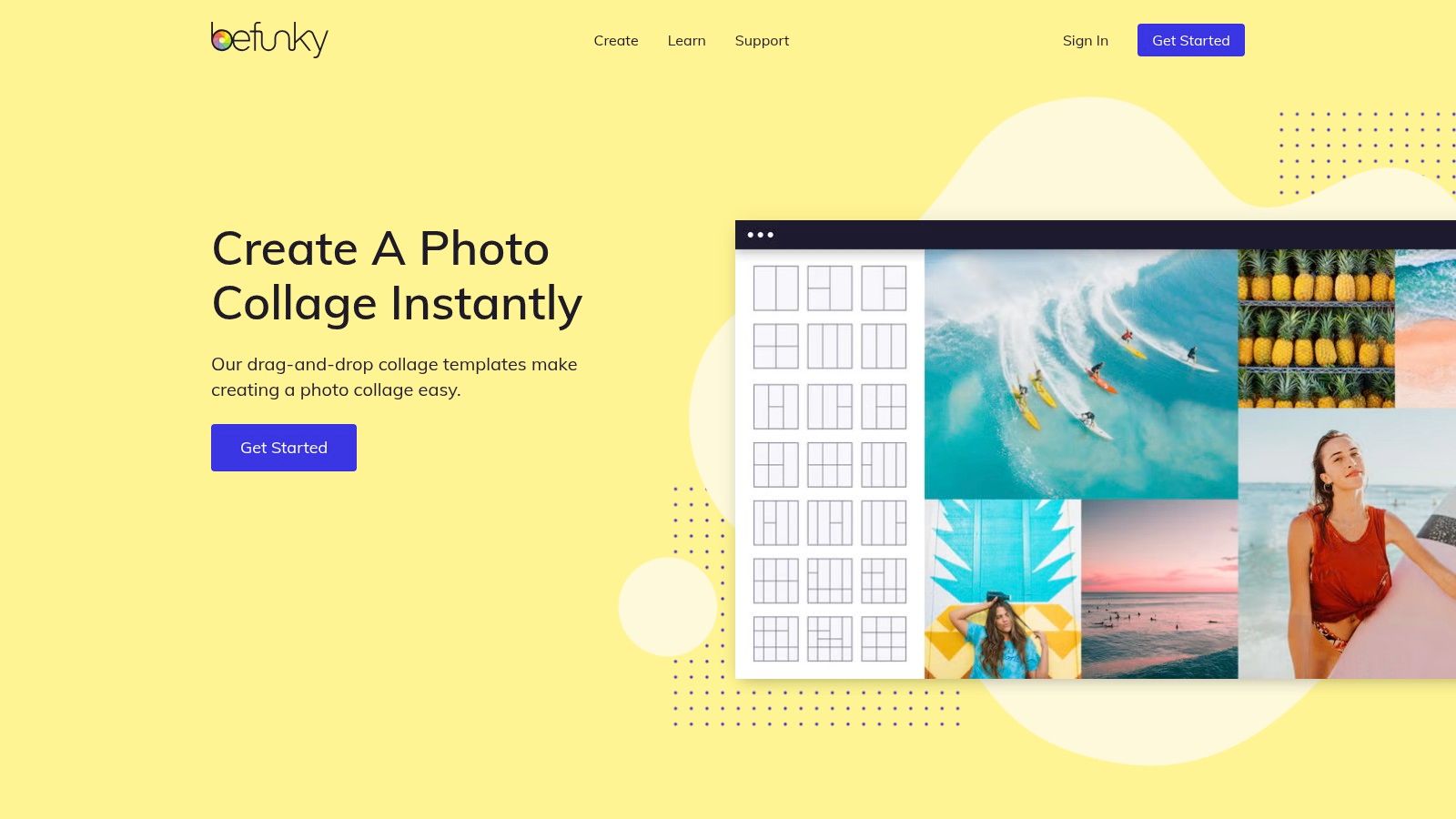
The platform also comes packed with designer templates already sized for Instagram Posts and Stories, alongside a fully integrated photo editor and graphic designer. This allows you to fine-tune your images and add text or graphics all within the same browser tab, creating a seamless workflow from start to finish.
Key Features & Use Case
BeFunky is ideal for creators who primarily work on a desktop and want a quick, browser-based solution for generating collages. The AI Collage Wizard is a huge time-saver for event recaps or photo dumps where you want an attractive layout without manual adjustments. It’s the go-to for hassle-free collage creation with built-in editing power.
- Best For: Bloggers, event photographers, and individuals needing a fast, no-install way to create collages from large sets of photos.
- Pricing: A Free plan with basic features is available. BeFunky Plus is $11.99/month or $71.88/year and unlocks the AI Collage Wizard, premium templates, and advanced editing tools.
- Platform: Available on Web.
- Website: https://www.befunky.com/features/collage-maker
| Pros | Cons |
|---|---|
| Works entirely in your browser; no installation needed | The powerful AI Collage Wizard requires a Plus subscription |
| AI wizard is excellent for arranging bulk image sets | Fewer dedicated carousel or panoramic features |
| Integrated with a full-featured photo editor | Web interface may not be as smooth as a native app |
12. Fotor (Online Collage Maker)
Fotor is a fast, web-based photo editor that offers a powerful yet straightforward online collage maker perfect for quick social media content. Its main advantage is accessibility; there's no software to install, allowing you to jump right into creating from any web browser. This makes it one of the best choices on our list of good collage apps for Instagram when you need to assemble a clean grid collage without any friction.
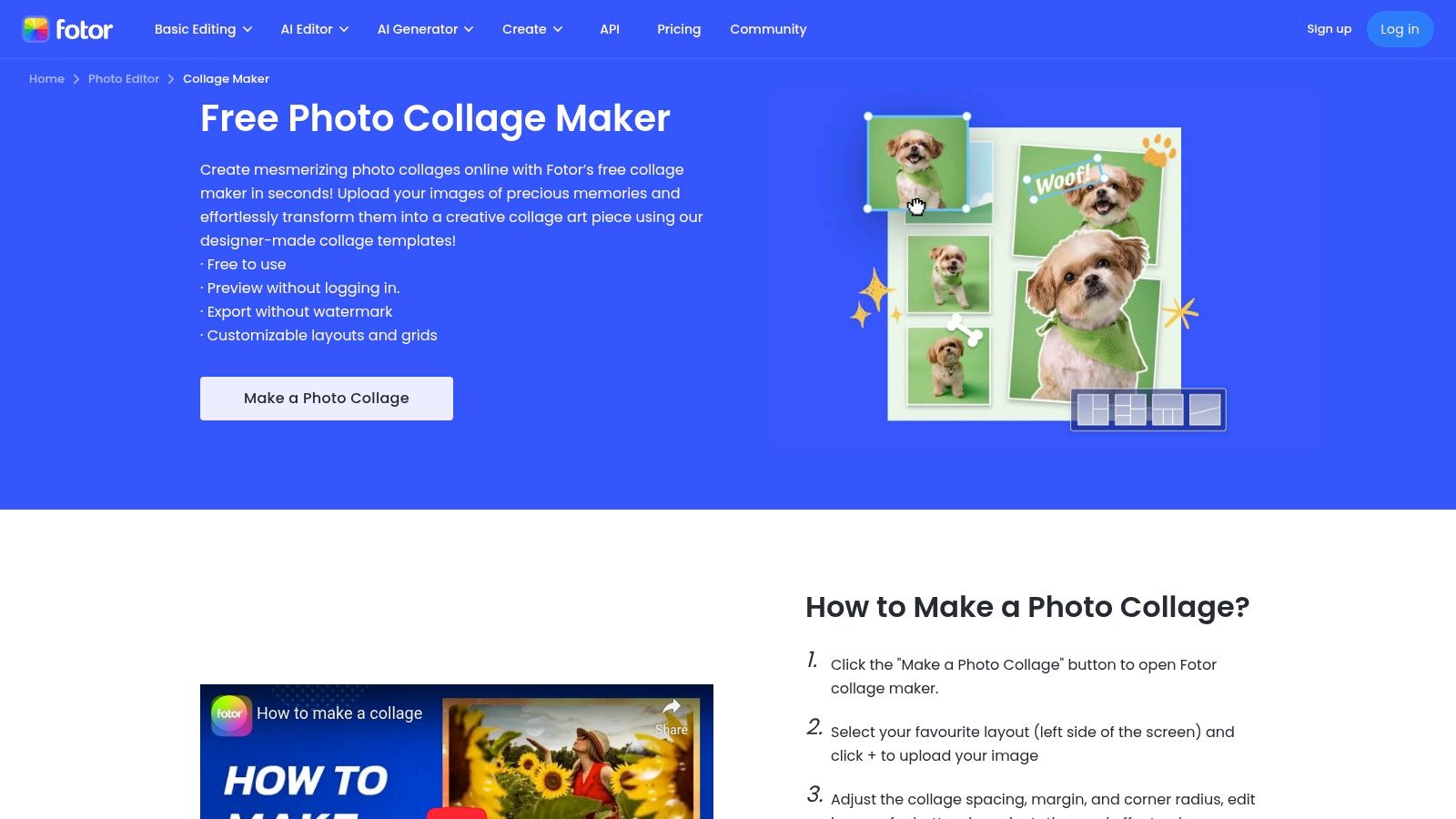
The interface provides classic grid layouts, artistic templates, and photo stitching options, all pre-sized for Instagram posts and stories. The ability to export your final creation in high quality without a watermark on the free plan is a significant benefit. This focus on a core, high-quality feature makes Fotor a reliable tool for creators who need efficiency.
Key Features & Use Case
Fotor is ideal for creators who primarily work on a desktop and need a quick, no-fuss solution for standard collage formats. It shines when you need to combine a few photos into a clean grid, add some simple text, and get it posted quickly. The tool also helps you understand the basics of composition, a key component of creating effective visuals and understanding visual hierarchy in web design.
- Best For: Bloggers, students, and casual creators who need a reliable online tool for basic yet polished Instagram collages.
- Pricing: The Free plan includes basic collage tools and watermark-free exports. Fotor Pro starts at $39.99/year, unlocking advanced templates, effects, and editing tools.
- Platform: Available on Web, macOS, Windows, iOS, and Android.
- Website: https://www.fotor.com/features/collage.html
| Pros | Cons |
|---|---|
| Completely web-based with no install needed | Library and controls are simpler than pro suites |
| Watermark-free exports on the free plan | Some advanced templates require Fotor Pro |
| Clean, intuitive user interface for fast edits | Fewer creative assets than dedicated design tools |
Top 12 Instagram Collage Apps — Feature Comparison
| Tool | Core features | UX & quality | Unique selling points | Target audience | Price / Value |
|---|---|---|---|---|---|
| Canva | Thousands IG-ready templates, drag‑and‑drop, brand kits | ★★★★☆ — polished web & mobile, collaborative | ✨ Huge template library; 🏆 Team features & brand consistency | 👥 Creators, teams, small businesses | 💰 Generous free tier; Pro subscription for premium assets |
| Adobe Express (Instagram Collage Maker) | IG-specific templates, auto-layout, scheduler, photo tools | ★★★★☆ — beginner‑friendly, Adobe ecosystem | ✨ Built‑in scheduler; Adobe integrations | 👥 Social managers & casual creators | 💰 Free core features; paid tiers for premium assets |
| Picsart (Collage Maker) | Large template library, editable grids, filters & stickers | ★★★☆☆ — fast mobile-first experience | ✨ Community assets & one‑click enhancements | 👥 Mobile creators & casual editors | 💰 Free w/ ads; premium removes watermarks & upsells |
| Unfold by Squarespace | Minimalist templates, feed planning, analytics (Pro) | ★★★★☆ — designer‑grade, mobile‑first | ✨ Elegant, cohesive aesthetics for Stories & posts | 👥 Creators seeking polished Instagram looks | 💰 Free/basic; Pro subscription unlocks desktop & brand kit |
| PicCollage | Freestyle & grid collages, stickers, seasonal packs | ★★★☆☆ — extremely easy & quick | ✨ Large seasonal/sticker packs for themed posts | 👥 Casual creators & seasonal content makers | 💰 Free w/ ads/watermark; VIP removes limits |
| SCRL (Photo Collage & Carousel Maker) | Multi‑slide carousels, templates, direct export to IG | ★★★★☆ — best‑in‑class for swipeable carousels | ✨ Panoramic alignment across slides; 🏆 Carousel workflow | 👥 Marketers, storytellers, carousel creators | 💰 Freemium; subscription for full library |
| Google Photos (Built‑in Collage Editor) | One‑tap collages, simple edits, camera roll integration | ★★★☆☆ — no‑friction, reliable | ✨ Instant collages from your photo library | 👥 Users wanting zero‑setup collages | 💰 Free; some extras via Google One |
| PhotoGrid: Video Collage Maker | Photo & video grids, social ratios, basic editor | ★★★☆☆ — massive templates, heavy upsells | ✨ Multi‑video grids & 4K export (premium) | 👥 Video‑focused social creators | 💰 Freemium with multiple paid plans; premium for 4K |
| Diptic | Highly customizable frames, precise borders, high‑res export | ★★★★☆ — lightweight, precise (iOS only) | ✨ Fine‑grained geometry & mixed photo/video layouts | 👥 iOS users and precision‑focused creators | 💰 Paid app with some paid layout packs |
| MOLDIV by JellyBus | 300+ frames, fonts, stickers, AI cutout | ★★★★☆ — feature‑rich, busy UI | ✨ Magazine‑style layouts & AI background removal | 👥 Stylized/editorial content creators | 💰 Freemium; Premium unlocks best presets |
| BeFunky (Collage Maker) | AI Collage Wizard, designer templates, photo editor | ★★★☆☆ — quick browser tool | ✨ AI auto‑arrange for bulk image sets | 👥 Users wanting fast web‑based collages | 💰 Free; BeFunky Plus required for AI wizard |
| Fotor (Online Collage Maker) | Grid & freestyle collages, social sizes, exports | ★★★☆☆ — fast web editor, watermark‑free export | ✨ Watermark‑free exports on free plan | 👥 Users needing simple web collages | 💰 Free w/ optional Pro for advanced templates |
From App to Audience: Making Your Collages Work Harder
You've just explored a dozen of the best collage apps for Instagram, from the all-in-one powerhouse of Canva to the specialized, cinematic storytelling of Unfold and the dynamic carousel layouts of SCRL. We've dissected their features, weighed their pros and cons, and identified who benefits most from each platform. The journey from a folder of disparate photos to a polished, engaging collage is now clearer than ever.
The core takeaway is that the "best" app is entirely subjective; it’s about aligning a tool's strengths with your specific creative goals.
- For maximum control and branding consistency, professional-grade tools like Adobe Express and desktop-friendly options like BeFunky offer unparalleled customization.
- For speed and social-first templates, mobile-centric apps like Picsart and PicCollage are your go-to for creating vibrant, eye-catching content in minutes.
- For minimalist aesthetics and elegant storytelling, specialized apps like MOLDIV and Unfold provide the curated templates needed to build a sophisticated brand identity.
- For unique, structured layouts, niche tools like Diptic give you geometric precision that stands out from the typical Instagram grid.
Choosing from the many good collage apps for Instagram is the first step. The next is strategic implementation. Think beyond the single post. How can your collages tell a larger story? Consider creating themed carousels for tutorials, "photo dump" summaries, or product showcases. Use video collage makers like PhotoGrid to merge static images with dynamic clips, stopping the scroll and boosting engagement.
Ultimately, these applications are more than just tools for stitching photos together. They are instruments for visual communication, enabling you to articulate your brand’s narrative, share complex ideas simply, and connect with your audience on a deeper aesthetic level. By mastering a collage maker and pairing it with other essential social media content creation tools, you elevate your content from simple updates to compelling visual assets that work for you long after you hit "post."
The final, crucial step is ensuring your audience can find and engage with all your content. Don't let your beautifully crafted collages get lost in the feed. Instead, use them as the visual centerpiece of a dynamic, interactive hub that brings your entire digital world together in one place. Your link-in-bio is no longer just a list of links; it's the front door to your brand. Make the entrance unforgettable.
Ready to turn your stunning collages into the main event? With taap.bio, you can build a visually driven link-in-bio page that showcases your best creations alongside all your important links, videos, and social profiles. Transform your single bio link into a beautiful, immersive 'bento box' experience for your audience by signing up for free at taap.bio today.


