
Finding the best repost app for Instagram can transform your content strategy, but navigating the crowded app store is a challenge. Many apps are riddled with ads, have confusing interfaces, or come with hidden costs. This guide cuts through the noise to deliver a definitive list of the top tools for sharing user-generated content (UGC), amplifying your brand, and keeping your feed fresh without spending hours creating new posts. We're moving beyond generic descriptions to give you an honest look at what works and what doesn't.
We've done the heavy lifting for you, testing and analyzing the most popular options available. For each app, you'll find a detailed breakdown of its key features, a clear list of pros and cons, transparent pricing information, and a look at the permissions it requires. We also provide step-by-step instructions with screenshots, making it simple to start reposting immediately. Before diving into third-party tools, it's worth understanding the platform's built-in options and their limits, especially when it comes to learning how to share someone's post on Instagram Story. This article will help you decide which dedicated app is the right fit, whether you're a brand manager, an influencer, or a casual user.
Table of contents
1. Repost App
For those who prioritize speed and accessibility, Repost App stands out as the best repost app for Instagram that operates entirely within your web browser. This no-install approach means you can get started instantly from any device, whether it's a desktop or mobile phone, without worrying about app updates or compatibility issues. The workflow is refreshingly simple: just paste an Instagram post URL, and the platform handles the media download and prepares the caption with proper credit.
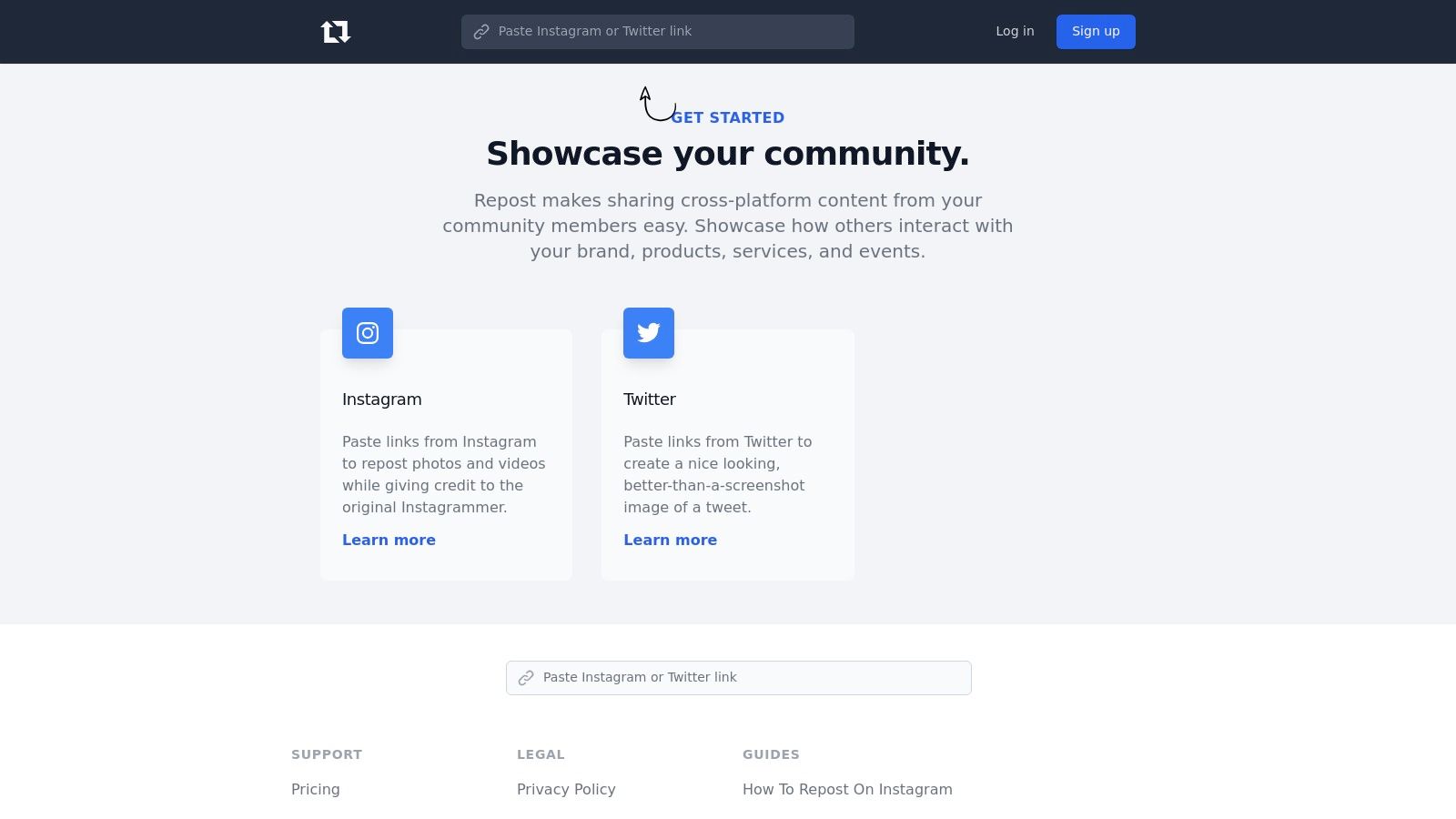
This method is ideal for social media managers and content creators who work across multiple devices and need a reliable tool that just works. Its built-in guidance on attribution ensures you follow best practices, which is a crucial step detailed in our guide on how to repost Instagram posts correctly. While the core service is free, a Pro subscription unlocks advanced features like scheduling and watermark removal.
Key Details & Features:
- Best For: Users who want a quick, browser-based solution without installing an app.
- Unique Feature: Completely web-based, eliminating app-related bugs or update requirements.
- Pricing: Free basic version; Pro subscription for advanced features.
- Pros: Extremely fast and simple, works on any device with a browser, no installation needed.
- Cons: Requires manual posting to Instagram after media download; advanced features are paywalled.
Visit the website: https://repostapp.com
2. Regrann
For Android users seeking a time-tested and reliable tool, Regrann is easily a top contender for the best repost app for Instagram. As a veteran in the space, it integrates smoothly with the official Instagram app, offering a “Quick Repost” mode that streamlines the process significantly. You can repost directly to your feed or even share posts via Direct Message, all without needing to log in, which is a big plus for privacy-conscious users.
Regrann's longevity is its strength, with extensive support documentation that provides practical workarounds for Instagram’s frequent UI updates. While you’re crafting the perfect repost caption, it’s also a good time to review your profile’s first impression; understanding the current Instagram bio character limit can help you make every word count. The app allows you to save media locally for later use and includes a helpful no-crop feature to ensure photos fit perfectly.
Key Details & Features:
- Best For: Android users who value a longstanding, dependable app with strong support.
- Unique Feature: "Quick Repost" modes that run in the background for faster sharing.
- Pricing: Free with ads; Pro version available to remove ads and watermarks.
- Pros: Long and reputable track record, no-login operation, active support and guides.
- Cons: Only available on Android, functionality can be affected by Instagram API or UI changes.
Visit the website: https://regrann.com
3. Repost+ for Instagram (iOS)
For iOS users seeking an all-in-one reposting toolkit, Repost+ for Instagram is a powerhouse. This app goes beyond simple reposting of photos, videos, and Reels by integrating advanced features like an AI caption writer and hashtag generator directly into the workflow. This makes it a strong contender for the best repost app for Instagram if you want to not only share content but also optimize it for maximum reach on the platform. The app's ability to organize saved posts into folders and set scheduling reminders streamlines content curation for busy creators.
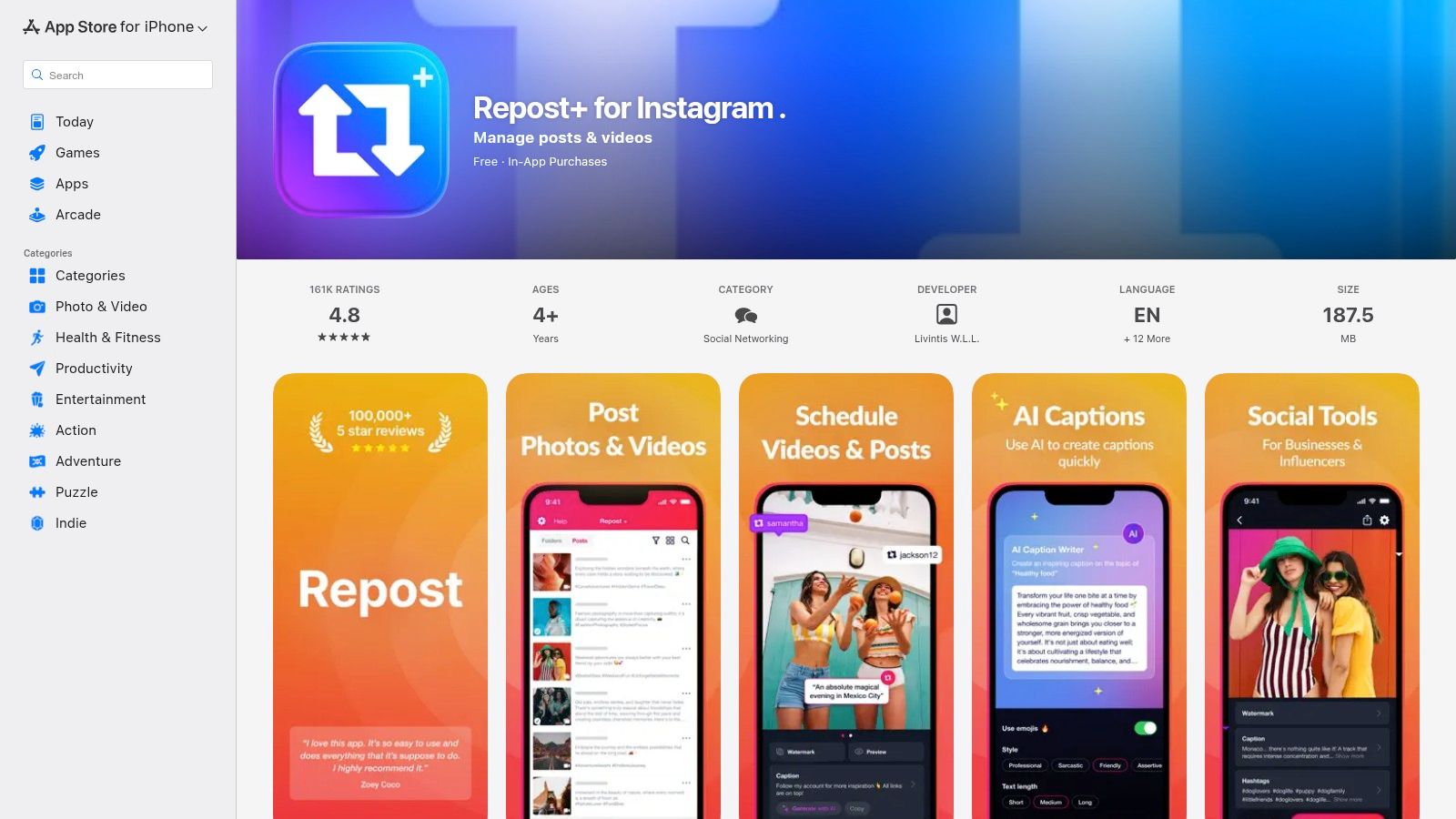
The frequent updates and clear subscription terms provide a reliable and transparent user experience, a significant advantage in the crowded app market. Its robust feature set is perfect for influencers and brands who manage a high volume of user-generated content and need efficient tools. While its core function is reposting, it supports a broader content strategy, similar to how a well-optimized link in bio for Instagram can centralize your digital presence. While a subscription is needed for the best features, the free version offers solid basic functionality.
Key Details & Features:
- Best For: iPhone and iPad users who want a comprehensive content curation and reposting tool.
- Unique Feature: Integrated AI-powered tools for generating captions and hashtags, plus content organization folders.
- Pricing: Free to download; premium subscriptions unlock AI tools, scheduling, and other advanced features.
- Pros: All-in-one toolkit for reposting and content optimization, highly rated with frequent updates, clear subscription terms.
- Cons: Exclusive to iOS devices; advanced tools are gated behind a subscription paywall.
Visit the website: https://apps.apple.com/us/app/repost-for-instagram/id1477820240
4. Regram – Repost for Instagram (iOS)
For iOS users seeking a straightforward and privacy-conscious tool, Regram offers one of the best repost app for Instagram experiences by eliminating the need to log in. This lightweight app focuses on a clean and simple workflow: paste an Instagram link, and it immediately prepares the content for reposting. It handles everything from single photos and videos to more complex Reels and multi-image carousel posts, making it a versatile choice for iPhone and iPad users.
Regram stands out by offering a one-time purchase option, a welcome alternative for those who dislike recurring subscriptions. Its Copy Link detection feature automatically pulls in posts when you copy a link from Instagram, further streamlining the process. This app is perfect for individuals who want a dedicated reposting tool without the complexity of a full-scale social media management suite, providing a focused and efficient way to share content.
Key Details & Features:
- Best For: iOS users who prefer a simple, no-login app with a one-time payment option.
- Unique Feature: Offers a lifetime purchase option, avoiding mandatory monthly or yearly subscriptions.
- Pricing: Free version with ads; subscription or one-time payment to unlock premium features.
- Pros: Very easy to use, supports Reels and carousels, no account login required, non-subscription payment available.
- Cons: Exclusive to the iOS ecosystem (iPhone/iPad); has a more basic feature set than larger platforms.
Visit the website: https://apps.apple.com/us/app/regram-repost-for-instagram/id1472590629
5. Repost for Instagram: Reshare (iOS)
For iPhone users who value a clean, uninterrupted workflow, Repost for Instagram: Reshare emerges as a leading contender. Its primary draw is the promise of an ad-free experience, allowing you to focus on content curation without distracting pop-ups. This app streamlines the process of sharing photos, videos, and multi-image carousels while offering a higher degree of personalization than many of its competitors.
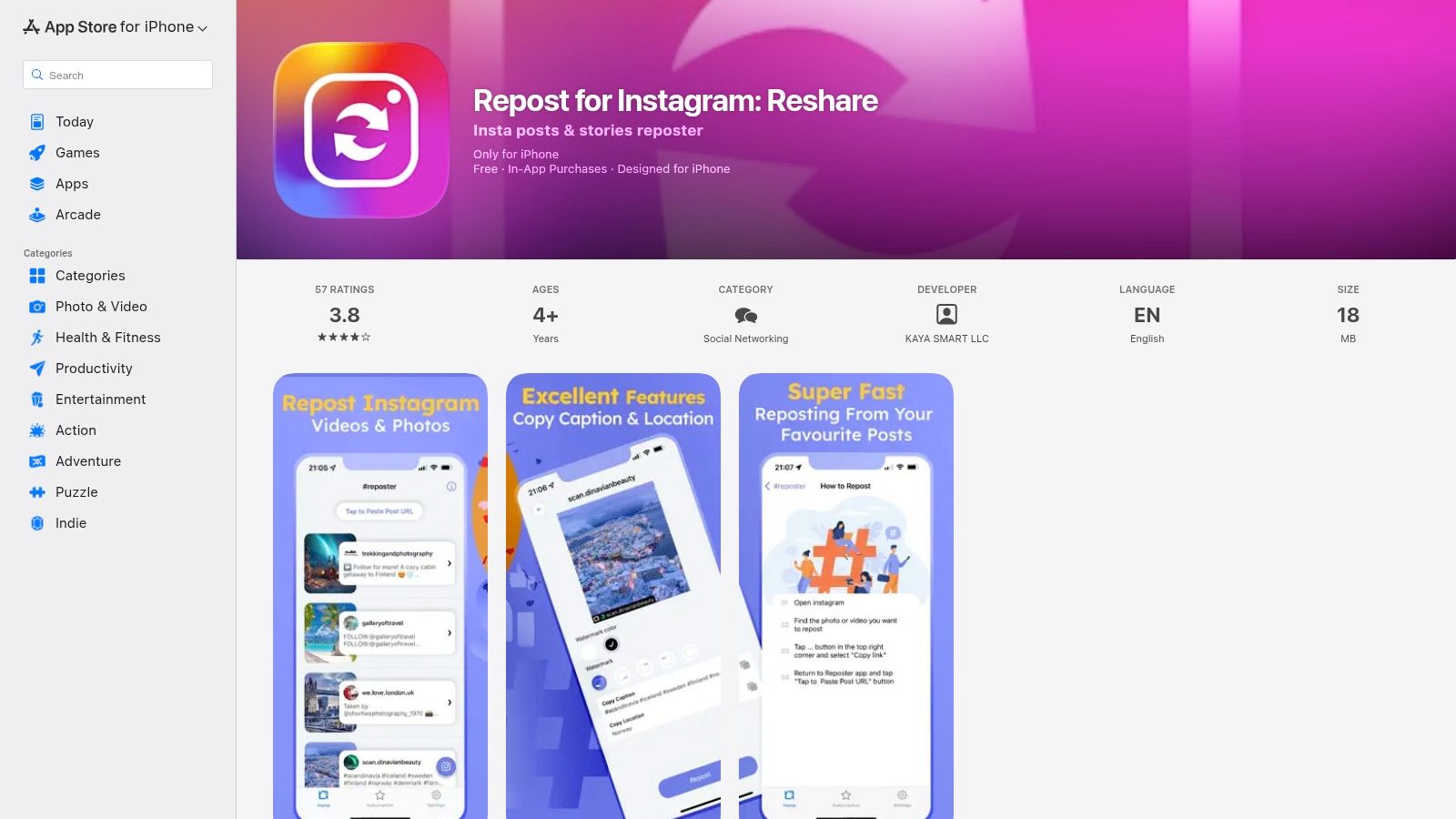
The ability to customize watermark colors and edit captions or locations directly within the app provides granular control over how reposted content appears on your feed. This makes it a great repost app for Instagram influencers and brands who need to maintain a specific aesthetic. While the core features are robust, accessing the truly ad-free version and advanced watermark settings typically requires upgrading to a paid subscription.
Key Details & Features:
- Best For: iOS users who prefer a clean interface and want control over caption and watermark appearance.
- Unique Feature: An ad-free approach combined with customization options for watermark colors.
- Pricing: Free to download; premium subscription required for an ad-free experience and advanced features.
- Pros: Clean, potentially ad-free user interface, allows for customization of captions and watermarks.
- Cons: Exclusive to iOS devices, key features like the ad-free experience are behind a paywall.
Visit the website: https://apps.apple.com/us/app/repost-for-instagram-reshare/id1565048819
6. Repost for Instagram ™ (iOS)
For iOS users seeking an intelligent edge, Repost for Instagram ™ integrates modern AI tools into the classic reposting workflow. This app streamlines content curation by not only handling photos, videos, and Stories but also by helping you craft the perfect accompanying text. Its standout feature is the AI-powered caption and hashtag generator, which can save significant time and boost the visibility of your shared content. The process remains familiar: copy the link, and the app prepares the media for you.
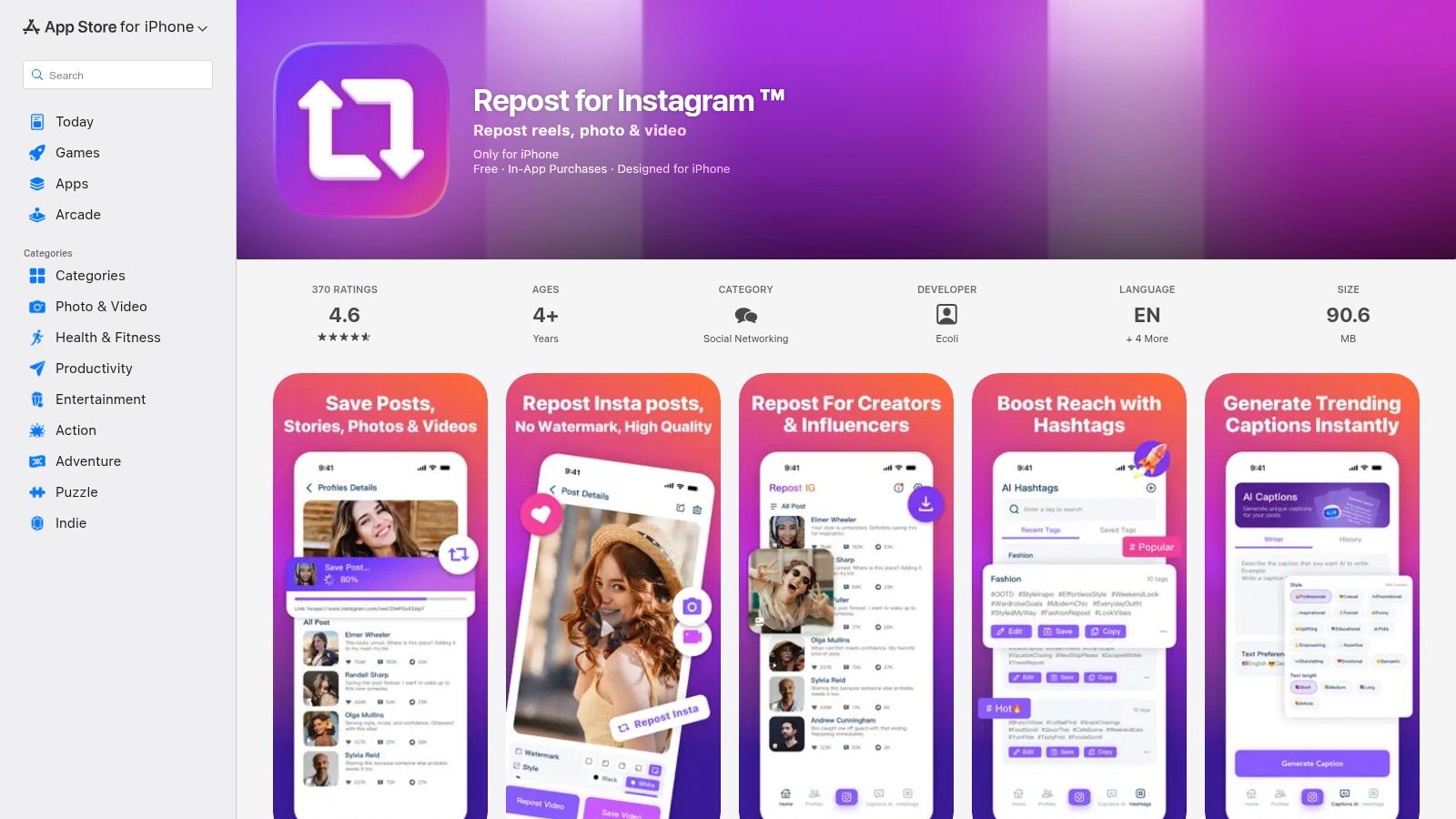
This makes it a contender for the best repost app for Instagram if you want to optimize every post without leaving the application. It offers flexible options for managing or removing watermarks, giving you control over the final look of your feed. While its core functionality is similar to other apps, the addition of AI helpers provides a distinct advantage for creators focused on efficiency and engagement. The user interface is clean and straightforward, making it easy to adopt.
Key Details & Features:
- Best For: iPhone users who want AI assistance with captions and hashtags.
- Unique Feature: Built-in AI generators for creating captions and relevant hashtags.
- Pricing: Free to download; likely contains in-app purchases for advanced features.
- Pros: Supports Stories, photos, and videos; AI features accelerate content creation; simple workflow.
- Cons: Exclusive to iOS devices; core reposting function is not fundamentally different from competitors.
Visit the website: https://apps.apple.com/us/app/repost-for-instagram/id6479395326
7. Video Repost, Story Saver (IG Reposter) (iOS)
For iOS users looking for a multi-functional tool, Video Repost, Story Saver (IG Reposter) goes beyond simple reposting to become a full-fledged content management assistant. It integrates post scheduling, an AI-powered hashtag generator, and a caption builder directly into the repost workflow. This makes it an incredibly efficient choice for creators who want to plan their content calendar and optimize their posts without switching between multiple applications.
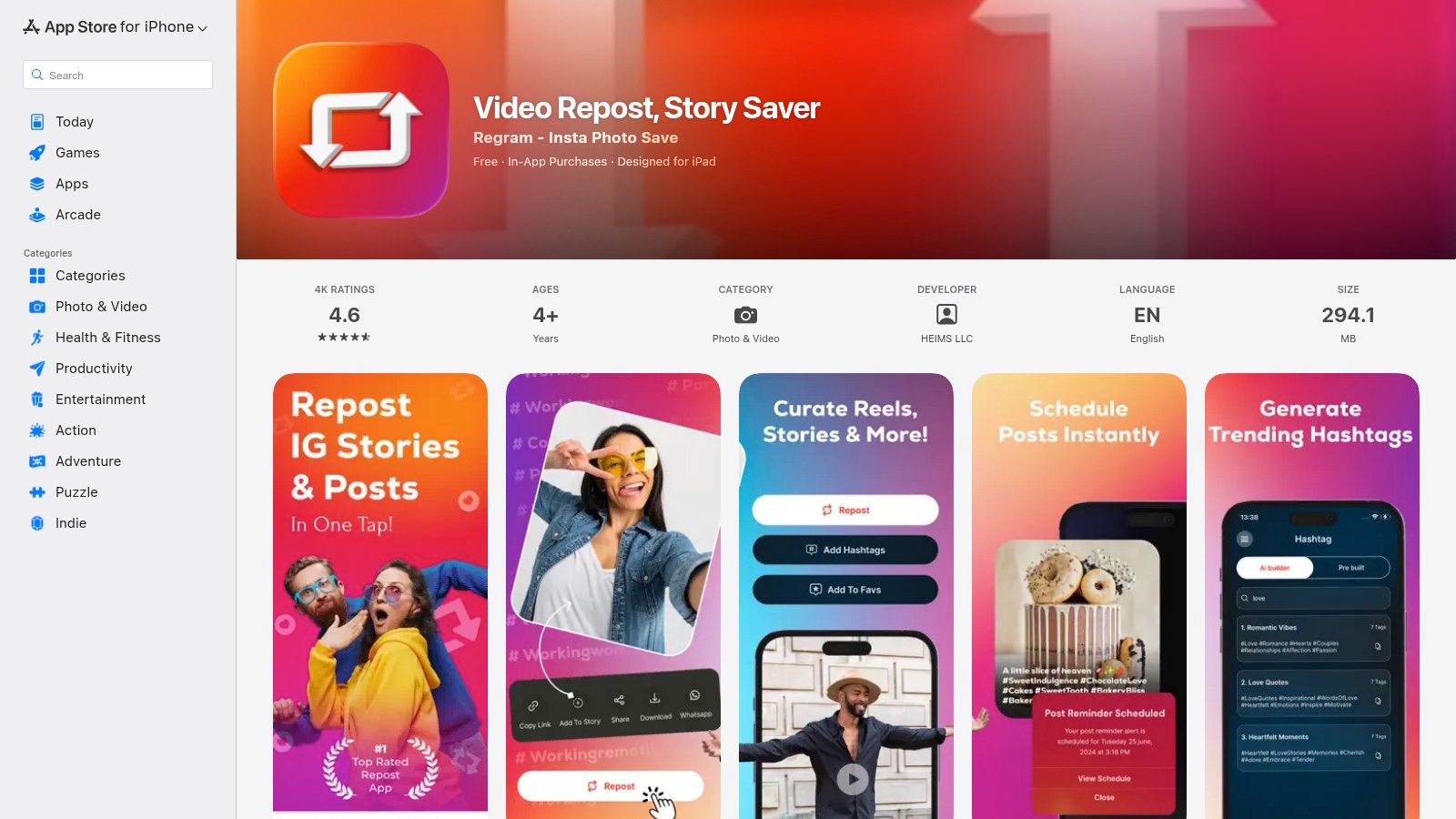
The app's ability to save and organize Stories is particularly useful, but to use it effectively, it helps to understand how long Instagram Stories can be to plan your saves and reposts. Its promise of a no-watermark, ad-free experience is a major draw for power users who need a clean and uninterrupted process. While the core features are robust, expect some of the more advanced AI and scheduling tools to be part of its in-app purchases.
Key Details & Features:
- Best For: iOS-based creators and social media managers who need scheduling and content optimization tools.
- Unique Feature: Integrated AI hashtag and caption suggestions to enhance post performance.
- Pricing: Free to download; contains in-app purchases for advanced features.
- Pros: Combines reposting with a scheduler and AI content tools, claims an ad-free experience for better usability.
- Cons: Exclusive to iOS devices, premium features require in-app purchases.
Visit the website: https://apps.apple.com/us/app/ig-video-reposter-story-saver/id1570619117
8. Video Downloader, Story Saver (Android)
For Android users focused on creating a local archive of content, Video Downloader, Story Saver is a powerful tool designed for bulk operations. It goes beyond simple reposting by allowing users to download multiple Reels, Stories, and IGTV videos at once, making it an excellent choice for creators who need offline backups or want to batch-process content. Its multithreaded download technology speeds up the saving process significantly.
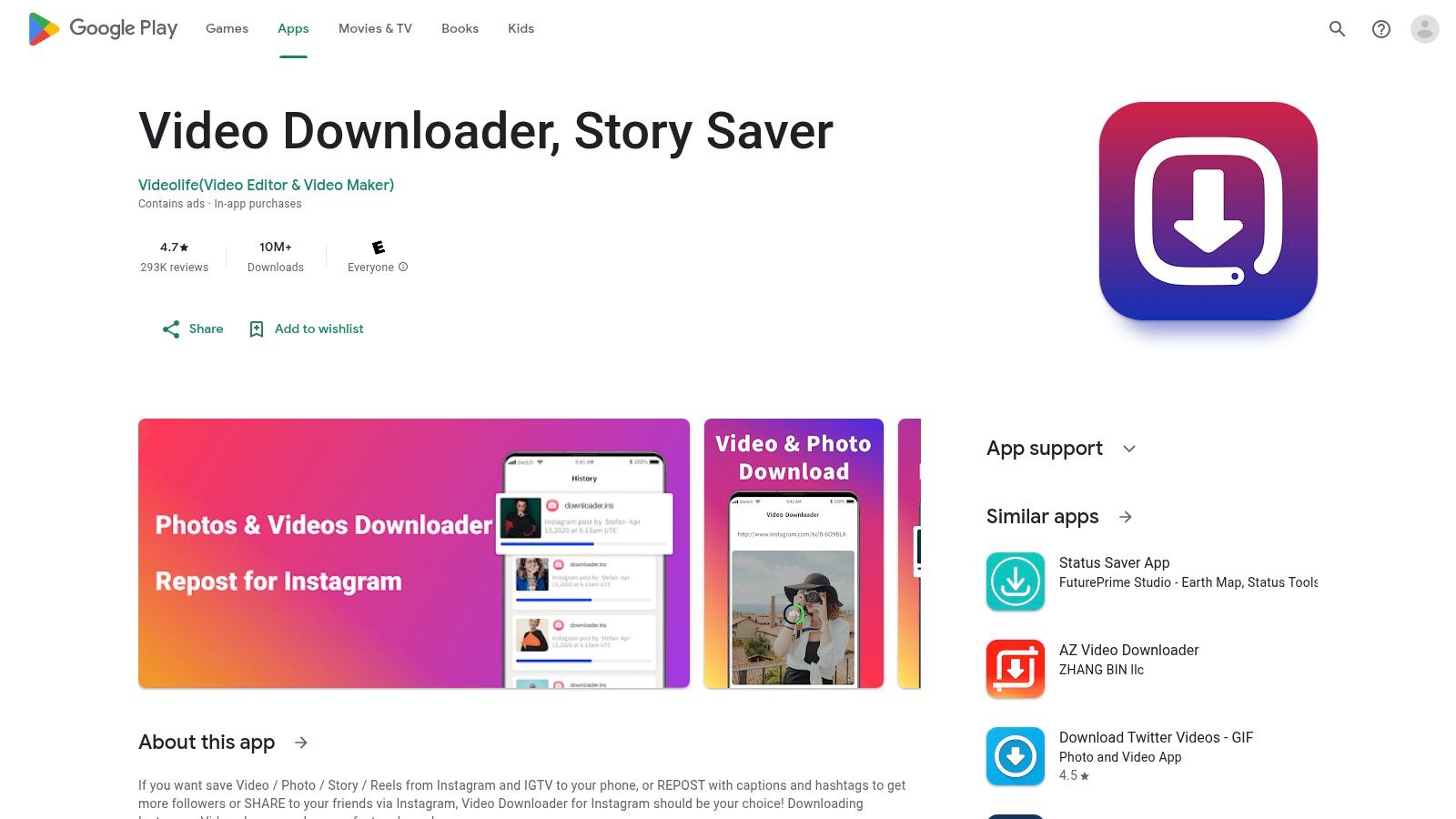
This app is more of a media downloader than a dedicated reposting solution, but it facilitates the first crucial step with high efficiency. After saving the media to your device, you can easily share it back to Instagram. With a massive install base and frequent updates, it remains a popular and evolving option, positioning itself as a solid contender for the best repost app for Instagram among Android users who prioritize download functionality.
Key Details & Features:
- Best For: Android users who need to download Instagram content, especially Reels and videos, in bulk.
- Unique Feature: Bulk download capabilities with multithreaded technology for faster saving.
- Pricing: Free to use, but contains ads.
- Pros: Huge user base (10M+ downloads) ensures frequent updates, excellent for creating local backups.
- Cons: Contains ads which can be intrusive; some users report login issues; requires manual crediting.
Visit the website: https://play.google.com/store/apps/details?id=com.story.saver.instagram.video.downloader.repost
9. Later — UGC Repost & Scheduling Toolkit
For brands and teams prioritizing a comprehensive content strategy, Later transcends being just a repost tool. It’s a full-fledged social media management platform where reposting user-generated content (UGC) is a core, integrated feature. Later streamlines the discovery of content where your brand is tagged or mentioned, allowing you to import it directly into your media library with automatic creator attribution, ensuring you always give proper credit.
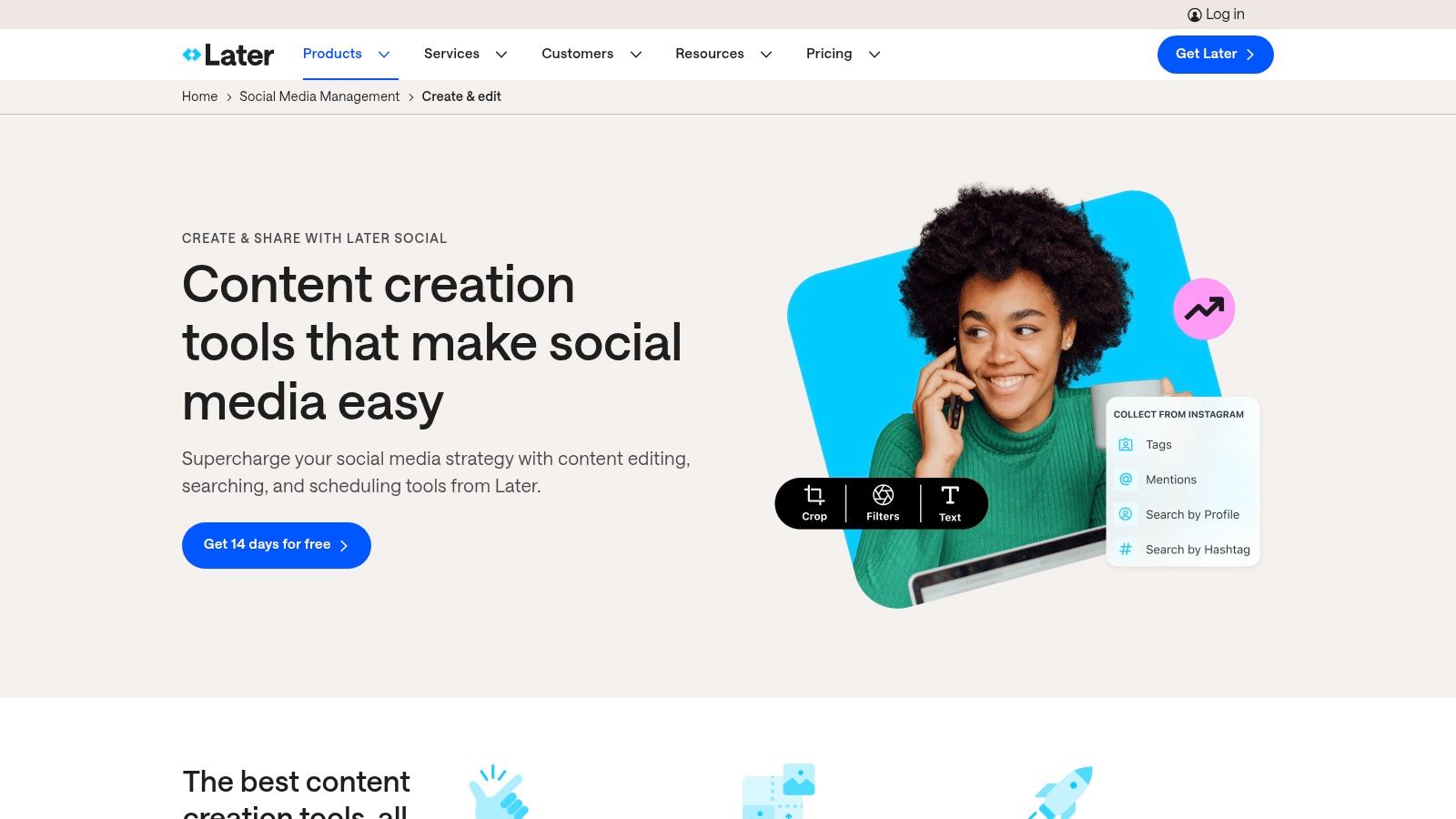
This approach is perfect for businesses that need a consolidated content calendar and rights-aware workflows rather than a simple one-off repost app. Its scheduling capabilities allow you to plan and publish content across multiple networks, not just Instagram. While it's more robust than a basic repost app, its power lies in centralizing your entire content pipeline, similar to how tools described in articles exploring what Linktree does help centralize online links. A paid plan is required to unlock most of its advanced UGC and team features.
Key Details & Features:
- Best For: Brands and teams needing an integrated UGC workflow and scheduling calendar.
- Unique Feature: Built-in tools to find and manage UGC by @mentions and tags with automatic credit.
- Pricing: Free plan with limited features; Paid plans required for full UGC and team capabilities.
- Pros: Rights and credit workflows are built-in, provides a consolidated content calendar for multi-platform posting.
- Cons: Heavier solution than a simple repost app, most essential UGC features are behind a paywall.
Visit the website: https://later.com/content-creation-tools/?utm_source=openai
10. EmbedSocial
For brands and marketing teams that treat user-generated content (UGC) as a core part of their strategy, EmbedSocial offers a powerful, compliance-first approach. It moves beyond simple reposting and provides a full suite for managing UGC at scale. The platform automates the entire rights management process, allowing you to find relevant content, request permission from creators, and track approvals seamlessly, ensuring you always have the legal right to share.
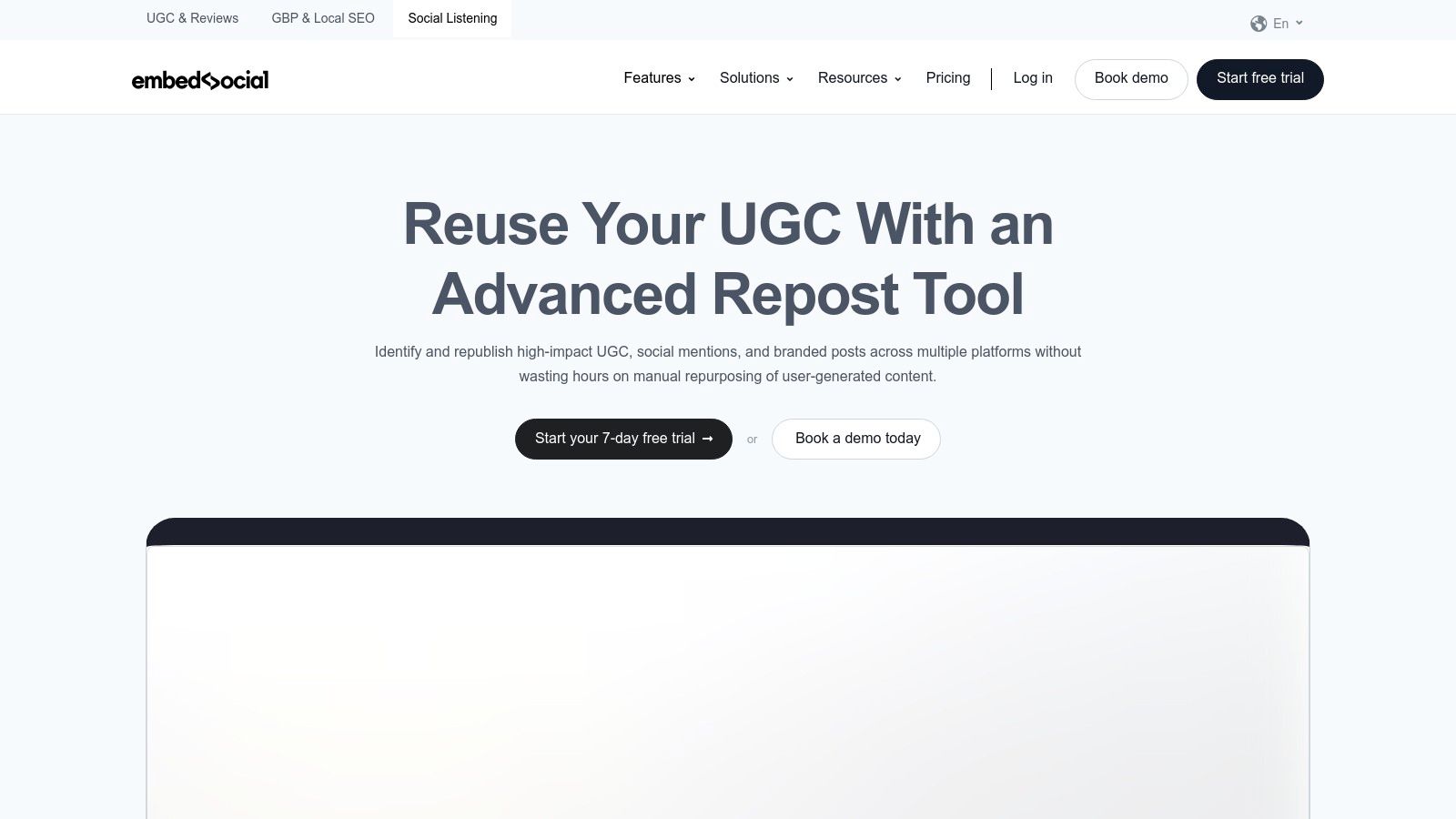
This makes it the best repost app for Instagram when legal compliance and performance tracking are non-negotiable. Once permission is granted, you can repost with a single click and analyze the content's performance. It’s an ideal tool for campaigns where you want to leverage UGC across multiple platforms and track its impact, often directing traffic back to a central hub like a "link in bio" page, and you can understand the true meaning of a link in bio to maximize its effectiveness. While it's overkill for casual users, it’s invaluable for businesses serious about UGC.
Key Details & Features:
- Best For: Brands and marketing teams requiring a robust system for managing UGC rights and performance.
- Unique Feature: Automated workflows for requesting and tracking content usage permissions from original creators.
- Pricing: Paid SaaS subscription model; not suitable for free or casual use.
- Pros: Strong focus on legal compliance and attribution, excellent for managing large volumes of UGC, provides performance analytics.
- Cons: Overkill and too expensive for solo creators or individuals, more complex than a simple repost tool.
Visit the website: https://embedsocial.com/social-listening/repost/?utm_source=openai
11. REPOST (Repost.com)
For creators and brands focused on ethical content sharing, REPOST positions itself as a rights-respecting community rather than just a tool. This platform is built around a permission-first workflow, allowing users to discover and legally repost content from Instagram, TikTok, YouTube, and X. It’s designed for those who want to avoid copyright issues and build a collaborative content strategy by ensuring every creator's preferences are honored.
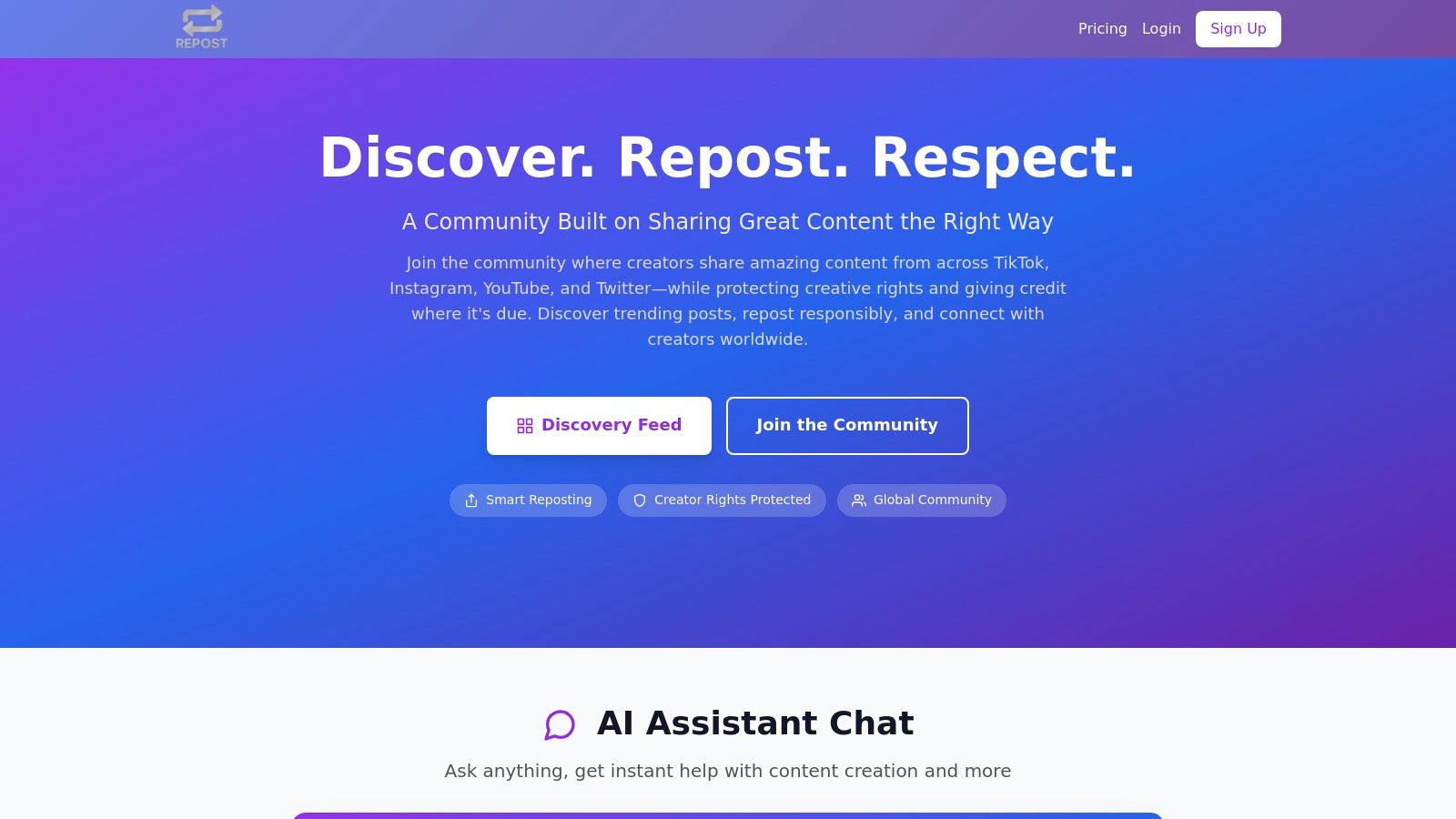
This unique, community-driven approach makes it a standout best repost app for Instagram if your priority is maintaining good standing with other creators. Instead of a simple copy-paste function, REPOST facilitates a clear permission and credit workflow. This system not only protects you from potential takedowns but also helps foster positive relationships within the creator ecosystem, making it an ideal choice for building a sustainable, community-powered feed.
Key Details & Features:
- Best For: Brands and social media managers who prioritize creator rights and want a compliant reposting solution.
- Unique Feature: A permission-first workflow that respects creator controls and facilitates legal content sharing across multiple platforms.
- Pricing: Free to join and use core discovery and permission features.
- Pros: Significantly reduces risk of copyright infringement, multi-platform discovery (Instagram, TikTok, etc.), fosters a positive creator community.
- Cons: Newer platform with a smaller user base than established apps; process may be slower due to permission-based steps.
Visit the website: https://repost.com/?utm_source=openai
12. Reposted (RepostPro)
For teams and creators operating across various devices, Reposted (also known as RepostPro) offers a uniquely versatile suite of tools. With dedicated apps for iOS, Android, Windows, and the web, it ensures a consistent workflow whether you’re at your desk or on the move. The platform is designed for efficiency, allowing no-login reposting with a simple copy-paste of an Instagram or TikTok URL, delivering the media in high definition.
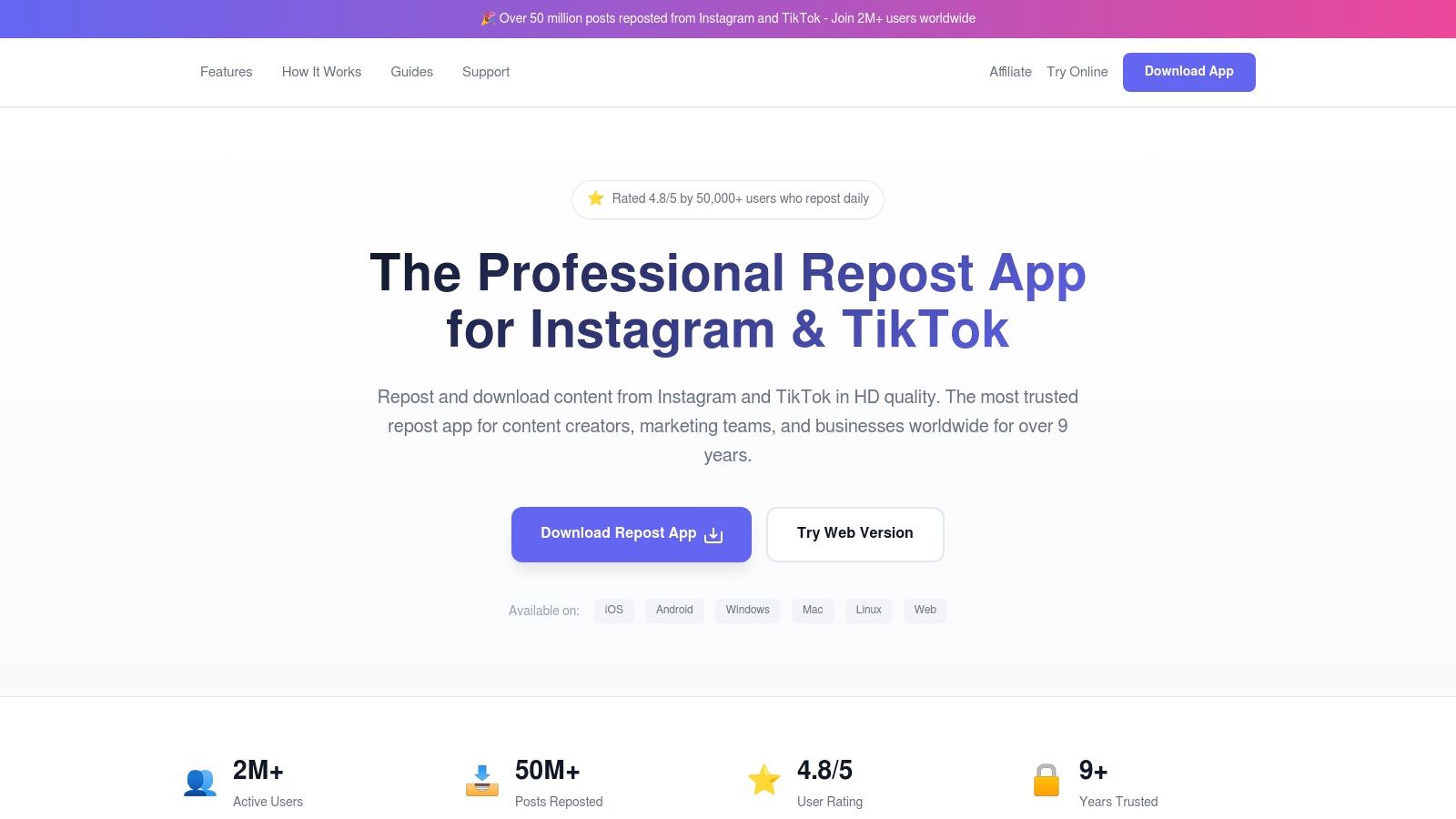
This cross-platform capability makes it a strong contender for the best repost app for Instagram for agencies or social media managers who need a unified solution. Beyond single posts, Reposted supports batch operations and bulk reposting, a significant time-saver for high-volume accounts. While its core features are accessible, a premium subscription is required to unlock unlimited use, batch processing, and the option to add custom logos or watermarks for branded content.
Key Details & Features:
- Best For: Social media teams and creators who work on a mix of devices (iOS, Android, Windows, Web).
- Unique Feature: True cross-platform support with dedicated apps for all major operating systems.
- Pricing: Free tier with limitations; premium subscription required for batch features and branding.
- Pros: Broad device compatibility, streamlined copy-and-repost process, supports HD downloads and batch operations.
- Cons: The marketing site links to app stores, requiring users to verify listings; premium features are essential for power users.
Visit the website: https://repostpro.app/?utm_source=openai
Top 12 Instagram Repost Apps Comparison
| Tool | Core features ✨ | UX / Quality ★ | Value / Pricing 💰 | Target audience 👥 | Unique selling point 🏆 |
|---|---|---|---|---|---|
| Repost App | Browser tool: paste IG link, download, repost guides ✨ | ★★★★☆ — fast, simple web UX | 💰 Free basic; Pro for advanced | 👥 Cross-device users wanting quick reposts | 🏆 No-install, step-by-step crediting |
| Regrann | Android: quick repost, save locally, no-login, no-crop ✨ | ★★★★ — veteran, reliable UX | 💰 Free / ad-supported | 👥 Android users seeking practical reposts | 🏆 Long track record & active support |
| Repost+ for Instagram (iOS) | iOS: repost photos/videos/Reels, AI captions, hashtag tools ✨ | ★★★★☆ — robust, frequently updated | 💰 Freemium; subscription for Pro features | 👥 iOS creators wanting all‑in‑one toolkit | 🏆 AI caption/hashtag + organization |
| Regram – Repost for Instagram (iOS) | iOS: repost Reels/carousels, copy-link detection, one-time buy ✨ | ★★★★ — lightweight & focused | 💰 One-time purchase or subscription | 👥 iPhone users who want simplicity | 🏆 One-time payment option (non‑sub) |
| Repost for Instagram: Reshare (iOS) | iOS: repost photos/videos/carousels, watermark & caption controls ✨ | ★★★★ — ad‑free (paid) clean UX | 💰 Freemium; paid for ad‑free/watermark | 👥 iOS users preferring ad‑free workflow | 🏆 Ad‑free UI + watermark customization |
| Repost for Instagram ™ (iOS) | iOS: repost Stories/photos/videos + AI caption/hashtag helpers ✨ | ★★★★ — straightforward with AI | 💰 Freemium; paid advanced tools | 👥 iOS users wanting quick AI helpers | 🏆 AI caption & hashtag integration |
| Video Repost, Story Saver (iOS) | iOS: repost Stories/Reels/posts, scheduling, archiving ✨ | ★★★★ — scheduler + org features | 💰 Freemium; IAPs for premium tools | 👥 iOS creators needing scheduling & archive | 🏆 Scheduler + AI hashtag/caption tools |
| Video Downloader, Story Saver (Android) | Android: bulk downloads, multithreaded, repost support ✨ | ★★★☆ — powerful but ad‑supported | 💰 Free with ads; IAPs | 👥 Android users needing backups & bulk ops | 🏆 Large install base & fast bulk saves |
| Later — UGC Repost & Scheduling Toolkit | Discover @mentions/tags, auto-credit, scheduling, media lib ✨ | ★★★★ — team & calendar focused | 💰 Paid plans for team/UGC features | 👥 Brands & teams managing UGC | 🏆 Rights-aware UGC workflows + calendar |
| EmbedSocial | Rights automation: permission requests, repost, analytics ✨ | ★★★★ — enterprise-grade compliance | 💰 Paid SaaS (enterprise) | 👥 Teams/brands needing compliance at scale | 🏆 Automated permissions + performance tracking |
| REPOST (Repost.com) | Cross-platform discovery, permission & creator control ✨ | ★★★☆ — creator-centric, evolving | 💰 Free/basic; account may be required | 👥 Creators prioritizing permission & credit | 🏆 Multi-platform discovery + creator tools |
| Reposted (RepostPro) | Cross-device apps, no-login repost, bulk, HD, branding ✨ | ★★★★ — multi-device, team-friendly | 💰 Freemium; premium for unlimited/bulk | 👥 Mixed-device teams needing bulk & branding | 🏆 Broad OS support + batch & branding options |
Final Thoughts
Navigating the world of Instagram reposting can feel complex, but as we've explored, the right tool can transform your content strategy. We've dissected a dozen of the top contenders, from the straightforward functionality of apps like Regrann and Repost App to the comprehensive, brand-focused platforms like Later and EmbedSocial. The key takeaway is clear: the best repost app for instagram isn't a one-size-fits-all solution. Your ideal choice hinges entirely on your specific needs, workflow, and goals.
The journey to finding your perfect match requires a moment of self-assessment. Are you a casual user who just wants to quickly share a friend's post? A simple, free app will likely suffice. Or are you a brand manager who needs to schedule user-generated content, manage permissions, and track performance? In that case, investing in a premium, integrated platform is a strategic necessity.
Making Your Final Decision
Before you download the first app you see, consider these crucial factors one last time:
- Your Primary Use Case: Are you focusing on Stories, Reels, or static feed posts? Some apps specialize in video, while others are more general. Your content focus will narrow down the options significantly.
- Permissions and Ethics: Remember, reposting is about community, not just content. Prioritize apps and platforms that encourage or streamline the process of getting creator permission. Always give credit where it's due.
- Watermark Customization: For brands and creators, controlling the look and feel of a repost is vital. Evaluate whether an app offers customizable or removable watermarks that align with your brand aesthetic.
- Beyond the Repost: Do you need scheduling, analytics, or team collaboration features? If so, look beyond basic mobile apps to more robust desktop platforms that can serve as the command center for your entire social media presence.
Ultimately, the goal of reposting is to build community, celebrate your audience, and enrich your own content feed with valuable, curated posts. By choosing an app that aligns with your ethical standards and strategic objectives, you're not just resharing a photo; you're strengthening your digital ecosystem. The right tool will make this process seamless, effective, and respectful, allowing you to focus on what truly matters: connecting with your audience.
Instead of just resharing posts, what if you could elegantly showcase your favorite Instagram content directly on your link-in-bio page? With taap.bio, you can embed a live, interactive Instagram feed, keeping your profile fresh and engaging without the need to repost. Elevate your link-in-bio by visiting taap.bio and discover a smarter way to feature content.


